Lenovo System Update is a free download for Windows 11 and Windows 10 that finds and installs driver, BIOS and software updates for your Lenovo PC. The installer is 8.88 MB and comes straight from Lenovo’s support site.
It is built for ThinkPad laptops, ThinkCentre desktops and ThinkStation workstations, plus the Lenovo V, B, K and E series. IT teams also use it to push updates from a local server.
Below are the official links, the file hash to check, install and update steps, fixes for common failures and what to use on other Lenovo PCs.
Which Lenovo System Update download do you need?
Find your PC in the left column. Lenovo matches its update tools to the product family, not to the Windows version.
| Your PC | What to get | Size |
|---|---|---|
| ThinkPad, ThinkCentre or ThinkStation on Windows 11 or 10 | Lenovo System Update installer (EXE) | 8.88 MB |
| Lenovo V, B, K or E series | Lenovo System Update installer (EXE) | 8.88 MB |
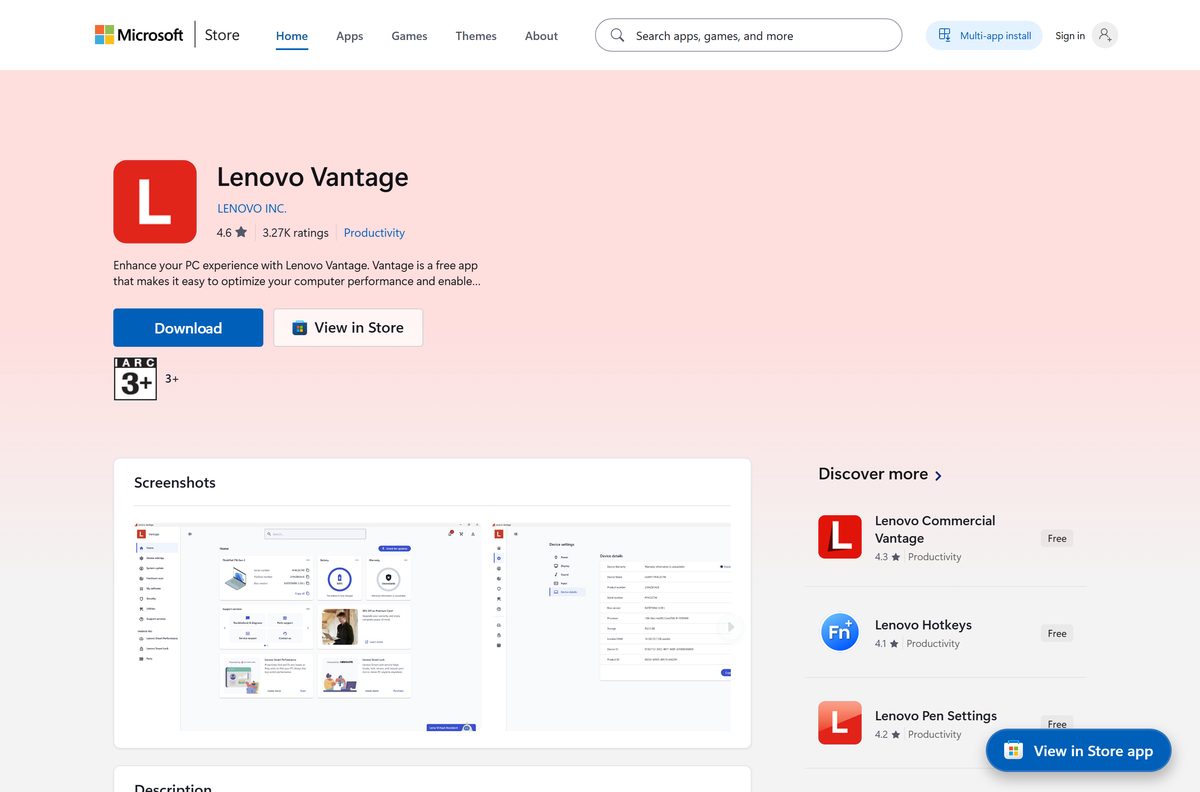
| IdeaPad, Yoga, Legion or another consumer Lenovo PC | Lenovo Vantage on the Microsoft Store | Store app |
| Mac or a PC from another brand | No version exists. Use the maker’s own update tool | Not applicable |
Not sure which family you own? The model name is printed on the label under the laptop or on the back of the desktop case.
Download Lenovo System Update from Lenovo’s support site
Lenovo hosts the installer on download.lenovo.com and lists it under document ID DS012808. No Lenovo ID or sign-in is required.
- Lenovo System Update download page (DS012808) — official page with the file, hashes and supported systems
- system_update_5.08.04.85.exe — 8.88 MB · direct installer, released 7 August 2026
- system_update_5.08.04.85.txt (README) — 16.42 KB · install instructions, change list and known limitations
- Lenovo Technologies Administrator Tools — the companion tools for IT departments
The same EXE serves 32-bit and 64-bit Windows. A Lenovo System Update file on a download portal is not from Lenovo, so skip those copies.
Check the Lenovo System Update requirements before you install
Lenovo lists three requirements: a supported Lenovo PC, a supported Windows version and .NET Framework 4.0 or newer.
| Field | Value |
|---|---|
| Software | Lenovo System Update |
| Developer | Lenovo |
| Latest version | 5.08.04.85 |
| Released | 7 August 2026 |
| License | Free |
| File size | 8.88 MB |
| Supported OS | Windows 11, Windows 10 and Windows 7 |
| Architecture | 32-bit and 64-bit Windows, one installer |
| Supported PCs | All ThinkPad, ThinkCentre and ThinkStation; Lenovo V, B, K and E series; older Lenovo 3000 models |
| Required component | Microsoft .NET Framework 4.0 or newer |
| Offline installer | Yes, the EXE is a complete setup file |
| Mac version | No |
| Official source | Lenovo Support, document DS012808 |
| Last verified | 2026-09-19 |
Press Windows + R, type winver and select OK to confirm your Windows version.
How to verify the Lenovo System Update installer
Lenovo publishes SHA-256, SHA-1 and MD5 hashes on the download page. Matching the SHA-256 value proves the file is the one Lenovo released.
- Download system_update_5.08.04.85.exe to your Downloads folder.
- Right-click Start and select Terminal.
- Run Get-FileHash $env:USERPROFILE\Downloads\system_update_5.08.04.85.exe -Algorithm SHA256 .
- Compare the output with Lenovo’s value: 4f044c4a1cece3fe4be22408da7e1d8e8338eeaae4491ce18fdaa5b655dc9585 .
- Delete the file and download it again from Lenovo if a single character differs.
Get-FileHash is built into Windows PowerShell, so there is nothing extra to install. Letter case in the hash does not matter.
How to install Lenovo System Update on Windows 11 and 10
Setup takes about two minutes. Sign in with an administrator account first, because setup asks for administrator approval.
- Download the installer from the Lenovo DS012808 page.
- Open your Downloads folder and double-click system_update_5.08.04.85.exe.
- Select Yes when User Account Control asks to allow changes.
- Follow the setup wizard prompts until it reports the install is complete.
- Open Start, type System Update and open the app.
The first launch checks Lenovo’s servers for updates that match your exact model. Plug the laptop into AC power before you approve a BIOS update.
How to check your Lenovo System Update version and update it
System Update keeps your drivers current, but the tool itself needs an occasional refresh too.
- Open Settings > Apps > Installed apps.
- Search for Lenovo System Update and read the version under its name.
- Compare it with the version on the DS012808 download page.
- If Lenovo lists a newer build, download that installer and run it.
- Restart the PC if setup asks, then open System Update again.
Any copy older than 5.08.04.85 has an update waiting. The README on the download page also explains how to read the installed version.
Can you use Lenovo System Update on a Mac or a non-Lenovo PC?
No. The tool is a Windows program that only recognises Lenovo hardware. Here is what to do instead.
| Your device | What to do | Where to go |
|---|---|---|
| Mac | There is no macOS version. Use Software Update in System Settings for macOS and firmware updates | Apple software update guide |
| Windows PC from another brand | Use Windows Update and the maker’s own support site | Windows Update help |
| Consumer Lenovo PC (IdeaPad, Yoga, Legion) | Install Lenovo Vantage from the Microsoft Store | Lenovo Vantage listing |
Is Lenovo System Update free?
Yes. Lenovo System Update costs nothing to download or use. Lenovo posts the installer publicly on its support site with no sign-in, and every driver, BIOS and software update it installs is free as well. There is no paid edition or trial. A site that charges for a Lenovo System Update download or a license key is not Lenovo.
Fix Lenovo System Update not installing or not finding updates
Setup stops with a .NET Framework error
Lenovo requires .NET Framework 4.0 or newer, and a component is missing or out of date.
- Open Settings > Windows Update.
- Select Check for updates and install everything offered.
- Restart the PC and run the installer again.
System Update finds no updates for your PC
The model is outside the supported list, such as an IdeaPad or Legion.
- Check the model name on the label under the laptop.
- Compare it with the supported systems on the DS012808 page.
- Install Lenovo Vantage instead if your model is not listed.
The Lenovo download page will not load
A browser extension or network filter is blocking the support site.
- Open the page in a private window with extensions off.
- Use the direct download.lenovo.com installer link instead.
- Check the SHA-256 hash before you run the file.
Setup will not start or quits at once
The download is incomplete, or the account lacks administrator rights.
- Run the Get-FileHash check from the section above.
- Download the file again if the hash does not match.
- Right-click the EXE and select Run as administrator.
How to uninstall Lenovo System Update
Removing the tool does not undo the drivers or BIOS updates it already installed.
- Open Settings > Apps > Installed apps.
- Search for Lenovo System Update.
- Select More next to it and choose Uninstall.
- Confirm with Uninstall and approve any User Account Control prompt.
- Restart the PC when the removal finishes.
Microsoft documents the same route in its uninstall guide.
Which Lenovo update tool should you use instead?
Lenovo ships more than one updater. Pick the one written for your PC and your role.
| Tool | Best for | Link |
|---|---|---|
| Lenovo System Update | ThinkPad, ThinkCentre and ThinkStation owners and IT teams | Lenovo DS012808 |
| Lenovo Vantage | Lenovo, Think and Idea brand PCs, with settings and warranty in one app | Microsoft Store |
| Lenovo Commercial Vantage | Managed commercial Lenovo PCs on Windows 11 and 10 | Microsoft Store |
| Windows Update | Drivers and security fixes on any PC, Lenovo or not | Windows Update help |
Install Lenovo System Update on a ThinkPad if you want a small, focused updater. Choose Lenovo Vantage if you also want battery, audio and warranty settings.
Frequently asked questions
Is Lenovo System Update free?
Yes. Lenovo publishes the installer on its support site with no sign-in, and there is no paid edition. The driver, BIOS and software updates it installs are free as well.
Where is the official Lenovo System Update download?
On Lenovo’s support site under document DS012808 at pcsupport.lenovo.com. The file itself, system_update_5.08.04.85.exe, is hosted on download.lenovo.com, and the same page lists its SHA-256 hash and the supported systems.
Does Lenovo System Update work on Windows 11?
Yes. Lenovo lists Windows 11, Windows 10 and Windows 7 as supported, in both 32-bit and 64-bit editions. The same installer covers every one of them.
How big is the Lenovo System Update download?
The installer is 8.88 MB, and the README that ships beside it is 16.42 KB. One file covers both 32-bit and 64-bit Windows, so there is no separate download to pick for your PC.
Is there a Lenovo System Update offline installer?
Yes. The 8.88 MB EXE is a complete setup file that installs without an internet connection. The app still needs the internet, or a local update server set up by IT, to fetch updates.
Is Lenovo System Update available for Mac?
No. Lenovo System Update is a Windows program for Lenovo PCs only. On a Mac, use Software Update in System Settings to install Apple’s firmware and system updates.
Does Lenovo System Update support 64-bit and ARM64 PCs?
It supports 32-bit and 64-bit Windows with one installer. Lenovo’s download page does not list ARM64 Windows, so Snapdragon Lenovo laptops should use Lenovo Vantage from the Microsoft Store instead.
Is Lenovo System Update safe?
Yes, when it comes from download.lenovo.com. Lenovo publishes a SHA-256 hash for the installer, so run Get-FileHash on the file and compare the result before you install it.
What is the latest version of Lenovo System Update?
Version 5.08.04.85, released on 7 August 2026. Check the DS012808 page for newer builds, and read your installed version under Settings, Apps, Installed apps.
Does Lenovo System Update work on IdeaPad or Legion laptops?
Not reliably. Lenovo lists ThinkPad, ThinkCentre, ThinkStation and the V, B, K and E series as supported. IdeaPad, Yoga and Legion owners should install Lenovo Vantage from the Microsoft Store.
Is Lenovo System Update the same as ThinkVantage System Update?
Yes. Lenovo renamed ThinkVantage System Update to Lenovo System Update. Old guides that mention TVSU or ThinkVantage refer to the same tool, and the current download lives on Lenovo’s DS012808 page.
Why won’t Lenovo System Update install?
The usual causes are a missing .NET Framework 4.x component, a damaged download or an account without administrator rights. Run Windows Update, check the SHA-256 hash, then run the EXE as administrator.






