The official CPU-Z download for Windows 11 and Windows 10 is a free 4.6 MB setup from CPUID at cpuid.com. CPU-Z reads your processor name, codename, cache levels, motherboard, chipset and memory timings, and shows each core’s clock in real time.
One English setup covers both 32-bit and 64-bit Windows and installs the right binary for your PC. CPUID also ships a no-install ZIP, a native build for Windows on ARM laptops and a free CPU-Z app for Android phones.
This guide covers which file to pick, the setup and winget routes, the portable ZIP, checking the installer hash, the motherboard editions, the options for Mac users and fixes for common errors.
Check the CPU-Z system requirements before you download
CPUID states that CPU-Z is fully supported on Windows 11. Confirm the release, the size and the source in this table before you download.
| Field | Details |
|---|---|
| Software | CPU-Z (system information software) |
| Developer | CPUID, Inc. |
| Latest version | 3.01 for Windows x86/x64, released 20 August 2026 |
| License / Price | Freeware |
| File size | 4.6 MB (English setup, 32-bit and 64-bit) |
| Supported OS | Windows x86/x64, fully supported on Windows 11; Windows 11 on ARM64 (separate build); Android |
| Architecture | x86 and x64 in one setup; native ARM64 build 1.05 as a ZIP |
| Offline installer | Yes. The setup and the ZIP need no further download |
| Official download source | CPU-Z page on cpuid.com |
| Android | CPU-Z on Google Play (CPUID) |
| Last verified | 2026-09-25 |
Which CPU-Z download do you need?
CPUID offers several files on one page. Match your machine to a row and open that link.
| Your machine | Get this | Size |
|---|---|---|
| Windows 11 or 10 PC with an Intel or AMD processor (most PCs) | SETUP • ENGLISH, 32 and 64-bit version | 4.6 MB |
| Same PC, but you want no installation (USB stick, locked-down PC) | ZIP • ENGLISH, 32 or 64-bit version | ZIP archive |
| Windows 11 laptop with a Snapdragon or other ARM64 chip | CPU-Z for Windows ARM64, version 1.05 ZIP | ZIP archive |
| Android phone or tablet | CPU-Z on Google Play | Play Store install |
| Old PC running Windows 95 or 98 | VINTAGE VERSION 1.04 ZIP | ZIP archive |
To check your processor type, open Settings > System > About and read System type. An entry that says ARM-based processor needs the ARM64 build.
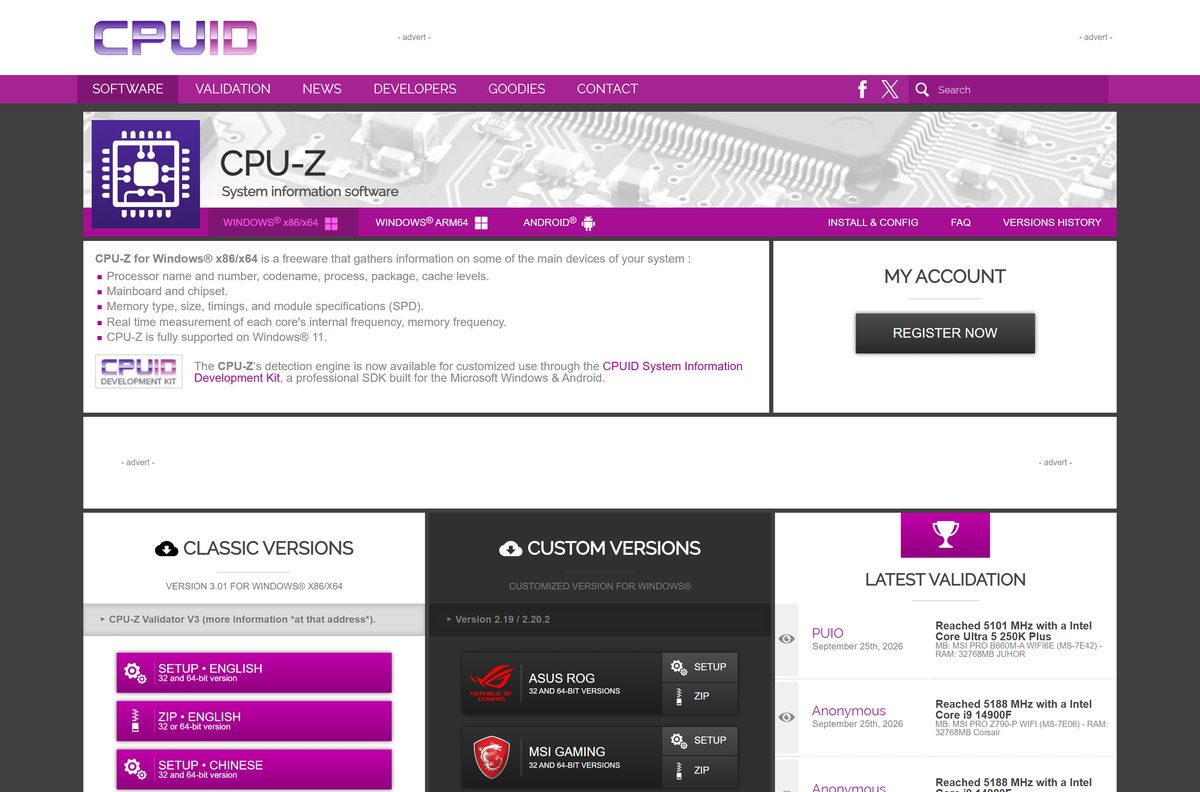
Download CPU-Z from the official CPUID pages
CPUID publishes every CPU-Z build on cpuid.com. Each download button opens a CPUID page that starts the file from download.cpuid.com.
- CPU-Z for Windows x86/x64 — 4.6 MB · English and Chinese setups and ZIPs, plus the version history
- CPU-Z for Windows ARM64 — Native ARM64 build 1.05 with SoC, core topology and GPU details
- CPU-Z for Android on cpuid.com — Version 1.57 release notes and the Android FAQ
- CPU-Z on Google Play — Published by CPUID, free with ads and an in-app purchase
Skip download portals. CPU-Z asks for administrator rights to read hardware sensors, so a repackaged setup from a mirror is a real risk for a tool this small.
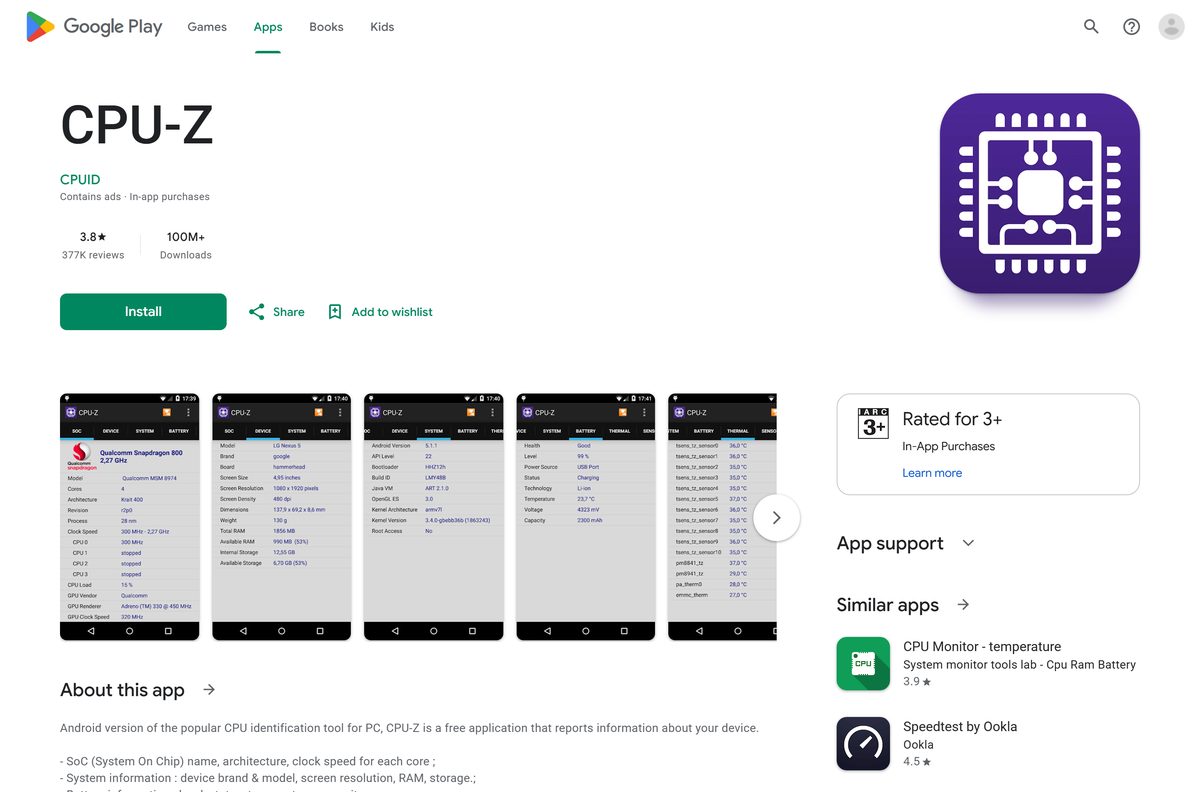
How to install CPU-Z on Windows 11 and 10
The setup creates Start menu and desktop shortcuts and installs the 32-bit or 64-bit program to match your Windows.
- Open the CPU-Z page on cpuid.com.
- Under CLASSIC VERSIONS, select SETUP • ENGLISH.
- On the next CPUID page, select the download button and save the setup file.
- Open your Downloads folder and double-click cpu-z_3.01-en.exe .
- Select Yes in the User Account Control prompt.
- Accept the licence agreement and select Next through the wizard.
- Keep the default folder, C:\Program Files\CPUID\CPU-Z , and select Install.
- Select Finish, then open CPU-Z from the Start menu and select Yes again to let it read your hardware.
The CPU, Caches, Mainboard, Memory, SPD and Graphics tabs fill in within a few seconds.
Install CPU-Z with winget
The Windows Package Manager installs the same CPUID setup from download.cpuid.com under the package ID CPUID.CPU-Z .
- Right-click Start and select Terminal (Admin).
- Type winget install –id CPUID.CPU-Z -e and press Enter.
- Type Y if winget asks you to accept the source agreements.
- Wait for Successfully installed, then open CPU-Z from the Start menu.
- Later, run winget upgrade –id CPUID.CPU-Z -e to move to the newest release.
Winget checks the setup against the SHA-256 hash in its CPU-Z manifest before it runs it, so a tampered file never installs.
Run CPU-Z without installing it from the ZIP
The ZIP holds both the 32-bit and the 64-bit program. Nothing is written to the Start menu or the registry.
- Open the CPU-Z page on cpuid.com and select ZIP • ENGLISH.
- Select the download button on the next CPUID page and save the ZIP.
- Right-click the ZIP and select Extract All.
- Pick a folder or a USB drive and select Extract.
- Open the folder and double-click the 64-bit CPU-Z program on 64-bit Windows, or the 32-bit one on 32-bit Windows.
- Select Yes in the User Account Control prompt.
Place an optional cpuz.ini file next to the program to change its settings. Set CheckUpdates=0 there to stop the portable copy looking for updates.
How to verify the CPU-Z installer
Compare the file’s SHA-256 hash with the value listed in Microsoft’s winget manifest for the same CPUID download.
- Open Terminal in your Downloads folder.
- Run Get-FileHash .\cpu-z_3.01-en.exe -Algorithm SHA256 .
- Compare the result with 74AB9B1C24FB223D0A5C23E2E444B6CBBA7D0C6882CC4BF389E3F88BFCA37490 .
- Right-click the setup, select Properties and confirm the file name and size match the CPUID download.
- Delete the file if the hash differs, and download it again from cpuid.com.
The hash applies only to the English setup of this release. The Chinese setup and each new release carry their own values in the winget manifest.
How to save a CPU-Z report from the command line
CPU-Z has a ghost mode that writes a full hardware report without opening its window. It suits scripts, remote support and inventory checks.
cpuz.exe -txt=c:\reports\mysystem Run this from the CPU-Z folder in an administrator prompt. It creates mysystem.txt in c:\reports with the register dump and every detected device. Use -html= instead of -txt= for an HTML report. Add -core=1 to a normal launch to show the clock of a specific core. CPUID documents every switch under Application parameters on the CPU-Z page.
Inside the window, press F5 to save each tab as a BMP, F6 to copy the current tab to the clipboard and F7 to save a validation file.
Is there a CPU-Z download for Mac?
No. CPUID builds CPU-Z for Windows on x86/x64, Windows on ARM64 and Android only. Mac owners have two practical routes.
| Your setup | What to use |
|---|---|
| Mac running macOS | Open the Apple menu and select About This Mac to see the chip and memory; More Info leads to the full System Report |
| Mac running Windows in Boot Camp or a virtual machine | CPU-Z for Windows from cpuid.com |
| You want CPU-Z style details on your phone | CPU-Z for Android on Google Play |
Is CPU-Z free?
Yes. CPU-Z for Windows is freeware from CPUID, with no trial, licence key or paid edition. The Android app is free too; it shows ads, and an optional in-app purchase removes them. Any site asking you to pay for a CPU-Z Pro key or an activator is not CPUID.
Which CPU-Z edition should you install: standard or motherboard-branded?
Install the standard CPU-Z setup from the Classic Versions section. The ASUS ROG, MSI Gaming, Gigabyte AORUS, Gigabyte, Cooler Master and ASRock editions are reskins built on the older 2.19 / 2.20.2 releases. They lack the newest processor support and Validator V3 that the classic release carries. Pick a branded one only if you want its look.
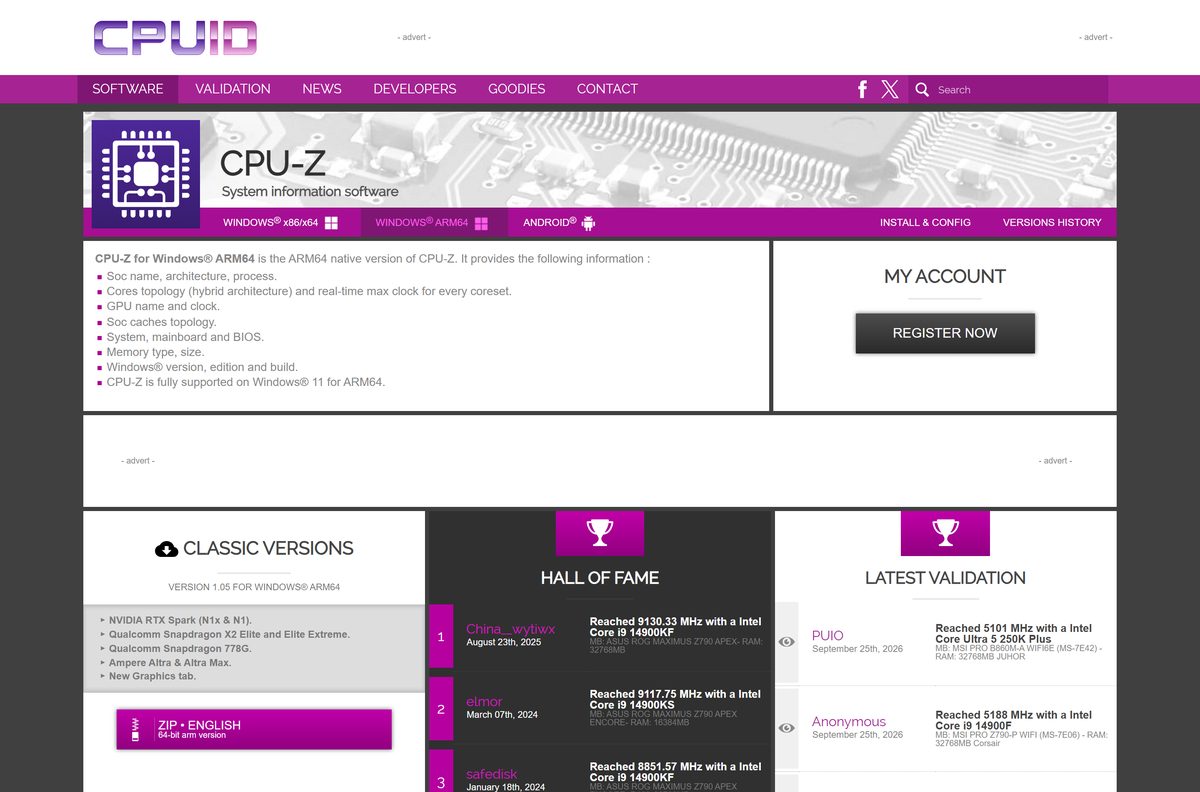
How to check your CPU-Z version and update it
An older copy can show a new processor as unknown, so update after a hardware upgrade.
- Open CPU-Z and select the About tab.
- Read the version number shown next to the CPU-Z logo.
- Compare it with the top entry under VERSIONS HISTORY on the CPU-Z page.
- If yours is older, download the new setup and run it over the existing copy.
- For a winget install, run winget upgrade –id CPUID.CPU-Z -e instead.
- For the ZIP copy, extract the new ZIP over the old folder.
Fix CPU-Z not working on Windows 11 or 10
The CPU clock reads lower than the rated speed, or keeps changing
Power saving lowers the clock at idle: C1E and SpeedStep on Intel, Cool’n’Quiet and PowerNow! on AMD.
- Start a demanding task, then watch Core Speed on the CPU tab rise.
- Switch the Windows power plan to Best performance under Settings > System > Power & battery for a steadier reading.
CPU-Z freezes the PC or causes a blue screen at launch
One of its detection modules conflicts with your hardware or a driver.
- Open cpuz.ini in the CPU-Z folder, or create it next to cpuz.exe .
- Under [CPU-Z] , set DMI=0 , Sensor=0 , SMBus=0 , Display=0 and UseDisplayAPI=0 .
- Launch CPU-Z, then set each value back to 1 one at a time to find the one that fails.
The SPD tab is empty or memory is not shown
SMBus or PCI reading is switched off, or CPU-Z lacks administrator rights.
- Check that SMBus=1 , PCI=1 and SPD=1 in cpuz.ini .
- Close CPU-Z, right-click it and select Run as administrator.
- Update to the newest release, which adds support for recent memory modules.
The setup will not run or is blocked by SmartScreen
The file came from a mirror, or the download is incomplete.
- Delete the file and download it again from cpuid.com.
- Check its SHA-256 hash as shown above.
- Use the ZIP build if your PC blocks installers.
How to uninstall CPU-Z
The setup copy has a normal uninstaller. The ZIP copy needs only a delete.
- Close CPU-Z.
- Open Settings > Apps > Installed apps.
- Find CPUID CPU-Z, select the three dots and select Uninstall.
- Or open Start > All apps > CPUID and select Uninstall CPU-Z.
- For a winget install, run winget uninstall –id CPUID.CPU-Z -e .
- For the ZIP copy, delete the extracted folder.
Choose a CPU-Z alternative for your task
CPU-Z identifies hardware. Pick another tool when you need temperatures, a full inventory or a stress test.
| Tool | Best for | Limits |
|---|---|---|
| HWMonitor (CPUID) | Temperatures, voltages and fan speeds | No SPD or cache detail |
| powerMAX (CPUID) | CPU and GPU burn-in testing | A load test, not an identification tool |
| Task Manager | Quick CPU model, speed, cores and memory speed on the Performance tab | No timings, codename or SPD data |
| System Information (msinfo32) | A built-in inventory of BIOS, board and drivers | No live clocks or memory timings |
Frequently asked questions
Is CPU-Z free?
Yes. CPU-Z for Windows is freeware from CPUID with no paid edition or licence key. The Android version is also free; it shows ads, and an optional in-app purchase removes them.
Where do I download CPU-Z?
Download it from the CPU-Z page on cpuid.com, under Classic Versions. Choose SETUP for an installed copy or ZIP for a portable one. Android users get it from Google Play, where CPUID is the publisher.
Does CPU-Z work on Windows 11?
Yes. CPUID states that CPU-Z is fully supported on Windows 11, and the native ARM64 build is fully supported on Windows 11 for ARM64 laptops such as Snapdragon models.
How big is the CPU-Z download?
The English setup for the current release is 4.6 MB and covers both 32-bit and 64-bit Windows. The ZIP and the ARM64 build are separate archives on the CPUID site.
Is there an offline installer for CPU-Z?
Yes. The CPU-Z setup is a complete offline installer, and the ZIP needs no installation at all. Neither downloads anything else, so both work on a PC with no internet connection.
Is there a CPU-Z for Mac?
No. CPUID makes CPU-Z for Windows on x86/x64, Windows on ARM64 and Android only. On a Mac, About This Mac and System Report show the chip, memory and hardware details instead.
Does CPU-Z support 64-bit and ARM64?
Yes. The standard setup installs the 32-bit or 64-bit program to match your Windows. Windows on ARM laptops need the separate native ARM64 build, version 1.05, from the CPUID site.
Is CPU-Z safe?
Yes, when it comes from cpuid.com or Google Play. It asks for administrator rights only to read hardware sensors. Avoid mirror sites, and check the setup’s SHA-256 hash against the winget manifest.
What is the latest version of CPU-Z?
The latest CPU-Z for Windows is version 3.01, released on 20 August 2026 with CPU-Z Validator V3. The ARM64 build is at 1.05 and the Android app at 1.57.
Why won’t CPU-Z install or open?
The usual causes are an incomplete or mirrored download, a missing administrator prompt, or a detection module that conflicts with your hardware. Download again from cpuid.com and disable modules in cpuz.ini to find the conflict.






