The official ChatGPT download for Windows 11, Windows 10 and Mac is free from OpenAI. Windows PCs get it from the Microsoft Store, and Macs get it from chatgpt.com/download.
The current desktop app puts Chat, Work and Codex in one window, and it works with a Free plan. Paid plans raise the limits.
Below are the official links, Store and winget install steps, the Mac download, the difference between ChatGPT and ChatGPT Classic, and fixes for an install that fails.
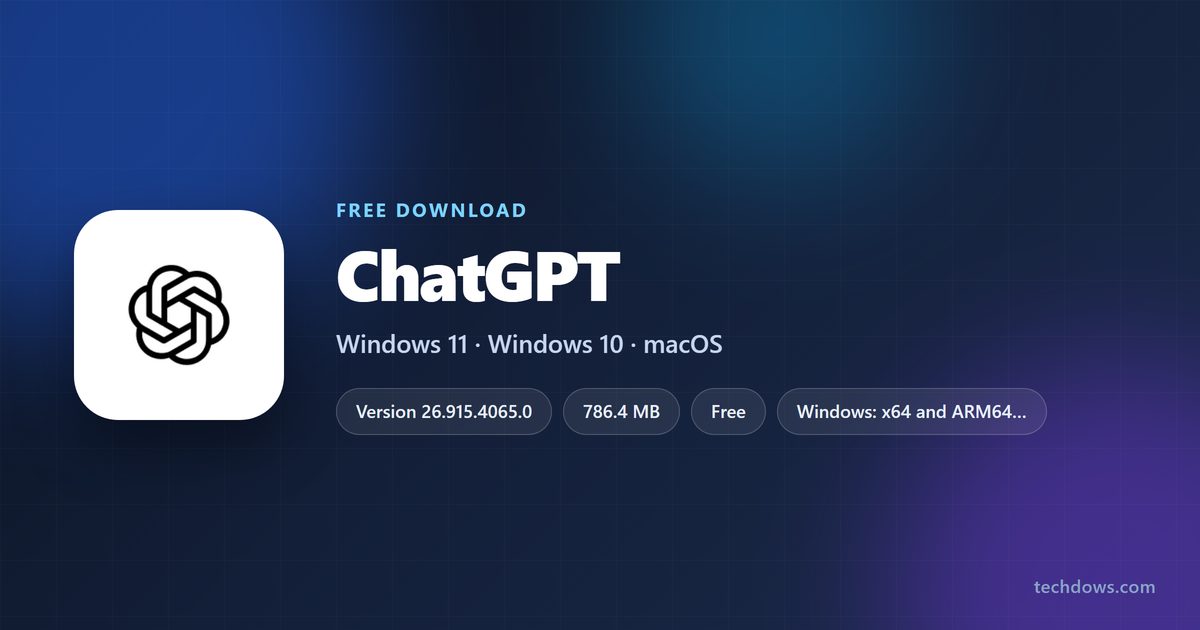
Which ChatGPT download do you need?
Match your computer to a row. Every route signs in with the same ChatGPT account.
| Your computer | What to get | Download size |
|---|---|---|
| Windows 10 version 2004 or later, or Windows 11, Intel or AMD | ChatGPT on the Microsoft Store | 786.4 MB (x64 package) |
| Windows 11 on an ARM64 laptop (Snapdragon) | ChatGPT on the Microsoft Store | 782.8 MB (ARM64 package) |
| Mac on macOS 14 or later, Apple Silicon or Intel | ChatGPT download page for Mac | The page picks the installer for your chip |
| You only want the older, lighter app | ChatGPT Classic on the Microsoft Store | 284.0 MB (x64 and ARM64 bundle) |
| A shared or locked-down computer | ChatGPT in the browser | Nothing to download |
The Store installs the package that matches your processor on its own. You never pick x64 or ARM64 by hand.
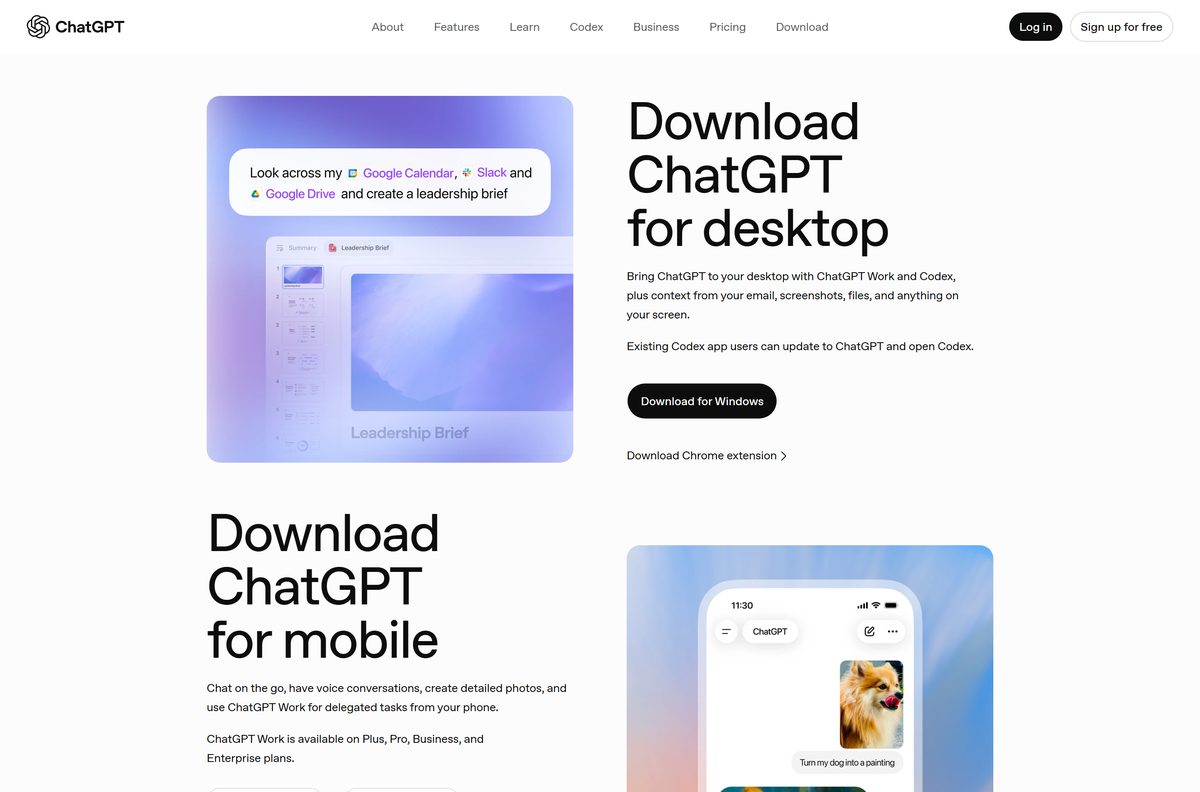
Download ChatGPT from the official OpenAI and Microsoft links
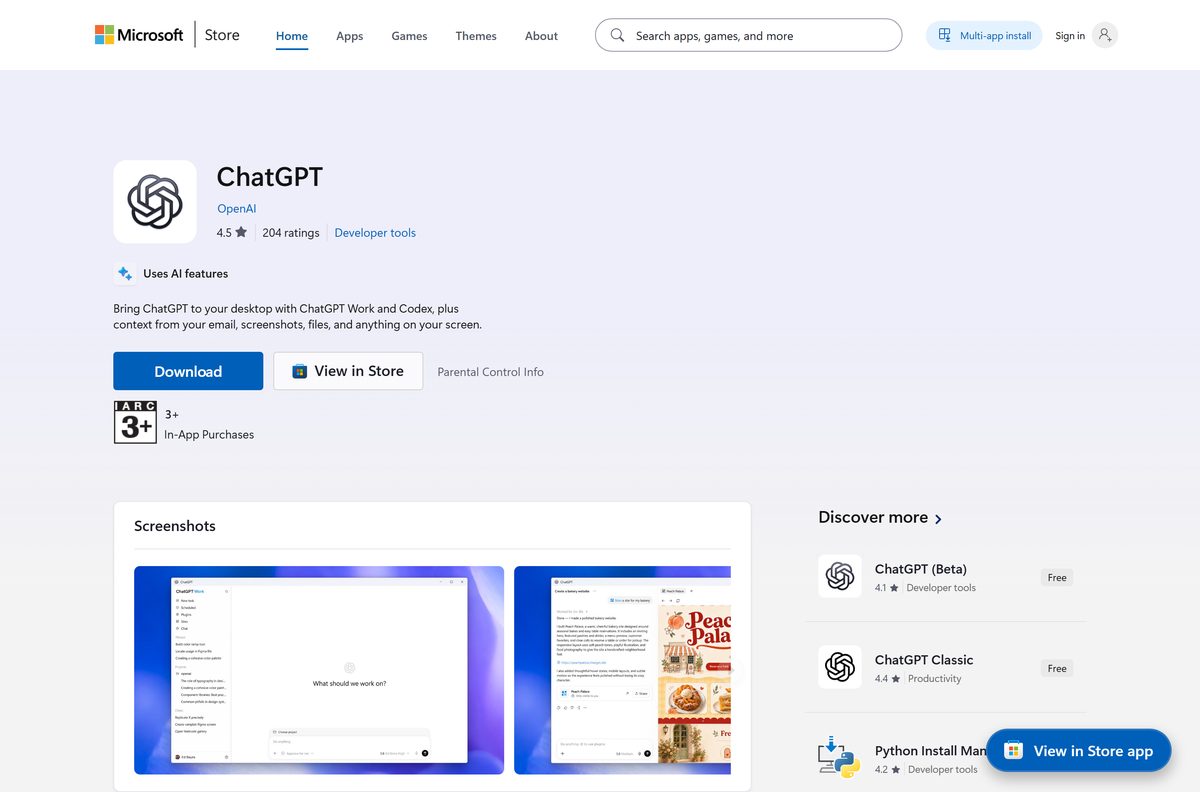
OpenAI publishes the Windows app on the Microsoft Store under product ID 9PLM9XGG6VKS. The Download for Windows button on chatgpt.com leads to the same listing.
- ChatGPT on the Microsoft Store, product 9PLM9XGG6VKS — 786.4 MB · publisher OpenAI, updates through the Store
- ChatGPT download page for Windows and Mac — also links the iPhone, Android and Chrome extension versions
- ChatGPT Classic on the Microsoft Store, product 9NT1R1C2HH7J — 284.0 MB · the previous desktop app
- ChatGPT for iPhone and iPad on the App Store
- ChatGPT for Android on Google Play
A ChatGPT setup file offered on any other site is not from OpenAI. Check that the Store listing names OpenAI as publisher before you select Get.
Check the ChatGPT system requirements before you install
Any 64-bit PC on Windows 10 version 2004 clears the floor. Macs need macOS 14 Sonoma or later.
| Field | Value |
|---|---|
| Software | ChatGPT desktop app |
| Developer | OpenAI |
| Latest version | 26.915.4065.0 (Windows, Microsoft Store) |
| Store package updated | 18 September 2026 |
| License | Free app; Free plan plus paid Go, Plus, Pro, Business and Enterprise plans |
| Supported OS | Windows 10 build 19041 or later, Windows 11, macOS 14 or later |
| Architecture | x64 and ARM64 on Windows; Apple Silicon and Intel on Mac; no 32-bit build |
| Download size | 786.4 MB (x64), 782.8 MB (ARM64) |
| Installed size | About 1.9 GB on Windows x64 |
| Microsoft Store product | 9PLM9XGG6VKS, package OpenAI.Codex |
| Offline installer | No |
| Last verified | 2026-09-19 |
Press Windows + R, type winver and select OK to read your Windows version and build. On a Mac, open the Apple menu and choose About This Mac.
Install ChatGPT from the Microsoft Store or with winget
Both routes install the same OpenAI package and keep it updated through the Store.
- Open Microsoft Store from the Start menu.
- Search for ChatGPT and open the result published by OpenAI. ChatGPT Classic is a separate listing.
- Select Get. The Store downloads the package for your processor.
- Select Open when the install finishes.
- To use the command line instead, open Terminal and run winget install –id 9PLM9XGG6VKS -s msstore .
- Type Y to accept the Store terms when winget asks.
winget needs the Microsoft Store source enabled. On a work PC where the Store is blocked, ask IT to deploy product 9PLM9XGG6VKS.
How to sign in and start using ChatGPT on Windows 11 and 10
The app opens to a sign-in screen. Use the same account you use on chatgpt.com or your phone.
- Open ChatGPT from the Start menu.
- Sign in with your ChatGPT account, or create a free account from the same screen.
- Choose where to work: start a chat, create a project, or open a folder.
- Select ChatGPT or Codex from the menu at the top left.
- In ChatGPT, use the toggle at the top to pick Chat or Work.
- Type your first message and add any files the task needs.
Codex is for software work with local files, repositories and terminals. Its history stays separate from your ChatGPT chats.
Which ChatGPT download do you need for your Mac?
There is one download page for every Mac. It detects Apple Silicon or Intel and serves the matching installer.
| Your Mac | What to do | Where |
|---|---|---|
| Apple Silicon (M1 or later) on macOS 14 or later | Download ChatGPT, drag it to Applications, open it and sign in | ChatGPT download page |
| Intel Mac on macOS 14 or later | Use the same page; it serves the Intel installer | ChatGPT download page |
| Mac on macOS 13 or older | Update macOS, or use ChatGPT in Safari or Chrome | ChatGPT in the browser |
| You want the previous Mac app | Install ChatGPT Classic, which still gets model updates | OpenAI help: ChatGPT for macOS |
To check your chip, open the Apple menu and choose About This Mac. The Chip line names Apple M-series chips; Intel Macs show Processor instead.
Is ChatGPT free on PC and Mac?
Yes. The desktop app is free, and the Free plan works in it. Paid plans raise the limits. The Microsoft Store lists ChatGPT at $0.00. The Free plan includes unlimited text chats, plus limited Codex access and limited ChatGPT Work access on desktop. Go, Plus and Pro add more messages, uploads, image creation and Codex usage. Business and Enterprise plans cover organisations. Prices vary by country, so check the pricing page in your region.
No paid “ChatGPT for PC” download exists. A site selling a ChatGPT installer or a lifetime license is not OpenAI.
Should you install ChatGPT or ChatGPT Classic?
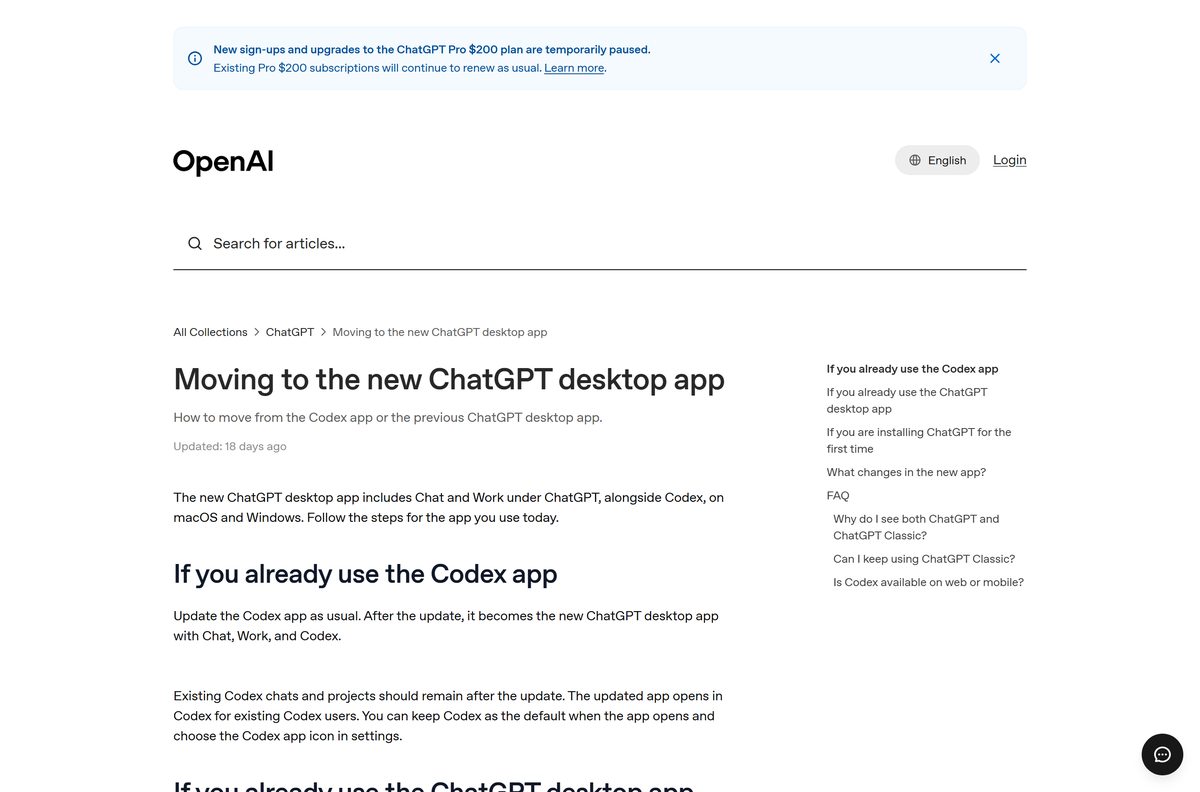
Install ChatGPT. Keep ChatGPT Classic only if you want the smaller chat-only app. Since July 9, the new ChatGPT app combines Chat, Work and Codex on Windows and Mac. The previous app is now ChatGPT Classic. It still receives model updates, bug fixes and security patches, but new agent features may arrive only in the new app. Classic is a 284.0 MB Store bundle at version 2026.709.1617.0.
Both apps can sit on the same PC. If you already use the Codex app, update it: the update turns it into the new ChatGPT app and keeps your Codex projects.
How to check your ChatGPT version and update it on Windows
The Store updates ChatGPT in the background. Use these steps to read the version or force an update.
- Open Settings and go to Apps > Installed apps.
- Find ChatGPT, select the three-dot menu and choose Advanced options.
- Read the Version line near the top of the page.
- Open Microsoft Store and select Library in the sidebar.
- Select Get updates to pull the newest ChatGPT build.
The current Store build is 26.915.4065.0. From the command line, winget upgrade –id 9PLM9XGG6VKS does the same job.
Fix ChatGPT not installing or not opening on Windows 11 and 10
The Store says the app will not run on this device
- Press Windows + R, type winver and select OK.
- Confirm the build is 19041 or higher. Older builds cannot install ChatGPT.
- Open Settings > Windows Update and install every pending update, then try Get again.
The download stalls or fails in the Microsoft Store
- Check for about 3 GB of free disk space. The download is 786.4 MB and the app takes about 1.9 GB installed.
- Press Windows + R, type wsreset.exe and select OK to clear the Store cache.
- Reopen the Store, sign in again and select Get.
winget cannot find 9PLM9XGG6VKS
- Open Terminal as administrator.
- Run winget source update to refresh the msstore source.
- Run winget install –id 9PLM9XGG6VKS -s msstore again.
Two ChatGPT icons appear after an update
- Open each one. ChatGPT is the new app; ChatGPT Classic is the previous app.
- Keep both, or uninstall ChatGPT Classic if you no longer need it.
ChatGPT opens but freezes or will not sign in
- Open Settings > Apps > Installed apps.
- Select the three-dot menu next to ChatGPT and choose Advanced options.
- Select Reset, then open the app and sign in again.
How to uninstall ChatGPT from Windows 11, Windows 10 and Mac
Removing the app does not delete chats saved to your ChatGPT account. They stay available on chatgpt.com and your phone.
- On Windows, open Settings > Apps > Installed apps.
- Find ChatGPT (or ChatGPT Classic), select the three-dot menu and choose Uninstall.
- Select Uninstall again to confirm.
- To remove it from the command line instead, run winget uninstall –id 9PLM9XGG6VKS .
- On a Mac, quit ChatGPT, open Finder > Applications and drag ChatGPT to the Trash.
- Empty the Trash to finish.
Which way to use ChatGPT if the desktop app is not an option?
Every option below uses the same ChatGPT account, so chats follow you between them.
| Option | Best for | Get it |
|---|---|---|
| ChatGPT in the browser | Shared PCs, Linux and old versions of Windows or macOS | chatgpt.com |
| ChatGPT Classic | A smaller chat-only desktop app on Windows or Mac | Microsoft Store listing |
| ChatGPT for iPhone and iPad | Voice chats and Codex Remote on the go | App Store |
| ChatGPT for Android | Phones and tablets running Android | Google Play |
| ChatGPT Chrome extension | Using ChatGPT inside the browser you already have | ChatGPT download page |
Pick the browser if you cannot install software. Pick the desktop app for Work and Codex, which need it for local files.
Frequently asked questions
Is ChatGPT free to download for PC?
Yes. The Microsoft Store lists the ChatGPT app at $0.00, and the Mac download on chatgpt.com is free too. The Free plan works in the app, with limited Codex and ChatGPT Work access on desktop.
Where is the official ChatGPT download?
chatgpt.com/download is OpenAI’s own download page. On Windows it leads to the Microsoft Store listing for product 9PLM9XGG6VKS, published by OpenAI.
Does ChatGPT work on Windows 11 and Windows 10?
Yes. The app runs on Windows 11 and on Windows 10 version 2004 (build 19041) or later, on both x64 and ARM64 PCs.
How big is the ChatGPT download?
The Windows x64 package is 786.4 MB and the ARM64 package is 782.8 MB. The x64 app takes about 1.9 GB once installed. ChatGPT Classic is a smaller 284.0 MB bundle.
Is there a ChatGPT offline installer?
No. OpenAI ships the Windows app only through the Microsoft Store, and the Mac installer comes from chatgpt.com/download. IT teams deploy the Store package with Intune or winget.
Can I download ChatGPT on a Mac?
Yes. The Mac app needs macOS 14 or later and runs on Apple Silicon (M1 or better) and Intel Macs. The download page on chatgpt.com serves the installer for your chip.
Is ChatGPT available for 64-bit, 32-bit or ARM64 Windows?
OpenAI publishes x64 and ARM64 packages for Windows. There is no 32-bit build, so a 32-bit copy of Windows needs ChatGPT in the browser instead.
Is the ChatGPT desktop app safe?
Yes, when you install it from the Microsoft Store listing published by OpenAI or from chatgpt.com. Setup files from download portals are not from OpenAI and should be avoided.
What is the latest version of ChatGPT for Windows?
The current Microsoft Store build is 26.915.4065.0, updated on 18 September 2026. The Store installs new builds automatically.
Why won’t ChatGPT install on my PC?
The usual causes are a Windows 10 build older than 19041, a stuck Microsoft Store download, or too little disk space. Update Windows, run wsreset.exe, free about 3 GB and select Get again.
What is ChatGPT Classic?
ChatGPT Classic is the previous ChatGPT desktop app, renamed when the new app with Chat, Work and Codex arrived. It still gets model updates and security patches, and it can sit next to the new app.
How do I uninstall ChatGPT on Windows 11?
Open Settings > Apps > Installed apps, select the three-dot menu next to ChatGPT and choose Uninstall. Your chats stay saved in your ChatGPT account.
Is there a ChatGPT download for Linux?
Yes. OpenAI lists Linux next to macOS and Windows in its desktop app quickstart. ChatGPT in the browser also works on any Linux distribution.







Download Perplexity for PC, Windows 11/10 & Mac (Free) - Techdows
[…] ChatGPT download guide […]