Bitdefender Antivirus Free is a free download for Windows 11 and Windows 10, with no trial period and no expiry date. The Windows file is 21.5 MB, and Mac owners get Bitdefender Antivirus for Mac with a 30-day trial.
This guide covers the official links, Windows and Mac setup, what the free edition leaves out, system requirements, install fixes and clean removal.
Which Bitdefender Antivirus download do you need?
Find your situation in the first column. Every link goes to bitdefender.com or Bitdefender Central.
| Your situation | Where to get it | Cost |
|---|---|---|
| Windows 11 or Windows 10 PC, free protection | Antivirus Free page | Free, 21.5 MB downloader |
| Windows PC, want the anti-tracker and ransomware file restore | Antivirus Plus page | 30-day trial, then $24.99 first year |
| Mac on macOS Big Sur 11.3 or later | Antivirus for Mac page | 30-day trial, then $24.99 first year |
| You already have a Bitdefender subscription | Bitdefender Central | Covered by your plan |
The free edition runs on Windows only. Bitdefender publishes no separate 32-bit, 64-bit or ARM64 file: one downloader serves every Windows PC.
Download Bitdefender Antivirus from the official sources
Bitdefender hosts the Windows file on download.bitdefender.com. The Mac installer comes from your Bitdefender Central account once a trial or subscription is active.
- Bitdefender Antivirus Free for Windows — 21.5 MB · saves bitdefender_avfree.exe
- bitdefender_avfree.exe direct file — 21.5 MB · Windows 7 SP1 or later
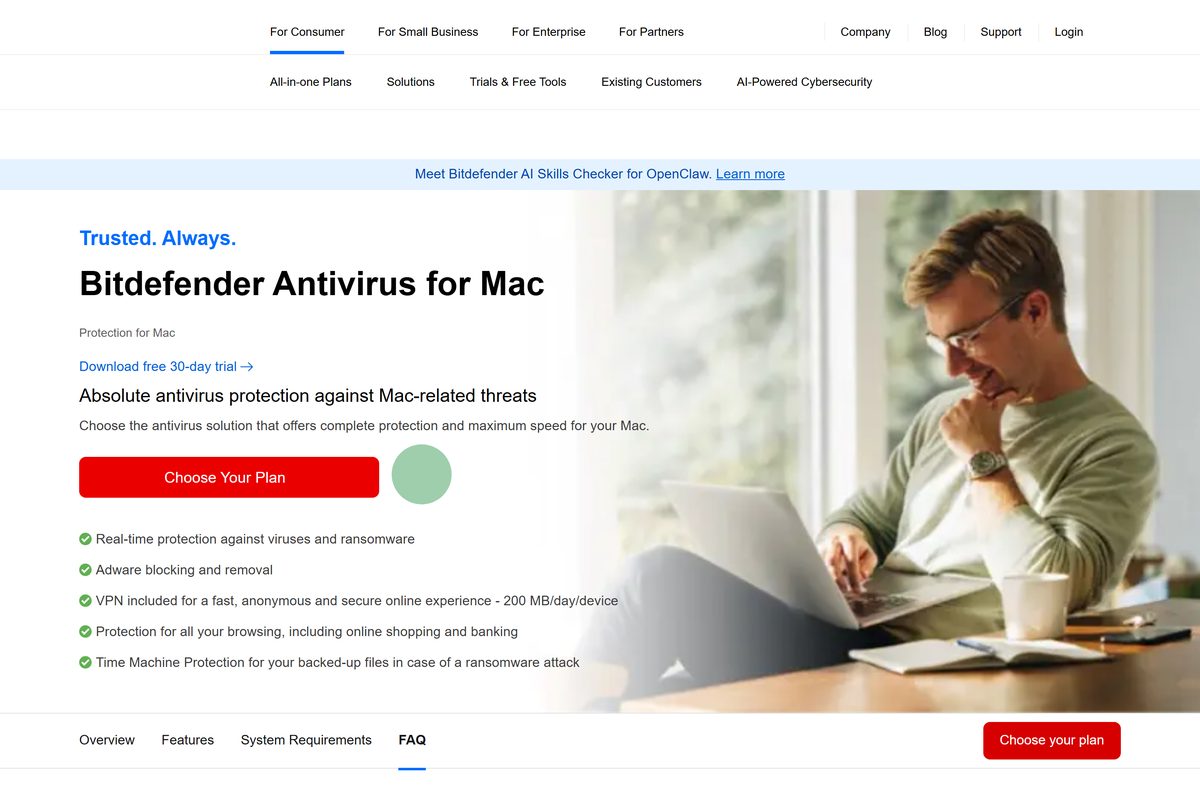
- Bitdefender Antivirus for Mac trial — 30 days, no credit card, macOS Big Sur 11.3 or later
- Bitdefender Antivirus Plus trial for Windows — 30 days, no credit card
- Bitdefender Central — installs any product on your account, Mac included
Download portals repackage the Bitdefender setup inside their own wrappers. Take the file from bitdefender.com or Central and nowhere else.
How to install Bitdefender Antivirus Free on Windows 11 and 10
Keep the PC online during setup. The 21.5 MB file updates the installation package before it writes anything, which takes longer on slow connections.
- Open the Antivirus Free page and select the download button.
- Save bitdefender_avfree.exe when the browser asks.
- Open the file from your browser’s downloads list.
- Select Yes at the User Account Control prompt.
- Wait while the installer updates its package from Bitdefender.
- Agree to the terms and select Install.
- Wait until the installation completes.
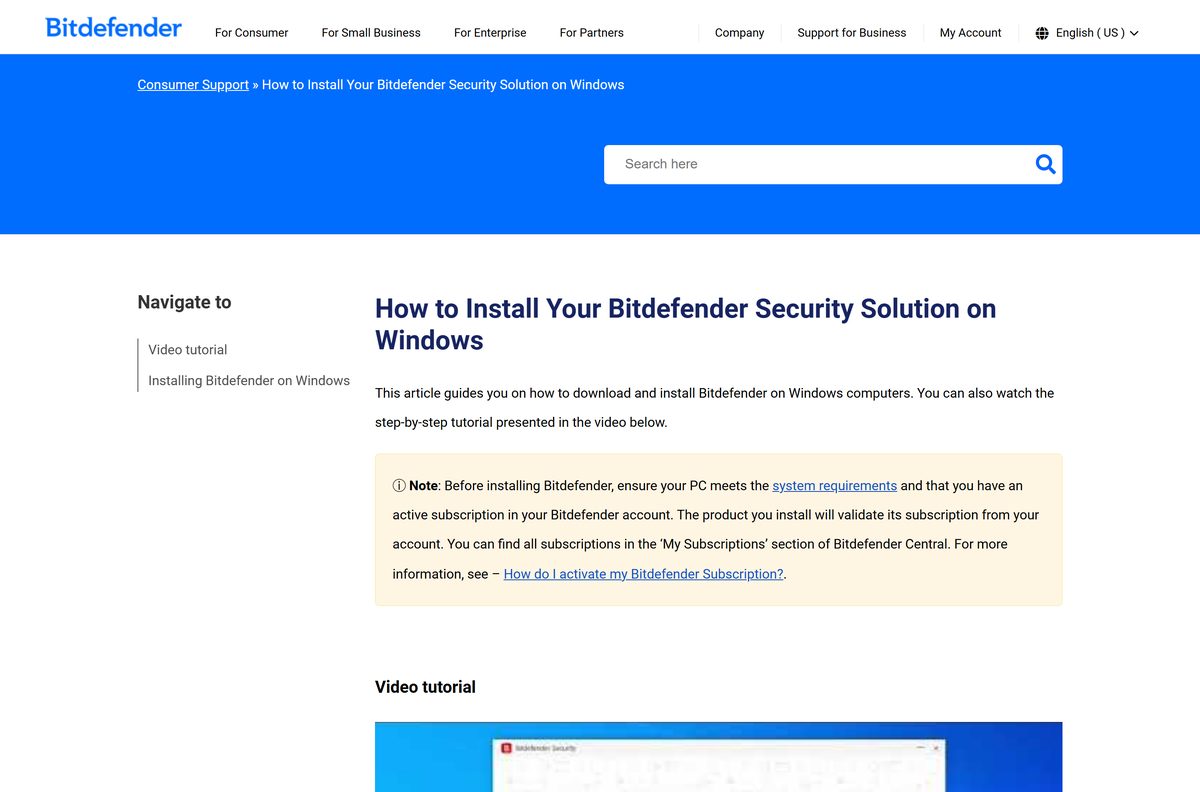
- Create a Bitdefender account, or sign in to an existing one, to activate the product.
Activation is mandatory: the free edition does not run without a Bitdefender Central account. Once you sign in, protection stays on with no renewal date.
Which Bitdefender Antivirus steps do you need for your Mac?
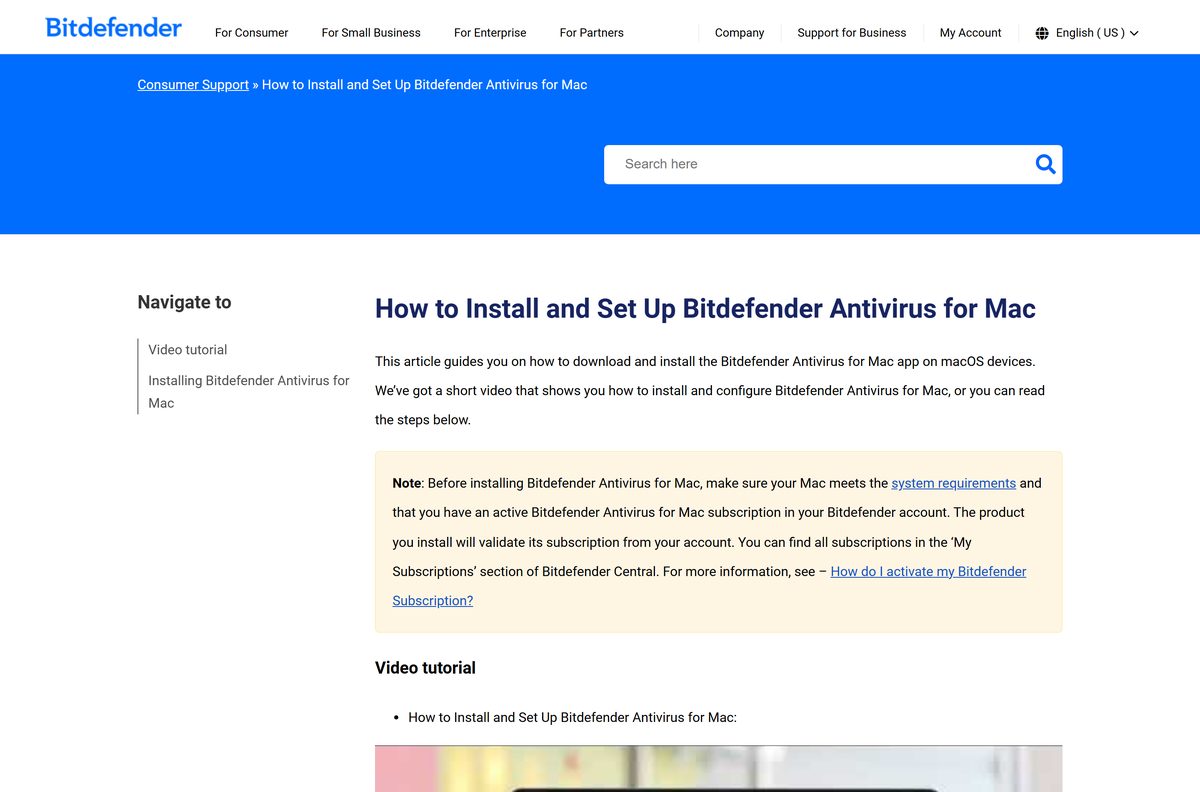
Start the 30-day Mac trial, then sign in to Bitdefender Central. Select Install Bitdefender Products, press Install in the Security panel and choose Download.
Double-click the saved file, then work through Continue, Agree, Install and your administrator password. What happens next depends on the macOS version.
| Your Mac runs | Download | Approve after setup | Full Disk Access for |
|---|---|---|---|
| macOS Sequoia 15 or later | Bitdefender Central | Select OK, then enable Bitdefender Agent in System Settings > Login Items & Extensions > Endpoint Security Extensions | Antivirus for Mac, Bitdefender, Core Security |
| macOS Ventura 13 or Sonoma 14 | Bitdefender Central | Select Open System Settings, then Allow in Privacy & Security | Antivirus for Mac, Bitdefender, Core Security |
| macOS Big Sur 11.3 to Monterey 12 | Bitdefender Central | Select Open Security Preferences, unlock with your password, then Allow | Antivirus for Mac, Core Security |
| Older than macOS Big Sur 11.3 | Not available | Not supported by the current release | Update macOS first |
Select Quit & Reopen after granting Full Disk Access so the app restarts with the new permissions.
Is Bitdefender Antivirus free?
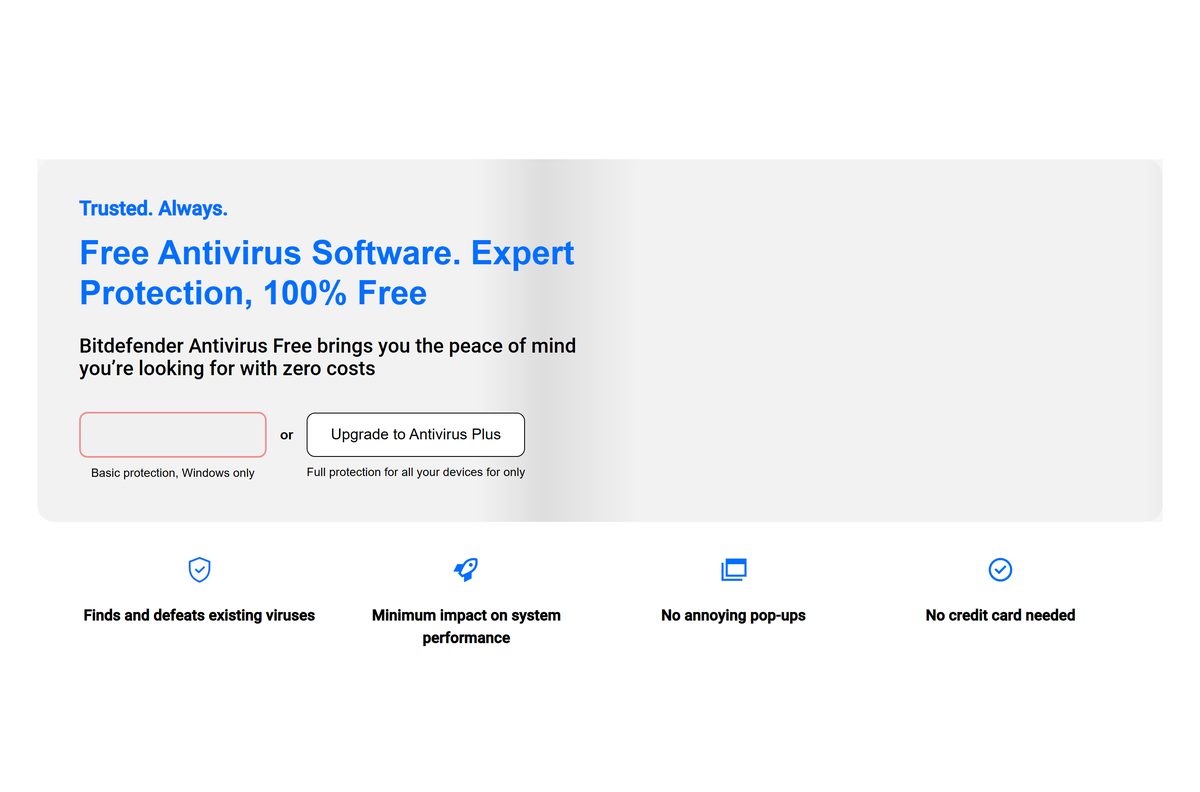
On Windows, yes. Bitdefender Antivirus Free has no trial, no hidden costs and no validity due date. On Mac, no: Antivirus for Mac is a paid subscription with a 30-day trial.
Install Antivirus Free on a Windows PC, and treat the Mac download as a 30-day trial that needs a subscription afterwards. The free edition covers real-time scanning, basic ransomware protection, phishing and malicious site blocking, and a VPN capped at 200 MB a day. Antivirus for Mac costs $24.99 for the first year on 1 Mac or $29.99 for 3 devices, and renewal may be billed at a higher price.
Two-year and three-year Mac plans run $69.99 and $89.99 for one device. Any site selling a Bitdefender Antivirus Free licence key is a scam, because the free edition needs only an account.
Should you install Bitdefender Antivirus Free or Antivirus Plus?
Both install on Windows 11 and Windows 10 from bitdefender.com. The difference is what runs after setup.
Install Antivirus Free for one Windows PC. Pick Antivirus Plus only if you want file restore after ransomware, the anti-tracker, or cover for a Mac and phones. Free is Windows only and leaves out the anti-tracker, social network protection, the scan for outdated software and productivity mode. Plus adds those, covers Windows, macOS, Android and iOS, and costs $24.99 for the first year on one device after a 30-day trial.
Both editions include the same basic VPN, capped at 200 MB per device per day.
Check the Bitdefender Antivirus system requirements
Press Windows + I and open System > About to read your Windows edition and installed RAM before you start.
| Field | Value |
|---|---|
| Software | Bitdefender Antivirus Free (Windows); Bitdefender Antivirus for Mac |
| Developer | Bitdefender SRL |
| Latest version | Not published; the downloader always installs the current build |
| Licence | Free on Windows; Mac is paid with a 30-day trial |
| Windows | Windows 7 SP1, 8.1, 10 or 11 |
| Windows memory and disk | 2 GB RAM; 2.5 GB free space |
| Windows download size | 21.5 MB |
| Windows architecture | One downloader for every PC; no separate 32-bit or ARM64 file |
| macOS | macOS Big Sur 11.3 or later; 1 GB free space |
| Offline installer | No; setup downloads its package as it runs |
| Account | Bitdefender Central account required to activate |
| Official download source | bitdefender.com |
| Last verified | 2026-09-24 |
Bitdefender warns that performance may suffer on PCs with old-generation processors.
Fix Bitdefender Antivirus not installing on Windows 11 or 10
Match the symptom, then work through the fix under it.
Setup sits on the package update for a long time
The file is a downloader, so a slow or dropped connection stalls it.
- Check the PC still has working internet access.
- Close any large downloads or streams running at the same time.
- Delete the partial copy and download bitdefender_avfree.exe again from bitdefender.com.
- Run it and leave the window open until it finishes.
Setup reports the PC does not meet requirements
Low free space or an unsupported Windows build blocks the install.
- Open Settings > System > Storage and free up at least 2.5 GB.
- Open Settings > System > About and confirm the PC runs Windows 10 or 11.
- Run Windows Update and install pending updates.
- Restart the PC and run the installer again.
Another antivirus is already installed
Two real-time scanners on one PC clash during setup.
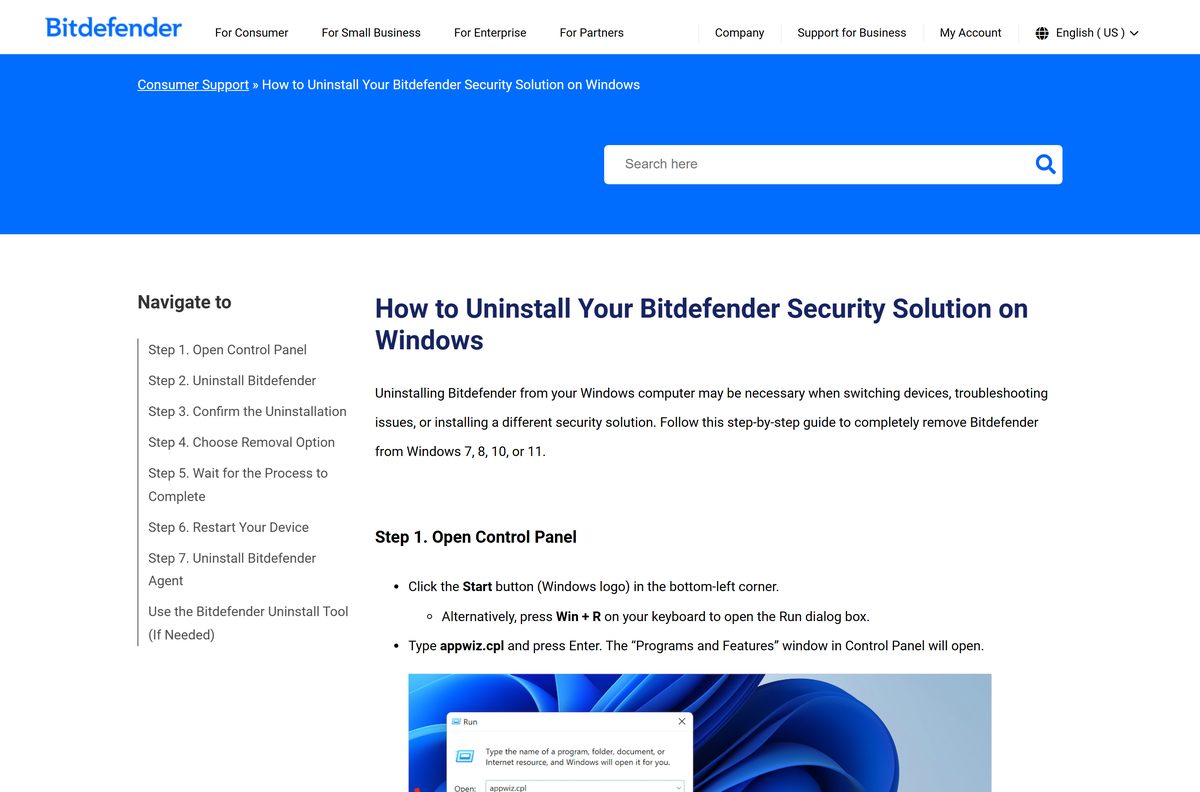
- Press Windows + R, type appwiz.cpl and press Enter.
- Uninstall the other antivirus product.
- Use the vendor removal tool listed on Bitdefender’s uninstall tools page if leftovers remain.
- Restart, then run the Bitdefender installer again.
If removing an old Bitdefender product fails, run the Bitdefender Uninstall Tool before installing the free edition again.
How to uninstall Bitdefender Antivirus
These steps work on Windows 11 and Windows 10.
- Press Windows + R, type appwiz.cpl and press Enter.
- Find the Bitdefender product in the list.
- Right-click it and select Uninstall.
- Select Yes at the User Account Control prompt.
- Select Remove in the Bitdefender dialog and wait.
- Restart the PC.
- Repeat for Bitdefender Agent if it is still listed.
- Run the Bitdefender Uninstall Tool if removal fails, in Safe Mode if errors persist.
Remove the device from your Bitdefender Central account afterwards so it stops counting toward your plan.
Pick another Bitdefender app to install
Each one installs from bitdefender.com or Bitdefender Central alongside, or instead of, the free antivirus.
| App | Platforms | Price | Link |
|---|---|---|---|
| Bitdefender Antivirus Free | Windows | Free | Download |
| Bitdefender Antivirus Plus | Windows, macOS, Android, iOS | $24.99 first year, 30-day trial | Product page |
| Bitdefender Antivirus for Mac | macOS Big Sur 11.3 or later | $24.99 first year, 30-day trial | Product page |
| Bitdefender VPN | Windows, Mac, iPhone, Android | Free 200 MB a day; Premium paid | Bitdefender VPN download guide |
The antivirus already includes the basic VPN, so install the standalone VPN app only for use on devices without Bitdefender security.
Frequently asked questions
Is Bitdefender Antivirus free to download?
Yes on Windows. Bitdefender Antivirus Free costs nothing, has no trial period and no expiry date, and needs only a Bitdefender Central account. Antivirus for Mac is paid, with a 30-day trial that needs no credit card.
Where is the official Bitdefender Antivirus download page?
bitdefender.com/en-us/consumer/free-antivirus serves the free Windows file, bitdefender_avfree.exe. Mac and paid Windows editions install from Bitdefender Central at central.bitdefender.com after you start a trial or buy a subscription.
Does Bitdefender Antivirus Free work on Windows 11?
Yes. The free edition runs on Windows 7 SP1 or later, which includes Windows 11 and Windows 10. Bitdefender security apps for Windows need 2 GB of RAM and 2.5 GB of free disk space.
How big is the Bitdefender Antivirus download?
The Windows file, bitdefender_avfree.exe, is 21.5 MB. It is a downloader that fetches the rest of the program during setup, and the installed product needs 2.5 GB of free disk space.
Is there a Bitdefender Antivirus offline installer?
No. The 21.5 MB Windows file updates its installation package from Bitdefender before installing, so the PC must stay online. Bitdefender offers no full standalone package for the free edition.
Is Bitdefender Antivirus Free available for Mac?
No. The free edition is Windows only. Mac owners install Bitdefender Antivirus for Mac, which runs on macOS Big Sur 11.3 or later and costs $24.99 for the first year after a 30-day trial.
Is there a 64-bit or ARM64 version?
Bitdefender publishes a single Windows downloader, bitdefender_avfree.exe, with no separate 32-bit, 64-bit or ARM64 file to choose. The same link serves every Windows 11 and Windows 10 PC.
What is the latest version of Bitdefender Antivirus Free?
Bitdefender publishes no version number for the free download. The downloader always fetches the current build from Bitdefender, so a fresh download is never out of date. The Windows file was last refreshed on 26 August 2026.
Is Bitdefender Antivirus Free safe to download?
Yes, from bitdefender.com or Bitdefender Central. Avoid copies on download portals, and ignore any site selling a licence key for the free edition, since it only needs a free Bitdefender account.
What does the free edition leave out?
Antivirus Free skips the anti-tracker, social network protection, the scan for outdated software, productivity mode and automatic file restore after ransomware. Antivirus Plus adds all of them for $24.99 in the first year.
Why won’t Bitdefender Antivirus install?
The usual causes are a dropped internet connection during the package update, less than 2.5 GB of free space, or another antivirus still installed. Fix the cause, restart the PC and run the installer again.