Techdows

Windows how-to guides, fixes and software downloads

  • Home
  • Settings and hardware

    • Printers
    • Sound and microphone
    • Wi-Fi and network
    • Bluetooth
    • Display and monitors
    • Drivers
    • Keyboard shortcuts and symbols

    Using Windows

    • File Explorer
    • Storage and disk space
    • Taskbar, Start and desktop
    • Apps and default programs
    • Accounts and sign-in
    • Copilot in Windows
    • Command Prompt and PowerShell

    Updates and fixes

    • Windows Update
    • Windows 11 26H2
    • Error codes and BSOD
    • Boot, BIOS and recovery
    • Security and Defender
    • Task Manager and performance
    • DLL and runtime errors

    Popular fixes

    • Get help in Windows 11
    • Connect a wireless printer
    • Re-pair Bluetooth earbuds for stereo sound
    • Cancel a stuck print job
    • Change default programs

    All Windows guides →

  • Browse by type

    • Web browsers
    • Office and productivity apps
    • PC games and launchers
    • Phone and media apps
    • Developer tools
    • Creative apps
    • CAD software
    • System utilities and drivers

    Popular downloads

    • GTA V for PC
    • YouTube app for PC
    • Google Meet for PC
    • Cisco Packet Tracer
    • TikTok for PC

    Windows tools

    • PC Health Check app
    • HEVC Video Extension
    • DirectX 12
    • Cinebench R23

    All download guides →

  • Browser guides

    • Microsoft Edge
    • Google Chrome
    • Firefox
    • Web browsers for PC

    Microsoft Edge

    • Fix WebView2 using too much memory
    • Internet Explorer mode in Edge
    • Manage Edge favorites
    • Set or remove Edge as default

    Chrome and Firefox

    • Make Chrome the default browser
    • Restore closed tabs
    • Change the default web browser

    All browser guides →

  • Office guides

    • Outlook
    • Excel
    • Word and PowerPoint
    • OneDrive
    • Install Microsoft 365

    Meetings and other tools

    • Teams, Zoom and Google Meet
    • Google Docs and Sheets
    • PDF tools

    Office apps

    • Office product key
    • Office Deployment Tool
    • What is OneDrive?
    • Turn off OneDrive in Windows 11

    Outlook and Teams

    • Outlook inbox view changed
    • Schedule an email in Outlook
    • Outlook dark mode
    • Teams breakout rooms

    All Office and productivity guides →

  • PHP security

    • PHP2Shell patch download
    • PHP critical RCE security update
    • CVE-2026-109618 fix
    • CVE-2026-109619 explained
    • Mitigations if you can't update

    Update PHP

    • Update PHP to the latest version
    • Check your PHP version
    • Update PHP on Ubuntu and Debian
    • Restart PHP-FPM

    Hosting and local servers

    • Update PHP in XAMPP
    • Change PHP version in cPanel
    • Update PHP in Laragon and WampServer
    • Update PHP Docker images
    • WordPress PHP version check

    PHP downloads

    • PHP 8.5.12 download
    • PHP 8.4.27 download
    • PHP 8.3.36 and 8.2.35 download
    • Download PHP for Windows

    PHP2Shell by platform

    • PHP 8.3 fix on Ubuntu 24.04
    • PHP 8.1 fix on Ubuntu 22.04
    • PHP 8.2 and 8.4 fix on Debian
    • Update PHP on IIS
    • Cloudflare PHP2Shell WAF rule

    All PHP guides →

  • Sections

    • Gaming
    • Apple
    • Android
    • Apps and services
    • Developer and IT

    Apple

    • iPhone tips and fixes
    • Reset and restore iPhone
    • iPad
    • Mac and macOS
    • Apple Account and iCloud
    • Apple devices on Windows

    Apps, Android and gaming

    • Gmail and Google account
    • YouTube
    • Social media accounts
    • Streaming TV
    • Android and Samsung Galaxy
    • PC gaming and Xbox
    • Roblox and Minecraft on PC

    Developer and IT

    • WSL and developer setup
    • Virtual machines
    • Group Policy and Intune
    • Windows Server
    • Website error codes
  • News
Home›Office and productivity

Office and productivity

188 articles

Microsoft 365, Office apps and other productivity tools: Outlook, Excel, Word and PowerPoint, OneDrive, installing and activating Microsoft 365, Teams, Zoom and Google Meet, Google Docs and Sheets and PDF tools.

How to
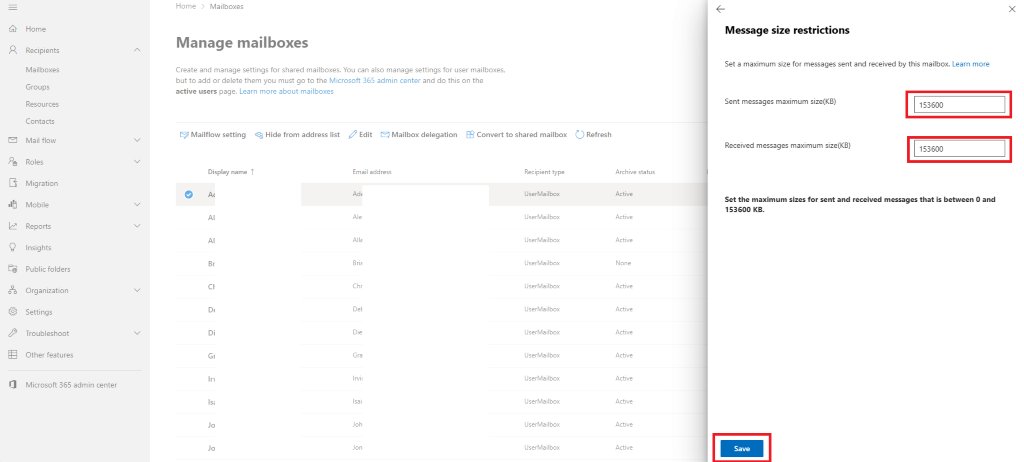
Configure max email size limit in Office 365
Configure max email size limit in Office 365

October 25, 2026 by Philip Celasco Leave a Comment
Configure max email size limit in Office 365

Change the Exchange Online message size limit in Office 365: default 35 MB send and 36 MB receive, up to 150 MB via the Exchange admin center or PowerShell.
Posted in: How to, Office and productivity
How to
Convert multiple files to PDFs — Batch convert to PDF

Convert multiple files to PDFs — Batch convert to PDF

October 25, 2026 by Philip Celasco Leave a Comment
Convert multiple files to PDFs — Batch convert to PDF

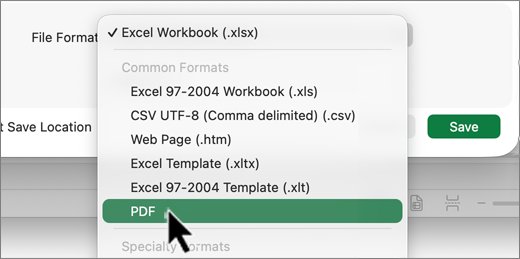
Batch convert Word files and other documents to PDF: separate PDFs with Acrobat Pro, one merged PDF online or on a Mac, and free Office routes for Windows.
Posted in: How to, Office and productivity
How to
How to access OneDrive files offline

How to access OneDrive files offline

October 25, 2026 by Philip Celasco Leave a Comment
How to access OneDrive files offline

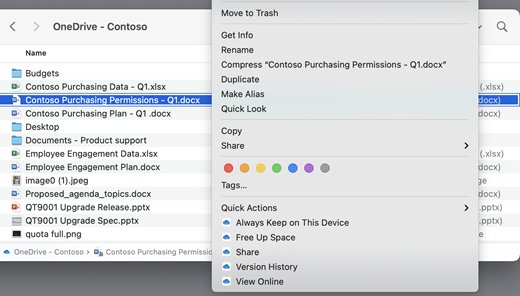
Access OneDrive files offline: right-click a file or folder and pick Always keep on this device on Windows or Mac, or tap Keep offline on Android and iPhone.
Posted in: How to, Office and productivity
How to
Excel camera tool - create images that automatically update

Excel camera tool – create images that automatically update

October 25, 2026 by Philip Celasco Leave a Comment
Excel camera tool - create images that automatically update

Excel camera tool: add Camera to the Quick Access Toolbar or ribbon, snap a live picture of any range, and fix pictures that do not update. Steps for Excel 365.
Posted in: How to, Office and productivity
How to
Microsoft Word basics: features, tools, and functions explained

Microsoft Word basics: features, tools, and functions explained

October 25, 2026 by Philip Celasco Leave a Comment
Microsoft Word basics: features, tools, and functions explained

Microsoft Word basics explained: how to find, open and save Word, what each ribbon tab does, contextual tabs, and Microsoft’s free training for beginners.
Posted in: How to, Office and productivity
How to
How to Use Approvals in Teams: A Step-by-Step Guide for Streamlined Workflow

How to use Approvals in Teams: a step-by-step guide for streamlined workflow

October 24, 2026 by Philip Celasco Leave a Comment
How to Use Approvals in Teams: A Step-by-Step Guide for Streamlined Workflow

Use Approvals in Teams to send, approve, track and cancel requests from the Approvals app or any chat. Templates, e-sign, storage, limits and fixes.
Posted in: How to, Office and productivity
How to
How to increase attachment size limit in Outlook

How to increase attachment size limit in Outlook

October 24, 2026 by Philip Celasco Leave a Comment
How to increase attachment size limit in Outlook

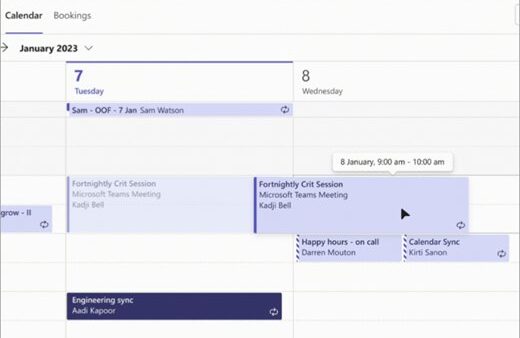
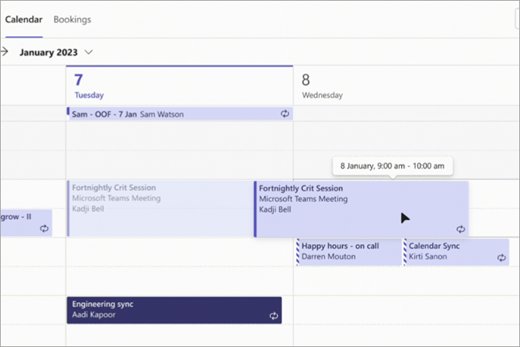
Increase the Outlook attachment size limit with the MaximumAttachmentSize registry value, or raise Exchange Online MaxSendSize up to 150 MB in the admin center.
Posted in: How to, Office and productivity
How to
How to Cancel a Meeting in Teams: Step-by-Step Guide

How to cancel a meeting in Teams: step-by-step guide

October 24, 2026 by Philip Celasco Leave a Comment
How to Cancel a Meeting in Teams: Step-by-Step Guide

Cancel a meeting in Teams as the organizer from the Teams calendar or Outlook, for one date or a series, plus town halls and fixes when Cancel is missing.


Posted in: How to, Office and productivity
How to
6 Ways to Join a Microsoft Teams Meeting

6 ways to join a Microsoft Teams meeting

October 24, 2026 by Philip Celasco Leave a Comment
6 Ways to Join a Microsoft Teams Meeting

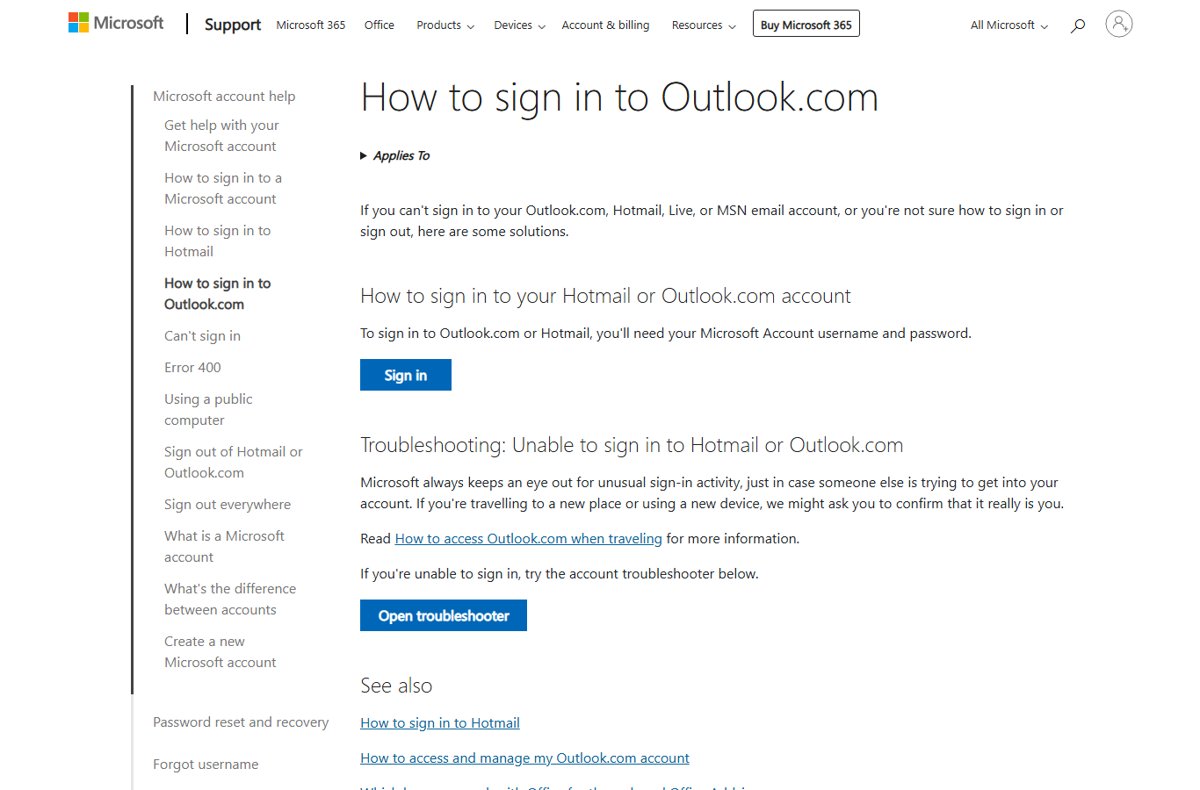
Join a Microsoft Teams meeting from the email link, a meeting ID and passcode, Outlook, a notification, the Teams calendar or chat, with fixes when you can’t join.
Posted in: How to, Office and productivity
How to
Outlook Login: How to securely sign in to Outlook.com

Outlook login: how to securely sign in to Outlook.com

October 23, 2026 by Philip Celasco Leave a Comment
Outlook Login: How to securely sign in to Outlook.com

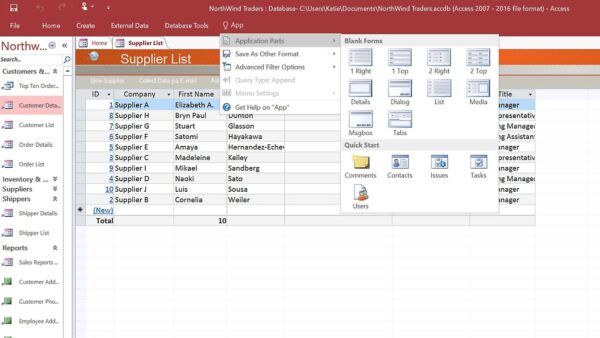
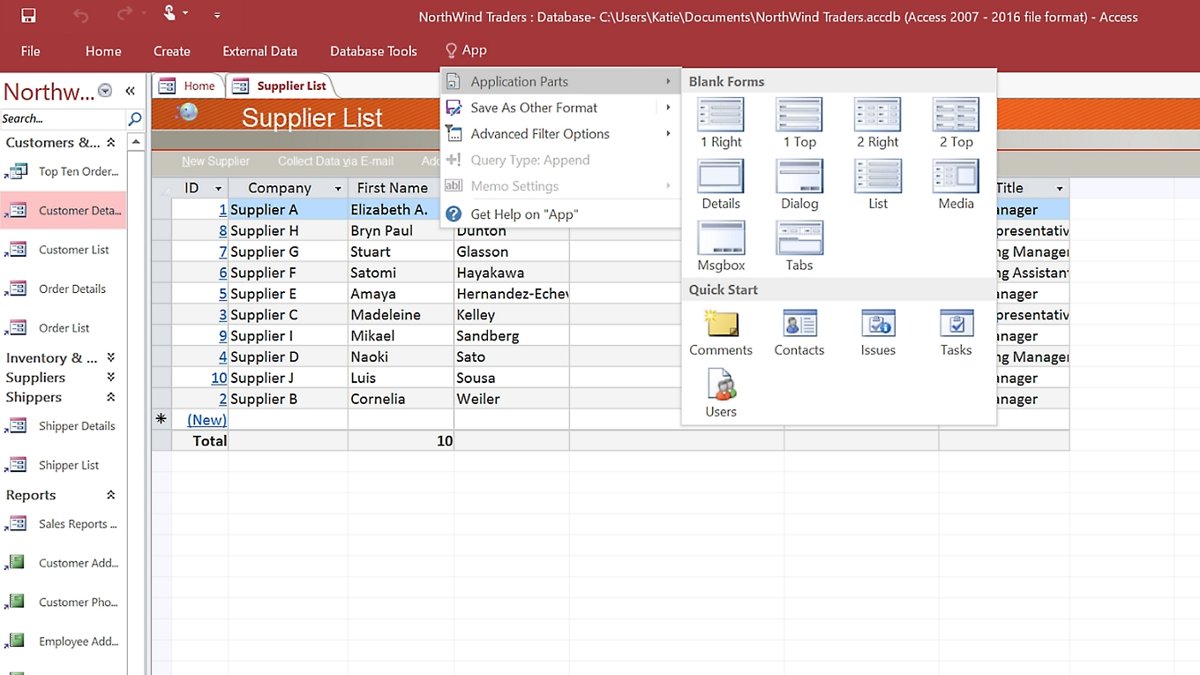
Outlook login made safe: sign in to Outlook.com with your Microsoft account, add a passkey or two-step verification, check recent activity and fix blocked sign-ins.
Posted in: How to, Office and productivity
How to
What Is Microsoft Access? A Beginner’s Guide

What is Microsoft Access? A beginner’s guide

October 23, 2026 by Philip Celasco Leave a Comment
What Is Microsoft Access? A Beginner’s Guide

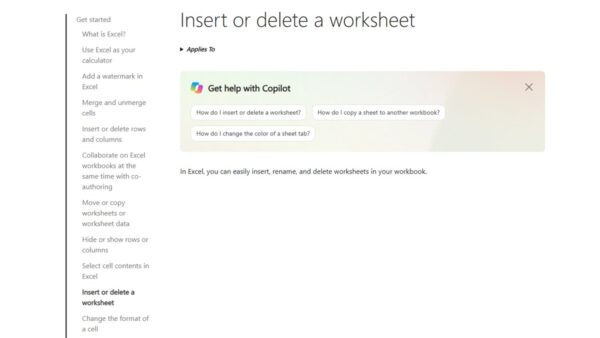
What is Microsoft Access? A desktop database app for Windows in Microsoft 365. Learn how it works, what it is used for, free options, limits and alternatives.
Posted in: How to, Office and productivity
How to
How to Delete a Spreadsheet in Microsoft Excel

How to delete a spreadsheet in Microsoft Excel

October 21, 2026 by Philip Celasco Leave a Comment
How to Delete a Spreadsheet in Microsoft Excel

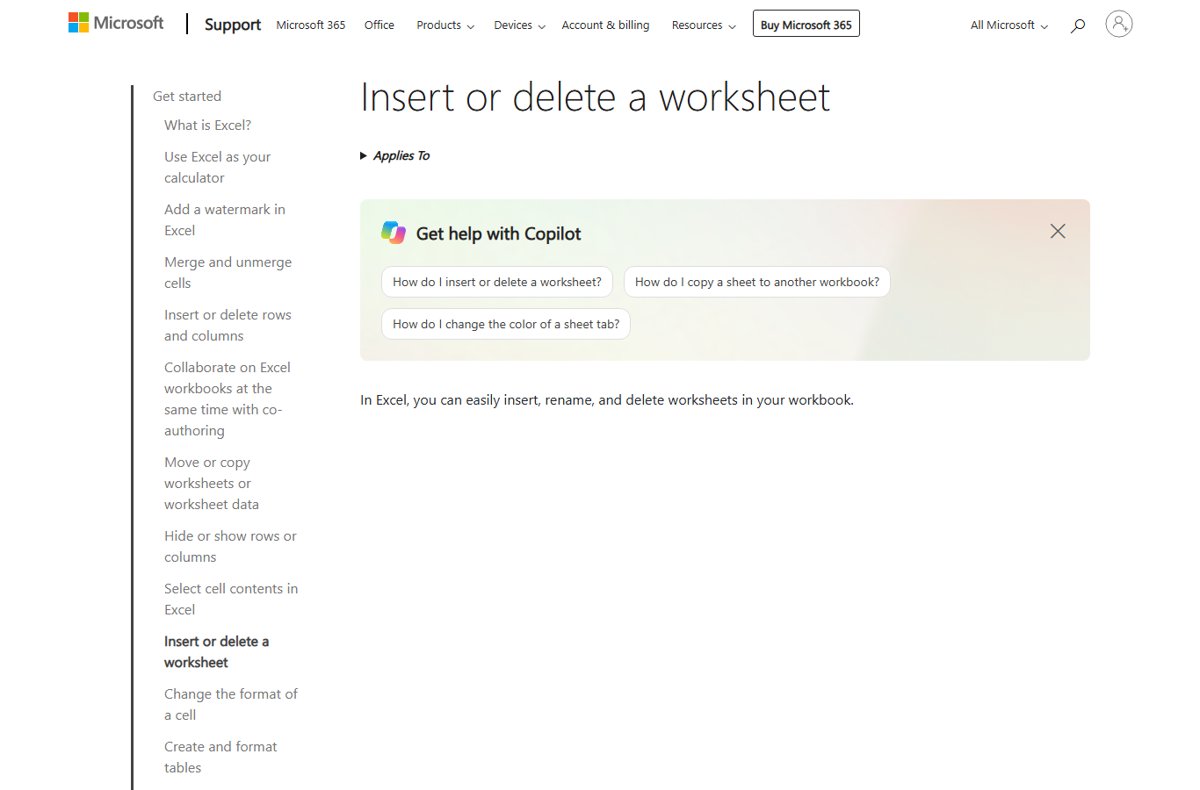
Delete a spreadsheet in Microsoft Excel by right-clicking its sheet tab and choosing Delete. Also covers multiple sheets, the Home tab, shortcuts and VBA.

Posted in: How to, Office and productivity
« Previous 1 … 3 4 5 … 16 Next »

More from Techdows

Reset Apple Account password - unlocking a smartphone
How do I reset my Apple Account password?
Apple · 5 hours ago
Social media apps Instagram, Pinterest, Twitter and Snapchat on a smartphone
Social media accounts guide: Facebook, Instagram and Snapchat login, recovery and deletion
Apps and services · 5 hours ago
Streaming TV apps Netflix, Prime Video, Disney+ and HBO Max on a phone in front of a smart TV
Streaming TV guide: Netflix, YouTube TV, Plex, Roku and Fire TV setup, activation and fixes
Apps and services · 5 hours ago
Logitech Gaming Software card with version, licence, size and supported Windows releases
Download Logitech Gaming Software for Windows 11/10 and Mac
Downloads · 5 hours ago
iPhone guide: the back of a blue iPhone 13 with the Apple logo
iPhone guide: calls, messages, battery, Wi-Fi, Find My, CarPlay and Apple Watch fixes
Apple · 5 hours ago
Apple Account and iCloud guide: an iPhone resting on a MacBook
Apple Account and iCloud guide: sign in, recovery, iCloud Mail, Photos, Apple Pay and billing
Apple · 5 hours ago
Mac and macOS guide: a MacBook Air on a wooden desk
Mac and macOS guide: shortcuts, screenshots, storage, updates, reset and fixes
Apple · 5 hours ago
iPad guide: a person holding a white iPad with Safari open
iPad guide: models, setup, screenshots, restart, reset and battery fixes
Apple · 5 hours ago

© 2009–2026 Techdows · About · Contact · Privacy Policy

Copyright © 2026 Techdows.

Techdows WordPress Theme by Techdows