How big is the Windows 11 26H2 update?
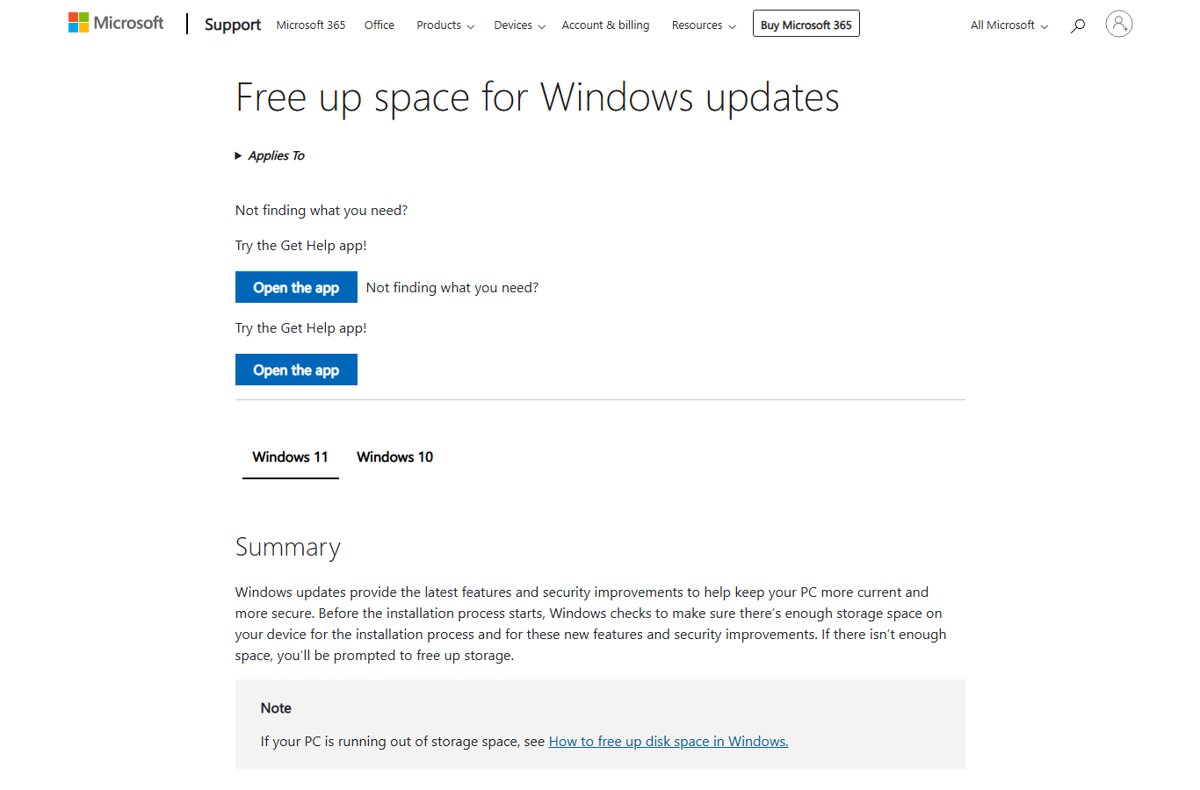
How big is the Windows 11 26H2 update? A small enablement package on 24H2 and 25H2 PCs, a full upgrade from 23H2 or Windows 10. Sizes and free space needed.
3,748 articles
How big is the Windows 11 26H2 update? A small enablement package on 24H2 and 25H2 PCs, a full upgrade from 23H2 or Windows 10. Sizes and free space needed.
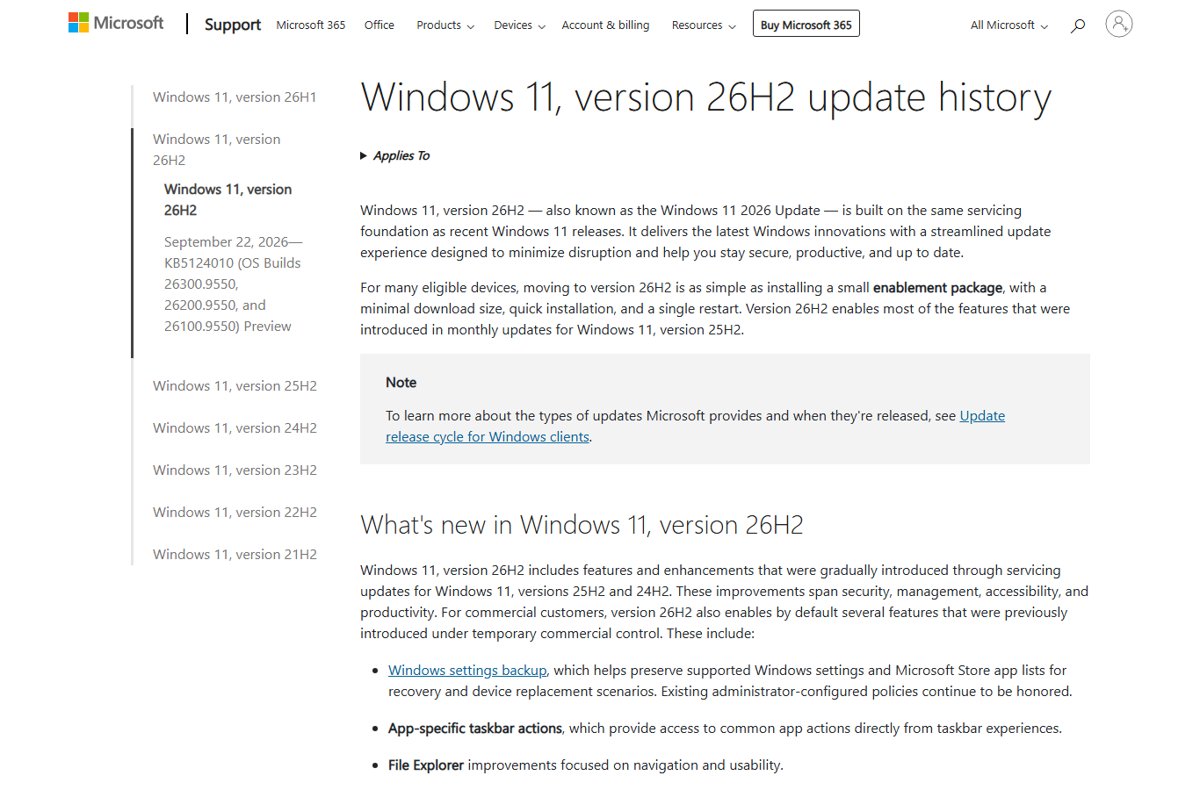
Check if Windows 11 26H2 is installed: run winver or open Settings > System > About and look for Version 26H2 and an OS build starting with 26300.
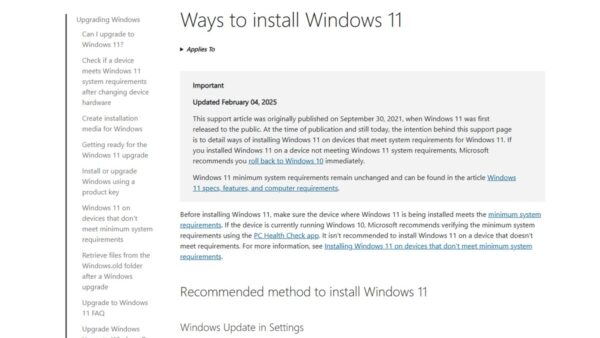
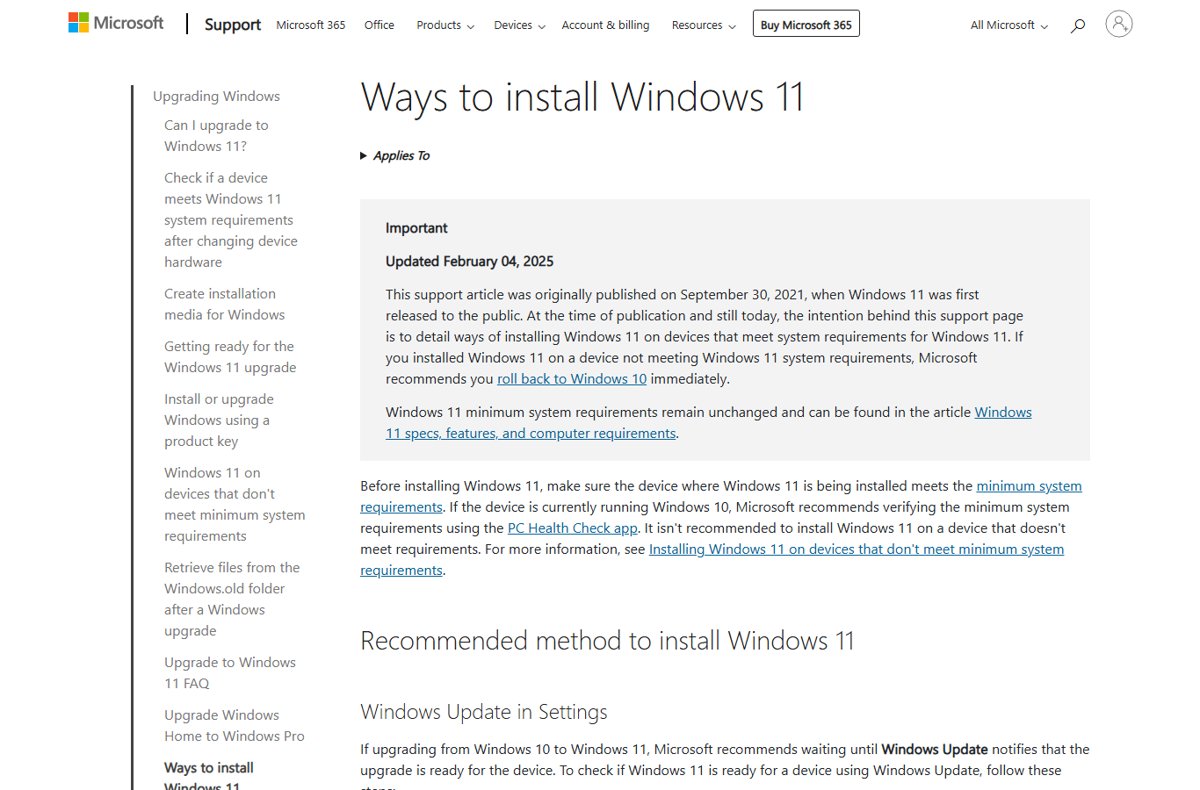
Windows 11 26H2 upgrade paths: 24H2 and 25H2 get a one-restart enablement package, while 23H2, 22H2 and Windows 10 need a full upgrade in one step.
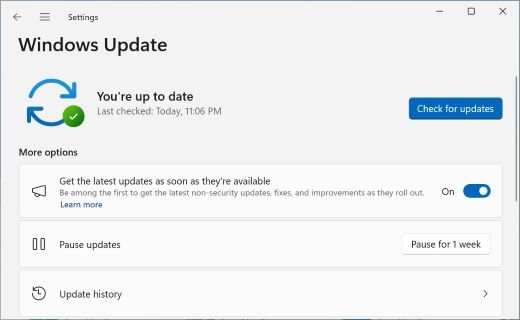
Upgrade to Windows 11 26H2 from 25H2 or 24H2 through Windows Update in one restart, or use the Installation Assistant, ISO or Media Creation Tool on older PCs.
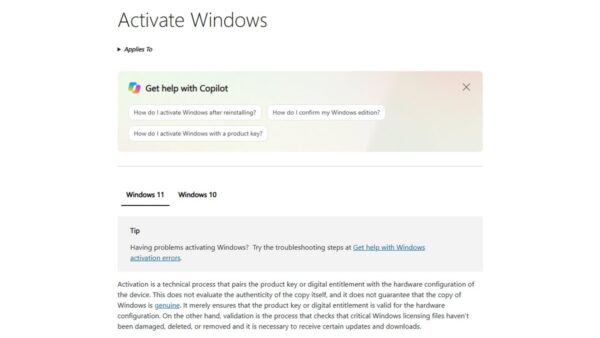
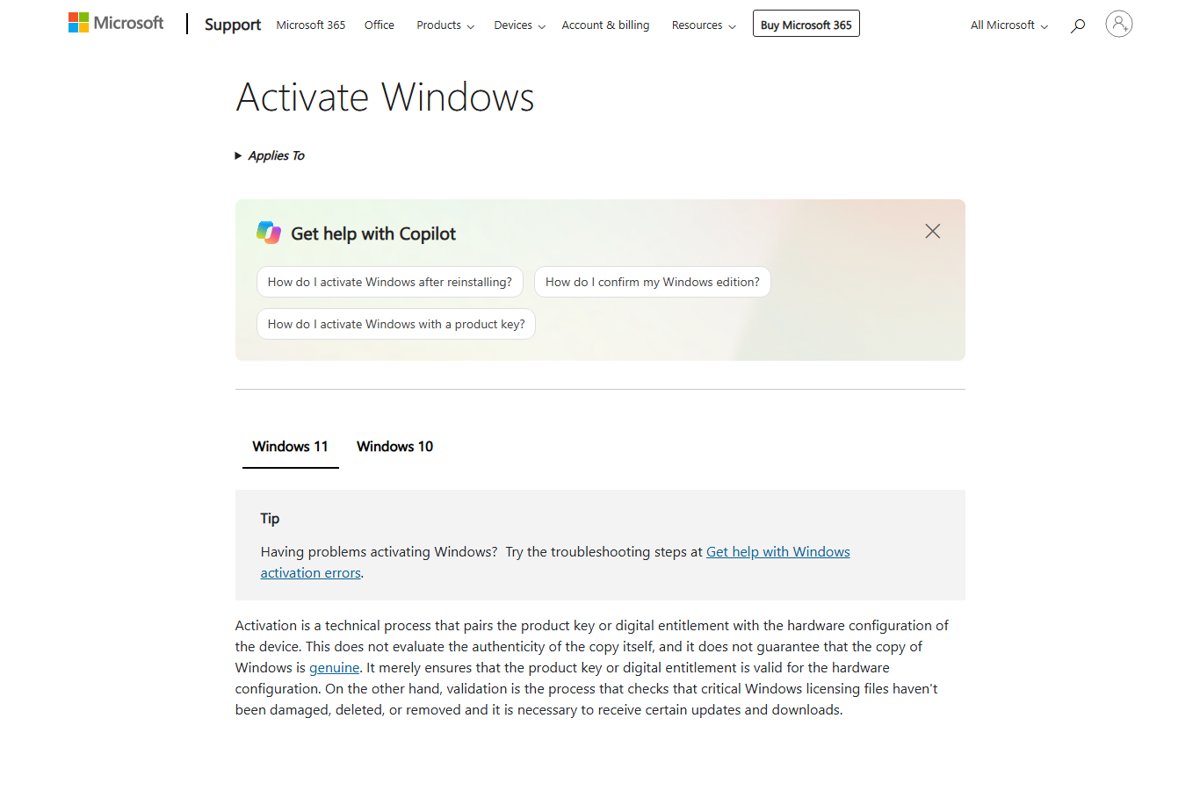
Windows 11 26H2 does not need a new product key. It is a free update that keeps your digital license or key. When a key is needed and how to check activation.
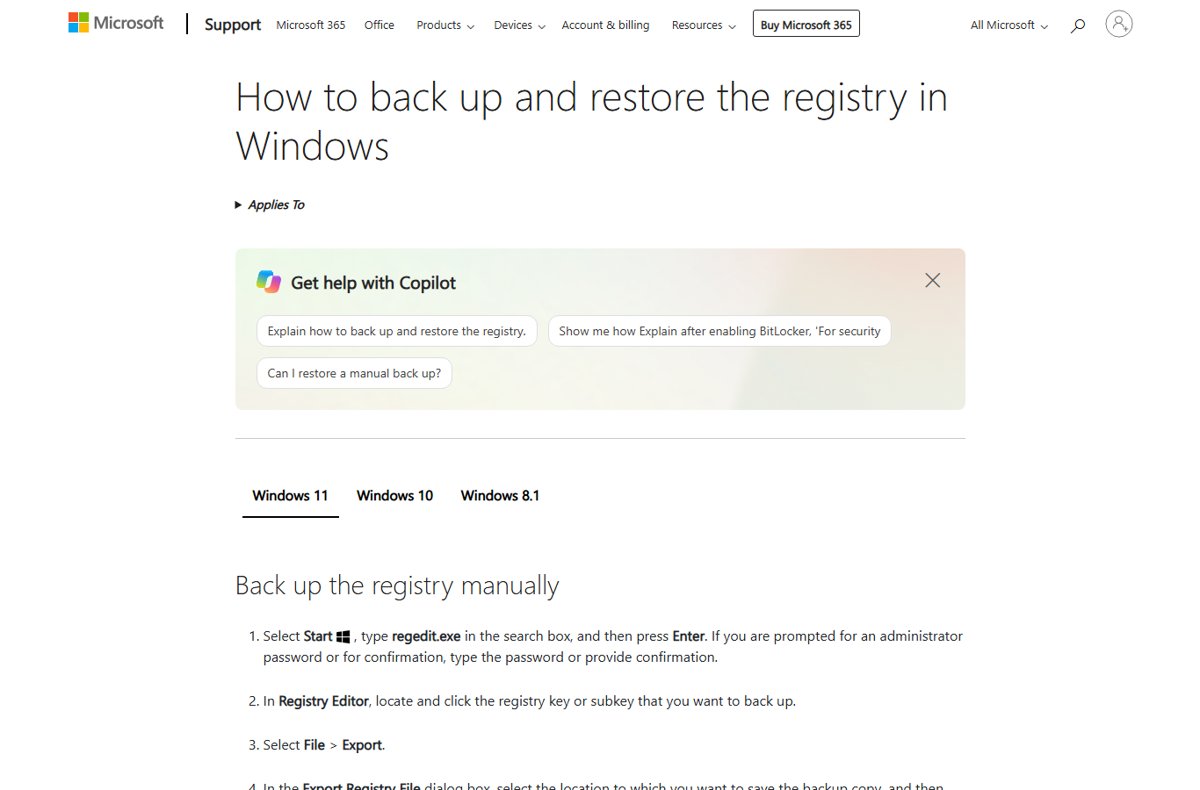
Windows 11 26H2 registry tweaks Microsoft documents: fix the Machine Identity Isolation sign-in issue, control update behavior, UAC values, and how to undo each.
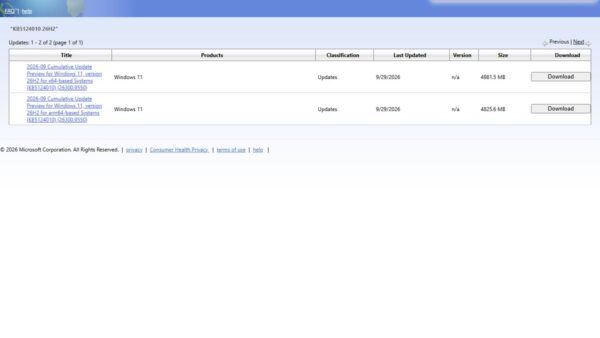
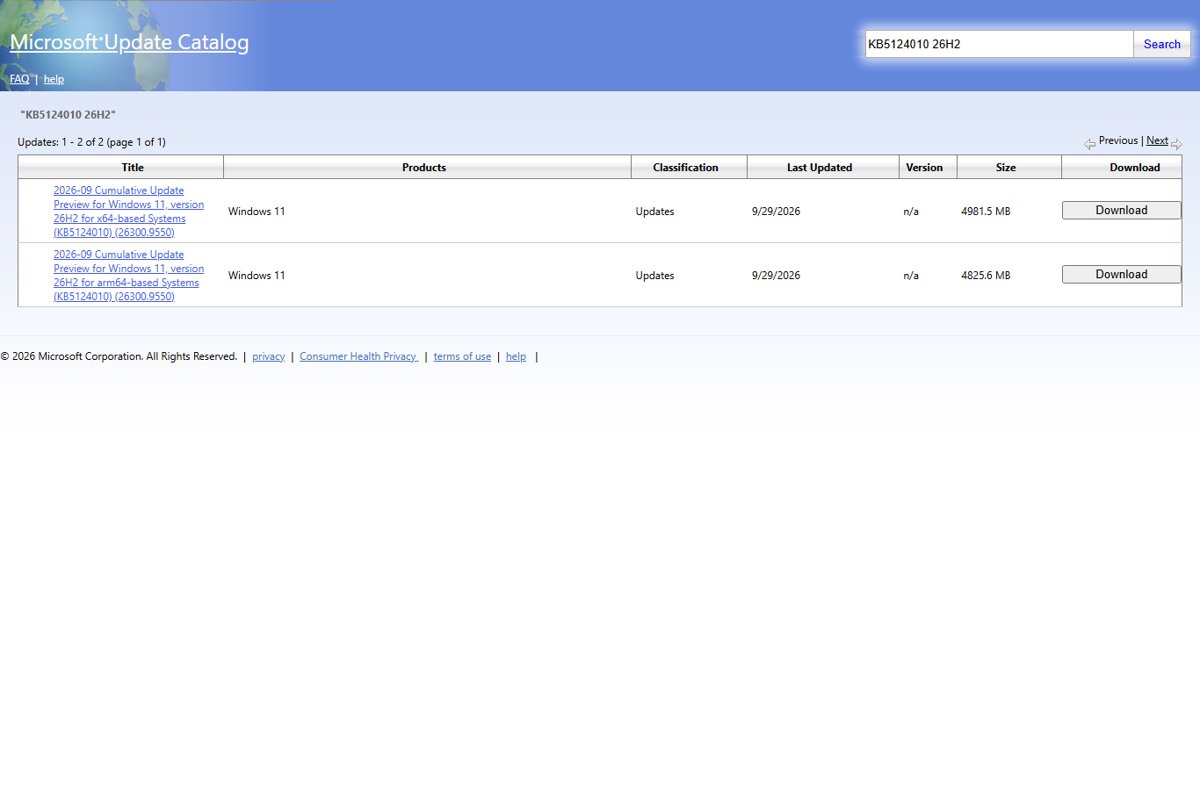
Windows 11 26H2 in the Microsoft Update Catalog: which 26H2 packages you can get, why the KB5121794 enablement package is missing, and how to install .msu files.
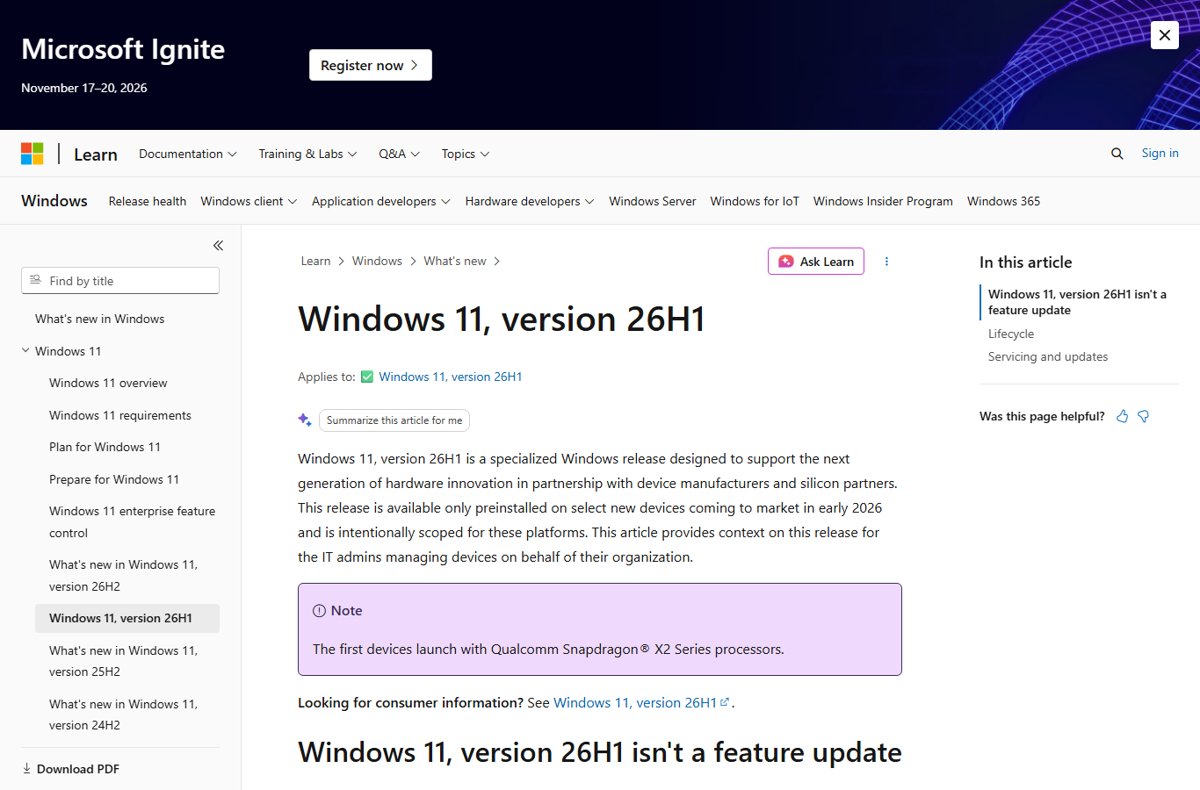
Windows 11 26H2 is still Germanium: it shares the 24H2 core with 25H2. What the codename means, how 26H1 and Future Platforms differ, and how to check your build.
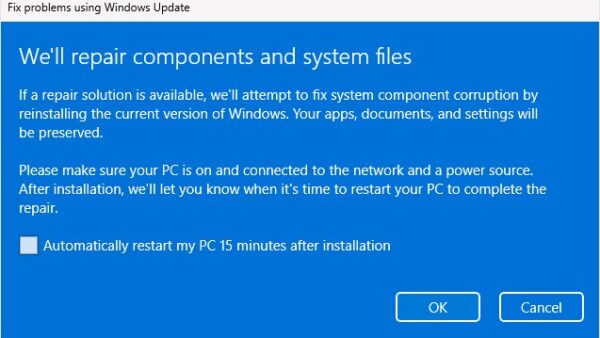
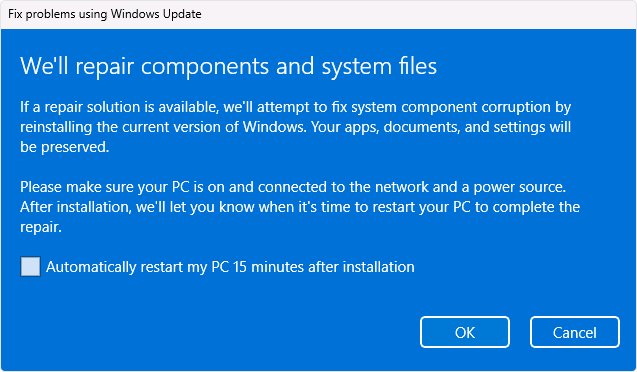
Repair Windows 11 26H2 without losing files: use Fix problems using Windows Update, Reset this PC with Keep my files, and know why Cloud rebuild erases your data.
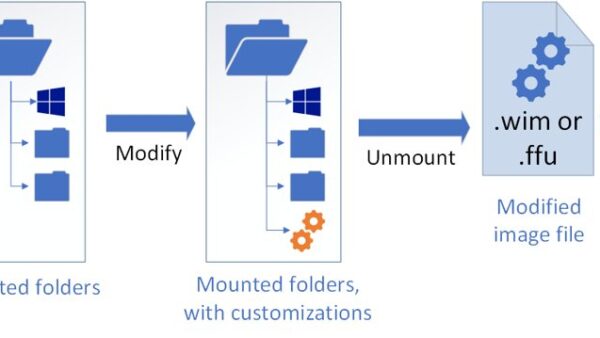
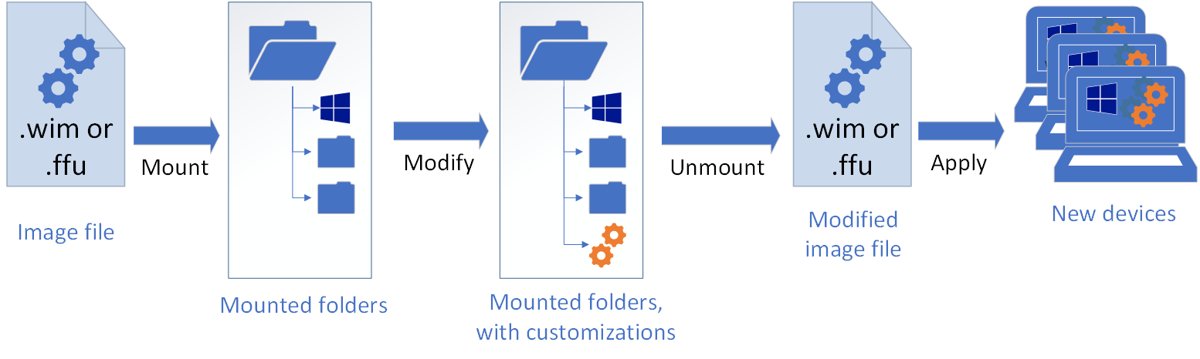
KB5121794 offline installer: direct .msu links for x64 and ARM64, the KB5124010 prerequisite, and how to install it with a double-click, wusa.exe or DISM.
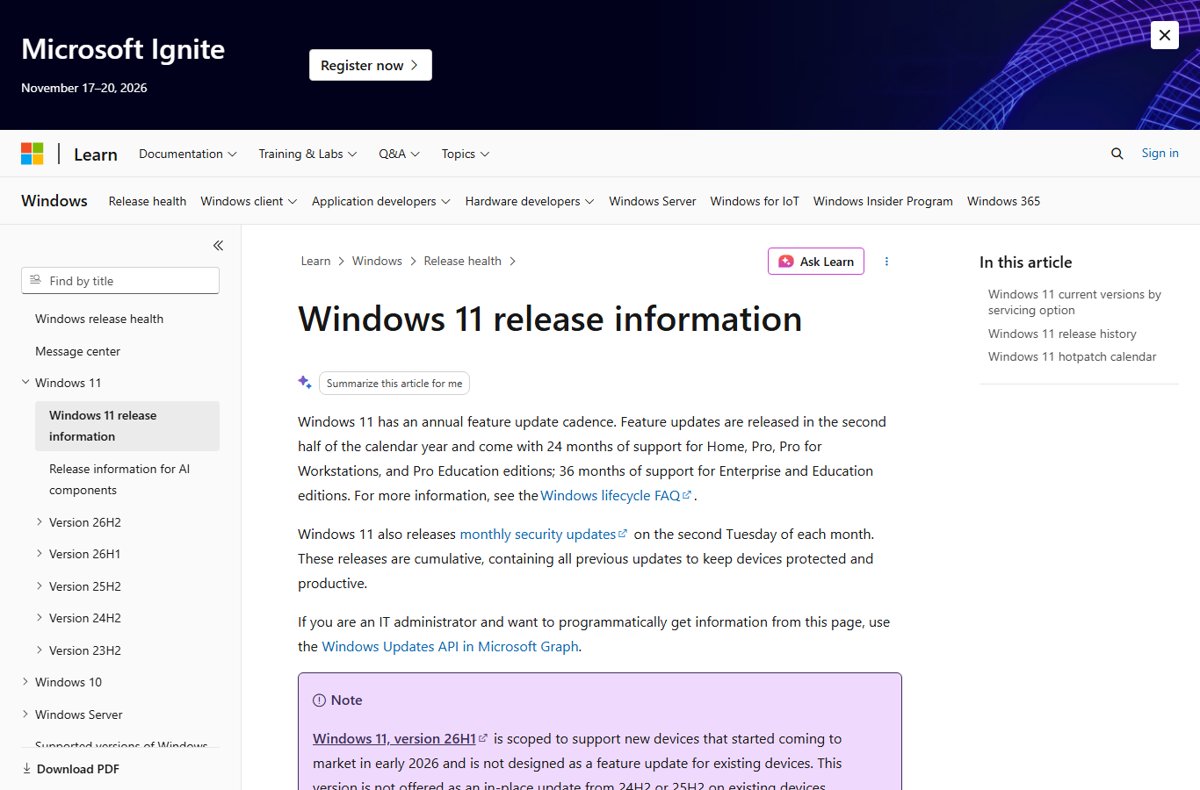
Download the Windows 11 26H2 enablement package, KB5121794, through Windows Update, WSUS or Intune, or as a direct .msu file for x64 and ARM64 PCs.
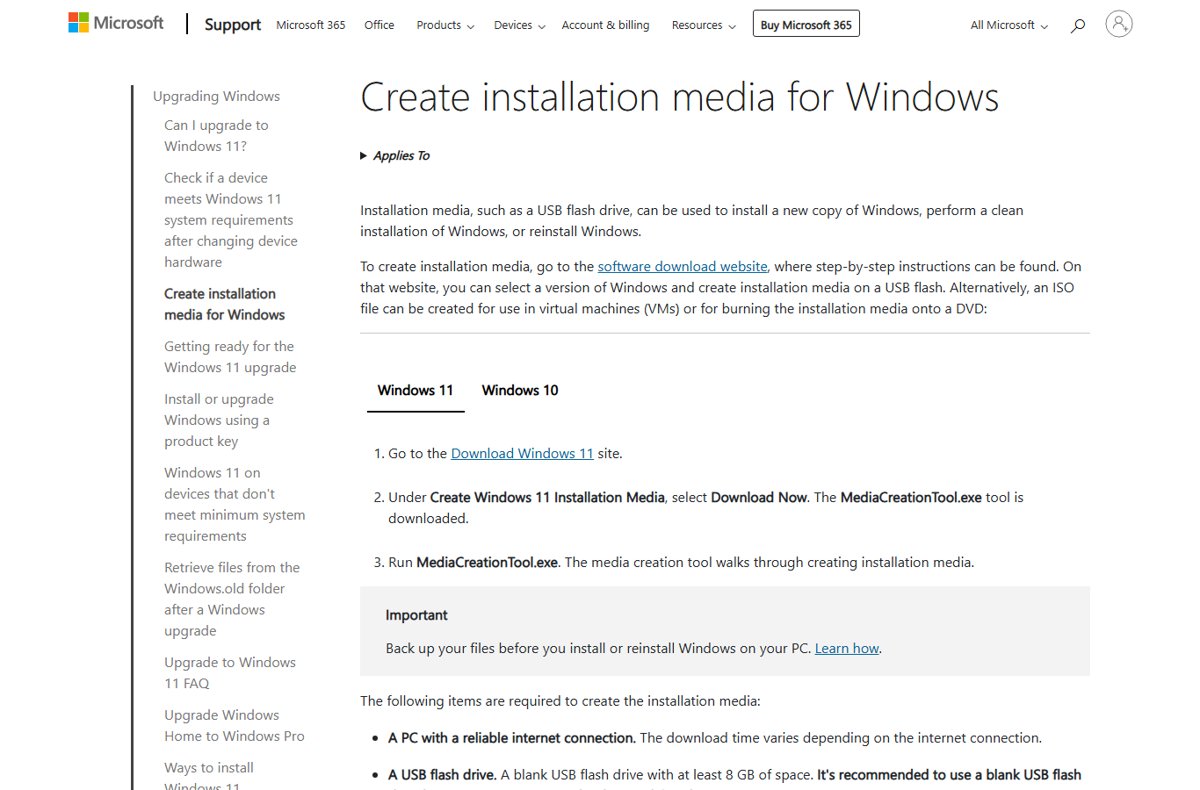
Windows 11 26H2 clean install with the Media Creation Tool: make an 8 GB bootable USB, boot from it, delete the Disk 0 partitions and reinstall. Steps and fixes.