Techdows

Windows how-to guides, fixes and software downloads

  • Home
  • Settings and hardware

    • Printers
    • Sound and microphone
    • Wi-Fi and network
    • Bluetooth
    • Display and monitors
    • Drivers
    • Keyboard shortcuts and symbols

    Using Windows

    • File Explorer
    • Storage and disk space
    • Taskbar, Start and desktop
    • Apps and default programs
    • Accounts and sign-in
    • Copilot in Windows
    • Command Prompt and PowerShell

    Updates and fixes

    • Windows Update
    • Windows 11 26H2
    • Error codes and BSOD
    • Boot, BIOS and recovery
    • Security and Defender
    • Task Manager and performance
    • DLL and runtime errors

    Popular fixes

    • Get help in Windows 11
    • Connect a wireless printer
    • Re-pair Bluetooth earbuds for stereo sound
    • Cancel a stuck print job
    • Change default programs

    All Windows guides →

  • Browse by type

    • Web browsers
    • Office and productivity apps
    • PC games and launchers
    • Phone and media apps
    • Developer tools
    • Creative apps
    • CAD software
    • System utilities and drivers

    Popular downloads

    • GTA V for PC
    • YouTube app for PC
    • Google Meet for PC
    • Cisco Packet Tracer
    • TikTok for PC

    Windows tools

    • PC Health Check app
    • HEVC Video Extension
    • DirectX 12
    • Cinebench R23

    All download guides →

  • Browser guides

    • Microsoft Edge
    • Google Chrome
    • Firefox
    • Web browsers for PC

    Microsoft Edge

    • Fix WebView2 using too much memory
    • Internet Explorer mode in Edge
    • Manage Edge favorites
    • Set or remove Edge as default

    Chrome and Firefox

    • Make Chrome the default browser
    • Restore closed tabs
    • Change the default web browser

    All browser guides →

  • Office guides

    • Outlook
    • Excel
    • Word and PowerPoint
    • OneDrive
    • Install Microsoft 365

    Meetings and other tools

    • Teams, Zoom and Google Meet
    • Google Docs and Sheets
    • PDF tools

    Office apps

    • Office product key
    • Office Deployment Tool
    • What is OneDrive?
    • Turn off OneDrive in Windows 11

    Outlook and Teams

    • Outlook inbox view changed
    • Schedule an email in Outlook
    • Outlook dark mode
    • Teams breakout rooms

    All Office and productivity guides →

  • PHP security

    • PHP2Shell patch download
    • PHP critical RCE security update
    • CVE-2026-109618 fix
    • CVE-2026-109619 explained
    • Mitigations if you can't update

    Update PHP

    • Update PHP to the latest version
    • Check your PHP version
    • Update PHP on Ubuntu and Debian
    • Restart PHP-FPM

    Hosting and local servers

    • Update PHP in XAMPP
    • Change PHP version in cPanel
    • Update PHP in Laragon and WampServer
    • Update PHP Docker images
    • WordPress PHP version check

    PHP downloads

    • PHP 8.5.12 download
    • PHP 8.4.27 download
    • PHP 8.3.36 and 8.2.35 download
    • Download PHP for Windows

    PHP2Shell by platform

    • PHP 8.3 fix on Ubuntu 24.04
    • PHP 8.1 fix on Ubuntu 22.04
    • PHP 8.2 and 8.4 fix on Debian
    • Update PHP on IIS
    • Cloudflare PHP2Shell WAF rule

    All PHP guides →

  • Sections

    • Gaming
    • Apple
    • Android
    • Apps and services
    • Developer and IT

    Apple

    • iPhone tips and fixes
    • Reset and restore iPhone
    • iPad
    • Mac and macOS
    • Apple Account and iCloud
    • Apple devices on Windows

    Apps, Android and gaming

    • Gmail and Google account
    • YouTube
    • Social media accounts
    • Streaming TV
    • Android and Samsung Galaxy
    • PC gaming and Xbox
    • Roblox and Minecraft on PC

    Developer and IT

    • WSL and developer setup
    • Virtual machines
    • Group Policy and Intune
    • Windows Server
    • Website error codes
  • News
Home›How to

How to

3,752 articles

How to
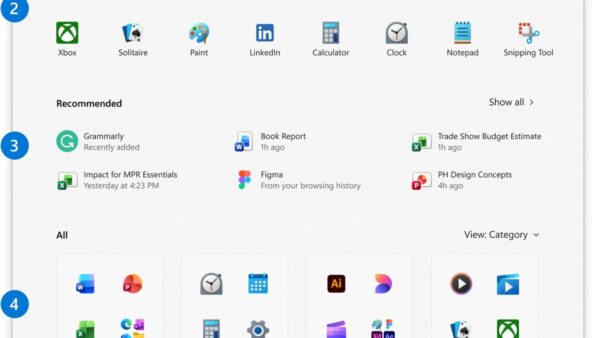
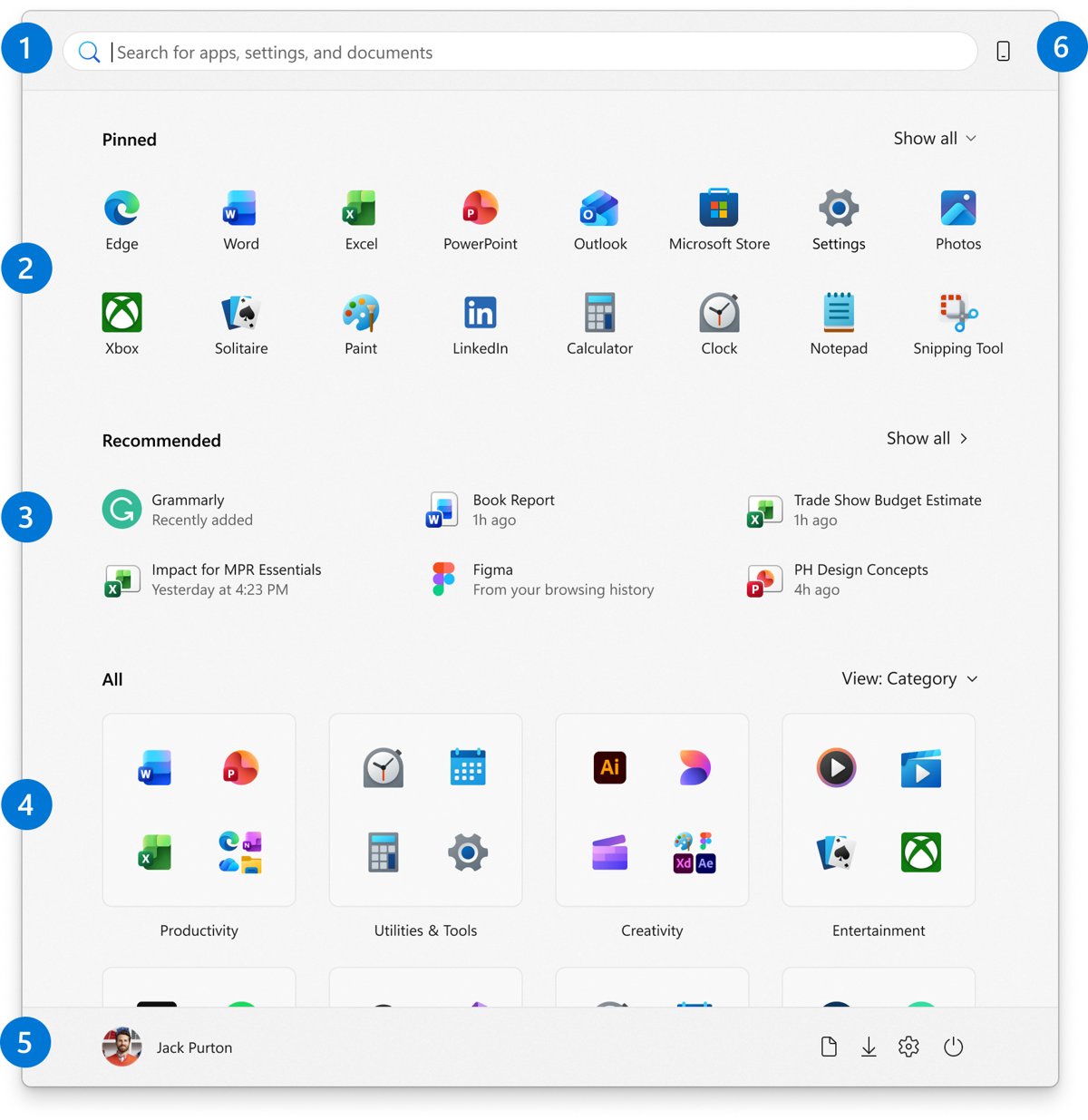
Windows 11 Start menu with recent files listed under Recommended

How to clear recent files history in File Explorer in Windows 11 & 10
October 14, 2026 by Philip Celasco Leave a Comment
Windows 11 Start menu with recent files listed under Recommended

Clear recent files history in File Explorer on Windows 11 and 10 from Folder Options, remove single files, turn the list off, and clear jump lists and Office.
Posted in: How to, Windows
How to
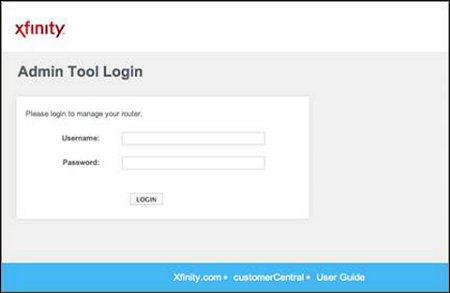
Xfinity Admin Tool Login page with Username and Password fields

How to log in to Comcast Xfinity router

October 14, 2026 by Philip Celasco Leave a Comment
Xfinity Admin Tool Login page with Username and Password fields

Log in to a Comcast Xfinity router at http://10.0.0.1 with the username admin, after allowing Admin Tool access in the Xfinity app. Covers passwords, resets, fixes.
Posted in: How to, Windows
How to
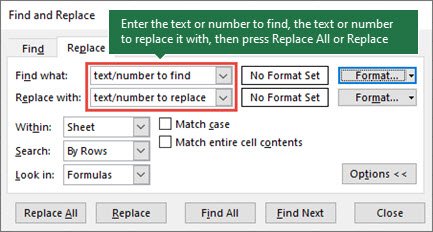
Excel Find and Replace dialog open on the Replace tab

How to remove white space in Excel (6 easy ways)

October 14, 2026 by Philip Celasco Leave a Comment
Excel Find and Replace dialog open on the Replace tab

Remove white space in Excel with =TRIM(A2), Find and Replace, SUBSTITUTE, Power Query or a VBA macro. Fix nonbreaking spaces and delete blank rows too.
Posted in: How to, Office and productivity
Browsers
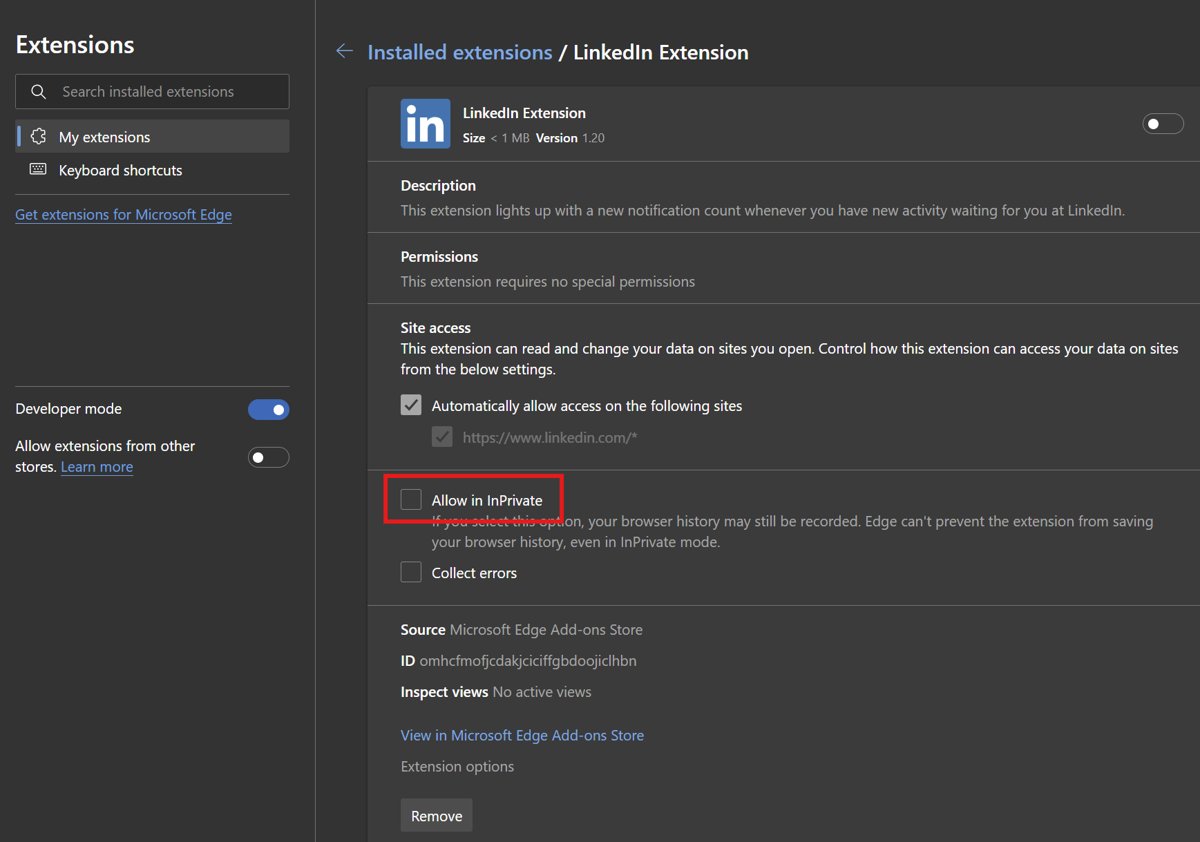
Edge extension details page with the Allow in InPrivate checkbox highlighted

How to start a private browsing session in Microsoft Edge

October 13, 2026 by Philip Celasco Leave a Comment
Edge extension details page with the Allow in InPrivate checkbox highlighted

Start a private browsing session in Microsoft Edge with Ctrl+Shift+N or New InPrivate window. Steps for Windows, Mac, iPhone and Android, plus fixes.
Posted in: Browsers, How to
Android
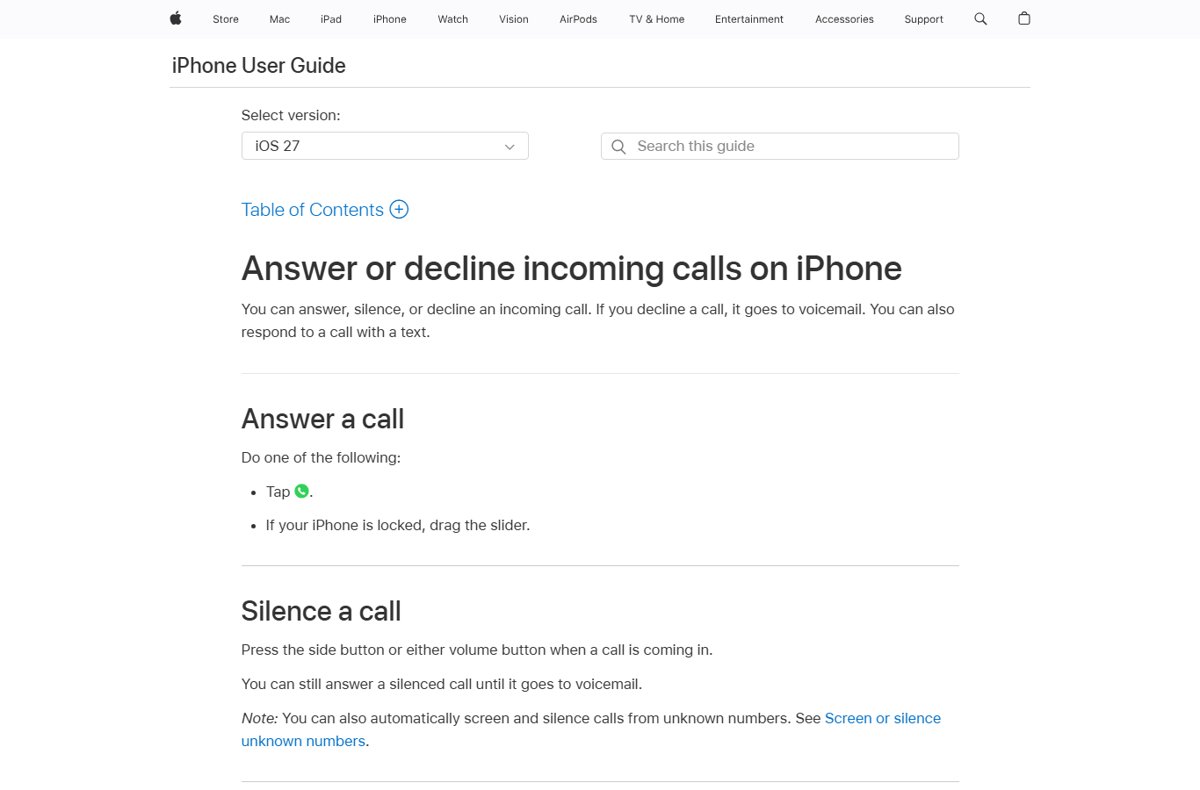
Apple iPhone User Guide page on answering, silencing or declining calls

How to dial directly to voicemail

October 13, 2026 by Philip Celasco Leave a Comment
Apple iPhone User Guide page on answering, silencing or declining calls

Dial directly to voicemail: skip a Verizon greeting with *, reach your own mailbox with *86 or 1, and send calls straight to voicemail on iPhone and Android.
Posted in: Android, How to
How to
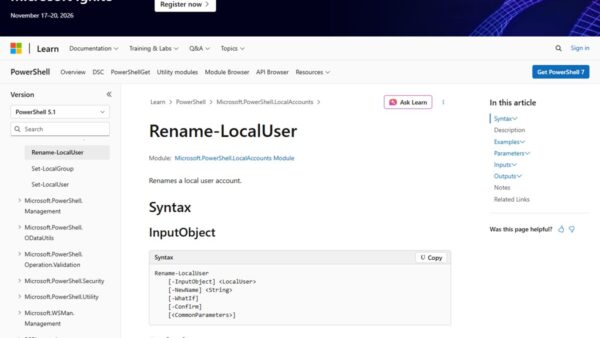
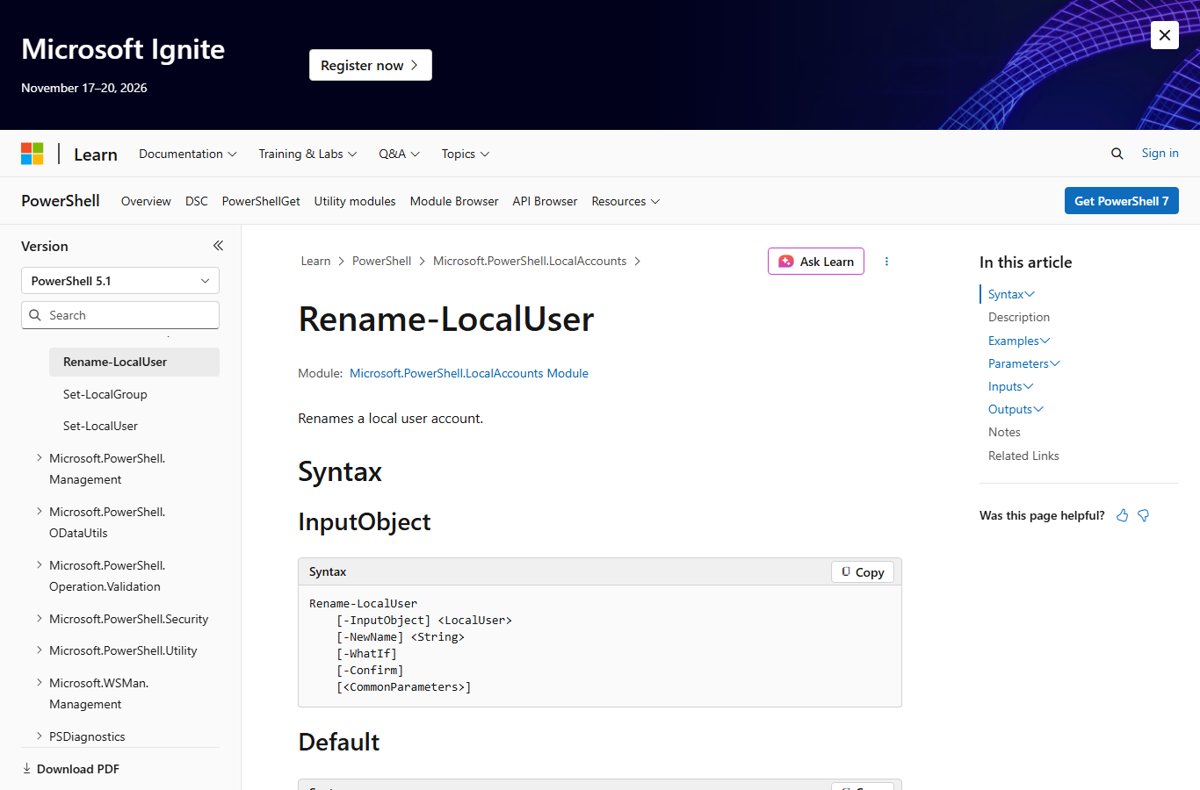
Rename-LocalUser cmdlet reference page showing its PowerShell syntax

How to change local account name in Windows 11: a step-by-step guide

October 13, 2026 by Philip Celasco Leave a Comment
Rename-LocalUser cmdlet reference page showing its PowerShell syntax

Change a local account name in Windows 11 from Control Panel > User Accounts > Change your account name, or rename it with Computer Management or PowerShell.
Posted in: How to, Windows
Apple
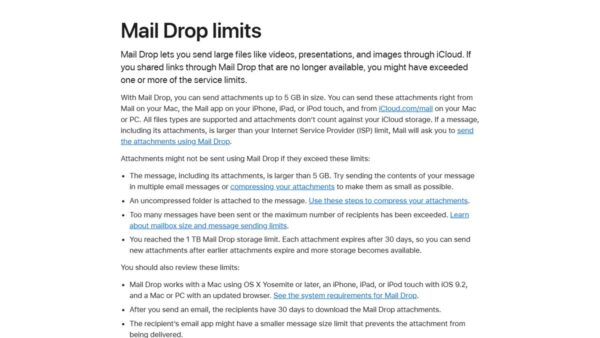
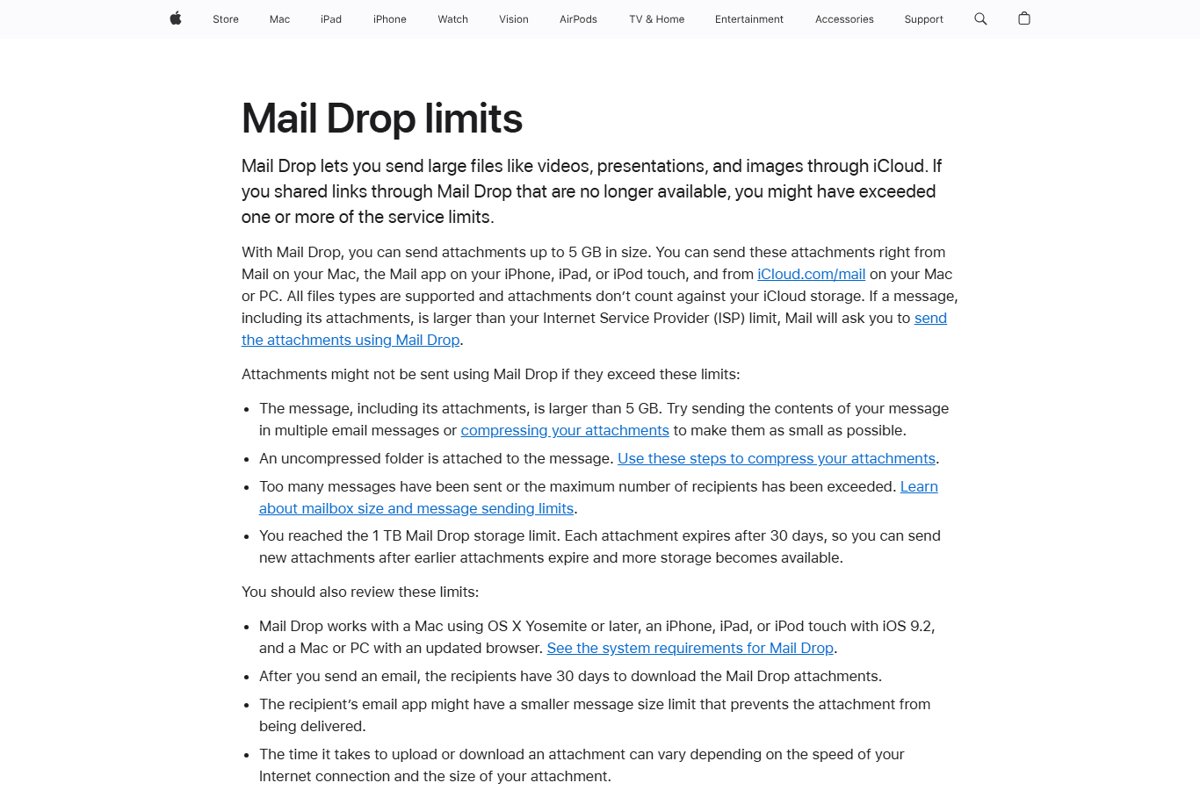
Apple support page listing Mail Drop size, storage and expiry limits

What is Mail Drop and how to use it on iPhone, Mac, PC

October 13, 2026 by Philip Celasco Leave a Comment
Apple support page listing Mail Drop size, storage and expiry limits

Mail Drop sends attachments up to 5 GB through iCloud as a download link. How to use it on iPhone, Mac and a Windows PC, its limits, and fixes when it fails.
Posted in: Apple, How to
How to
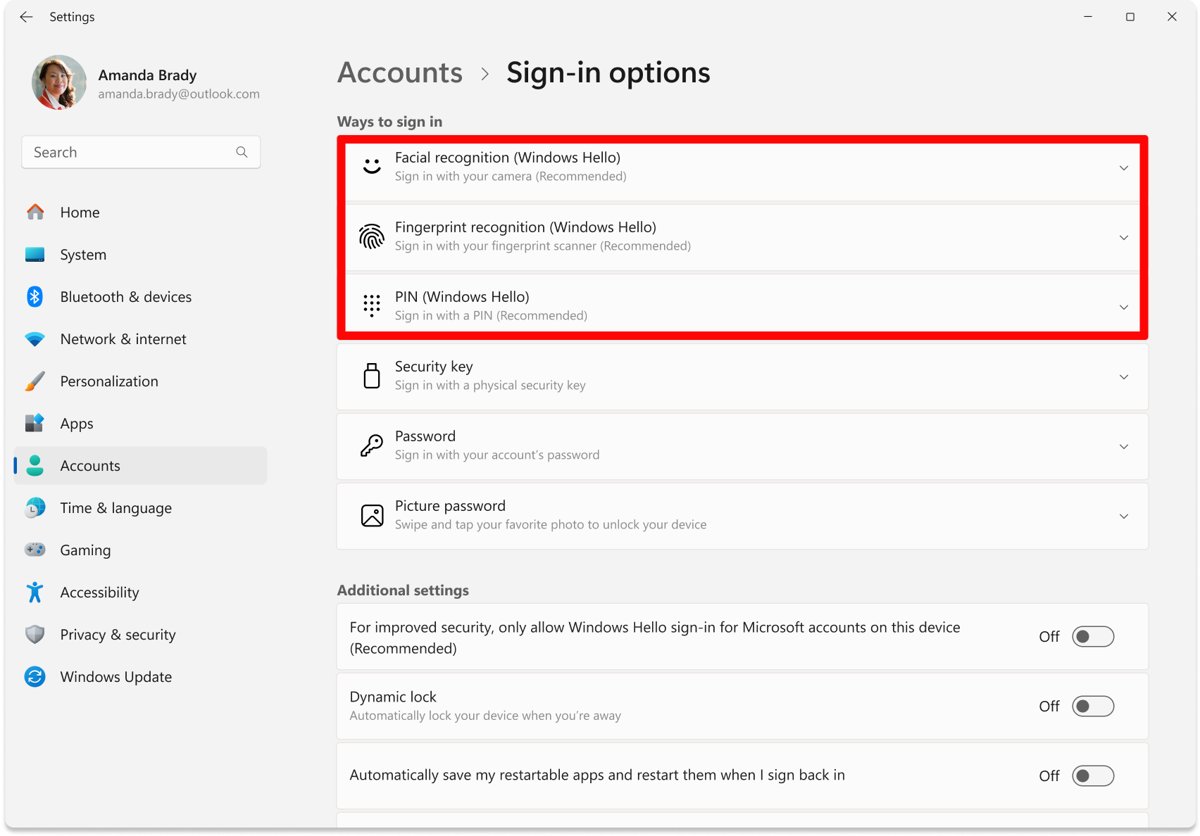
Windows 11 Sign-in options page with Facial recognition, Fingerprint and PIN highlighted

How to install Windows Hello Face on Windows 11

October 13, 2026 by Philip Celasco Leave a Comment
Windows 11 Sign-in options page with Facial recognition, Fingerprint and PIN highlighted

Install Windows Hello face on Windows 11 from Settings > Accounts > Sign-in options. Covers IR camera drivers, external cameras, PIN setup, removal and fixes.


Posted in: How to, Windows
How to
Giants' Foundry workshop with grindstones, trip hammer and lava pool in OSRS

How to boost Smithing in OSRS

October 13, 2026 by Philip Celasco Leave a Comment
Giants' Foundry workshop with grindstones, trip hammer and lava pool in OSRS

Boost Smithing in OSRS with Kovac’s grog for +4 levels, a Smithing catalyst for double smelting XP, and the Smiths’ Uniform for faster anvil work.
Posted in: How to
How to
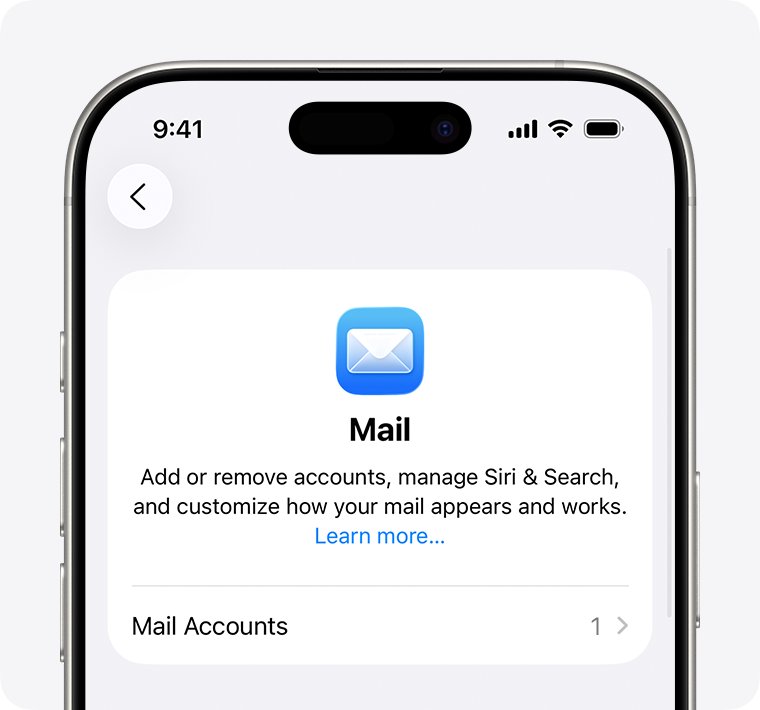
iPhone Mail settings screen with the Mail Accounts option

This message has not been downloaded from the server fix

October 13, 2026 by Philip Celasco Leave a Comment
iPhone Mail settings screen with the Mail Accounts option

Fix “This message has not been downloaded from the server” in iPhone, iPad and Mac Mail: check webmail, fetch settings, Low Power Mode, and re-add the account.
Posted in: How to
How to
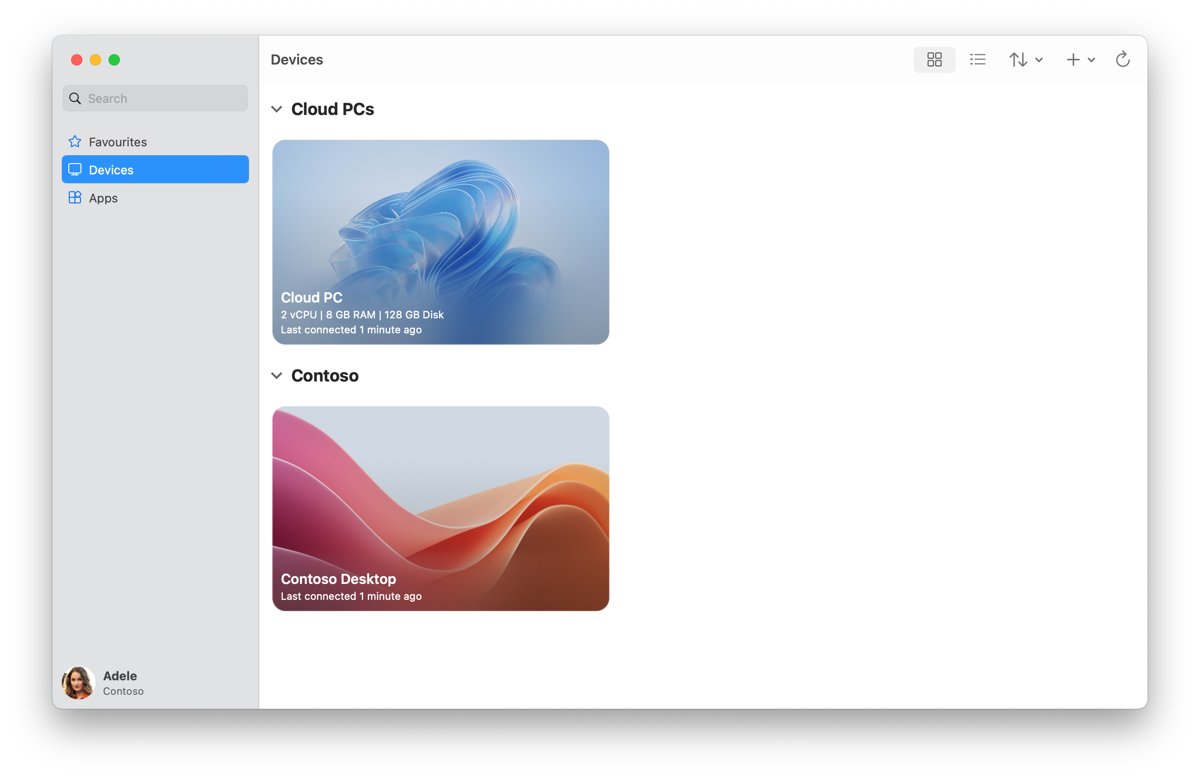
Windows App on macOS showing the Devices tab with two desktops

How to enable Remote Desktop on Windows 11

October 13, 2026 by Philip Celasco Leave a Comment
Windows App on macOS showing the Devices tab with two desktops

Enable Remote Desktop on Windows 11 Pro from Settings, Control Panel, Command Prompt or PowerShell, then add users, open the firewall and connect safely.
Posted in: How to, Windows
Apps and services
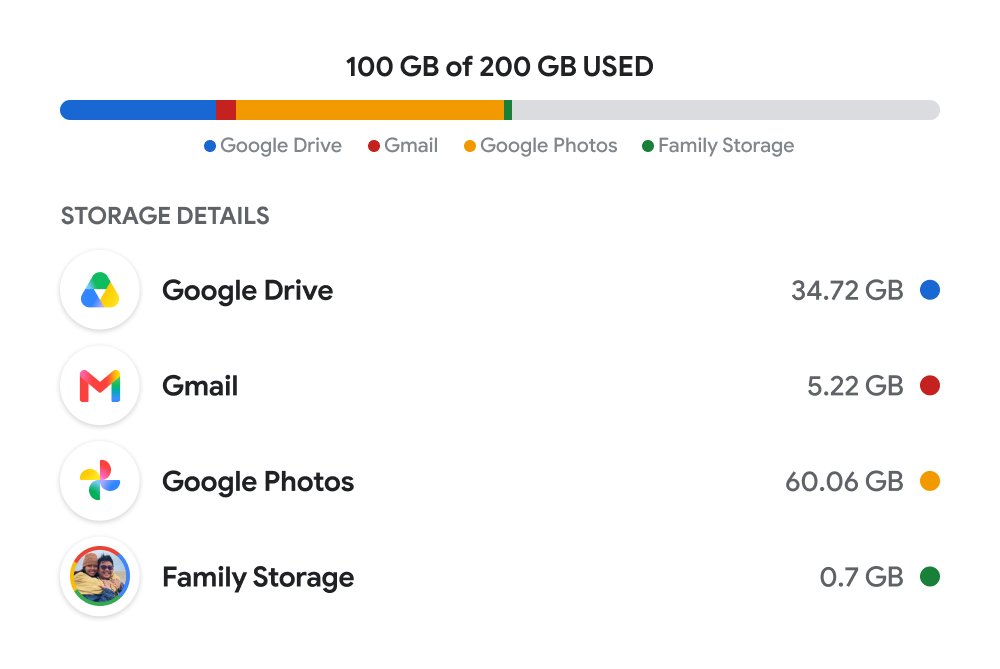
Google storage breakdown showing space used by Drive, Gmail and Google Photos

How to delete all Google Photos

October 13, 2026 by Philip Celasco Leave a Comment
Google storage breakdown showing space used by Drive, Gmail and Google Photos

Delete all Google Photos on the web or in the app, empty the trash for good, keep phone copies with Undo backup, and stop backup so photos do not return.

Posted in: Apps and services, How to
« Previous 1 … 190 191 192 … 313 Next »

More from Techdows

Find Apple purchase receipts - MacBook, iPad, Apple Watch and AirPods on a desk
How to find your Apple purchase receipts on iPhone, Mac, PC and the web
How to · 4 hours ago
Stolen iPhone shows online but Location Services off - iPhone showing a world map in hand
Stolen iPhone shows online but Location Services off in Find My? What to do
How to · 2 hours ago
Record your screen with Snipping Tool in Windows 11 - typing on a Dell Windows laptop
Record your screen with Snipping Tool in Windows 11
How to · 1 hour ago
Paying cash at Apple Store - Apple Store entrance inside a shopping mall
Paying cash at Apple Store: does the Apple Store accept cash?
How to · 42 minutes ago
Manage mouse DPI settings in Logitech G Hub - Logitech mouse with its USB receiver
How to manage mouse DPI settings using Logitech G Hub?
How to · 1 hour ago
iPhone 15 running slow - iPhone Pro on a desk in purple light
iPhone 15 running slow? How to fix it
How to · 2 hours ago
Connect Beats Solo 4 to Fire tablet - Beats wireless headphones
How to connect Beats Solo 4 to a Fire tablet
How to · 3 hours ago
Printable iPhone User Guide - iPhone lock screen on a desk stand
Printable iPhone User Guide download: how to get and print it
How to · 5 hours ago

© 2009–2026 Techdows · About · Contact · Privacy Policy

Copyright © 2026 Techdows.

Techdows WordPress Theme by Techdows