Techdows

Windows how-to guides, fixes and software downloads

  • Home
  • Settings and hardware

    • Printers
    • Sound and microphone
    • Wi-Fi and network
    • Bluetooth
    • Display and monitors
    • Drivers
    • Keyboard shortcuts and symbols

    Using Windows

    • File Explorer
    • Storage and disk space
    • Taskbar, Start and desktop
    • Apps and default programs
    • Accounts and sign-in
    • Copilot in Windows
    • Command Prompt and PowerShell

    Updates and fixes

    • Windows Update
    • Windows 11 26H2
    • Error codes and BSOD
    • Boot, BIOS and recovery
    • Security and Defender
    • Task Manager and performance
    • DLL and runtime errors

    Popular fixes

    • Get help in Windows 11
    • Connect a wireless printer
    • Re-pair Bluetooth earbuds for stereo sound
    • Cancel a stuck print job
    • Change default programs

    All Windows guides →

  • Browse by type

    • Web browsers
    • Office and productivity apps
    • PC games and launchers
    • Phone and media apps
    • Developer tools
    • Creative apps
    • CAD software
    • System utilities and drivers

    Popular downloads

    • GTA V for PC
    • YouTube app for PC
    • Google Meet for PC
    • Cisco Packet Tracer
    • TikTok for PC

    Windows tools

    • PC Health Check app
    • HEVC Video Extension
    • DirectX 12
    • Cinebench R23

    All download guides →

  • Browser guides

    • Microsoft Edge
    • Google Chrome
    • Firefox
    • Web browsers for PC

    Microsoft Edge

    • Fix WebView2 using too much memory
    • Internet Explorer mode in Edge
    • Manage Edge favorites
    • Set or remove Edge as default

    Chrome and Firefox

    • Make Chrome the default browser
    • Restore closed tabs
    • Change the default web browser

    All browser guides →

  • Office guides

    • Outlook
    • Excel
    • Word and PowerPoint
    • OneDrive
    • Install Microsoft 365

    Meetings and other tools

    • Teams, Zoom and Google Meet
    • Google Docs and Sheets
    • PDF tools

    Office apps

    • Office product key
    • Office Deployment Tool
    • What is OneDrive?
    • Turn off OneDrive in Windows 11

    Outlook and Teams

    • Outlook inbox view changed
    • Schedule an email in Outlook
    • Outlook dark mode
    • Teams breakout rooms

    All Office and productivity guides →

  • PHP security

    • PHP2Shell patch download
    • PHP critical RCE security update
    • CVE-2026-109618 fix
    • CVE-2026-109619 explained
    • Mitigations if you can't update

    Update PHP

    • Update PHP to the latest version
    • Check your PHP version
    • Update PHP on Ubuntu and Debian
    • Restart PHP-FPM

    Hosting and local servers

    • Update PHP in XAMPP
    • Change PHP version in cPanel
    • Update PHP in Laragon and WampServer
    • Update PHP Docker images
    • WordPress PHP version check

    PHP downloads

    • PHP 8.5.12 download
    • PHP 8.4.27 download
    • PHP 8.3.36 and 8.2.35 download
    • Download PHP for Windows

    PHP2Shell by platform

    • PHP 8.3 fix on Ubuntu 24.04
    • PHP 8.1 fix on Ubuntu 22.04
    • PHP 8.2 and 8.4 fix on Debian
    • Update PHP on IIS
    • Cloudflare PHP2Shell WAF rule

    All PHP guides →

  • Sections

    • Gaming
    • Apple
    • Android
    • Apps and services
    • Developer and IT

    Apple

    • iPhone tips and fixes
    • Reset and restore iPhone
    • iPad
    • Mac and macOS
    • Apple Account and iCloud
    • Apple devices on Windows

    Apps, Android and gaming

    • Gmail and Google account
    • YouTube
    • Social media accounts
    • Streaming TV
    • Android and Samsung Galaxy
    • PC gaming and Xbox
    • Roblox and Minecraft on PC

    Developer and IT

    • WSL and developer setup
    • Virtual machines
    • Group Policy and Intune
    • Windows Server
    • Website error codes
  • News
Home›How to

How to

3,751 articles

How to
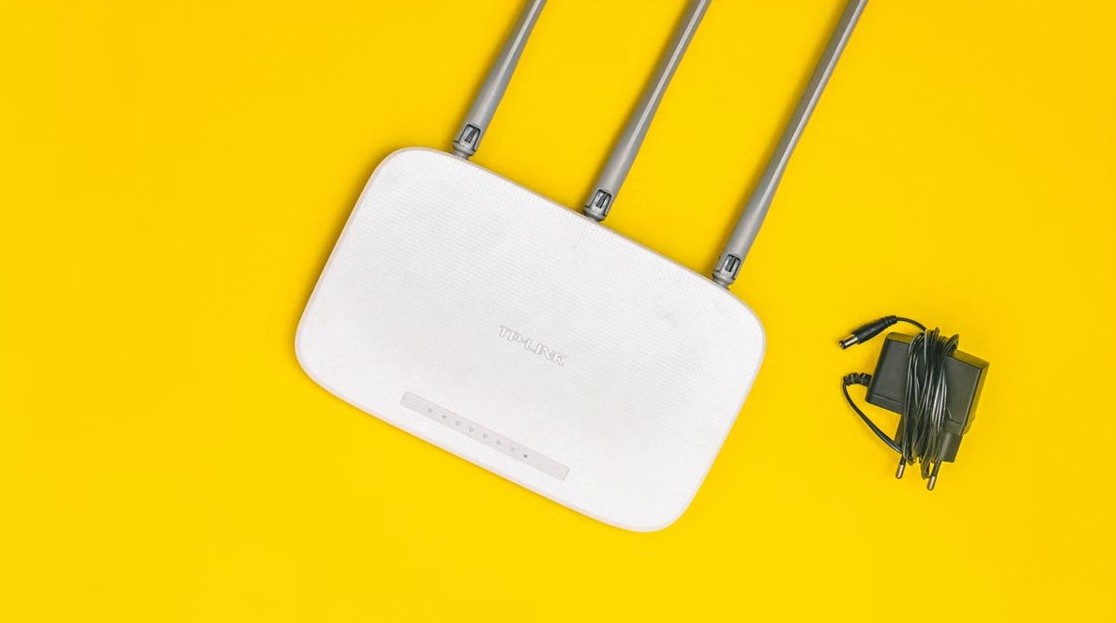
WiFi router settings - white wireless router with antennas

How to access and change your WiFi router settings (2026 edition)
November 2, 2026 by Philip Celasco Leave a Comment
WiFi router settings - white wireless router with antennas

Access your WiFi router settings by typing its default gateway IP into a browser, then change the admin password, Wi-Fi name, password, channel and band.
Posted in: How to, Windows
How to
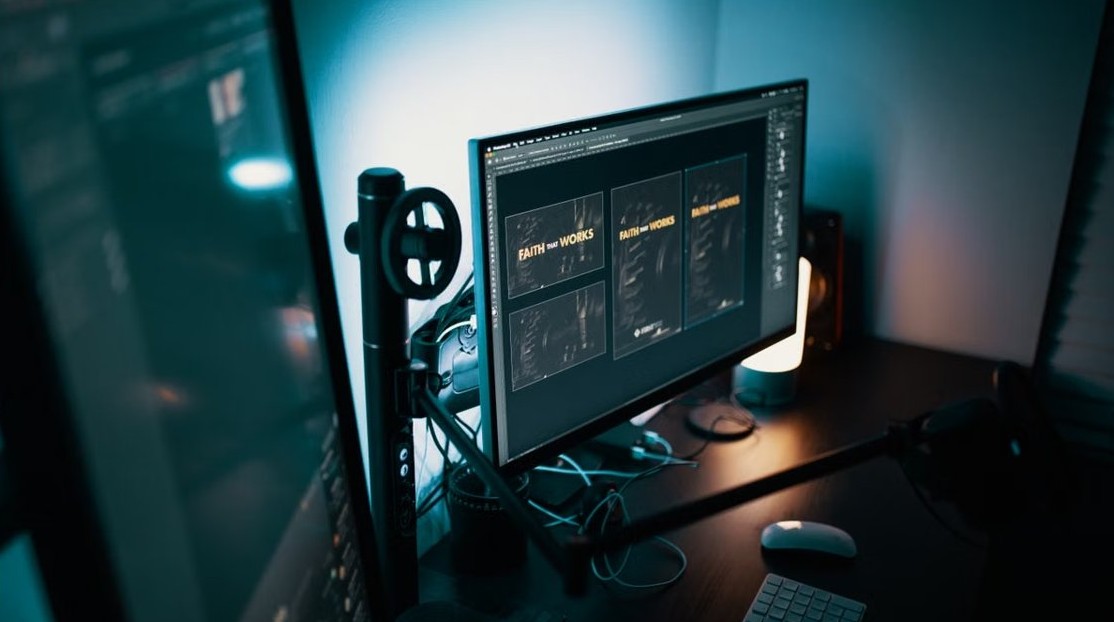
Studio Display brightness with Windows laptop - dual monitor workspace

How to adjust Studio Display brightness on a Windows 10 laptop through Thunderbolt 3

November 2, 2026 by Philip Celasco Leave a Comment
Studio Display brightness with Windows laptop - dual monitor workspace

Adjust Apple Studio Display brightness in Windows 10 over Thunderbolt 3: Boot Camp Control Panel on supported Intel Macs, and what Apple supports on other laptops.
Posted in: How to, Windows
How to
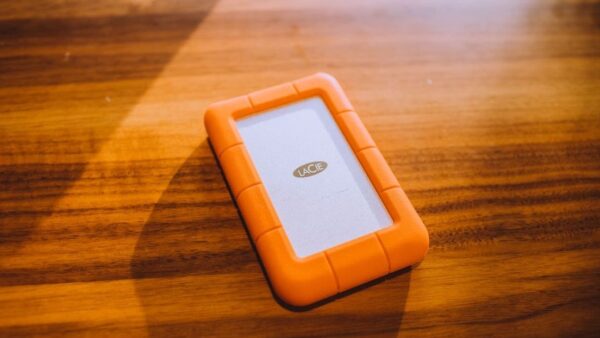
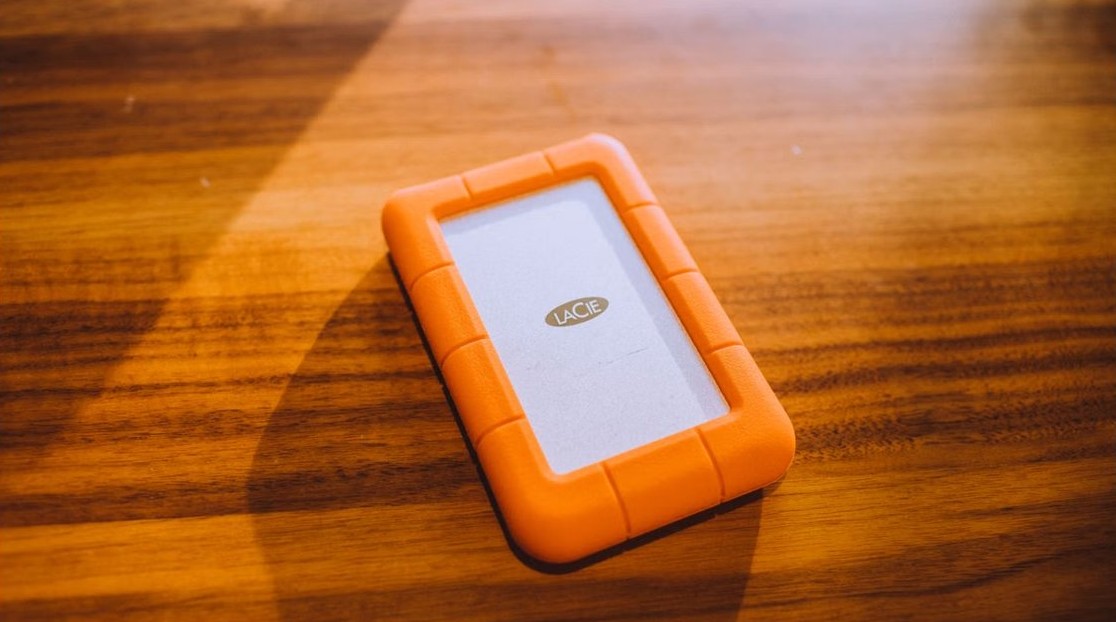
Sync vs backup - portable hard drive on a wooden table

What’s the difference between a sync and a backup?

November 1, 2026 by Philip Celasco Leave a Comment
Sync vs backup - portable hard drive on a wooden table

Sync vs backup: a sync mirrors the same files on every device, deletions included, while a backup keeps separate past copies you can restore. Apple examples inside.
Posted in: How to
How to
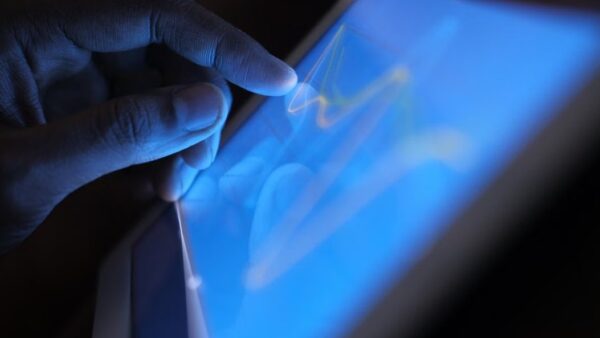
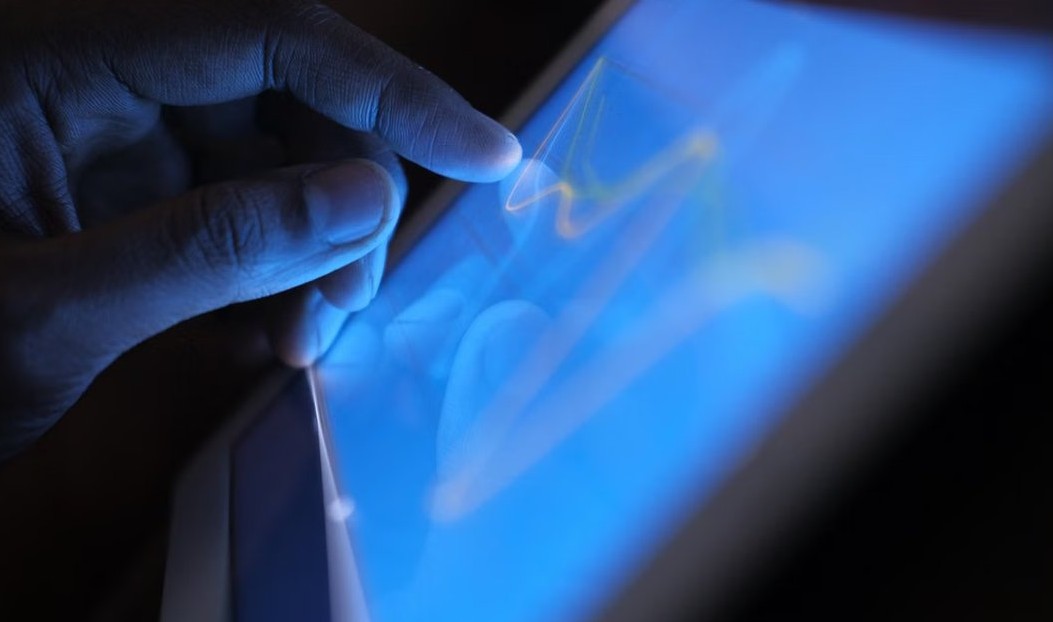
Tablet PC touch input in Windows 11/10 - hand on a touch screen

How to enable or disable Tablet PC touch input in Windows 11/10

November 1, 2026 by Philip Celasco Leave a Comment
Tablet PC touch input in Windows 11/10 - hand on a touch screen

Enable or disable Tablet PC touch input in Windows 11/10 with Device Manager, the Turn off Tablet PC touch input policy or the TabletPC registry value.
Posted in: How to, Windows
How to
Notifications and Action Center in Windows 10 - laptop on a desk

How to use Notifications and Actions Center in Windows 10

November 1, 2026 by Philip Celasco Leave a Comment
Notifications and Action Center in Windows 10 - laptop on a desk

Use the Windows 10 Action Center: open it with Windows key + A, manage app notifications, edit quick actions, set Focus assist and clear notifications.
Posted in: How to, Windows
How to
Surfshark free trial - VPN app on a smartphone next to a laptop

Surfshark free trial: how to claim the 7-day offer – full guide

November 1, 2026 by Philip Celasco Leave a Comment
Surfshark free trial - VPN app on a smartphone next to a laptop

Claim the Surfshark free trial: pick a 12- or 24-month plan, pay $0.00 for 7 days on up to three devices, and cancel auto-renewal before you are charged.
Posted in: How to
Apps and services
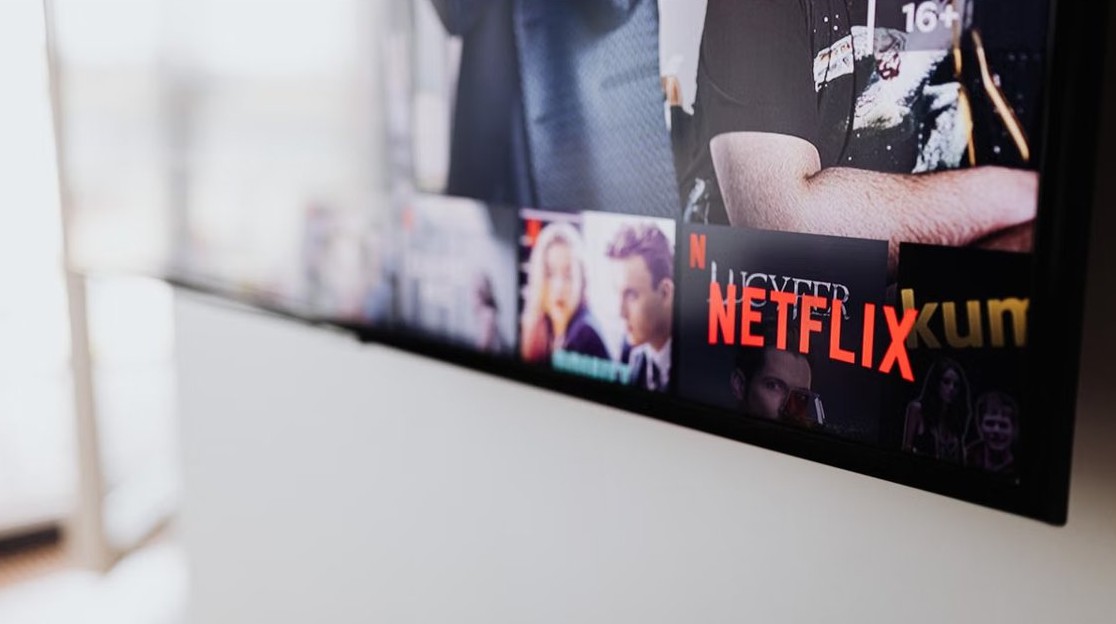
Netflix smart downloads - Netflix on a TV screen

How to enable and disable Netflix Smart Downloads

November 1, 2026 by Philip Celasco Leave a Comment
Netflix smart downloads - Netflix on a TV screen

Turn Netflix Smart Downloads on or off in the app under My Netflix > App Settings > Smart Downloads, with Download Next Episode and Downloads for You explained.
Posted in: Apps and services, How to
Gaming
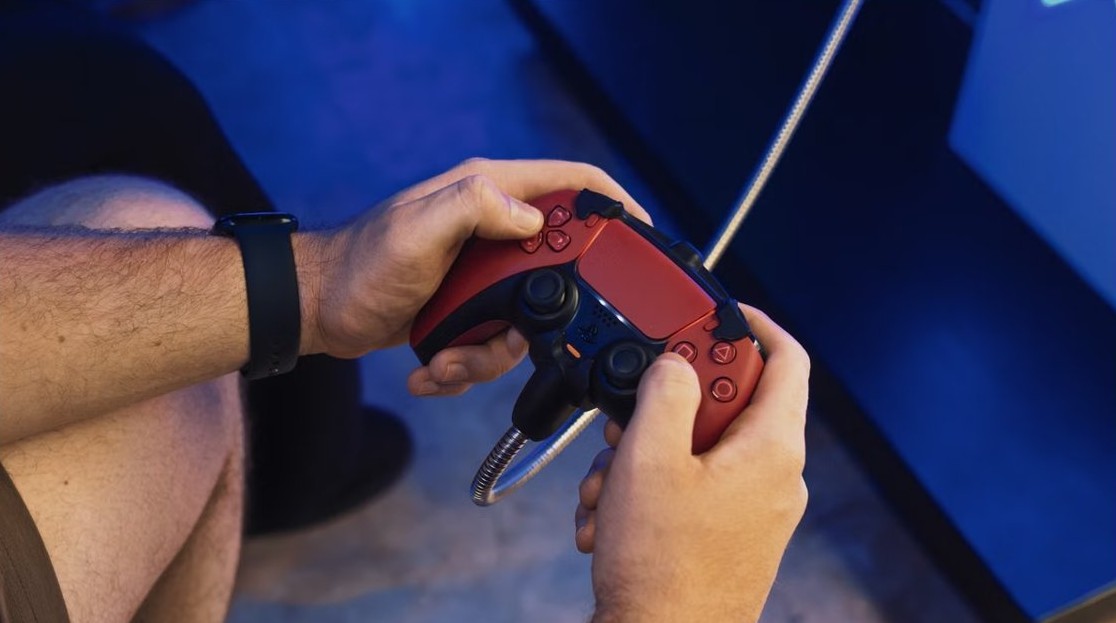
Get free Robux in Roblox - gaming controller in hand

How to get free Robux in Roblox (2026): legit ways that work

November 1, 2026 by Philip Celasco Leave a Comment
Get free Robux in Roblox - gaming controller in hand

How to get free Robux in Roblox legitimately: earn through Creator Rewards, passes, developer products, avatar items and private servers, and avoid generator scams.
Posted in: Gaming, How to
Apple
iCloud Drive space on MacBook - MacBook Pro on a desk

Why Does iCloud Drive Take up Space on My Macbook ?

November 1, 2026 by Philip Celasco Leave a Comment
iCloud Drive space on MacBook - MacBook Pro on a desk

iCloud Drive takes up space on a MacBook because it keeps local copies of your files. Turn on Optimize Mac Storage or use Remove Download to free space.
Posted in: Apple, How to
Browsers
Uninstall Chrome on Windows - Chrome browser logo on a phone

How to completely uninstall Chrome on Windows 11, 10

November 1, 2026 by Philip Celasco Leave a Comment
Uninstall Chrome on Windows - Chrome browser logo on a phone

Completely uninstall Chrome on Windows 11 and 10 from Settings, delete your browsing data and profile, remove synced data, and use winget. Step-by-step guide.
Posted in: Browsers, How to
Apple
Mirror iPhone to TV - smart TV with a remote

How To Mirror iPhone to TV (Works on All TVs)

November 1, 2026 by Philip Celasco Leave a Comment
Mirror iPhone to TV - smart TV with a remote

Mirror iPhone to TV with AirPlay from Control Center, a receiver app on non-AirPlay TVs, or an HDMI adapter. Steps, fixes and tips for any TV.
Posted in: Apple, How to
Apple
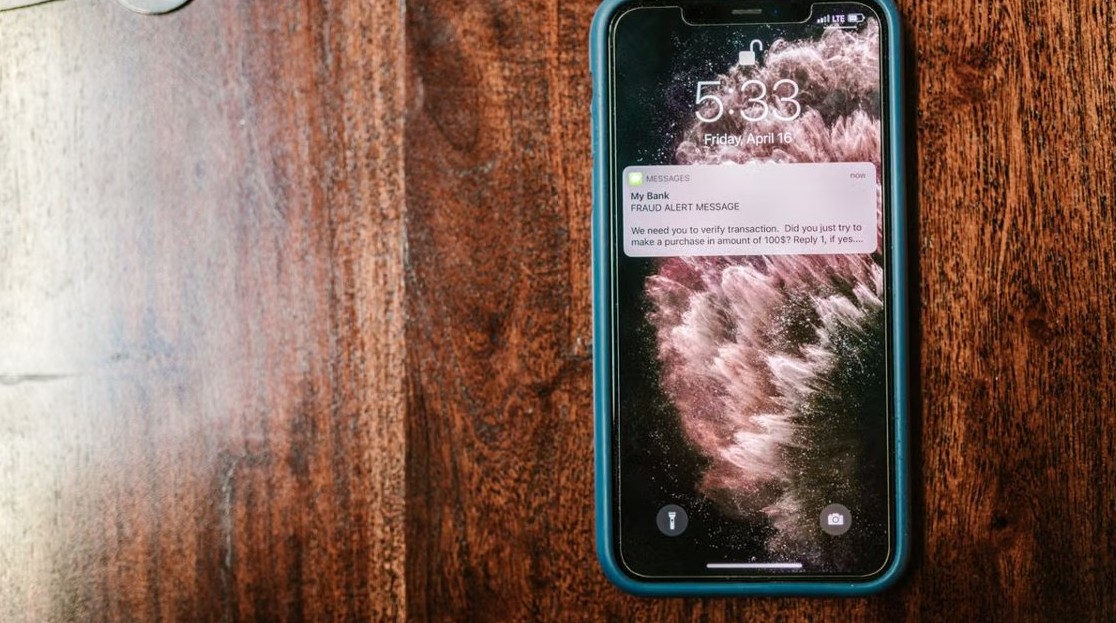
Is this text message legit or a scam - smartphone showing a fraud alert message

Is this text message legit or a scam? How to tell on iPhone

November 1, 2026 by Philip Celasco Leave a Comment
Is this text message legit or a scam - smartphone showing a fraud alert message

Is this text message legit or a scam? Spot the warning signs on iPhone, check links safely, report spam in Messages and filter unknown senders.

Posted in: Apple, How to
« Previous 1 … 107 108 109 … 313 Next »

More from Techdows

Stolen iPhone shows online but Location Services off - iPhone showing a world map in hand
Stolen iPhone shows online but Location Services off in Find My? What to do
How to · 4 hours ago
Record your screen with Snipping Tool in Windows 11 - typing on a Dell Windows laptop
Record your screen with Snipping Tool in Windows 11
How to · 4 hours ago
Paying cash at Apple Store - Apple Store entrance inside a shopping mall
Paying cash at Apple Store: does the Apple Store accept cash?
How to · 1 hour ago
Manage mouse DPI settings in Logitech G Hub - Logitech mouse with its USB receiver
How to manage mouse DPI settings using Logitech G Hub?
How to · 50 minutes ago
iPhone 15 running slow - iPhone Pro on a desk in purple light
iPhone 15 running slow? How to fix it
How to · 5 minutes ago
Connect Beats Solo 4 to Fire tablet - Beats wireless headphones
How to connect Beats Solo 4 to a Fire tablet
How to · 1 hour ago
Printable iPhone User Guide - iPhone lock screen on a desk stand
Printable iPhone User Guide download: how to get and print it
How to · 3 hours ago
AirPods won't connect - AirPod resting on an iPhone
Fix AirPods won’t connect [7 ways to fix]
How to · 3 hours ago

© 2009–2026 Techdows · About · Contact · Privacy Policy

Copyright © 2026 Techdows.

Techdows WordPress Theme by Techdows