Techdows

Windows how-to guides, fixes and software downloads

  • Home
  • Settings and hardware

    • Printers
    • Sound and microphone
    • Wi-Fi and network
    • Bluetooth
    • Display and monitors
    • Drivers
    • Keyboard shortcuts and symbols

    Using Windows

    • File Explorer
    • Storage and disk space
    • Taskbar, Start and desktop
    • Apps and default programs
    • Accounts and sign-in
    • Copilot in Windows
    • Command Prompt and PowerShell

    Updates and fixes

    • Windows Update
    • Windows 11 26H2
    • Error codes and BSOD
    • Boot, BIOS and recovery
    • Security and Defender
    • Task Manager and performance
    • DLL and runtime errors

    Popular fixes

    • Get help in Windows 11
    • Connect a wireless printer
    • Re-pair Bluetooth earbuds for stereo sound
    • Cancel a stuck print job
    • Change default programs

    All Windows guides →

  • Browse by type

    • Web browsers
    • Office and productivity apps
    • PC games and launchers
    • Phone and media apps
    • Developer tools
    • Creative apps
    • CAD software
    • System utilities and drivers

    Popular downloads

    • GTA V for PC
    • YouTube app for PC
    • Google Meet for PC
    • Cisco Packet Tracer
    • TikTok for PC

    Windows tools

    • PC Health Check app
    • HEVC Video Extension
    • DirectX 12
    • Cinebench R23

    All download guides →

  • Browser guides

    • Microsoft Edge
    • Google Chrome
    • Firefox
    • Web browsers for PC

    Microsoft Edge

    • Fix WebView2 using too much memory
    • Internet Explorer mode in Edge
    • Manage Edge favorites
    • Set or remove Edge as default

    Chrome and Firefox

    • Make Chrome the default browser
    • Restore closed tabs
    • Change the default web browser

    All browser guides →

  • Office guides

    • Outlook
    • Excel
    • Word and PowerPoint
    • OneDrive
    • Install Microsoft 365

    Meetings and other tools

    • Teams, Zoom and Google Meet
    • Google Docs and Sheets
    • PDF tools

    Office apps

    • Office product key
    • Office Deployment Tool
    • What is OneDrive?
    • Turn off OneDrive in Windows 11

    Outlook and Teams

    • Outlook inbox view changed
    • Schedule an email in Outlook
    • Outlook dark mode
    • Teams breakout rooms

    All Office and productivity guides →

  • PHP security

    • PHP2Shell patch download
    • PHP critical RCE security update
    • CVE-2026-109618 fix
    • CVE-2026-109619 explained
    • Mitigations if you can't update

    Update PHP

    • Update PHP to the latest version
    • Check your PHP version
    • Update PHP on Ubuntu and Debian
    • Restart PHP-FPM

    Hosting and local servers

    • Update PHP in XAMPP
    • Change PHP version in cPanel
    • Update PHP in Laragon and WampServer
    • Update PHP Docker images
    • WordPress PHP version check

    PHP downloads

    • PHP 8.5.12 download
    • PHP 8.4.27 download
    • PHP 8.3.36 and 8.2.35 download
    • Download PHP for Windows

    PHP2Shell by platform

    • PHP 8.3 fix on Ubuntu 24.04
    • PHP 8.1 fix on Ubuntu 22.04
    • PHP 8.2 and 8.4 fix on Debian
    • Update PHP on IIS
    • Cloudflare PHP2Shell WAF rule

    All PHP guides →

  • Sections

    • Gaming
    • Apple
    • Android
    • Apps and services
    • Developer and IT

    Gaming and Apple

    • PC gaming and Xbox
    • Apple devices on Windows

    Developer and IT

    • WSL and developer setup
    • Virtual machines
    • Group Policy and Intune
    • Website error codes
  • News
Home›Developer and IT

Developer and IT

89 articles

Guides for developers and IT admins: WSL and developer setup, virtual machines, Group Policy and Intune, website error codes and PHP updates and security fixes.

Developer and IT
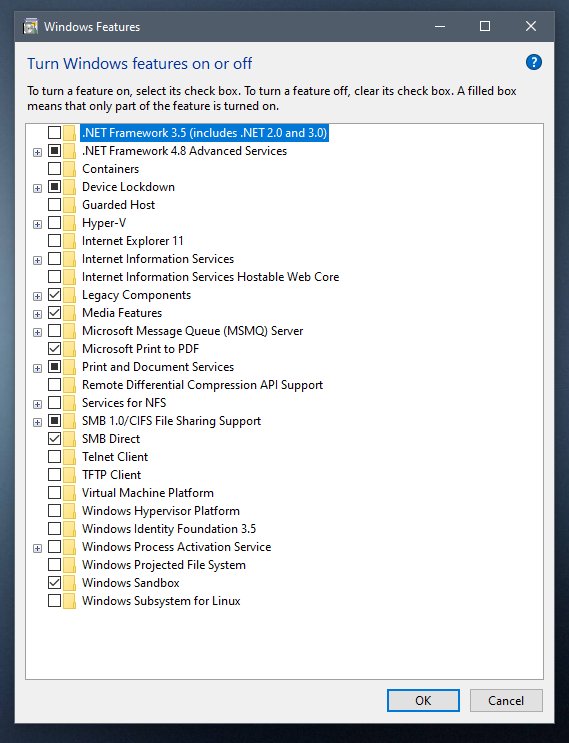
How to enable Windows Sandbox on Windows 11, 10
How to enable Windows Sandbox on Windows 11, 10

October 24, 2026 by Philip Celasco Leave a Comment
How to enable Windows Sandbox on Windows 11, 10

Enable Windows Sandbox on Windows 11 and 10 from Settings, Control Panel, PowerShell or Command Prompt, then move files in and fix startup errors.
Posted in: Developer and IT, How to
Developer and IT
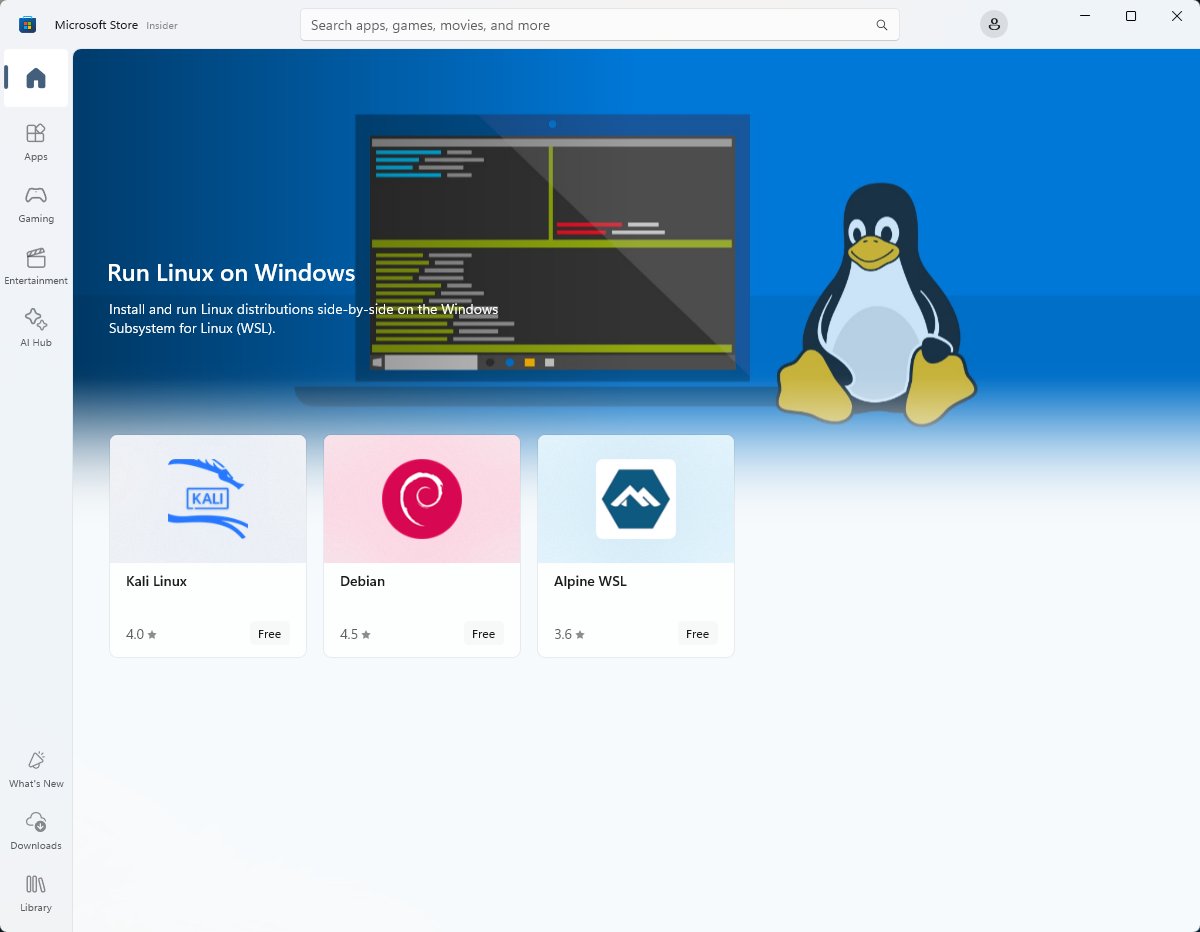
Install Windows Subsystem for Linux (WSL 2) on Windows 10/11

Install Windows Subsystem for Linux (WSL 2) on Windows 10/11

October 23, 2026 by Philip Celasco Leave a Comment
Install Windows Subsystem for Linux (WSL 2) on Windows 10/11

Install WSL 2 on Windows 11 or Windows 10 with one wsl –install command, pick a Linux distro, switch WSL versions, access files and fix common install errors.
Posted in: Developer and IT, How to
Developer and IT
How to install Windows Subsystem for Android (WSA) on Windows 11

How to install Windows Subsystem for Android (WSA) on Windows 11

October 22, 2026 by Philip Celasco Leave a Comment
How to install Windows Subsystem for Android (WSA) on Windows 11

Windows Subsystem for Android (WSA) can no longer be installed on Windows 11 since March 5, 2025. Check for an existing install, manage it, and pick an alternative.

Posted in: Developer and IT, How to
Developer and IT
Cloudflare PHP2Shell WAF rule: how to turn it on and why it is not a fix

Cloudflare PHP2Shell WAF rule: how to turn it on and why it is not a fix

October 22, 2026 by Philip Celasco Leave a Comment
Cloudflare PHP2Shell WAF rule: how to turn it on and why it is not a fix

Cloudflare PHP2Shell WAF rules are on by default for Free plans; Pro, Business and Enterprise must confirm the Managed Ruleset blocks. Then patch PHP.
Posted in: Developer and IT, How to
Developer and IT
Update PHP on Windows Server (IIS) to 8.4.27 or 8.5.12 to fix PHP2Shell

Update PHP on Windows Server (IIS) to 8.4.27 or 8.5.12 to fix PHP2Shell

October 22, 2026 by Philip Celasco Leave a Comment
Update PHP on Windows Server (IIS) to 8.4.27 or 8.5.12 to fix PHP2Shell

PHP2Shell on IIS: replace PHP with the 8.4.27 or 8.5.12 Non Thread Safe build, point the FastCGI handler at php-cgi.exe, restart IIS and verify the version.
Posted in: Developer and IT, How to
Developer and IT
Install PHP 8.2 and 8.4 security updates on Debian 12 and 13 to fix PHP2Shell

Install PHP 8.2 and 8.4 security updates on Debian 12 and 13 to fix PHP2Shell

October 22, 2026 by Philip Celasco Leave a Comment
Install PHP 8.2 and 8.4 security updates on Debian 12 and 13 to fix PHP2Shell

PHP2Shell Debian fix: install php8.2 8.2.35-1~deb12u1 on bookworm (DLA-4848-1) or php8.4 8.4.27-1~deb13u1 on trixie (DSA-6574-1) with apt, then verify.
Posted in: Developer and IT, How to
Developer and IT
Install PHP 8.1 security update on Ubuntu 22.04 to fix PHP2Shell

Install PHP 8.1 security update on Ubuntu 22.04 to fix PHP2Shell

October 22, 2026 by Philip Celasco Leave a Comment
Install PHP 8.1 security update on Ubuntu 22.04 to fix PHP2Shell

PHP2Shell on Ubuntu 22.04: install php8.1 package 8.1.2-1ubuntu2.28 from USN-8948-1 with apt, restart PHP-FPM or Apache, and confirm the fix is active.
Posted in: Developer and IT, How to
Developer and IT
Install PHP 8.3 security update on Ubuntu 24.04 to fix PHP2Shell

Install PHP 8.3 security update on Ubuntu 24.04 to fix PHP2Shell

October 22, 2026 by Philip Celasco Leave a Comment
Install PHP 8.3 security update on Ubuntu 24.04 to fix PHP2Shell

PHP2Shell on Ubuntu 24.04: install php8.3 package 8.3.6-0ubuntu0.24.04.13 from USN-8948-1 with apt, restart Apache or PHP-FPM, and verify the fix.
Posted in: Developer and IT, How to
Developer and IT
How to open Local Security Policy (secpol.msc) on Windows 11

How to open Local Security Policy (secpol.msc) on Windows 11

October 22, 2026 by Philip Celasco Leave a Comment
How to open Local Security Policy (secpol.msc) on Windows 11

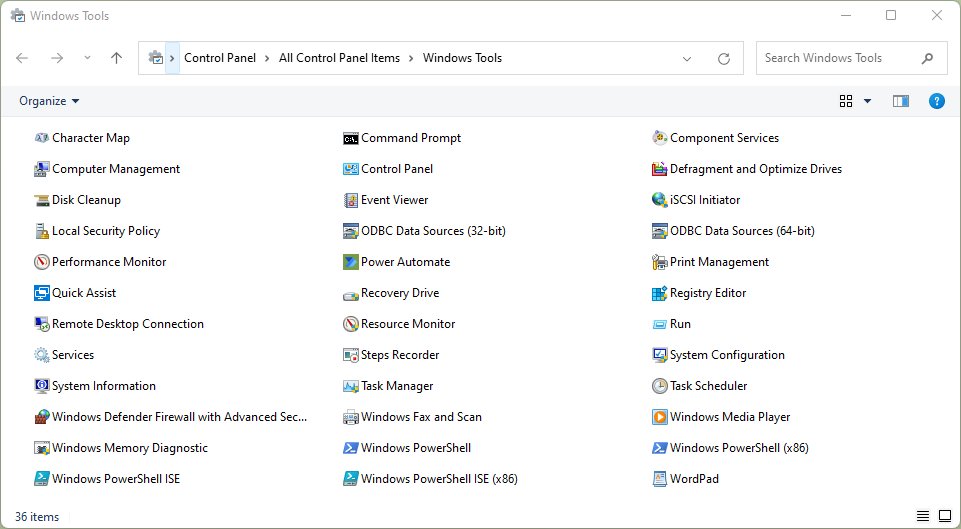
Open Local Security Policy on Windows 11 by pressing Win + R, typing secpol.msc and pressing Enter. Four methods, edition rules and fixes when it won’t open.


Posted in: Developer and IT, How to
Developer and IT
PHP2Shell: download the patch and install it (CVE-2026-109618, CVE-2026-109619)

PHP2Shell: download the patch and install it (CVE-2026-109618, CVE-2026-109619)

October 21, 2026 by Philip Celasco Leave a Comment
PHP2Shell: download the patch and install it (CVE-2026-109618, CVE-2026-109619)

PHP2Shell patch download: install PHP 8.5.12, 8.4.27, 8.3.36 or 8.2.35 to fix CVE-2026-109618 and CVE-2026-109619 on Windows or Linux, then verify it.


Posted in: Developer and IT, How to
Developer and IT
How to update PHP in Laragon and WampServer on Windows

How to update PHP in Laragon and WampServer on Windows

October 21, 2026 by Philip Celasco Leave a Comment
How to update PHP in Laragon and WampServer on Windows

Update PHP in Laragon and WampServer on Windows to 8.5.12, 8.4.27, 8.3.36 or 8.2.35: add the patched build, switch to it, check the version and fix Apache.


Posted in: Developer and IT, How to
Developer and IT
How to update PHP version in cPanel to patch CVE-2026-109618

How to update PHP version in cPanel to patch CVE-2026-109618

October 21, 2026 by Philip Celasco Leave a Comment
How to update PHP version in cPanel to patch CVE-2026-109618

Update PHP version in cPanel to 8.5.12, 8.4.27, 8.3.36 or 8.2.35 to patch CVE-2026-109618: MultiPHP Manager steps, WHM System Update, PHP-FPM and checks.

Posted in: Developer and IT, How to
« Previous 1 2 3 … 8 Next »

More from Techdows

Windows 11 wallpaper - laptop and monitor showing a landscape background
Windows 11 wallpaper guide: Change desktop and lock screen backgrounds
How to · 5 hours ago
See iCloud login history - combination lock for account security
How to see my iCloud login history
Apple · 5 hours ago
Link phone to Windows with QR - smartphone on a laptop
Connect your phone to Windows in 2026 with QR pairing via aka.ms/linkphoneqr
How to · 5 hours ago
Connect iPhone to Windows PC with iTunes - phone held in front of a laptop
Connecting your iPhone to your Windows PC using iTunes
Apple · 4 hours ago
Print Avery 5160 labels in Word - office printer
How to print Avery 5160 labels in Word – your 2026 guide
How to · 4 hours ago
Photos not syncing with iCloud - smartphone showing a photo
Photos not syncing with iCloud
Apple · 4 hours ago
Set preferred speaker and microphone in Windows 11 - headphones on a laptop
Set up Preferred Speaker and Microphone for different Apps in Windows 11
How to · 4 hours ago
Microsoft Edge favorites location - laptop with a browser open
Where are Favorites stored or saved in Microsoft Edge browser?
Browsers · 3 hours ago

© 2009–2026 Techdows · About · Contact · Privacy Policy

Copyright © 2026 Techdows.

Techdows WordPress Theme by Techdows