
Download VLC Media Player for PC, Windows 11/10 & Mac (Free)

Download VLC Media Player 3.0.23 free for Windows 11/10 and Mac from VideoLAN. Official x64, ARM64, MSI and portable builds with exact sizes and checksums.
3,326 articles

Download VLC Media Player 3.0.23 free for Windows 11/10 and Mac from VideoLAN. Official x64, ARM64, MSI and portable builds with exact sizes and checksums.


ChatGPT Astra and Claude Fable are two of the most capable AI models available in 2026, with both designed for difficult reasoning, coding, research, … [Read more…]


Google Drive for desktop is the official Google Drive app for Windows and Mac. It adds Google Drive to File Explorer or Finder, keeps … [Read more…]
You can download Slack for Windows PCs and Macs for free using Slack’s official desktop installers. Windows users can choose between x64 and ARM64 … [Read more…]
Microsoft Power BI Desktop is a free Windows application for connecting to data, building data models, creating interactive reports, and saving projects as PBIX … [Read more…]
To stop screen recording on a Mac, click the Stop button in the menu bar at the top of the screen, or press Command … [Read more…]
To print on a Mac, open the document, photo, webpage, or PDF you want to print, press Command + P, select your printer, adjust … [Read more…]
To print double sided on a Mac, open the document, press Command + P, select your printer, and turn Double-Sided on in the print … [Read more…]


To change the password on a MacBook, open System Settings > Users & Groups, click the information button beside your account, and select Change. … [Read more…]
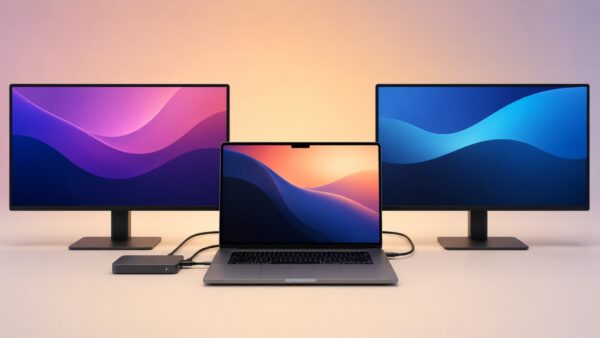
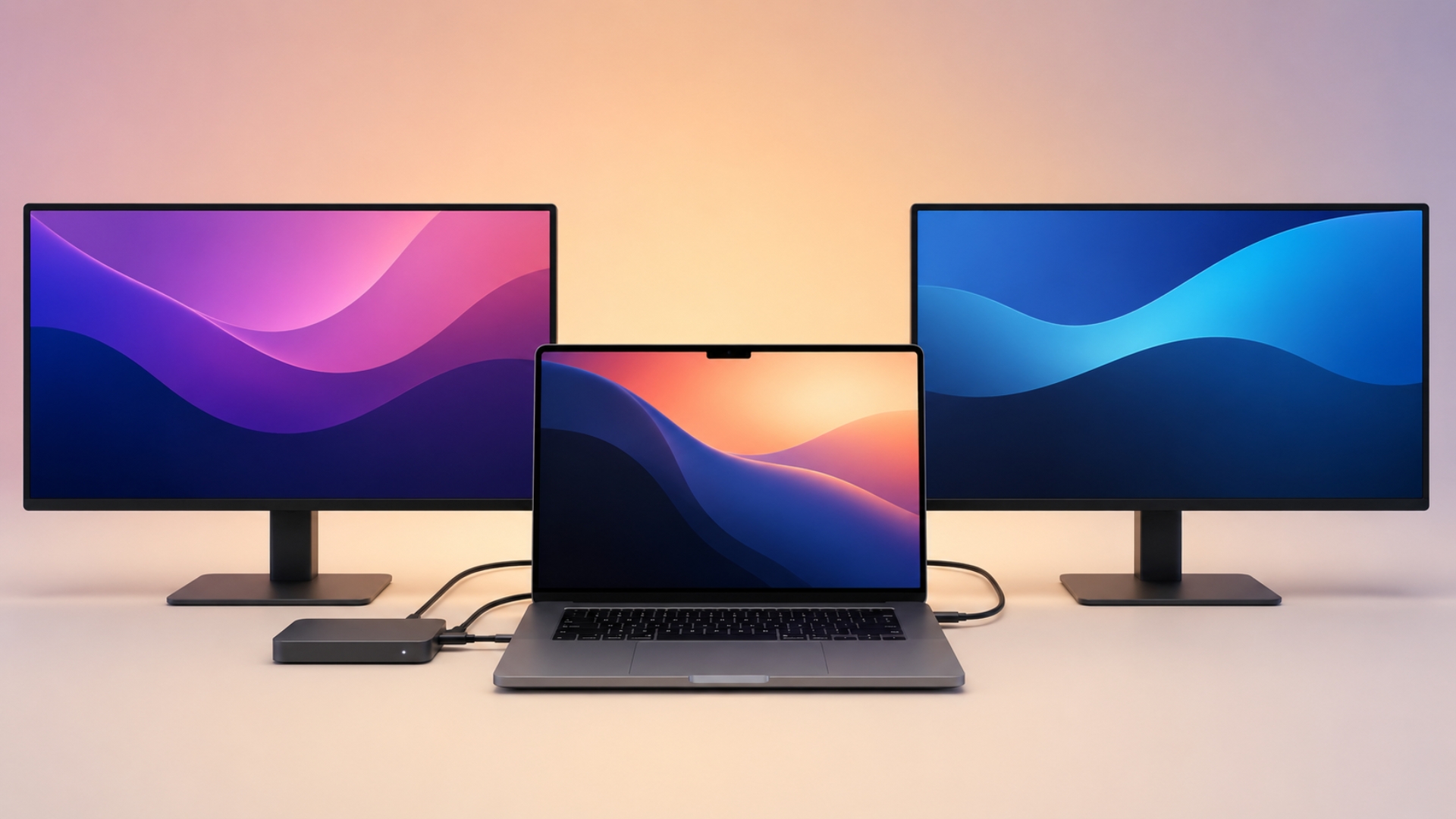
You can connect two monitors to a MacBook Pro through a docking station, but the correct setup depends on the chip inside your Mac. … [Read more…]
To clear space on a Mac, open Apple menu > System Settings > General > Storage and check which categories are using the most … [Read more…]
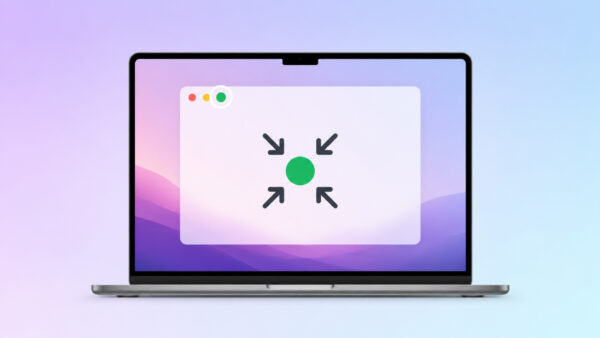
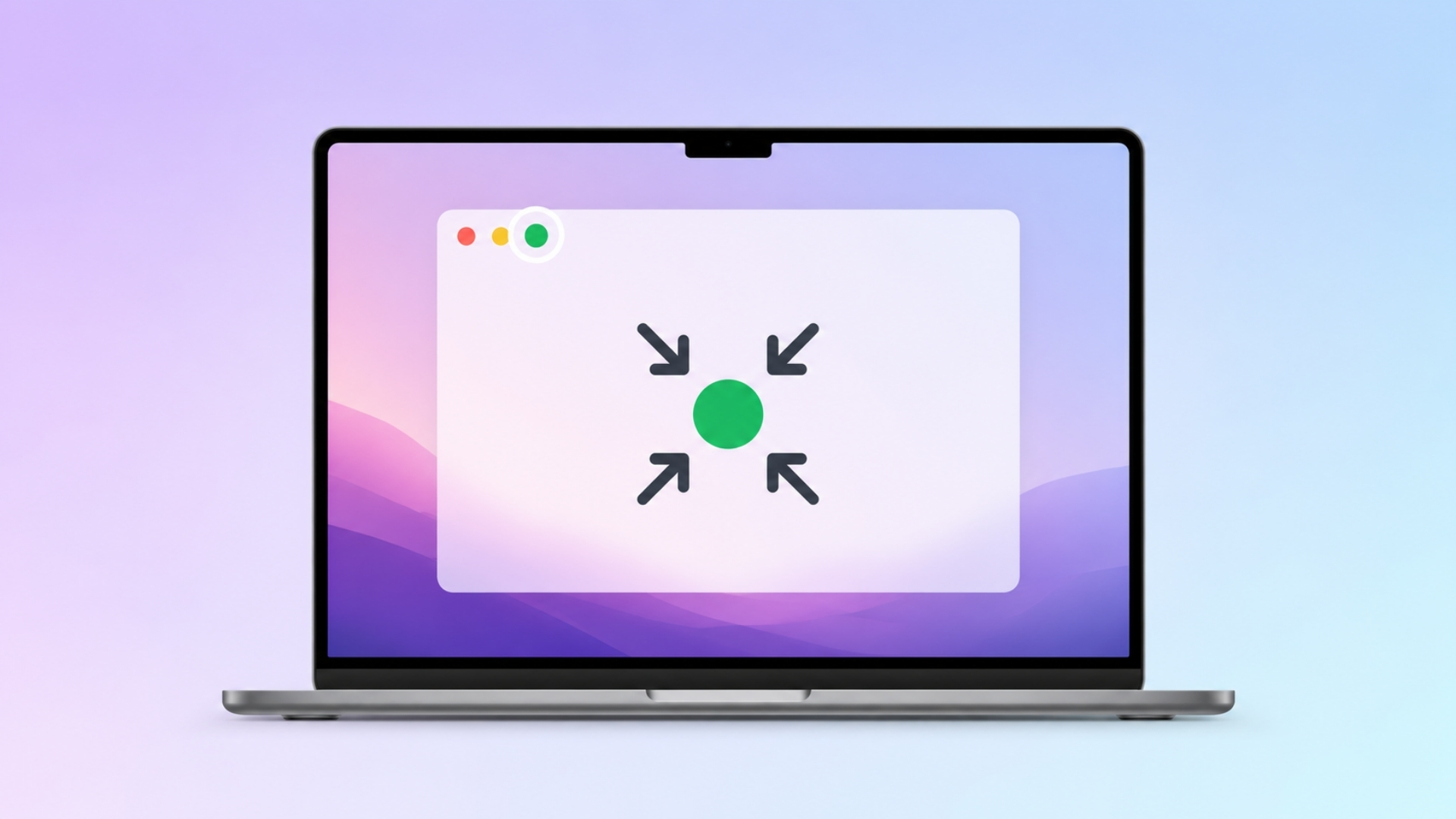
To exit full screen on a Mac, press Control + Command + F. This is the standard macOS shortcut for entering or leaving full-screen … [Read more…]