Download Kindle for PC, Windows 11 & Mac (Free)
Kindle download for PC and Mac: get the free Kindle app from the Microsoft Store on Windows 11 or the Mac App Store, set it up, and fix install errors.
3,351 articles

Kindle download for PC and Mac: get the free Kindle app from the Microsoft Store on Windows 11 or the Mac App Store, set it up, and fix install errors.
Telegram software download for Windows 11, 10 and Mac: get the free official installer, portable or Store version, install it, sign in and fix setup errors.
Quick Assist download for PC: install Microsoft’s free remote help app on Windows 11 and 10, see what Mac users get, and fix the WebView2 errors.
RoboForm download for Windows 11, Windows 10 and Mac: the official 49.7 MB installer, the MSI, the Mac DMG and PKG, browser extensions and Free vs Premium.
pip download for Windows 11, 10 and Mac: pip ships inside Python, so install Python 3.14.7 free from python.org and the pip command is ready to use.
Uber app download for Windows 11/10, Mac, iPhone and Android: get the free Microsoft Store app, book rides at m.uber.com in a browser, and fix sign-in errors.
DBeaver download for Windows 11/10 and Mac: free Community 26.2.1 installer with Java bundled, plus ARM, ZIP, Store, Homebrew and Linux options.
Netflix download for PC: install the official Netflix app from the Microsoft Store on Windows 11 and 10, set it up on a Mac, and fix install problems.
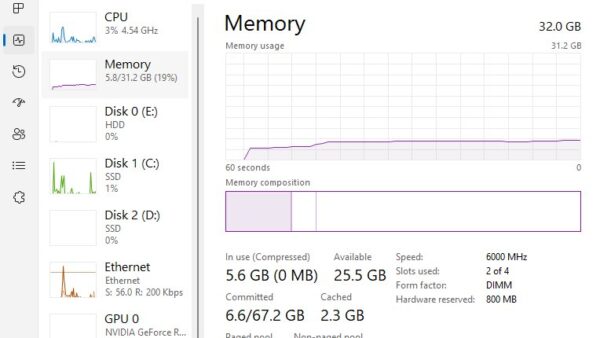
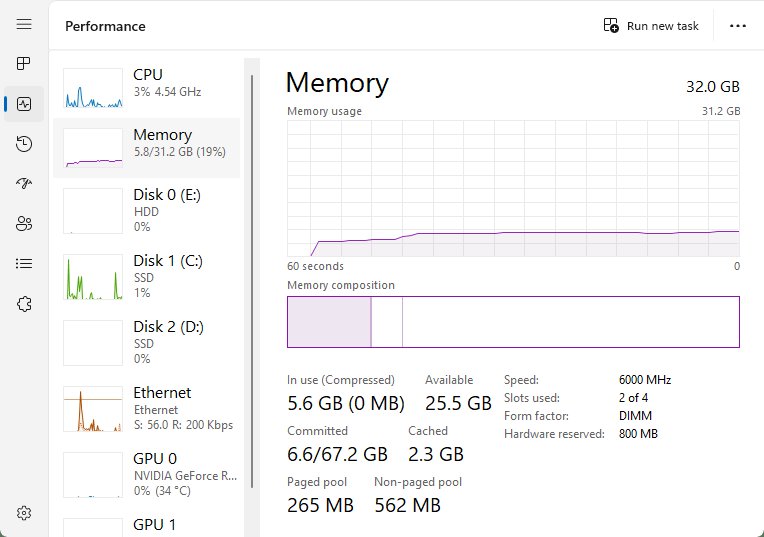
Check RAM on Windows 11 in Settings > System > About, then see speed in Task Manager, each module and slot in PowerShell, and test it with Memory Diagnostic.
Assetto Corsa download for Windows 11 and 10: buy it on Steam for $19.99, install it, check PC requirements, pick DLC or Competizione, and fix launch problems.
Apple Books download guide: install the free reader on Mac, iPhone and iPad, check sizes and iOS versions, and see what a Windows PC can run instead.
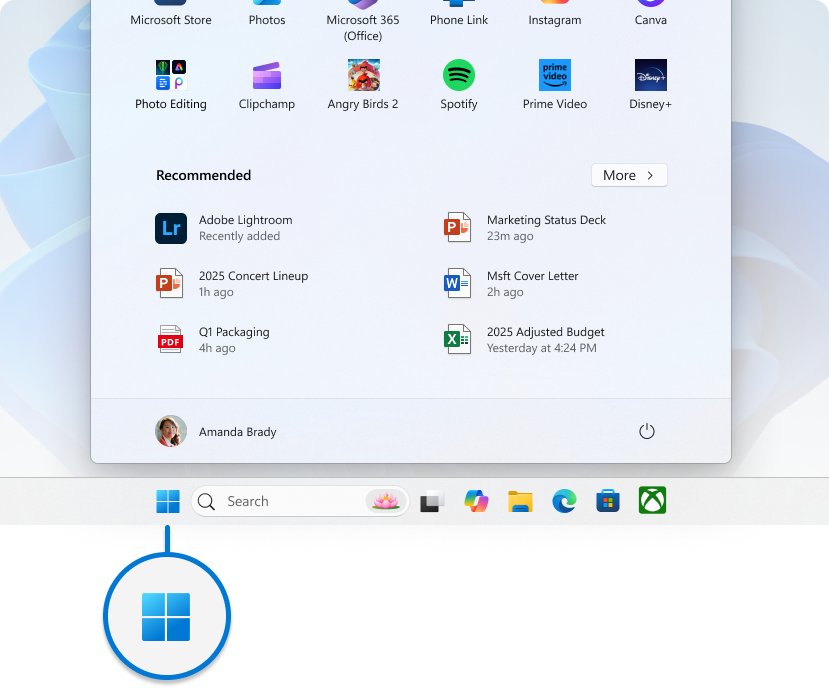
Microsoft Office icons not showing? Fix blank Word and Excel icons by resetting default apps, clearing the Windows icon cache, repairing Office or reinstalling it.