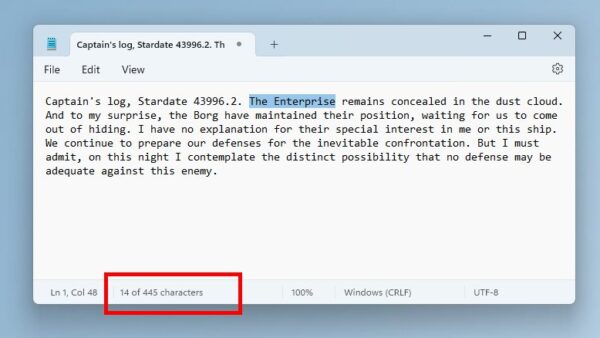
How to count words in Notepad?
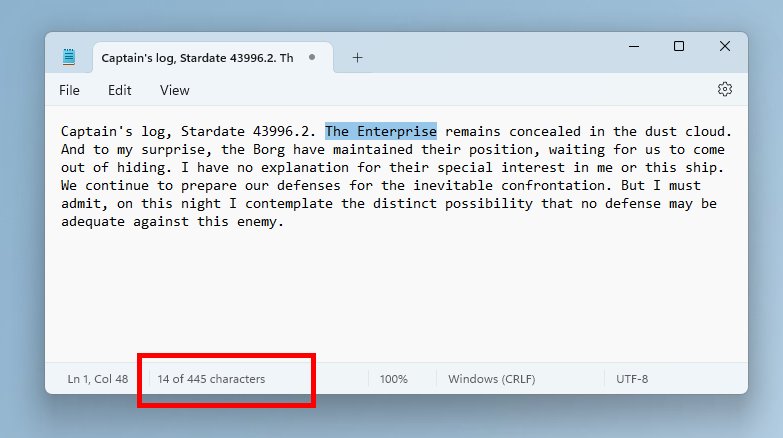
Count words in Notepad by copying the text into PowerShell’s Measure-Object or Microsoft Word, since Notepad’s status bar shows only a character count.
4,040 articles

Count words in Notepad by copying the text into PowerShell’s Measure-Object or Microsoft Word, since Notepad’s status bar shows only a character count.
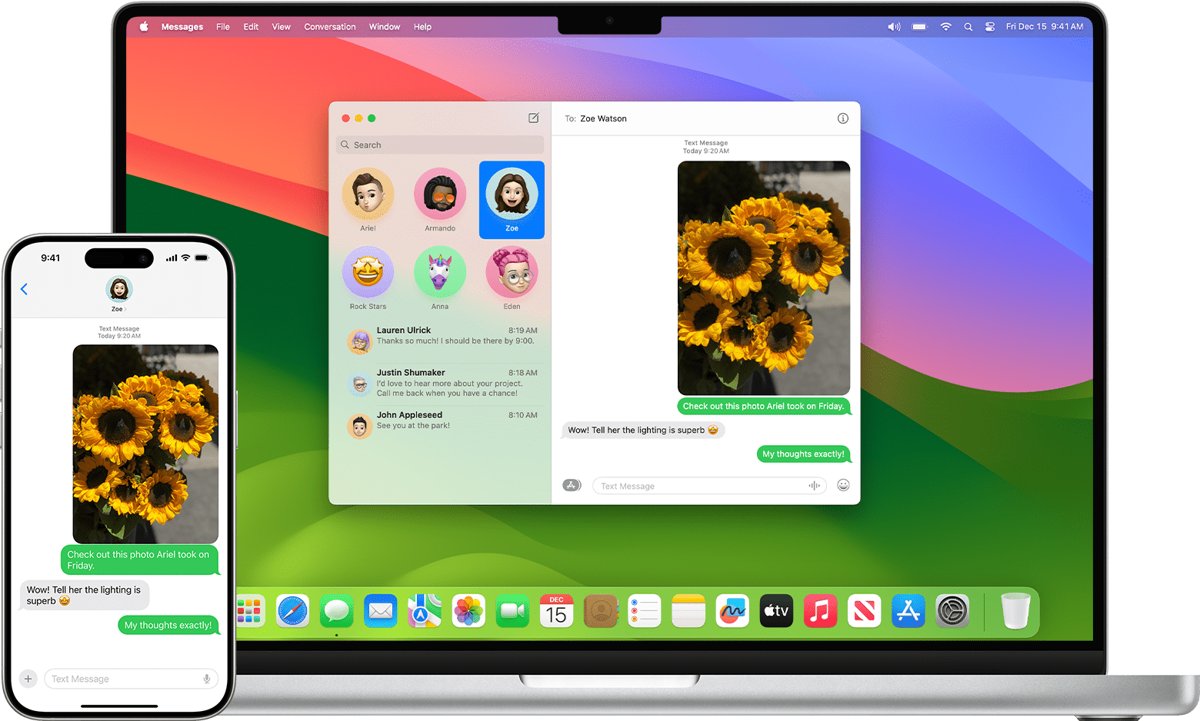
MightyText for iPhone does not exist: it needs an Android phone. Text from a PC with Phone Link, or from a Mac or iPad with Text Message Forwarding.
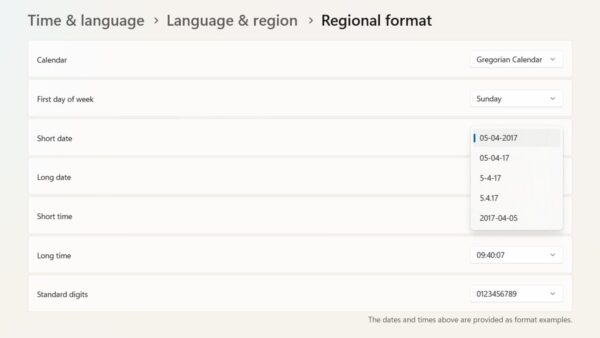
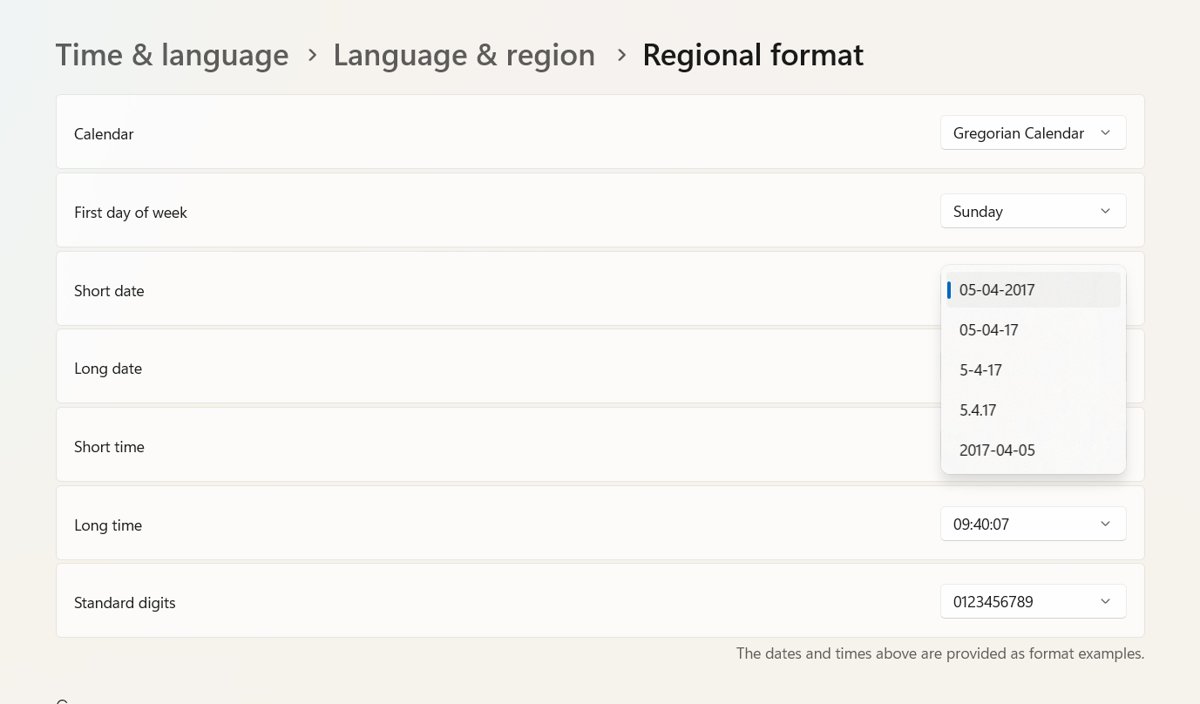
Change language, region, time and date in Windows 11 from Settings > Time & language, plus fixes for a locked time zone and a clock that keeps resetting.
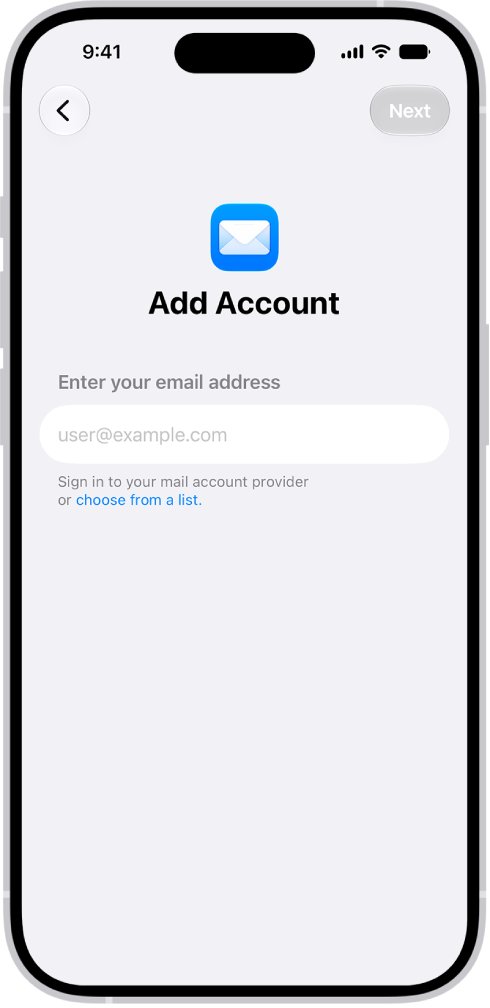
Reset the Mail cache on iPhone by removing and re-adding the account or reinstalling Mail. Also clear Outlook, Messages, Safari and app cache.
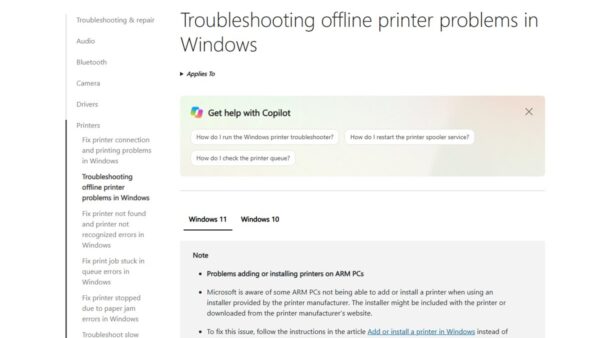
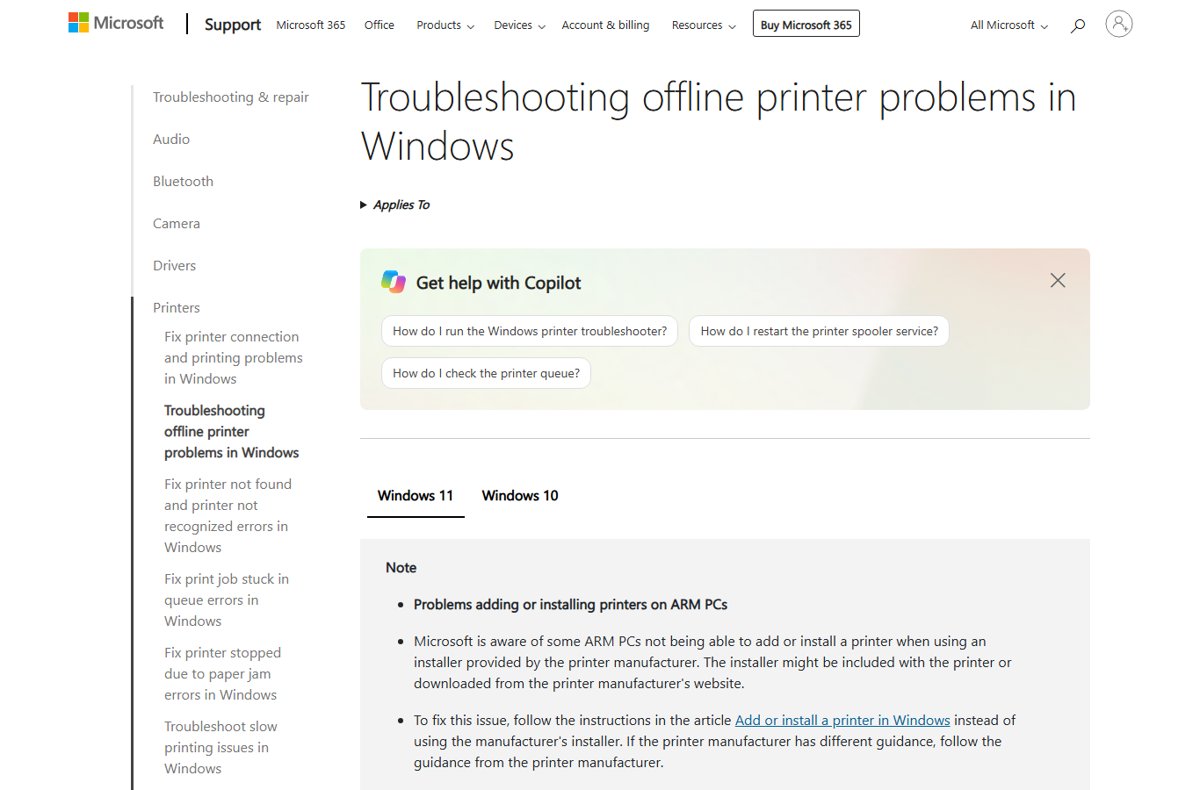
Printer offline in Windows 11 or on a Mac? Power-cycle it, check Wi-Fi, clear the queue, restart Print Spooler and reinstall it. Causes and fixes inside.
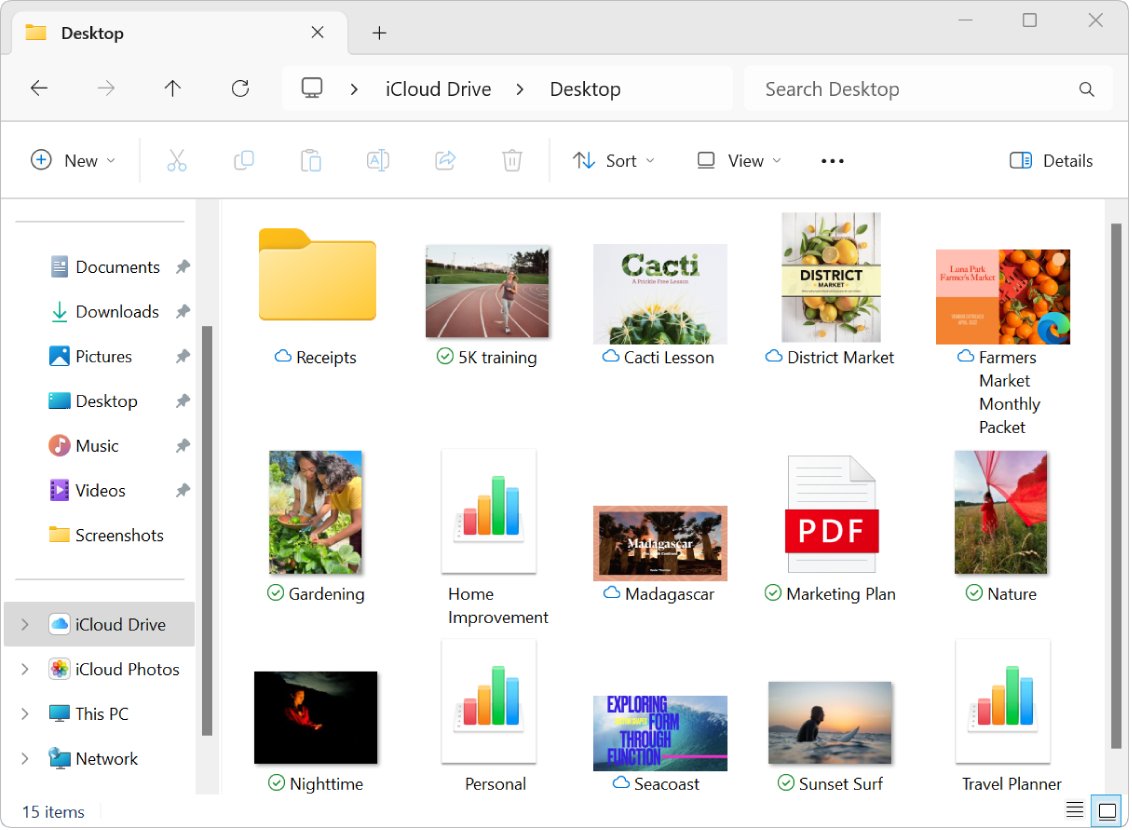
iCloud Drive stuck on sync pending in Windows 11 or 10? Force the file to download, check iCloud storage, update or repair iCloud for Windows, and sign in again.
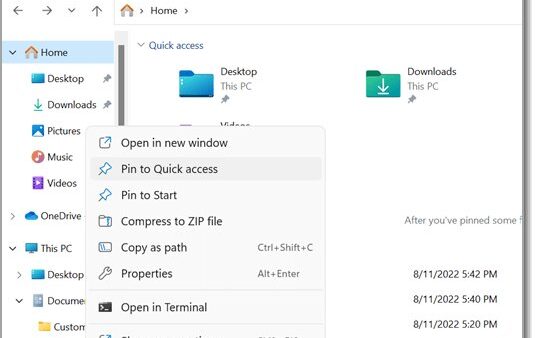
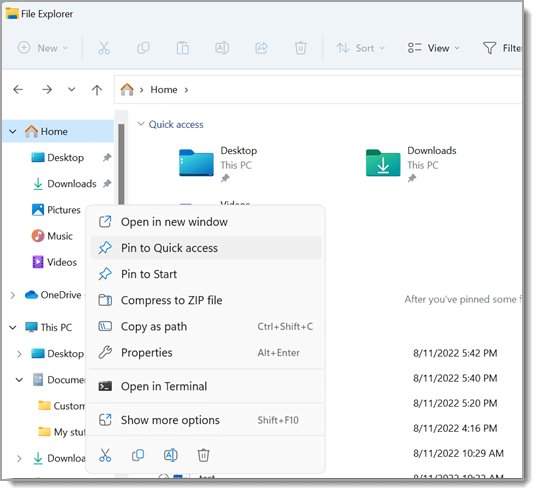
Open File Explorer on Windows 11 with Windows + E, the taskbar or Start. Nine methods, how to open it to This PC, and fixes when File Explorer won’t open.
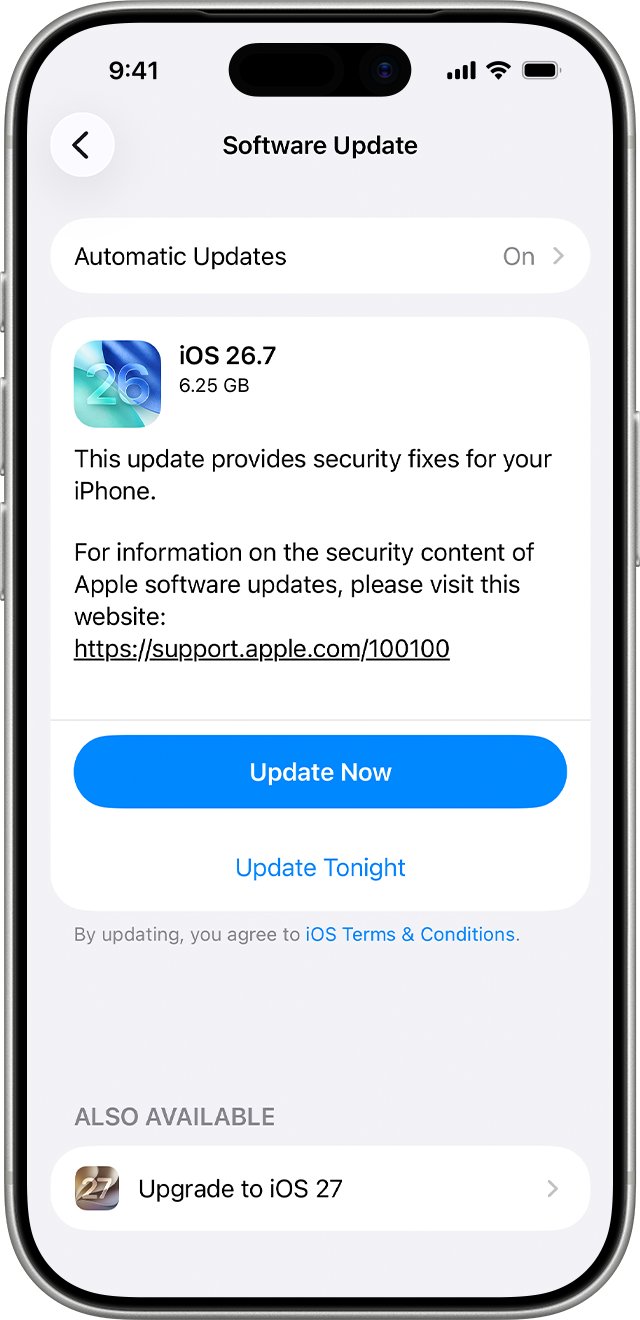
iPhone slow and laggy after the iOS 26 update? Wait out background indexing, install the latest iOS 26.x, check battery health and storage, tone down Liquid Glass.
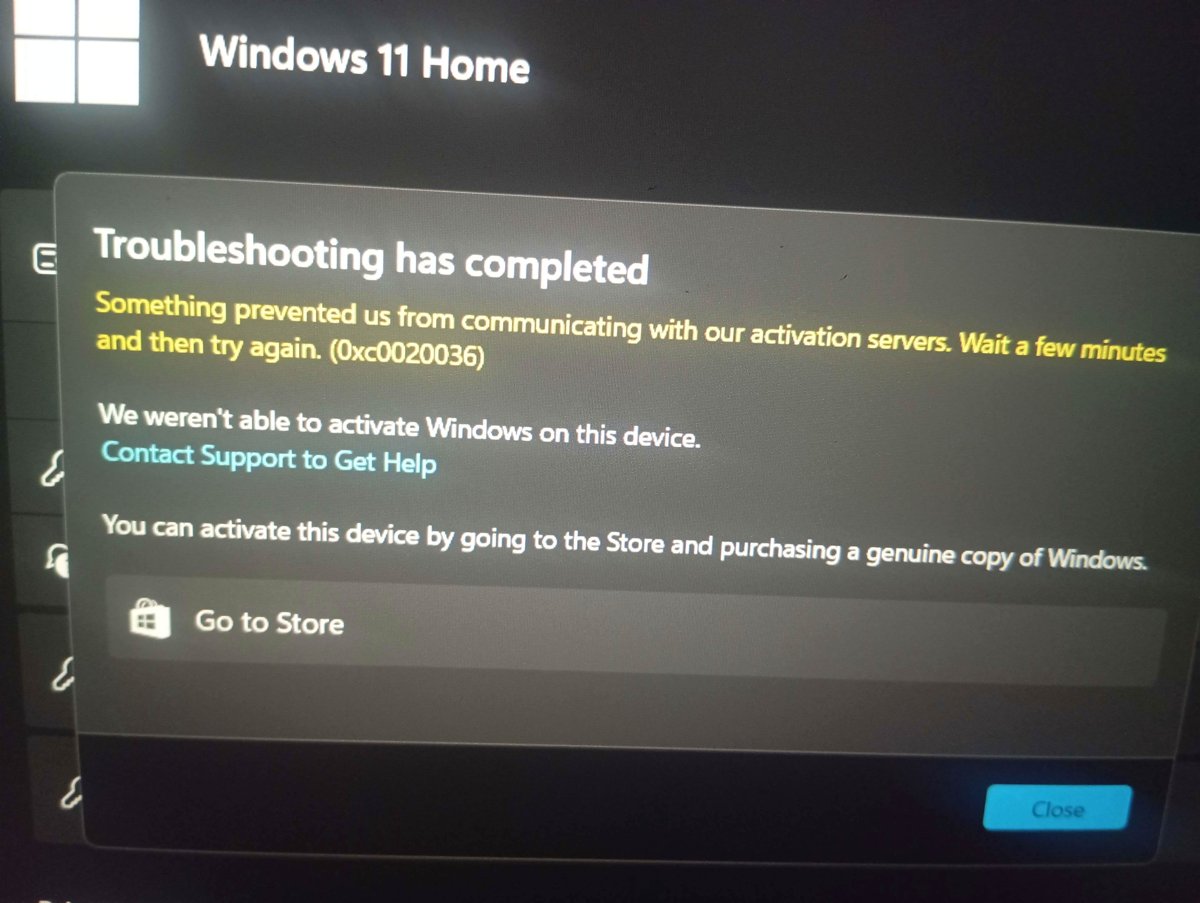
Activate Windows 11 from Settings > System > Activation, with a product key during setup, or with the Activation troubleshooter after a hardware change.
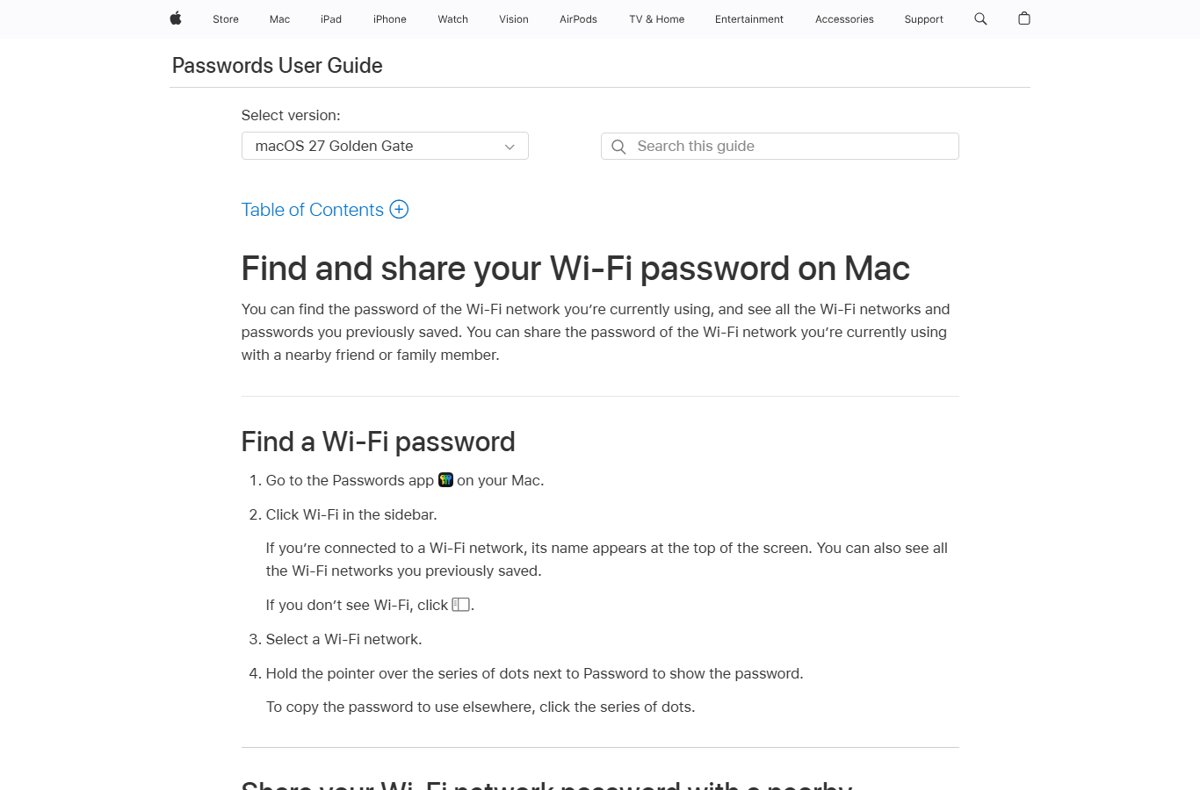
Find your WiFi password on Windows 11, Windows 10, Mac, iPhone or Android from a device that already connected, plus the CMD method and fixes when it is hidden.
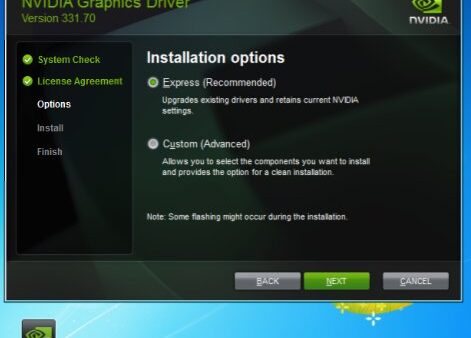
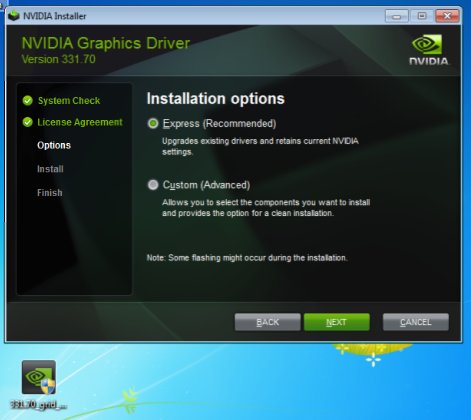
Fix the NVIDIA Installer cannot continue error in Windows: get the right driver for your GPU and Windows version, update Windows, reinstall cleanly, and run SFC.
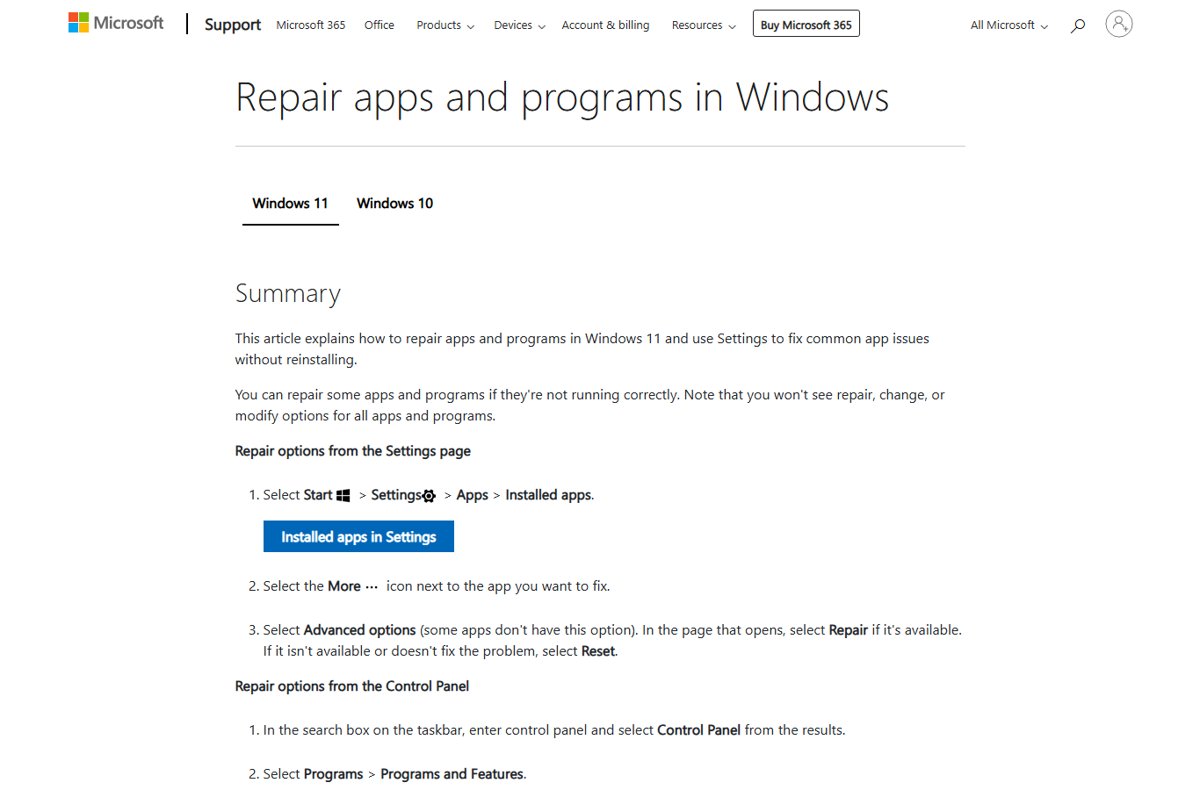
Find Apps and Features in Windows 11 under Settings > Apps > Installed apps. Open it fast, uninstall, repair or reset apps, and add or remove optional features.