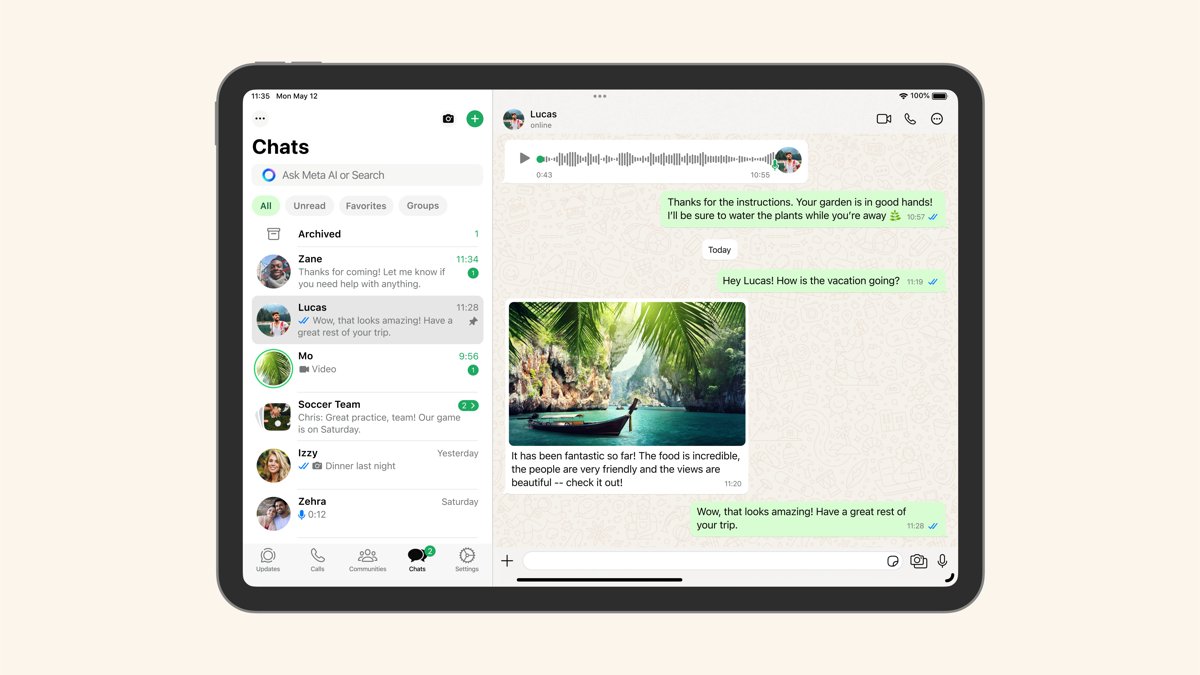
Yes, WhatsApp is supported on iPad through an official WhatsApp for iPad app in the App Store, and it runs on iPadOS 15.1 or newer.
This guide covers installing it, linking it to the WhatsApp account on your phone, registering an account directly on the iPad, what the iPad app can do and what to check when it will not connect.
How to get WhatsApp on iPad
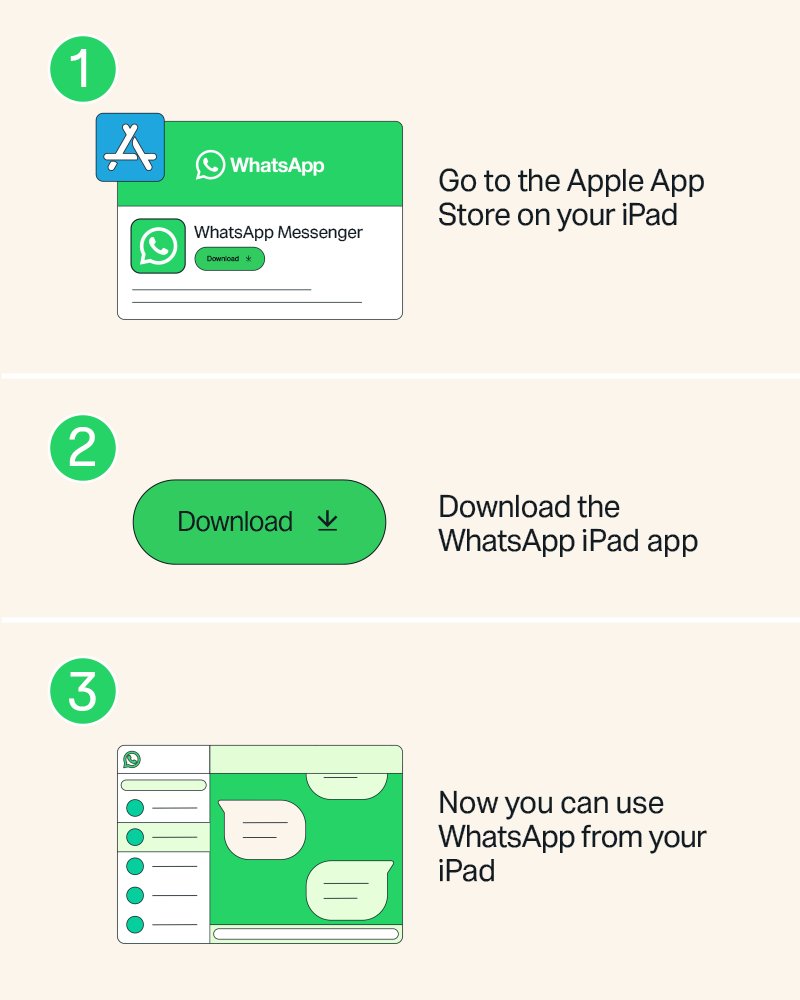
- Open the App Store on your iPad.
- Search for WhatsApp Messenger and tap Get to install it.
- Open WhatsApp on the iPad. A QR code appears on screen.
- Open WhatsApp on your phone.
- On an iPhone, tap Settings or your profile picture, then Linked devices > Link device > OK. On Android, tap the menu > Linked devices > Link a device.
- Point the phone at the QR code on the iPad to finish linking.
After linking, the iPad can sync up to a year of your most recent chat history. The full saved history stays on your phone.
Link WhatsApp iPad to phone or sign up on iPad
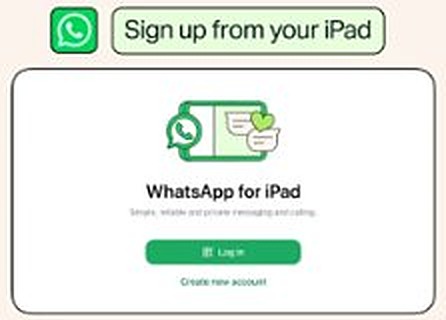
WhatsApp added sign-up directly on the iPad app in July 2026, so the iPad no longer has to depend on a phone account.
| Your situation | Use this | What you get |
|---|---|---|
| You already use WhatsApp on a phone | Link the iPad by QR code | Same account and chats on both devices |
| You want WhatsApp only on the iPad | Register directly in the iPad app | A new account set up on the iPad |
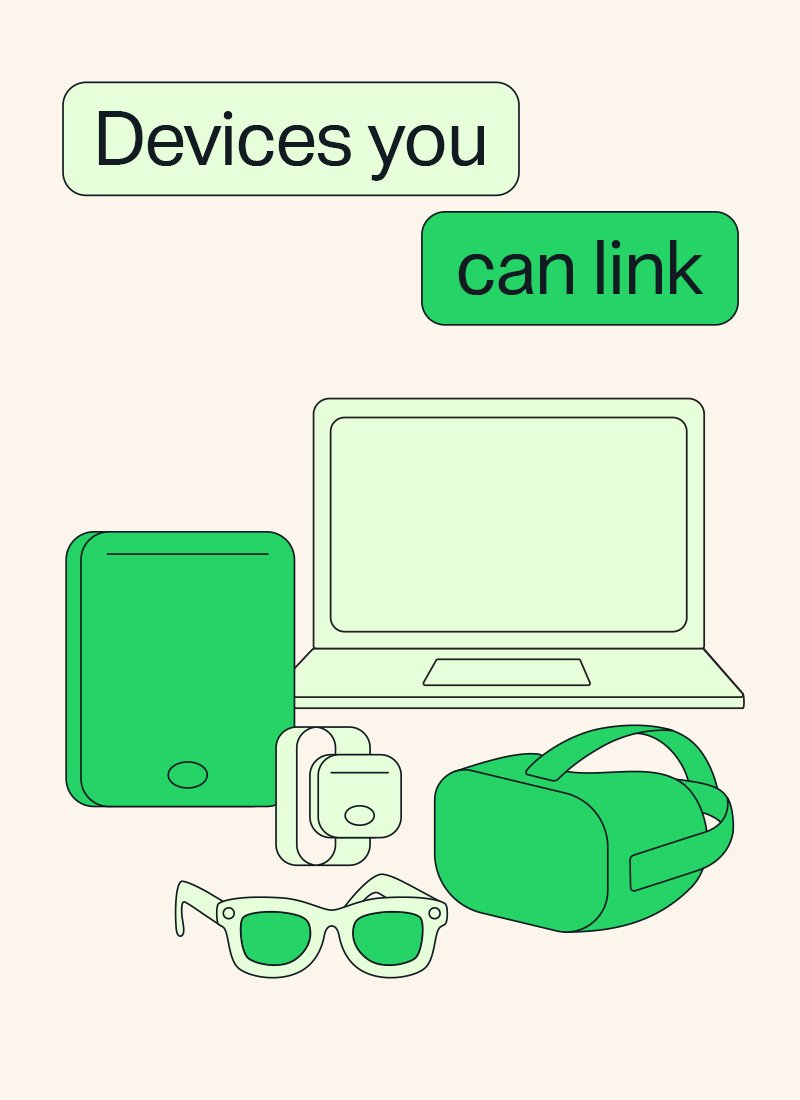
| You need WhatsApp on several screens | Link the iPad as one of up to four linked devices | iPad, computer and web share one account |
Sign up for WhatsApp on iPad without a phone link
- Install WhatsApp Messenger from the App Store on the iPad.
- Open the app and choose to register on the iPad instead of linking a phone.
- Enter your phone number and complete the verification WhatsApp asks for.
- Set up your profile name and photo, then start chatting.
If the registration option does not appear, update WhatsApp from the App Store, because the feature was rolled out gradually.
What WhatsApp for iPad can do
WhatsApp for iPad carries the main phone features to the larger screen, with end-to-end encryption on personal messages and calls. It works the same way as the WhatsApp app on phones, with a few gaps on linked devices.
| Feature | On WhatsApp for iPad |
|---|---|
| Chats with contacts and businesses | Supported |
| Voice calls | Up to 32 people, including call links |
| Screen sharing on a call | Supported |
| Documents, photos and videos | Send and receive |
| Chat Lock | Lock specific chats |
| Events and polls | Create them in chats |
| Stage Manager, Split View, Slide Over | Supported |
| External keyboards and Apple Pencil | Supported |
| Live location, broadcast lists, WhatsApp Flows | Not supported on linked devices |
WhatsApp iPad requirements
| Requirement | Detail |
|---|---|
| iPad software | iPadOS 15.1 or newer |
| Where to get it | Apple App Store, WhatsApp Messenger |
| Linked device limit | Up to four linked devices per primary phone |
| Phone activity when linked | Linked devices log out if the phone is not used for over 14 days |
| iPad inactivity | Linked devices disconnect after 30 days of inactivity |
Check WhatsApp is linked on iPad
- On your phone, open WhatsApp and go to Linked devices.
- Confirm the iPad appears in the list.
- Send a message from the iPad and check it shows on the phone too.
- Tap any device you do not recognise and choose Log out.
How to unlink WhatsApp from iPad
Unlink the iPad before you factory reset the iPad to sell it, hand it to someone else, or stop using WhatsApp on it. Your chats stay on the phone after you log out of the iPad.
Push notifications on the phone also alert you when a new device links, so you can remove one you do not recognise straight from the notification.
- Open WhatsApp on your phone.
- On an iPhone, tap Settings or your profile picture, then Linked devices.
- Tap the iPad in the list of linked devices.
- Tap Log out to remove it from your account.
- Delete the WhatsApp app from the iPad if you no longer need it there.
WhatsApp not working on iPad fixes
WhatsApp will not install on the iPad
The iPad runs a version older than iPadOS 15.1.
- Open Settings > General > Software Update on the iPad.
- Install the available update.
- Return to the App Store and install WhatsApp Messenger again.
WhatsApp on iPad logged out by itself
Linked devices log out when the phone is unused for over 14 days, or after 30 days of inactivity on the iPad.
- Open WhatsApp on your phone and use it.
- Go to Linked devices > Link device on the phone.
- Scan the QR code on the iPad again.
Older chats are missing on the iPad
Linking syncs up to a year of recent history, and some linked devices show less.
- Read older chats on your phone, where the full history stays.
- Update WhatsApp on the iPad from the App Store, since fixes arrive in updates.
Live location or broadcast lists are missing
These features are not supported on linked devices.
- Use your phone for live location and broadcast lists.
- Keep using the iPad for chats, calls and media.
WhatsApp on iPad FAQ
Is there WhatsApp for iPad?
Yes. WhatsApp for iPad is an official app in the Apple App Store, listed as WhatsApp Messenger. It works on iPadOS 15.1 or newer and supports chats, calls, screen sharing and media.
Does WhatsApp work on iPad without a phone?
Yes. Since July 2026 you can register a WhatsApp account directly in the iPad app, without linking to a phone. You can still link the iPad to an existing phone account by QR code instead.
Can I use the same WhatsApp account on iPhone and iPad?
Yes. Link the iPad from your iPhone under Settings > Linked devices > Link device, then scan the QR code shown on the iPad. Both devices then use the same account.
Can I put WhatsApp on my iPad for free?
Yes. WhatsApp Messenger is a free download from the App Store, and WhatsApp calls are free apart from any data charges from your provider.
Does WhatsApp on iPad sync my old chats?
When you link the iPad to your phone, it can sync up to a year of your most recent chat history. All the history you have saved stays available on your phone.
How many devices can use one WhatsApp account?
You can link up to four devices at a time to your primary phone. The iPad counts as one of them, alongside computers, WhatsApp Web in a browser and other supported devices.
Can I make video calls on WhatsApp for iPad?
WhatsApp for iPad supports voice calls with up to 32 people and screen sharing during calls. WhatsApp describes calling, screen sharing and status as available on the bigger screen.