Many websites ask to send you notifications the moment a page loads, before you have even read anything. Mozilla started testing a fix for that in March 2019. Firefox Nightly 68 began requiring user interaction before a site can show the push notification permission prompt. A site has to wait until you click, tap or press a key on the page.
What changed in Firefox 68 Nightly
Mozilla’s bug “Require user interaction for push notification permission prompts in Nightly” (Bug 1540088) was filed on March 29, 2019 and fixed for Firefox 68. With the change, a site that asks for notification permission before you have interacted with the page does not get to show the pop-up. It applied to Nightly only, as an experiment, so Mozilla could see how sites and users reacted.
How to turn it on or off
The behaviour is controlled by a preference, dom.webnotifications.requireuserinteraction:
- Type about:config in the address bar and accept the warning.
- Search for dom.webnotifications.requireuserinteraction.
- Set it to true to require interaction, or false to let sites prompt straight away.
Our about:config guide explains how to search for and reset preferences.
Why Mozilla made the change
Mozilla later published the numbers behind the experiment. On the release channel, about 99% of notification prompts went unaccepted, and 48% were actively denied. In one month of Firefox 63, 1.45 billion prompts were shown and only 23.66 million accepted. After user interaction was enforced on Nightly, 52% of first-time prompts were allowed. Prompts that follow a click or key press are simply far more likely to be wanted.
From experiment to every user
In November 2019, Mozilla announced two rules for all Firefox users:
- Starting in Firefox 70, the prompt’s default “Not Now” option was replaced with Never, which hides the prompt on that site for good.
- Starting in Firefox 72, notification prompts need user interaction. Prompts without it only show a small icon in the address bar.
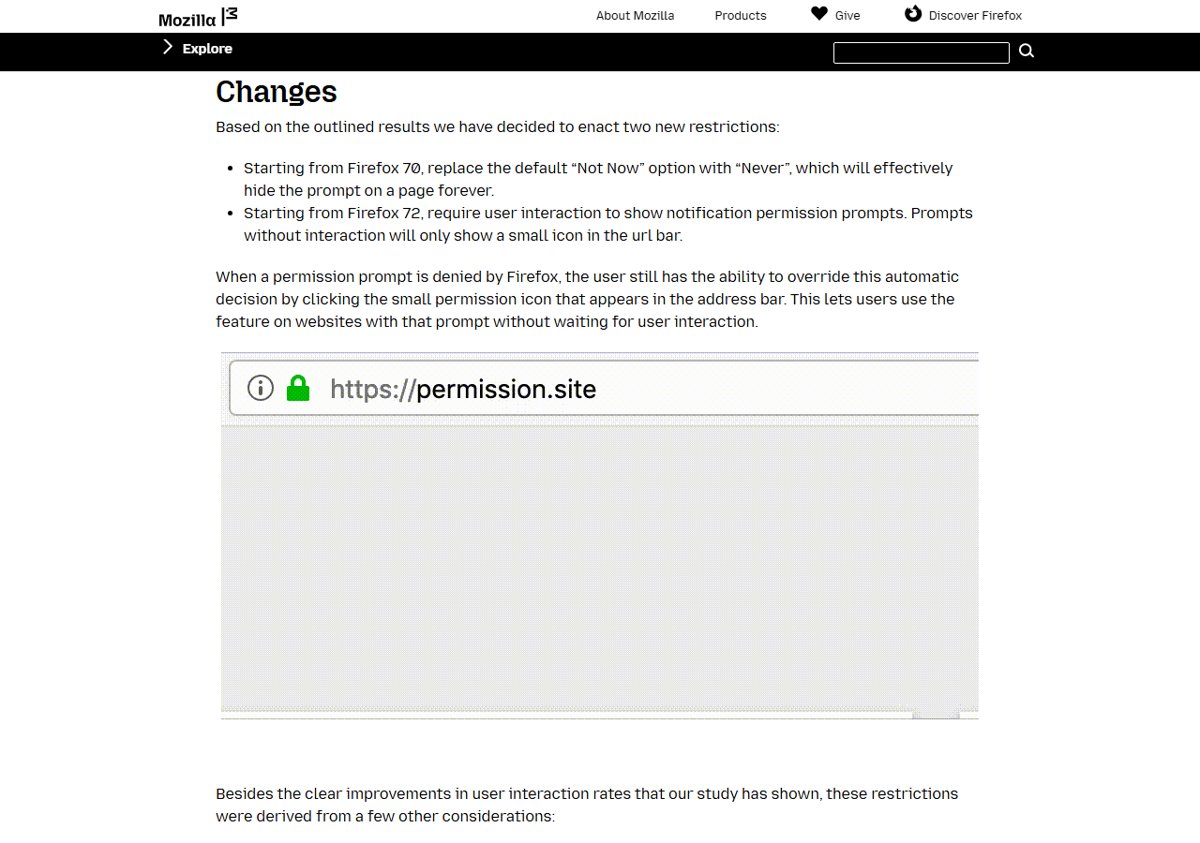
The Firefox 72 change was the same preference switched on for release users (Bug 1593644). If a site’s request is blocked automatically, you can still allow it by clicking the small permission icon in the address bar. This way, sites you do want notifications from still work.
What it means for website owners
Sites that ask for notifications as soon as a page loads stopped getting a prompt in Firefox. To ask, a site needs to tie the request to something the user does, such as a “Get notifications” button. Mozilla’s data showed prompts shown after interaction are accepted far more often, so the change rewards sites that ask at the right moment.
Turning off notifications that already got through
If you allowed a site in the past and regret it, remove its permission in Firefox’s Privacy & Security settings under Permissions > Notifications. If Chrome is pestering you too, see how to turn off Chrome notifications.