Mozilla released Firefox 68 on July 9, 2019, in two forms: the regular rapid release and a new Extended Support Release (ESR) for organisations that want fewer feature changes. The update focused on extensions, privacy and Windows integration. Here are the main changes from Mozilla’s release notes.
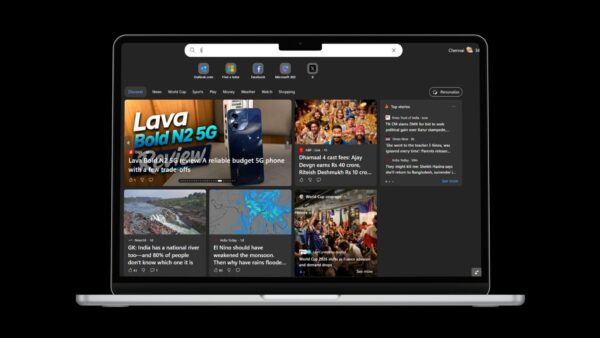
Dark reader view
Reader view’s dark mode now darkens the whole window, including the controls, sidebars and toolbars, not just the article text.
Safer, easier-to-find extensions
- Report extensions: a new reporting feature in about:addons lets you report security and performance problems with extensions and themes.
- Redesigned extensions dashboard: about:addons now shows each extension’s details in one place, including the data and settings access it needs.
- Recommended Extensions: a new program highlights high-quality, secure extensions in about:addons, with user counts and ratings. A “Recommended” badge also appears on addons.mozilla.org.
Cryptomining and fingerprinting protection
Blocking of cryptominers and fingerprinters joins the Strict content blocking setting. To use it, open Options > Privacy & Security and choose Strict under Content Blocking.
Windows improvements
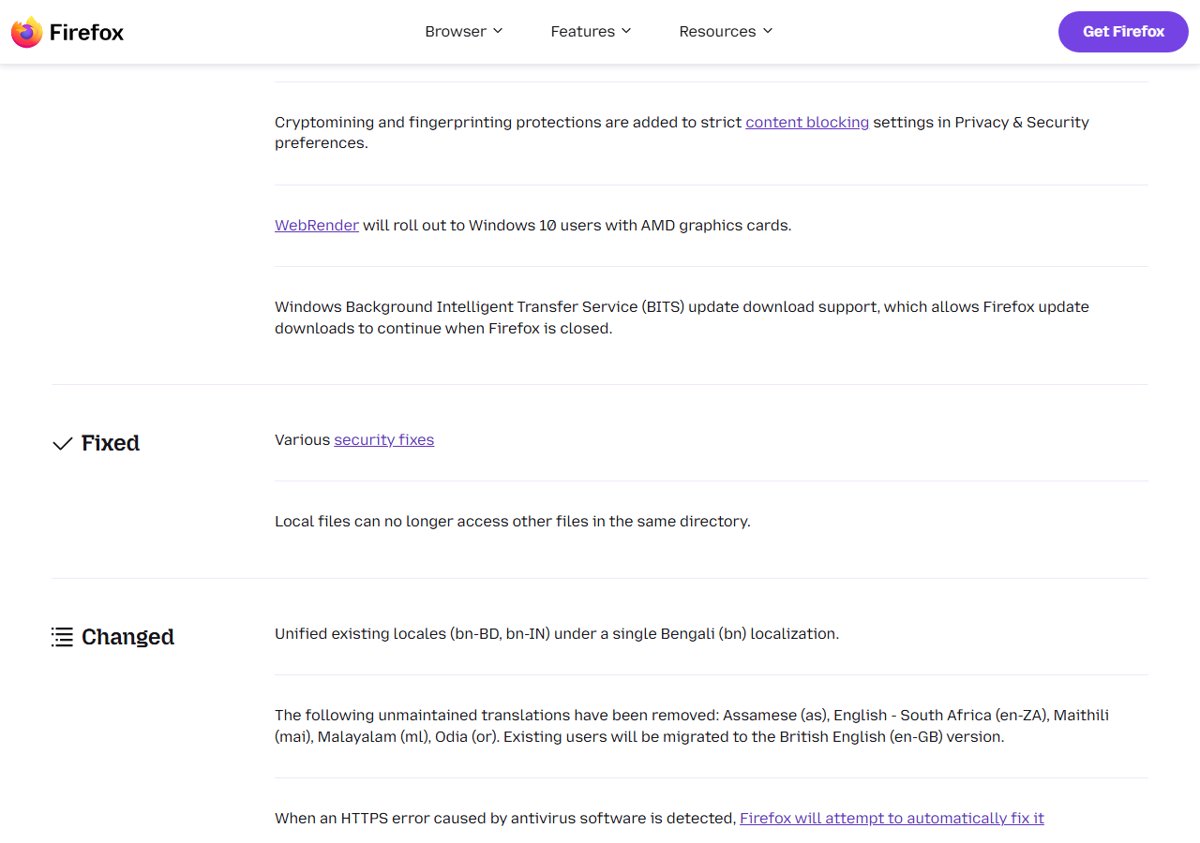
- WebRender, Mozilla’s new GPU-based rendering engine, rolls out to Windows 10 users with AMD graphics cards.
- BITS updates: Firefox now uses the Windows Background Intelligent Transfer Service, so update downloads keep going after you close Firefox.
Security changes
- Local files can no longer access other files in the same directory.
- When antivirus software causes an HTTPS error, Firefox tries to fix it automatically.
- Camera and microphone access now requires an HTTPS connection.
- Various security fixes.
Other changes
- The Bengali locales bn-BD and bn-IN are merged into a single Bengali (bn) version.
- Unmaintained translations for Assamese, English (South Africa), Maithili, Malayalam and Odia are removed. Their users move to British English.
- The way non-default preferences sync has changed.
For enterprises and developers
New enterprise policies cover the new tab page, local file links, download behaviour, search suggestions, extension allow and block lists, and a set of common preferences. Developers get a full-page colour contrast audit in DevTools and support for the CSS Scroll Snap module. They also get about:compat, which lists the site-specific workarounds Firefox applies and lets you toggle them.
What the ESR means
Firefox 68 was also released as an Extended Support Release. ESR versions get security fixes for a longer period without new features arriving every few weeks. That suits schools, businesses and anyone who manages many PCs and wants fewer changes to test.
Known issues
- The new address bar does not yet handle javascript: bookmarklets triggered with bookmark keywords.
- Windows administrators with UAC turned off may not be able to drag content out of Firefox.
Get Firefox 68
Open Help > About Firefox to update, or grab an offline installer from our list of Firefox standalone installers. To dig into the new preferences, see our about:config guide.