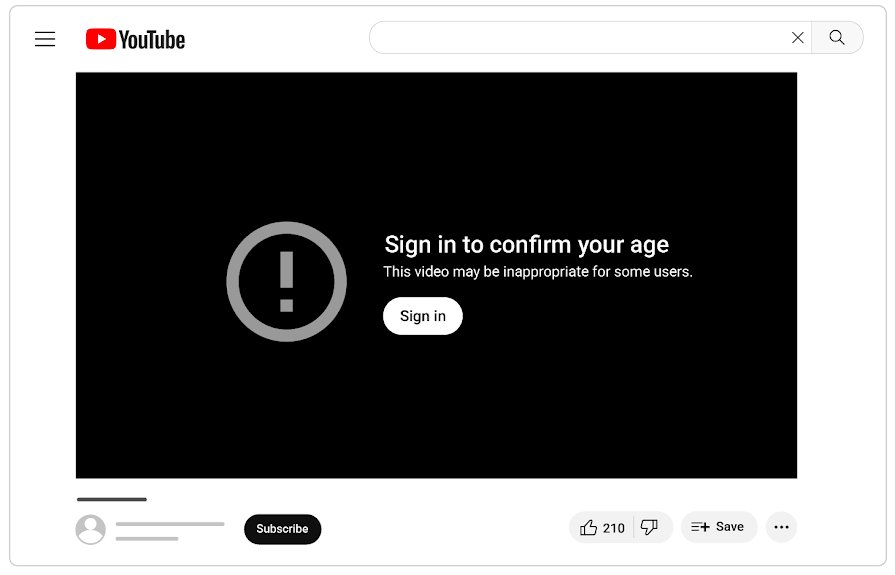
YouTube asks you to log in on Safari for two main reasons: the video is age-restricted, which signed-out viewers cannot watch, or Safari is throwing away the cookie that keeps you signed in because of Private Browsing, Block All Cookies or cleared website data.
This guide covers the Safari settings on iPhone, iPad and Mac that cause repeat sign-in prompts, how age-restricted videos and age verification work, and the "Continue watching?" prompt that people often confuse with a sign-in request.
How to stop YouTube asking to sign in on Safari
Start with the cookie setting, because Apple warns that with cookies blocked you will likely not be able to sign in to a site even with the correct password.
- On iPhone or iPad, open Settings, tap Apps, tap Safari, then tap Advanced.
- Turn off Block All Cookies.
- Open Safari in a normal tab, not a Private Browsing tab.
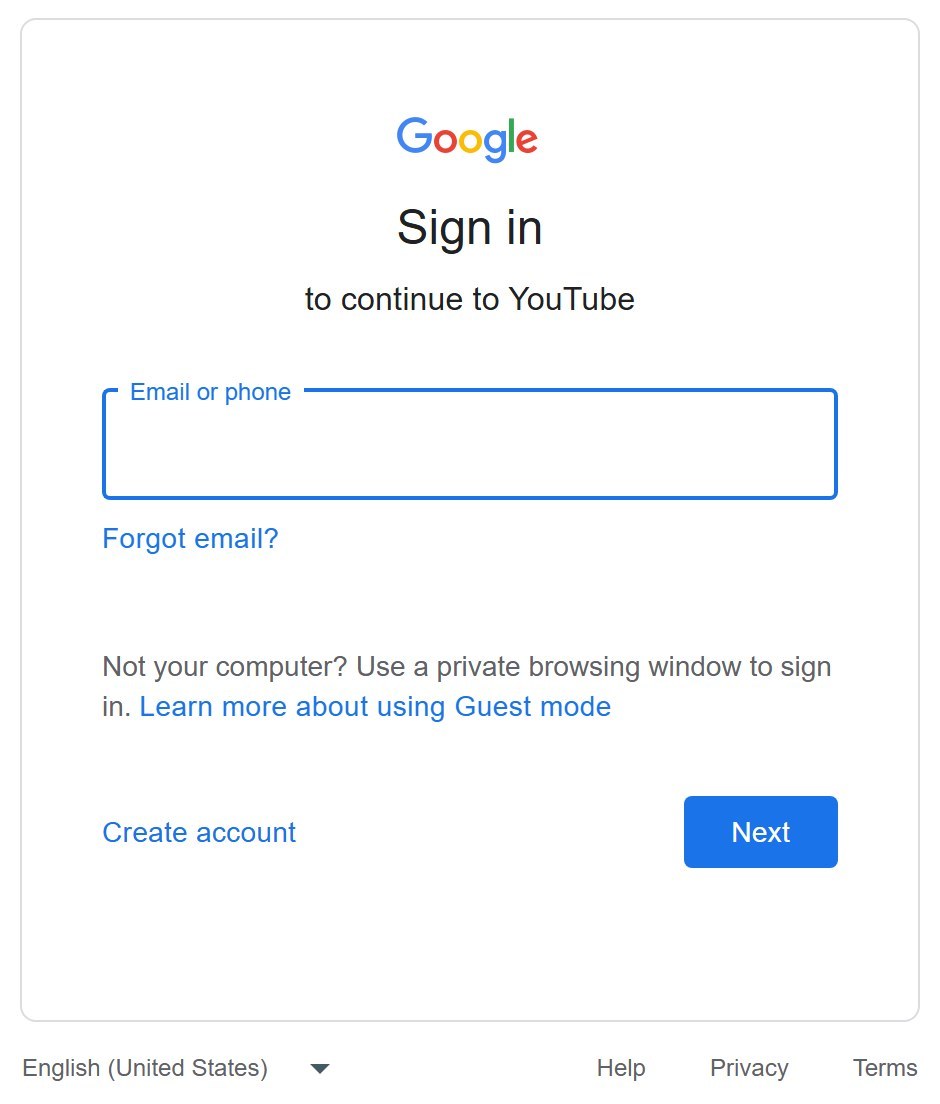
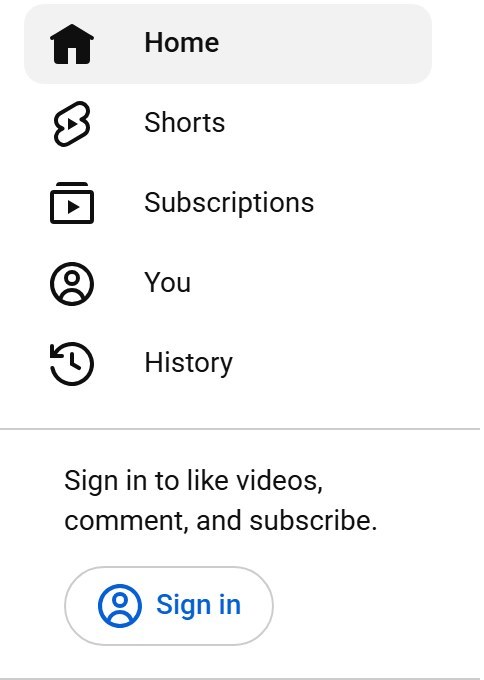
- Go to youtube.com, tap Sign in, and sign in with your Google Account.
- Close and reopen Safari, then open youtube.com again. You should still be signed in.
On a Mac, the same switch lives in Safari > Settings > Advanced as Block all cookies. If the video still asks you to sign in after you are signed in, it is age-restricted, which the sections below cover.
Why does YouTube ask me to sign in to watch videos?
Match the prompt you see to a row. The fix depends on whether YouTube needs to know who you are, or Safari is forgetting that you signed in.
| What happens | Cause | Fix |
|---|---|---|
| One video asks you to sign in, others play | The video is age-restricted; signed-out viewers cannot watch it | Sign in with an account aged 18 or over |
| An embedded video on another site sends you to YouTube | Age-restricted videos cannot play on most third-party sites | Watch it on youtube.com while signed in |
| You must sign in again every time you open Safari | Block All Cookies is on, or Safari always opens a private window | Turn off Block All Cookies and use a normal window |
| Signed out after closing a tab | You signed in inside a Private Browsing tab or window | Sign in from a normal tab |
| Signed out once, suddenly | Safari history and website data were cleared | Sign in again; cleared cookies remove saved logins |
| Asked to confirm your age or show ID | Age verification for age-restricted content in some regions | Use one of Google's age verification options |
YouTube asks me to sign in every time on iPhone Safari
Two iPhone settings cause a fresh sign-in on every visit. Block All Cookies stops YouTube storing a login at all, and Private Browsing tabs do not keep it after you leave.
- Open Settings, tap Apps, then tap Safari.
- Tap Advanced and turn off Block All Cookies.
- Open the Safari app and tap the Tabs button.
- Swipe left on the tab bar to leave Private Browsing and open a normal Tab Group.
- Open youtube.com in that normal tab and sign in once.
The same paths apply on iPad. If Remove All Website Data in Advanced > Website Data is used often, expect to sign in again after each clean, since Apple notes it clears data sites use to save login information.
YouTube keeps signing me out in Safari on Mac
A Mac private window does not save changes to cookies and website data. If Safari is set to open with a private window, every launch starts signed out.
- Open Safari and choose Safari > Settings.
- Click Advanced and deselect Block all cookies.
- Click General and set Safari opens with to an option other than A new private window.
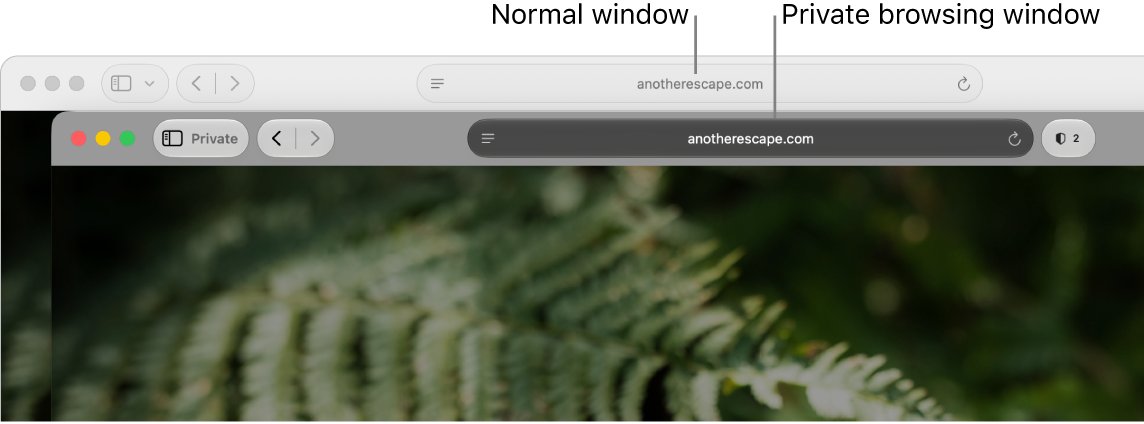
- Choose File > New Window to open a normal window; a private window has a dark Smart Search field.
- Open youtube.com, click Sign in, and sign in with your Google Account.
To remove only YouTube's stored data instead of clearing every cookie on the Mac, open Safari > Settings > Privacy > Manage Website Data, select the site, then click Remove. Apple notes this can sign you out of websites.
Why is YouTube asking for ID
An ID request is tied to age-restricted content, not to Safari. YouTube places an age restriction on videos that do not break its rules but are not suitable for viewers under 18.
| Situation | What YouTube does |
|---|---|
| You are signed out | Age-restricted videos are not viewable |
| Your account belongs to someone under 18 | Age-restricted videos are not viewable |
| The video is embedded on most third-party sites | The video will not play there; you are taken to YouTube |
| You are in Australia, the EU, EEA, Switzerland or the UK | You may be asked to verify your age |
| Google asks you to confirm your age | Options include an ID, a credit card or a digital ID; not every option is offered in every region |
How to watch age-restricted YouTube videos on Safari
There is no setting that lets a signed-out viewer play an age-restricted video. Signing in with an adult Google Account is the only route.
- Open youtube.com in a normal Safari tab or window.
- Tap or click Sign in and sign in with a Google Account for someone aged 18 or over.
- If a site's embedded player refuses the video, open it on youtube.com instead.
- If YouTube asks you to confirm your age, follow Google's prompt and choose an ID, a credit card or a digital ID.
- Play the video again once verification finishes.
A creator who believes a video was age-restricted by mistake can appeal the restriction; viewers cannot remove it.
Why does YouTube ask continue watching?
The "Video paused. Continue watching?" message is not a sign-in request, and it is one of the reasons YouTube keeps pausing on its own. YouTube shows it to protect your watch history and to avoid using data when nobody is watching.
| Where you watch | When the prompt can appear with Autoplay on |
|---|---|
| Mobile | After 30 minutes of uninterrupted watching |
| Web, including Safari on Mac | After 60 minutes of uninterrupted watching |
| TV | After 180 minutes of uninterrupted watching |
Select Yes to keep watching. Because the prompt protects your YouTube watch history, it can appear whether or not you are signed in.
YouTube is asking me to sign in on Safari
Pick the symptom that matches. Each fix uses Safari or Google settings only.
Why does YouTube ask me to sign in now
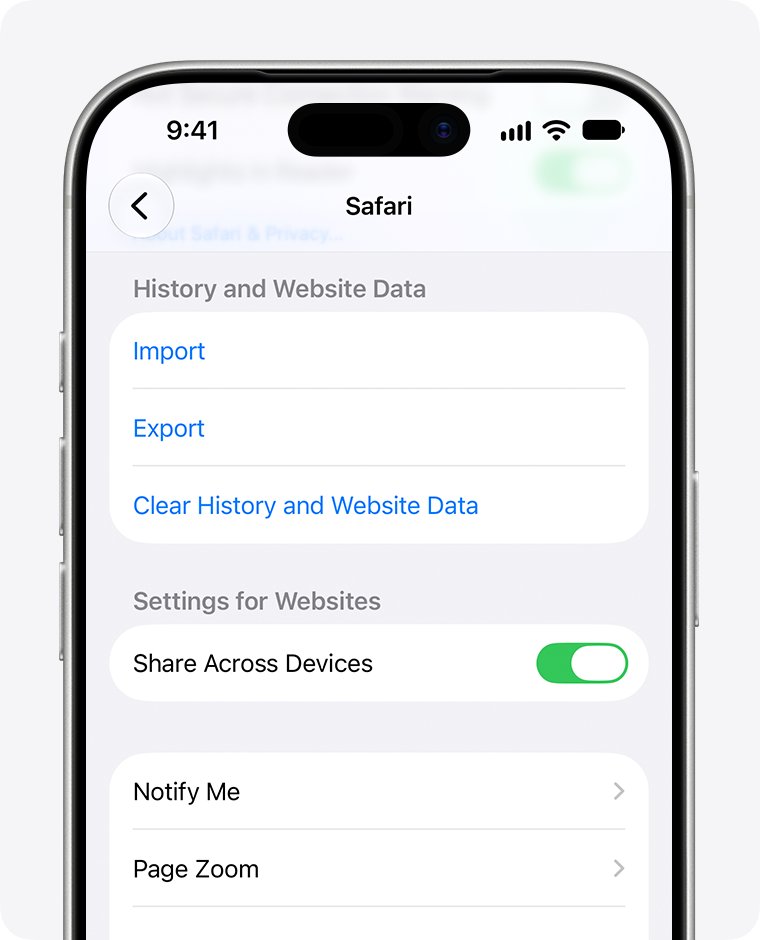
Safari history and website data were cleared, which removes saved logins.
- Open youtube.com in a normal Safari tab.
- Tap or click Sign in and enter your Google Account details.
- Clear only specific sites next time with Manage Website Data on Mac, or skip Clear History and Website Data on iPhone if you want to stay signed in.
Why does YouTube ask me to sign in every time
Block All Cookies is on, or you are browsing privately.
- Turn off Block All Cookies in Settings > Apps > Safari > Advanced on iPhone, or in Safari > Settings > Advanced on Mac.
- Leave Private Browsing and open a normal tab or window.
- Sign in to YouTube once and reopen Safari to test it.
Why does YouTube ask for a Google account
YouTube sign-in uses a Google Account, and age-restricted videos need a signed-in adult account.
- Sign in with the Google Account you already use for Gmail or YouTube.
- Check that the account holder is 18 or over for age-restricted videos.
- Complete Google's age check if you are asked to confirm your age.
YouTube page looks broken after you sign in
Advanced tracking and fingerprinting protection can affect some website features in Safari on Mac.
- Choose View > Reload Reducing Privacy Protections on the YouTube page.
- Update Safari, since YouTube supports the newest version of Safari.
- Sign in again if the page still shows the Sign in button.
YouTube sign in on Safari FAQ
Why does YouTube ask me to sign in?
YouTube asks you to sign in when a video is age-restricted, because signed-out viewers and viewers under 18 cannot watch those videos. On Safari it can also ask again when Block All Cookies is on, when you use Private Browsing, or after website data is cleared.
Why does YouTube ask me to sign in every time?
Safari is not keeping your YouTube login. Turn off Block All Cookies in Safari's Advanced settings, stop using Private Browsing for YouTube, and check that Safari on Mac does not open with a new private window. Then sign in once from a normal tab.
Why does YouTube ask me to sign in now when it never did before?
Something reset your Safari login or the video changed. Clearing Safari history and website data removes saved logins, and a video can be age-restricted after it is published. Sign in again from a normal tab to fix both cases.
Why does YouTube ask for a Google account?
YouTube accounts are Google Accounts, so the sign-in page asks for your Google email or phone number. A signed-in Google Account for someone aged 18 or over is required to watch age-restricted videos.
Why is YouTube asking for ID?
YouTube may ask you to verify your age before you watch age-restricted videos, mainly in Australia, the EU, EEA, Switzerland and the UK. Google's options include an ID, a credit card or a digital ID, though not every option is available in every region.
Why does YouTube ask continue watching?
YouTube shows "Video paused. Continue watching?" to protect your watch history and save data when nobody is watching. With Autoplay on, it can appear after 30 minutes on mobile, 60 minutes on the web and 180 minutes on TV. Select Yes to continue.
Can I watch age-restricted YouTube videos without signing in?
No. YouTube states that age-restricted videos are not viewable when you are signed out, under 18, or watching on most third-party sites that embed them. Sign in on youtube.com with an adult account instead.
Does Private Browsing in Safari sign me out of YouTube?
Yes, in effect. Safari does not save changes to cookies and website data in a private window on Mac, so a YouTube sign-in made there is gone once the window closes. Sign in from a normal tab or window to stay signed in.
Does clearing Safari cookies sign me out of YouTube?
Yes. Apple notes that removing website data in Safari clears data sites use to save login information and may sign you out. After Clear History and Website Data on iPhone or Remove All on Mac, sign in to YouTube again.