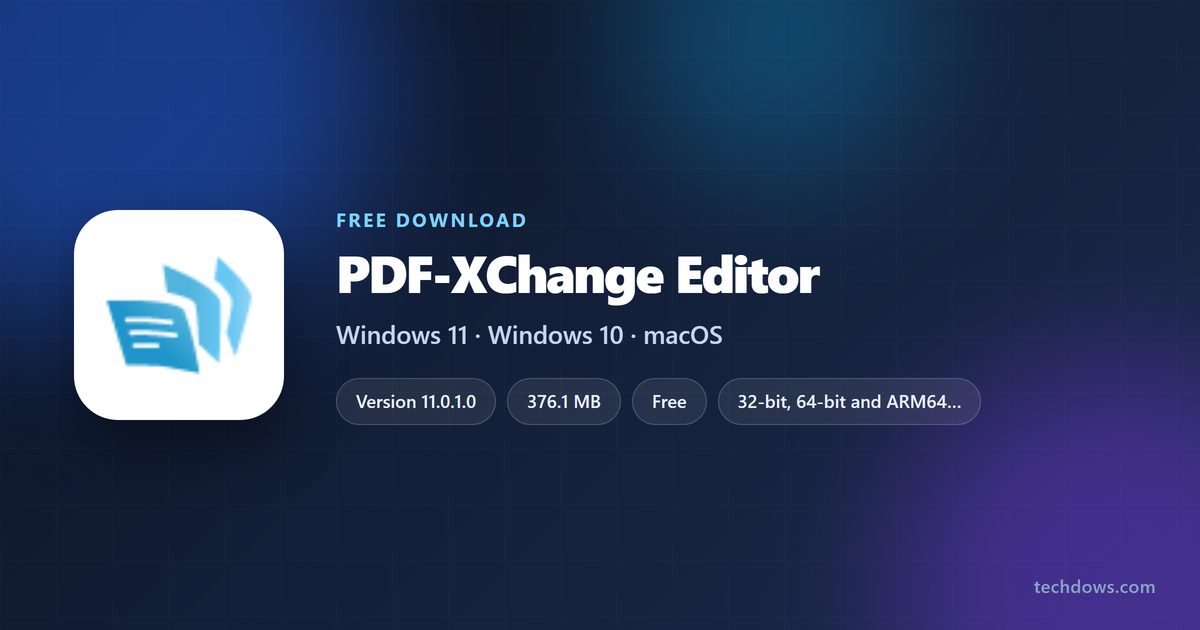
The PDF-XChange Editor download for Windows 11 and Windows 10 is free from pdf-xchange.com, the developer’s own site. Install it and you can view, comment on, edit and sign PDF files within a few minutes.
More than 70% of its features work without paying. The rest add a watermark until you buy a perpetual license, which starts at $62.
Below: which installer to pick, setup, MSI deployment, the portable build, Editor versus Editor Plus, fixes and a clean uninstall.
Which PDF-XChange Editor download do you need?
The product page lists eight Windows builds of version 11. Match your PC to a row, then click the same label on the official page.
| Your situation | Build on the official page | Size |
|---|---|---|
| Any Windows 11 or 10 home PC, 32-bit or 64-bit | (32/64 bit) Zipped Installer | 421.3 MB |
| 64-bit Windows, or deploying to many PCs | 64 bit MSI Installer | 376.1 MB |
| Older 32-bit Windows 10 | 32 bit MSI Installer | 285.1 MB |
| Snapdragon or other ARM laptop | ARM64 MSI Installer | 304.8 MB |
| No admin rights, or run from a USB drive | Editor Portable Version (x64) | 160.0 MB |
| Portable and small, text recognition not needed | Editor Portable Version (x64; No OCR) | 104.0 MB |
To check your PC type, open Settings > System > About and read System type.
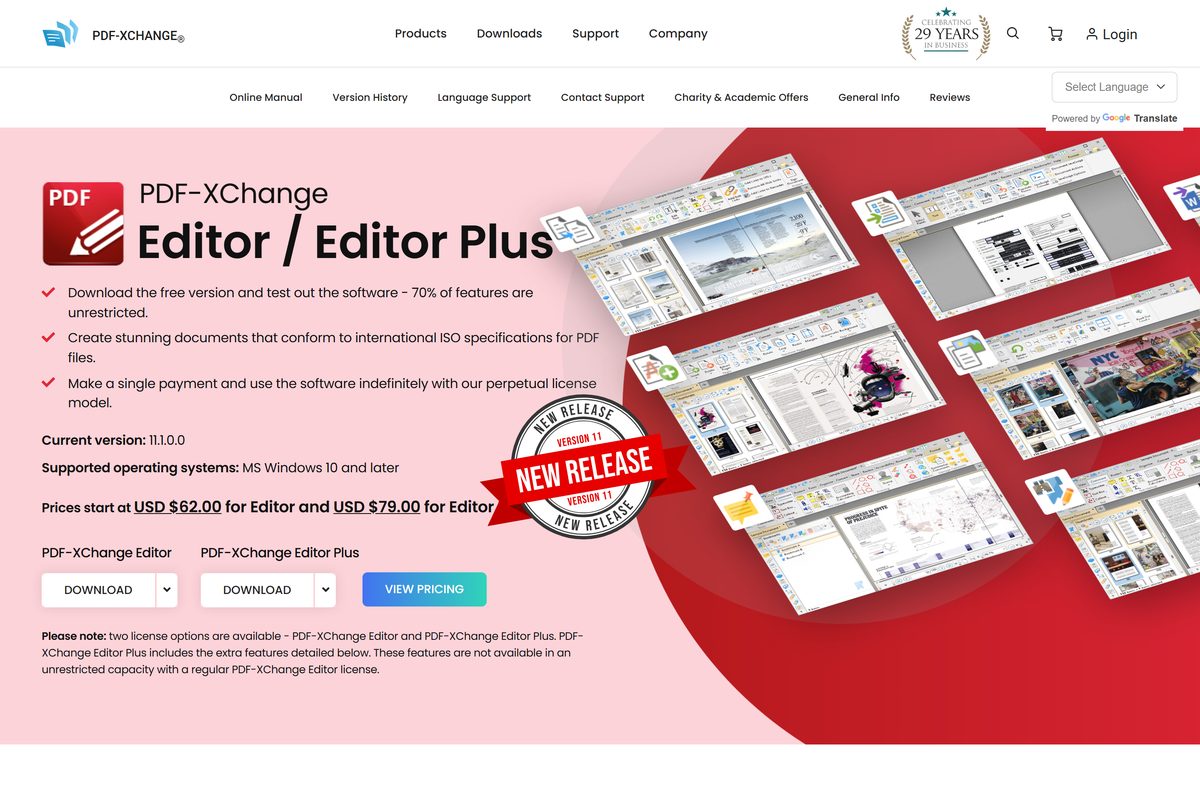
Download PDF-XChange Editor from the official site
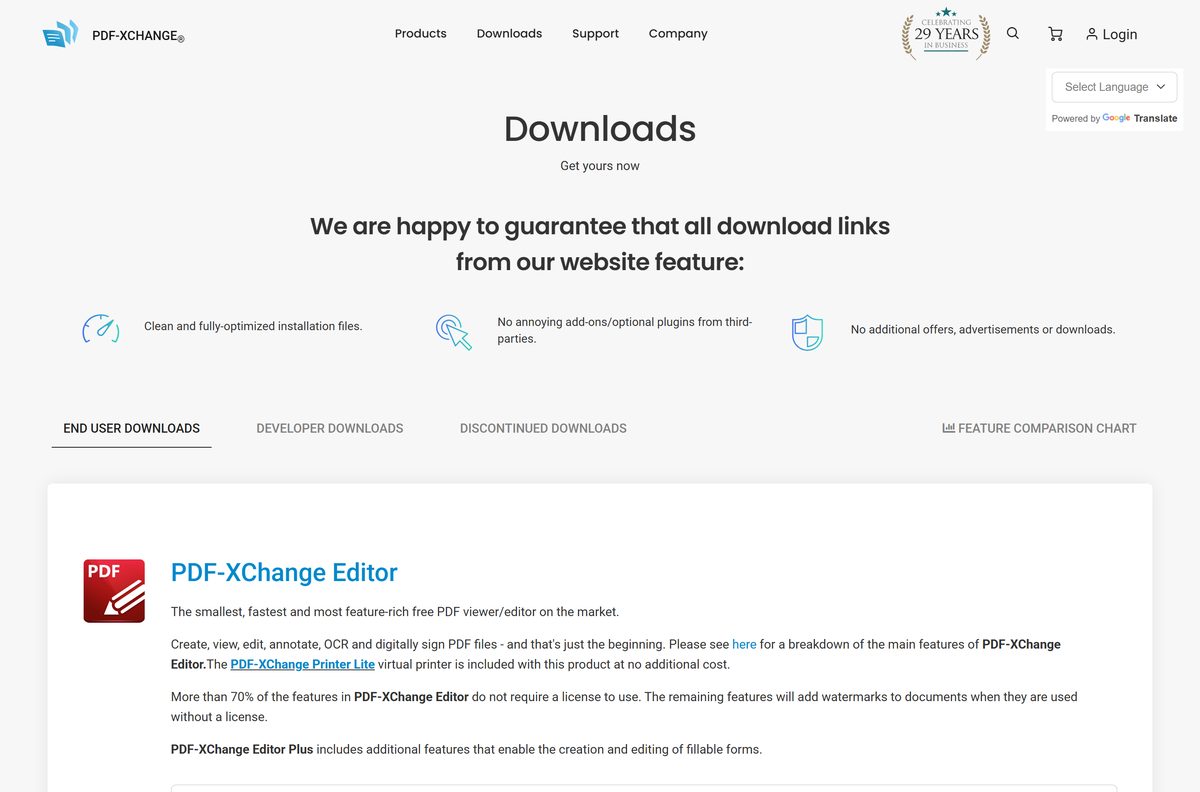
PDF-XChange Co Ltd, the parent of Tracker Software Products, hosts every build on pdf-xchange.com. Each file link opens a page that starts the download and shows the file’s SHA256 checksum.
- PDF-XChange Editor product page — all installers and portable builds, with sizes
- PDF-XChange End User Downloads — Editor, Editor Plus, PDF-Tools and the PDF-XChange printers
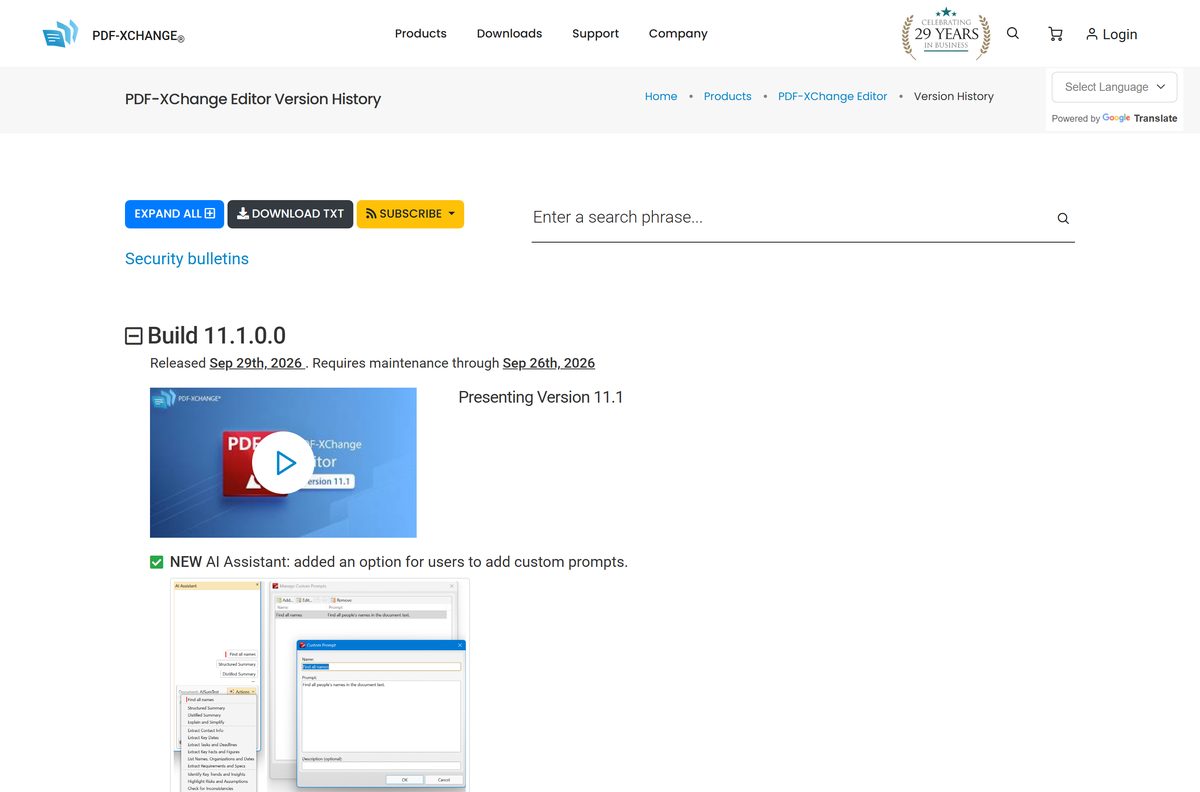
- PDF-XChange Editor version history — changes and fixes in each build
- PDF-XChange Editor pricing — single-user licenses and multi-user packs
Editor and Editor Plus share one installer. The license key you enter decides which features unlock.
How to install PDF-XChange Editor on Windows 11 and 10
- Open the PDF-XChange Editor product page and click DOWNLOAD.
- Click 64 bit MSI Installer, or the build that matches your PC from the table above.
- Wait for EditorV11.x64.msi to finish downloading, then double-click it in your Downloads folder.
- Accept the license agreement and follow the setup wizard.
- Click Yes when User Account Control asks for permission.
- Click Finish, then open PDF-XChange Editor from the Start menu.
- Use the free version as it is, or enter your license key to unlock the paid features.
The program installs to C:\Program Files\PDF-XChange\PDF Editor\PXCEditor.exe on a 64-bit PC.
How to deploy the PDF-XChange Editor MSI on several PCs
IT admins get three Windows Installer packages, one per processor type. Push the one that matches each group of PCs through Intune, Group Policy or your usual deployment tool.
| Package | Processor | Size | Get it |
|---|---|---|---|
64 bit MSI Installer (EditorV11.x64.msi) |
x64 | 376.1 MB | pdf-xchange.com |
| 32 bit MSI Installer | x86 | 285.1 MB | pdf-xchange.com |
| ARM64 MSI Installer | ARM64 | 304.8 MB | pdf-xchange.com |
The standard Windows Installer switch msiexec /i EditorV11.x64.msi /qn runs the package without any prompts.
How to verify the PDF-XChange Editor installer
Every download page on pdf-xchange.com prints a File SHA256 Checksum under the file link. Compare it with the file you saved.
- Open Terminal or Windows PowerShell from the Start menu.
- Run Get-FileHash $env:USERPROFILE\Downloads\EditorV11.x64.msi -Algorithm SHA256 .
- Compare the result with the value on the download page. For the 64-bit MSI of version 11.0.1.0 it is 4fe3b1ad8c4817f401dd42a4d31822c4b1a2672d1528b4c7522cb729d9eaefc2 .
- Delete the file and download it again from pdf-xchange.com if the two values differ.
Run PDF-XChange Editor without installing it
The portable builds need no setup and no admin rights. They suit a locked-down work PC or a USB drive you carry between machines.
- Open the PDF-XChange Editor product page and click Editor Portable Version (x64).
- Save PXCEditor11_Portable_x64.zip , then right-click it and select Extract All.
- Pick a folder in your user profile or on a USB drive and click Extract.
- Open the extracted folder and double-click the editor program to start it.
Pick a No OCR build if you never turn scanned pages into searchable text. It is 56 MB smaller.
Is PDF-XChange Editor free?
A single-user Editor license costs USD $62.00 and Editor Plus costs USD $79.00. Both are perpetual and include one year of updates.
Use the free version for reading, commenting and everyday edits, and buy a license only when you need a feature that stamps a watermark on your file. More than 70% of the features in PDF-XChange Editor need no license. The remaining features still run, but they add watermarks to documents until you enter a key.
Five-user packs cost $277.00 for Editor and $355.00 for Editor Plus. Ten-user packs cost $534.00 and $683.00.
Extra maintenance adds $15.50 for a second year or $23.25 for three years on Editor. A site selling a lifetime key far below these prices is not PDF-XChange Co.
Should you buy PDF-XChange Editor or Editor Plus?
Buy Editor Plus if you build fillable forms, compare document versions or OCR many scans. Buy the standard Editor for everything else. Editor Plus adds the enhanced OCR engine, form creation and editing, dynamic JavaScript stamps, Compare Documents, Identify Forms and the Add Placeholder tool. The $17 difference buys only those tools.
Both editions include the version 11 AI Assistant. It sends nothing to an AI model until you add your own OpenAI, Anthropic or Google API key.
Check the PDF-XChange Editor system requirements
| Field | Value |
|---|---|
| Software | PDF-XChange Editor and Editor Plus |
| Developer | PDF-XChange Co Ltd (Tracker Software Products) |
| Latest version | 11.0.1.0 |
| Released | June 2026 |
| Operating system | Windows 10 and later, including Windows 11 |
| Mac and Linux | Not available |
| Processor | 32-bit, 64-bit or ARM64 |
| 64-bit MSI size | 376.1 MB |
| License | Free version with watermarked extras; paid perpetual license from $62 |
| Official download source | pdf-xchange.com |
| Last verified | 2026-09-25 |
How to make PDF-XChange Editor the default PDF app on Windows 11
- Open Settings and select Apps > Default apps.
- Type .pdf in the Set a default for a file type or link type box.
- Click the app shown under .pdf and choose PDF-XChange Editor.
- Click Set default, then double-click any PDF to confirm it opens in the editor.
Fix PDF-XChange Editor not installing or opening files
PDF attachments in Outlook do nothing when you double-click them
A Microsoft Defender Attack Surface Reduction rule blocks Outlook from starting other programs.
- Ask your IT admin to exclude C:\Program Files\PDF-XChange\PDF Editor\PXCEditor.exe from the rule Block Office communication application from creating child processes.
- On a PC you manage, run Add-MpPreference -AttackSurfaceReductionOnlyExclusions “C:\Program Files\PDF-XChange\PDF Editor\PXCEditor.exe” in an admin PowerShell window.
A watermark appears on saved pages
You used one of the licensed features in the free version.
- Undo the change, or close the file without saving it.
- Enter a PDF-XChange Editor or Editor Plus license key to use that feature without a watermark.
The MSI refuses to install
The package does not match your processor.
- Open Settings > System > About and read System type.
- Download the 64-bit, 32-bit or ARM64 MSI that matches, or use the combined zipped installer.
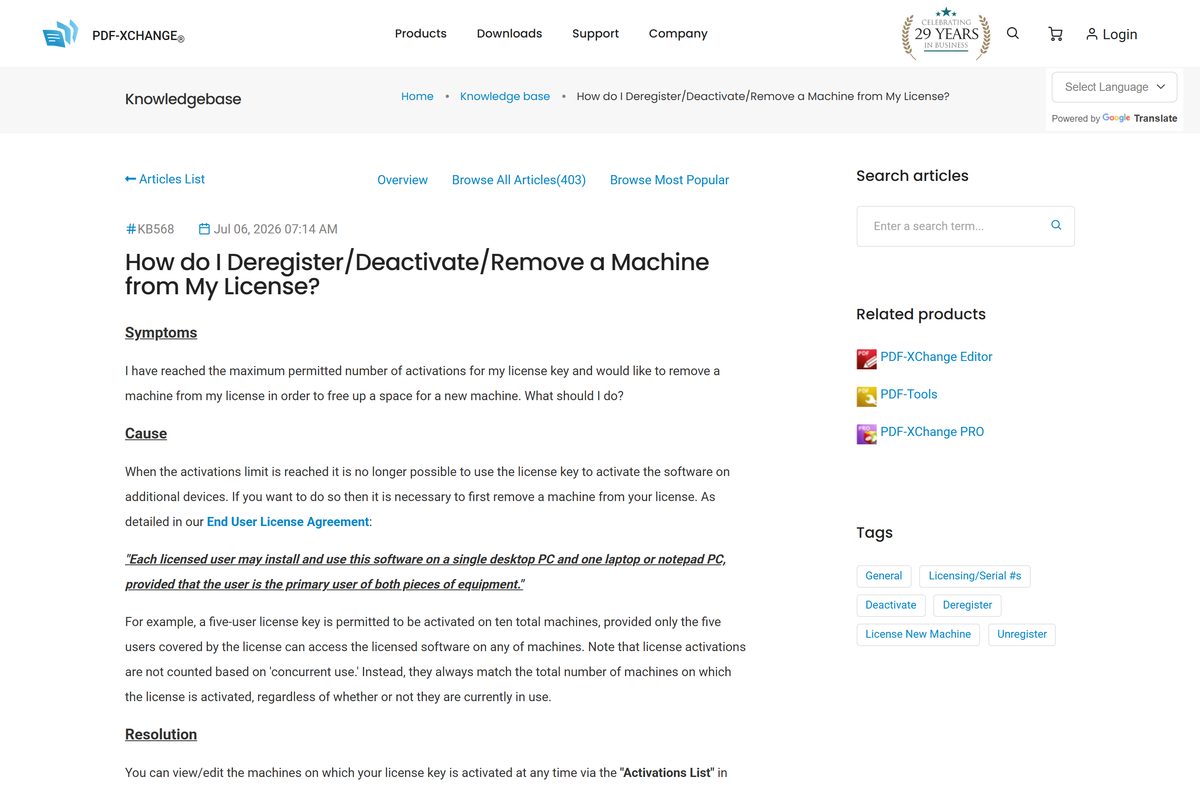
Your license key says no activations are left
Each user license covers one desktop and one laptop.
- Sign in at pdf-xchange.com and open Your Products & Serial Keys.
- Click Activations List, then Deregister next to the old PC, and click OK.
How to uninstall PDF-XChange Editor
- If the PC uses a paid license, deregister it first under Activations List in your pdf-xchange.com account.
- Open Settings > Apps > Installed apps.
- Find PDF-XChange Editor, click the three-dot menu and select Uninstall.
- Confirm, and click Yes at the User Account Control prompt.
- For a portable build, delete the folder you extracted it to.
Choose a PDF editor for Mac or another Windows option
PDF-XChange Editor has no macOS build. Pick from the table by the computer you use and the work you do.
| Option | Platform | Best for | Link |
|---|---|---|---|
| PDF-XChange Editor | Windows | Free editing and annotation with a one-time license for extras | pdf-xchange.com |
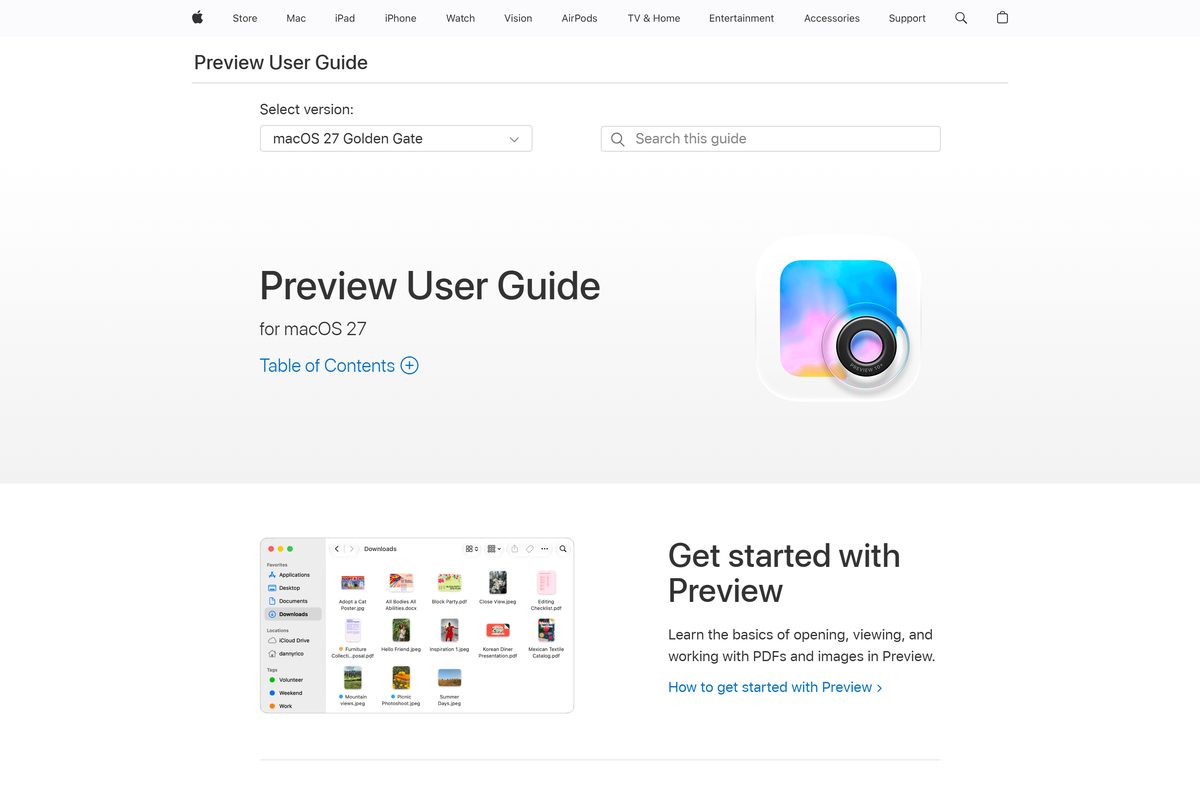
| Preview | Mac, built in | Annotating, signing, filling forms and combining PDFs at no cost | Preview User Guide |
| Adobe Acrobat Pro | Windows and Mac | Full editing when your office standardizes on Adobe tools | Download Acrobat Pro |
Stay with PDF-XChange Editor on Windows if a one-time payment matters more to you than a Mac version.
Frequently asked questions
Is PDF-XChange Editor free?
Yes, in part. More than 70% of its features work without a license. The rest still run, but they add a watermark to the document. A perpetual license removes it and costs $62 for Editor or $79 for Editor Plus.
Where is the official PDF-XChange Editor download?
The official download is on pdf-xchange.com, on the PDF-XChange Editor product page and the End User Downloads page. Both list the zipped installer, the 64-bit, 32-bit and ARM64 MSI packages and the portable builds.
Does PDF-XChange Editor work on Windows 11?
Yes. PDF-XChange Co lists Windows 10 and later as the supported systems, so version 11 installs on Windows 11 and Windows 10. Separate MSI packages cover 64-bit, 32-bit and ARM64 PCs.
Is there a PDF-XChange Editor for Mac?
No. PDF-XChange Editor is a Windows program only, and the vendor publishes no macOS or Linux build. On a Mac, the built-in Preview app can annotate, sign, fill forms and combine PDFs.
How big is the PDF-XChange Editor download?
The 64-bit MSI installer is 376.1 MB. The combined 32/64-bit zipped installer is 421.3 MB, and the portable builds run from 96.6 MB without OCR to 160.0 MB for the 64-bit version with OCR.
Is there a portable version of PDF-XChange Editor?
Yes. The official download page offers four portable ZIP builds: 32-bit and 64-bit, each with or without the OCR engine. Extract one to a folder or USB drive and run it without installing anything.
What is the difference between PDF-XChange Editor and Editor Plus?
Editor Plus adds the enhanced OCR engine, fillable form creation, dynamic stamps, Compare Documents, Identify Forms and the Add Placeholder tool. Both use the same download; the license key decides which features unlock.
How many PCs can I use one PDF-XChange Editor license on?
Each licensed user may install the software on one desktop PC and one laptop. A five-user license therefore covers up to ten machines. Deregister an old PC in your account to free a slot.
Does the license expire after a year?
No. The license is perpetual. It includes one year of maintenance, which covers every update released in that period. If you do not renew, the license stays valid for the versions you already have.
Is PDF-XChange Editor safe to download?
Yes, when you download it from pdf-xchange.com. Each download page shows a SHA256 checksum for its file, so you can confirm the installer matches what PDF-XChange Co published before you run it.
What is new in PDF-XChange Editor 11?
Version 11 adds an AI Assistant that works with your own OpenAI, Anthropic or Google API key, a FreeSign tool for signatures and initials, an Add Placeholder tool and better Save as Optimized options.