Freeform is Apple’s free whiteboard app, and every Mac on macOS 13 Ventura or later already has it installed. On iPhone, iPad and Apple Vision Pro it is a 6.2 MB download from the App Store, sold by Apple Inc. at no charge.
Boards hold photos, sticky notes, shapes, drawings, links and PDFs on one open canvas. Turn on iCloud for the app and the same boards stay in sync across your Mac, iPhone and iPad, with real-time collaboration for anyone you invite.
Below you will find the official App Store link, where to find the app on a Mac, install steps for iPhone and iPad, how to hand a board to someone on a Windows PC, fixes for sync problems and the best whiteboard for Windows.
Which Freeform download do you need?
One App Store listing covers iPhone, iPad and Apple Vision Pro. The Mac copy comes with macOS itself, so a Mac never needs a separate file.
| Your device | What to open | Size | What you get |
|---|---|---|---|
| Mac on macOS 13 Ventura or later | Freeform User Guide for Mac | Nothing to download | The app is already included with macOS |
| iPhone on iOS 16.2 or later | App Store listing | 6.2 MB | The full app, free |
| iPad on iPadOS 16.2 or later | App Store listing | 6.2 MB | The same listing, with Apple Pencil drawing |
| Apple Vision Pro | App Store listing | 6.2 MB | The same listing again |
| Windows 11 or Windows 10 PC | Microsoft Whiteboard | About 640 MB bundle | A free whiteboard from Microsoft; Freeform boards arrive as PDFs |
Apple publishes no exe, msi or apk for this app. A file offered under that name elsewhere did not come from Apple.
Download Freeform from the official App Store page
The App Store listing installs the app on Apple mobile devices. The user guides cover every step once it is open.
- Freeform on the App Store — 6.2 MB · Version 2.7, seller Apple Inc., category Productivity
- Freeform User Guide for Mac — Versions for macOS Ventura 13 through macOS 27
- Get started with Freeform on iPhone — Boards, drawing tools, collaboration and iCloud sync
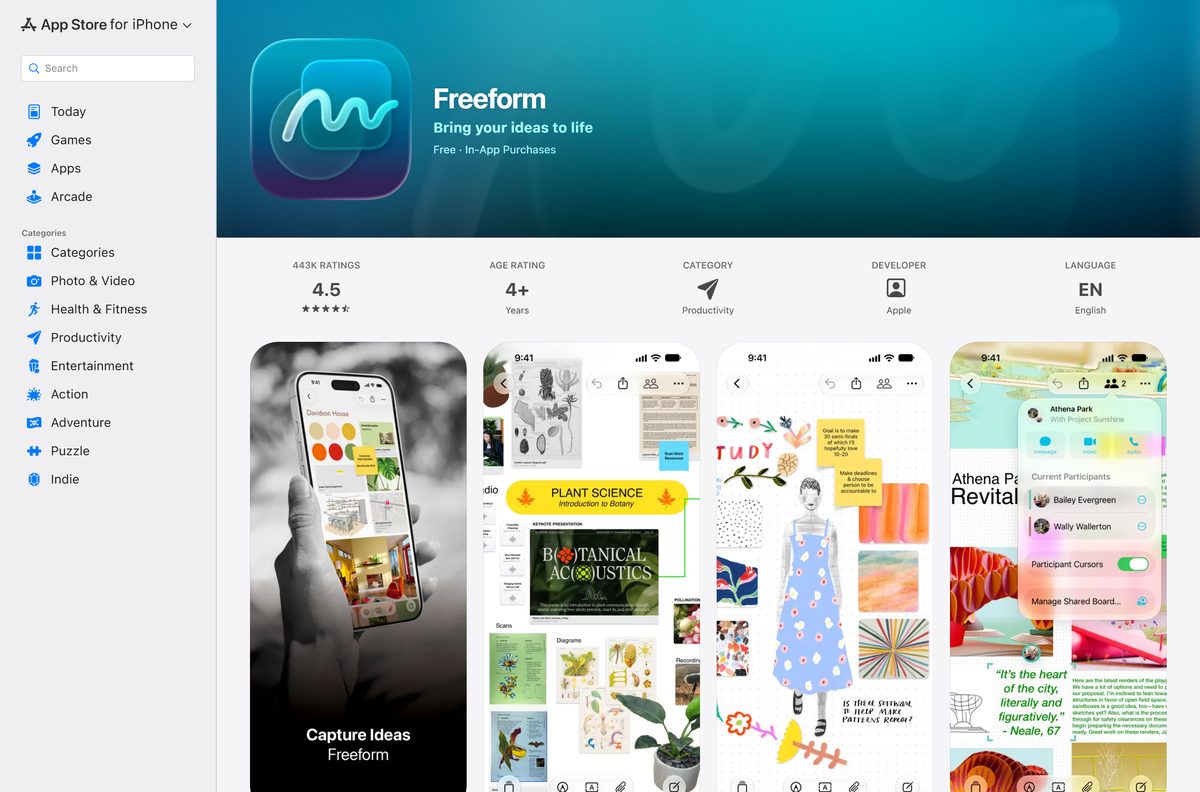
How to share a Freeform board with someone on Windows 11 or 10
Apple’s own list of software for a Windows PC covers the Apple Music app, the Apple TV app, the Apple Devices app and iTunes. Freeform is not on it, and iCloud collaborators view shared boards inside the Freeform app itself.
A PDF export is the dependable way to hand a board to a PC user. Every Windows 11 and Windows 10 machine opens it in Microsoft Edge.
- Open the Freeform app on your Mac.
- Click a category in the sidebar, then select the board you want to send. Choose View > Show Sidebar if the sidebar is hidden.
- Choose File > Export Board as PDF, then click Export.
- Send the PDF to the Windows user by Mail, a shared drive or any messaging app.
- For an image instead, open the PDF in Preview, choose File > Export, then pick an image format.
- On an iPhone, open the board, tap the share button, then tap Export as PDF and choose Board or Scenes.
The PDF is a snapshot. Edits made after the export do not reach the Windows copy, so export again after changes.
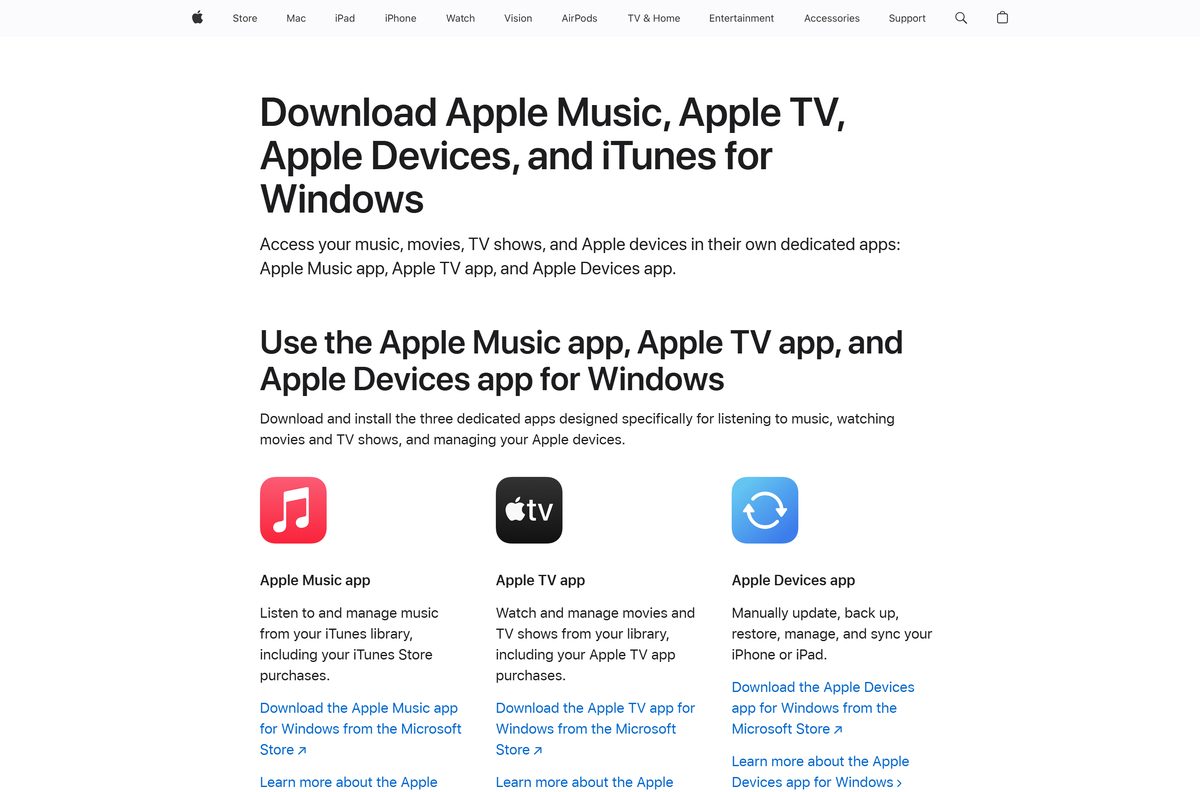
How to install Freeform on an iPhone, iPad or Apple Vision Pro
The steps match on every device that uses the App Store listing. If the app is already on the device, the button reads Open instead of Get.
- Open the App Store from the Home Screen.
- Search for Freeform, then open the result with the tagline Bring your ideas to life.
- Check the developer reads Apple and the price reads Free.
- Tap Get, then confirm with Face ID, Touch ID or your passcode.
- Wait for the 6.2 MB transfer to finish, then tap Open.
- Tap the new board button to create your first board.
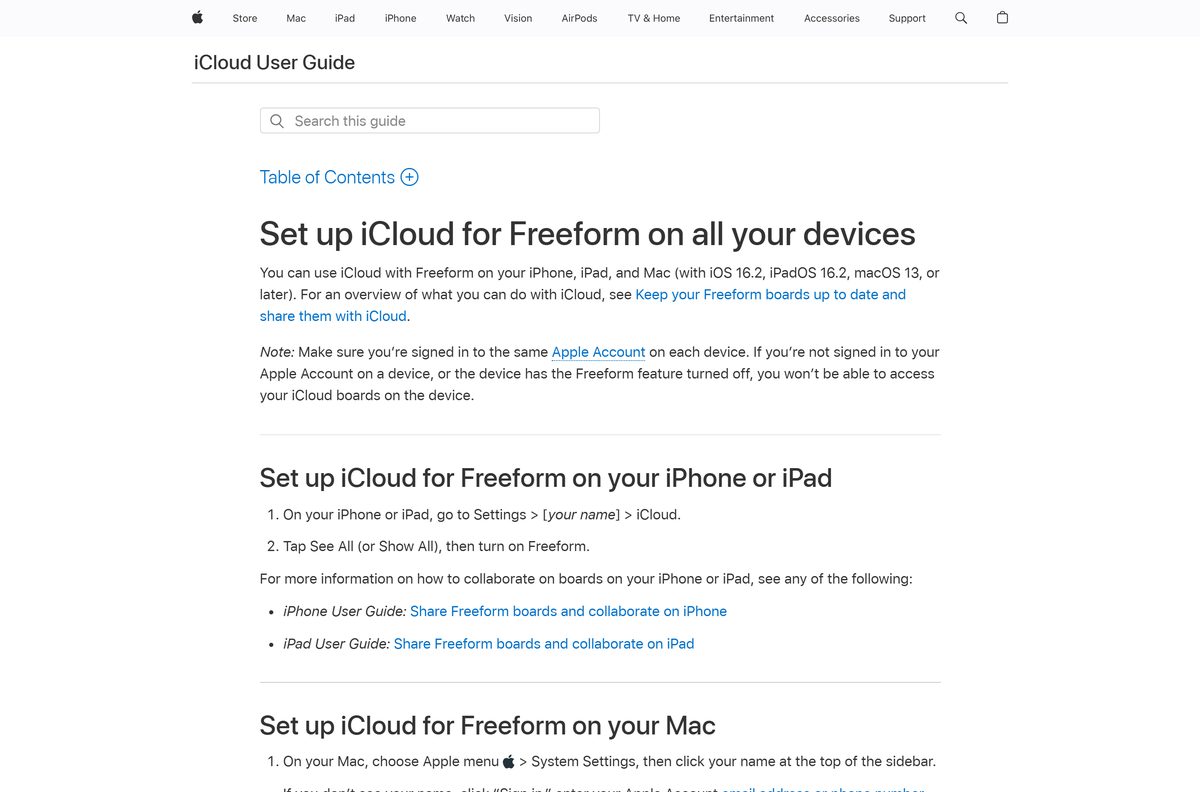
- Open Settings > [your name] > iCloud > See All, then turn on Freeform to sync boards with your Mac.
The listing carries in-app purchases for Apple Creator Studio. Skip them and boards, drawing and collaboration still work in full.
How to tell a genuine Freeform download from a fake
Four details on the listing settle it in seconds.
- Start in the App Store app itself, not from a search result on an unfamiliar site.
- Check the title reads Freeform and the tagline reads Bring your ideas to life.
- Check the seller reads Apple Inc. and the developer link reads Apple.
- Check the price reads Free and the category reads Productivity.
- Reject any exe, msi, dmg or apk offered under this name. Apple distributes none of them.
- On a Mac, open the copy already in your Applications folder rather than downloading one.
Which Mac has Freeform, and what if yours does not?
Click the Apple menu, then choose About This Mac to read your macOS version.
| Your Mac reports | What happens | Where to go |
|---|---|---|
| macOS 13 Ventura or later | The app is included; open it from the Applications folder | Get started on Mac |
| macOS 12 Monterey or older | The app is not available; update macOS if your Mac supports a newer release | Freeform User Guide for Mac |
| A Mac that cannot be updated | Use Freeform on an iPhone or iPad on iOS 16.2 or later instead | App Store listing |
Searching the Mac App Store for the app finds no Apple listing. That is expected, because the Mac copy ships with the system.
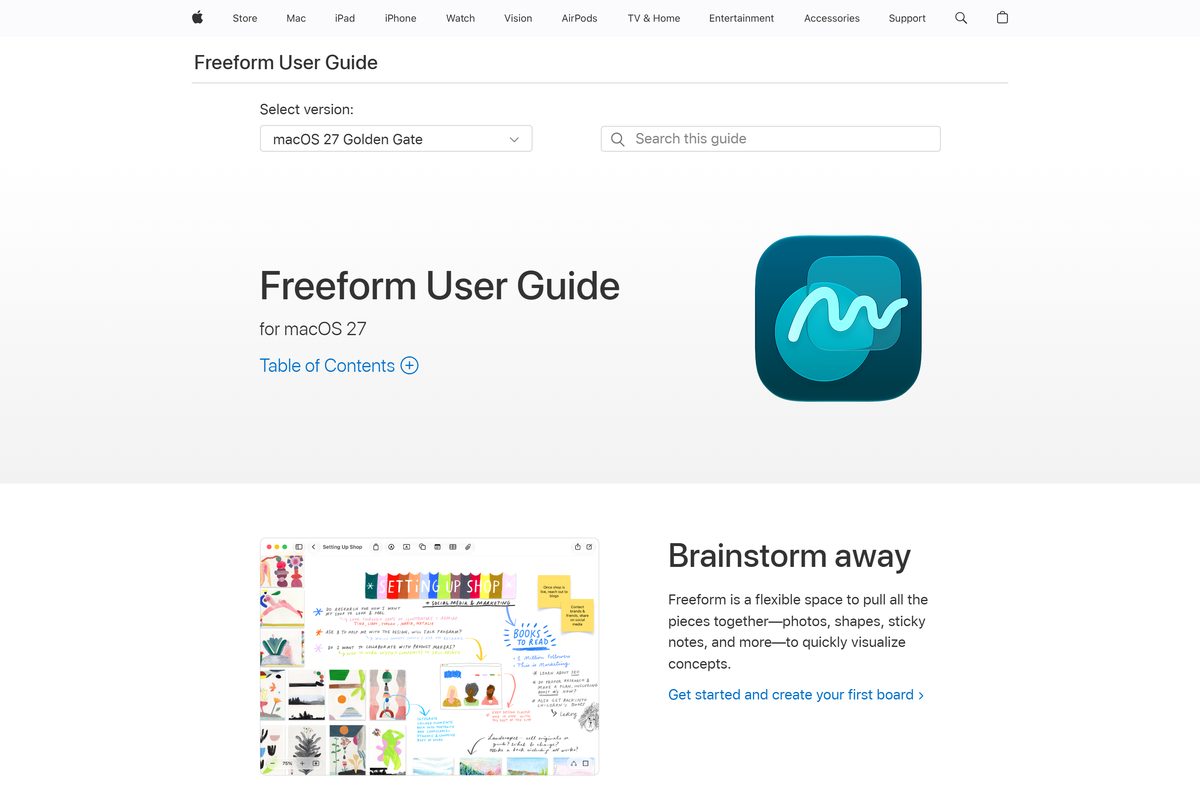
Is Freeform free?
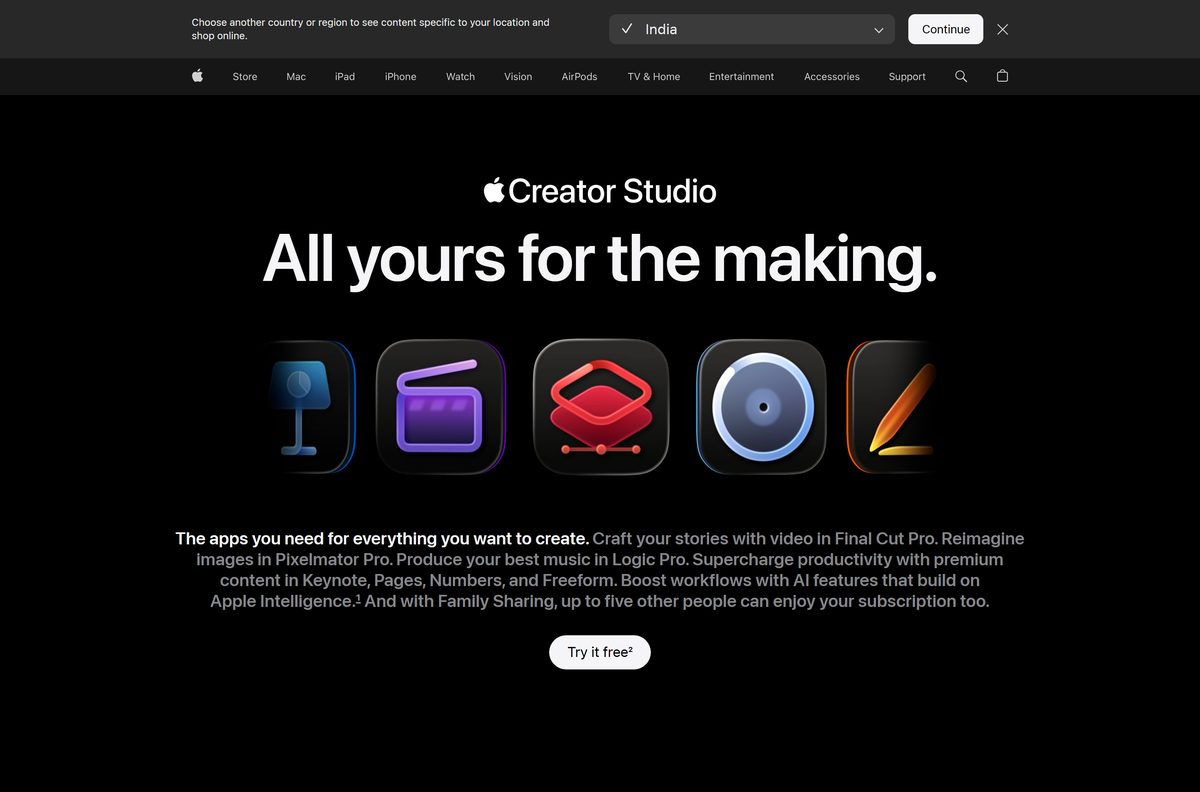
Yes. The App Store lists it as Free, and creating, viewing and editing boards, and collaborating in real time, need no subscription. The in-app purchase is Apple Creator Studio, a separate bundle at $12.99 per month or $129 per year after one free month, and $2.99 per month or $29.99 per year for students and educators. It adds Final Cut Pro, Logic Pro, Pixelmator Pro, Motion, Compressor and MainStage, plus premium content and AI image features inside Freeform, Keynote, Pages and Numbers. Family Sharing extends it to five other people. On a Mac, subscribe from Freeform > Get Apple Creator Studio.
How to check your Freeform version and update it
The current App Store release is 2.7, dated 14 September 2026.
- On an iPhone, iPad or Apple Vision Pro, open the App Store.
- Tap the My Account button or your photo at the top of the screen.
- Tap App Updates, then tap Update next to the app, or tap Update All.
- On a Mac, open System Settings, select General, then Software Update, and install any macOS update offered.
- Reopen the app after the update to load the new features.
Recent releases added tables for arranging content in rows and columns, and Scenes for saving and jumping to parts of a board.
Check the Freeform specifications and system requirements
Every figure below comes from the App Store listing and Apple’s own support pages.
| Field | Detail |
|---|---|
| Software | Freeform |
| Developer | Apple Inc. |
| Latest version | 2.7 (App Store, iPhone and iPad) |
| Released | 14 September 2026 |
| License / price | Free, with an optional Apple Creator Studio subscription |
| Download size | 6.2 MB (6,216,704 bytes); included with macOS on Mac |
| Supported OS | macOS 13 Ventura, iOS 16.2 or iPadOS 16.2 and later; Apple Vision Pro |
| Architecture | Built into macOS; no x86, x64 or ARM64 Windows build |
| Account | An Apple Account for iCloud sync and collaboration |
| Category | Productivity |
| Rating | 4.5 from 443K ratings |
| Official download source | App Store |
| Offline installer | No |
| Last verified | 25 September 2026 |
What Freeform can put on a board and export
The canvas takes almost any file, but a board leaves the app in only a few ways.
| Task | Where | What works |
|---|---|---|
| Add content | Any board | Photos, video, audio, documents, PDFs, web links, sticky notes, text, tables and diagrams |
| Draw | iPhone and iPad | Finger or Apple Pencil, with several brush styles and colors |
| Scan paper | iPhone and iPad | The built-in document scanner drops the scan onto the board |
| Export | Mac, File then Export Board as PDF | PDF, then any image format through Preview |
| Send a copy | iPhone, share menu then Send a Copy | An iCloud link the recipient can download within 30 days |
| Collaborate live | Share button | Messages, Mail, AirDrop or a link, for people signed in to an Apple Account |
Collaborating through Messages also needs iMessage switched on for you and everyone you invite.
Fix Freeform not downloading, opening or syncing
The App Store will not install it on your iPhone or iPad
The device runs a release older than iOS 16.2 or iPadOS 16.2.
- Open Settings, tap General, then About to read the version.
- Go back to General, tap Software Update, and install any update offered.
- Return to the listing and tap Get again.
You cannot find the app on your Mac
The Mac runs macOS 12 Monterey or older.
- Click the Apple menu and choose About This Mac to read the version.
- Open System Settings, select General, then Software Update.
- Install macOS 13 Ventura or later if offered, then check the Applications folder.
Boards do not appear on your other devices
iCloud is off for the app, or the devices use different Apple Accounts.
- On an iPhone or iPad, open Settings > [your name] > iCloud > See All, then turn on Freeform.
- On a Mac, choose Apple menu > System Settings, click your name, then click iCloud and switch the app on.
- Confirm every device is signed in to the same Apple Account.
An invited person cannot open your shared board
They are not signed in to an Apple Account, or they are on a Windows PC.
- Ask them to sign in to their Apple Account on a Mac, iPhone or iPad.
- For Messages invitations, make sure both of you have iMessage turned on.
- For a Windows user, export the board as a PDF and send that instead.
A board you deleted is missing
Deleted boards you own move to Recently Deleted.
- While browsing All Boards, tap the folders button, then tap Recently Deleted.
- Touch and hold the board, then tap Recover. Items stay there for 30 days.
How to uninstall Freeform and keep your boards
Boards stored in iCloud stay in your account after the app is removed from a device.
- Check iCloud sync is on for the app, so your boards are stored in the cloud.
- On an iPhone or iPad, touch and hold the app icon.
- Tap Remove App, then tap Delete App.
- Reinstall at any time from the same App Store listing at no charge.
- On a Mac, leave the app in place, since it is part of macOS; turn off Freeform in System Settings > your name > iCloud to stop syncing there.
Which Freeform alternative should you use on Windows?
A PC needs a different whiteboard, and Microsoft’s own is free.
| Option | Cost | Where it runs | Link |
|---|---|---|---|
| Microsoft Whiteboard | Free | Windows 11 and Windows 10, from the Microsoft Store (about 640 MB package bundle) | Microsoft Store |
| Freeform PDF export | Free | Any Windows PC, opened in Microsoft Edge | Export steps |
Stay with Freeform if your team works on Macs, iPhones and iPads. Pick Microsoft Whiteboard when anyone on the team uses a Windows PC.
Frequently asked questions
Is Freeform free?
Yes. The App Store lists it as Free, and creating, editing and collaborating on boards need no subscription. The in-app purchase is Apple Creator Studio, at $12.99 a month or $129 a year.
Is there a Freeform download for Windows 11?
No. Apple’s Windows software stops at Apple Music, Apple TV, Apple Devices and iTunes. Export a board as a PDF for a PC user, or install Microsoft Whiteboard from the Microsoft Store.
Do I need to download Freeform on a Mac?
No. Apple’s guide calls it included on your Mac. Every Mac on macOS 13 Ventura or later already has it in the Applications folder.
How big is the Freeform download?
6.2 MB, or 6,216,704 bytes, for version 2.7 on the United States storefront. The Mac copy ships with macOS, so there is nothing separate to download there.
Which devices run Freeform?
iPhone on iOS 16.2 or later, iPad on iPadOS 16.2 or later, Mac on macOS 13 or later, and Apple Vision Pro. There is no Android, Windows or web version.
Is there an offline installer?
No. The Mac copy comes with macOS, and every other device installs it from the App Store. Apple publishes no standalone package.
Can people on Windows see my Freeform boards?
Not live. Shared boards open only in the app for people signed in to an Apple Account. Send a Windows user a PDF export instead.
Is Freeform safe to download?
Yes, from the App Store. Check the seller reads Apple Inc. and the price reads Free. Any exe, msi or apk offered under this name is not Apple’s work.
What is the latest Freeform version?
Version 2.7, released on 14 September 2026 for iPhone, iPad and Apple Vision Pro. On a Mac, keep macOS current through Software Update.
Can I recover a deleted Freeform board?
Yes, within 30 days. Boards you own move to Recently Deleted, where you can recover or permanently delete them.