The DBeaver download for Windows 11 and Windows 10 is a free installer from dbeaver.io. It includes its own Java runtime, so you run the EXE and start connecting to databases.
DBeaver Community also installs on Apple Silicon and Intel Macs, on Linux, and from the Microsoft Store. It is open source under the Apache License 2.0.
Below: which file to pick, installer and ZIP setups, the Store and Chocolatey routes, the Mac options, updates, fixes and a clean uninstall.
Which DBeaver download do you need?
dbeaver.io offers one installer per system and chip. Match your machine to a row and click the file name.
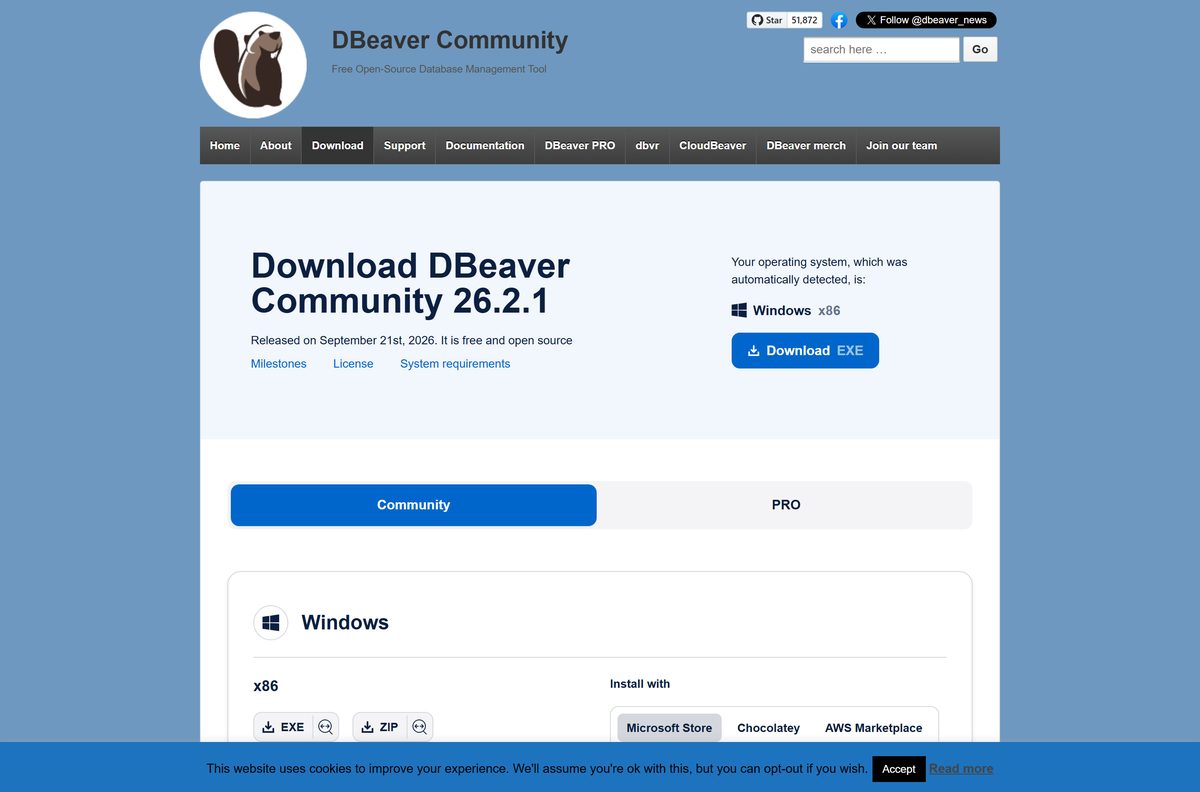
The Windows file labelled x86 on the download page is the 64-bit x86_64 build, not a 32-bit one.
| Your computer | File to download | Type |
|---|---|---|
| Windows 11 or 10 PC with an Intel or AMD chip | dbeaver-ce-latest-windows-x86_64.exe | Installer |
| Windows PC where you cannot run installers | dbeaver-ce-latest-windows-x86_64.zip | Portable ZIP |
| Windows on ARM laptop, such as Snapdragon | dbeaver-ce-latest-windows-aarch64.exe | ARM64 installer |
| Mac with an M-series chip | dbeaver-ce-latest-macos-aarch64.dmg | DMG |
| Mac with an Intel chip | dbeaver-ce-latest-macos-x86_64.dmg | DMG |
| Ubuntu, Debian or Linux Mint on x64 | dbeaver-ce-latest-linux-x86_64.deb | DEB package |
| Fedora, RHEL or openSUSE on x64 | dbeaver-ce-latest-linux-x86_64.rpm | RPM package |
Every build includes the OpenJDK 25 runtime, so you do not install Java separately.
Download DBeaver Community from the official site
Get DBeaver from dbeaver.io or the Microsoft Store. The dbeaver.io buttons hand the file over from the official DBeaver release repository on GitHub.
- DBeaver Community download page — all Windows, macOS and Linux files
- DBeaver 26.2.1 Windows x64 installer — 64-bit Intel and AMD PCs
- DBeaver CE in the Microsoft Store — free, x64 and ARM64
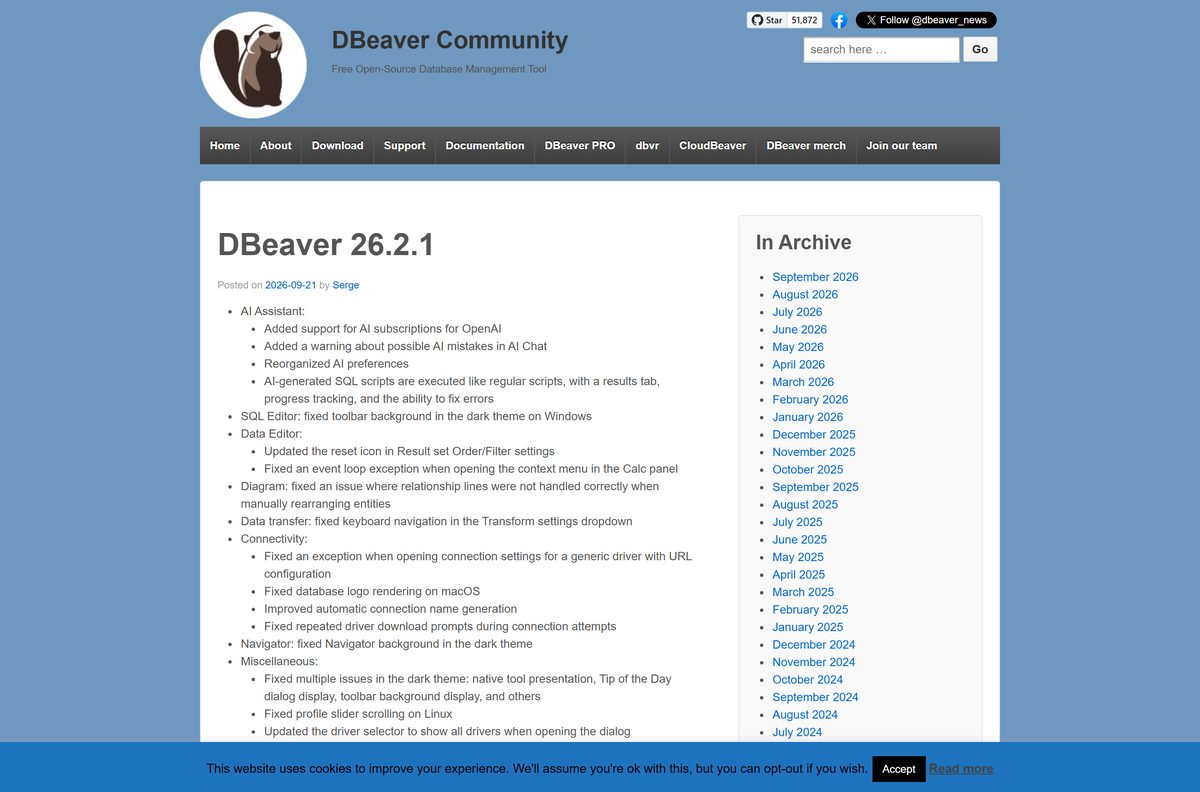
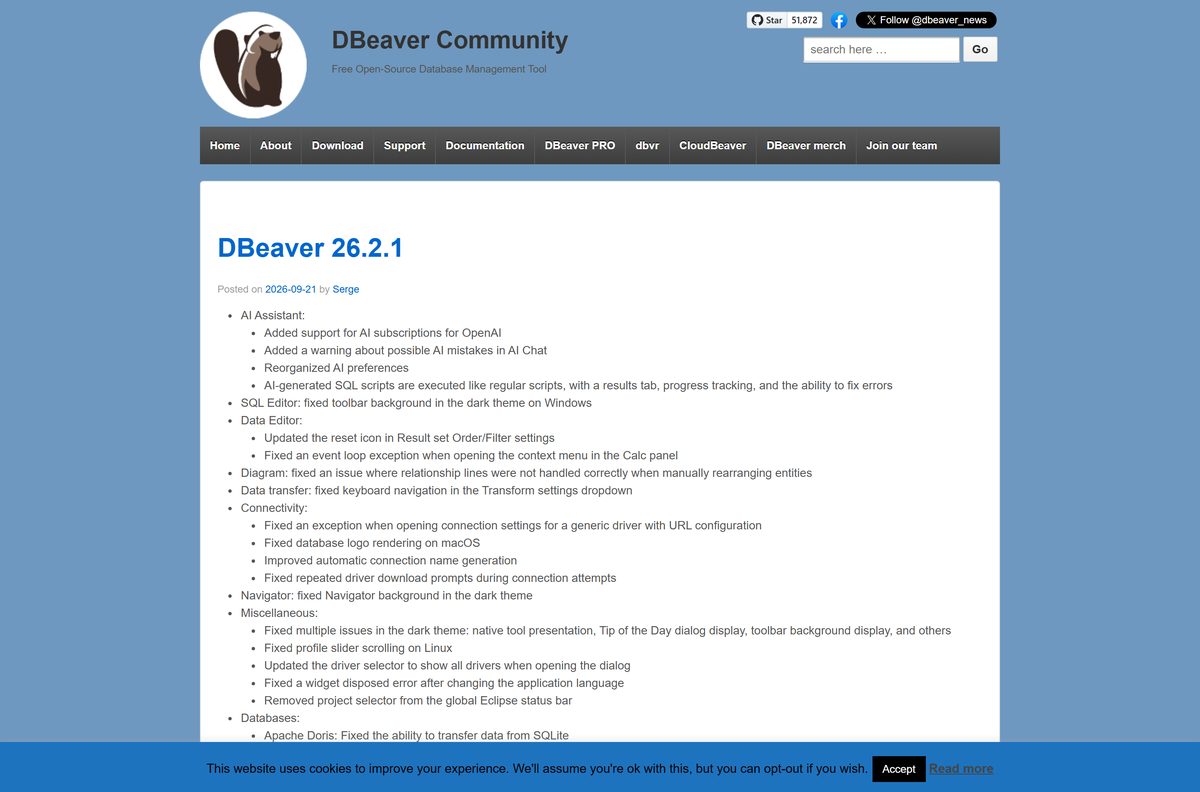
- DBeaver 26.2.1 release notes — released 21 September 2026
How to install DBeaver on Windows 11 and 10
- Download dbeaver-ce-latest-windows-x86_64.exe from dbeaver.io.
- Open your Downloads folder and double-click the file.
- Click Yes when User Account Control asks for permission.
- Follow the setup wizard, keeping the default install folder unless you need another drive.
- Click Finish, then open DBeaver from the Start menu.
- Create a new database connection, pick your database and enter its host, port, user and password.
- Accept the driver download when DBeaver asks for the JDBC driver for that database.
If you already run an older version, the same installer upgrades it in place.
Install DBeaver from the Microsoft Store or with Chocolatey
The Store listing is published by DBeaver Corp as DBeaver CE and costs nothing. It updates through the Store app.
- Open the DBeaver CE Store listing and click Get or Install.
- Wait for the Store to finish, then click Open.
- For Chocolatey, open Terminal (Admin) and run choco install dbeaver .
- Upgrade a Chocolatey install later with choco upgrade dbeaver .
Run DBeaver from the ZIP without installing it
- Download dbeaver-ce-latest-windows-x86_64.zip, or the ARM ZIP from the download page.
- Right-click the ZIP in File Explorer and select Extract All.
- Choose a new, empty folder and click Extract.
- Open the extracted folder and double-click dbeaver.exe.
- For a new version, delete the old folder first rather than extracting over it.
Connections and settings live in the DBeaverData folder in your user profile, so deleting the program folder keeps them.
Which DBeaver download do you need for your Mac?
Open the Apple menu and select About This Mac. The Chip or Processor line tells you which file to take. DBeaver needs macOS 11 or later.
| Your Mac says | Download or run | Type |
|---|---|---|
| Apple M1, M2, M3, M4 or newer | dbeaver-ce-latest-macos-aarch64.dmg | DMG |
| Intel Core i5, i7 or i9 | dbeaver-ce-latest-macos-x86_64.dmg | DMG |
| You use Homebrew | brew install –cask dbeaver-community | Picks the right chip |
Open the DMG and drag DBeaver into Applications. macOS 10 and earlier are not supported.
Is DBeaver free?
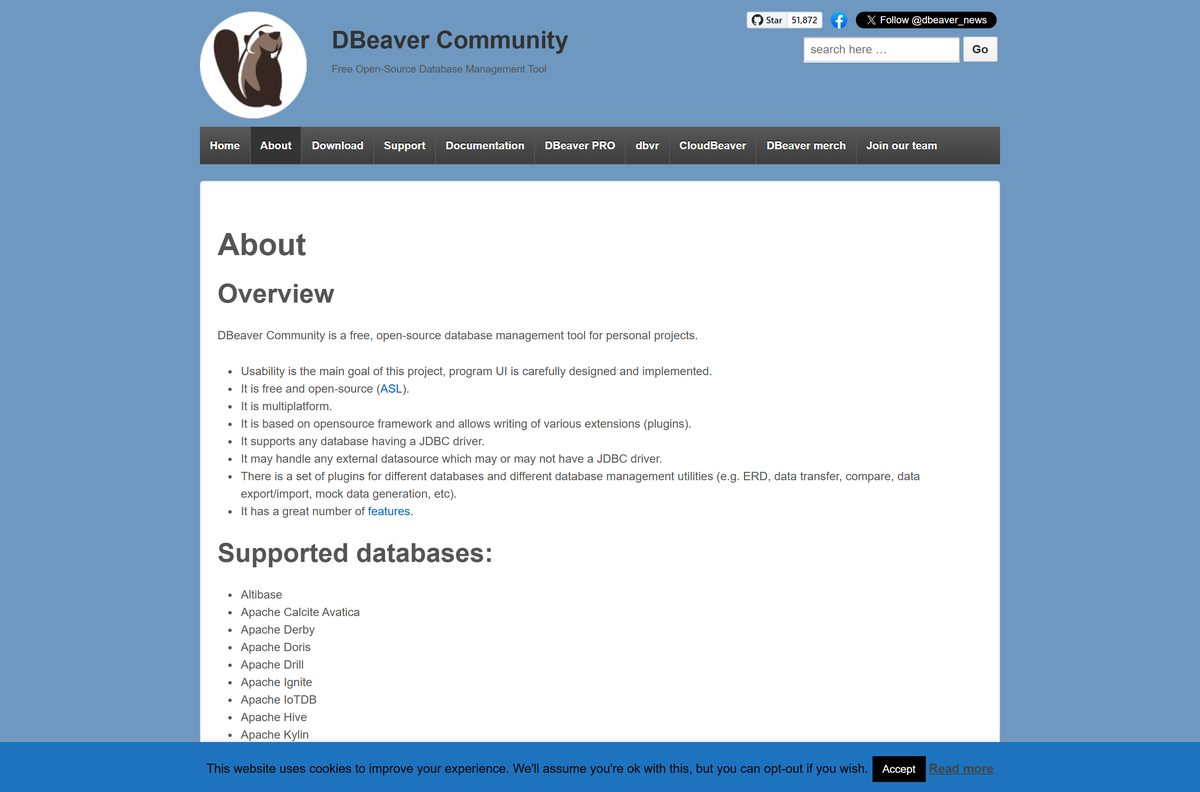
Install DBeaver Community and pay nothing. Look at DBeaver PRO only if you need its NoSQL, cloud database or AI Chat features. DBeaver Community is released under the Apache License 2.0, which allows commercial use with no licence key or trial limit. DBeaver PRO is a separate commercial product sold by DBeaver Corp.
A site charging for a DBeaver Community installer is reselling a free download.
Check the DBeaver system requirements before you install
| Field | Value |
|---|---|
| Software | DBeaver Community (DBeaver CE) |
| Developer | DBeaver Corp |
| Latest version | 26.2.1 |
| Released | 21 September 2026 |
| License | Free and open source, Apache License 2.0 |
| Windows | Windows 10 or later, Windows Server 2016 or later |
| Mac | macOS 11 or later, Apple Silicon or Intel |
| Linux | DEB, RPM, tar.gz, Snap and Flatpak, x64 and ARM64 |
| Architecture | x64 and ARM64 on Windows |
| Java | OpenJDK 25 bundled; needs Java 25 or later |
| Offline installer | Yes, the EXE and ZIP include everything to run |
| Official download source | dbeaver.io |
| Last verified | 2026-09-25 |
Windows 8, Windows Server 2012 and earlier cannot run current versions.
How to check your DBeaver version and update it
- Press Windows + I and open Apps > Installed apps.
- Search for DBeaver and read the version number under its name.
- Compare it with the newest release on the DBeaver news page.
- Download the current installer from dbeaver.io and run it over your existing install.
- For the Store version, open Microsoft Store > Downloads and click Get updates.
DBeaver Community usually ships a minor release every two weeks and a major version each quarter.
Fix DBeaver not installing or starting on Windows
The installer refuses to run on an older PC
Windows 8, Windows Server 2012 and earlier are not supported.
- Check your Windows version with Windows + R, winver .
- Upgrade to Windows 10 or 11, or use DBeaver on another machine.
DBeaver reports a Java version error
The bundled jre folder was deleted and your own Java is older than version 25.
- Reinstall DBeaver with the current EXE to restore the bundled runtime.
- Or install Java 25 or later on the PC before you start DBeaver.
The ZIP copy crashes after an upgrade
The new version was extracted over the old folder.
- Delete the DBeaver program folder.
- Extract the new ZIP into an empty folder.
- Start dbeaver.exe; your settings return from DBeaverData.
The installer will not start on a Snapdragon laptop
The x64 file was downloaded for an ARM64 PC, or the file is incomplete.
- Download dbeaver-ce-latest-windows-aarch64.exe instead.
- Download it again from dbeaver.io if Windows reports the file as damaged.
How to uninstall DBeaver from Windows
- Close DBeaver.
- Press Windows + I and open Apps > Installed apps.
- Find DBeaver, click the … menu and select Uninstall.
- Confirm, then follow the uninstaller.
- To remove saved connections too, delete the DBeaverData folder in your user profile.
Keep DBeaverData if you plan to reinstall, since it holds your connections and scripts.
Choose another DBeaver tool for your workflow
| Option | Best for | Cost |
|---|---|---|
| DBeaver Community desktop app | SQL editing, ER diagrams, data export and import on your PC | Free, Apache 2.0 |
| CloudBeaver | Database management from a web browser | Free, open source |
| dbvr | Running SQL and managing data sources from the command line | Free, open source |
| DBeaver PRO | NoSQL and cloud databases, AI Chat, security tools | Paid |
| MySQL server to connect to | A local database to practise on | MySQL for Windows |
| Databases in containers | Running PostgreSQL or MySQL beside DBeaver | Docker Desktop |
Frequently asked questions
Is DBeaver free?
Yes. DBeaver Community is free and open source under the Apache License 2.0, and you can use it at work without a licence key. DBeaver PRO is a separate paid product from the same company, with extra features such as NoSQL and cloud database support.
What is the official DBeaver download page?
The official page is dbeaver.io/download. It lists the Windows EXE and ZIP, the macOS DMG files for Apple Silicon and Intel, Linux DEB, RPM and tar.gz packages, plus Microsoft Store, Chocolatey, Homebrew, Snap and Flatpak installs.
Which DBeaver download do I need for Windows 11?
Most PCs need the x86 EXE installer, which is the 64-bit x86_64 build. Pick the ARM EXE on a Snapdragon or other ARM64 laptop. Take the ZIP only when you cannot run an installer.
Does DBeaver need Java installed?
No. Every DBeaver distribution since version 23.0 includes an OpenJDK 25 runtime in a jre folder. DBeaver needs Java 25 or later, so delete that folder only if you want it to use your own Java 25 install.
Does DBeaver work on Windows 10?
Yes. DBeaver supports Windows 10 and later and Windows Server 2016 and later. The Microsoft Store package sets its minimum at Windows 10 build 17763. Windows 8, Windows Server 2012 and older are not supported.
Is there a DBeaver version for Mac?
Yes. DBeaver Community has separate DMG files for Apple Silicon and Intel Macs and needs macOS 11 or later. You can also install it with brew install –cask dbeaver-community in Terminal.
Is the DBeaver installer an offline installer?
Yes. The Windows EXE is a full installer that includes the Java runtime, so setup finishes without an internet connection. Database drivers still download the first time you connect to each database type.
Is DBeaver in the Microsoft Store?
Yes. DBeaver CE is listed free in the Microsoft Store by DBeaver Corp, with x64 and ARM64 packages. The Store version updates itself through the Store app instead of the EXE installer.
How often is DBeaver updated?
DBeaver Community usually gets a minor release every two weeks and a major version every three months. Running a newer Windows installer upgrades the existing install, and your connections stay in the DBeaverData folder.
What databases does DBeaver Community support?
It supports more than 80 databases, including MySQL, MariaDB, PostgreSQL, SQLite, Oracle, ClickHouse, Snowflake and BigQuery. It also connects to any database that has a JDBC driver.
Is DBeaver safe to download?
Yes, from dbeaver.io or the Microsoft Store. The dbeaver.io download buttons fetch files from the official DBeaver release repository on GitHub. Skip download portals that wrap the installer in their own setup program.