The Avast Free Antivirus download comes straight from avast.com, and it installs on Windows 11, Windows 10 and Mac at no cost. On Windows, the free antivirus now arrives inside the Avast One app, and you can keep using it for as long as you want once it is activated.
This guide covers the official Windows and Mac links, the install steps, how to confirm the setup file is genuine, how updates work, and fixes for the common install failures.
What are the Avast Free Antivirus system requirements?
Check the Windows and Mac rows before you download.
| Item | Detail |
|---|---|
| Software | Avast Free Antivirus |
| Developer | Gen Digital Inc. (AVAST Software s.r.o.) |
| Latest version | Avast 2026, updates itself automatically |
| License | Free, with Avast Premium Security as the paid upgrade |
| Windows | Windows 11, 10, 8.1, 8 and 7 SP1, 32-bit and 64-bit, excluding Starter and RT editions |
| Windows hardware | Pentium 4 or Athlon 64 with SSE3, 1 GB RAM, 2 GB free disk, 1024 x 768 screen |
| Windows on ARM | Windows 11 only; Rescue Disk and Do Not Disturb Mode do not work |
| Mac | macOS 10.14 Mojave or later, 64-bit Intel or Apple silicon, 1 GB free disk |
| Setup file | avast_free_antivirus_setup_online.exe |
| Offline installer | No; setup needs an internet connection |
| Official download source | avast.com |
| Last verified | 24 September 2026 |
An internet connection is needed to download, activate and update the program and its virus definitions.
Which Avast Free Antivirus download do you need?
Match your machine to the row, then follow the link on Avast’s own site.
| Your machine | What to get | Note |
|---|---|---|
| Windows 11 or Windows 10 PC, Intel or AMD | Free Download for PC on avast.com | 32-bit and 64-bit both covered |
| Windows 11 PC with an ARM chip | The same Windows download | Rescue Disk and Do Not Disturb Mode are missing |
| Older PC on Windows 8.1, 8 or 7 SP1 | The same Windows download | Windows 7 needs the Convenient Rollup Update |
| Mac on macOS 10.14 or later | Free Mac security on avast.com | Intel and Apple silicon |
| PC that already runs another antivirus | Remove the other product first | Or run Avast in Passive Mode |
Avast also lists Android and iOS versions on the same download page, reached through Google Play and the App Store.
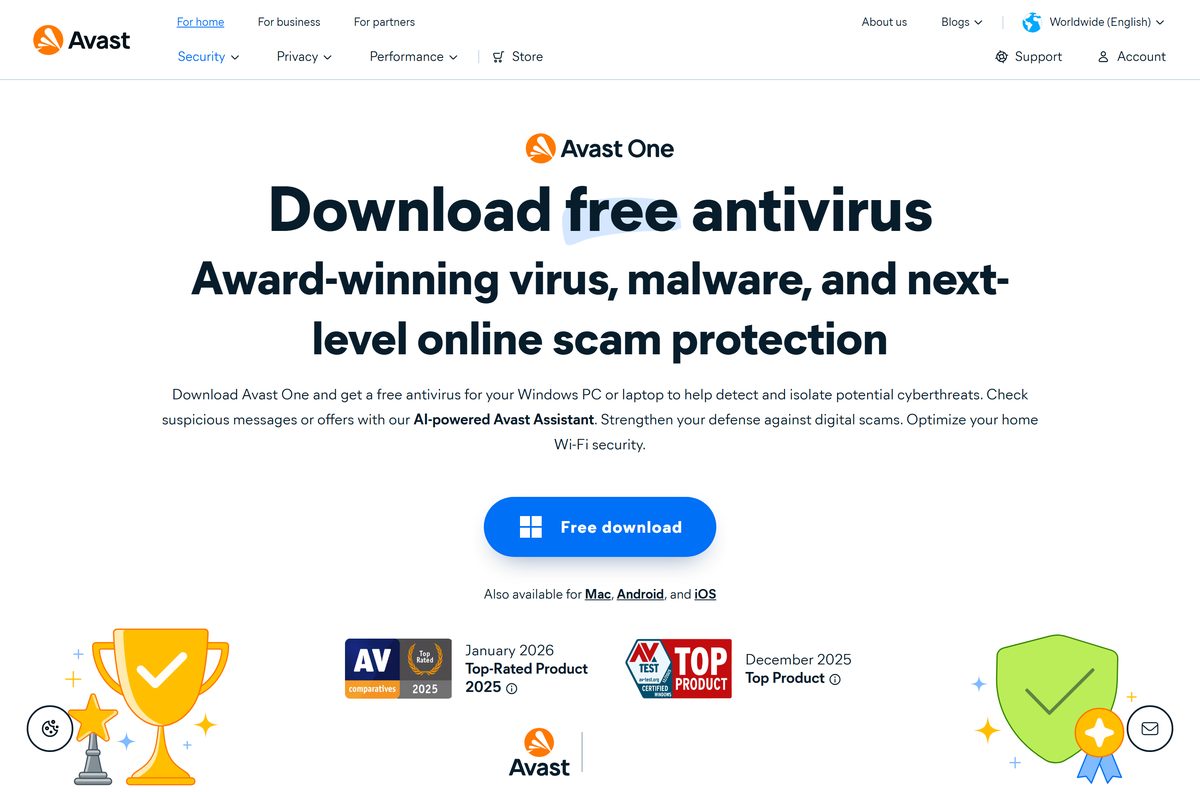
Download Avast Free Antivirus from avast.com
Take the setup file only from avast.com. The Windows file is named avast_free_antivirus_setup_online.exe.
- Avast Free Antivirus download page for Windows — Windows 11, 10, 8.1, 8 and 7 SP1
- Avast free Mac security download page — macOS 10.14 or later
- Direct Windows setup link from Avast Support — starts the online installer
- How to install Avast Free Antivirus, Avast Support — official install guide
The download page lands on a thank-you screen. If the file does not start, select click here on that screen.
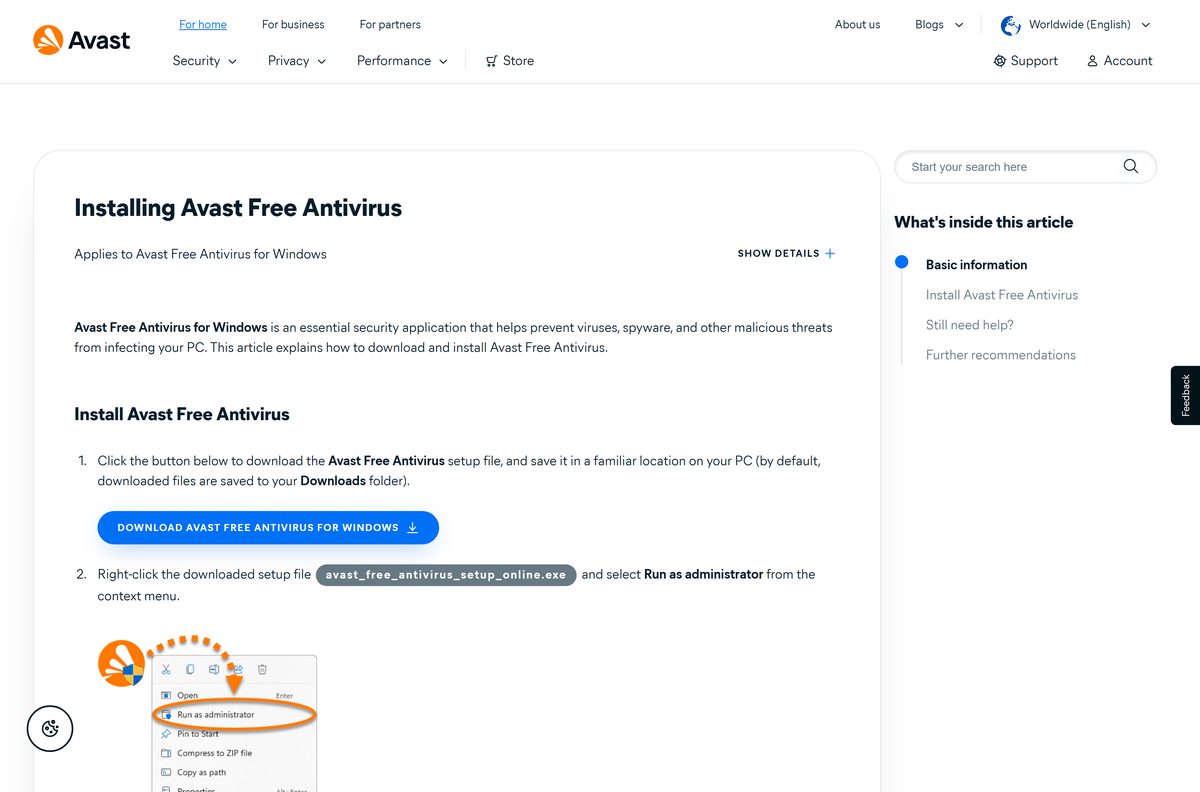
How to install Avast Free Antivirus on Windows 11 and 10
Uninstall any other antivirus product first, so two real-time scanners do not fight over the same files.
- Open the Free Download for PC button on avast.com and save the setup file.
- Open your Downloads folder.
- Right-click avast_free_antivirus_setup_online.exe and select Run as administrator.
- Click Yes when User Account Control asks for permission.
- Select your preferred language, then click Install.
- Wait while the installer downloads and sets up its components.
- Click Run smart scan to start the first Smart Scan.
- Restart the PC so every component starts working.
Avast states some components do not fully function until that restart. Activation happens automatically after install.
How to verify the Avast setup file is genuine
A repackaged installer from a download portal is the usual source of trouble. The digital signature settles it in under a minute.
- Open your Downloads folder and find the Avast setup file.
- Right-click the file and select Properties.
- Open the Digital Signatures tab.
- Confirm you see 1 or 2 signatures from AVAST Software s.r.o.
- Select a signature and click Details to check it is valid.
- Delete the file and download it again from avast.com if the tab is missing or names another signer.
Avast names every setup file after the product plus online or offline, for example avast_premium_security_setup_offline.exe.
Which Avast download do you need for your Mac?
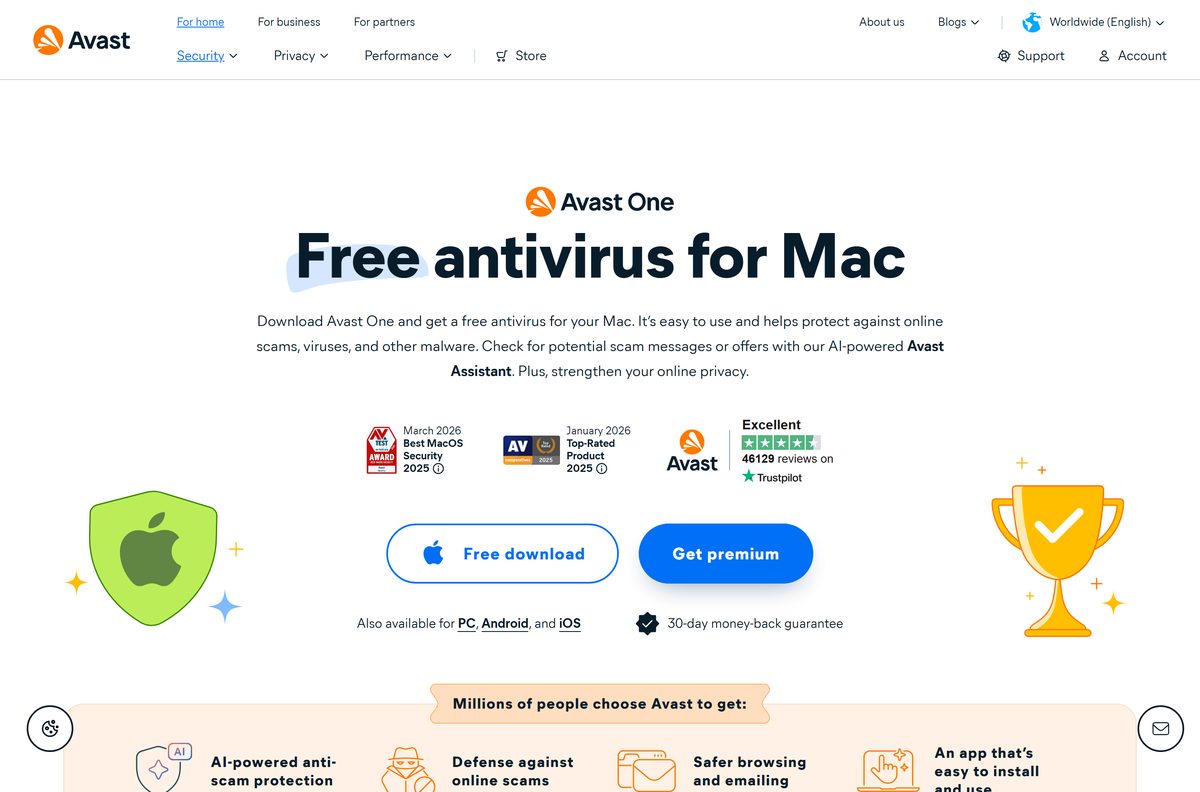
One Mac installer covers both processor families. Open the Apple menu and select About This Mac to check your macOS version.
| Your Mac | What to get | Note |
|---|---|---|
| Apple silicon Mac on macOS 10.14 or later | Free Mac security on avast.com | ARM processors supported |
| Intel Mac on macOS 10.14 or later | Free Mac security on avast.com | 64-bit Intel supported |
| Mac that needs more than the free tier | Avast Premium Security for Mac | $49.99 first year, then $77.99 a year |
Install it the usual way: open the downloaded file, approve the installation, then follow the installer’s prompts. Keep 1 GB of disk space free.
Is Avast Free Antivirus free?
Yes. The antivirus is free with no time limit once you activate it. Avast states the free antivirus, included in the Avast One app, can be used for as long as you want. It covers Smart Scan, File Shield, Behavior Shield, Web Guard, Mail Shield, Network Inspector, Ransomware Shield and Hack Alerts. Avast Premium Security is the paid tier, sold on the same site.
The free app also carries a 60-day SecureLine VPN trial. Any page asking you to pay for the Avast Free Antivirus download itself is not Avast’s.
Should you keep Avast Free Antivirus or Microsoft Defender?
Windows already ships with Microsoft Defender Antivirus inside Windows Security. The Microsoft Defender download guide covers that side in full.
Run one real-time antivirus at a time, not both. Windows switches Microsoft Defender Antivirus off automatically once another antivirus is installed and kept up to date. Avast points to its browser coverage as the difference: its web protection works in Chrome and Firefox, while Defender’s anti-phishing is limited to Microsoft Edge.
To keep Defender active and use Avast only for on-demand scans, turn on Avast’s Passive Mode. It disables Shields and Firewall so the two do not interfere.
How to update Avast Free Antivirus and its virus definitions
Virus definitions update automatically by default. Program updates can be forced by hand.
- Right-click the Avast icon in the notification area of the taskbar.
- Select Update, then Program.
- Click Check for updates if the check does not start on its own.
- Wait for the update to install, then restart if Avast asks.
- Open Avast and go to Menu > Settings > General > Update.
- Click Check for updates in the virus definitions section.
An update that never finishes usually points to a blocked internet connection, since both program and definition updates download from Avast’s servers.
Fix Avast Free Antivirus not installing on Windows 11 or 10
Find the symptom that matches, then work down its steps.
The installer shows an error or quits early
The setup file is corrupted or incomplete.
- Delete the setup file from Downloads.
- Download it again from avast.com.
- Check the Digital Signatures tab for AVAST Software s.r.o.
- Right-click the new file and select Run as administrator.
Setup says it is already running
A previous install or uninstall left files behind.
- Run the Avast Uninstall Tool as administrator.
- Click Reboot on the Reboot to safe mode tile.
- Click Reinstall on the Remove & Reinstall tile.
- Click Restart computer when it finishes.
Setup stalls while downloading components
The online installer cannot reach Avast’s servers.
- Check the PC has a working internet connection.
- Pause any VPN or proxy for the install.
- Run the setup file again as administrator.
Setup fails while another antivirus is installed
Two real-time antivirus products can conflict during install.
- Uninstall the other product using its own removal tool.
- Restart Windows.
- Run the Avast setup file again.
A non-administrator Windows account cannot finish setup. Sign in with an administrator account or ask the PC’s owner.
How to uninstall Avast Free Antivirus completely
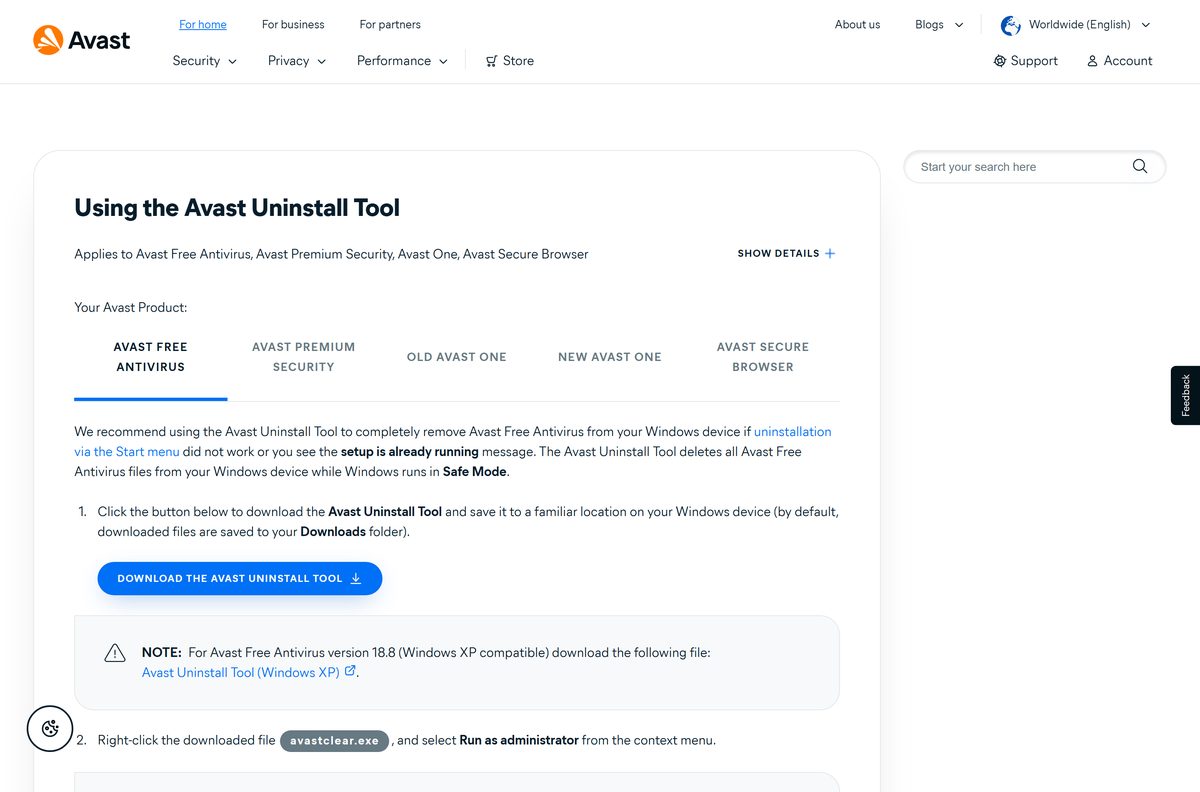
Try Settings > Apps > Installed apps first. Use the Avast Uninstall Tool when that fails or leaves Avast behind.
- Download the Avast Uninstall Tool from Avast Support’s uninstall article.
- Right-click avastclear.exe and select Run as administrator.
- Click Yes on the User Account Control prompt.
- On the Reboot to safe mode tile, click Reboot, then confirm the restart.
- On the Remove only tile, click Remove.
- Click Uninstall on the confirmation screen.
- Click Restart computer when the tool finishes.
Open Windows Security > Virus & threat protection afterwards and confirm Microsoft Defender Antivirus is on again.
Which Avast or built-in option fits your situation?
The free tier suits most home PCs. The table shows where each option fits.
| Option | Who it suits | Where to get it |
|---|---|---|
| Avast Free Antivirus | Home Windows PCs and Macs that need free real-time protection | avast.com |
| Avast Premium Security | Users who want the paid features and a money-back guarantee | avast.com Mac security page |
| Microsoft Defender Antivirus | Anyone happy with the protection already built into Windows | Microsoft Defender guide |
Frequently asked questions
Is Avast Free Antivirus really free?
Yes. Avast states the free antivirus, included in the Avast One app, can be used for as long as you want once activated. Avast Premium Security is the optional paid upgrade.
Where is the official Avast Free Antivirus download page?
The official page is avast.com/free-antivirus-download for Windows and avast.com/free-mac-security for Mac. Both hand you a setup file served by Avast, with no third-party site involved.
Does Avast Free Antivirus work on Windows 11?
Yes. Avast supports Windows 11, 10, 8.1, 8 and 7 SP1 in 32-bit and 64-bit editions, excluding Starter and RT. Windows 11 ARM devices are supported too.
How much disk space does Avast Free Antivirus need?
Avast asks for 2 GB of free disk space and 1 GB of RAM on Windows, and 1 GB of free disk space on a Mac. The setup file downloads more components while it installs.
Is there an Avast Free Antivirus offline installer?
No. The Windows setup is avast_free_antivirus_setup_online.exe, an online installer. It needs an internet connection to download, activate and keep the program and virus definitions updated.
Is there an Avast Free Antivirus for Mac?
Yes. Avast offers a free Mac security download for macOS 10.14 Mojave or later, on 64-bit Intel or Apple silicon Macs, from its free-mac-security page.
Does Avast Free Antivirus support ARM64 PCs?
Yes, on Windows 11 only. Avast states Free Antivirus installs on Windows 11 devices with ARM processors, though Rescue Disk and Do Not Disturb Mode do not work there.
Is Avast Free Antivirus safe to download?
It is safe when taken from avast.com. Right-click the setup file, open Properties and then Digital Signatures, and confirm the signer is AVAST Software s.r.o. before running it.
What is the latest version of Avast Free Antivirus?
Avast titles the current release Avast 2026 and publishes no build number on its download page. The program updates itself, and you can force a check with Update then Program.
Why won’t Avast Free Antivirus install?
The common causes are a corrupted setup file, leftovers from an earlier install, a blocked internet connection or another antivirus. Download a fresh file, run it as administrator, and use the Avast Uninstall Tool for leftovers.
Can I run Avast alongside Microsoft Defender?
Not both in real time. Windows turns Defender Antivirus off once Avast is installed and updated. Avast’s Passive Mode disables its Shields and Firewall so another antivirus can stay active.
How do I completely remove Avast Free Antivirus?
Uninstall it from Settings first. If that fails, run avastclear.exe as administrator, reboot to Safe Mode, choose Remove only, then click Uninstall and restart the computer.