You can download Microsoft Publisher on a Windows 11 or Windows 10 PC through a Microsoft 365 plan that includes the desktop apps, and the business plans start with a free trial. Sign in, select Install, and it sets up alongside Word and Excel.
The app comes two ways. A Microsoft 365 subscription always installs the most up-to-date version, while Publisher 2021 is the classic one-time purchase.
This guide covers which plan carries it, the official Microsoft links, both install routes, the offline setup for admins, Mac options and the retirement date.
Which Microsoft Publisher download do you need?
Publisher ships with a licence, not as a standalone file on microsoft.com. Match your situation to a row, then follow the link.
| Your situation | What to get | Price |
|---|---|---|
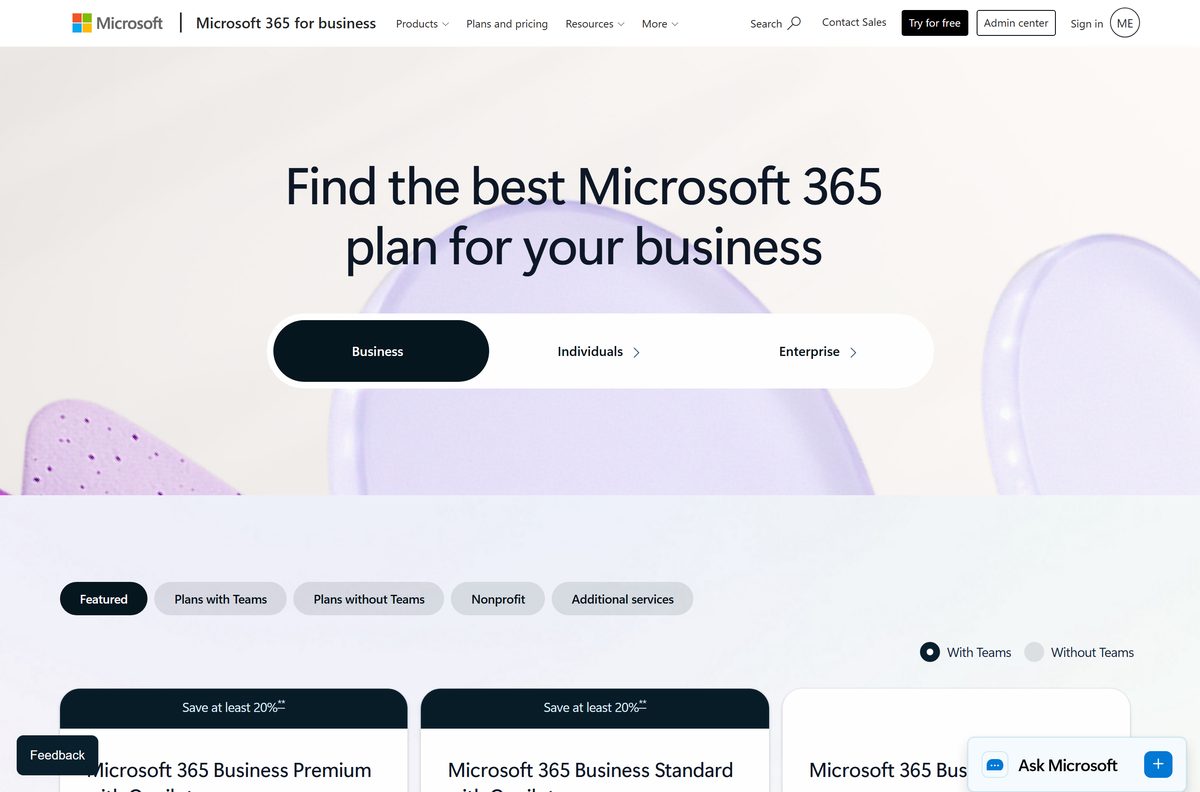
| Small business, want to try it first | Microsoft 365 Business Standard | $23.50 per user/month with Copilot, paid yearly; free trial |
| Business that also needs device security | Microsoft 365 Business Premium | $32.00 per user/month with Copilot, paid yearly; free trial |
| One PC, no subscription | Publisher 2021, the classic version | One-time purchase |
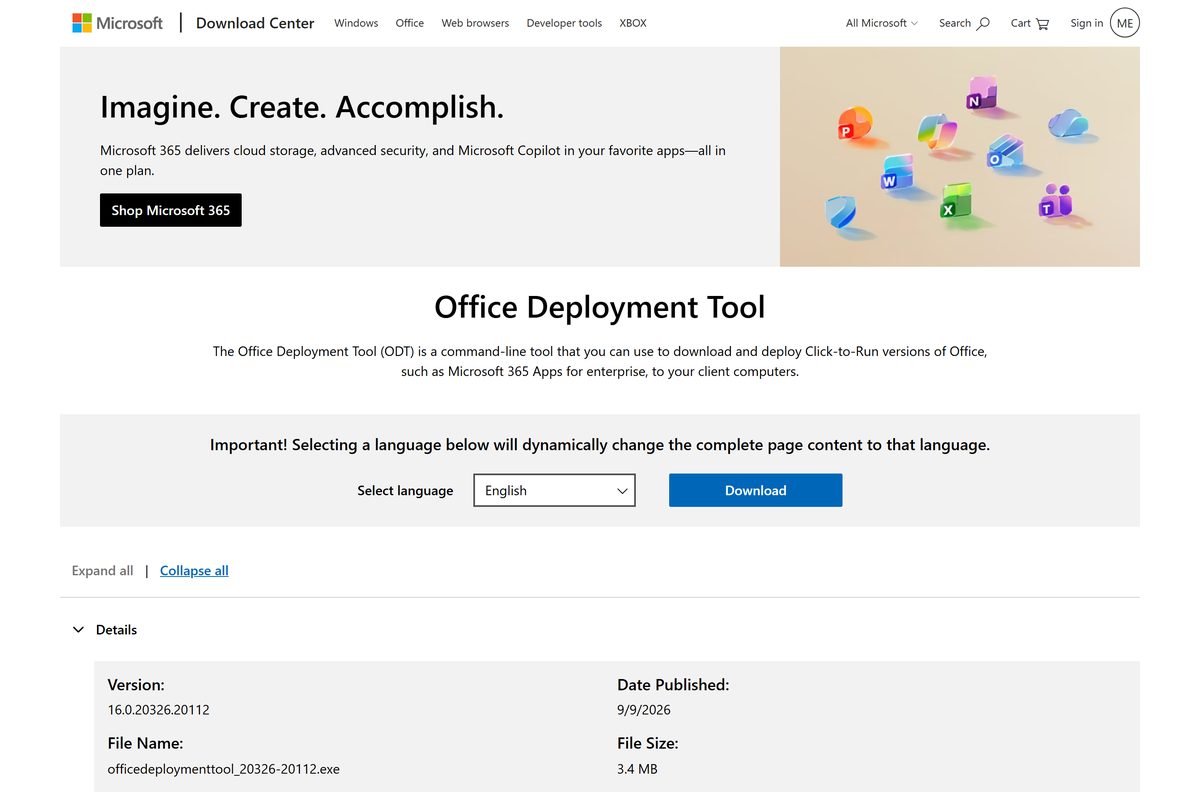
| IT admin installing across machines | Office Deployment Tool | Free, 3.4 MB |
| Mac user | No build exists; use a Windows PC | See the Mac section below |
Microsoft 365 Business Basic never installs it. At $7.00 per user per month it carries only web and mobile Office apps.
Download Microsoft Publisher for Windows 11 and Windows 10
Every genuine setup file comes from a Microsoft domain, and the installer is tied to your account.
- Microsoft Publisher product page — Microsoft’s own page for the app, including the classic Publisher 2021 version
- Microsoft 365 business plans — Business Standard and Business Premium carry the PC desktop apps and a free trial
- Microsoft’s install instructions — The sign-in route that downloads the setup file for your account
- Office Deployment Tool — 3.4 MB · officedeploymenttool_20326-20112.exe, for scripted and offline installs
- Which plans include the app — Microsoft’s app-by-plan table, including the plans that leave it out
No standalone .exe sits on microsoft.com. The small setup file streams the suite from Microsoft’s Office network.
How to install Microsoft Publisher on Windows 11 and 10
The app installs as part of the Microsoft 365 apps, not on its own. Start the trial or subscription first.
- Go to m365.cloud.microsoft/apps and select Sign in.
- Sign in with the account that holds your Microsoft 365 plan.
- On the Microsoft 365 Apps page, select Install apps.
- Select Install to download the setup file.
- Select Run, Setup or Save File, depending on your browser, to open it.
- Select Yes at the User Account Control prompt.
- Wait for You’re all set! Office is installed now, then select Close.
- Select Start, type Publisher, and open it.
The setup installs the whole suite, and the app appears in Start only when your plan includes it.
Install Microsoft Publisher offline with the Office Deployment Tool
Admins can use Microsoft’s free Office Deployment Tool, which installs through Click-to-Run rather than from an MSI.
Name the product ID that matches your licence. A wrong ID installs, but never activates.
| What you need | What to use |
|---|---|
| The tool itself | Office Deployment Tool 16.0.20326.20112, 3.4 MB |
| Publisher 2021 retail licence | Product ID Publisher2021Retail |
| Publisher 2021 volume licence | Product ID Publisher2021Volume |
| Microsoft 365 Apps for business | Product ID O365BusinessRetail |
| Microsoft 365 Apps for enterprise | Product ID O365ProPlusRetail |
| Fetch the installation files for offline use | setup.exe /download publisher.xml |
| Install from those files | setup.exe /configure publisher.xml |
| Full product ID list | Product IDs for the Office Deployment Tool |
Run both commands from an administrator command prompt in the folder where you extracted the tool. There is no 2024 product ID, because the app never joined the Office 2024 family.
Is Microsoft Publisher free?
No. Start a free trial of Microsoft 365 Business Standard to use Publisher at no cost for the trial period, then pay for the plan or buy the classic Publisher 2021 licence. Microsoft sells the app only inside a licence. Business Standard with Copilot costs $23.50 per user per month paid yearly and Business Premium $32.00, and both trials renew at the regular price unless you cancel. Business Basic at $7.00 gives web and mobile Office apps with no desktop install, so it never carries Publisher. Office 365 E3 and E5 include it; E1 does not. Microsoft ships no free edition and no free viewer, so a site offering a free full copy, a cracked build or a cheap key is not selling anything Microsoft honours.
Check the Microsoft Publisher system requirements before you buy
These are Microsoft’s published figures for the app and the suite that carries it.
| Field | Value |
|---|---|
| Developer | Microsoft Corporation |
| Latest version | 2608 (Build 20326.20158), Current Channel; Publisher 2021 for the classic version |
| License | Paid, through a Microsoft 365 plan with a free trial, or a one-time purchase |
| Supported OS | Windows 11; Windows 10 stays on Version 2608 with security updates to October 10, 2028 |
| Mac | Not available; the app is PC only |
| Architecture | 32-bit and 64-bit Click-to-Run, matching any installed Office |
| Plans that include it | Microsoft 365 Apps for business and enterprise, Business Standard, Business Premium, Office 365 E3 and E5 |
| Plans that do not | Microsoft 365 Business Basic, Office 365 E1 |
| Installer size | 3.4 MB Office Deployment Tool; the app streams |
| Offline installer | Yes, through the Office Deployment Tool |
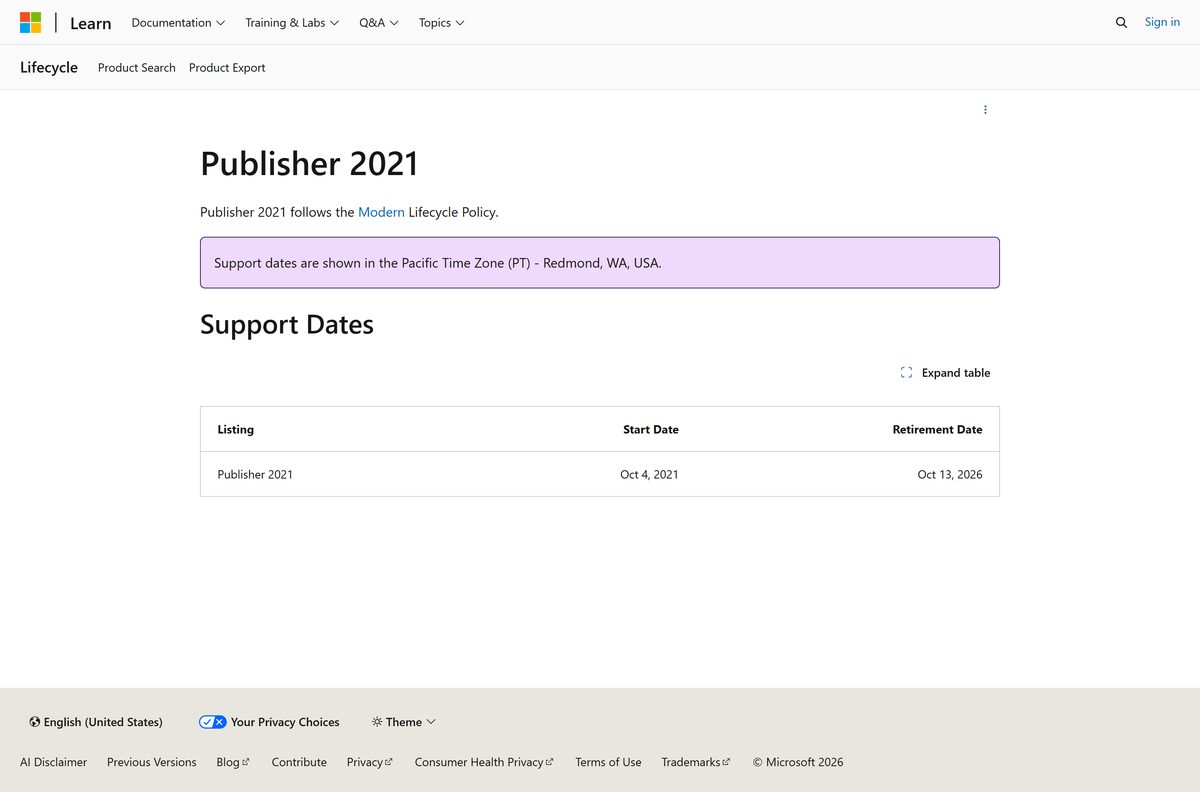
| Retirement date | October 14, 2026 |
| Also required | Internet access and a Microsoft account |
| Last verified | 2026-09-22 |
Windows 10 PCs keep working, but new features after Version 2608 arrive only on Windows 11. See Microsoft’s Windows 10 notice.
Which Microsoft Publisher option works on your Mac?
Microsoft states the app is for PC only. Pick the row that matches your setup.
| Your setup | What to do | Cost |
|---|---|---|
| Mac plus a Windows PC | Microsoft 365 Business Standard, installed on the PC | $23.50 per user/month with Copilot, paid yearly |
| Mac only, someone sent you a .pub file | Ask the sender to export it to PDF from a Windows PC | Free |
| Mac only, need to lay out a document | Word or PowerPoint in Office Home 2024 | $179.99 once, 1 PC or Mac |
There is no .dmg or .pkg for this app. A page offering one is not from Microsoft.
Choose between the subscription version and Publisher 2021
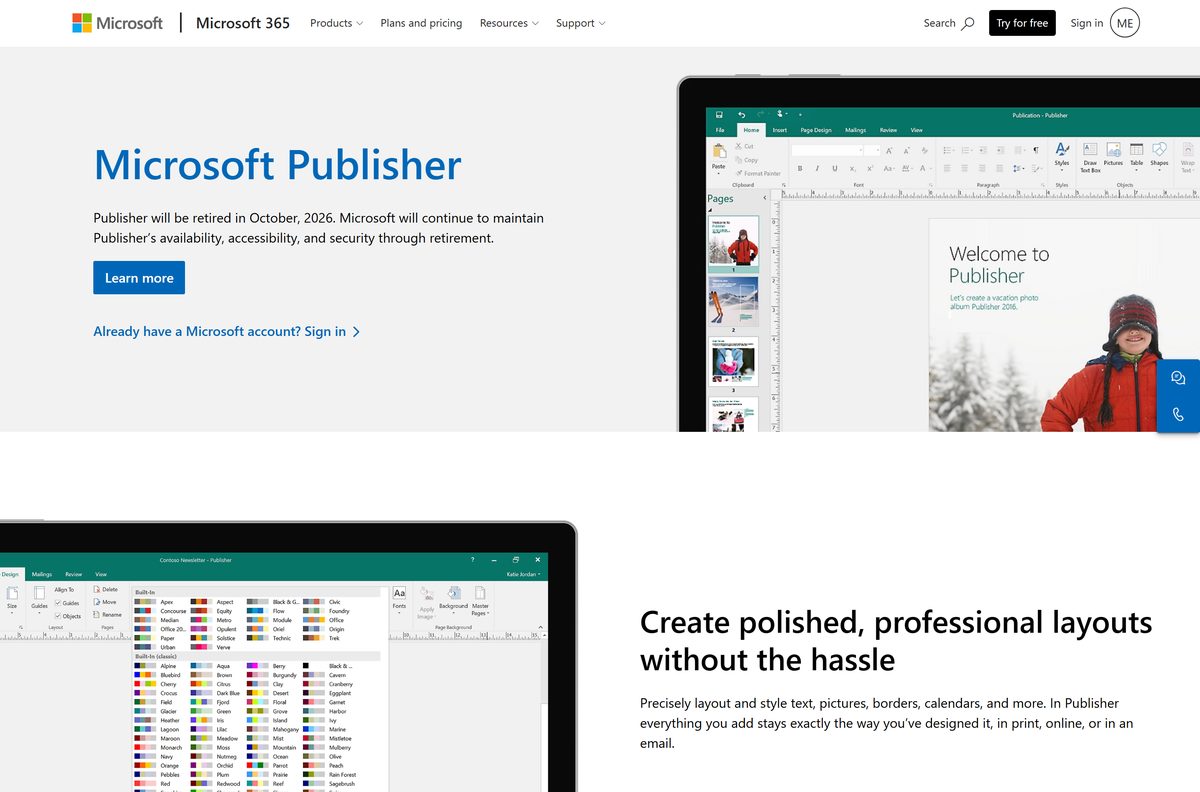
Install the subscription version if your organisation already pays for Microsoft 365, and buy Publisher 2021 only if you need the app on one PC for the time it has left. Microsoft has set a retirement date: its product page says the app will be retired in October 2026, and the Microsoft Lifecycle entry for Publisher 2021 gives October 14, 2026. Microsoft will maintain availability, accessibility and security through retirement, so both versions keep working until then. The subscription version stays on Current Channel and picks up the last builds automatically. Publisher 2021 was released on October 5, 2021 and still receives updates. Neither route is a long-term choice now, so move new layout work into Word or PowerPoint. Earlier releases, from 2019 back to 2003, are out of support and should not be installed.
How to check your Publisher version and update it
The app shares its version number with the Office installation on the PC.
- Open Publisher and select File.
- Select Account.
- Read the product name, version and build under Product Information.
- Select About Publisher to see whether the install is 32-bit or 64-bit.
- Select Update Options, then Update Now.
- Close the app when the updater asks, and reopen it when the update finishes.
No Update Options button means a Windows Installer (MSI) copy, such as a volume-licensed Office 2016, rather than Click-to-Run.
How to check a Publisher installer is genuine
Fake setup files are common, because there is no free edition to download. The signature settles it.
- Check the address. Genuine files come from microsoft.com, cloud.microsoft, officeapps.live.com or download.microsoft.com.
- Right-click the downloaded setup file and select Properties.
- Open the Digital Signatures tab, select the signature, then select Details.
- Confirm the signer reads Microsoft Corporation.
- Delete the file if the Digital Signatures tab is missing.
- Close any page offering the app as a cracked, pre-activated or portable download.
Fix Microsoft Publisher not installing on Windows 11 or 10
The app is missing after Microsoft 365 installs
The plan does not include it. Business Basic and Office 365 E1 carry web and mobile apps only.
- Sign in at m365.cloud.microsoft/apps and check which plan the account holds.
- Compare it against Microsoft’s app-by-plan table.
- Move to Business Standard, Business Premium or an enterprise plan, then reinstall.
Setup says 32-bit and 64-bit Office cannot be installed together
Click-to-Run products must all match the bitness of the Office already on the PC.
- Open Word or Excel and select File > Account > About.
- Note whether it says 32-bit or 64-bit.
- Install the matching edition, or uninstall the old Office first and run setup again.
Setup stops partway through the download
The setup file streams the suite from Microsoft’s servers and needs a steady connection.
- Switch to a wired connection or a stronger Wi-Fi signal.
- Restart the PC and run the setup file again.
- For unreliable connections, run setup.exe /download with the Office Deployment Tool first.
A .pub file will not open on a colleague’s machine
No free viewer exists, so a PC without the app cannot open the format.
- Open the file on a PC that has the app installed.
- Select File > Export > Create PDF/XPS Document.
- Send the PDF instead, which opens on Windows, Mac and mobile.
How to uninstall Microsoft Publisher
With Microsoft 365 the app sits inside the suite entry, so removing it alone means editing the install.
- Press Windows + I to open Settings.
- Select Apps, then Installed apps.
- Search for Microsoft 365 or Publisher.
- Select the three-dot menu next to the entry, then Uninstall.
- Confirm with Uninstall and wait for the removal to finish.
- Restart the PC before installing a different edition.
To keep the rest of the suite, reinstall with the Office Deployment Tool and exclude the app with an ExcludeApp element. Uninstalling never cancels a subscription.
What to use instead of Microsoft Publisher
The retirement date makes this a real decision. Each option below sits in a Microsoft plan you may already hold.
| Option | Where it comes from | Best for |
|---|---|---|
| Word | Every Microsoft 365 plan and Office Home 2024 | Newsletters, flyers and letters, on Windows and Mac |
| PowerPoint | Every Microsoft 365 plan and Office Home 2024 | Posters, cards and anything laid out on a fixed canvas |
| Office Home 2024 | Microsoft, $179.99 one-time for 1 PC or Mac | One machine, no subscription, no retirement date |
| Microsoft 365 Business Standard | Microsoft, $23.50 per user/month with Copilot | Teams that need the desktop apps on every PC |
Export existing .pub files to PDF before October 14, 2026, so the finished layouts stay readable whatever you move to.
Frequently asked questions
Is Microsoft Publisher free?
No. It comes only with a paid licence. Microsoft 365 Business Standard with Copilot costs $23.50 per user per month paid yearly and offers a free trial, and Publisher 2021 is a one-time purchase. Microsoft ships no free edition.
What is the official Microsoft Publisher download page?
Microsoft’s product page at microsoft.com/microsoft-365/publisher describes the app, and the setup file downloads from your Microsoft 365 account at m365.cloud.microsoft/apps after you sign in.
Does Microsoft Publisher work on Windows 11?
Yes. It runs on Windows 11 and Windows 10 as part of the Microsoft 365 apps. On Windows 10 those apps stay on Version 2608 with security updates until October 10, 2028.
How big is the Microsoft Publisher download?
The setup file is small because it streams the suite from Microsoft’s Office network. The Office Deployment Tool, used for offline installs, is 3.4 MB.
Is there a Microsoft Publisher offline installer?
Yes, through the Office Deployment Tool. Run setup.exe /download with a configuration file naming Publisher2021Retail or your Microsoft 365 product ID, then run setup.exe /configure to install from those files. Activation still needs the internet.
Is there a Microsoft Publisher download for Mac?
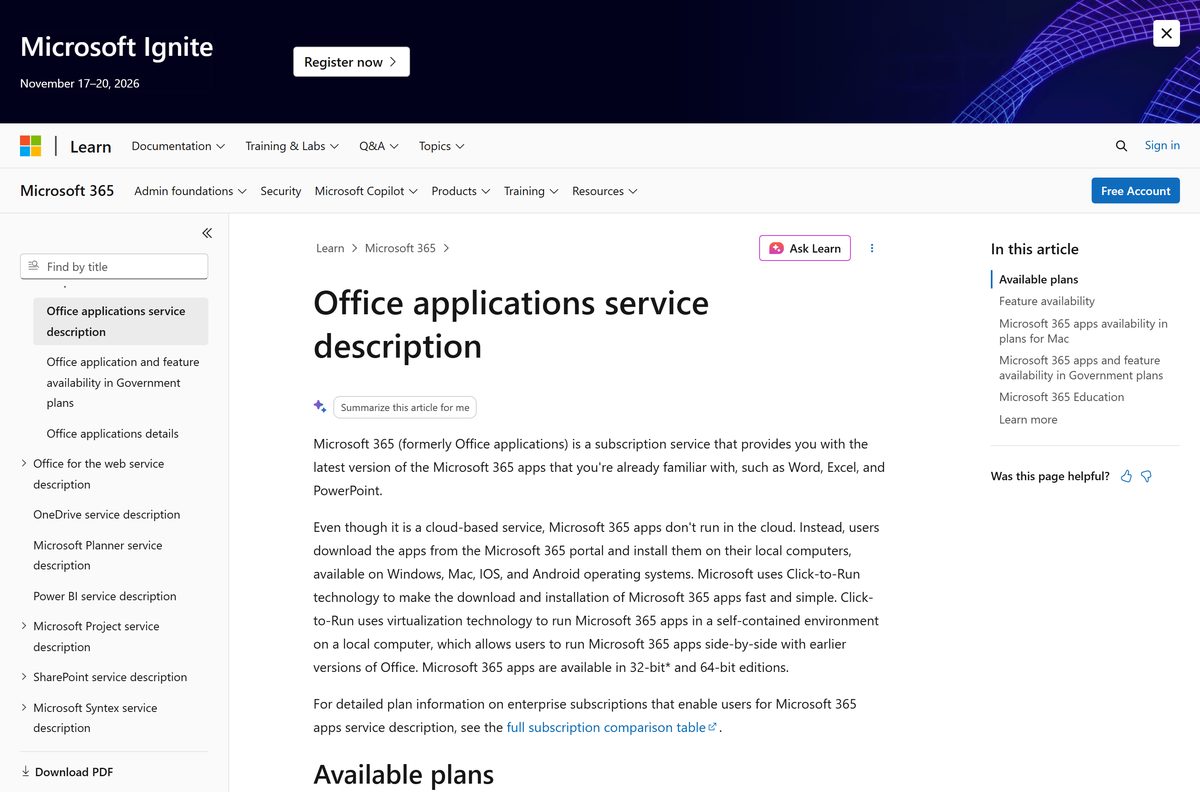
No. Microsoft states the app is for PC only, and its service description lists it among the apps missing from Office for Mac. Use a Windows PC instead.
Should I install 32-bit or 64-bit Publisher?
Install the same bitness as the Office already on your PC, because 32-bit and 64-bit Click-to-Run products cannot be mixed. Microsoft 365 installs the 64-bit version by default unless it finds 32-bit Office already installed.
Is it safe to download Microsoft Publisher from other sites?
No. Genuine setup files come only from Microsoft domains and are signed by Microsoft Corporation. There is no free edition, so any site offering a free full copy or a cheap key is selling nothing Microsoft honours.
Which Microsoft Publisher version is current?
The subscription version follows Microsoft 365 Current Channel, which reached Version 2608, build 20326.20158, on September 18, 2026. Publisher 2021 is the latest classic version, released on October 5, 2021.
Why will Microsoft Publisher not install?
The usual causes are a plan that excludes it, such as Microsoft 365 Business Basic or Office 365 E1, a bitness mismatch with Office already on the PC, or a dropped connection during the streaming install.
Is Microsoft Publisher being discontinued?
Yes. Microsoft’s product page states that Publisher will be retired in October 2026, and the Microsoft Lifecycle entry for Publisher 2021 gives October 14, 2026. Microsoft will maintain availability, accessibility and security through retirement.
Which Microsoft 365 plans include Publisher?
Microsoft 365 Apps for business, Microsoft 365 Apps for enterprise, Business Standard, Business Premium and Office 365 E3 and E5 all include it on PC. Microsoft 365 Business Basic and Office 365 E1 do not.
Can I open a .pub file without Publisher?
Not directly. Microsoft ships no free viewer for the format. Open the file on a PC that has the app, then use File > Export > Create PDF/XPS Document and share the PDF instead.