The official Sysinternals download for Windows 11 and Windows 10 is a free 192.2 MB ZIP from Microsoft. It holds more than 70 troubleshooting tools, from Autoruns and PsExec to Sysmon and TCPView, and none of them needs an installer.
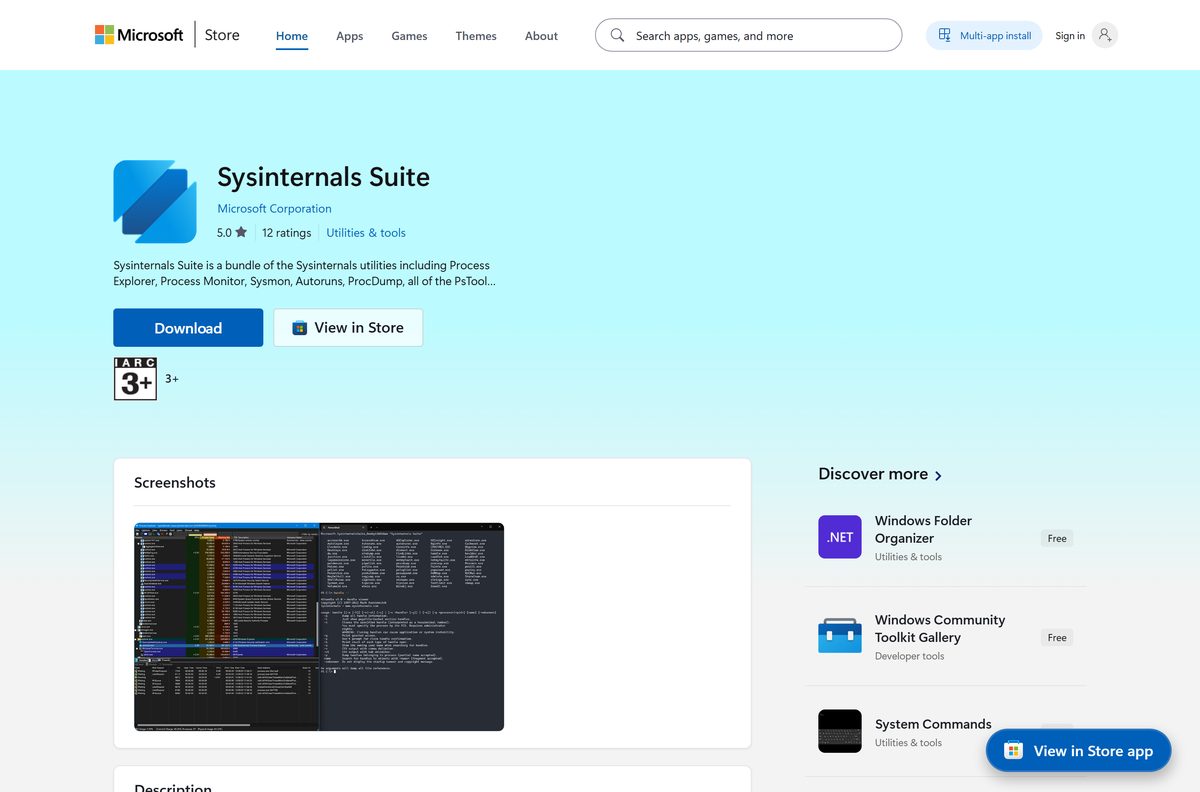
Extract the archive once and every tool runs from that folder. Microsoft also publishes a 21.3 MB ARM64 archive, a 9.8 MB Nano Server archive and a free Sysinternals Suite app in the Microsoft Store that keeps itself current.
This guide covers the right archive for your PC, the Store and winget routes, running a single tool straight from Sysinternals Live, what the licence allows, the position on Mac and fixes for the failures that stop the tools running.
Check the Sysinternals Suite system requirements before you download
The suite is a folder of standalone programs, so the requirements are modest. Nothing in it depends on a particular Windows edition.
| Item | Detail |
|---|---|
| Software | Sysinternals Suite |
| Developer | Microsoft Corporation (Sysinternals, founded by Mark Russinovich) |
| Latest version | Suite ZIP updated September 10, 2026; Store package 2026.9.0.0 |
| Licence | Free. The licence allows any number of copies on your devices |
| Download size | 192.2 MB ZIP, 21.3 MB ARM64 ZIP, 9.8 MB Nano Server ZIP |
| Store package size | 286.3 MB for the combined x86, x64 and Arm64 bundle |
| Supported OS | Windows 11, Windows 10 and Windows Server; the Store package needs Windows 10 version 1903 or later |
| Architecture | x86, x64 and ARM64 |
| Tools included | More than 70 utilities |
| Offline installer | Yes, the ZIP is self-contained |
| Official download source | Microsoft Learn |
| Last verified | September 22, 2026 |
Individual tools set their own floor. Sysmon, for example, states Client: Windows 11 and higher and Server: Windows Server 2019 and higher on its own page.
Which Sysinternals Suite download do you need?
Four routes exist and all of them are free. Match your machine to a row and follow that link.
| Your situation | Get this | Size |
|---|---|---|
| Windows 11 or 10 on an Intel or AMD PC (most PCs) | SysinternalsSuite.zip | 192.2 MB |
| Windows 11 on Arm, such as a Snapdragon X laptop | SysinternalsSuite-ARM64.zip | 21.3 MB |
| Windows Server running the Nano Server installation | SysinternalsSuite-Nano.zip | 9.8 MB |
| You want Start menu entries and automatic updates | Sysinternals Suite in the Microsoft Store | 286.3 MB bundle |
To read your processor type, open Settings > System > About and check System type. An ARM-based processor needs the ARM64 archive, which is smaller because it carries one build of each tool instead of a 32-bit and 64-bit pair.
Download the Sysinternals Suite from the official links
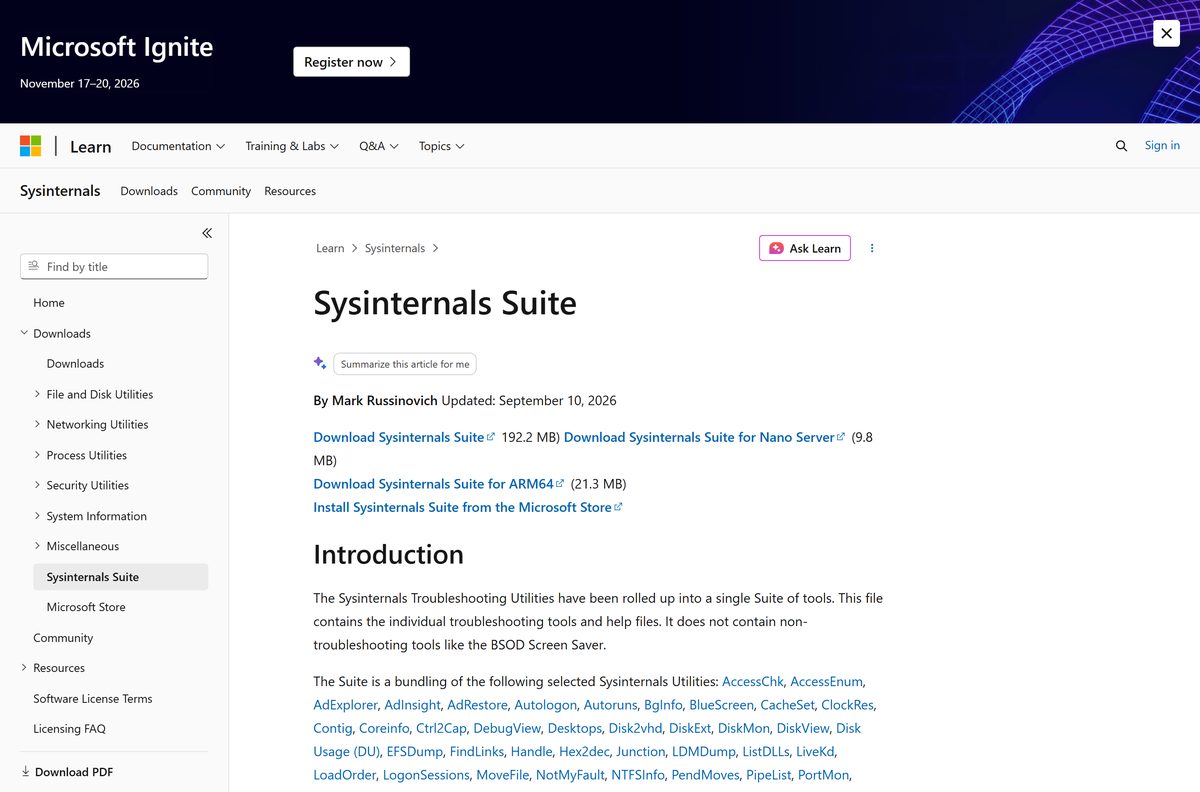
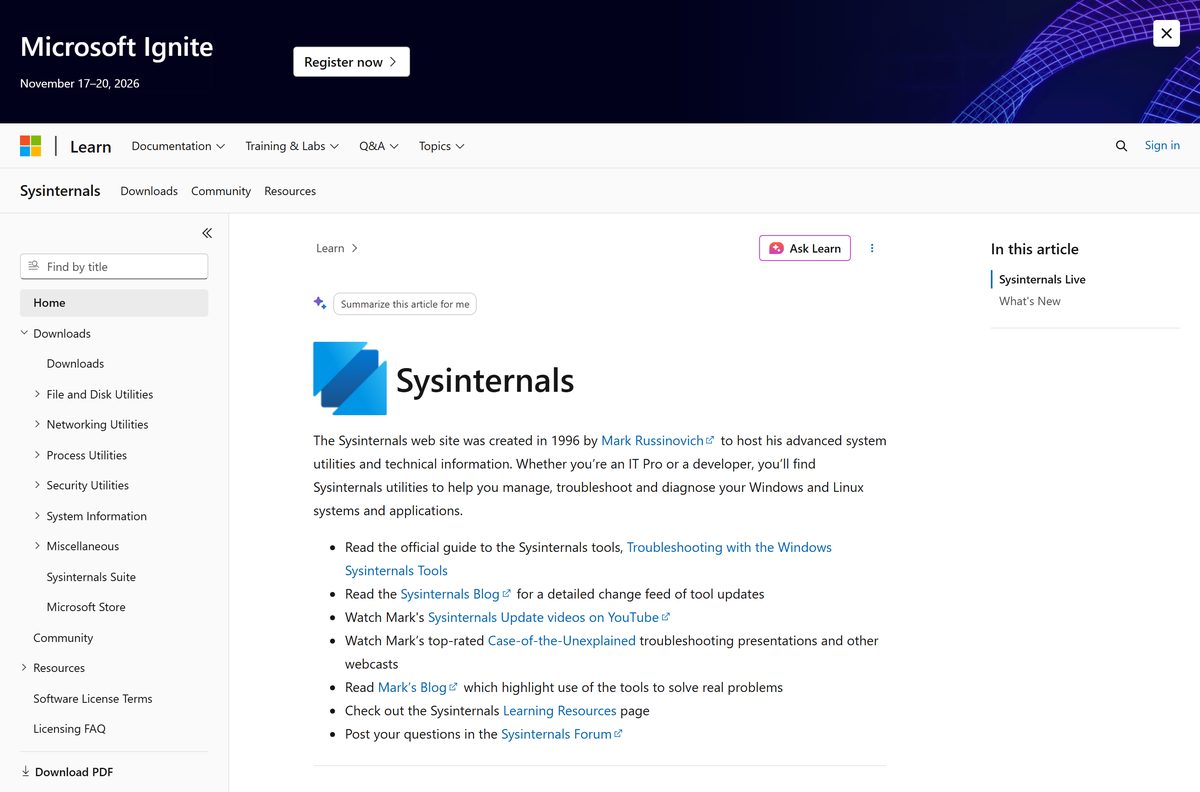
Microsoft hosts every Sysinternals page on learn.microsoft.com, and the Store listing is published by Microsoft Corporation.
- Sysinternals Suite on Microsoft Learn — 192.2 MB · Carries the ZIP, the ARM64 ZIP and the Nano Server ZIP side by side
- Sysinternals Suite in the Microsoft Store — Free, published by Microsoft Corporation, covers x86, x64 and Arm64
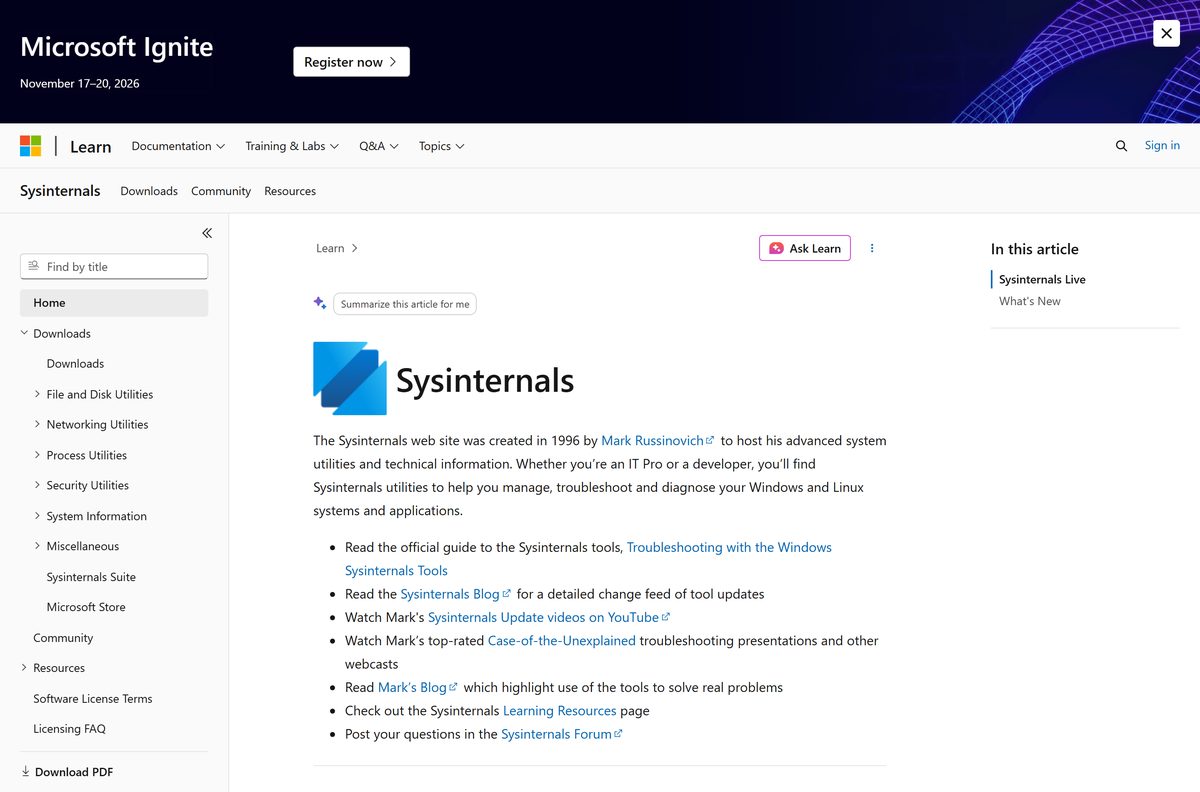
- Sysinternals home page — The What’s New list, dated per release, plus the Sysinternals Live directory
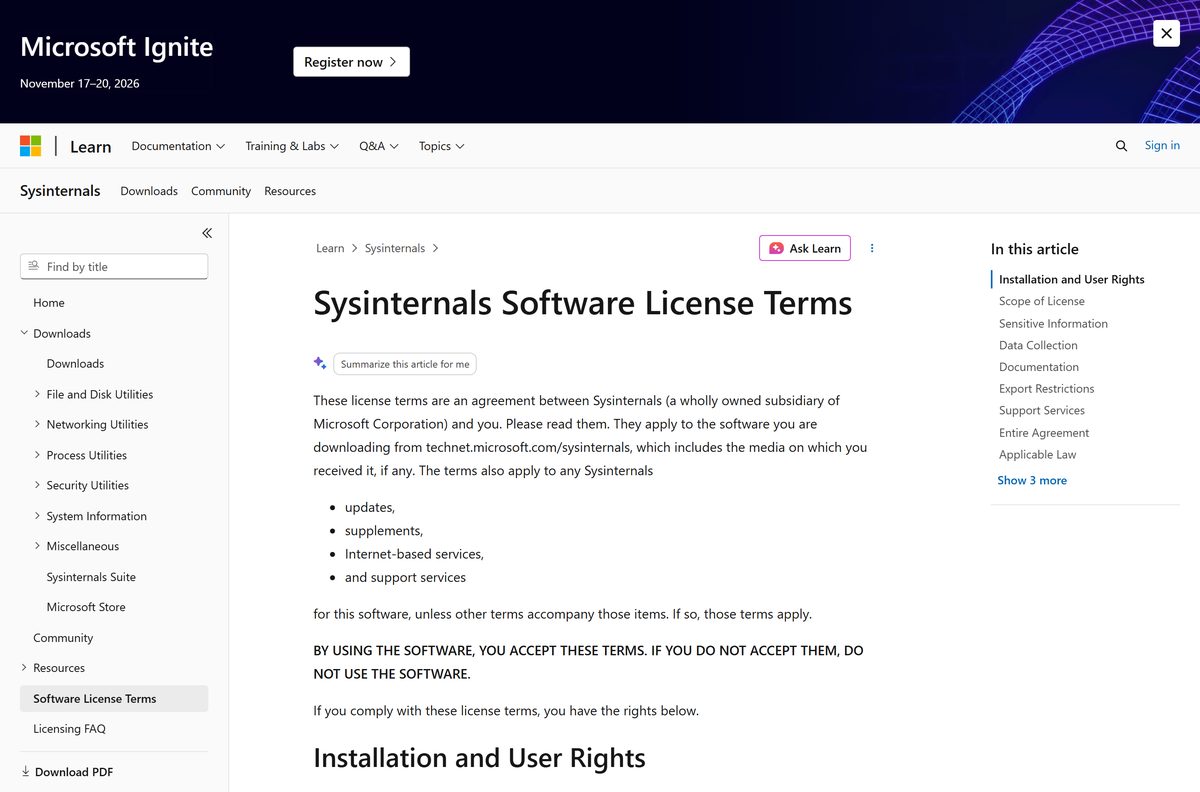
- Sysinternals licence terms — The grant, the restrictions and the data-collection statement
Sites that repackage these archives add nothing. Microsoft ships the tools unsigned by any third party, so a repackaged copy only adds a chance of tampering.
How to download and set up the Sysinternals Suite on Windows 11 and 10
There is no setup program. The job is to extract the archive somewhere permanent and add that folder to your Path so every tool runs by name.
- Open the Sysinternals Suite page on Microsoft Learn.
- Select Download Sysinternals Suite, or Download Sysinternals Suite for ARM64 on an Arm PC.
- Create a folder such as C:\Tools\Sysinternals and move the archive into it.
- Right-click the archive, select Extract All, and clear the extra subfolder from the path box.
- Double-click a tool such as Autoruns64.exe and select Agree on the licence window.
- Select Yes if User Account Control asks for permission.
- To run the command-line tools by name, press Windows + R, type sysdm.cpl and press Enter.
- Open Advanced > Environment Variables, edit Path, select New, and add C:\Tools\Sysinternals .
Keep the folder outside Downloads. Tools such as psexec and handle are typed by name from a terminal, and a stable path saves you retyping it.
Install the Sysinternals Suite from the Microsoft Store or with winget
The Store package registers every tool in the Start menu and on the Path, and it updates itself. Winget pulls the same archives from Microsoft and wires up the commands for you.
- Open Sysinternals Suite in the Microsoft Store and select Get.
- Wait for the download to finish, then open Start and search for a tool name such as Autoruns.
- For winget, right-click Start and select Terminal.
- Run winget install Microsoft.Sysinternals.Suite and accept the source agreement if asked.
- Close and reopen Terminal, then type procdump -? and press Enter to confirm the commands resolve.
The Store package is 286.3 MB because it carries x86, x64 and Arm64 builds in one bundle; your PC installs only the part it uses.
Winget publishes the suite under the date-based version 2026-07-09 , so a winget copy can sit behind the ZIP on the Learn page.
Run one Sysinternals tool without downloading the suite
Sysinternals Live serves each tool over the web. Use it on a machine where you want nothing left behind, or when you need a single utility rather than 192.2 MB of them.
- Press Windows + R to open Run.
- Type \\live.sysinternals.com\tools\autoruns.exe and press Enter, swapping in the tool you want.
- Select Run if Windows shows a security warning for the file.
- In File Explorer, browse \\live.sysinternals.com\tools to see the whole directory.
- Open the Sysinternals home page for the tool name and what it does.
Sysinternals Live needs network access to the service, so keep the ZIP for isolated or air-gapped machines.
Which tools you get in the Sysinternals Suite
The archive is a bundling of the individual Sysinternals utilities and their help files. Microsoft leaves out the non-troubleshooting extras, so the BSOD Screen Saver is not in it.
| Tool | What it does | Its page |
|---|---|---|
| Process Explorer | Shows every process with the handles and DLLs it has open | procexp |
| Process Monitor | Logs file system, registry and process activity live | procmon |
| Autoruns | Lists everything Windows starts automatically | autoruns |
| PsExec and PsTools | Run commands and query state on remote machines | pstools |
| Sysmon | Installs a service and driver that log to the event log | sysmon |
| TCPView | Lists open TCP and UDP endpoints with the owning process | tcpview |
Two of these have full guides here: Process Explorer and Process Monitor.
The rest runs to AccessChk, AdExplorer, BgInfo, Coreinfo, DebugView, Disk2vhd, Handle, ListDLLs, ProcDump, RAMMap, RDCMan, SDelete, Sigcheck, VMMap, WinObj and ZoomIt.
How to check that your Sysinternals download is genuine
Every tool in the bundle is Authenticode-signed by Microsoft. Checking the signature catches a tampered copy faster than comparing hashes, because it works on any release.
- Right-click an extracted tool such as Autoruns64.exe and select Properties.
- Open the Digital Signatures tab and confirm a signature from Microsoft Corporation is listed.
- Select the signature, select Details, and check that the certificate is valid.
- For a batch check, run sigcheck64.exe -u -e C:\Tools\Sysinternals from the same folder.
- Delete anything unsigned and download the archive again from Microsoft Learn.
Microsoft publishes the SHA256 hash of each archive in the winget manifest folder, which lists a hash per published version.
Is there a Sysinternals Suite download for Mac?
The suite is Windows-only. Microsoft ships two Sysinternals tools for macOS on their own, so Mac users pick one of the rows below.
| You want to | Use this | Where |
|---|---|---|
| See what is running on your Mac and what it costs in CPU | Activity Monitor | Built into macOS |
| Zoom, annotate and record your Mac screen | ZoomIt for macOS | Microsoft’s GitHub organisation |
| List the code-signing entitlements of a Mac binary | listent for macOS | Microsoft’s GitHub organisation |
| Run the full toolset from a Mac | Install the suite inside a Windows virtual machine | Windows guest on the Mac |
Activity Monitor groups its list under All Processes, My Processes and System Processes.
Is the Sysinternals Suite free?
There is no paid edition, no trial and no account to create.
Yes. The licence states you may install and use any number of copies of the software on your devices, and the Store listing is priced at 0.00 USD. Microsoft also states that the tools do not collect any data. The licence does bar you from republishing the software for others to copy, renting or lending it, transferring it, and using it for commercial software hosting services, so a company may deploy it internally but not resell it.
Any site charging for a Sysinternals bundle, or wrapping it in its own installer, is not Microsoft. The archive on Microsoft Learn is the whole product.
One caveat sits in the licence rather than the price: files these tools save can include usernames, passwords and the paths they touched.
How to check which Sysinternals version you have and update it
The bundle carries no single version number. Each tool has its own, and the suite archive is dated instead.
- Open any graphical tool and select Help > About to read that tool’s version.
- For a command-line tool, run it with -? and read the version in the banner.
- Open the Sysinternals home page and compare the dated What’s New entries against what you have.
- For a ZIP copy, download the archive again and extract it over the old folder.
- For a winget copy, run winget upgrade Microsoft.Sysinternals.Suite .
- For the Store copy, open Microsoft Store > Library and select Get updates.
Close every running tool before extracting over the folder, because Windows locks the file of a program that is open.
Fix the Sysinternals Suite not downloading, extracting or running
Four failures cover almost every report. Work down to the one that matches your symptom.
The download stops partway or the archive will not extract
A 192.2 MB archive is big enough that a dropped connection leaves a truncated file, which then reports as corrupt.
- Delete the partial file from Downloads.
- Open the Sysinternals Suite page again and restart the download.
- Right-click the file, select Extract All, and use the built-in extractor rather than a third-party one.
- Install the Store package instead if the download keeps failing on a slow link.
Windows says the app cannot run on your PC
You have the wrong architecture. The main archive holds x86 and x64 programs; an Arm PC needs the ARM64 archive.
- Open Settings > System > About and read System type.
- Download SysinternalsSuite-ARM64.zip if it reads ARM-based processor.
- On a 64-bit x64 PC, run the file ending in 64 , such as Autoruns64.exe .
- On 32-bit Windows, run the file with no suffix, such as Autoruns.exe .
A command-line tool flashes open and closes
Tools such as handle, psinfo and strings write to a console, so the window closes when the tool finishes.
- Right-click Start and select Terminal.
- Type cd C:\Tools\Sysinternals and press Enter.
- Run the tool by name with -? , for example handle -? , to read its switches.
- Add the folder to Path so the name works from any directory.
A tool reports access denied on another process
Tools that read other processes, load a driver or reach a remote machine need administrator rights.
- Right-click Terminal and select Run as administrator.
- Start the tool from that elevated window.
- For a graphical tool, right-click the .exe and select Run as administrator.
- Check with your IT team first on a managed PC, because policy can block psexec and driver-based tools.
Security software flags psexec more than any other file in the bundle, because attackers abuse it for lateral movement. That detection is about the technique, not an altered download.
How to uninstall the Sysinternals Suite
The ZIP copy writes nothing to Program Files, so removing it is a folder delete. Sysmon is the exception, because it installs a service and driver.
- Close every Sysinternals tool that is open.
- If you ran Sysmon, open Terminal as administrator and run sysmon -u to remove its service and driver.
- Delete the folder you extracted, such as C:\Tools\Sysinternals .
- Open Settings > System > About > Advanced system settings, edit Path, and remove the entry you added.
- For the Store copy, open Settings > Apps > Installed apps, find Sysinternals Suite and select Uninstall.
- For a winget copy, run winget uninstall Microsoft.Sysinternals.Suite .
Microsoft notes that neither installing nor uninstalling Sysmon needs a reboot.
Choose a built-in alternative when a Sysinternals tool is blocked
Managed PCs often block the suite outright. Windows ships weaker equivalents for the common jobs, and they need no download.
| Job | Suite tool | Built-in alternative |
|---|---|---|
| Inspect running processes | Process Explorer | Task Manager, Details tab |
| Trace file and registry access | Process Monitor | Event Viewer with auditing enabled |
| Manage startup items | Autoruns | Task Manager, Startup apps |
| List network endpoints | TCPView | netstat -abno in an elevated Terminal |
| Run a command on another PC | PsExec | PowerShell Remoting with Enter-PSSession |
| Capture a process memory dump | ProcDump | Task Manager, right-click a process, Create dump file |
None of these matches the depth of the suite. The full write-ups sit in the Process Explorer guide and the Process Monitor guide.
Frequently asked questions
Is Sysinternals free?
Yes. The Sysinternals licence lets you install and use any number of copies on your devices, and the Microsoft Store listing is priced at 0.00 USD. There is no paid edition and no trial period.
Is Sysinternals owned by Microsoft?
Yes. Mark Russinovich created the site in 1996, and the licence names Sysinternals as a wholly owned subsidiary of Microsoft Corporation. The Store listing is published under Microsoft Corporation.
Where is the official Sysinternals download page?
The suite page on Microsoft Learn carries the ZIP, the ARM64 ZIP, the Nano Server ZIP and the Store link. Each individual tool also has its own page in the same section.
How big is the Sysinternals Suite download?
Microsoft lists the main archive at 192.2 MB, the ARM64 archive at 21.3 MB and the Nano Server archive at 9.8 MB. The Store package is a 286.3 MB multi-architecture bundle.
Does Sysinternals work on Windows 11?
Yes. The tools run on Windows 11, Windows 10 and Windows Server 2019 or later. The Store package sets a floor of Windows 10 version 1903, and each tool states its own minimum.
Is there an offline installer for Sysinternals?
Yes, in effect. The ZIP is the complete product and needs no further download, so you can copy it to an isolated machine. Only symbol-aware tools reach out, to fetch symbols from Microsoft.
Is Sysinternals open source?
No. The licence is proprietary, and the copyright line reads Copyright 1996-2026 Sysinternals. Microsoft does publish related projects such as ZoomIt for macOS on its GitHub organisation.
Is Sysinternals safe to download?
Yes, from Microsoft. Every tool is signed by Microsoft Corporation, and the licence states the tools do not collect any data. Security software often flags PsExec because attackers abuse it.
Does Sysinternals have a 64-bit version?
Yes. The main archive carries the 32-bit and 64-bit builds together, so the file ending in 64 is the x64 one. A separate ARM64 archive covers Windows on Arm.
Is there a Sysinternals Suite for Mac?
No. The suite is Windows-only. Microsoft ships ZoomIt for macOS and listent for macOS as separate downloads, and macOS includes Activity Monitor for viewing running processes.
How do I install Sysinternals with winget?
Run winget install Microsoft.Sysinternals.Suite in Terminal. Winget fetches the same archive from Microsoft and registers each tool as a command. The winget package is versioned by date.
How do I uninstall the Sysinternals Suite?
Delete the folder you extracted and remove it from your Path. Run sysmon -u first if you installed Sysmon, because it adds a service and driver. Store copies uninstall from Settings.
Why does a Sysinternals tool close immediately?
You double-clicked a command-line tool. Utilities such as handle, strings and psinfo print to a console and exit. Open Terminal, change to the folder, and run the tool with -? instead.
What is the latest Sysinternals Suite version?
The suite has no single version number. Microsoft dates the archive instead, and the current one is dated September 10, 2026. The Microsoft Store package carries version 2026.9.0.0.