You can download Counter-Strike 2 free for Windows 11 and Windows 10 from Valve’s Steam store, and app 730 is the same page that once served the CS:GO download.
Valve ships no standalone setup file and no Mac build. The game arrives through the Steam desktop client, which also covers Linux and the Steam Deck.
This guide covers the official links, the install steps, storage and hardware requirements, what Prime costs, and fixes for downloads that stall or refuse to launch.
Which Counter-Strike 2 download do you need?
Every route starts with the Steam desktop client. Match your machine to a row below, then follow that link.
| Your machine | What you install | Where it comes from |
|---|---|---|
| Windows 11 or Windows 10, 64-bit | Steam client, then the game | Steam store page |
| Linux, Ubuntu 20.04 or newer | Steam for Linux, then the native build | Steam for Linux |
| Steam Deck | Nothing extra, because Steam is already there | Steam Deck |
| Mac | Steam for macOS, then stream from a Windows PC | Steam Remote Play |
| 32-bit Windows | Nothing, because Steam dropped 32-bit Windows | Steam 32-bit notice |
Windows and Linux are the only platforms Valve builds the game for.
Download Counter-Strike 2 from the official Steam pages
These three links are the whole supply chain. Nothing else hosts the files.
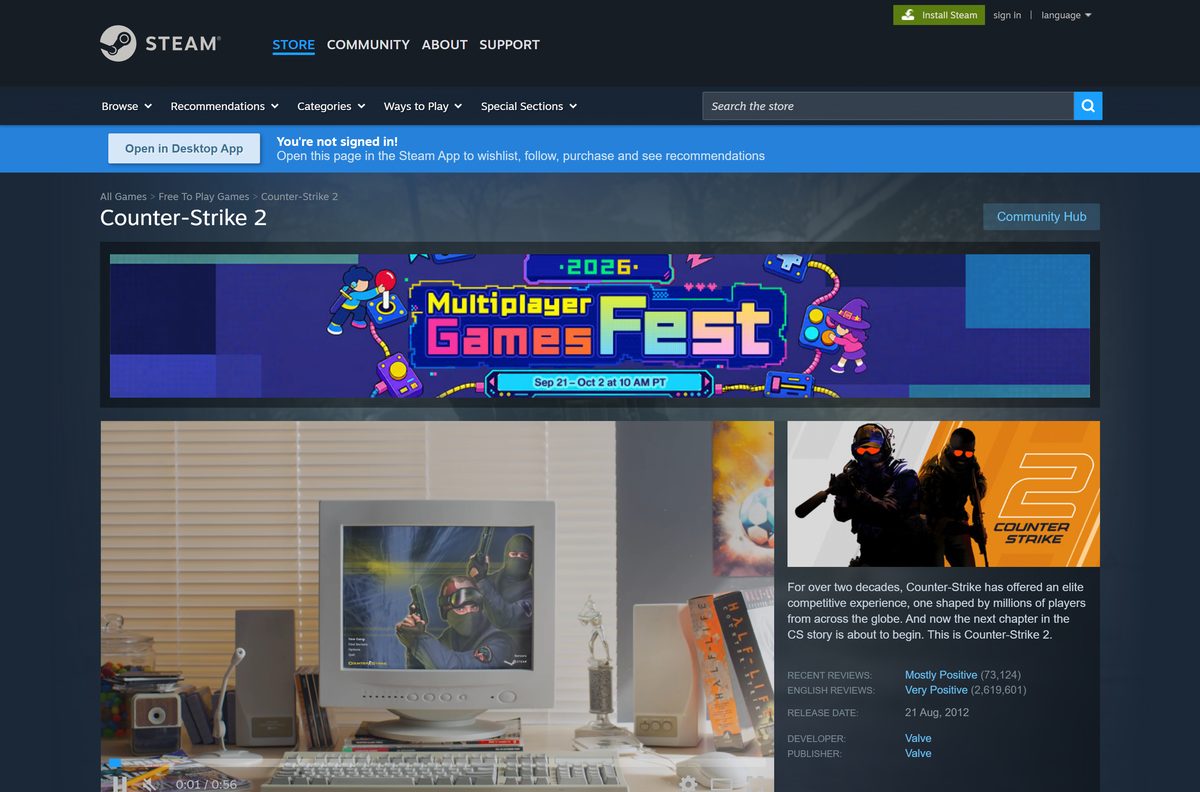
- Counter-Strike 2 on Steam (app 730) — Free To Play · select Play Game
- Steam desktop client — install this first on Windows, macOS or Linux
- Counter-Strike 2 update notes — what the September 9, 2026 patch changed
Set aside 85 GB of free space on the drive you choose.
How to install Counter-Strike 2 on Windows 11 and 10
The client does the work. Budget your time for the download rather than the install.
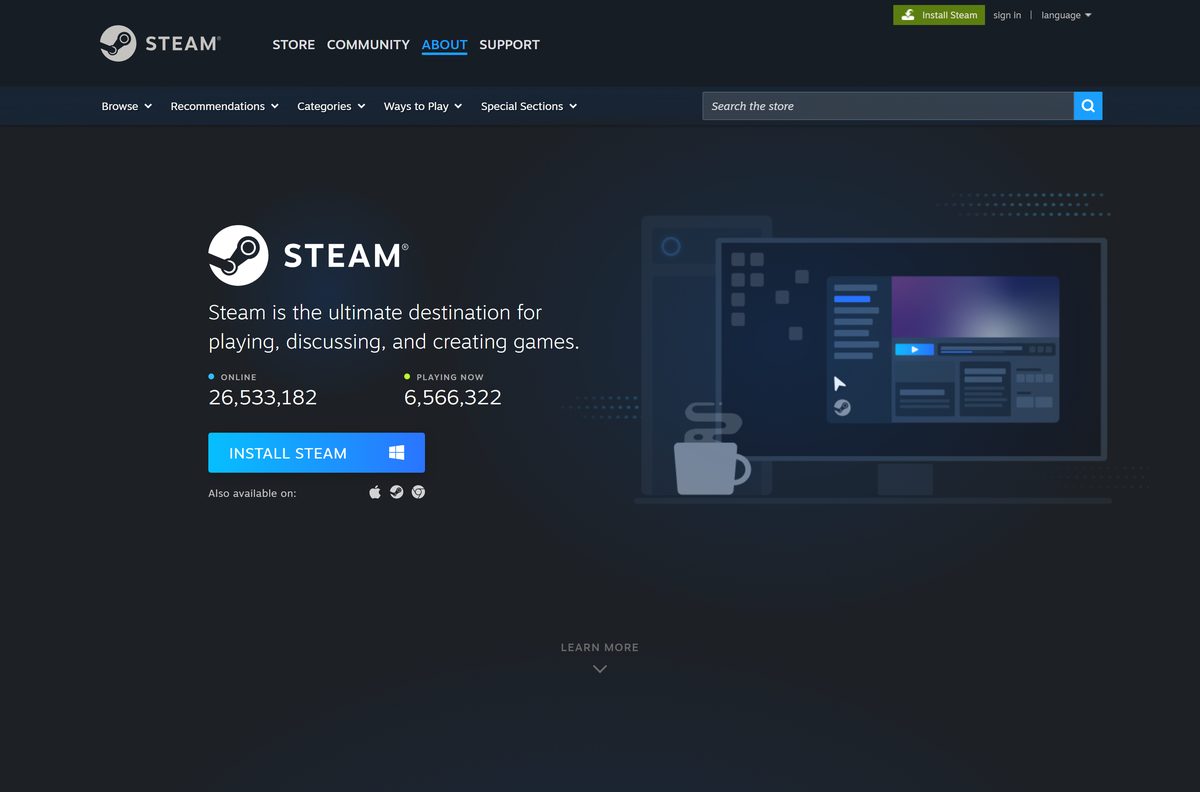
- Open the Steam client page and select Install Steam.
- Run the setup and accept the default install folder.
- Start Steam, then sign in or select Create a Free Account.
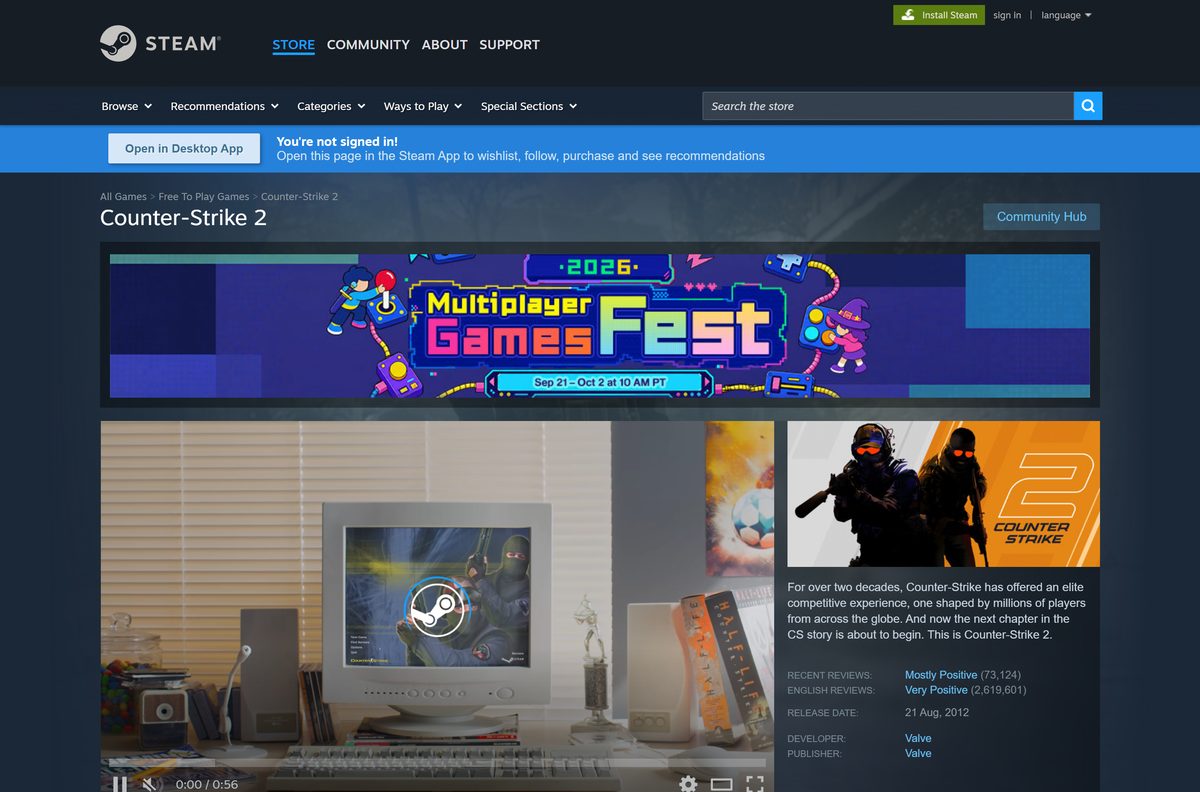
- Open the Counter-Strike 2 store page and select Play Game.
- Pick a drive with at least 85 GB free in the Choose location for install box.
- Select Next, then Finish to queue the download.
- Watch progress under Downloads at the bottom of the Steam window.
- Select Play in your Library, then work through Training Day if the game is new to you.
Steam keeps the game patched, so leave the client running while the files land.
How to install Counter-Strike 2 on a Steam Deck or Linux PC
Valve builds a native Linux version, and the Deck ships with Steam already on it.
- On a Steam Deck, select Steam and open the Store tab.
- On a Linux desktop, install Steam from your distribution or from the Steam client page.
- Search for Counter-Strike 2 and open its page.
- Select Play Game, then choose the internal drive or a microSD card.
- Select Install and wait for the download to finish.
- Update your graphics drivers to a Vulkan-capable release before the first launch.
Ubuntu 20.04 is the oldest release Valve lists for the Linux build.
Can you download Counter-Strike 2 on a Mac?
Valve lists Windows and Linux for app 730, and no macOS build exists. These are the working options.
| What you have | What works | Link |
|---|---|---|
| A Mac plus a Windows gaming PC | Stream the game across your network with Remote Play | Steam Remote Play |
| An Intel Mac with Boot Camp | Install 64-bit Windows 10, then Steam and the game | Steam for Windows |
| A Mac and no PC | Play an earlier Counter-Strike that still ships a macOS build | Counter-Strike, $9.99 |
| A Mac and no budget | Nothing in the series is both free and native on macOS | Condition Zero, $9.99 |
Remote Play needs the Windows PC awake, signed in and on the same network.
Is Counter-Strike 2 free?
Valve files the game under Free To Play Games, and the store button reads Play Game rather than a price.
Yes. The download, the updates and competitive matchmaking cost nothing. The optional Prime Status Upgrade costs $14.99 and adds Prime-only matchmaking, item drops and souvenir items. Weapon cases, keys and skins are sold separately on the Steam Market. Any site charging for the base game or for a activation key is selling something Valve gives away.
Prime Status is a one-off purchase tied to your Steam account.
Should you install CS:GO or Counter-Strike 2?
The choice was made for you in 2023.
Install Counter-Strike 2, because Global Offensive is no longer a separate download. Valve upgraded app 730 in place on September 27, 2023 and said so in the release notes. Anyone who owned the older game now sees Counter-Strike 2 in the same Library slot, with the same inventory and the same Prime Status. Steam lists no Global Offensive store page to install.
An old installer found elsewhere cannot reach Valve’s matchmaking servers.
How to check your Counter-Strike 2 version and update it
Steam patches the game in the background, and the build date is easiest to read in the client.
- Open Library in Steam and select the game.
- Read the Last Updated date on the right of the game page.
- Right-click the game, select Properties, then Updates.
- Set Automatic Updates to Always keep this game updated.
- Open the Steam news hub to read what the current patch changed.
- Select Downloads to force a pending patch to start now.
Valve dates its updates instead of numbering them, so the date is the version.
Check the Counter-Strike 2 system requirements
These figures are the ones Valve publishes on the Windows store listing.
| Field | Details |
|---|---|
| Software | Counter-Strike 2 |
| Developer | Valve |
| Latest version | Updated September 9, 2026 (Valve ships dated updates) |
| Price | Free to play; Prime Status Upgrade $14.99 |
| Operating system | Windows 10 or Windows 11, 64-bit; Linux from Ubuntu 20.04 |
| Architecture | 64-bit (x64); Steam dropped 32-bit Windows on January 1, 2026 |
| Processor | 4 hardware CPU threads, Intel Core i5 750 or higher |
| Memory | 8 GB RAM |
| Graphics | 1 GB or more, DirectX 11 compatible with Shader Model 5.0 |
| DirectX | Version 11 |
| Storage | 85 GB available space |
| macOS | Not supported |
| Anti-cheat | VAC (Valve Anti-Cheat) |
| Offline installer | No; the Steam client installs and patches the game |
| Official download source | Steam store (store.steampowered.com) |
| Last verified | 2026-09-22 |
Press Windows + R, type dxdiag and select OK to read your processor, memory and graphics card.
How to confirm your Counter-Strike 2 files are genuine
Steam compares every installed file against Valve’s manifest, which replaces the checksum you would otherwise run by hand.
- Open Library, right-click the game and select Properties.
- Select Installed Files in the left column.
- Select Verify integrity of game files and wait for the scan.
- Let Steam re-download anything it marks as damaged or missing.
- Read Valve’s file verification notes if the scan repairs the same files every launch.
- Delete any third-party loader, injector or skin changer, because a ban lands on the account.
A file Steam did not place is a file Valve will not vouch for.
Fix Counter-Strike 2 not downloading or not launching
Work through the symptom that matches yours.
The download sits at 0 bytes or stops part way
A stale download cache or a busy content server is the usual reason.
- Select Downloads at the bottom of Steam, then pause and resume the job.
- Open Steam > Settings > Downloads and select Clear Download Cache.
- Change Download Region to a nearer city and restart the client.
- Confirm your firewall allows the ports Steam needs.
- Restart the router if the speed graph stays flat.
Steam reports not enough disk space
Valve asks for 85 GB free, and Steam needs room to unpack on top of that.
- Open Steam > Settings > Storage and read the free space per drive.
- Select Add Drive to register a second disk.
- Choose that drive in the install dialog, or select Move for an existing install.
- Empty the Recycle Bin and start the install again.
The game installs but will not start
Damaged files or an old graphics driver stop the first launch.
- Verify the installed files from Properties > Installed Files.
- Update your graphics driver to a release that supports DirectX 11 and Shader Model 5.0.
- Right-click the game, select Properties > Betas and leave any beta branch.
- Restart Windows, then launch from the Steam Library rather than a desktop shortcut.
A VAC message blocks matchmaking
Valve Anti-Cheat flags injected code inside the game process.
- Close overlays, macro tools and screen recorders before launching.
- Uninstall any cheat, trainer or unofficial skin changer.
- Verify the installed files once more.
- Read the anti-cheat notice on the Steam store page.
Steam refuses to install on your copy of Windows
Steam stopped supporting 32-bit Windows on January 1, 2026.
- Press Windows + I, open System > About and read System type.
- Install 64-bit Windows 10 or Windows 11 if it reports a 32-bit system.
- Check Valve’s 32-bit support notice for the current policy.
A clean reinstall is quicker than chasing a fault once verification repairs the same files twice.
How to uninstall Counter-Strike 2
Removing the game frees the 85 GB and keeps your inventory, which lives on the Steam account.
- Open Library, right-click the game and select Manage > Uninstall.
- Confirm with Uninstall and wait for Steam to clear the folder.
- Open Steam > Settings > Storage to confirm the space came back.
- Delete the leftover steamapps\common\Counter-Strike Global Offensive folder if Steam left one behind.
- Remove the config folder under Documents\My Games only if you want default settings next time.
- Reinstall whenever you like, because the licence stays on the account.
Uninstalling the game leaves the Steam client in place.
Which other Counter-Strike game should you install?
Valve still sells the earlier titles, and two of them ship a macOS build.
| Game | Price | Platforms | Store page |
|---|---|---|---|
| Counter-Strike 2 | Free | Windows, Linux | App 730 |
| Counter-Strike | $9.99 | Windows, macOS, Linux | App 10 |
| Counter-Strike: Condition Zero | $9.99 | Windows, macOS, Linux | App 80 |
| Counter-Strike: Source | $9.99 | Windows, Linux | App 240 |
| Team Fortress 2 | Free | Windows, Linux | App 440 |
Take Counter-Strike 1.6 or Condition Zero if a Mac is the only machine you have.
Frequently asked questions
Is Counter-Strike 2 free to download?
Yes. Valve lists it under Free To Play Games on Steam, so the download and the game cost nothing. You need a free Steam account. Prime Status and in-game items are optional purchases on top.
Where is the official Counter-Strike 2 download page?
The only official page is app 730 on the Steam store at store.steampowered.com/app/730. Select Play Game there and the Steam desktop client downloads the game. Valve publishes no setup file anywhere else.
Can you still download CS:GO?
Not as a separate product. Valve upgraded app 730 from Global Offensive to Counter-Strike 2 on September 27, 2023, and the store lists no standalone Global Offensive page. An old CS:GO library entry now launches the new game.
Does Counter-Strike 2 work on Windows 11?
Yes. Valve lists Windows 10 as the minimum, and Windows 11 runs the same build. Steam has supported only 64-bit Windows since January 1, 2026, and every Windows 11 edition is 64-bit.
How big is the Counter-Strike 2 download?
Valve asks for 85 GB of free space in the system requirements. The download itself is smaller and changes with every update, so read the figure Steam shows in the install dialog before you start.
Is there a Counter-Strike 2 offline installer?
No. The game downloads, patches and launches through the Steam desktop client, and matchmaking needs a live connection. Any site offering a setup file or a no-Steam build is not distributing Valve’s files.
Can you play Counter-Strike 2 on a Mac?
No. The Steam listing for app 730 covers Windows and Linux only. A Mac can install Steam and stream the game with Remote Play from a Windows PC on the same network, which needs that PC running.
Does Counter-Strike 2 need a 64-bit PC?
Yes. Steam dropped support for 32-bit Windows on January 1, 2026, so the client and the game both need 64-bit Windows 10 or Windows 11 and four hardware CPU threads.
Is it safe to download Counter-Strike 2?
Yes, from Steam. Valve develops the game, delivers it through the Steam client and checks every file against its own manifest. Valve Anti-Cheat runs in matchmaking, so avoid cheats, injectors and repacked copies.
What is the latest Counter-Strike 2 version?
Valve ships dated updates rather than numbered releases, and the newest one landed on September 9, 2026. Steam applies updates automatically the next time you open the client.
Why will Counter-Strike 2 not install?
The usual causes are less than 85 GB free on the install drive, a damaged Steam download cache, or a blocked connection. Clear the download cache, pick another drive, then verify the files.
Can you download Counter-Strike 2 without Steam?
No. Valve distributes the game only through the Steam client, which handles the download, the updates and the anti-cheat. There is no browser version and no standalone executable.