The Clash Royale download is free on Windows 11 and Windows 10 through Google Play Games on PC, and on Android and iPhone through Google Play and the App Store. Supercell publishes every copy.
Install it on the PC, sign in with your Google account and play the same card battles with a mouse. On a Mac, iPhone Mirroring puts the iPhone version in a window.
This guide covers the official links, PC install steps, requirements, the Mac route, updates and fixes for failed installs.
Which Clash Royale download do you need?
Match your device to a row and follow that link. Every route is free.
| Your device | Where to get it | What it needs |
|---|---|---|
| Windows 11 or 10 PC | Google Play Games on PC | Windows 10 (v2004) or later, 8 GB RAM, SSD with 10 GB free |
| Android phone or tablet | Google Play | A Google account and free storage |
| iPhone or iPad | App Store | iOS or iPadOS 14.0 or later, about 1.1 GB free |
| Mac plus an iPhone | iPhone Mirroring | macOS Sequoia 15 or later, iOS 18 or later, outside the EU |
The PC version runs the Android game inside Google Play Games, so it plays exactly like the phone version.
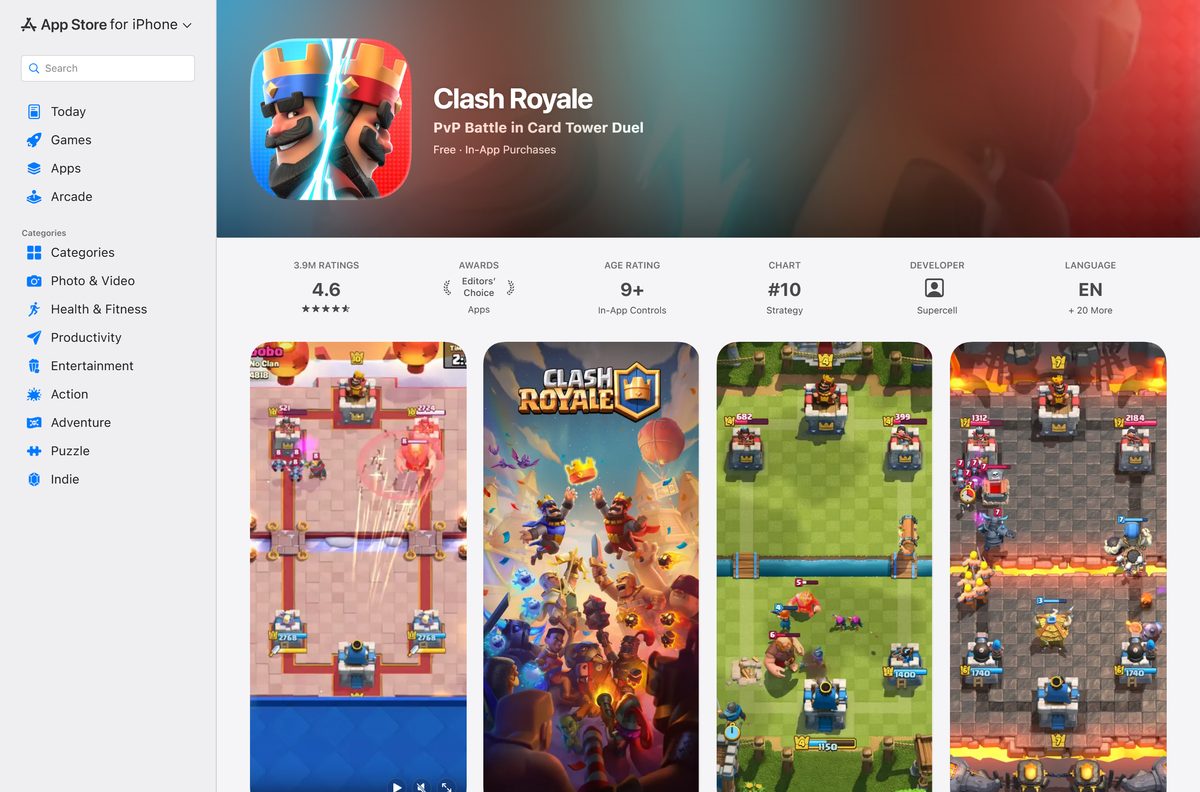
Download Clash Royale from the official Google Play and App Store listings
Supercell is the developer on Google Play and Supercell Oy the seller on the App Store. Any other publisher name means the listing is not the real game.
- Clash Royale on Google Play — Android and Windows, free, 500M+ downloads
- Google Play Games on PC — The free Windows app that installs the PC version
- Clash Royale on the App Store — 1.1 GB · iPhone, iPad and iPod touch, free
- Clash Royale on supercell.com — Official game page with store links and news
Google Play rates the game Everyone 10+, and the App Store rates it 9+.
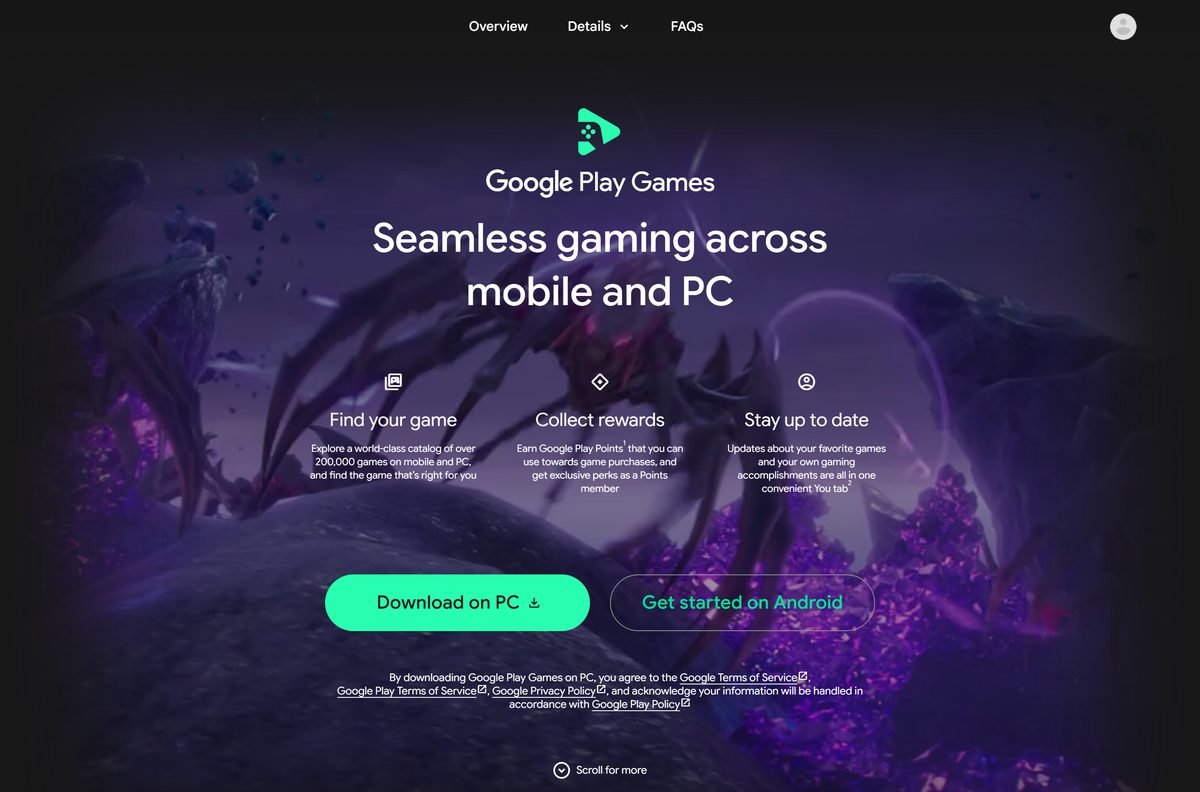
How to install Clash Royale on Windows 11 or Windows 10
Google Play Games on PC checks your hardware during setup and stops if the PC falls short.
- On your PC, open the Google Play Games page and click Download.
- Open the downloaded file and follow the on-screen instructions.
- If prompted, turn on Windows Hypervisor Platform, then restart the PC.
- Open Google Play Games and sign in with your Google account.
- Search for Clash Royale and click Install.
- Click Play when the install finishes and let the game load its content.
Use the same Google account on your phone and PC to play across devices. Only the Windows user who installed Google Play Games can open it.
How to install Clash Royale on Android, iPhone and iPad
Both stores install the game in a few minutes on a fast connection.
- On Android, open the Clash Royale Google Play listing.
- Tap Install and wait for the download to finish.
- On iPhone or iPad, open the Clash Royale App Store listing.
- Tap Get, then confirm with Face ID, Touch ID or your Apple Account password.
- Open the game and finish the tutorial battle.
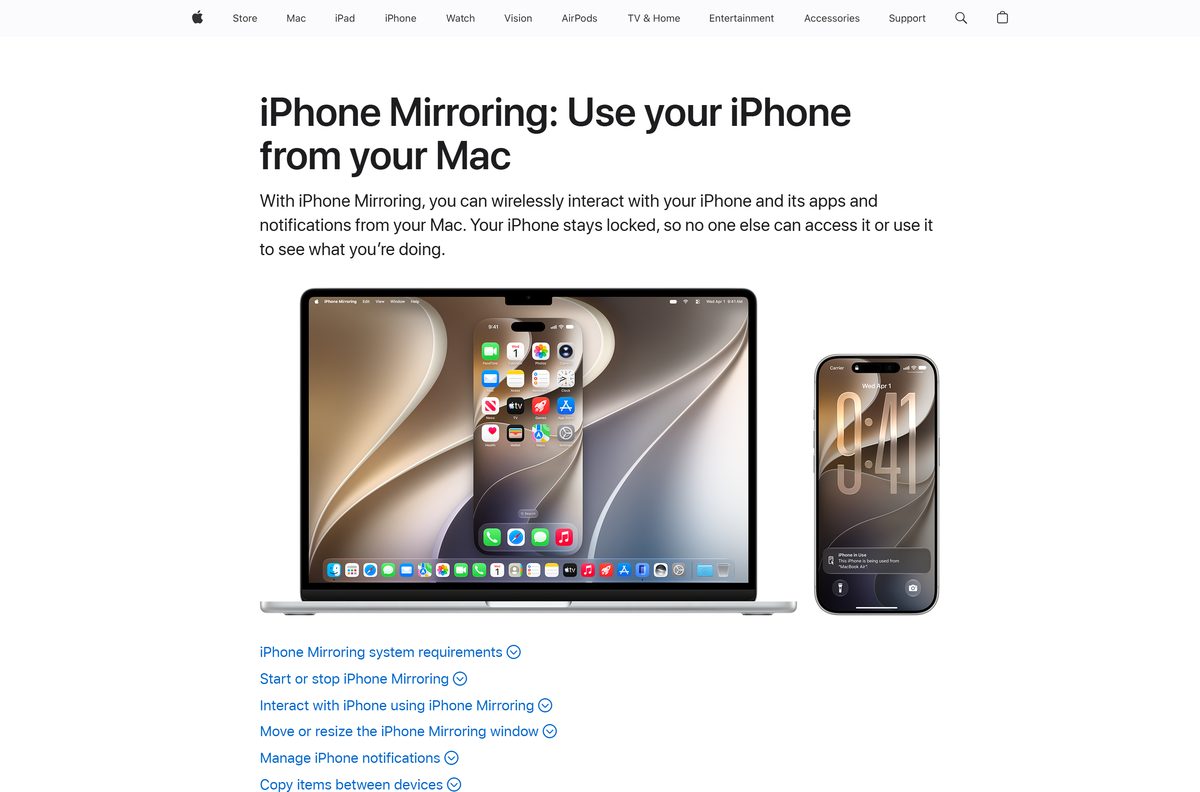
Which way can you play Clash Royale on a Mac?
The App Store does not offer the iPhone and iPad version on macOS, and Google Play Games on PC is Windows only. iPhone Mirroring is the route Apple provides.
| Your setup | What to do | Link |
|---|---|---|
| Apple silicon or T2 Mac on macOS Sequoia 15 or later, iPhone on iOS 18 or later | Open iPhone Mirroring from the Dock and launch the game on the mirrored iPhone | Apple’s iPhone Mirroring guide |
| Mac or iPhone in the European Union | Play on the iPhone or iPad itself, because iPhone Mirroring is unavailable there | App Store listing |
| Older Intel Mac without a T2 chip | Play on an iPhone, iPad, Android device or a Windows PC instead | Google Play listing |
Both devices need the same Apple Account with two-factor authentication, and Wi-Fi and Bluetooth turned on.
Is Clash Royale free to download and play?
The game costs nothing on any official store, including Google Play Games on PC.
Yes. Download it free and play every mode without paying. The Google Play description states the game is free to download and play, and that some items, including random items, can be bought for real money. Disable in-app purchases in your device settings if you do not want them.
No paid edition exists. A site asking for your account login in exchange for free Gems is a scam.
Check the Clash Royale requirements before you download
| Field | Value |
|---|---|
| Game | Clash Royale |
| Developer | Supercell Oy |
| Latest version | 16.402.12 (App Store, September 14, 2026) |
| Price | Free, optional in-app purchases |
| Windows | Windows 10 (v2004) or later through Google Play Games on PC |
| PC hardware | 4 physical CPU cores, 8 GB RAM, Intel UHD Graphics 630 or comparable, SSD with 10 GB free |
| PC settings | Windows admin account, hardware virtualization on |
| iPhone and iPad | iOS or iPadOS 14.0 or later |
| Android | Phones and tablets through Google Play |
| Download size | 1.1 GB on the App Store |
| macOS | No Mac build; play through iPhone Mirroring (macOS Sequoia 15 or later) |
| Offline installer | No |
| Age rating | Everyone 10+ (Google Play), 9+ (App Store) |
| Last verified | 2026-09-19 |
To check your Windows version, press Windows + R, type winver and press Enter.
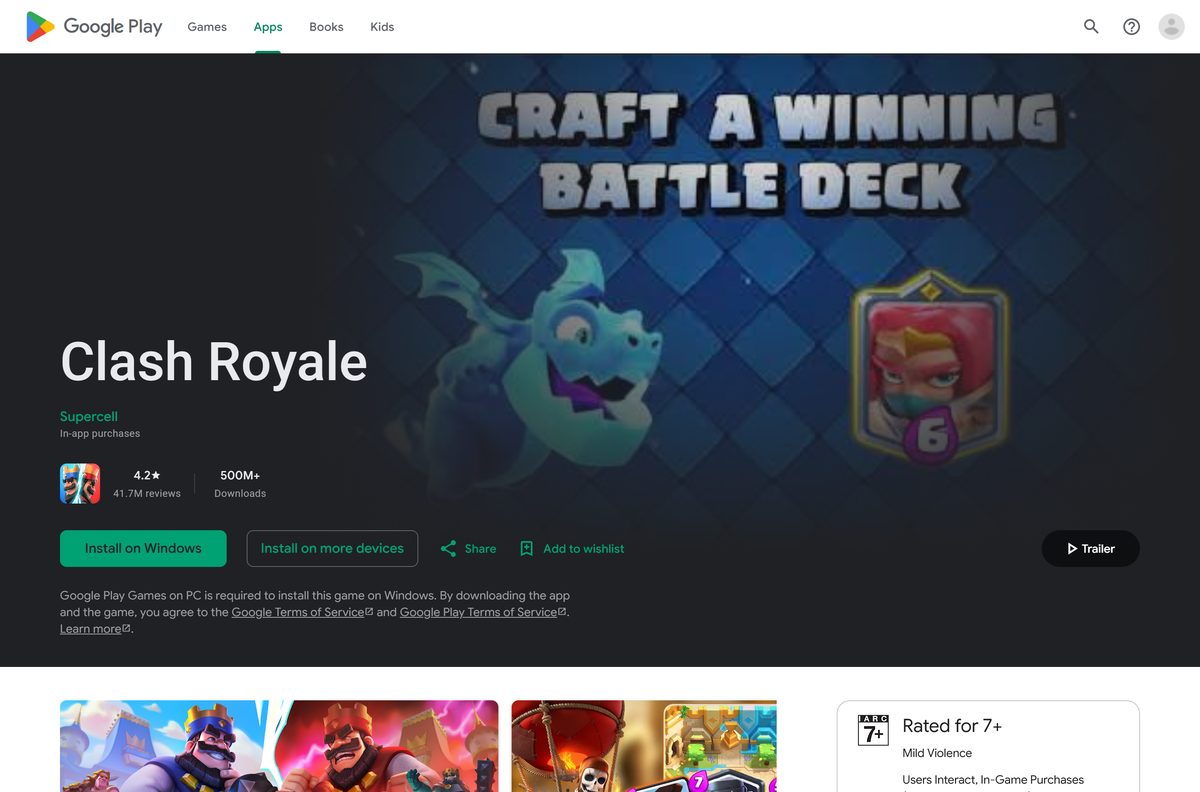
How to check your Clash Royale version and update it
Supercell ships updates through the stores, and the game asks you to update when a new version is live.
- On a Windows PC, open Google Play Games, launch Clash Royale and accept any update it offers.
- On Android, open Google Play, tap your profile icon, then Manage apps & device.
- Tap Updates available and select Update next to Clash Royale.
- On iPhone or iPad, open the App Store, tap your profile picture and tap Update next to the game.
- Open the game and let it download the new content before your next battle.
The App Store listing’s Version History shows each release number and date.
Fix Clash Royale not downloading or installing
Find the problem that matches your screen and follow the fix under it.
Google Play Games on PC refuses to install
The PC misses a minimum requirement, such as an SSD, 8 GB of RAM or virtualization.
- Read the missing items the installer lists.
- Turn on CPU virtualization in your PC’s BIOS settings.
- Turn on Windows Hypervisor Platform when prompted and restart.
- Run the installer again.
Google Play Games on PC stops working after an install
A damaged install or a conflict with another virtualization tool.
- Uninstall Google Play Games through Windows Apps & features.
- Download it again from the Google Play Games page and reinstall it.
- Restart your computer.
- Follow Google’s setup and error code guide for any code shown.
The App Store says the game needs a newer iOS
Clash Royale requires iOS or iPadOS 14.0 or later.
- Open Settings, then General, then Software Update.
- Install the update and restart the device.
- Tap Get on the App Store listing again.
Google Play stays on Download pending
Another download is queued ahead of it, or the store app has a stale cache.
- Cancel other downloads in Manage apps & device.
- Open Settings, then Apps, then Google Play Store, then Storage, and tap Clear cache.
- Restart the phone and tap Install again.
How to uninstall Clash Royale
Remove the game from the device it is installed on.
- On a Windows PC, uninstall Google Play Games through Settings, then Apps & features, to remove it with its games.
- On Android, open Google Play, tap your profile icon, then Manage apps & device, select Clash Royale and tap Uninstall.
- On iPhone or iPad, touch and hold the game icon, tap Remove App, then Delete App.
Reinstall any time from the same listing at no cost.
Which Supercell games can you download next?
Supercell Oy publishes each of these free on the App Store, with optional purchases.
| Game | Style | Link |
|---|---|---|
| Brawl Stars | Three-minute team shooter matches | App Store |
| Clash of Clans | Village building and clan wars | App Store |
| Squad Busters | Party action with squads of characters | App Store |
Pick Clash of Clans to keep the same troops and spells in a slower, base-building game.
Frequently asked questions
Is Clash Royale free to download?
Yes. Clash Royale is free on Google Play, Google Play Games on PC and the App Store. Supercell sells optional in-game items, including random items, and you can disable in-app purchases in your device settings.
Can you play Clash Royale on a Windows PC?
Yes. The Google Play listing shows the game as available on Android and Windows. Install Google Play Games on PC, sign in with your Google account, search for Clash Royale and click Install.
Is Clash Royale free on PC?
Yes. Google Play Games on PC and the Clash Royale listing both cost nothing. The same optional in-game purchases apply as on a phone.
What PC do you need for Clash Royale?
Google Play Games on PC needs Windows 10 (v2004) or later, an SSD with 10 GB free, 8 GB of RAM, 4 physical CPU cores, Intel UHD Graphics 630 or a comparable GPU, an admin account and hardware virtualization turned on.
Can you play Clash Royale on a Mac?
Not as a Mac app, because the App Store listing supports iPhone, iPad and iPod touch only. On a Mac with macOS Sequoia 15 or later, iPhone Mirroring shows an iPhone on iOS 18 or later, with the game, in a window.
How big is the Clash Royale download?
The App Store build is 1.1 GB on iPhone and iPad. Google Play does not show a size on its listing. On a PC, Google Play Games itself asks for 10 GB of free SSD space.
Is there a Clash Royale offline installer?
No. Google Play, Google Play Games on PC and the App Store install and update the game over the internet, and none offers a standalone setup file. A site offering one is not an official source.
Is it safe to download Clash Royale?
Yes, from Google Play, Google Play Games on PC and the App Store, where Supercell is the publisher. Avoid download sites, modded APK files and any offer of free Gems in exchange for your account details.
What is the latest version of Clash Royale?
Version 16.402.12 is the current App Store build, released September 14, 2026. The update adds the Minion Giant card, the Ice Wizard hero and the Royale Shuffle mode.
Can you play Clash Royale without downloading it?
No. Supercell distributes the game as an app through Google Play and the App Store, so install it on a phone, tablet or Windows PC first. Every battle also needs an internet connection.