You can download Microsoft Remote Desktop free for Windows 11, Windows 10 and Mac straight from Microsoft, then control another PC or a cloud desktop in a few minutes. The same app is also on iPhone, iPad and Android.
This guide covers the right file for your machine, the Microsoft Store and offline installs, the Mac App Store and .pkg routes, the built-in Remote Desktop Connection, updates, connection fixes and a clean uninstall.
Which Microsoft Remote Desktop download do you need?
Match what you want to connect to, and from which device, to a row.
| Your device and goal | Download | Size |
|---|---|---|
| Windows 11 or 10 PC, connecting to another PC on your network | Remote Desktop Connection (built into Windows) | No download |
| Windows 11 or 10 PC, connecting to Windows 365, Azure Virtual Desktop or Dev Box | Windows App in the Microsoft Store | Auto-updating |
| Windows PC with an Intel or AMD chip, offline install | Windows App 64-bit .msix | 247.0 MB |
| Windows 11 on Arm (Snapdragon, Surface Pro X) | Windows App Arm64 .msix | 245.3 MB |
| 32-bit Windows 10 | Windows App 32-bit .msix | 206.6 MB |
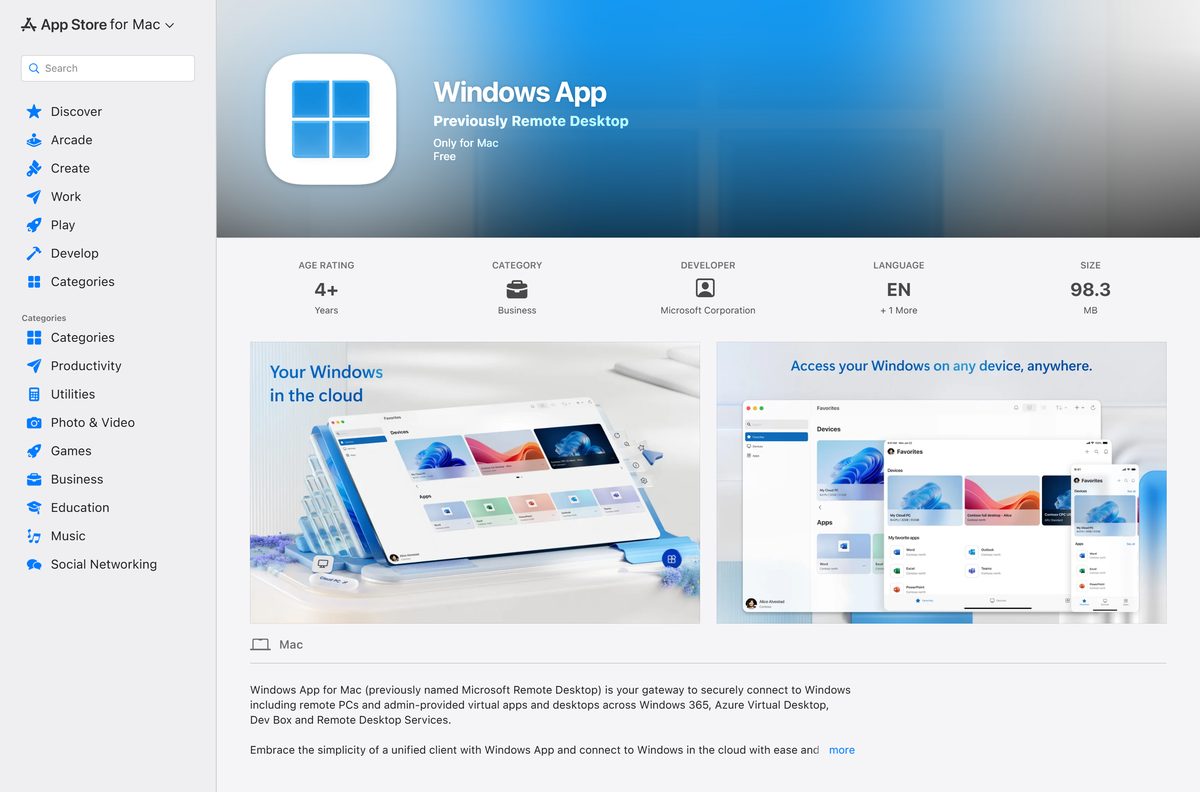
| Mac on macOS 14 Sonoma or later | Windows App in the Mac App Store | 98.3 MB |
| iPhone or iPad | Windows App Mobile in the App Store | App Store |
| Android phone, tablet or Chromebook | Windows App on Google Play | Google Play |
Not sure which Windows you have? Open Settings > System > About and read System type. It says x64-based or ARM-based processor.
Download Microsoft Remote Desktop from the official Microsoft links
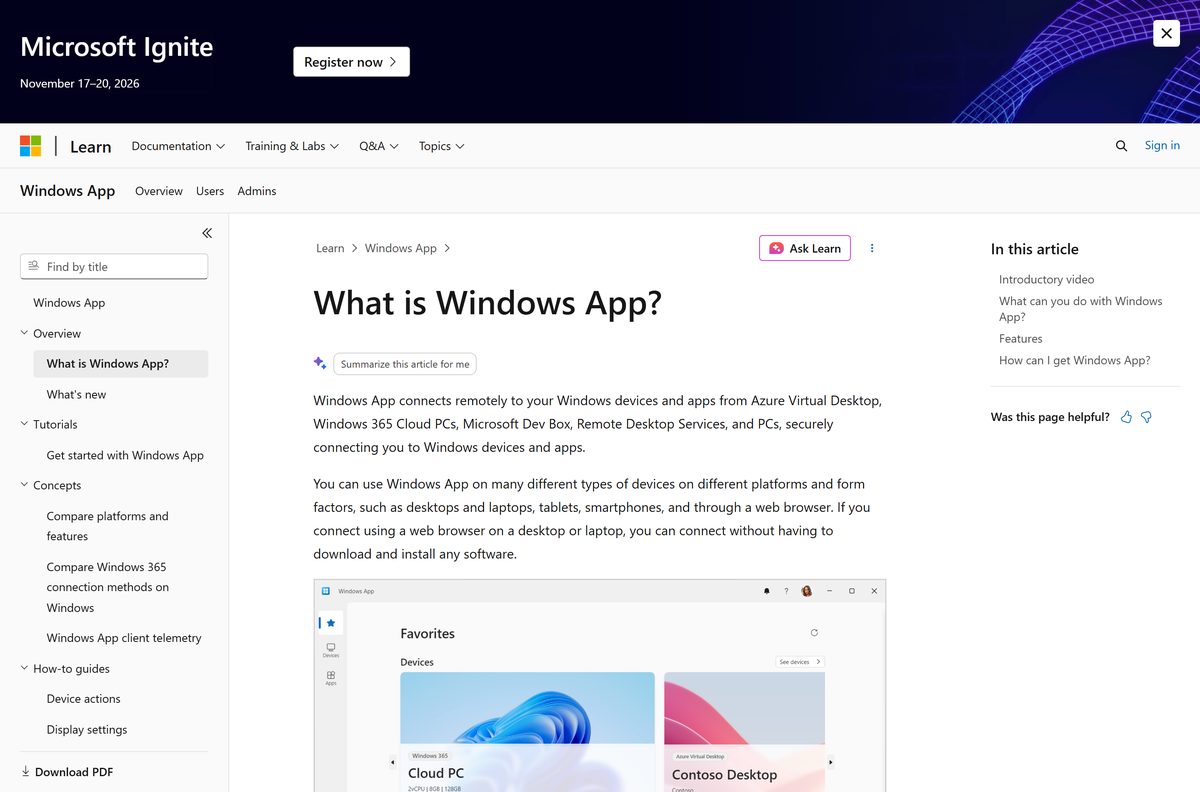
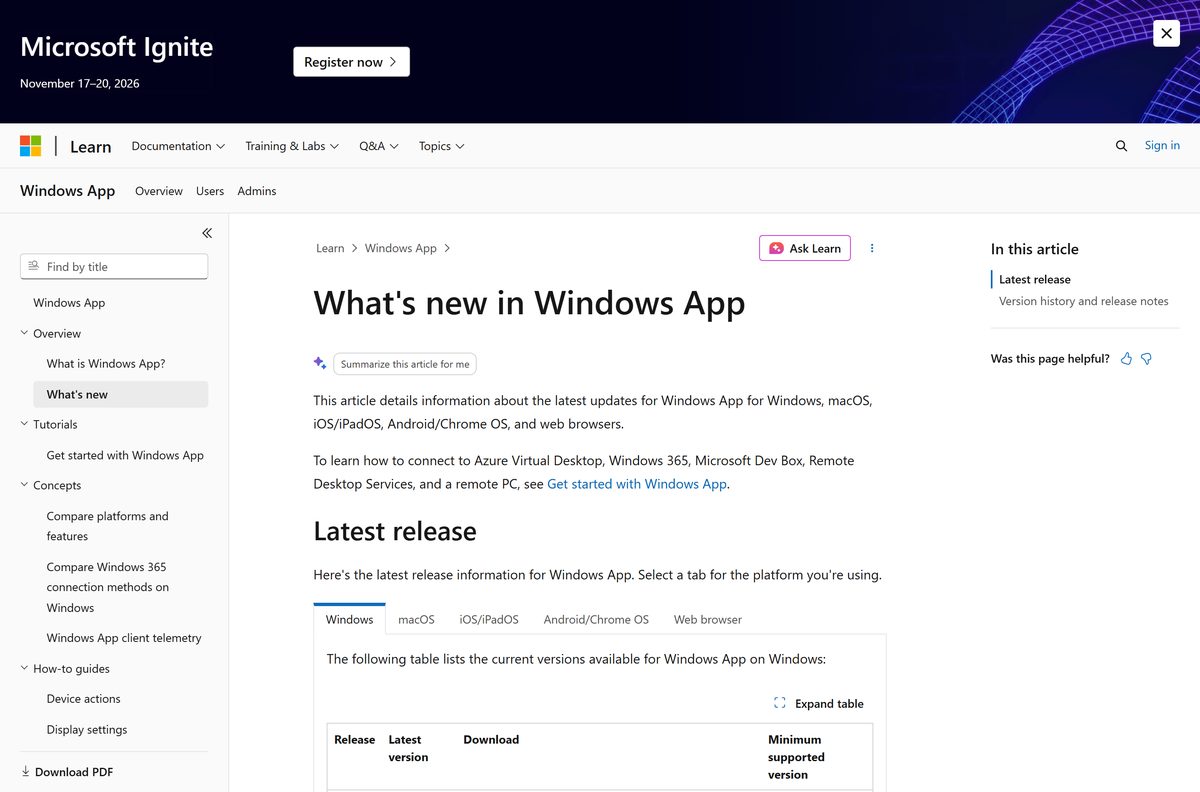
Microsoft lists every current installer on its Windows App release notes page on Microsoft Learn. The standalone files come from Microsoft’s own CDN and install without the Store.
- Windows App in the Microsoft Store — free, Windows 11 and Windows 10 version 1809 or later
- Windows App for Windows, 64-bit .msix — 247.0 MB · most PCs
- Windows App for Windows, Arm64 .msix — 245.3 MB
- Windows App for Windows, 32-bit .msix — 206.6 MB
- Windows App in the Mac App Store — free, macOS 14.0 or later
- Windows App for Mac, standalone .pkg — 98.2 MB
- Windows App release notes and download links — Microsoft Learn
Skip copies on download portals. The Microsoft Store and Microsoft’s fwlink addresses always serve the newest signed build.
How to install Microsoft Remote Desktop on Windows 11 and 10
The Microsoft Store route keeps the app updated for you. It works on Windows 11 and on Windows 10 version 1809 or later.
- Open the Windows App listing in the Microsoft Store.
- Select Get, or Install if the Store app is already open.
- Wait for the download to finish, then select Open.
- Select Take the tour for a short walkthrough, or Not now to skip it.
- To reach a work cloud PC, select Sign in and use your work or school account.
- To reach a PC, stay on the Devices tab and select the + icon.
- Type the host name or IP address in PC Name, then select Add & Connect.
- Enter the user name and password of an account on the remote PC.
A personal Microsoft account cannot sign in to Windows App. You do not need to sign in at all to connect to a PC.
Install the offline .msix file instead of the Microsoft Store
Use the standalone file when the Store is blocked or the PC has no reliable internet connection. It is the same app as the Store version.
- Download the 64-bit, Arm64 or 32-bit .msix file from the links above.
- Open your Downloads folder and double-click the .msix file.
- Select Install in the App Installer window.
- Select Launch when setup finishes.
- Check Settings > Apps > Installed apps for Windows App to confirm the install.
An offline install needs Microsoft.WindowsAppRuntime.2 version 2.1.3.0 or later already on the PC. The Store installs that runtime automatically.
Download the legacy Remote Desktop MSI for Remote Desktop Services
Windows App on Windows does not connect to Remote Desktop Services yet. Microsoft tells those users to keep the older Remote Desktop client, which still ships as an MSI.
| File | Size | Status |
|---|---|---|
| Remote Desktop client 64-bit MSI | 61.7 MB | Version 1.2.7391, most common |
| Remote Desktop client 32-bit MSI | 32.3 MB | Same version |
| Remote Desktop client Arm64 MSI | 62.4 MB | Same version |
Since March 27, 2026 this MSI is unsupported for Azure Virtual Desktop and Windows 365 in the public cloud. Support runs to September 28, 2026 for Azure Government, Azure operated by 21Vianet and AVD Classic.
Run Remote Desktop Connection without installing anything
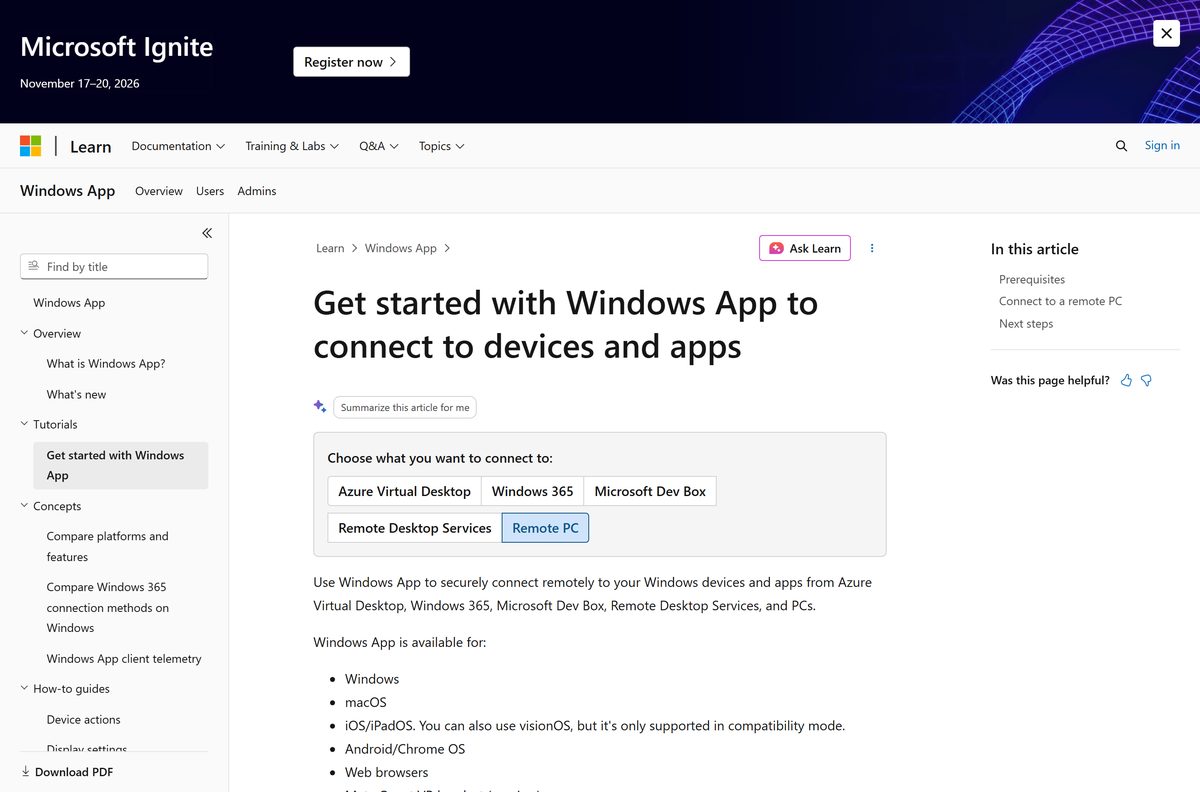
Every edition of Windows 11 and Windows 10 includes Remote Desktop Connection, also known as mstsc . For a plain PC-to-PC connection it is still the tool Microsoft recommends on Windows.
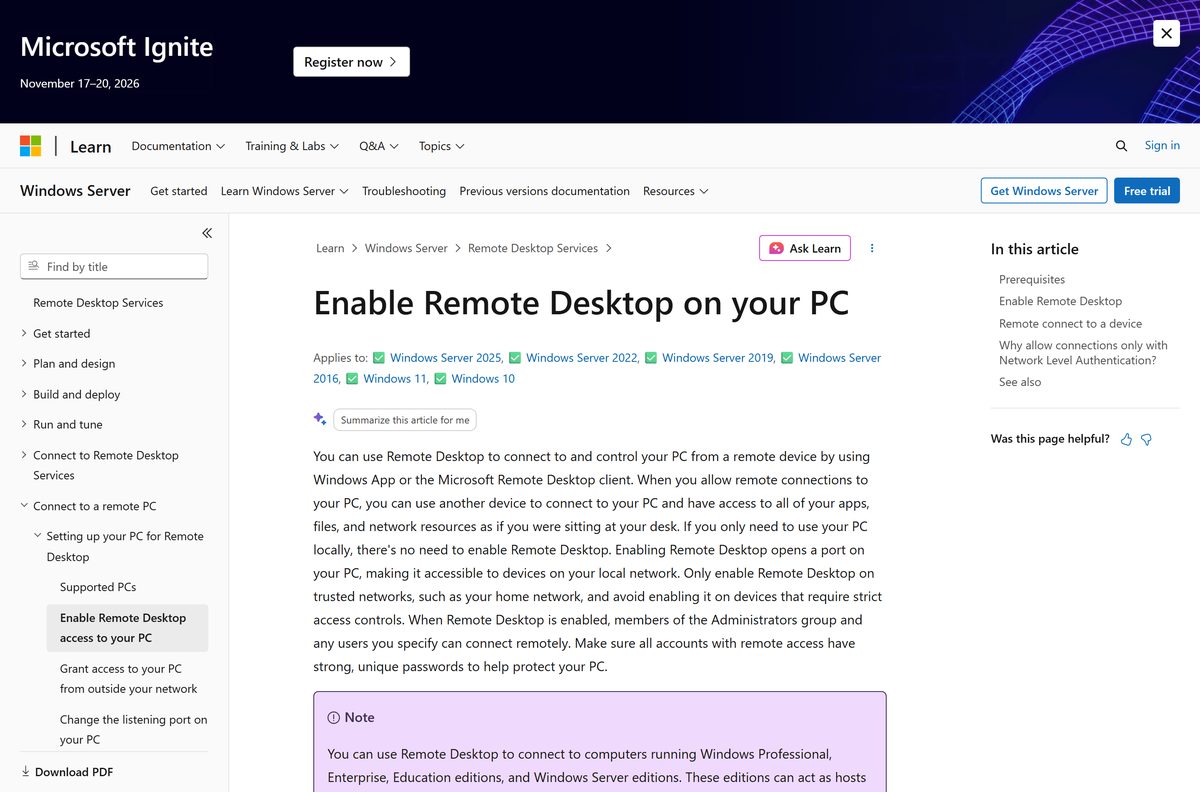
- Turn on Remote Desktop on the PC you want to reach, using Microsoft’s Enable Remote Desktop steps.
- Select Start and type Remote Desktop Connection, or press Windows + R, type mstsc and select OK.
- Enter the computer name or IP address of the remote PC.
- Select Connect.
- Enter the credentials of an account allowed on the remote PC, then select OK.
Remote PC connections inside Windows App on Windows are still in preview, so Remote Desktop Connection is the safer choice today.
Which Microsoft Remote Desktop download do you need for your Mac?
On a Mac, the app is called Windows App and it replaces the Mac client that was previously named Microsoft Remote Desktop. It connects to PCs, Remote Desktop Services and every Microsoft cloud desktop.
| Your situation | Download | Size |
|---|---|---|
| Personal Mac on macOS 14 Sonoma or later | Windows App in the Mac App Store | 98.3 MB |
| Managed Mac, or the App Store is blocked | Windows App standalone .pkg | 98.2 MB |
To reach a PC, open Windows App, stay on the Devices tab, select + and then Add PC.
Type the host name or IP address, select Add, then double-click the new PC and enter its user account.
Is Microsoft Remote Desktop free?
Yes. Windows App, Remote Desktop Connection and the legacy Remote Desktop MSI are all free. The Microsoft Store and Mac App Store both list the app at no cost, with no in-app purchases. What costs money is the service you connect to, such as a Windows 365 Cloud PC or Azure Virtual Desktop. Any site asking you to pay for the client itself is not Microsoft.
Should you use Windows App or the old Remote Desktop client?
Microsoft renamed its Remote Desktop client to Windows App. The Mac App Store listing still says it was previously named Microsoft Remote Desktop, and the old Mac client is no longer available for download.
On Windows, the old Remote Desktop app from the Microsoft Store reached end of support and is gone from the Store. Its connections to Windows 365, Azure Virtual Desktop and Dev Box have been blocked since September 30, 2025.
Install Windows App for cloud PCs and on Mac, iPhone and Android. Use Remote Desktop Connection for a plain PC-to-PC session on Windows. Windows App is the only client Microsoft still develops for Windows 365, Azure Virtual Desktop and Dev Box. Keep the legacy MSI only if you connect to Remote Desktop Services from Windows, which Windows App on Windows does not support yet.
How to check your Microsoft Remote Desktop version and update it
- On Windows, open Settings > Apps > Installed apps and find Windows App.
- Select … and then Advanced options to see the version number.
- Open the Microsoft Store, select Library, then select Get updates.
- For an offline install, download the newest .msix from the same link and run it over the old one.
- On a Mac, open the Windows App menu and select About Windows App.
- Open the App Store, select Updates and update Windows App if it is listed.
Microsoft phases each update over two weeks, so a newer build can reach other PCs a few days before yours.
Check the Microsoft Remote Desktop system requirements before you download
| Field | Value |
|---|---|
| Software | Windows App (formerly Microsoft Remote Desktop) |
| Developer | Microsoft Corporation |
| Latest version | 2.0.1375.0 on Windows; 11.4.2 on Mac |
| Price | Free |
| Windows | Windows 11, Windows 10 version 1809 or later, Windows Server 2019 or later |
| macOS | macOS 14.0 or later (Mac App Store) |
| iPhone and iPad | iOS and iPadOS 16.0 or later |
| Android | Android 10 or later, ChromeOS 126 or later |
| Architecture | Windows x64, Arm64 and 32-bit x86 |
| File size | 247.0 MB (64-bit .msix); 98.3 MB on Mac |
| Offline installer | Yes: .msix for Windows, .pkg for Mac |
| Official source | Microsoft Store, Mac App Store, Microsoft Learn |
| Last verified | 2026-09-19 |
Run winver to see your Windows version and build before you install.
Check what each Microsoft Remote Desktop app can connect to
| Connect to | Windows App on Windows | Windows App on Mac | Remote Desktop Connection |
|---|---|---|---|
| Windows 365 Cloud PC | Yes | Yes | No |
| Azure Virtual Desktop | Yes | Yes | No |
| Microsoft Dev Box | Yes | Yes | No |
| Remote Desktop Services | No, use the legacy MSI | Yes | Yes |
| A remote PC | Preview | Yes | Yes |
Cloud services need a work or school account. A personal Microsoft account works only for signing in to the remote PC itself.
Fix Microsoft Remote Desktop not installing or not connecting
The remote PC refuses the connection
Remote Desktop is turned off on the PC you are connecting to.
- On the remote PC, select Start > Settings > System.
- Select Remote Desktop and switch Enable Remote Desktop to On.
- Select Confirm in the pop-up.
- Select Remote Desktop users, then Add, to allow a non-admin account.
The Remote Desktop setting is unavailable on the remote PC
Windows 11 Home and Windows 10 Home cannot host Remote Desktop sessions.
- Check the edition under Settings > System > About.
- Upgrade the remote PC to Windows Pro, or connect from the Home PC to a Pro PC instead.
The offline .msix will not install
The PC is missing the Windows App Runtime 2.1.3.0 or later.
- Install Windows App from the Microsoft Store once, which adds the runtime.
- Or ask your IT team to deploy Microsoft.WindowsAppRuntime.2 before the .msix.
Sign-in fails with a personal Microsoft account
Windows App accepts only work or school accounts for cloud services.
- Select Not now or skip sign-in.
- Add the PC on the Devices tab and enter the remote PC’s own credentials.
The Mac App Store says the app is incompatible
The current Mac version needs macOS 14.0 or later.
- Open System Settings > General > Software Update.
- Update to macOS 14 Sonoma or later, then install again.
How to uninstall Microsoft Remote Desktop
- On Windows, open Settings > Apps > Installed apps.
- Find Windows App, select … and then Uninstall.
- Select Uninstall again to confirm.
- Repeat for Remote Desktop if the legacy MSI client is also installed.
- On a Mac, open Finder > Applications.
- Drag Windows App to the Trash and empty it.
Frequently asked questions
Is Microsoft Remote Desktop free?
Yes. Windows App, the current Microsoft Remote Desktop client, is free in the Microsoft Store and the Mac App Store with no in-app purchases. Remote Desktop Connection is built into Windows at no cost. Only the cloud services you connect to, such as Windows 365, are paid.
Where is the official Microsoft Remote Desktop download page?
Microsoft lists every installer on its Windows App release notes page on learn.microsoft.com. The Windows version is also in the Microsoft Store under product ID 9N1F85V9T8BN, and the Mac version is in the Mac App Store, published by Microsoft Corporation.
Is Microsoft Remote Desktop now called Windows App?
Yes. Microsoft’s current Remote Desktop client is Windows App, on Windows, Mac, iPhone, iPad and Android. The Mac App Store listing notes that it was previously named Microsoft Remote Desktop, and the old Mac client is no longer available.
Does Microsoft Remote Desktop work on Windows 11?
Yes. Windows App runs on Windows 11, Windows 10 version 1809 or later and Windows Server 2019 or later. Windows 11 also includes Remote Desktop Connection, which you open by typing mstsc in the Run box.
How big is the Microsoft Remote Desktop download?
The 64-bit Windows App .msix file is 247.0 MB, the Arm64 file is 245.3 MB and the 32-bit file is 206.6 MB. The Mac App Store lists the Mac version at 98.3 MB. The legacy 64-bit Remote Desktop MSI is 61.7 MB.
Is there a Microsoft Remote Desktop offline installer?
Yes. Microsoft publishes standalone .msix files for Windows and a .pkg file for Mac outside the stores. On Windows, an offline install needs the Windows App Runtime 2.1.3.0 or later, which the Microsoft Store version adds automatically.
Can I download Microsoft Remote Desktop for Mac?
Yes. Download Windows App from the Mac App Store or as a standalone .pkg file from Microsoft. The current Mac App Store version needs macOS 14.0 or later and connects to PCs, Remote Desktop Services and Microsoft cloud desktops.
Is there a 64-bit or Arm64 version of Microsoft Remote Desktop?
Yes. Microsoft publishes separate 64-bit, Arm64 and 32-bit .msix files of Windows App, and the Microsoft Store picks the right one for your PC automatically. Windows 11 on Arm PCs such as Snapdragon laptops should use the Arm64 file.
Is Microsoft Remote Desktop safe to download?
Yes, when it comes from Microsoft. Download it from the Microsoft Store, the Mac App Store or the go.microsoft.com links on Microsoft Learn. Avoid copies on download portals, because Microsoft’s own links always serve the most up-to-date build.
What is the latest version of Microsoft Remote Desktop?
Windows App 2.0.1375.0 is the latest public release for Windows, released on September 8, 2026. The Mac version is 11.4.2 in the Mac App Store. Microsoft rolls each update out over about two weeks.
Why won’t Microsoft Remote Desktop connect to my PC?
Usually Remote Desktop is turned off on the remote PC, or that PC runs a Home edition of Windows, which cannot host sessions. Turn on Enable Remote Desktop under Settings, System, Remote Desktop on a Pro, Enterprise or Education PC.