The Canva download for Windows 11, Windows 10 and Mac comes from canva.com, and the desktop app is free. It opens the same editor, templates and designs you use in the browser, in its own window with tabs.
Sign in with a free account to start designing. Canva Pro adds premium templates, more AI tools and 100GB of storage, and you can try it free first.
Below: which file fits your computer, the official links, install steps for Windows and Mac, the Microsoft Store and winget routes, pricing, and fixes.
Which Canva download do you need?
Match your device to a row. Every link goes to canva.com or to an official app store.
| Your device | What to download | Note |
|---|---|---|
| Windows 11 or Windows 10 PC, 32-bit or 64-bit | Canva for Windows installer | 203.7 MB, one file for both |
| Windows PC where you prefer store updates | Canva on the Microsoft Store | Free, publisher Canva |
| Company PCs managed with Intune or PowerShell | Canva MSIX packages | 64-bit and 32-bit MSIX |
| Mac with Apple silicon or Intel | Canva for Mac disk image | 223.4 MB universal build |
| iPhone or iPad | Canva on the App Store | Needs iOS 15.0 or later |
| Android phone or tablet | Canva on Google Play | Free |
Press Windows + R, type winver and select OK to confirm your Windows version is 1909 or later before you install.
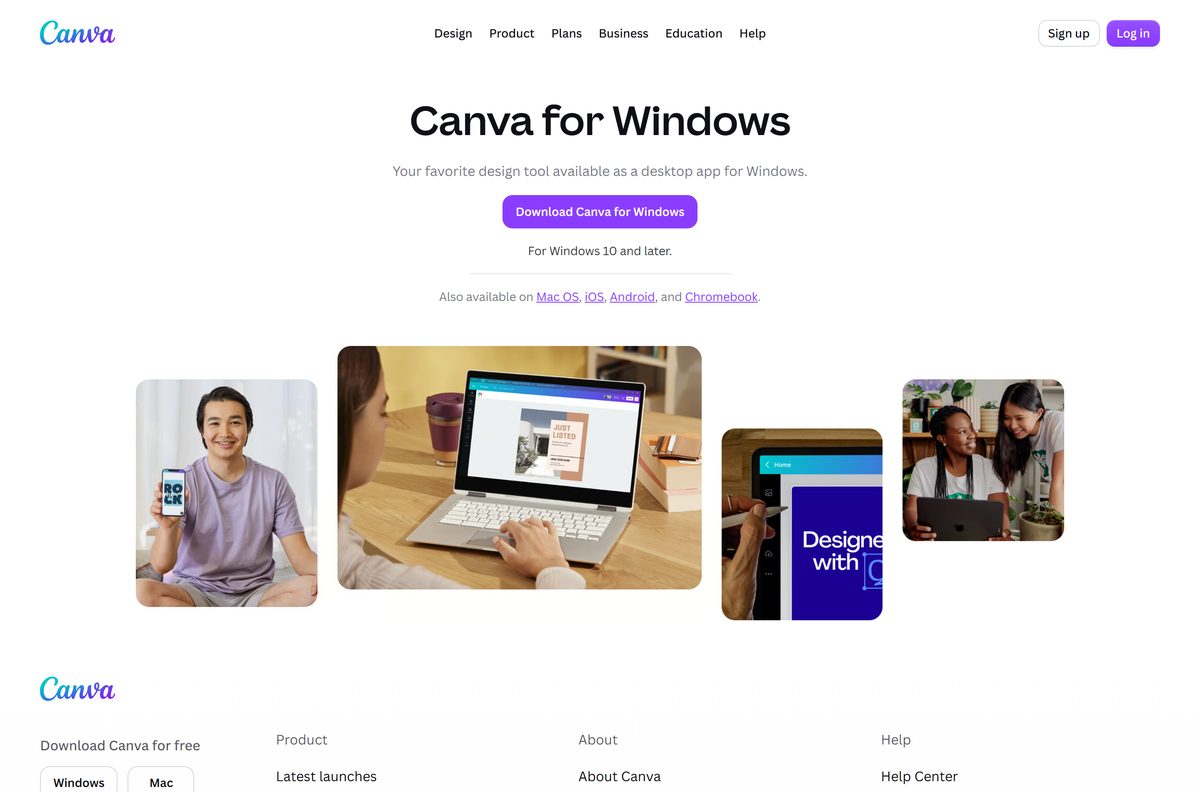
Download Canva from the official canva.com page
Canva serves both desktop installers from its own download pages. The files come from Canva’s release server, desktop-release.canva.com.
- Canva for Windows download page — select Download Canva for Windows
- Canva Setup 1.126.0.exe — 203.7 MB · direct link to the Windows installer
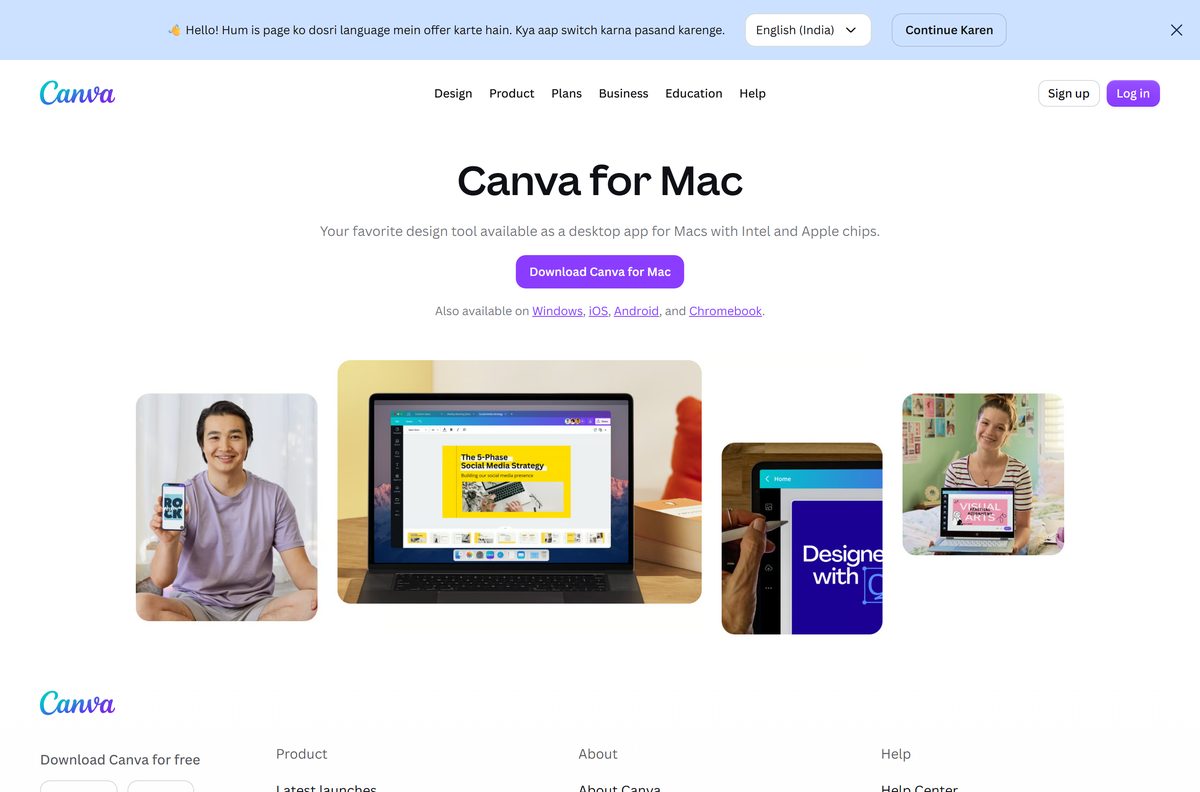
- Canva for Mac download page — for Macs with Intel and Apple chips
- Canva-1.126.0-universal.dmg — 223.4 MB · direct link to the Mac disk image
- Canva on the Microsoft Store — free listing from the publisher Canva
Download portals serve their own repackaged copies of the setup file. Microsoft’s advice is to get apps from official publisher websites or stores.
Check the Canva specifications and system requirements
Canva runs on modest hardware. The Windows 10 version number and the macOS release are what block older machines.
| Field | Value |
|---|---|
| Software | Canva desktop app |
| Developer | Canva Pty Ltd |
| Latest version | 1.126.0 (18 September 2026) |
| Price | Free plan; Canva Pro $144 a year |
| Supported OS | Windows 10 version 1909 or later, Windows 11; macOS 12 Monterey or later |
| Architecture | One Windows installer for 32-bit and 64-bit; universal Mac build for Apple silicon and Intel |
| Processor | Windows: 1 GHz dual-core or faster; Mac: 64-bit Intel or Apple M1 or newer |
| RAM | Windows 1GB, Mac 2GB; 4GB recommended on both |
| Free disk space | 1GB |
| Installer size | 203.7 MB on Windows; 223.4 MB on Mac |
| Offline installer | Yes, the Windows setup file is a full installer |
| Mobile | iOS 15.0 or later; Android through Google Play |
| Official download source | canva.com, Microsoft Store, App Store, Google Play |
| Last verified | 2026-09-19 |
Canva needs a connection that supports TLS 1.2 or higher. Old corporate proxies that only allow TLS 1.0 or 1.1 stop the app from loading.
How to install Canva on Windows 11 and 10
- Open the Canva for Windows page on canva.com.
- Select Download Canva for Windows.
- Open your Downloads folder and double-click Canva Setup 1.126.0.exe.
- Select Yes if User Account Control asks to allow the app to make changes.
- Wait for setup to finish, then open Canva from the Start menu.
- Select Log in with your Canva account, or select Sign up to create a free one.
- Pin Canva by right-clicking its taskbar icon and selecting Pin to taskbar.
Your existing designs, folders and Brand Kit appear straight away. They live in your Canva account, not on the PC.
Install Canva from the Microsoft Store or with winget
Both routes install the same Canva desktop app. The Store suits a single PC; winget suits a script that sets up several apps at once.
- Open the Canva listing on the Microsoft Store and check the publisher reads Canva.
- Select Get or Install, then Open when the install finishes.
- For winget, right-click Start and select Terminal.
- Run winget show –id Canva.Canva -e and confirm the Publisher line reads Canva Pty Ltd.
- Run winget install –id Canva.Canva -e and accept the source agreement if prompted.
- Open Canva from the Start menu and sign in.
winget downloads the same Canva Setup file from desktop-release.canva.com, so the version matches canva.com.
How to deploy Canva to company PCs with MSIX
Canva publishes 64-bit and 32-bit MSIX packages on its MSIX installer help page. They install silently through Intune, Configuration Manager or PowerShell on Windows 10 and later.
| Task | Command | What it does |
|---|---|---|
| Install for the current user | Add-AppxPackage -Path "C:\path\to\installer.msix" |
Installs Canva for the signed-in account only |
| Install for all users | Add-AppxProvisionedPackage -Online -SkipLicense -PackagePath "C:\path\to\installer.msix" |
Provisions Canva for current and new accounts |
| Remove for one user | Remove-AppxPackage -Package "packagename" |
Take the name from Get-AppxPackage |
| Remove for everyone | Remove-AppxPackage -AllUsers -Package "packagename" |
Uninstalls every existing copy on the PC |
| Get the packages | Canva MSIX installer help page | Links to the 64-bit and 32-bit files |
Auto Update for MSIX needs Windows 11 21H2 or later. Where it is off, push new builds promptly: Canva may disable app versions older than six months.
Which Canva download do you need for your Mac?
Canva ships one universal build for Mac. There is no Mac App Store version of the desktop app.
| Your Mac | What to download | Why |
|---|---|---|
| Apple silicon Mac on macOS 12 or later | Canva-1.126.0-universal.dmg | Runs natively on Apple chips |
| Intel Mac on macOS 12 or later | Canva-1.126.0-universal.dmg | The same universal file |
| Mac on macOS 11 Big Sur or older | Update macOS first | The desktop app needs macOS 12 Monterey |
Double-click the downloaded disk image, then drag Canva into the Applications folder. Open it from Applications and select Open if macOS asks to confirm an app downloaded from the internet.
Sign in with the same account you use in the browser, and your designs load.
Is Canva free?
Yes. The Canva desktop app is free to download, and the Free plan costs $0 with 5GB of cloud storage, over 1.6 million templates and up to 20 AI uses. Canva Pro is $144 a year for one person. It adds over 3.6 million templates including premium ones, 141 million premium photos, videos and audio files, 100GB of storage and more AI tools. Canva Business is $250 a year per person with team admin tools and 500GB. Pro and Business both start with a free trial, and K-12 schools and nonprofits get most premium features free.
Prices shown are the yearly rates in US dollars. See the Canva pricing page for monthly billing and other currencies. Any site that sells the Canva app itself is charging for software Canva gives away.
How to check your Canva version and update it
The desktop app checks for new builds itself and tells you when one is ready.
- Look for Update App in the top corner of the Canva window.
- Select Update App, then Update Canva App in the dialog.
- Wait while Canva closes, installs the update and relaunches with your tabs restored.
- To read the installed version on Windows, run winget list –id Canva.Canva in Terminal.
- Compare it with the current release, 1.126.0, or run winget upgrade –id Canva.Canva -e to update from the command line.
A Microsoft Store copy updates through the Store’s Library page like your other Store apps.
Fix Canva not installing or opening on Windows 11 or 10
The installer refuses to run on Windows 10
Windows 10 is older than version 1909.
- Press Windows + R, type winver and select OK.
- If the version is below 1909, open Settings > Update & Security > Windows Update and install the latest feature update.
- Run the Canva setup file again.
Canva opens to a blank window or a broken screen
Cached app data is corrupt.
- Open Settings > Apps > Apps & features and select Canva.
- Select Advanced options, then Reset, and confirm.
- Open Canva again. No designs are lost because they live in your account.
Canva freezes or runs slowly with many designs open
The PC is short of memory, or the app is out of date.
- Select Update App if Canva shows it.
- Open Canva Settings, go to App Performance and turn on Proactive Memory Saver.
- Close tabs you are not using, then press Ctrl + Alt + Delete to end the app if it stays frozen.
Canva will not load on a work network
The network forces an old TLS version or blocks Canva’s servers.
- Ask your network admin to allow TLS 1.2 or higher for canva.com.
- Try the same design at canva.com in Chrome or Edge to confirm the account works.
- Install from the Microsoft Store if downloads from canva.com are blocked.
How to uninstall Canva
Uninstalling removes the desktop app only. Your designs, uploads and folders stay in your Canva account.
- Close Canva, including any separate design windows.
- Open Settings > Apps > Installed apps.
- Search for Canva and select the three dots beside it.
- Select Uninstall, then Uninstall again to confirm.
- On a Mac, quit Canva, then drag Canva from Applications to the Bin.
- To reinstall later, download the setup file from canva.com again.
Downloaded exports such as PNG or PDF files stay in the folder you saved them to.
What to use instead of Canva
Each option below is free to start and comes from its maker’s own site or store.
| Alternative | Maker | Best for | Official link |
|---|---|---|---|
| Affinity by Canva | Canva | Detailed photo editing, vector and page layout work | Microsoft Store listing |
| Microsoft Designer | Microsoft | Quick AI-generated social graphics in the browser | designer.microsoft.com |
| Canva in the browser | Canva | Chromebooks and PCs where you cannot install apps | canva.com |
Stay with the Canva desktop app if you already design in Canva. It uses the same account, templates and Brand Kit, and adds tabs and system notifications.
Frequently asked questions
Is Canva free to download?
Yes. The desktop app is free on Windows and Mac, and the Free plan costs nothing. It includes 5GB of cloud storage and more than 1.6 million templates. Canva Pro is $144 a year.
Where is the official Canva download for PC?
It is the Canva for Windows page at canva.com/download/windows. The same app is on the Microsoft Store under the publisher Canva, and winget installs it with the ID Canva.Canva.
Is there a Canva download for Windows 10 64-bit?
Yes. One installer covers both 32-bit and 64-bit Windows, so you do not pick a build. Windows 10 needs version 1909 or later.
Does Canva work on Windows 11?
Yes. The desktop app supports Windows 10 and later, which includes every Windows 11 release. It installs from canva.com, the Microsoft Store or winget.
Is there a Canva offline installer?
Yes. The Windows setup file from canva.com is a full 203.7 MB installer rather than a small web stub. You still need an internet connection to sign in and sync designs.
Can I download Canva on a Mac?
Yes. Canva for Mac is a universal disk image from canva.com/download/mac that runs on Apple silicon and Intel Macs. It needs macOS 12 Monterey or later.
Is Canva on the Mac App Store?
No. The Mac App Store carries no Canva desktop app, so take the disk image from canva.com. The iPhone and iPad app is on the App Store.
Which Canva version is current?
Version 1.126.0 of the desktop app shipped on 18 September 2026. The app shows an Update App button when a newer build is ready.
How do I uninstall Canva from my PC?
Open Settings, then Apps, then Installed apps. Select the three dots beside Canva, choose Uninstall and confirm. Your designs stay in your Canva account.
Is it safe to download Canva from other sites?
Take it only from canva.com, the Microsoft Store, the App Store or Google Play. Portal copies are repackaged files Canva did not publish, and the official app is already free.