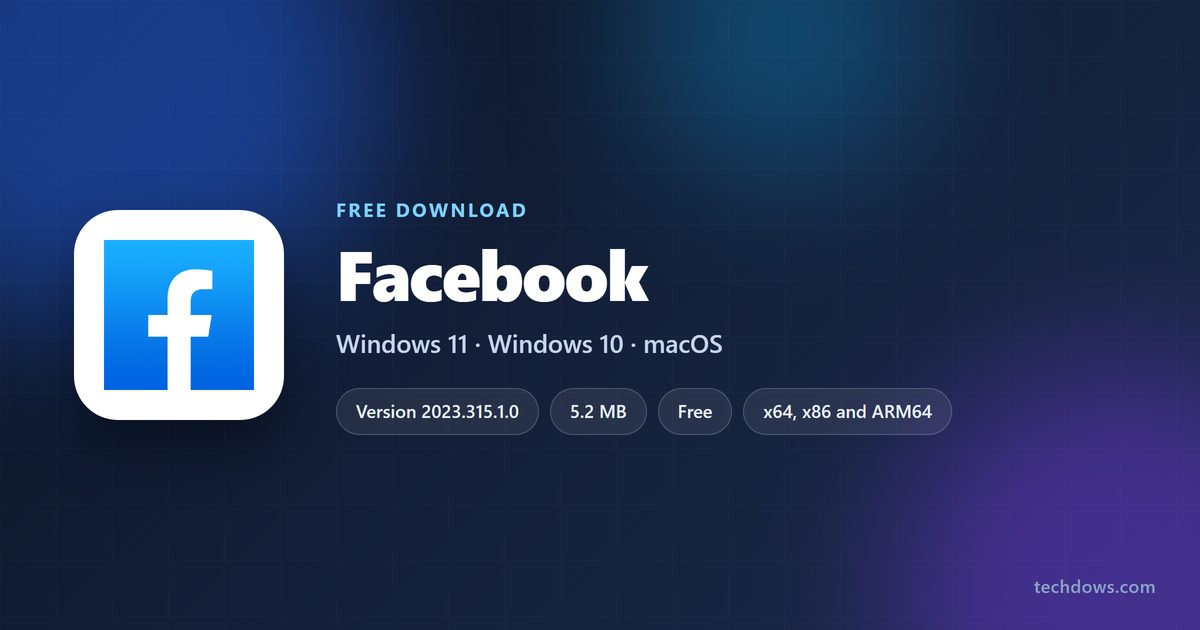
The only Facebook download for a Windows PC is Meta’s free app in the Microsoft Store. It is a 5.2 MB package, not a desktop program, and it needs Windows 10 version 2004 or later.
There is no Facebook app for macOS. The Mac App Store lists no Facebook title from Meta Platforms, and Apple’s listing for the Facebook app covers iPhone, iPad, iPod touch and Apple TV only. On a Mac, facebook.com in Safari is the app.
This guide covers the Store package, the browser routes on Windows and Mac, what is free, the system requirements, how to tell Meta’s app from a fake installer, and fixes when it will not install.
Which Facebook download do you need?
Match your machine to a row. Three of them need no download at all, which is the answer rather than a gap.
| Your machine | What to get | Size |
|---|---|---|
| Windows 11, or Windows 10 version 2004 or later | Facebook in the Microsoft Store | 5.2 MB |
| Windows 10, versions 1709 to 1903 | The same listing serves an older package | 1.8 MB |
| Windows 10 below 1709, Windows 8.1 or Windows 7 | facebook.com in Chrome, Firefox or Edge | 0 |
| Mac on macOS Sonoma 14 or later | Safari, then File > Add to Dock | 0 |
| Mac on macOS 13 or earlier | facebook.com in Safari, Chrome or Firefox | 0 |
| iPhone or iPad | Facebook on the App Store | 495.9 MB |
| Android phone or tablet | Facebook on Google Play | Not listed |
To read your Windows version, press Windows + R, type winver and select OK. The line under the logo gives the version and the build number.
Download Facebook for PC from the official sources
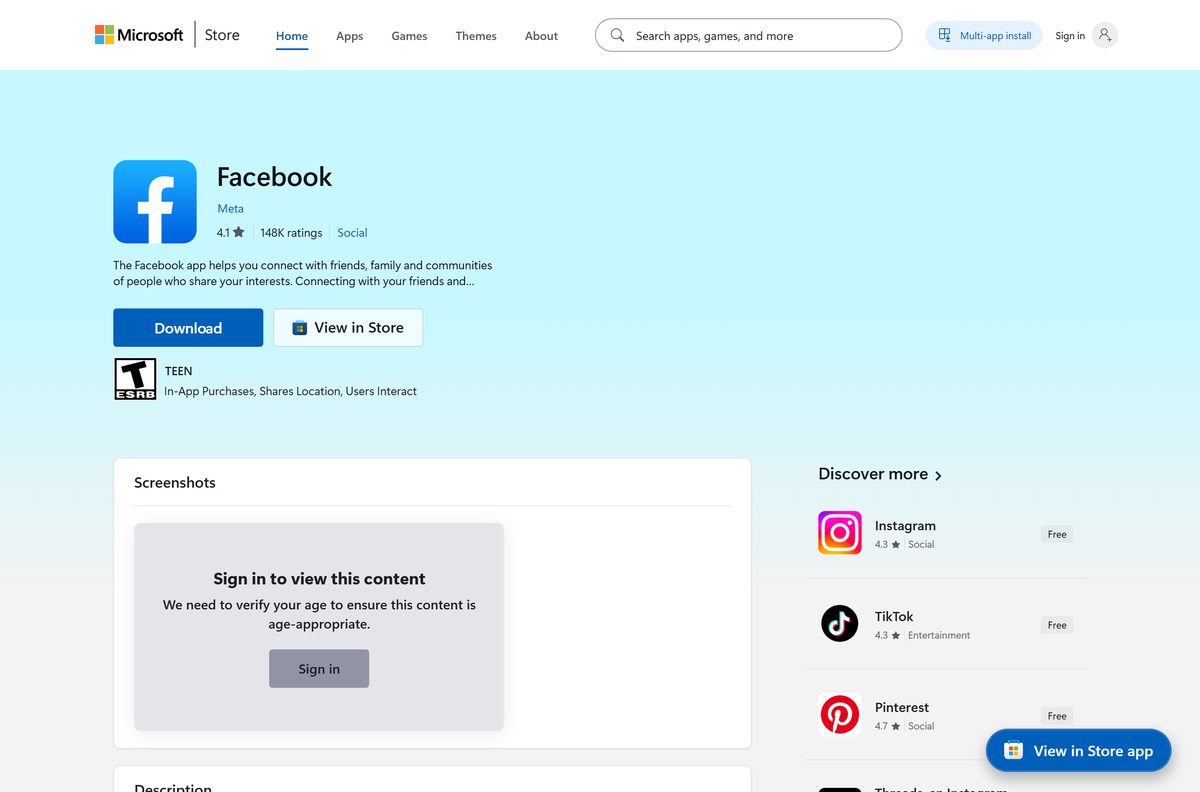
Meta distributes Facebook in four places. None of them serves a setup file you save and run offline.
- Facebook in the Microsoft Store, product 9WZDNCRFJ2WL — publisher Meta, free, x64, x86 and ARM64
- facebook.com in any supported browser — the full site, nothing to install
- Facebook on the App Store — iPhone, iPad and Apple TV, 495.9 MB
- Facebook on Google Play — Android 8.0 or greater
A site offering a Facebook.exe, a Facebook setup wizard or a PC APK is not distributing Meta’s software. Microsoft’s guidance is to download apps from official publisher websites or stores.
Install Facebook from the Microsoft Store or with winget
The Store picks the package that matches your processor, so there is no 64-bit or ARM64 file to choose by hand.
- Open Microsoft Store from the Start menu.
- Search for Facebook, or open product 9WZDNCRFJ2WL directly.
- Check that the publisher line reads Meta.
- Select Get, or Install if you have had the app before.
- Select Open when the download finishes, then sign in with your Facebook account.
- For a command line instead, open Terminal and run winget install 9WZDNCRFJ2WL –source msstore .
Windows 11 and Windows 10 version 2004 and later receive the current bundle. Windows 10 builds 16299 to 18362 receive an older 1.8 MB package that is x86 only.
How to install Facebook on Windows 11 and 10 without the Store
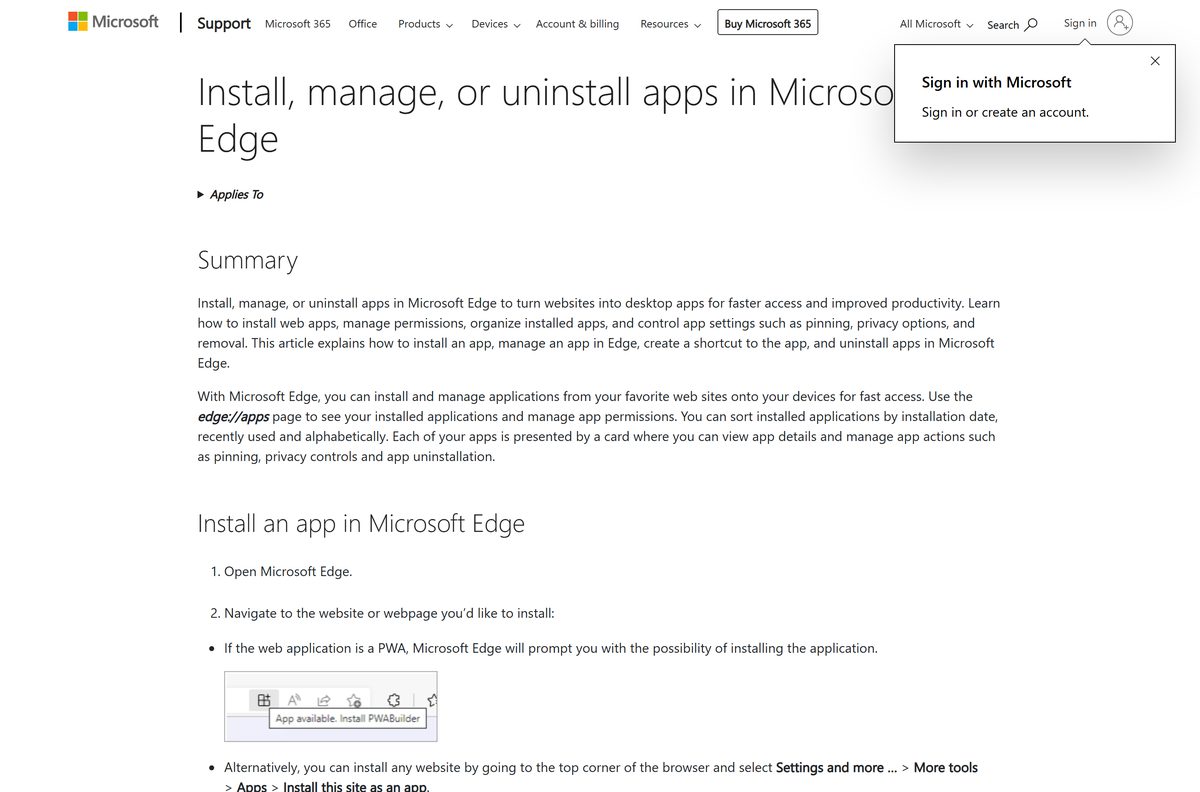
Edge and Chrome can install facebook.com as its own window with its own taskbar icon. Nothing extra is downloaded, and the result works on any Windows version those browsers support.
- Open Microsoft Edge and go to facebook.com.
- Select Settings and more in the top corner.
- Select More tools, then Apps, then Install this site as an app.
- Type the name Facebook and select Install.
- Open edge://apps, select Details on the Facebook card, then select Pin to taskbar.
- In Chrome instead, select More, then Cast, save, and share, then Install page as app.
Edge lists everything installed this way at edge://apps, and Chrome lists it at chrome://apps. Microsoft documents the route in Install, manage, or uninstall apps in Microsoft Edge.
Which Facebook download do you need for your Mac?
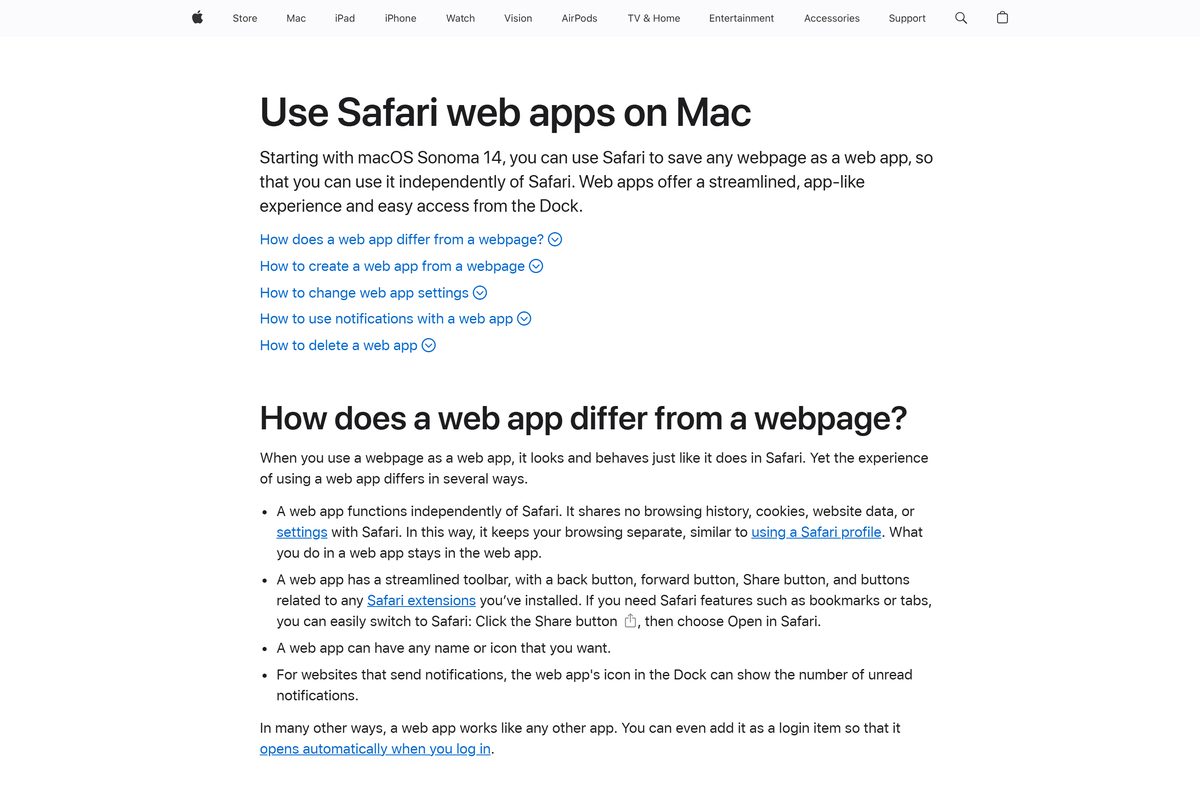
None exists. Meta publishes no Facebook app for macOS, so the browser is the whole story on a Mac. Safari still gives you a Dock icon that opens in its own window.
| Your Mac | What to do | What you get |
|---|---|---|
| macOS Sonoma 14 or later | In Safari, choose File > Add to Dock | A Facebook icon in the Dock and in your home Applications folder |
| macOS 13 Ventura or earlier | Open facebook.com in Safari, Chrome or Firefox | A normal tab, and Chrome can install the page as an app |
| Apple silicon Mac, hoping to run the iPhone app | Not offered. Apple lists iPhone, iPad, iPod touch and Apple TV only | Use the browser instead |
| You only want chats on the Mac | messenger.com in a browser | Messenger without the rest of the site |
Mac App Store results named App for Facebook come from other developers, not from Meta. A developer search for Meta Platforms, Inc. returns one macOS title, Code Verify.
Is Facebook free?
Yes. The app costs nothing and the account costs nothing. The Microsoft Store lists Facebook at 0.00 USD, and Apple and Google list the mobile apps as free. There is no licence key, no trial and no paid desktop edition. A page charging for a Facebook installer is selling something Meta gives away, and a page asking for card details before a download is a phishing page.
Check the Facebook system requirements
The Windows app is a thin package, so the requirement that matters is the Windows build under it.
| Field | Value |
|---|---|
| Developer | Meta Platforms, Inc. |
| Latest version | 2023.315.1.0, the Microsoft Store package |
| Store product ID | 9WZDNCRFJ2WL |
| Package identity | FACEBOOK.FACEBOOK |
| Price | Free, 0.00 USD |
| Supported OS | Windows 11, and Windows 10 version 2004 (build 19041) or later |
| Architecture | x64, x86, ARM64 |
| Download size | 5.2 MB for the bundle covering all three architectures |
| Offline installer | No |
| Mac version | None |
| Browsers | Latest Google Chrome, Mozilla Firefox, Safari or Microsoft Edge |
| Mobile | Android 8.0 or greater, and iOS or iPadOS 15.1 or greater |
| iPhone app size | 495.9 MB, version 578.1 |
| Last verified | 2026-09-10 |
Windows 10 reached end of support on 14 October 2025. The app still installs on version 2004 and later, but the operating system under it stops receiving security updates unless the device is enrolled in consumer Extended Security Updates.
How to verify the Facebook app came from Meta
A Store app carries an identity you can read back after installing. Check it once and you know what is on the machine.
- Open the Store listing and confirm the publisher line reads Meta.
- Confirm the product ID in the address bar is 9wzdncrfj2wl.
- After installing, press Windows + X and select Terminal.
- Run Get-AppxPackage -Name FACEBOOK.FACEBOOK .
- Confirm PackageFamilyName reads Facebook.Facebook_8xx8rvfyw5nnt .
- Open Settings > Apps > Installed apps and confirm the entry’s source reads Microsoft Store.
A file named facebook.exe, facebook_setup.exe or facebook.apk produces no entry in that list, because Meta ships none of them for Windows.
How to check your Facebook version and update it
The Store app updates through the Store. The website updates itself, so a browser tab has no version to check.
- Open Microsoft Store and select Library.
- Select Get updates and let any Facebook update install.
- To read the installed version, open Terminal and run Get-AppxPackage -Name FACEBOOK.FACEBOOK | Select-Object Name, Version .
- Compare the result with 2023.315.1.0, the package version Microsoft’s catalog currently serves.
- For the phone apps, open Google Play or the App Store and select Update on the Facebook listing.
Feature changes on Facebook arrive from Meta’s servers, so the Windows package version moves far less often than the site does.
Fix Facebook not installing on Windows 11 or 10
The Microsoft Store will not install it
A stalled Store cache or a pending Windows update blocks the download.
- Restart the PC if updates installed recently without a reboot.
- Select Start > Settings > Windows Update > Check for updates.
- Press Windows + R, type wsreset.exe and select OK. A blank window opens, closes after about ten seconds, and the Store reopens.
- Confirm the date, time and region on the PC are correct.
- Try the install again, or run winget install 9WZDNCRFJ2WL –source msstore .
The Store says the app does not work on this device
The current package needs Windows 10 build 19041 or later, and older builds only receive the legacy x86 package.
- Press Windows + R, type winver and select OK.
- Read the build number on the second line.
- Install pending feature updates if the build is below 19041.
- Use facebook.com in a browser on any Windows version below that.
The app installs but the window stays blank
The app loads Facebook over your connection, so a sign-in or network fault shows up as an empty window.
- Open facebook.com in a browser and confirm the account signs in there.
- Open Settings > Apps > Installed apps, select the three dots beside Facebook, then Advanced options.
- Select Repair, and then Reset if repair changes nothing.
- Reopen the app and sign in again.
A search result offers a Facebook.exe or a PC APK
Meta publishes no Windows installer and no APK for PC, so that file came from somewhere else.
- Close the download and delete the file.
- Open Windows Security and run a scan.
- Install from the Microsoft Store listing instead.
- Change any password you typed into a page that came with that download.
How to uninstall Facebook from Windows and Mac
Removing the app removes nothing from your account. Every post, photo and message stays on facebook.com.
- Open Settings, select Apps, then Installed apps.
- Search for Facebook, select the three dots beside it, then select Uninstall.
- To remove it from a command line, run Get-AppxPackage -Name FACEBOOK.FACEBOOK | Remove-AppxPackage in Terminal.
- For a site installed from Edge, open edge://apps, select Details on the card, then select Uninstall.
- In Chrome, open the installed app, select More, then Uninstall Facebook, then Remove.
- On a Mac, open the Applications folder in your home folder and drag the Facebook web app to the Trash.
Microsoft covers the Windows route in uninstall or remove apps and programs in Windows.
What to use instead of the Facebook app
Every route below comes from Meta, Microsoft, Apple or Google. Pick the one that matches how you want Facebook to open.
| Route | Published by | Best for |
|---|---|---|
| facebook.com in a browser | Meta | Everything, on Windows, macOS, Linux and ChromeOS |
| Microsoft Store app | Meta | A Start menu entry on Windows 11 and 10 |
| Site installed from Edge or Chrome | Microsoft, Google | Its own window without the Store |
| Safari web app | Apple | A Dock icon on macOS Sonoma 14 or later |
| messenger.com | Meta | Chats only, in a browser |
| WhatsApp in the Microsoft Store | WhatsApp Inc. | A full 339 MB desktop app for messaging |
The browser route adds what the Store app cannot: extensions, a password manager, and the same signed-in session as the rest of your tabs.
Other phone and media apps for PC include ESPN and Pluto TV.
Frequently asked questions
Is the Facebook download free?
Yes. The Microsoft Store lists Facebook at 0.00 USD, and the App Store and Google Play list the mobile apps as free. There is no licence key, no trial period and no paid desktop edition.
Is there a Facebook app for Windows 11?
Yes. Meta publishes one app in the Microsoft Store, product 9WZDNCRFJ2WL. It runs on Windows 11 and on Windows 10 version 2004 or later, and the package is 5.2 MB.
What is the official Facebook download page?
The Microsoft Store listing at apps.microsoft.com for product 9WZDNCRFJ2WL, published by Meta. On every other desktop platform the official source is facebook.com itself.
How big is the Facebook download for PC?
Microsoft’s catalog gives 5,492,831 bytes for the current bundle, which covers x64, x86 and ARM64 together. A single PC pulls only its own architecture, so the real download is smaller.
Is there a Facebook offline installer?
No. Meta publishes no standalone setup file for Windows, so nothing can be saved and run on a PC with no connection. The Store fetches the package, and the app then loads Facebook online.
Is there a Facebook app for Mac?
No. The Mac App Store lists no Facebook app from Meta Platforms. Apple’s Facebook listing covers iPhone, iPad, iPod touch and Apple TV, so an Apple silicon Mac cannot install it either.
Is the Facebook app 64-bit?
The Microsoft Store bundle covers x64, x86 and ARM64, and the Store sends the build your processor needs. There is no separate 64-bit file to pick and no 64-bit exe anywhere official.
Is the Facebook app safe to download?
The Store copy is signed, published under Meta, and shown in Windows with Microsoft Store as its source. Files named facebook.exe or facebook.apk from other sites are not Meta’s software.
Which Facebook app version is current?
Microsoft’s catalog serves package 2023.315.1.0 for Windows. Apple lists the iPhone and iPad app at 578.1. The website carries no version number, because it updates on Meta’s servers.
Why will the Facebook app not install on Windows 10?
The current package requires build 19041, which is Windows 10 version 2004. Type winver to check your build, install any pending feature update, then open the Store listing again.
Can you get Facebook on a PC without the Microsoft Store?
Yes. Open facebook.com in Edge and select Settings and more, More tools, Apps, Install this site as an app. Chrome does the same under Cast, save, and share.
Is there a Facebook Lite or an APK for PC?
No. Facebook Lite is an Android app on Google Play, and Windows does not run Android APK files. On a PC, use the Microsoft Store app or open facebook.com in a browser.






