If you’ve installed free programs after downloading from software download portals, there is a chance for you to get adware on your computer, one of such adware is Radsteroids. Radsteroids adware has a dedicated website (search for its name on Google to know it), once it gets into your system, launches game of Asteroids on every webpage you open in your browser and lets you destroy it.
- Beaware, Afterdawn.com installs Crapware through its Download Manager
- Beware: SourceForge Installer Comes included with Adware
Symptoms
You can notice processes HrjndG.exe of Radsteroids Service and VwVHYdGOMB.exe of Radsteroids running in Task Manager. These run from ‘C:ProgramDataqSQRKWdat’.

How to uninstall or remove Radsteroids? Which Security application should use to detect it?
Though you can uninstall it from the Programs and Features or Add/Remove programs in Control Panel, you shouldn’t do that as it may not remove its traces completely. Instead you should use Malwarebytes Anti-Malware for that.
FYI, Malwarebytes just doesn’t remove malware but it has the ability to detect and remove Potentially unwanted Programs (PUPs) also and its company continues to add new variants of PUPs to database to detect, Radsteroids falls in PUPs category.
- FreeFixer lets you to Delete Potentially Unwanted Software from Your Computer
- Unchecky Prevents Install of adware Offered during Software Installations
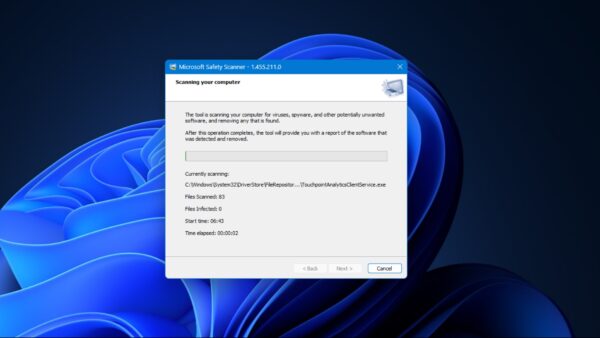
1. Download, install and run Malwarebytes and perform ‘threat scan’ (Assuming you’re using version 2.0 or later).
2. Once it detects and shows them, Quarantine them all.
3. MBAM prompts you to restart your computer to complete the removal process, restart, now open anti-malware, click on ‘History’,
4. Once the Quarantine window appears on screen, click on ‘Delete all’ to delete all Radsteorids files.