The Microsoft Edge WebView2 Runtime is a free download from Microsoft for Windows 11 and Windows 10. Take the small Evergreen Bootstrapper on a PC that is online, or the Evergreen Standalone Installer on a PC that is not.
Windows 11 ships with the runtime already installed, and Microsoft pushed it to eligible Windows 10 devices. You install it by hand when an app reports a missing runtime, or when you package it with software you distribute.
This guide covers the x86, x64 and ARM64 packages, the silent switches for managed PCs, the Evergreen and Fixed Version choice, and fixes for a failed setup.
Which WebView2 download do you need?
Microsoft puts four packages behind one heading on the download page. Match your situation in the left column and take the package on that row.
| Your situation | Take this | Notes |
|---|---|---|
| A home PC that is connected to the internet | Evergreen Bootstrapper | Approximately 2 MB; it fetches the build that matches your processor |
| A PC with no internet connection | Evergreen Standalone Installer | Full installer, published for x86, x64 and ARM64 |
| An Arm-based PC such as a Snapdragon laptop | ARM64 standalone installer | Select ARM64 in the Evergreen Standalone Installer row |
| An app you ship that needs one frozen build | Fixed Version package | Version 153.0.4234.48 is the newest on offer; over 250 MB unpacked |
| A new Windows 11 PC | Nothing to install | The runtime ships as part of the operating system |
Most readers want the Evergreen Bootstrapper. It keeps one shared copy of the runtime on the PC and updates itself, so every app that embeds web content gets the same security fixes.
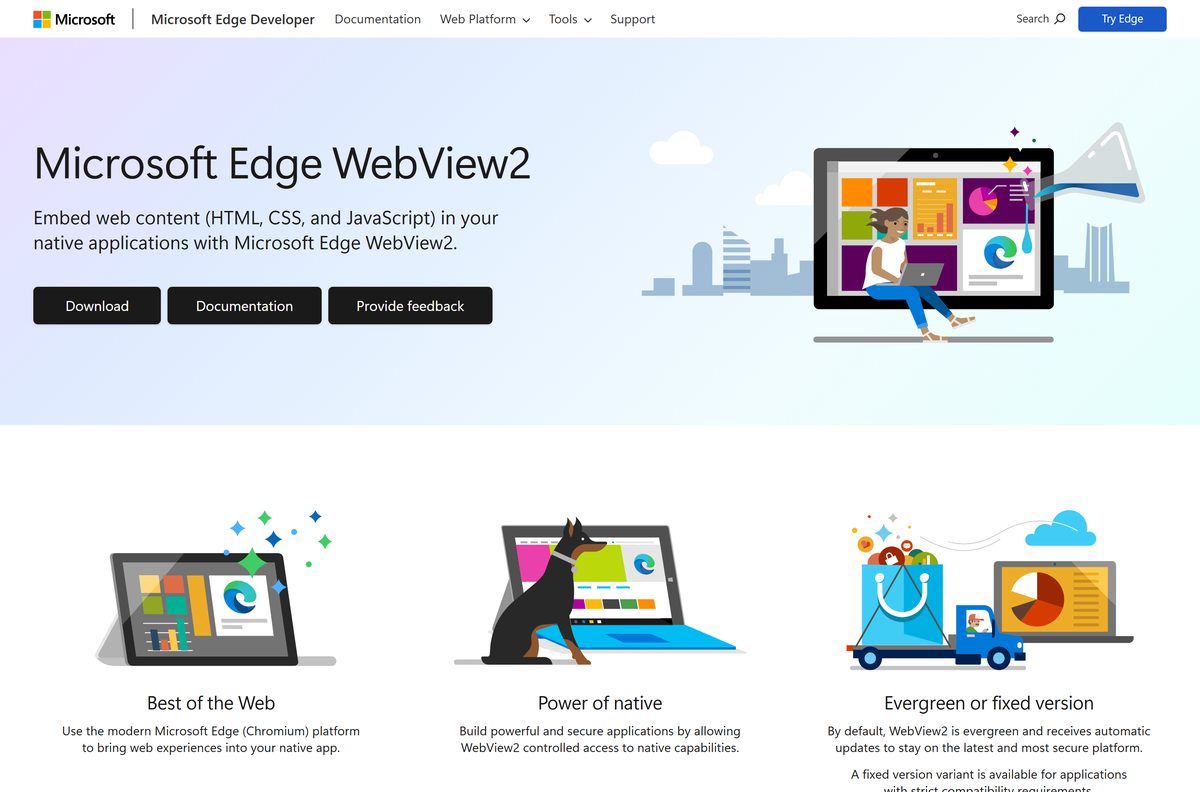
Download WebView2 from the official Microsoft pages
Every package comes from Microsoft’s own developer site. The Download buttons build their file addresses in the browser, so there is no static installer link to bookmark.
- Microsoft Edge WebView2 download page — Bootstrapper, standalone installers and Fixed Version packages
- Download Microsoft Edge WebView2 (home users) — One button, no architecture choice to make
- Distribute your app and the WebView2 Runtime — Silent switches, detection and offline deployment
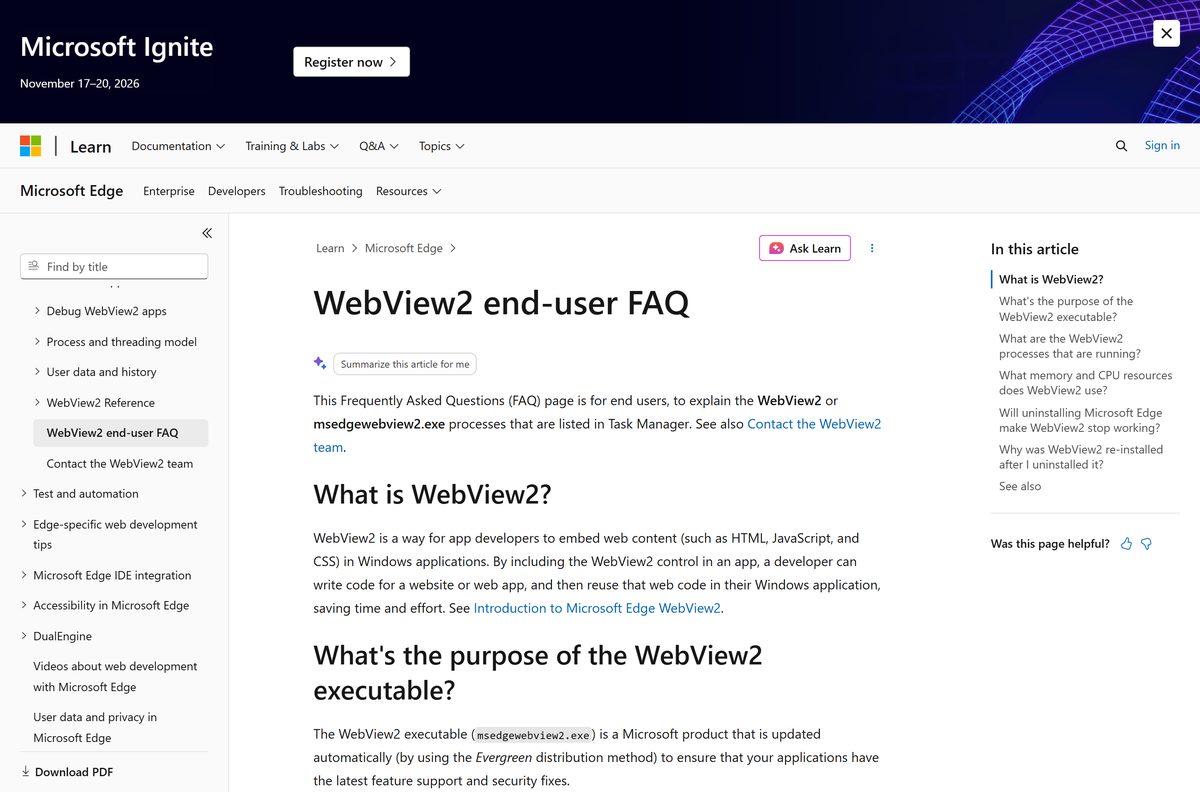
- WebView2 end-user FAQ — What the processes in Task Manager are doing
Skip download portals entirely. A repackaged runtime is not serviced by the Microsoft Edge updater, so it never receives the security fixes that arrive with each browser release.
How to install WebView2 on Windows 11 and 10
The installer shows no wizard and no finish screen. It runs, exits, and leaves a shared runtime behind.
- Open the Microsoft Edge WebView2 page and scroll to Download the WebView2 Runtime.
- Select Download under Evergreen Bootstrapper, or pick x86, x64 or ARM64 under Evergreen Standalone Installer for an offline PC.
- Double-click the downloaded file in your Downloads folder.
- Select Yes at the Windows prompt to install the runtime for every account on the PC.
- Wait while setup finishes in the background. No window opens and no shortcut is created.
- Open Settings > Apps > Installed apps and search for WebView2 to see the version that landed.
- Close and reopen the app that reported a missing runtime.
Running the file without approving the prompt installs a per-user copy instead. A per-machine Microsoft Edge updater replaces that copy with a per-machine install later.
How to install WebView2 silently on managed PCs
Both installers accept the same two switches. An elevated prompt produces a per-machine install; a normal prompt produces a per-user install.
| Task | Command or file | Result |
|---|---|---|
| Get the files | WebView2 download page | Bootstrapper, standalone installers and Fixed Version packages |
| Install online, silently | MicrosoftEdgeWebview2Setup.exe /silent /install | Downloads the matching runtime, then installs it with no interface |
| Install offline, silently | MicrosoftEdgeWebView2RuntimeInstallerX64.exe /silent /install | Swap X64 for X86 or ARM64 to match the device |
| Unpack a Fixed Version package | expand |
File Explorer produces the wrong folder structure, so use expand |
| Manage updates centrally | Microsoft Edge update policies | One policy set covers the browser and the runtime together |
How to check whether WebView2 is already installed
The runtime creates no Start menu entry and no desktop shortcut, so the registry is the reliable check. One value holds the installed version.
- Press Windows + R, type regedit and select OK.
- Go to HKEY_LOCAL_MACHINE\SOFTWARE\WOW6432Node\Microsoft\EdgeUpdate\Clients\{F3017226-FE2A-4295-8BDF-00C3A9A7E4C5} on 64-bit Windows.
- Read the pv value. Anything above 0.0.0.0 means a per-machine runtime is present.
- Check HKEY_CURRENT_USER\Software\Microsoft\EdgeUpdate\Clients\{F3017226-FE2A-4295-8BDF-00C3A9A7E4C5} as well, because a per-user install writes there instead.
- On 32-bit Windows, drop WOW6432Node from the machine path.
- Treat a missing key, an empty string or 0.0.0.0 as not installed, and run the installer.
Can you download WebView2 for Mac?
There is no macOS package. Microsoft supports the runtime on Windows Client, Windows Server, Xbox and HoloLens 2, and publishes no Mac or Linux build.
| What you want on a Mac | What to do | Where |
|---|---|---|
| Run a Windows app that needs the runtime | Install Windows in a virtual machine, then install the runtime inside that Windows copy | WebView2 download page |
| Get the Microsoft browser on macOS | Download Microsoft Edge for Mac, which covers Apple silicon and Intel | Microsoft Edge download |
| Build a hybrid app that runs on macOS | Use the platform’s own web view; the supported list holds Windows, Xbox and HoloLens 2 | Supported platforms |
Is WebView2 free?
Yes. Every WebView2 package costs nothing, and developers may ship the runtime with their own software. Microsoft offers the bootstrapper, the standalone installers and the Fixed Version packages from its download page with no account, no licence key and no trial period. Treat any site that charges for the runtime, or bundles it with a “driver updater”, as a repackager.
Should you install the Evergreen or the Fixed Version runtime?
This choice matters to developers packaging an app. Home users always want Evergreen.
Install the Evergreen Runtime unless a compatibility requirement forces a frozen build. Evergreen keeps one shared copy on the PC, updates through the Microsoft Edge updater, and hard-links with the browser binaries to save disk space and memory. Fixed Version hands you version control, but you then own every update, each app carries its own 250 MB-plus copy, and the package cannot run from a network location or a UNC path.
Fixed Version also carries a Windows 10 condition. From build 120, an unpackaged Win32 app has to grant its runtime folder read access to ALL APPLICATION PACKAGES and ALL RESTRICTED APPLICATION PACKAGES with icacls .
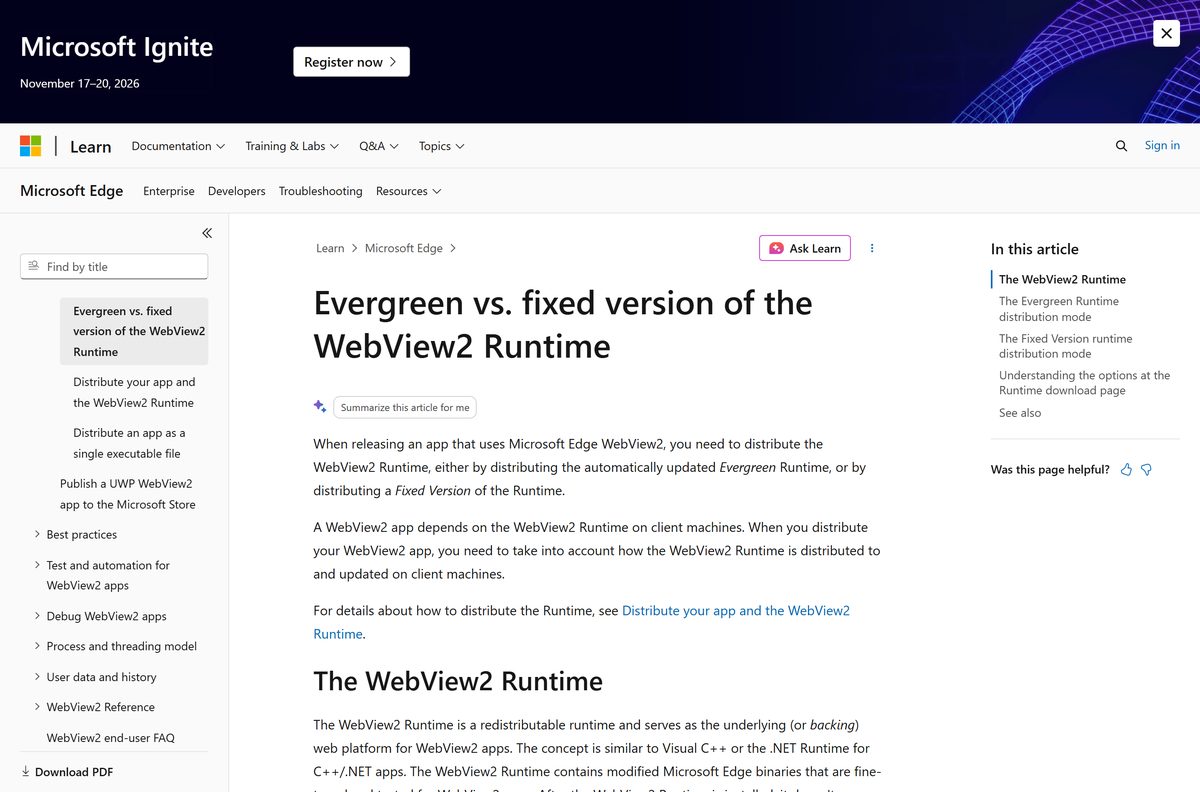
How to check your WebView2 version and update it
The Evergreen Runtime updates itself on the browser’s schedule, which is now a major release every two weeks. Nothing in the runtime asks you to check.
- Open Settings > Apps > Installed apps and type webview2 in the search box.
- Read the version beside Microsoft Edge WebView2 Runtime.
- Compare it against the current build on the Microsoft Edge Stable channel release notes.
- Leave the Microsoft Edge updater running if the numbers differ. The update installs in the background.
- Restart the app that uses the runtime, because a running app keeps the old version until it closes.
- Administrators who need an older build set the DowngradeVersion policy, which rolls one app back up to four versions.
Check the WebView2 system requirements before you download
| Field | Value |
|---|---|
| Software | Microsoft Edge WebView2 Runtime |
| Developer | Microsoft Corporation |
| Latest version | 153.0.4234.48 |
| Licence | Free, and redistributable with your own app |
| Windows client | Windows 11, and Windows 10 version 1709 or later, including the LTSC and IoT Enterprise releases |
| Windows Server | Server 2016, 2019 and 2022 LTSC, and Windows Server SAC |
| Other devices | Xbox and HoloLens 2 |
| macOS and Linux | Not supported |
| Architecture | x86, x64 and ARM64 |
| Download size | Bootstrapper approximately 2 MB; Fixed Version binaries over 250 MB |
| Offline installer | Yes, the Evergreen Standalone Installer |
| Admin rights | Optional; an elevated prompt gives a per-machine install |
| Official source | developer.microsoft.com Microsoft Edge WebView2 page |
| Last verified | 2026-09-22 |
To read your processor type, open Settings > System > About and check System type. An Arm-based PC reports ARM-based processor and needs the ARM64 package.
Which apps on your PC use WebView2?
The runtime is a shared component, closer to the .NET Runtime than to a browser. Task Manager lists its processes under the app that started them.
| What you see | What it means |
|---|---|
| Widgets, Teams, Office, Outlook and Weather | Microsoft names these among the apps that embed web content this way |
| msedgewebview2.exe in the Details tab | Runtime processes, grouped together rather than under each parent app |
| WebView2 in the Processes tab | The same processes grouped by the app that started them |
| One manager, one GPU and several renderer processes | The Chromium process model, with roughly one renderer per control |
| No Start menu entry and no shortcut | The runtime never appears as a browser to the user |
Fix WebView2 not installing on Windows 11 or 10
The installer closes immediately and nothing appears
That is the normal result. Setup runs silently and leaves no shortcut.
- Open Settings > Apps > Installed apps and search for WebView2.
- Check the pv registry value if the entry is missing.
- Run the installer again from an elevated Command Prompt with /silent /install .
An app still reports a missing runtime after you install it
A per-user install writes to a different registry hive than the app checks.
- Close the app completely, including any icon left in the notification area.
- Right-click Command Prompt, select Run as administrator, and rerun the installer with /silent /install .
- Reopen the app so it reads the new value.
The download fails or the bootstrapper stalls
The bootstrapper pulls the runtime from Microsoft’s CDN and needs that connection.
- Download the Evergreen Standalone Installer on a working connection instead.
- Copy the file to the affected PC and run it there.
- Work through Microsoft’s installation troubleshooting tips when the failure repeats.
A Fixed Version build fails to start
Fixed Version cannot run from a network location, and Windows 10 adds a permission step.
- Move the package to a local folder rather than a share or a UNC path.
- On Windows 10, run icacls
/grant *S-1-15-2-2:(OI)(CI)(RX) . - Run icacls
/grant *S-1-15-2-1:(OI)(CI)(RX) as well, then relaunch the app.
How to uninstall WebView2 from Windows 11 or 10
Removing the runtime breaks every installed app that embeds web content. Do it only to force a clean reinstall.
- Close every app that shows web content inside its own window.
- Open Settings > Apps > Installed apps.
- Search for WebView2 and select the three dots beside Microsoft Edge WebView2 Runtime.
- Select Uninstall, then confirm at the Windows prompt.
- Reinstall from the official page when an app asks for the runtime again.
Expect it to come back. Windows 11 includes the runtime, and many apps reinstall it when they launch or update.
Which WebView2 alternative should you use in your app?
For a developer choosing a backing web platform, Microsoft narrows the options sharply.
| Option | When Microsoft says to use it |
|---|---|
| Evergreen WebView2 Runtime | The default for shipped apps, and the recommendation for most developers |
| Fixed Version WebView2 Runtime | Constrained environments with strict compatibility requirements |
| Microsoft Edge Beta, Dev or Canary | Development and forward-compatibility testing only |
| Microsoft Edge Stable channel | Never, for a released app. A production app cannot depend on the browser |
| The platform’s own web view | On macOS, Linux and mobile, where no Microsoft runtime exists |
Frequently asked questions
Is the WebView2 Runtime free to download?
Yes. Microsoft publishes the Evergreen Bootstrapper, the Evergreen Standalone Installer and the Fixed Version packages at no cost on its own download page. No account, licence key or trial period is involved, and developers may redistribute the runtime with their own applications.
Where is the official WebView2 download page?
The Microsoft Edge WebView2 page on developer.microsoft.com holds every package under the heading Download the WebView2 Runtime. Home users get a simpler page at developer.microsoft.com/microsoft-edge/webview2/consumer with a single Download button.
Is WebView2 already installed on Windows 11?
Yes. Microsoft ships the Evergreen Runtime preinstalled on all Windows 11 devices as part of the operating system, and installed it on all eligible Windows 10 devices. A small number of Windows 10 PCs still need it installed by hand.
How big is the WebView2 download?
Microsoft describes the Evergreen Bootstrapper as approximately 2 MB and the Fixed Version binaries as over 250 MB, and publishes no exact figure for the standalone installers. Read the finished file in your browser’s download list for the real number.
Is there a WebView2 offline installer?
Yes. The Evergreen Standalone Installer is a full installer built for offline environments, published separately for x86, x64 and ARM64. Download it on a connected PC, copy it across, and run it on the machine with no internet connection.
Is there a WebView2 download for Mac?
No. Microsoft supports the runtime on Windows Client, Windows Server, Xbox and HoloLens 2, and ships no macOS or Linux build. On a Mac, run the Windows app inside a virtual machine and install the runtime in that Windows copy.
Which WebView2 architecture should you download?
Take x64 on a standard desktop or laptop, ARM64 on a Snapdragon or other Arm-based PC, and x86 only on 32-bit Windows. The Evergreen Bootstrapper removes the question because it detects the processor and fetches the matching runtime.
Can you uninstall the WebView2 Runtime?
Yes, through Settings, Apps, Installed apps. It usually returns, because Windows 11 includes it and many apps reinstall it on launch or at install time. Removing it breaks every installed app that embeds web content.
How does the WebView2 Runtime update itself?
The Evergreen Runtime uses the same updater as Microsoft Edge, which now ships major releases every two weeks. The new build applies when the app restarts. A Fixed Version runtime never updates on its own.






