You can install TextNow on Windows 11, Windows 10 and Mac for free, straight from the Microsoft Store and the Mac App Store. The app gives you a real US or Canadian phone number for calls and texts from your computer.
Prefer nothing installed? Sign in at textnow.com in Chrome, Edge, Firefox, Opera or Safari. The iPhone and Android apps share the same number, messages and call history.
Below: the right download for each device, install steps, what the free version includes, the paid upgrades, and fixes for calls and lost numbers.
Which TextNow download do you need?
Match your device to a row. Every option signs in to the same TextNow number.
| Your device | Get TextNow here | Size |
|---|---|---|
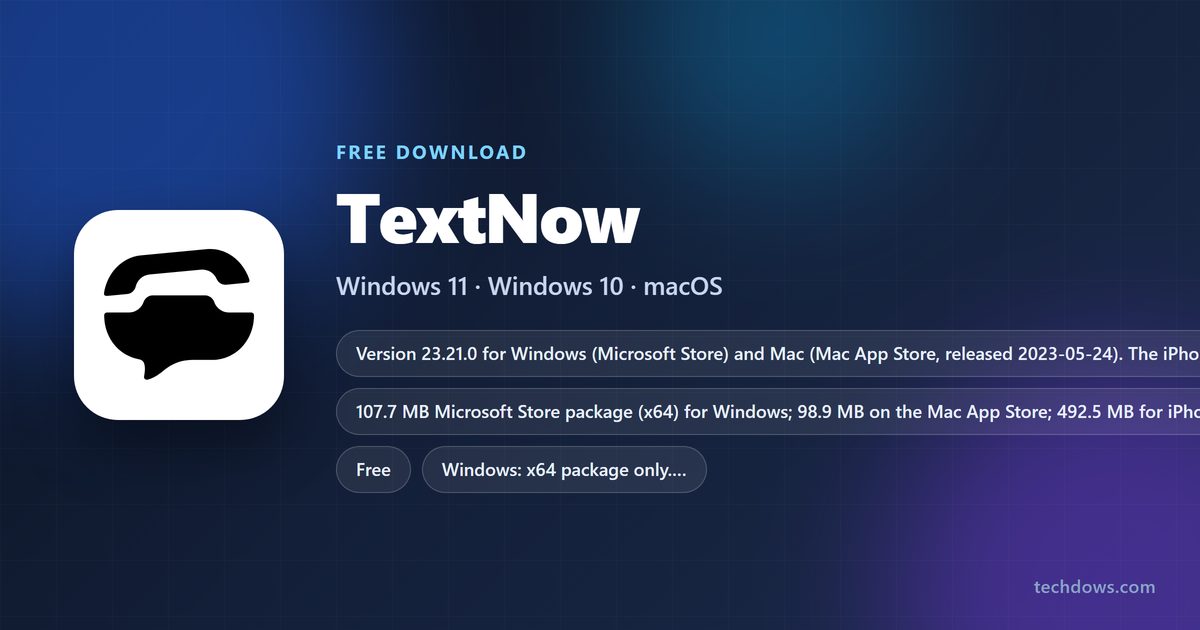
| Windows 11 or Windows 10 PC | TextNow in the Microsoft Store | 107.7 MB |
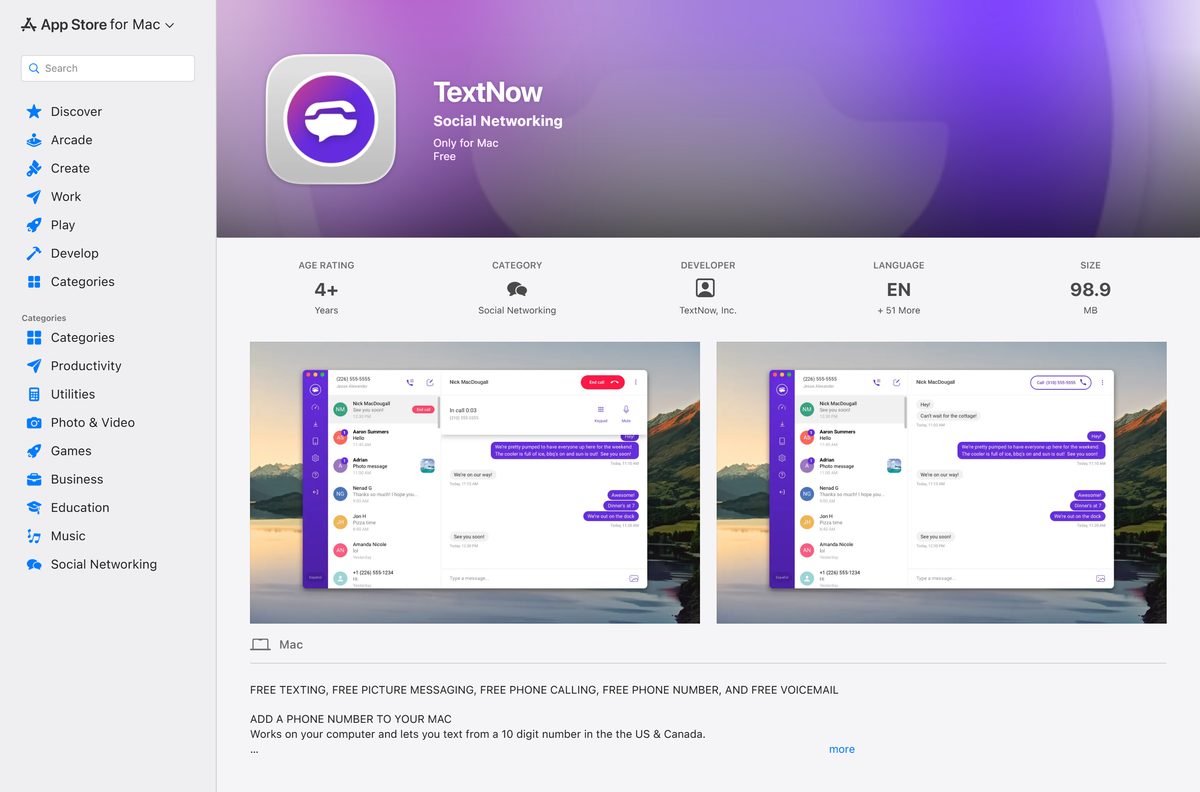
| Mac on macOS 10.13 or later | TextNow on the Mac App Store | 98.9 MB |
| Any computer with a supported browser | Sign in at textnow.com | No download |
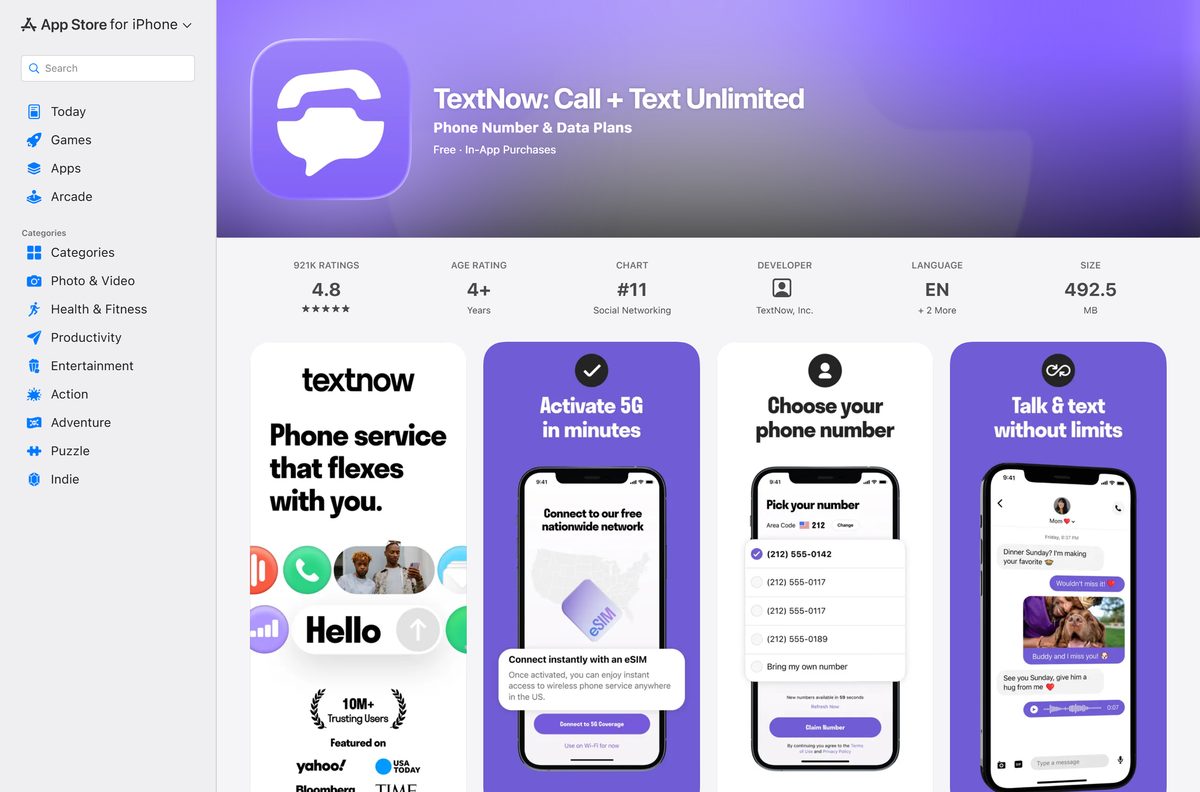
| iPhone or iPad on iOS 15 or later | TextNow on the App Store | 492.5 MB |
| Android 9 or later | TextNow on Google Play | Play states no size |
Download TextNow from the official stores
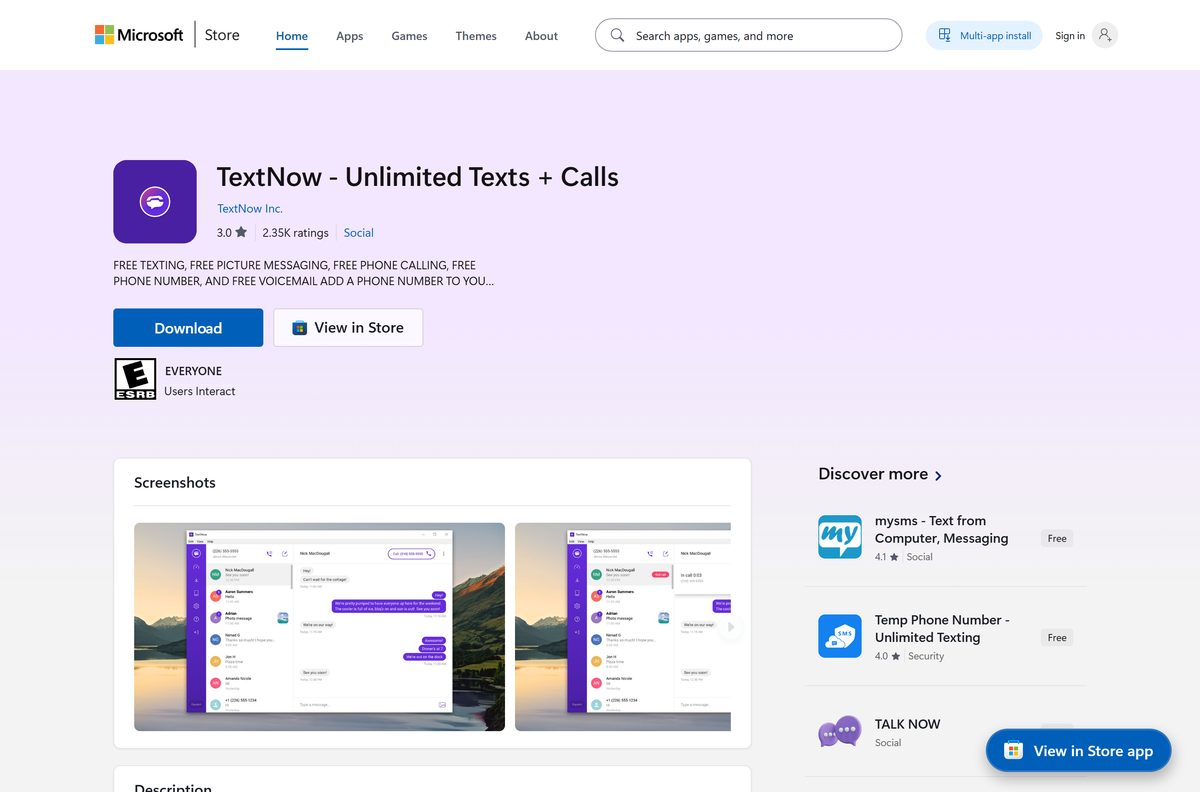
TextNow, Inc. publishes each of these listings. All of them are free to install.
- TextNow – Unlimited Texts + Calls for Windows — 107.7 MB · Microsoft Store, version 23.21.0, x64
- TextNow for Mac — 98.9 MB · Mac App Store, version 23.21.0, macOS 10.13 or later
- TextNow on the web — calls and texts in Chrome, Firefox, Opera, Edge or Safari
- TextNow: Call + Text Unlimited for iPhone and iPad — 492.5 MB · version 26.38.1, iOS 15 or later
- TextNow: Call + Text Unlimited for Android — 100M+ downloads, updated 21 September 2026
How to install TextNow on Windows 11 and 10
The Microsoft Store installs and updates the app for you. Sign-up takes about a minute.
- Open the TextNow listing in the Microsoft Store.
- Click Get in the Microsoft Store app.
- Wait for the install to finish, then click Open.
- Sign in with your existing TextNow account, or choose to sign up for a new one.
- Enter a US or Canadian area code when asked.
- Pick one of the numbers offered for that area code.
- If Windows asks for microphone access, click Yes so calls carry your voice.
- Call or text any US or Canadian number within 24 hours so the new number stays on your account.
To pin it, right-click TextNow in the Start menu and select Pin to taskbar.
How to install TextNow on iPhone and Android
The phone apps get the newest features first, including Ad-Free+ and the wireless plans.
- On iPhone or iPad, open TextNow: Call + Text Unlimited on the App Store and tap Get.
- On Android, open TextNow on Google Play and tap Install.
- Open the app and sign in with the same account you use on your computer.
- Allow microphone access when asked so calls connect.
- Check the publisher reads TextNow, Inc. before you install.
How to check a TextNow download came from TextNow
The publisher line is the quickest way to confirm a listing is genuine.
- On the Microsoft Store listing, confirm the publisher reads TextNow Inc. and the title reads TextNow – Unlimited Texts + Calls.
- On the Mac App Store, confirm the developer reads TextNow, Inc. and the size reads 98.9 MB.
- On Google Play and the App Store, confirm the developer reads TextNow, Inc.
- On Windows, open PowerShell and run Get-AppxPackage TextNow .
- Check that PackageFamilyName reads Enflick.TextNow-UnlimitedTextCalls_dkxvxr4vem6pc.
Skip .exe or .apk files from download portals. TextNow distributes its apps through these stores.
Which TextNow option do you need for your Mac?
The Mac app and the browser both use your normal TextNow login.
| Your situation | Use | Why |
|---|---|---|
| macOS 10.13 or later, want a Dock app | TextNow on the Mac App Store | Free, 98.9 MB, opens from the Dock |
| The Mac app will not open or sign in | textnow.com in Safari, Chrome or Firefox | Nothing to install, same messages and calls |
| Older than macOS 10.13 | textnow.com in a supported browser | The Mac app needs 10.13 or later |
The Mac App Store marks the listing as Only for Mac, so it does not install on iPhone or iPad.
Is TextNow free?
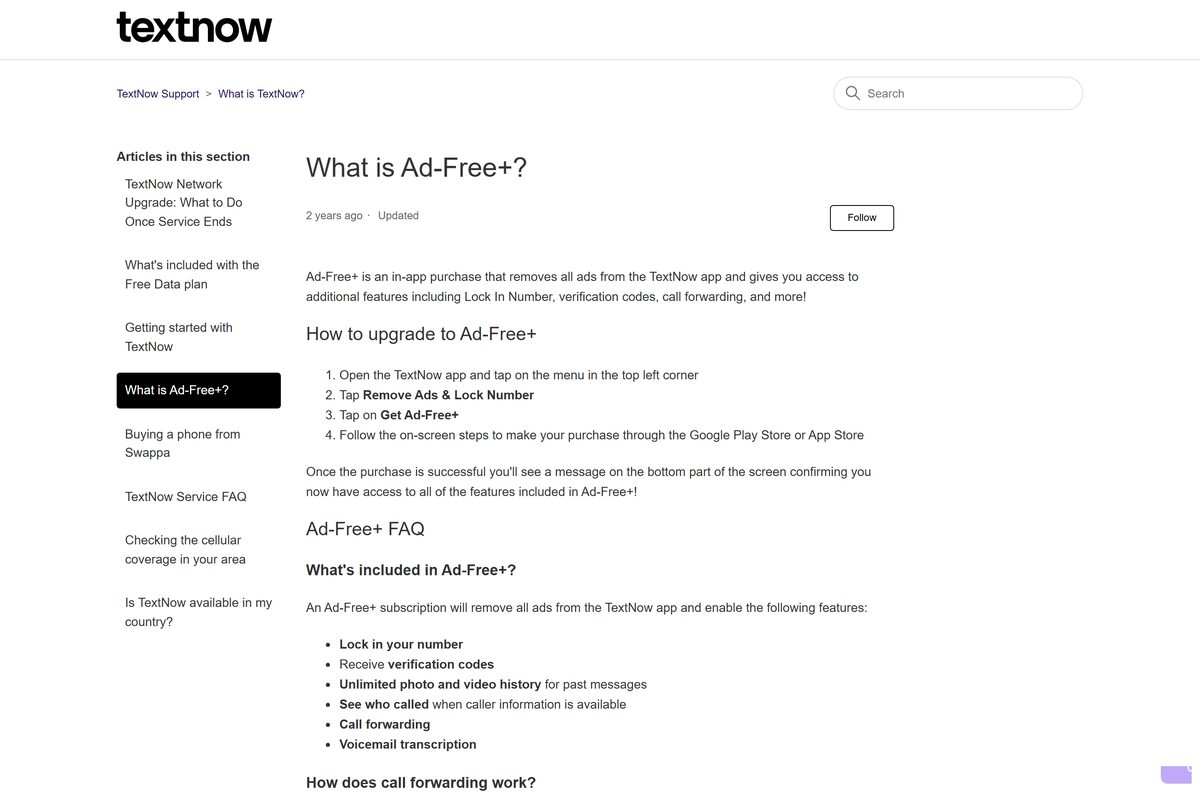
Yes. TextNow is free to download and free to use with ads, including a phone number and unlimited calls and texts across North America. Paid options sit on top of the free tier. Ad-Free+ is an in-app subscription that removes ads, locks your number, accepts verification codes, and adds call forwarding and voicemail transcription. Lock In Number is a separate upgrade that only keeps your number. The Plus Weekly, Plus Monthly and Unlimited wireless plans add cellular data and remove ads. International calls use prepaid International Long Distance credits. Ad-Free+ is billed through Google Play or the App Store, so refunds go through those stores.
Choose between the TextNow desktop app and the browser
Install the Microsoft Store or Mac App Store app if you want TextNow in its own window. Switch to textnow.com in the browser if the app will not sign in, ring or send messages. Both desktop apps are version 23.21.0, dated May 2023 on the Mac App Store. The iPhone app reached 26.38.1 on 22 September 2026, and the Android app updated on 21 September 2026. The browser version needs nothing installed and runs in Chrome, Firefox, Opera, Edge and Safari. Buy Ad-Free+ and plans in the phone app; they then apply to the same account on the computer.
How to check your TextNow version and update it
- On Windows, open Microsoft Store, select Library, then click Get updates.
- On a Mac, open the App Store, click Updates, and click Update next to TextNow if it appears.
- On Android, search TextNow in the Play Store and tap Update if the button shows.
- On iPhone, search TextNow in the App Store and tap Update if the button shows.
- In a browser, reload textnow.com. The web version has no version number to update.
No Update button means the installed build is already current for that store.
Check the TextNow system requirements
Every build needs an internet connection, over Wi-Fi or mobile data.
| Field | Value |
|---|---|
| Developer | TextNow, Inc. |
| Latest version | 23.21.0 (Windows and Mac), 26.38.1 (iPhone) |
| Price | Free with ads; Ad-Free+ and wireless plans are paid |
| Windows | Windows 11 or Windows 10, x64 package, 107.7 MB |
| Mac | macOS 10.13 or later, 98.9 MB |
| iPhone and iPad | iOS 15 or later, 492.5 MB |
| Android | Android 9 or later |
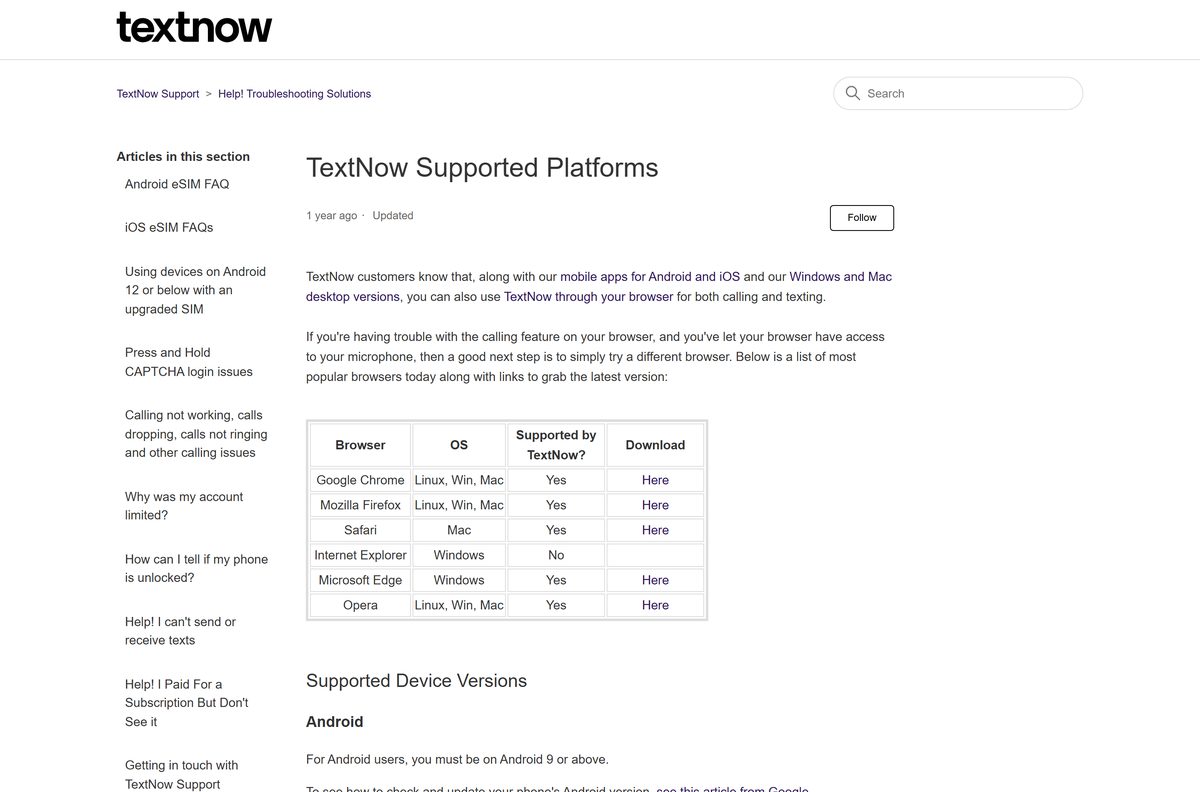
| Browsers | Chrome, Firefox, Opera, Microsoft Edge, Safari; not Internet Explorer |
| Offline installer | None; Windows installs through the Microsoft Store |
| Official source | Microsoft Store, Mac App Store, App Store, Google Play |
| Last verified | 2026-09-25 |
Check whether TextNow works where you live
| Where you are | What works |
|---|---|
| United States | Sign-up, free number, free calls and texts to US and Canada numbers |
| Canada | Download and use within North America; calls and texts to US and Canada numbers |
| Outside North America | No new account registration through the app or website |
| Calling a number outside North America | Needs International Long Distance credits |
| US line roaming in Mexico | Included on every TextNow wireless plan, including Free |
| US line roaming in Canada | Plus and Unlimited plans only |
Remote areas such as the Yukon and Alaska cost ILD credits to call, even inside North America.
Fix TextNow calls, sign-in and number problems on a PC
Calls from the browser have no sound or fail
The browser cannot reach the microphone, or the browser is unsupported.
- Allow textnow.com to use your microphone in the browser’s site settings.
- Reload the page and place a test call.
- Switch to a different supported browser such as Chrome, Firefox or Edge.
Calls drop or sound choppy
The connection is too slow or unstable.
- Run a speed test and aim for about 25 Mbps or higher.
- Use Wi-Fi instead of mobile data where you can.
- Turn off power saving modes and restart the app.
The desktop app will not sign in or open
The Store build is out of date or its data is damaged.
- Check for updates in Microsoft Store > Library or the Mac App Store.
- Uninstall the app, then install it again from the official listing.
- Sign in at textnow.com in a browser to reach your messages meanwhile.
Your number changed or disappeared
Inactive free numbers are recycled.
- Pick a new number from the area code prompt; TextNow cannot restore a released number.
- Call or text at least once a day from the new number.
- Buy Lock In Number or Ad-Free+ to keep the number regardless of use.
How to uninstall TextNow from a PC or Mac
- On Windows 11, open Settings > Apps > Installed apps.
- Find TextNow, click the three dots next to it, and select Uninstall.
- On Windows 10, open Settings > Apps > Apps & features, select TextNow, then Uninstall.
- On a Mac, open Finder > Applications and drag TextNow to the Trash.
- To sign out elsewhere, log in at textnow.com, open My Account > Settings > Security & Login, and click Log out of all devices.
Uninstalling keeps your account and number. Deleting the account through TextNow’s Data Rights Request Form is permanent and releases the number.
Which free calling option to use instead of the TextNow app
| Option | Best for | Cost |
|---|---|---|
| TextNow on the web | Using your TextNow number without installing anything | Free with ads |
| TextNow on Android or iPhone | The newest app build, Ad-Free+ and wireless plans | Free with ads; plans paid |
| Google Voice | A free US number tied to a personal Google Account | Free for personal US accounts |
Google Voice needs a US personal Google Account, while TextNow signs up with an email address inside North America.
Frequently asked questions
Is TextNow free to download?
Yes. The Microsoft Store, Mac App Store, App Store and Google Play all list TextNow as free. The free version shows ads and includes a phone number with unlimited calls and texts across North America.
Is there a TextNow app for Windows 11 and Windows 10?
Yes. TextNow Inc. publishes TextNow – Unlimited Texts + Calls in the Microsoft Store. It is a 107.7 MB x64 package, version 23.21.0.
Is there a TextNow app for Mac?
Yes. TextNow 23.21.0 is on the Mac App Store for free. It is 98.9 MB and requires macOS 10.13 or later.
Can I use TextNow on a computer without downloading anything?
Yes. Sign in at textnow.com in Chrome, Firefox, Opera, Microsoft Edge or Safari to call and text from the browser. Internet Explorer is not supported.
Can I use the same TextNow number on my phone and PC?
Yes. One login works on several devices at the same time, and your messages and call history appear on each of them.
Is there a TextNow .exe or offline installer?
No standalone .exe is offered through the Microsoft Store listing. Windows installs TextNow as a Store package, and the Mac app comes from the Mac App Store.
Why did my TextNow number disappear?
Free numbers are recycled after inactivity, and a new number expires within 24 hours if you never call or text from it. TextNow sends a warning first. Call or text once a day, or buy Lock In Number or Ad-Free+, to keep it.
How do I remove ads from TextNow?
Buy Ad-Free+ in the phone app, or move to the Plus or Unlimited wireless plan. Ad-Free+ is billed through Google Play or the App Store.
Does TextNow work outside the US?
TextNow can only be downloaded and used within North America. You cannot register an account from outside North America, and calls to other countries need International Long Distance credits.
Is it safe to download TextNow from other websites?
Stick to the Microsoft Store, Mac App Store, App Store and Google Play, where the publisher reads TextNow Inc. or TextNow, Inc. Files from download portals are not published by TextNow.