The Steam Link download for Windows 11 and Windows 10 is a free 24.7 MB zip from Valve, and Mac users get the same app from the Mac App Store. Steam Link also installs on iPhone, iPad, Apple TV, Android phones and TVs, Raspberry Pi and Meta Quest headsets.
Steam Link streams the games from a computer running Steam to the device in front of you, so the games stay installed on your gaming PC.
This guide covers the right build for each device, install and pairing steps, network settings, and fixes for black screens, lag and missing computers.
Which Steam Link download do you need?
Match the device you want to play on to a row. The gaming computer itself only needs the regular Steam client.
| Device you play on | What to install | Size |
|---|---|---|
| Windows 11 or Windows 10 PC or laptop | SteamLink.zip from Valve | 24.7 MB |
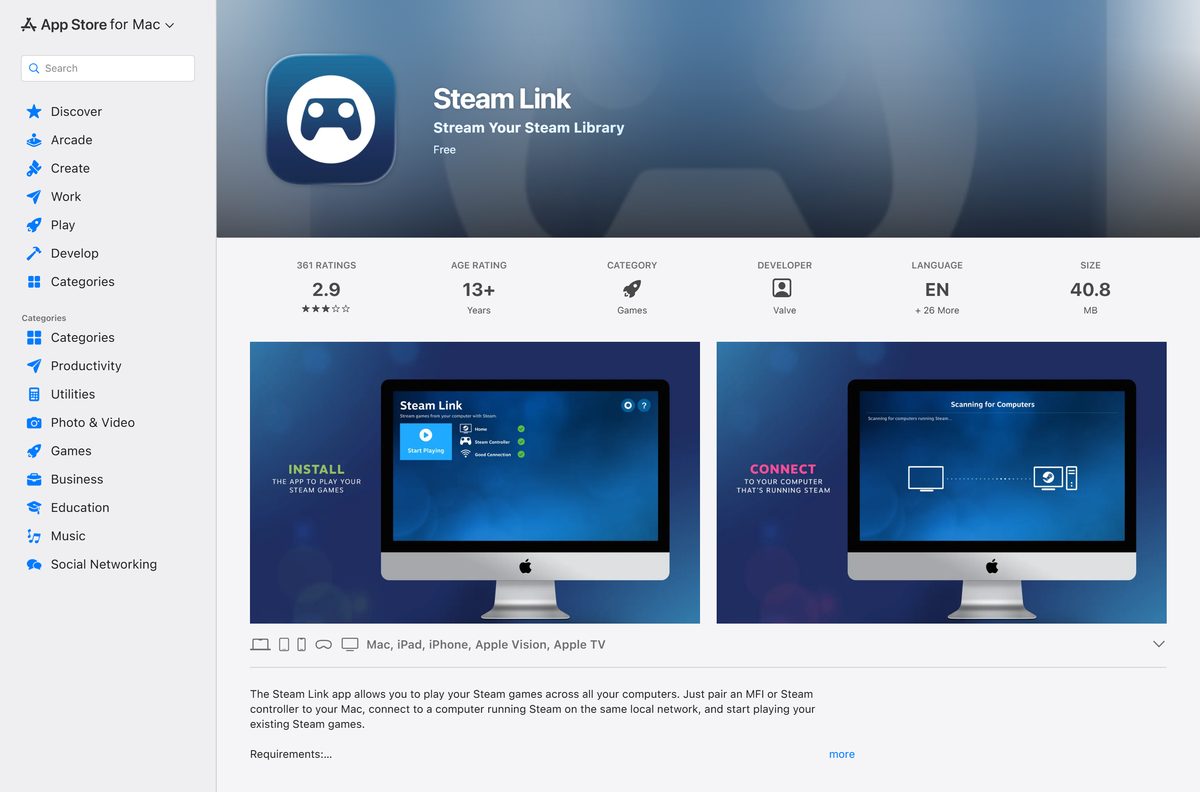
| Mac on macOS 10.13 or later | Steam Link on the Mac App Store | 58.6 MB |
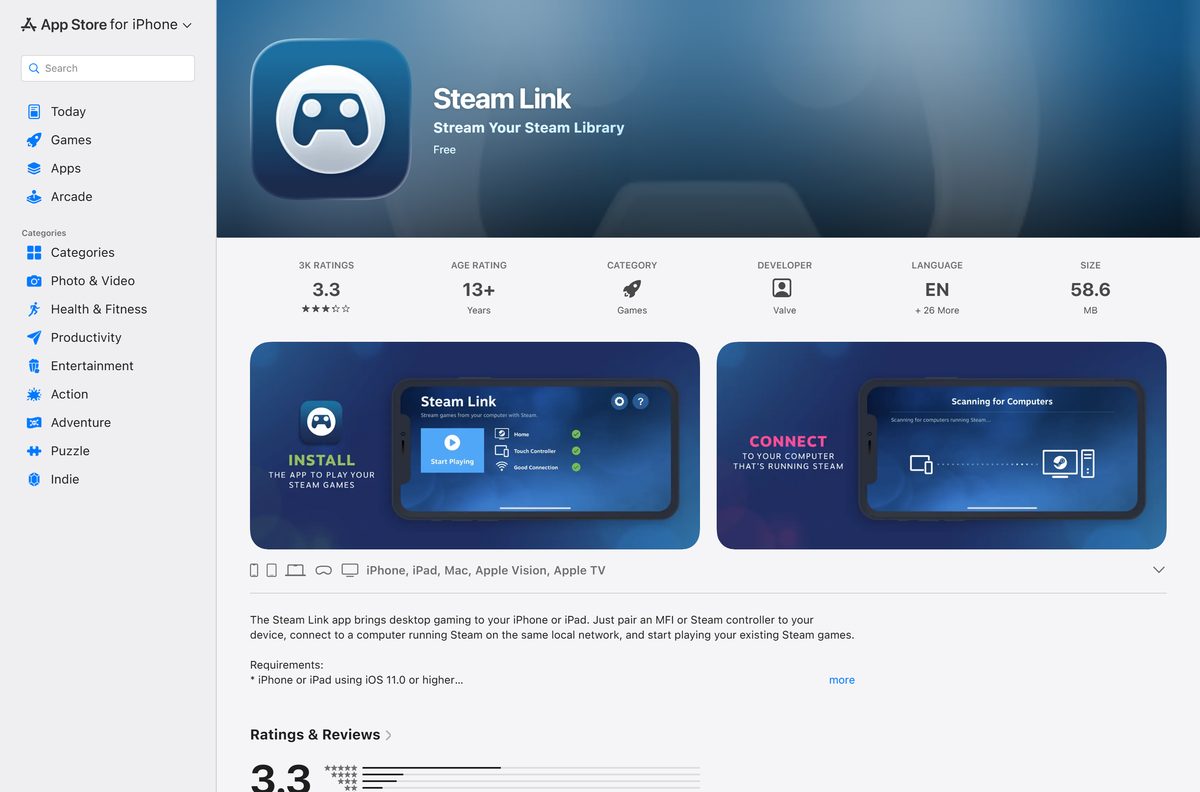
| iPhone, iPad, Apple TV or Apple Vision Pro (11.0 or later) | Steam Link on the App Store | 58.6 MB |
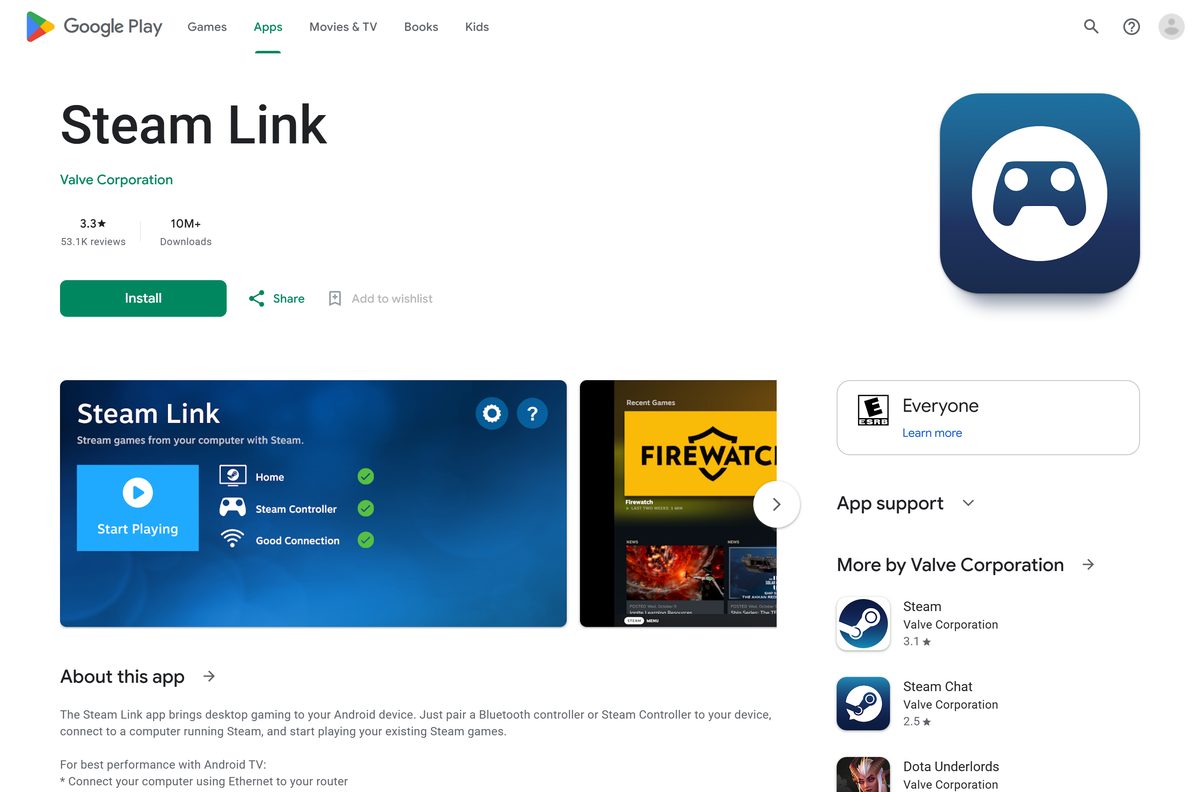
| Android 5.0 or later phone, tablet or TV | Steam Link on Google Play | Play states no size |
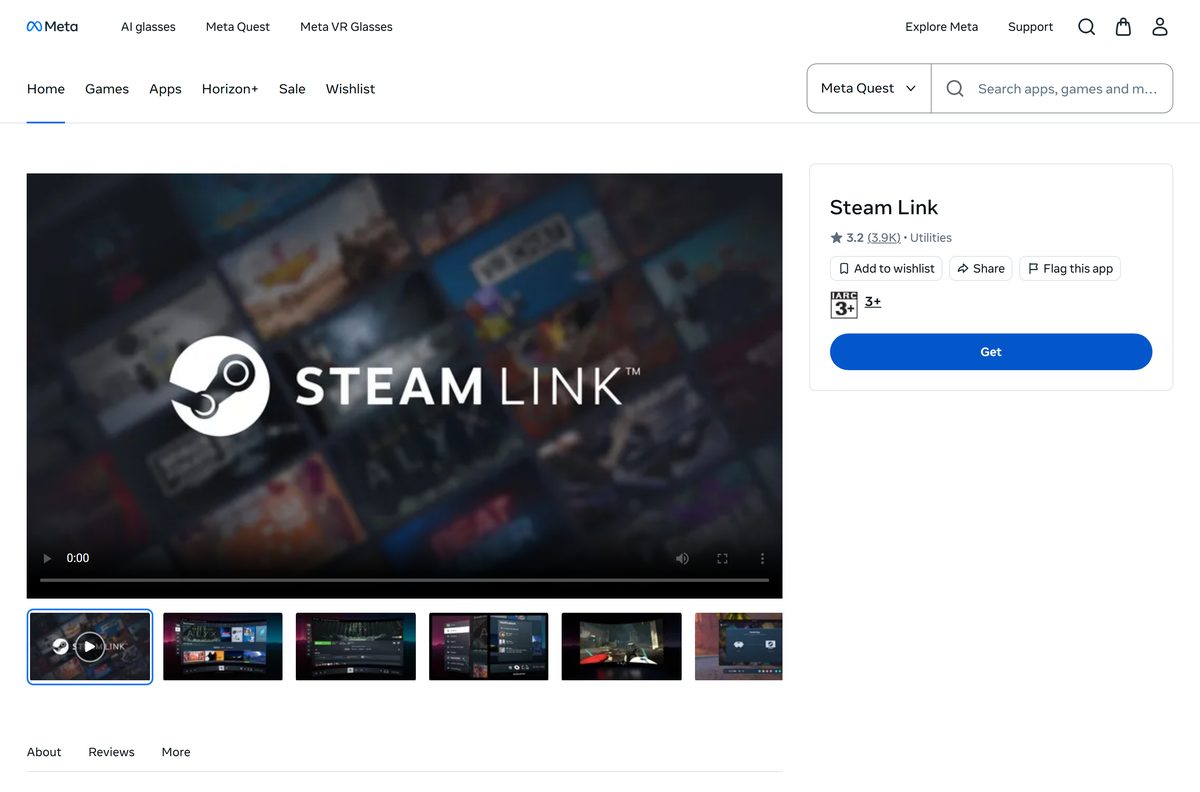
| Meta Quest 2, 3 or Pro | Steam Link on the Meta Quest store | Store states no size |
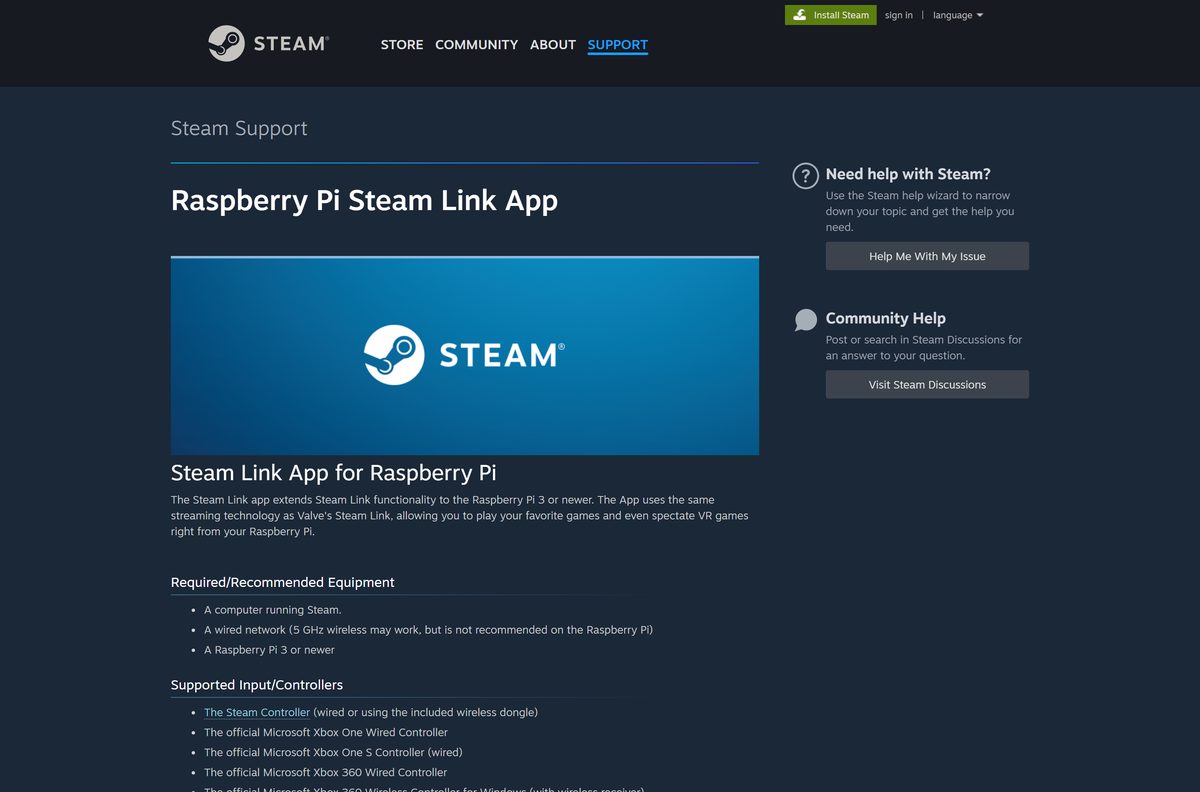
| Raspberry Pi 3, 3+, 4 or 5 | Valve’s Raspberry Pi Steam Link guide | Installed with apt |
| Linux PC, Amazon Fire TV, or Android without Google Play | Valve’s Remote Play download list | Varies by store |
On a Raspberry Pi, open a terminal and run sudo apt update , then sudo apt install steamlink . Launch it from the Games menu or type steamlink .
Download Steam Link from Valve and the official stores
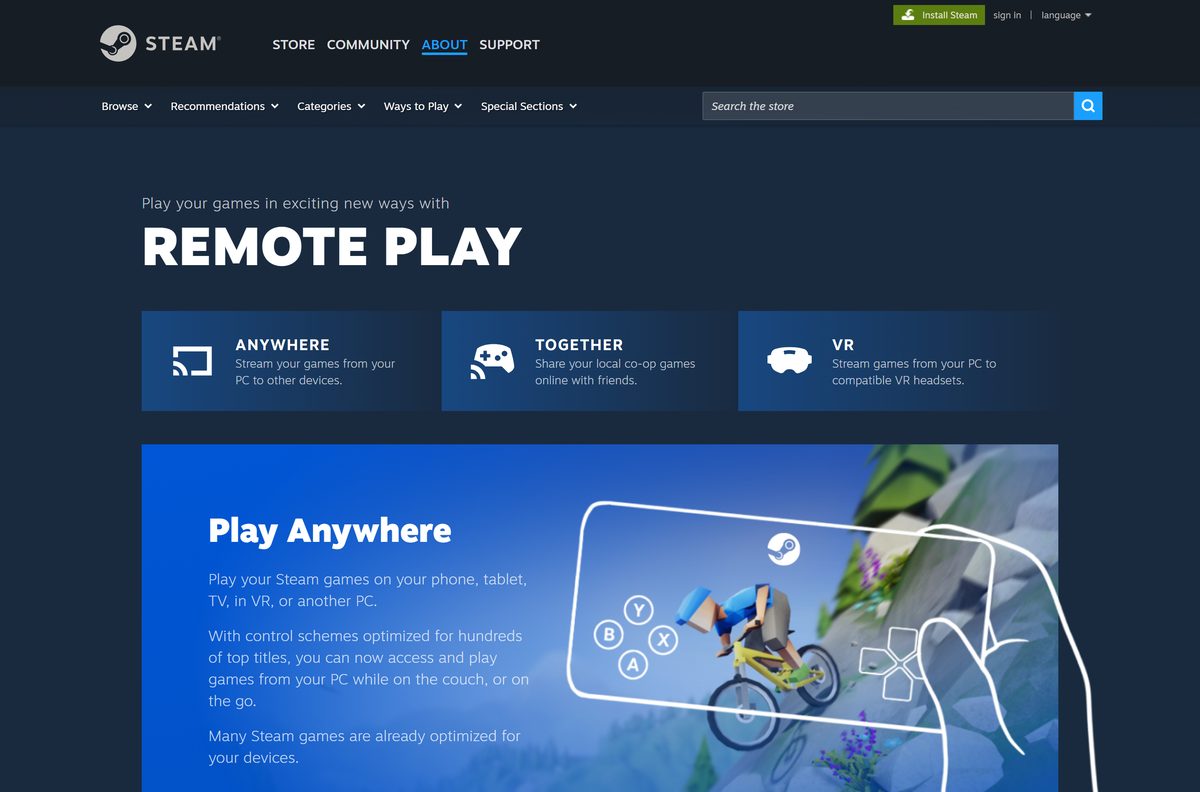
Valve Corporation publishes every one of these. The Remote Play page links all of them under Get it now for.
- SteamLink.zip for Windows — 24.7 MB · the Windows download Valve links on its Remote Play page
- Steam Link on the Mac App Store — 58.6 MB · requires macOS 10.13 or later
- Steam Link on the App Store — 58.6 MB · version 1.3.32 for iPhone, iPad, Apple TV and Apple Vision Pro
- Steam Link on Google Play — 10M+ downloads, 3.3 stars from 53.1K reviews
- Steam Link on the Meta Quest store — for Quest 2, 3 and Pro with SteamVR on the PC
- Steam Remote Play page — Valve’s full list, including Linux, Fire TV and the direct Android APK
The computer you stream from needs the Steam client. Get it from the Steam download guide.
How to install Steam Link on Windows 11 and 10
The Windows build comes as a zip archive rather than a setup program. Extract it before you run it.
- Open Valve’s Steam Remote Play page and select Windows under Get it now for.
- Save SteamLink.zip (24.7 MB) to your Downloads folder.
- Right-click the zip file and select Extract All, then Extract.
- Open the extracted folder and double-click the Steam Link program.
- On your gaming PC, sign in to Steam and leave it running on the same local network.
- In Steam Link, select your gaming PC from the list and confirm the pairing request.
- Connect a controller, or use your keyboard and mouse, and start a game from your Steam Library.
For the smoothest stream, connect the gaming PC to the router with an Ethernet cable.
How to install Steam Link on iPhone, iPad, Apple TV and Android
The phone, tablet and TV apps connect the same way as the desktop build.
- Open the App Store listing or the Google Play listing published by Valve.
- Tap Get or Install and wait for the download to finish.
- Pair an MFi, Bluetooth or Steam Controller with your device.
- Connect the device to the 5 GHz band of your Wi-Fi network.
- Open Steam Link and select the computer that is running Steam.
- Confirm the pairing request, then start a game from your Steam Library.
On Android TV, connect both the TV and the gaming PC to the router by Ethernet, as Valve recommends.
Which Steam Link download do you need for your Mac?
A Mac can be the screen you play on, the computer that runs the game, or both.
| What you want | What to install | Requirement |
|---|---|---|
| Play games from a Windows gaming PC on your Mac | Steam Link on the Mac App Store | macOS 10.13 or later, 58.6 MB |
| Stream games installed on your Mac to a phone or TV | Steam client for Mac | macOS 10.8 or newer as a streaming host |
| Play between two computers that both have Steam | Remote Play from the Steam Library | Sign in to Steam on both |
The Mac App Store listing asks for an MFi or Steam controller paired to the Mac and both computers on the same local network.
Is Steam Link free?
You pay only for the games, which you already own in your Steam Library.
Yes. Steam Link is free on every platform, and the App Store lists it as Free. Valve distributes the Windows zip at no charge and offers the Apple, Google Play and Meta Quest apps without a price. Steam Link streams games you own on a computer running Steam, so no subscription is involved. Any paid app calling itself Steam Link that is not published by Valve Corporation is not Valve’s app.
Should you use Steam Link or Steam-to-Steam Remote Play?
Both use the same Remote Play streaming. The difference is what runs on the second device.
Use Steam Link on phones, tablets, TVs, Raspberry Pi, Quest headsets and low-powered computers. Use Steam itself when the second computer already has Steam installed. Valve’s PC-to-PC route needs only a Steam sign-in on both computers, then a game started from the Library on the second one. Steam Link is the lighter client for devices where the full Steam client does not run or is not wanted, and it launches Remote Play Together sessions that friends start from the Steam Chat mobile app.
How to check your Steam Link version and update it
Store builds update themselves. The Windows zip needs a fresh download.
- On iPhone, iPad or Mac, open the App Store listing and compare your build with version 1.3.32.
- Tap or click Update if the App Store shows it.
- On Android, open Steam Link in Google Play and tap Update.
- On Windows, download SteamLink.zip again from the Remote Play page.
- Close Steam Link, extract the new zip over the old folder and select Replace the files in the destination.
- On Raspberry Pi, run sudo apt update and sudo apt install steamlink .
Update the Steam client and video drivers on the gaming PC too. Valve names out-of-date drivers as a common cause of streaming glitches.
Check the Steam Link system requirements before you install
Steam Link has two sides: the device you hold and the gaming computer that runs the game.
| Field | Value |
|---|---|
| App | Steam Link |
| Developer | Valve Corporation |
| Latest version | 1.3.32 on the App Store (14 July 2026); Windows zip updated 22 July 2026 |
| Price | Free |
| Windows download | SteamLink.zip, 24.7 MB |
| Mac | macOS 10.13 or later, 58.6 MB |
| iPhone, iPad, Apple TV | 11.0 or later |
| Android | 5.0 or later phone, tablet or TV |
| Raspberry Pi | Pi 3 or newer, wired network recommended |
| Meta Quest | Quest 2, 3 or Pro; PC with SteamVR, Windows 10 or newer, NVIDIA GTX 970 or better |
| Gaming PC | Steam running on Windows, Mac or Linux; quad-core CPU recommended |
| Playing device | GPU with hardware H264 decoding |
| Network | Same local network; Ethernet to a 5 GHz router recommended |
| Official source | store.steampowered.com/remoteplay |
| Last verified | 25 September 2026 |
Which controllers work with Steam Link?
Valve’s Raspberry Pi guide lists the controllers it supports officially. Other input devices can still work.
| Controller | Connection |
|---|---|
| Steam Controller | Wired or the included wireless dongle |
| Microsoft Xbox One and Xbox One S | Wired |
| Microsoft Xbox 360 | Wired, or wireless with the Windows receiver |
| Sony DualShock 4 | Wired or Bluetooth |
| Nintendo Switch Pro Controller | Wired |
| Razer Raiju, Sabertooth, Serval, Wildcat | Per controller |
| SteelSeries Stratus Duo | Per controller |
| Keyboard and mouse | USB or Bluetooth |
On iPhone, iPad and Mac, the App Store listing names MFi and Steam controllers. On Android, pair a Bluetooth controller or Steam Controller.
Fix Steam Link not finding your PC or streaming badly
Match the symptom to the fix.
Steam Link does not list your gaming PC
The devices are on different subnets, or a firewall blocks discovery.
- Connect both devices to the same router and network.
- Allow Steam through the firewall on UDP ports 27031 and 27036 and TCP ports 27036 and 27037.
- Close any program using UDP port 27036, such as Hamachi.
- Restart Steam on the gaming PC and reopen Steam Link.
Black screen when a game starts
An old video driver or a hardware encoding conflict.
- Update the video drivers on both computers.
- In Steam on the gaming PC, open Settings > Remote Play and turn off hardware encoding in the advanced host options.
- If the screen stays black, turn off hardware decoding in the advanced client options.
The stream lags or stutters
Wi-Fi congestion or a weak signal.
- Connect the gaming PC to the router with Ethernet.
- Move the playing device to the 5 GHz Wi-Fi band and closer to the router.
- Lower the game’s resolution and turn off vertical sync.
- In the Remote Play settings, favour speed over quality or cap the bandwidth.
No sound during the stream
Audio is muted on one side.
- Check that the game and Steam are not muted on the gaming PC.
- Check the volume on the device you are playing on.
- Look for an audio error in logs\streaming_log.txt in the Steam folder on the gaming PC.
Mouse and keyboard do nothing in one game
The game runs with administrator rights, and Windows blocks remote input.
- Close the game and start it without Run as administrator.
- Answer any UAC prompt on the gaming PC itself, since UAC dialogs block streaming.
How to uninstall Steam Link
Removing Steam Link leaves your games and Steam library untouched on the gaming PC.
- On Windows, close Steam Link and delete the folder you extracted from SteamLink.zip.
- Delete SteamLink.zip from your Downloads folder.
- On a Mac, open Finder > Applications and drag Steam Link to the Trash.
- On iPhone or iPad, press and hold the Steam Link icon and choose Remove App.
- On Android, open Steam Link in Google Play and tap Uninstall.
- On Raspberry Pi, run sudo apt remove steamlink .
Which Steam streaming option fits your setup?
Valve offers three ways to play away from the gaming PC. Pick by who is playing and where.
| Option | Best for | What you need |
|---|---|---|
| Steam Link app | Phones, tablets, TVs, Raspberry Pi, Mac, low-powered PCs | The free app on the device |
| Remote Play PC to PC | A second computer that already runs Steam | Steam signed in on both computers |
| Remote Play Together | Friends joining your local co-op game online | A supported game; friends accept your invite |
| Steam Link on Meta Quest | PC VR games without a cable | SteamVR, Windows 10 or newer, NVIDIA GTX 970 or better |
Start Remote Play Together in a game with Shift+Tab, then right-click a friend and select Remote Play Together.
Frequently asked questions
Is the Steam Link download free?
Yes. Steam Link is free on Windows, Mac, iPhone, iPad, Apple TV, Android, Raspberry Pi and Meta Quest. The App Store lists it as Free. You stream games you already own from a computer running Steam, so there is no subscription.
Where is the official Steam Link download page?
Valve’s Steam Remote Play page at store.steampowered.com/remoteplay lists every build under Get it now for. It links the Windows zip, the App Store, Google Play, the Meta Quest store, Flathub for Linux and the Raspberry Pi guide.
Does Steam Link work on Windows 11?
Valve offers a Windows build of Steam Link as SteamLink.zip and names no minimum Windows version for it. For the gaming computer, Valve’s VR requirements list Windows 10 or newer, so Windows 11 and Windows 10 PCs both work as the host.
How big is the Steam Link download?
The Windows download, SteamLink.zip, is 24.7 MB. The App Store lists 58.6 MB for the Apple build used on iPhone, iPad, Mac and Apple TV. Google Play and the Meta Quest store do not state a size.
Is there a Steam Link offline installer?
The Windows zip is self-contained, so you can copy it to another PC and extract it there. Steam Link itself always needs a network connection to a computer running Steam, because the games run on that computer.
Is there a Steam Link app for Mac?
Yes. Steam Link is on the Mac App Store as a native app and requires macOS 10.13 or later. It streams games from a Windows, Mac or Linux computer running Steam on the same local network.
Is Steam Link 64-bit or ARM64?
Valve publishes one Windows zip and does not state its architecture. The Mac version installs from the App Store, which delivers the right build for your Mac. Raspberry Pi owners need a Pi 3 or newer.
Is Steam Link safe to download?
Yes, when it comes from Valve’s Remote Play page, the App Store, Google Play or the Meta Quest store, all published by Valve Corporation. Remote Play can reach the host desktop, so turn it off in Steam’s Remote Play settings when you do not use it.
What is the latest version of Steam Link?
The App Store shows Steam Link 1.3.32, released on 14 July 2026. It added 59.94 FPS as a framerate limit and reduced frame drops. Valve updated the Windows SteamLink.zip on 22 July 2026 and prints no version number for it.
Why won’t Steam Link find my PC?
Both devices must be on the same subnet with Steam running on the gaming PC. Allow UDP ports 27031 and 27036 and TCP ports 27036 and 27037 in your firewall, and close programs such as Hamachi that use UDP port 27036.
Can I use Steam Link on a Meta Quest?
Yes. Install Steam Link from the Meta Quest store on a Quest 2, 3 or Pro. The PC needs Steam and SteamVR, Windows 10 or newer, an NVIDIA GTX 970 or better, and a 5 GHz Wi-Fi 5 router wired to the PC.
Do I need a controller for Steam Link?
No. A keyboard and mouse work, and Valve’s Raspberry Pi guide lists them as supported input. A controller suits most games better: the Steam Controller, Xbox One and 360 controllers, DualShock 4 and the Switch Pro Controller are officially supported.