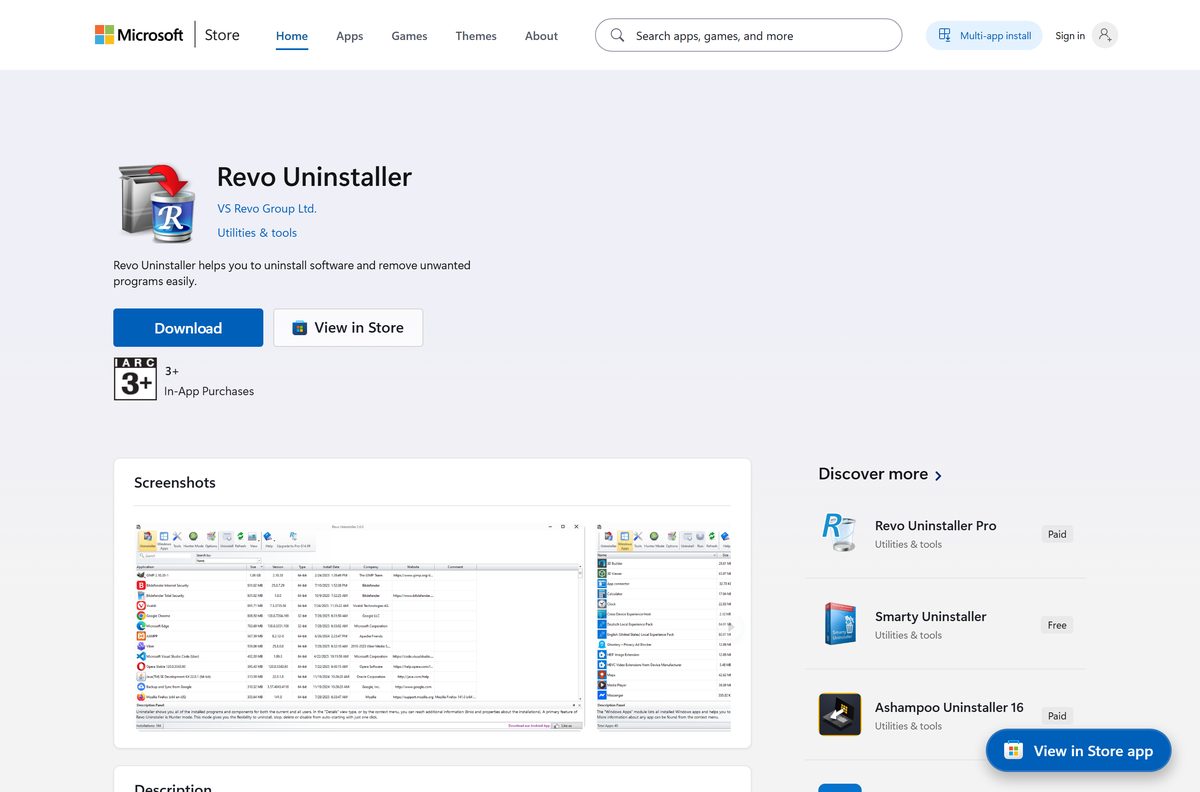
The official Revo Uninstaller download is an 11.3 MB setup file from VS Revo Group, and it costs nothing. It installs the free edition on Windows 11, 10, 8.1, 8 and 7.
There is no Revo Uninstaller for Mac. VS Revo Group ships Windows and Android software only, and no macOS product at all.
This guide covers which file to take, the official links and sizes, the install steps, and fixes for a setup that will not run.
Which Revo Uninstaller download do you need?
Match your case below. Every file comes from revouninstaller.com or a store the vendor publishes to.
| Your case | Download | Size |
|---|---|---|
| Windows 11 or Windows 10 | revosetup.exe | 11.3 MB |
| Windows 8.1, 8, 7 or a Server edition | revosetup.exe, the same file | 11.3 MB |
| No install, run it from a USB stick | RevoUninstaller_Portable.zip | 12.5 MB |
| You need Forced Uninstall or install monitoring | RevoUninProSetup.exe, 30-day trial | 17.4 MB |
| You prefer the Microsoft Store | Store listing XPFFVD4CMXN8VN | Store build 2.6.5 |
| A Mac | Nothing. Delete apps in Finder or Launchpad | 0 |
One setup file covers 32-bit and 64-bit Windows, so there is no separate 64-bit download.
Check the Revo Uninstaller system requirements
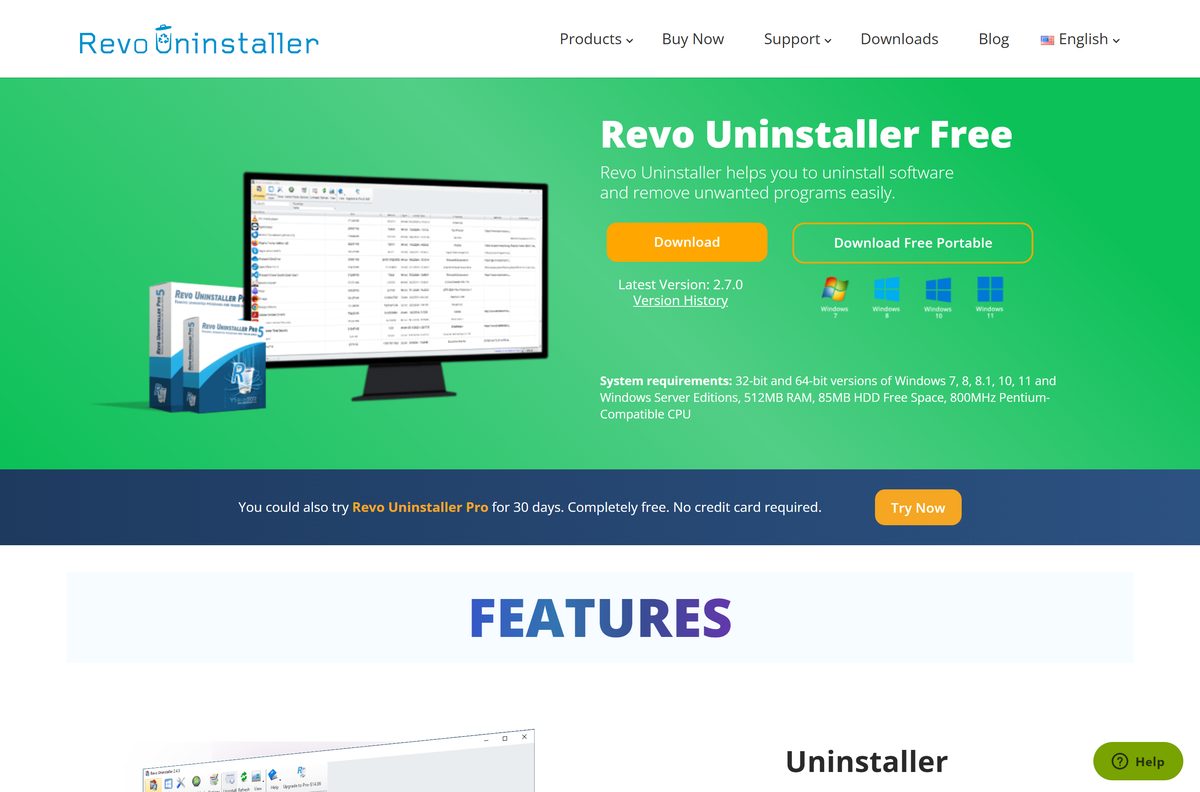
The free edition asks for very little, and any machine that boots Windows 11 clears these numbers.
| Field | Value |
|---|---|
| Software | Revo Uninstaller Free |
| Developer | VS Revo Group Ltd., Ruse, Bulgaria |
| Latest version | 2.7.0, released 12 May 2026 |
| License and price | Freeware, personal or corporate. Pro is $24.95 a year |
| Supported OS | Windows 7, 8, 8.1, 10, 11 and Windows Server editions |
| Architecture | 32-bit and 64-bit in one download, no ARM64 build listed |
| Setup size | 11.3 MB (revosetup.exe) |
| Portable size | 12.5 MB (RevoUninstaller_Portable.zip) |
| Offline installer | Yes, the setup carries the program |
| Minimum hardware | 512 MB RAM, 85 MB free disk, 800 MHz Pentium-compatible CPU |
| Mac version | None |
| Official download source | revouninstaller.com |
| Last verified | 2026-09-10 |
Download Revo Uninstaller from the official source
VS Revo Group publishes these files, and every link below points at revouninstaller.com.
- Revo Uninstaller Free setup, revosetup.exe — 11.3 MB · the current free build
- Revo Uninstaller Free portable, RevoUninstaller_Portable.zip — 12.5 MB · no installer, no registry entries
- Revo Uninstaller Free product page — both download buttons
- Revo Uninstaller Pro trial, RevoUninProSetup.exe — 17.4 MB · version 5.5.2, free for 30 days
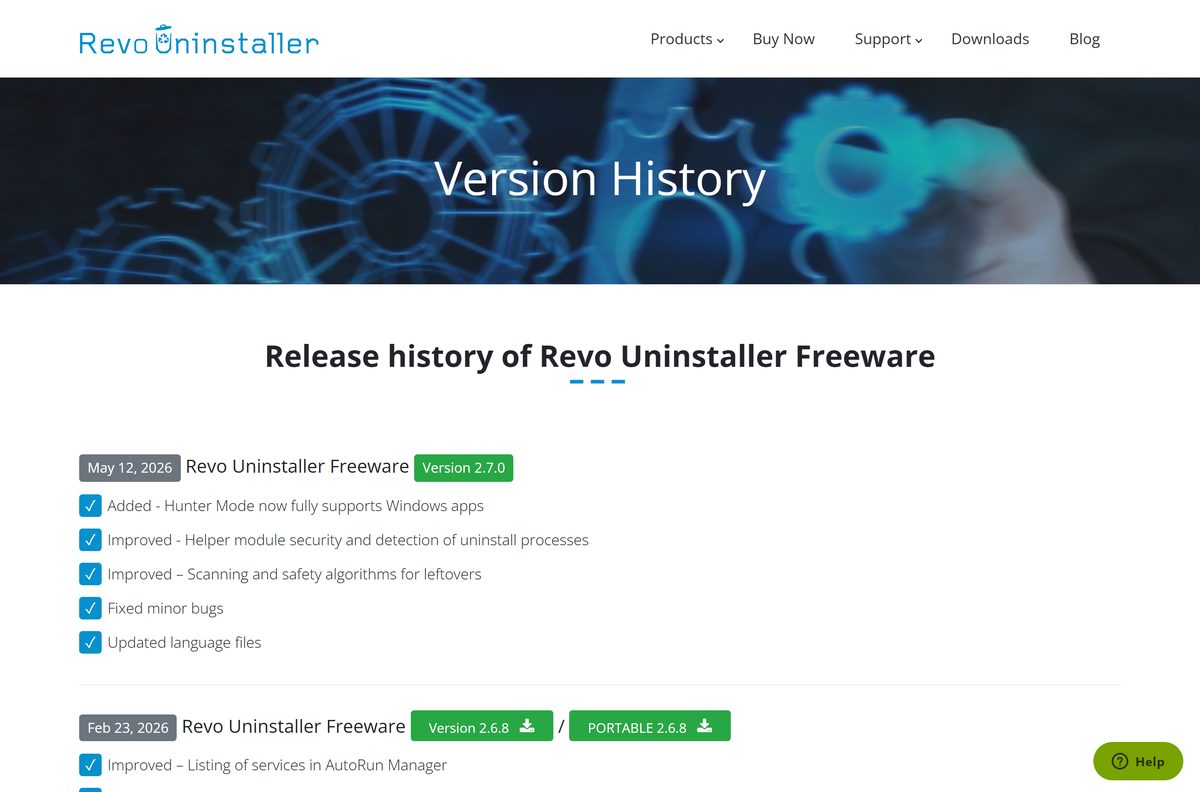
- Freeware version history
The setup is a genuine standalone installer: 11,553,184 of its 11,838,720 bytes are compressed payload, so installing needs no connection.
The vendor’s file is also ahead of every other official channel. The Microsoft Store listing sits at 2.6.5 and the Windows Package Manager entry at 2.1.7, dated 21 July 2020.
How to install Revo Uninstaller on Windows 11 and 10
The setup is a standard wizard, and nine clicks end with the program open.
- Download revosetup.exe from the product page above and save it.
- Double-click revosetup.exe.
- Select Yes at the User Account Control prompt.
- Pick your language in the first dialog and select OK.
- Select I accept the agreement, then select Next.
- Keep the folder C:\Program Files\VS Revo Group\Revo Uninstaller, or select Browse to change it, then select Next.
- Leave the desktop shortcut ticked or clear it, then select Next.
- Select Install on the summary screen.
- Select Finish, with Launch Revo Uninstaller left ticked to open it now.
Setup adds an entry named Revo Uninstaller Freeware to Installed apps. The language you pick becomes the interface language, and Options, General changes it.
How to verify the Revo Uninstaller setup file is genuine
The setup is code-signed, so Windows can tell you who built it before you run it.
- Right-click the downloaded revosetup.exe and select Properties.
- Open the Digital Signatures tab.
- Select the signature in the list, then select Details.
- Confirm the signer name reads VS REVO GROUP OOD.
- Select View Certificate and confirm DigiCert issued it.
- For a hash check, open PowerShell in the download folder and run Get-FileHash revosetup.exe -Algorithm SHA256 .
A copy of the current setup taken from the vendor is 11,838,720 bytes and hashes to 4104dac4bad8d3d547d56240c9362ac06f25f7ae9fb96d2b3673260e7c0a0da3 . Its certificate runs to 14 August 2027.
No Digital Signatures tab means the file did not come from VS Revo Group.
Install Revo Uninstaller from the Microsoft Store or with winget
Both routes work, and both trail the vendor’s own build. Neither asks for payment.
- Open Microsoft Store from the Start menu and search for Revo Uninstaller.
- Check the publisher line reads VS Revo Group Ltd. before you continue.
- Select Get, or open product XPFFVD4CMXN8VN directly.
- For the Store build from a terminal, run winget install XPFFVD4CMXN8VN –source msstore .
- For the community package instead, run winget install RevoUninstaller.RevoUninstaller .
- Open Settings, Apps, Installed apps afterwards and read the version that landed.
Run Revo Uninstaller from a USB stick without installing it
The portable build writes nothing to the Windows registry, which suits a PC you do not own.
- Download RevoUninstaller_Portable.zip, which is 12.5 MB.
- Right-click the ZIP, select Properties, tick Unblock, then select OK.
- Right-click the ZIP again and select Extract All.
- Open the extracted RevoUninstaller_Portable folder.
- Run RevoUPort.exe.
- Copy the whole folder to a USB stick to carry it between PCs.
Inside sit an x64 and an x86 build, a help PDF and 47 language files. RevoUPort.exe picks the build that matches the PC.
Is Revo Uninstaller free?
Yes. Revo Uninstaller Free is freeware, and it stays free. The licence inside the download calls it freeware and covers you “either personal or corporate”, so a work PC needs no purchase. There is no trial clock and no feature that stops after 30 days. Revo Uninstaller Pro is the separate paid product at $24.95 list for one PC for one year, discounted to $14.97 on the vendor store, with a 60-day money-back guarantee. Any site charging for the free edition is selling something VS Revo Group gives away.
Should you install Revo Uninstaller Free or Pro?
Install the free edition first, and reach for the trial only when it falls short. The free edition runs the program’s own uninstaller, then scans for the files, folders and registry entries left behind. It removes Windows apps on Windows 8 and newer, includes Hunter Mode for a program you can only see as a window or tray icon, and bundles eight cleaning tools.
Pro adds six things: Forced Uninstall, Quick and multiple uninstall, extended leftover scanning, real-time install monitoring with the Logs Database, multi-level backups, and browser-extension removal.
Forced Uninstall pulls most people across. If a program vanished from Installed apps but its folder and registry keys survived, the free edition has no equivalent.
How to check your Revo Uninstaller version and update it
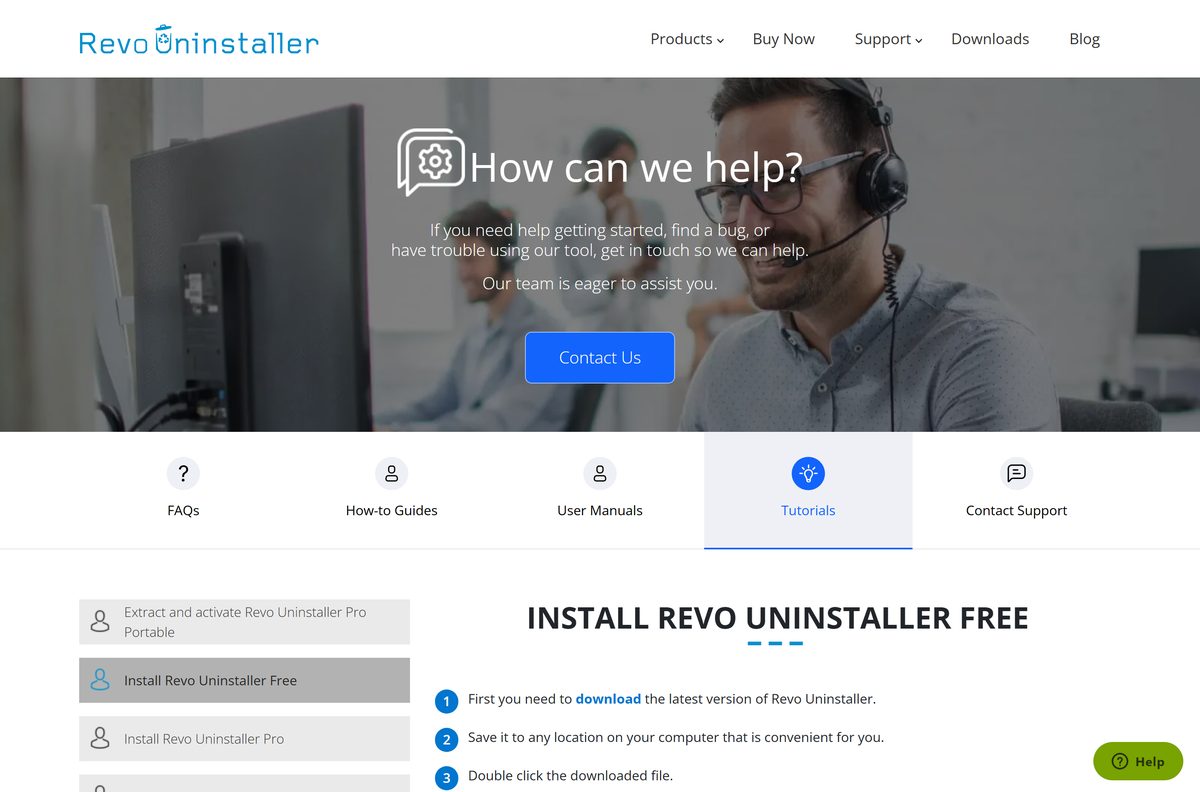
The free edition has no in-place updater. Updating means running the current setup over the old one.
- Press Windows + I, then open Apps, then Installed apps.
- Find Revo Uninstaller Freeware and read the version beside it.
- Compare it with the newest entry on the freeware version history.
- Open Revo Uninstaller, select Options on the main toolbar, then General.
- Tick Check for update on startup so the program flags the next release itself.
- To update now, download revosetup.exe again and run it over the existing install.
With that option on, the program contacts revouninstaller.com once a day at startup and sends no personal information.
What Mac users should install instead of Revo Uninstaller
There is no macOS build and no Mac App Store listing. The vendor’s catalogue is four Windows programs and three Android apps.
| Your machine | What to use | Why |
|---|---|---|
| Mac, any version of macOS | Finder or Launchpad, built in | Launchpad for App Store apps, the Trash for the rest |
| Mac running Windows in a virtual machine | revosetup.exe, inside that Windows | It runs in the guest, not in macOS |
| Android phone or tablet | Revo Uninstaller Mobile | Same developer, a separate app |
A Mac app keeps most of itself inside one bundle, so macOS needs no leftover scanner, though the Mac uninstall guide covers the awkward cases.
Fix Revo Uninstaller not downloading or not installing
The download never starts
The page starts the transfer for you, and some browsers block that.
- Open the freeware download page.
- Wait about five seconds for the transfer to begin.
- Select the click here link on that page if nothing happens.
- Check the saved file is 11.3 MB before running it.
Windows blocks the setup with a SmartScreen warning
The file carries a mark saying it came from the internet. Clearing it changes no system setting.
- Right-click revosetup.exe and select Properties, or press Alt + Enter.
- Tick Unblock at the bottom of the General tab.
- Select OK.
- Open the Digital Signatures tab and confirm VS REVO GROUP OOD signed it.
- Run the setup again.
Revo Uninstaller will not open after installing
The shortcut is broken, or a copy is already running.
- Open the Start menu, type Revo Uninstaller and open the result.
- Open Task Manager and end any existing Revo Uninstaller task.
- Open C:\Program Files\VS Revo Group\Revo Uninstaller and run its .exe directly.
- Run the portable build instead if that still refuses.
A program is missing from the list
Windows filed it as a system component, or it never registered an uninstaller.
- Select Options on the main toolbar, then open Uninstaller.
- Tick Show system components and go back to the list.
- Type part of the name into the search field above the list.
- Switch to Hunter Mode and drag the target onto the program’s window or tray icon.
- Use Forced Uninstall in Revo Uninstaller Pro if it appears nowhere.
How to uninstall Revo Uninstaller from Windows
The entry is named Revo Uninstaller Freeware, which is why searching for the plain name comes up empty.
- Press Windows + I to open Settings.
- Select Apps, then Installed apps.
- Find Revo Uninstaller Freeware and select the three dots beside it.
- Select Uninstall, then Uninstall again to confirm.
- Select Yes at the removal prompt, then OK when it finishes.
- Restart the PC if Windows asks for one.
- For the portable build, delete the RevoUninstaller_Portable folder instead.
On Windows 10 the vendor’s own route is a right-click on Start, then Programs and Features.
What to use instead of Revo Uninstaller
Check what the PC already has first. Two of these rows ship with the operating system.
| Tool | Where it comes from | Best for |
|---|---|---|
| Settings, Apps, Installed apps | Windows, built in | A program that uninstalls cleanly |
| winget uninstall | Windows Package Manager | Removing software from a script |
| Revo Uninstaller Pro | VS Revo Group, paid | Forced Uninstall and install monitoring |
| Revo Registry Cleaner Free | VS Revo Group, free | Registry entries left by software already gone |
| Finder and Launchpad | Apple, built in | Deleting a Mac app |
Windows removes Store apps well and desktop programs unevenly, which is the gap this tool fills; uninstalling Widgets in Windows 11 is one stubborn case.
Other system utilities and drivers for Windows include Windscribe and ASUS AI Suite 3.
Frequently asked questions
Is Revo Uninstaller free?
Yes. The free edition is freeware with no trial period and no expiry, and its licence covers personal and corporate use. Revo Uninstaller Pro is a separate paid product.
What is the official Revo Uninstaller download page?
The product page at revouninstaller.com holds both free downloads. The setup file is revosetup.exe, served from the vendor’s own download host, and the portable file is RevoUninstaller_Portable.zip.
How big is the Revo Uninstaller download?
The free setup is 11.3 MB, or 11,838,720 bytes. The portable ZIP is 12.5 MB and the Pro trial is 17.4 MB. Installed, it needs 85 MB free.
Is there a Revo Uninstaller offline installer?
Yes. The setup is a complete standalone package, not a downloader. Its compressed payload accounts for 11,553,184 of its 11,838,720 bytes, so installing needs no connection.
Does Revo Uninstaller work on Mac?
No. VS Revo Group publishes four Windows programs and three Android apps, and no macOS product. On a Mac, delete apps from Launchpad or drag them to the Trash.
Where is the Revo Uninstaller 64-bit download?
There is no separate one. A single setup covers 32-bit and 64-bit Windows, and the portable ZIP carries an x64 folder and an x86 folder its launcher chooses between.
Does Revo Uninstaller run on Windows 11?
Yes. The vendor lists Windows 7, 8, 8.1, 10 and 11 plus Windows Server editions, in 32-bit and 64-bit form. Removing Store apps needs Windows 8 or newer.
Is the Revo Uninstaller download safe?
The setup is code-signed by VS REVO GROUP OOD through DigiCert, and Windows shows that in the file’s Digital Signatures tab. Check that tab on any copy before running it.
Which Revo Uninstaller version is current?
Free 2.7.0, released 12 May 2026, and Pro 5.5.2, released 27 July 2026. The Microsoft Store listing sits one release behind, and the winget package is years older.
How do I remove Revo Uninstaller itself?
Open Settings, Apps, Installed apps, and uninstall the entry named Revo Uninstaller Freeware. The portable build installs nothing, so deleting its folder removes it.
Why will Revo Uninstaller not install?
Two causes cover most cases. The download never finished, so check the file is 11.3 MB, or SmartScreen flagged it, so tick Unblock in the file’s Properties first.





Revo Uninstaller 2.0.4 improves leftovers Scanning - Techdows
[…] Revo group has released Revo Uninstaller 2.0.4 free version and is available for download with improved scanning for leftover […]