The Intel Wireless Bluetooth driver download for Windows 11 and Windows 10 is a free package on the Intel Download Center. One 64-bit installer, BT-24.70.0-64UWD-Win10-Win11.exe, covers Intel Wi-Fi 7, Wi-Fi 6E, Wi-Fi 6 and Wireless-AC 9000 series adapters, plus the matching Killer cards.
Run it and Setup installs the right Bluetooth driver for the adapter inside your PC. The driver version depends on which adapter you have.
Below you will find the official download, the adapter list, installation steps, silent deployment switches, pairing fixes and removal.
Which Intel Bluetooth driver download do you need?
Intel splits its Bluetooth drivers by adapter generation. Find your adapter name in Device Manager under Bluetooth or Network adapters, then match it below.
| Your adapter | Download | Notes |
|---|---|---|
| Wi-Fi 7 BE200, BE201, BE202, BE211, BE213; Wi-Fi 6E AX210, AX211, AX411; Wi-Fi 6 AX201, AX203, AX231, AX101; Wireless-AC 9560, 9462, 9461, 9260 | Intel Wireless Bluetooth Drivers for Windows 10 and Windows 11 | Current package, 64-bit only |
| Killer BE1775, BE1750, AX1690, AX1675, AX1650 (i/s) or 1550 | Intel Wireless Bluetooth Drivers for Windows 10 and Windows 11 | Same package as the Intel adapters |
| Wi-Fi 6 AX200, Wi-Fi 6 (Gig+) Desktop Kit or Killer AX1650 (x/w) | Bluetooth driver for Intel Wi-Fi 6 AX200 | Final version 24.10.0, end of life |
| Wireless-AC 8260, 8265, 3165, 3168 or 7265 (Rev. D) | Intel Download Center | Search the adapter name for its separate legacy package |
| Wireless 7260, 7265 (Rev. C) or Dual Band Wireless-AC 3160 | Your PC maker’s support site | End of life, Intel offers no driver |
Not sure which adapter you have? Run Intel Driver & Support Assistant and it detects the adapter for you.
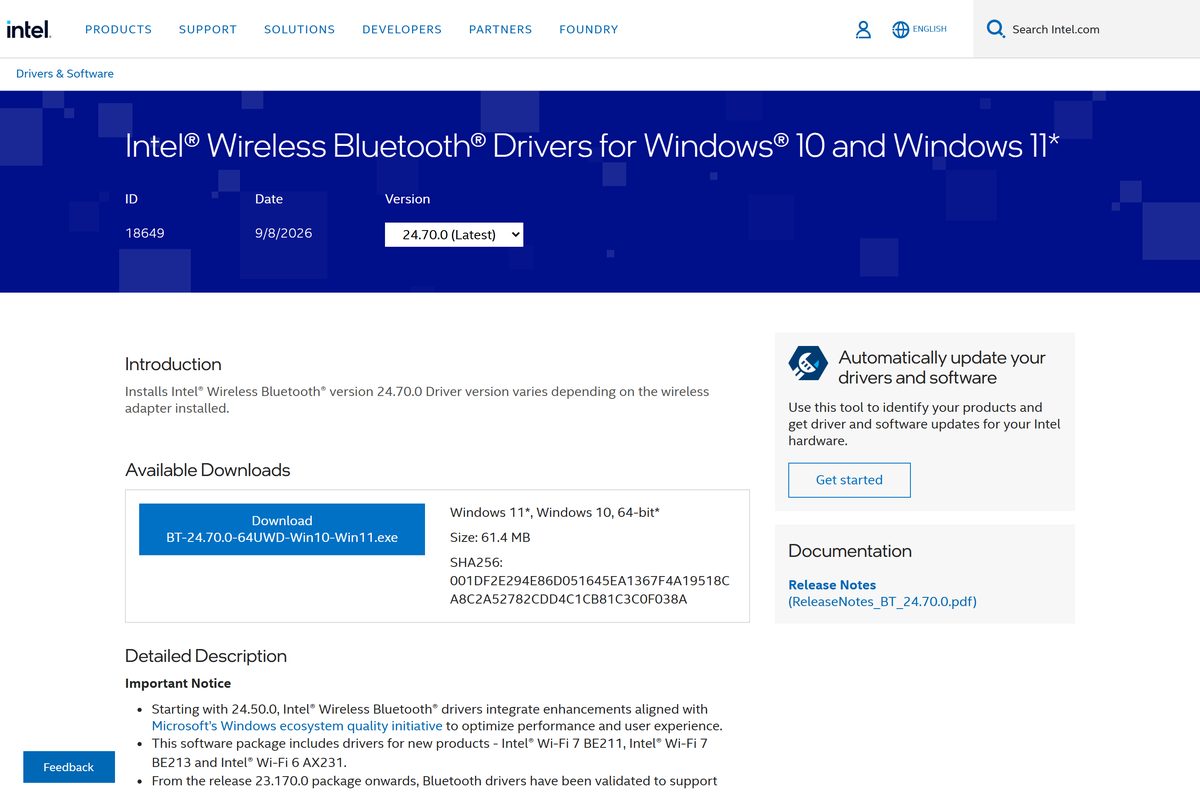
Download the Intel Wireless Bluetooth driver from intel.com
Intel lists package 24.70.0 as the latest release, dated 8 September 2026. The page offers one file for Windows 11 and Windows 10 64-bit.
- Intel Wireless Bluetooth Drivers for Windows 10 and Windows 11 — click Download next to BT-24.70.0-64UWD-Win10-Win11.exe
- Intel Bluetooth release notes (PDF) — fixes, known issues and supported hardware
- Intel Driver & Support Assistant — detects your adapter and installs the update automatically
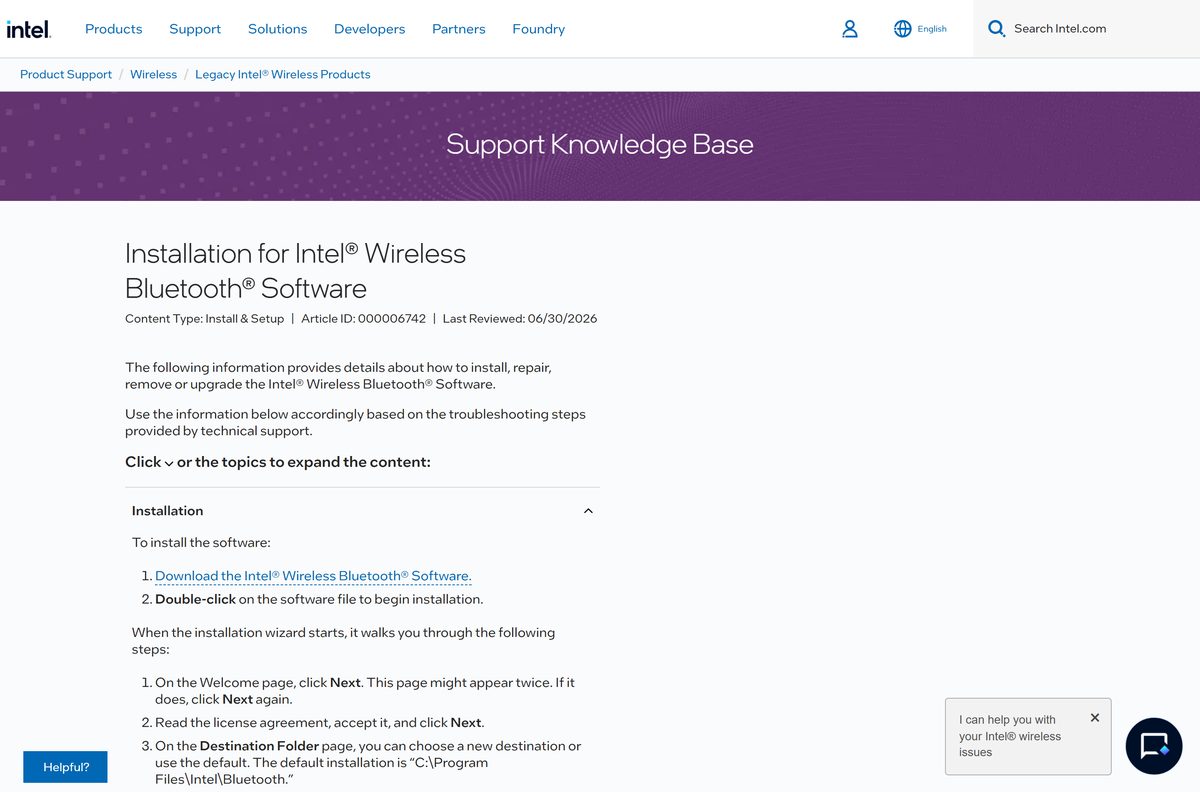
- Installation for Intel Wireless Bluetooth Software — install, repair, remove and upgrade instructions
The SHA256 hash Intel publishes is 001DF2E294E86D051645EA1367F4A19518CA8C2A52782CDD4C1CB81C3C0F038A. Compare it with Get-FileHash .\BT-24.70.0-64UWD-Win10-Win11.exe in PowerShell before you run the file.
How to install the Intel Bluetooth driver on Windows 11 and 10
Sign in with an administrator account and close any app that is using a Bluetooth device.
- Open the Intel Wireless Bluetooth download page and click Download.
- Save BT-24.70.0-64UWD-Win10-Win11.exe to a folder on your PC.
- Double-click the file and select Yes at the User Account Control prompt.
- On the Welcome page, click Next. Click Next again if the page appears a second time.
- Read the license agreement, accept it, and click Next.
- Keep the default folder, C:\Program Files\Intel\Bluetooth, or choose another one.
- Click Install and wait for the progress bar to finish.
- Click Finish, then restart the PC.
Adapter 9560, 9462 or 9461 on driver 23.10 to 23.50? Unpair every Bluetooth device before you upgrade, then pair them again afterwards. Intel requires this step for those three adapters.
How to check your Intel Bluetooth driver version and update it
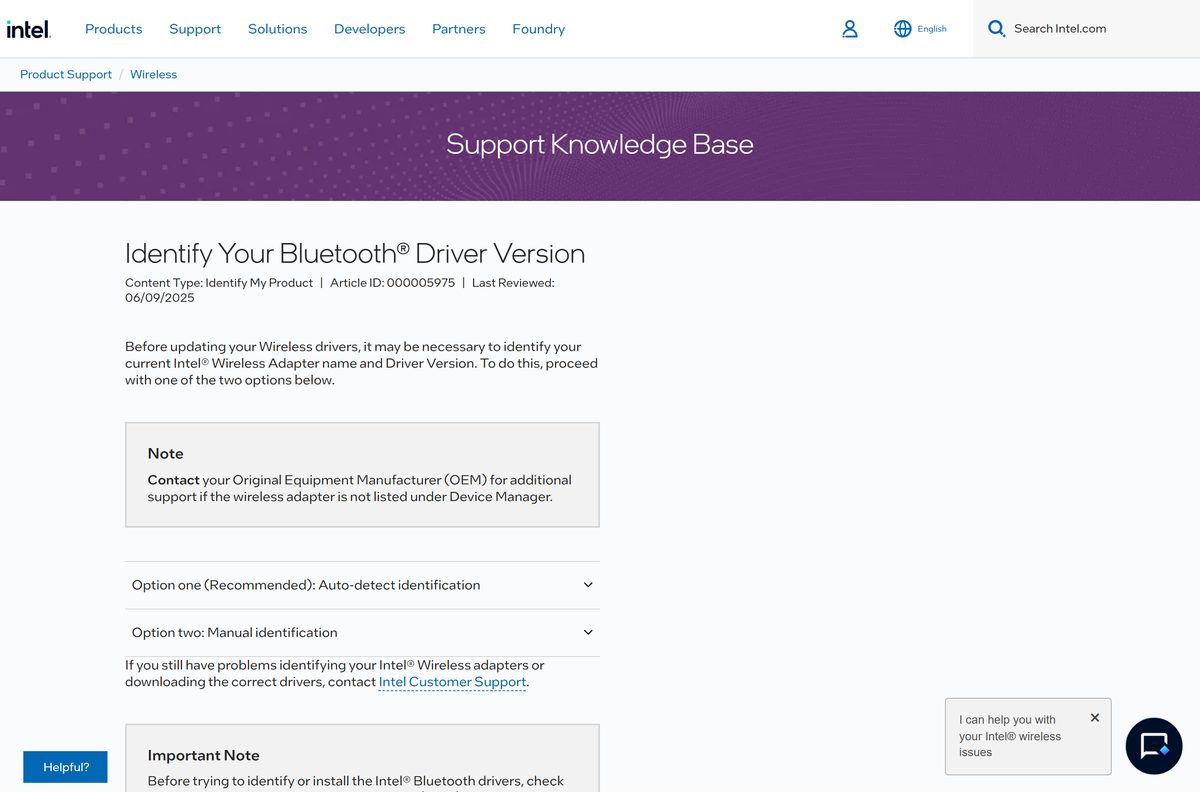
Check the installed driver before you download, so you know whether an update is due.
- Right-click Start and select Device Manager.
- Expand Bluetooth.
- Right-click Intel(R) Wireless Bluetooth(R) and select Properties.
- Open the Driver tab and read Driver Version.
- Compare it with the driver version on the Intel download page for your adapter.
- If yours is older, install the current package from intel.com, or let Intel Driver & Support Assistant do it.
A new package does not always change the driver. When a release ships the same driver as the previous one, Driver Version stays the same after setup, and that is expected.
How to install the Intel Bluetooth driver silently for IT deployment
From package 24.50.0 onwards, Intel supports a quiet switch on the same EXE. Run it from an Administrator: Command Prompt.
BT-24.70.0-64UWD-Win10-Win11.exe /quiet /quiet installs with no popups and reboots the PC automatically, so schedule it outside working hours. To remove the driver silently, run BT-24.70.0-64UWD-Win10-Win11.exe /quiet /x . After a silent removal the device can roll back to the Windows default driver or show an unknown version. Intel documents both switches in its Bluetooth installation article.
The separate IT administrator MSI package stopped at version 24.40.0 and was withdrawn after 11 August 2026. Intel tells admins to move to the EXE package, version 24.50.0 or later.
Which Bluetooth driver download do you need for a Mac?
Intel’s Bluetooth package is a Windows installer. Intel states that its wireless adapters do not support Mac OS X, so there is no macOS build.
| Your machine | What to use | Notes |
|---|---|---|
| A Mac running macOS | Bluetooth support built into macOS | Update through System Settings > General > Software Update |
| A Windows 11 or 10 PC with an Intel Bluetooth adapter | Intel Wireless Bluetooth Drivers for Windows 10 and Windows 11 | Only if Device Manager lists an Intel Bluetooth adapter |
Is the Intel Wireless Bluetooth driver free?
Yes. Intel offers the Bluetooth driver package on its Download Center at no charge. It ships under the Intel software license, and there is no key, trial or subscription. A site that charges for Intel Bluetooth drivers, or bundles them inside a paid driver updater, is not Intel.
Check the Intel Wireless Bluetooth driver requirements
Every current Intel wireless adapter supports only 64-bit Windows 10 and Windows 11. A 32-bit Windows install cannot use this package.
| Field | Value |
|---|---|
| Software | Intel Wireless Bluetooth driver package |
| Developer | Intel Corporation |
| Latest version | 24.70.0 (driver 24.70.0.4) |
| Release date | 8 September 2026 |
| Licence | Free, Intel software license |
| File name | BT-24.70.0-64UWD-Win10-Win11.exe |
| Supported Windows | Windows 11 and Windows 10, 64-bit only |
| Windows 11 25H2 | Validated from package 23.170.0 onwards |
| Architecture | x64 |
| Not supported | macOS, Windows Server and 32-bit Windows |
| Hardware | A supported Intel or Killer wireless adapter with Bluetooth |
| Default install folder | C:\Program Files\Intel\Bluetooth |
| Official download source | intel.com |
| Last verified | 2026-09-25 |
Confirm your edition under Settings > System > About. System type must read 64-bit operating system, x64-based processor.
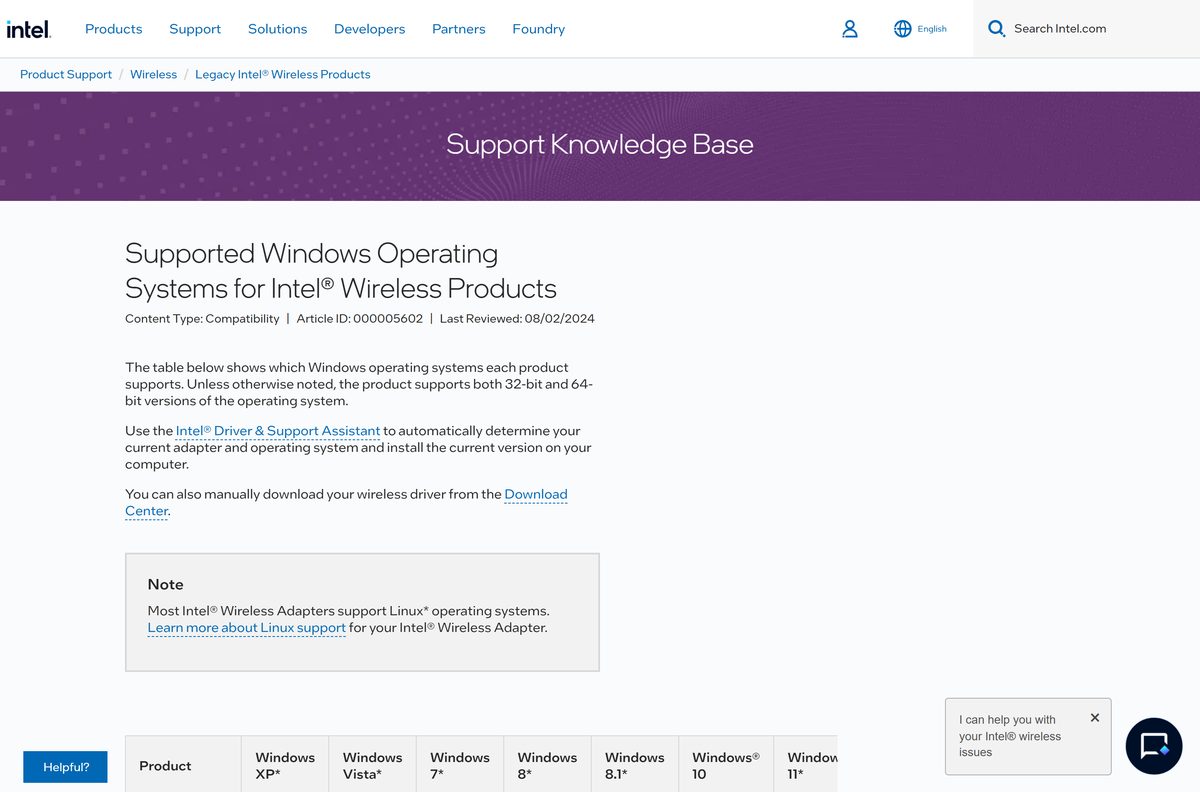
Which adapters does the current Intel Bluetooth package support?
Intel lists these products as valid for the current download. The current package adds support for Wi-Fi 7 BE211, BE213 and Wi-Fi 6 AX231.
| Family | Adapters | Status |
|---|---|---|
| Intel Wi-Fi 7 | BE200, BE201, BE202, BE211, BE213 | Supported |
| Intel Wi-Fi 6E | AX210, AX211, AX411 | Supported |
| Intel Wi-Fi 6 | AX201, AX203, AX231, AX101 | Supported |
| Intel Wireless-AC | 9560, 9462, 9461, 9260, including the 9260 IoT kits | Supported |
| Intel Killer | BE1775, BE1750, AX1690, AX1675, AX1650 (i/s), 1550 | Supported |
| Intel Wi-Fi 6 AX200 and Desktop Kit | AX200, Killer AX1650 (x/w) | Separate package, removed from 24.20.0 |
| Older Wireless-AC | 8260, 8265, 3165, 3168, 7265 (Rev. D) | Separate legacy packages |
| End of life | 7260, 7265 (Rev. C), 3160 | No driver available |
PC makers sometimes customise the Bluetooth driver. Intel advises checking with your computer manufacturer first, so an Intel generic driver does not remove features the laptop maker added.
Fix Intel Bluetooth driver problems on Windows 11 or 10
Match what you see to the symptom below. Each fix names one cause.
Paired devices stop connecting after the update
Adapters 9560, 9462 and 9461 upgraded from driver 23.10 to 23.50 keep stale pairings.
- Open Settings > Bluetooth & devices.
- Select each device, then Remove device.
- Restart the PC.
- Pair each device again.
Setup finishes but Driver Version does not change
The new package contains the same driver as the previous release.
- Compare the driver version on the Intel download page with the one in Device Manager.
- If they match, you already have the current driver and no action is needed.
The installer says the adapter is not supported
The adapter is AX200, an older Wireless-AC model, or not an Intel part.
- Check the adapter name in Device Manager.
- For AX200, use the AX200 Bluetooth package.
- For a non-Intel adapter, get the driver from your PC maker’s support site.
Bluetooth is missing from Settings or Device Manager
Bluetooth is turned off, disabled in firmware, or the driver is damaged.
- Run the Bluetooth troubleshooter from Microsoft’s Fix Bluetooth problems in Windows guide.
- Uninstall Intel Wireless Bluetooth, restart, and install the package again.
- If the adapter is still missing, check with your PC maker that Intel Bluetooth hardware is fitted.
How to uninstall the Intel Wireless Bluetooth driver
Remove the driver when you want a clean reinstall or plan to switch to your PC maker’s version.
- Open Control Panel.
- Click Programs and Features.
- Right-click Intel Wireless Bluetooth and click Change.
- Click Remove and follow the prompts.
- Restart the PC to finish the removal.
To upgrade, run the newer package over the old one. If that fails, uninstall first, restart, and then run the new installer.
What to use when the Intel package is not the right fit
The Intel download is the generic driver. These routes cover automatic detection, OEM builds and Windows Update.
| Tool | Publisher | Best for |
|---|---|---|
| Intel Driver & Support Assistant | Intel | Detecting your adapter and installing the matching driver |
| Computer manufacturer support sites | Dell, HP, Lenovo and others | Laptop drivers the maker has customised |
| Fix Bluetooth problems in Windows | Microsoft | Troubleshooter and Windows Update driver fixes |
Use the Intel package for a desktop card or a laptop with no OEM update. Use the maker’s driver when the laptop ships custom Bluetooth features.
Frequently asked questions
Where is the official Intel Wireless Bluetooth driver download?
It is on the Intel Download Center at intel.com, under Intel Wireless Bluetooth Drivers for Windows 10 and Windows 11, download ID 18649. Click Download next to BT-24.70.0-64UWD-Win10-Win11.exe.
Is the Intel Wireless Bluetooth driver free?
Yes. Intel offers the package at no charge under its software license. There is no key or subscription, so any site that asks you to pay for Intel Bluetooth drivers is not Intel.
What is the latest Intel Wireless Bluetooth driver version?
Intel lists package 24.70.0, dated 8 September 2026, as the latest. It installs driver 24.70.0.4 on most supported adapters, but the exact driver version depends on the adapter in your PC.
Does the Intel Bluetooth driver work on Windows 11?
Yes. The package supports Windows 11 and Windows 10 in their 64-bit editions. Intel has validated its Bluetooth drivers on Windows 11 25H2 since package 23.170.0.
Is there a 32-bit Intel Bluetooth driver?
No. Intel’s current wireless adapters support only 64-bit Windows 10 and Windows 11, and the download page offers a single 64-bit installer. Check System type under Settings, System, About.
Is there an Intel Bluetooth driver for Mac?
No. Intel states that its wireless adapters do not support Mac OS X. On a Mac, Bluetooth is built into macOS and updates through System Settings, General, Software Update.
Which Intel Bluetooth driver do I need for the AX200?
The AX200, the Wi-Fi 6 (Gig+) Desktop Kit and Killer AX1650 (x/w) use a separate package. Its final version is 24.10.0 with driver 24.10.0.4, and Intel no longer updates it.
How do I find my Intel Bluetooth driver version?
Open Device Manager, expand Bluetooth, right-click Intel(R) Wireless Bluetooth(R) and select Properties. The Driver tab shows Driver Version. Intel Driver & Support Assistant also reports it automatically.
Why did the Intel Bluetooth update not change my driver version?
Some packages carry the same driver as the previous release. Setup then leaves the driver unchanged, which is expected. Compare the driver version on the Intel download page with Device Manager.
Can I install the Intel Bluetooth driver silently?
Yes. From an Administrator Command Prompt, run the package with the /quiet switch. It installs with no popups and reboots automatically. Add /quiet /x to remove the driver silently.
Should I use Intel’s driver or my laptop maker’s driver?
Intel recommends checking with your computer manufacturer first, because the maker may have customised the driver. Use Intel’s package when the maker offers no newer version or you have a desktop card.
Why do my Bluetooth devices not connect after updating?
On the 9560, 9462 and 9461, upgrading from driver 23.10 to 23.50 needs all devices unpaired first. Remove each device in Settings, restart, and pair them again.






