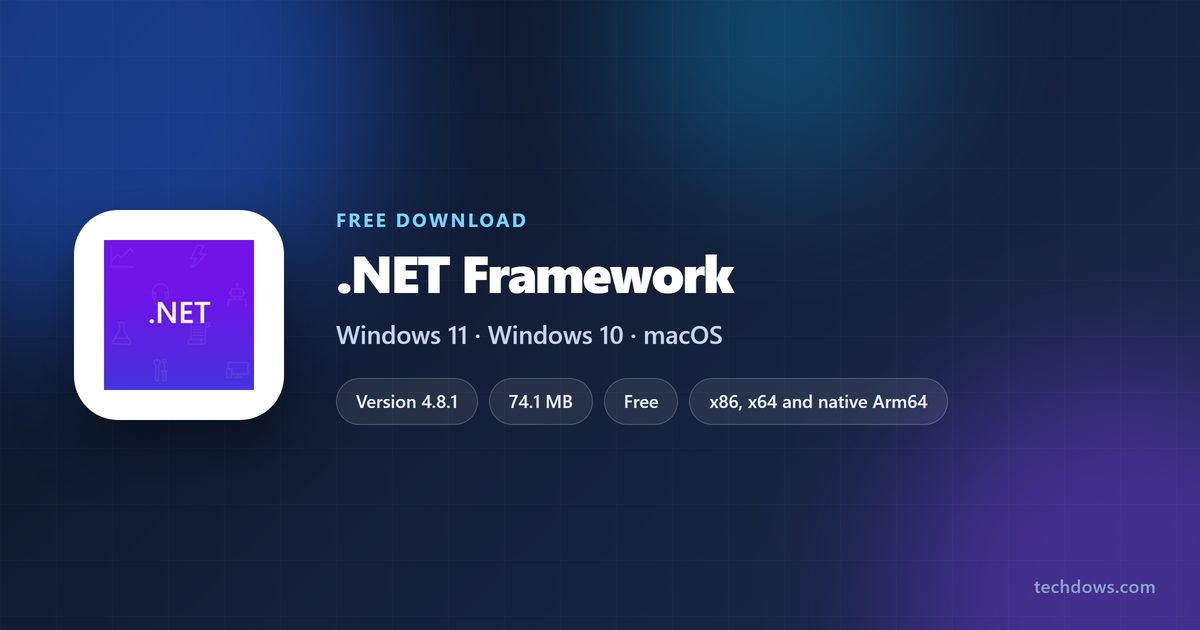
The .NET Framework download is free from Microsoft for Windows 11 and Windows 10, and the current offline installer is a 74.1 MB file. Most Windows 11 PCs already run the latest release, so the file you need depends on your Windows version and on which version your app asks for.
This guide covers the offline and web installers, the Developer Pack, turning on version 3.5 in Windows Features, the DISM command, version checks, install fixes and what to do on a Mac.
Check the .NET Framework system requirements before you download
Your Windows version decides whether you need to download anything at all. Setup needs administrator rights on every supported system.
| Field | Value |
|---|---|
| Software | .NET Framework |
| Developer | Microsoft Corporation |
| Latest version | 4.8.1, released August 9, 2022 |
| Older supported versions | 4.8, 4.7.2, 4.7.1, 4.7, 4.6.2 and 3.5 SP1 |
| License | Free |
| Offline installer size | 74.1 MB |
| Web installer size | 1.4 MB |
| Windows | Windows 11, Windows 10 20H2 or later, Windows Server 2022 and 2025 |
| Architecture | x86, x64 and native Arm64 |
| Hardware | 1 GHz processor, 512 MB RAM, 4.5 GB free disk space |
| Mac and Linux | Not available; Windows only |
| Official download | dotnet.microsoft.com |
| Last verified | 2026-09-25 |
Which .NET Framework download do you need?
Press Windows + R, type winver and press Enter to read your Windows version. Match it to a row below.
| Your situation | What to download | Size |
|---|---|---|
| Windows 11 22H2, 23H2, 24H2 or 25H2 | Nothing for 4.x apps; the latest version is built in | None |
| Windows 11 21H2 or Windows 10 22H2 | 4.8.1 offline installer | 74.1 MB |
| Same systems, with a steady internet connection | 4.8.1 web installer | 1.4 MB |
| Visual Studio shows error MSB3644 for a project that targets the newest release | 4.8.1 Developer Pack | 98.8 MB |
| An older app asks for 3.5 on Windows 11 25H2 or earlier, or Windows 10 | Turn it on in Windows Features | Fetched by Windows Update |
| An older app asks for 3.5 on Windows 11 26H1 or later | 3.5 standalone installer for 26H1 | 100.4 MB |
| Windows 10 1607 to 1809, which cannot take the newest release | 4.8 offline installer | 115.7 MB |
Download .NET Framework from the official Microsoft site
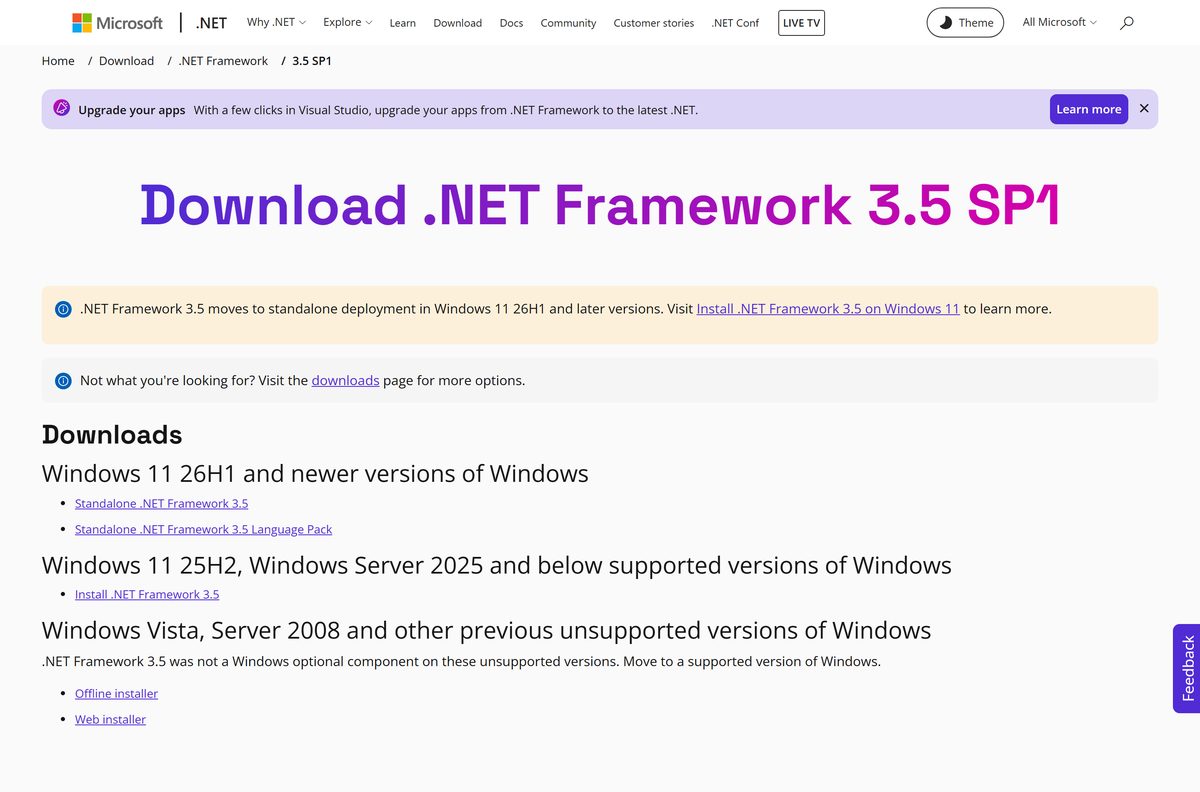
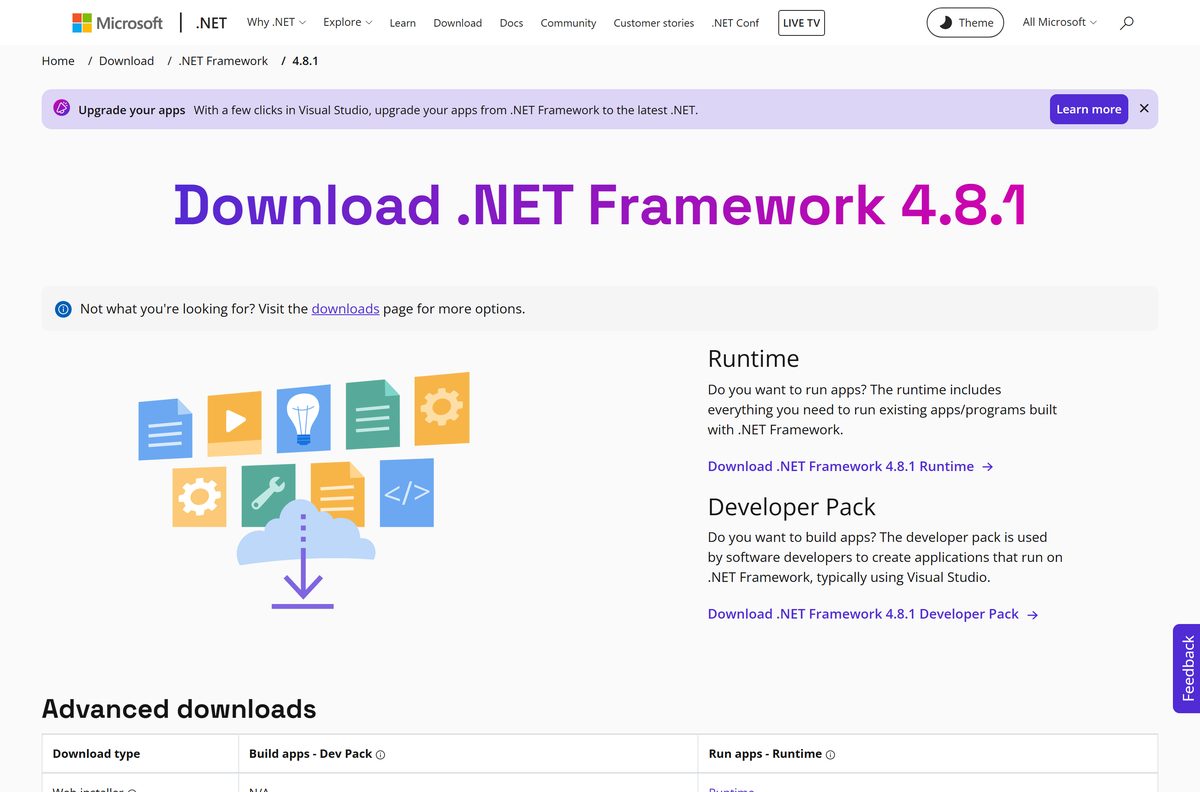
Microsoft hosts every supported version on dotnet.microsoft.com. Each link below starts the file straight from download.microsoft.com.
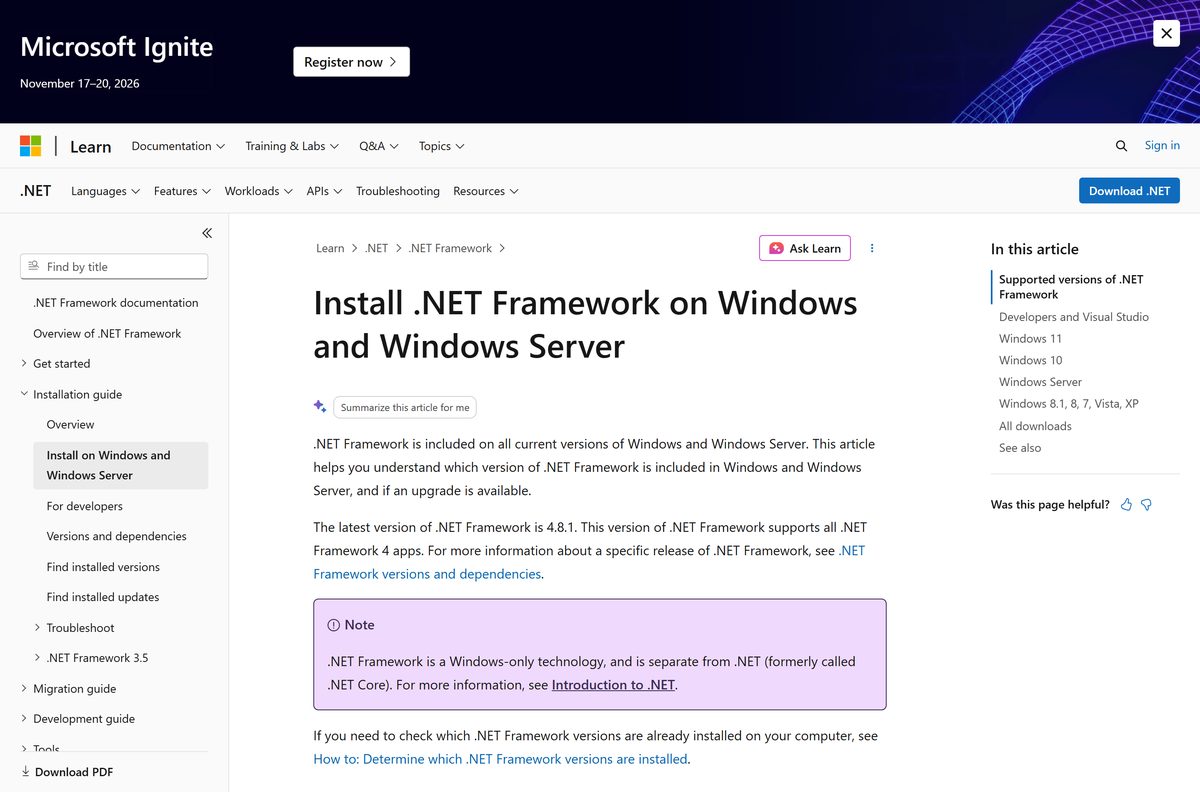
- All .NET Framework versions — supported versions with release and end-of-support dates
- Version 4.8.1 download page — runtime, Developer Pack and language packs
- NDP481-x86-x64-AllOS-ENU.exe, offline runtime — 74.1 MB
- NDP481-Web.exe, web runtime — 1.4 MB
- NDP481-DevPack-ENU.exe, Developer Pack — 98.8 MB
- Version 3.5 SP1 download page — standalone setup for Windows 11 26H1 and legacy installers
How to install .NET Framework on Windows 11 and 10
These steps use the offline runtime installer. The web installer follows the same screens but downloads its files during setup.
- Download NDP481-x86-x64-AllOS-ENU.exe from the official page.
- Close any program that asked for the runtime.
- Double-click the file in your Downloads folder.
- Select Yes at the User Account Control prompt.
- Accept the licence terms, then select Install.
- Wait for setup to report that the install is complete, then close it.
- Restart the PC if setup asks you to.
- Open the program that needed the runtime and check it starts.
How to turn on .NET Framework 3.5 in Windows Features
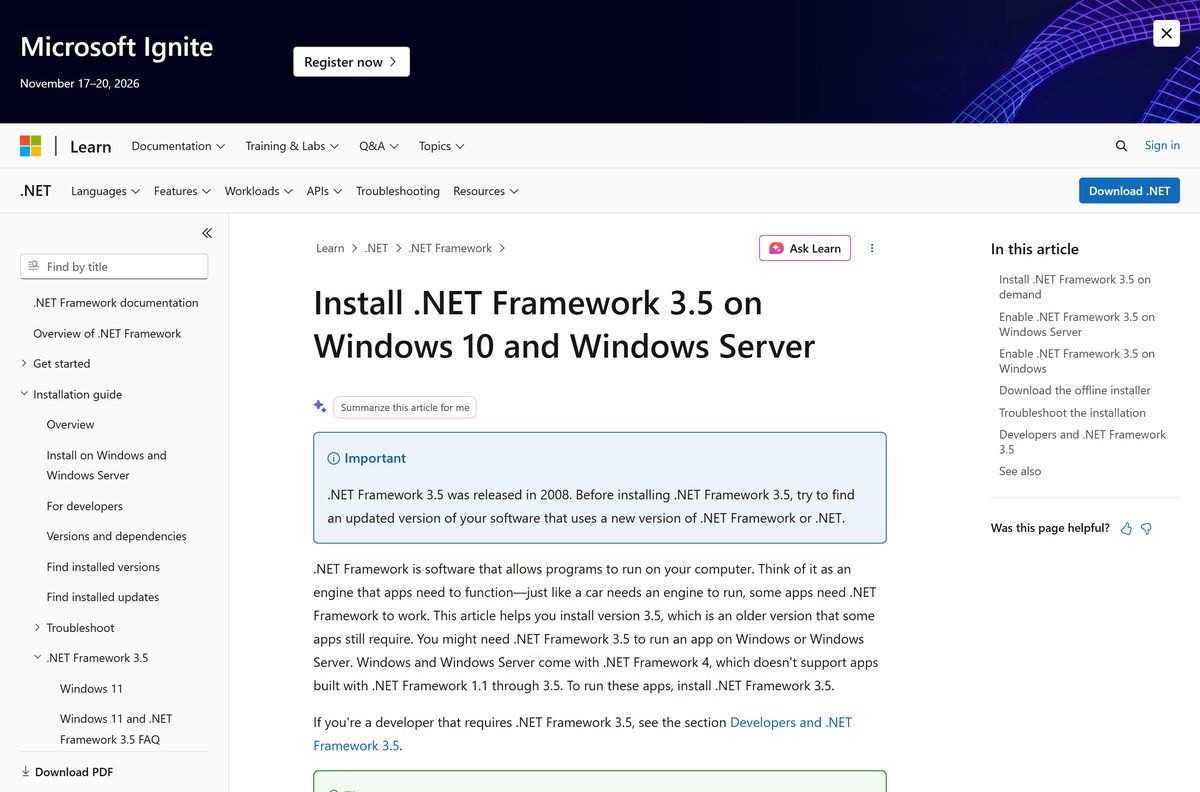
Version 3.5 runs apps built for 1.0 through 3.5 and sits alongside the 4.x runtime. On Windows 11 25H2 and earlier, and on Windows 10, it is an optional Windows feature that you switch on.
- Select Start and type Windows Features.
- Open Turn Windows features on or off.
- Tick .NET Framework 3.5 (includes .NET 2.0 and 3.0).
- Leave the two Windows Communication Foundation child items unticked unless you run a server that needs them.
- Select OK.
- Keep the PC online, because Windows fetches the feature files from Windows Update.
- Restart the PC if prompted.
Windows 11 26H1 (build 28000) removes 3.5 from Windows Features. Use the 100.4 MB standalone installer from the 3.5 SP1 page instead.
Install .NET Framework 3.5 offline with DISM
Use this when Windows Update is blocked or the PC has no internet. You need Windows installation media for the exact same Windows version, mounted as a drive.
DISM /Online /Enable-Feature /FeatureName:NetFx3 /All /LimitAccess /Source:d:\sources\sxs Run it from Command Prompt (Admin) and change d: to your media’s drive letter. /All enables the parent features, /LimitAccess stops DISM contacting Windows Update or WSUS, and /Source points at the sources\sxs folder on the media. On a PC that can reach Windows Update, DISM /Online /Enable-Feature /FeatureName:NetFx3 /All is enough. Microsoft documents every switch in its DISM guide for .NET Framework 3.5.
Media from a different Windows version can leave the PC unserviceable, so test on one machine first.
What to install on a Mac instead of .NET Framework
Microsoft builds .NET Framework for Windows only. The cross-platform product that runs on macOS is .NET, formerly .NET Core.
| What you want on the Mac | What to install | Where |
|---|---|---|
| Build or run new .NET apps on macOS | .NET SDK or runtime for macOS | dotnet.microsoft.com downloads |
| Run a Windows program that asks for .NET Framework | A Windows 11 installation, then the runtime inside it | Version 4.8.1 page |
| Port an existing .NET Framework app to macOS | Move the project to modern .NET | Porting overview |
Is .NET Framework free?
Yes. Every .NET Framework runtime, Developer Pack and language pack downloads free from Microsoft, with no licence key or paid edition. Microsoft treats versions 4.5.2 and later as a component of Windows, so they get updates through Windows Update at no cost. A site that charges for the installer, or bundles it inside a download manager, is not Microsoft. Take the file from dotnet.microsoft.com and nowhere else.
Which version do you need: 4.8.1, 3.5 or both?
All 4.x versions are in-place updates, so only one can exist on a PC. Version 3.5 is a separate runtime that installs beside it.
Keep the 4.x runtime on the newest release, and add 3.5 only when a program asks for it by name. The newest 4.x release runs every app built for 4.0 through 4.8, so an older 4.x installer has nothing to add and setup blocks it. Apps built for 1.0 to 3.5 need the 3.5 runtime, which Microsoft supports until January 9, 2029. Version 4.6.2 support ends on January 12, 2027.
How to check your .NET Framework version and update it
Windows stores the installed 4.x version as a Release number in the registry. A value of 533320 or higher means the newest release is present.
- Right-click Start and select Terminal.
- Run Get-ItemPropertyValue -LiteralPath ‘HKLM:SOFTWARE\Microsoft\NET Framework Setup\NDP\v4\Full’ -Name Release .
- Read the number: 533320 or higher is 4.8.1, the newest release, and 528040 or higher is 4.8.
- If the key is missing, 4.5 or later is not installed.
- To check 3.5, open Turn Windows features on or off and see whether its box is filled.
- Open Settings > Windows Update and select Check for updates to get the latest security fixes.
- Run the offline installer from the official page to move an older 4.x runtime up to the current release.
Check which .NET Framework version your Windows already includes
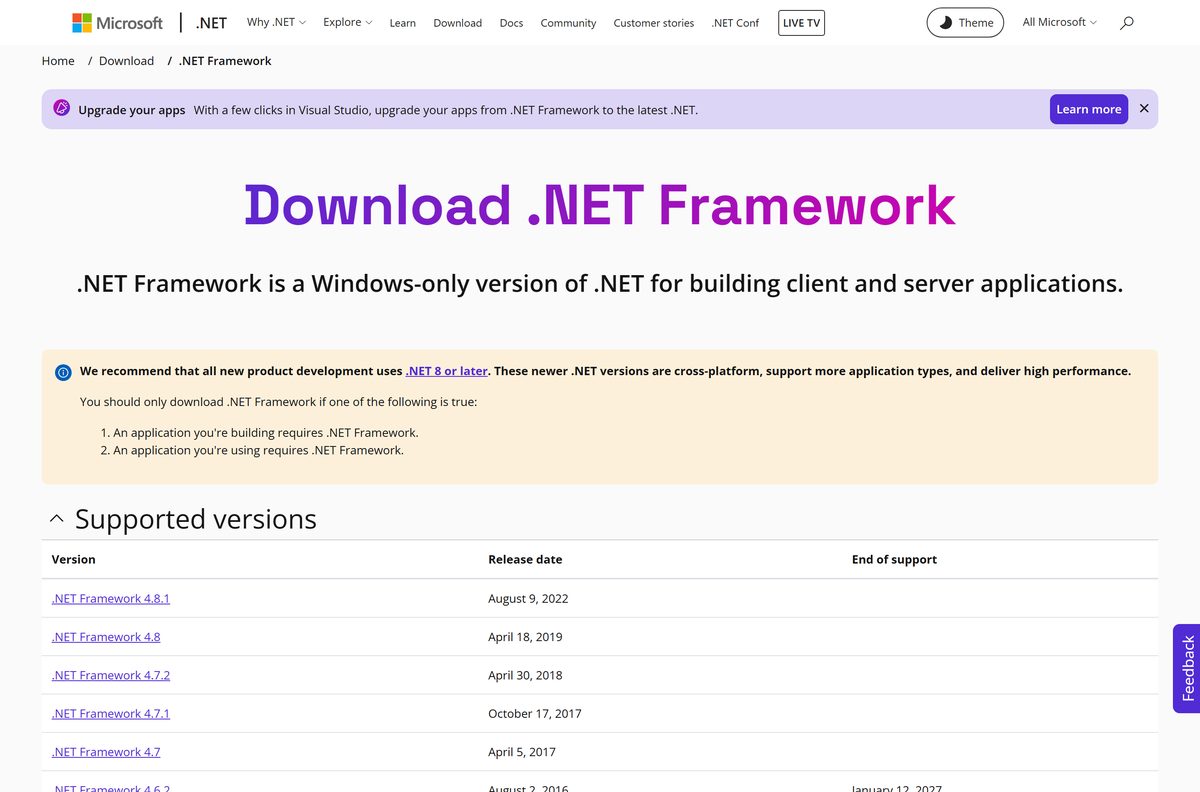
Find your Windows version in the left column to see whether a download adds anything.
| Windows version | Included version | Download needed for the newest release? |
|---|---|---|
| Windows 11 22H2, 23H2, 24H2, 25H2 | Newest release | No |
| Windows 11 21H2 | 4.8 | Yes, the offline or web installer |
| Windows 10 20H2 to 22H2 | 4.8 | Yes, the offline or web installer |
| Windows 10 1903 to 2004 | 4.8 | No; 4.8 is the highest these versions take |
| Windows 10 1607 to 1809 | 4.6.2 to 4.7.2 | Install 4.8 instead |
| Windows Server 2025 | Newest release | No |
| Windows Server 2022 | 4.8 | Yes, the offline or web installer |
Fix .NET Framework not installing on Windows 11 or 10
Setup says the version is already installed or already part of the operating system
Windows already has that 4.x version or a newer one.
- Run the registry check from the version section above.
- Close setup; no install is needed.
- If an app still complains, run Windows Update and restart.
Version 3.5 fails with 0x800f0906, 0x800f0907, 0x800f081f or 0x800F0922
Windows cannot fetch the feature files, often because the PC uses WSUS or has no internet.
- Connect to the internet and run Windows Update first.
- Try Turn Windows features on or off again.
- If it still fails, run the DISM command from the offline section with your installation media.
- Read Microsoft’s 3.5 installation error guide for WSUS-managed PCs.
Setup reports the component store is corrupted
Damaged Windows servicing files block the install.
- Open Terminal (Admin).
- Run DISM.exe /Online /Cleanup-image /Restorehealth .
- Run sfc /scannow , then run Windows Update again.
- Run the installer again.
Setup fails with error 1603 or says it cannot run in Program Compatibility Mode
A compatibility setting from an earlier failed attempt is still attached to the installer.
- Press Windows + R, type regedit and press Enter.
- Open HKEY_CURRENT_USER\SOFTWARE\Microsoft\Windows NT\CurrentVersion\AppCompatFlags\Layers.
- Delete any entry that names the installer file.
- Run the installer again without changing its compatibility settings.
How to remove or turn off .NET Framework
On Windows 8 and later, the 4.x runtime is part of Windows and cannot be uninstalled. Removing it would also break programs that depend on it.
- Select Start and type Windows Features.
- Open Turn Windows features on or off.
- Clear the .NET Framework 3.5 (includes .NET 2.0 and 3.0) box to turn version 3.5 off.
- Select OK and restart when prompted.
- To roll back a runtime update, open Control Panel > Programs and Features > View installed updates, but only when Microsoft support asks you to.
Choose between .NET Framework and modern .NET
The two products share a name and a language but install separately. A program’s requirements screen tells you which one it needs.
| Product | Runs on | Pick it when | Download |
|---|---|---|---|
| .NET Framework runtime | Windows only | A program asks for .NET Framework 4.x or 3.5 | dotnet-framework |
| .NET Framework Developer Pack | Windows only | You maintain a project that targets .NET Framework in Visual Studio | Developer Pack |
| .NET runtime or SDK | Windows, macOS and Linux | A program asks for .NET 8 or later, or you start a new project | dotnet downloads |
Frequently asked questions
Is .NET Framework free to download?
Yes. Microsoft offers every .NET Framework runtime, Developer Pack and language pack free on dotnet.microsoft.com. There is no licence key, trial or paid edition, and security updates arrive free through Windows Update.
What is the official .NET Framework download page?
The official page is dotnet.microsoft.com/download/dotnet-framework, run by Microsoft. It lists each supported version with its release date, and each version page links to the runtime, the Developer Pack and language packs.
Does .NET Framework work on Windows 11?
Yes. Windows 11 22H2 and later include the latest version out of the box, and Windows 11 21H2 ships with 4.8 and can be upgraded. Version 3.5 is also supported and can be turned on when an older app needs it.
How big is the .NET Framework download?
The latest offline runtime installer is 74.1 MB and the web installer is 1.4 MB. The matching Developer Pack is 98.8 MB, and the 3.5 standalone installer for Windows 11 26H1 is 100.4 MB.
Is there a .NET Framework offline installer?
Yes. The 74.1 MB offline installer contains everything needed for an English install and needs no internet connection once downloaded. Use it for PCs without a steady connection, then add a language pack if you want translated messages.
Can I download .NET Framework for Mac?
No Mac version exists because .NET Framework is built for Windows only. On macOS, install modern .NET from dotnet.microsoft.com, or run the Windows program that needs the runtime inside a Windows 11 installation.
Does .NET Framework support 64-bit and ARM64?
Yes. The installers cover 32-bit and 64-bit Windows, and version 4.8.1 added native Arm64 support. Apps built for .NET Framework can run natively on Arm PCs instead of through x64 emulation.
Is it safe to download .NET Framework?
Yes, when the file comes from dotnet.microsoft.com or download.microsoft.com, both run by Microsoft. Avoid third-party download sites and bundles, which can wrap the installer with unwanted software or serve an outdated build.
What is the latest version of .NET Framework?
The latest version is .NET Framework 4.8.1, released August 9, 2022. It is an in-place update that runs every app built for 4.0 through 4.8, and Microsoft supports it for as long as the Windows version it runs on.
Why won’t .NET Framework install?
Usually because Windows already includes that version or a newer one, or a restart is pending. For version 3.5, errors such as 0x800f0906 mean Windows cannot fetch the feature files, which Windows Update or the DISM command fixes.
How do I install .NET Framework 3.5 on Windows 11?
On Windows 11 25H2 and earlier, open Turn Windows features on or off and tick .NET Framework 3.5. On Windows 11 26H1 and later, the feature is gone, so run Microsoft’s standalone 3.5 installer instead.