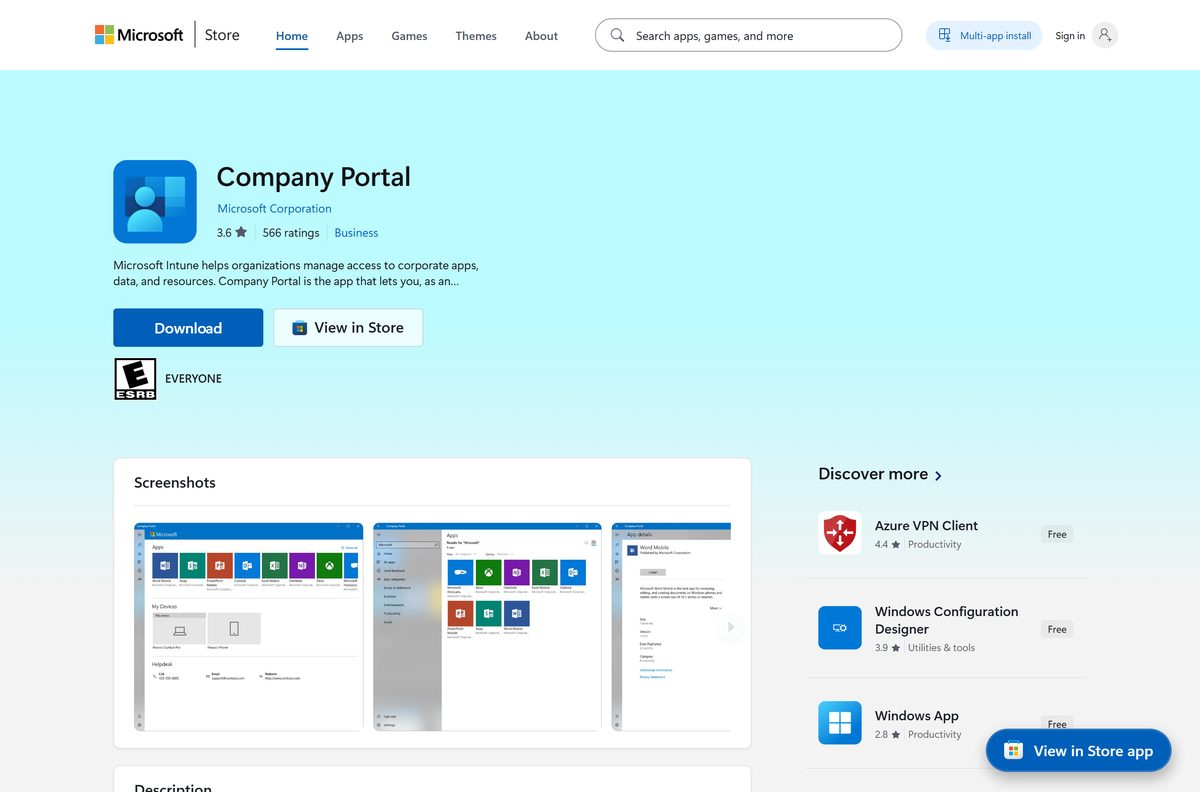
The Microsoft Intune download most people need is Company Portal, the free app published by Microsoft Corporation. On Windows 11 and Windows 10 it comes from the Microsoft Store, and the Store bundle is 74.3 MB.
On a Mac, Microsoft ships a standalone installer package instead. Administrators do not download anything at all: the service is run from a browser console at intune.microsoft.com.
This guide covers which file your device needs, the official links, install and enrollment steps for Windows and Mac, what the subscription costs, and fixes for enrollment failures.
Which Microsoft Intune download do you need?
Match your device to a row and use the link in that row. Company Portal is the client app; the admin center is a website.
| Your device or role | What to get | Download size |
|---|---|---|
| Windows 11 or Windows 10 PC | Company Portal on the Microsoft Store | 74.3 MB bundle |
| Mac on macOS 11 or later | CompanyPortal-Installer.pkg from Microsoft | 81.7 MB |
| iPhone or iPad on iOS 17.0 or later | Intune Company Portal on the App Store | 123.3 MB |
| Android phone or tablet | Intune Company Portal on Google Play | Play states no size |
| PC with no access to the Store | Company Portal website | Nothing to install |
| IT admin running the service | Microsoft Intune admin center | Nothing to install |
The Store figure covers one bundle holding four architectures, so a single PC pulls less than 74.3 MB.
Download Company Portal from the official Microsoft sources
Microsoft distributes the client from five addresses. Nothing else carries a genuine copy.
- Company Portal on the Microsoft Store — 74.3 MB · Microsoft Corporation, free, product ID 9WZDNCRFJ3PZ
- Company Portal for macOS (PKG) — 81.7 MB · CompanyPortal-Installer.pkg, the file Microsoft links from its own docs
- Intune Company Portal on the App Store — 123.3 MB · version 5.2608.0, iOS 17.0 or later, 4.7 stars from 712,730 ratings
- Intune Company Portal on Google Play — Microsoft Corporation, past 50 million downloads, updated 17 September 2026
- Microsoft Intune admin center — the browser console admins use; Edge, Chrome, Firefox and Safari are supported
Check the Microsoft Intune system requirements and download size
The Store package sets the floor on Windows. The service supports more platforms than the client app.
| Field | Detail |
|---|---|
| Software | Microsoft Intune Company Portal |
| Developer | Microsoft Corporation |
| Latest version | 11.2.2021.0 (Windows), 5.2608.0 (iPhone and iPad) |
| License / price | Company Portal free; Intune sold as a subscription |
| Download size | 74.3 MB (77,903,082 bytes) for the Windows bundle |
| Installed size | 49.8 MB on Windows |
| Mac package size | 81.7 MB (85,659,163 bytes) |
| Supported OS | Windows 10 build 18362 or later, Windows 11, macOS 11 or later |
| Architecture | ARM64, x64, x86 and ARM on Windows; universal on Apple silicon |
| Store product ID | 9WZDNCRFJ3PZ |
| Offline installer | No on Windows; yes on Mac (PKG) |
| Official download source | Microsoft Store and go.microsoft.com |
| Last verified | 2026-09-22 |
How to install Company Portal and enroll a Windows 11 or 10 PC
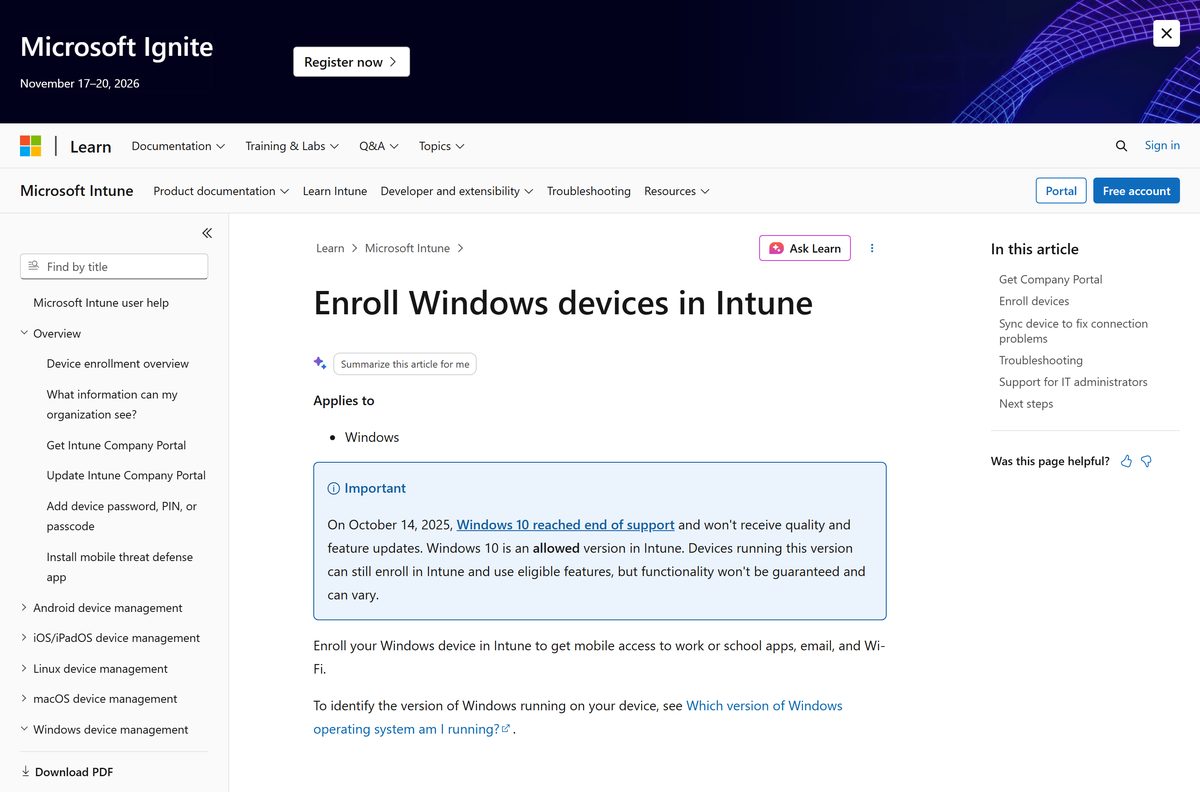
Company Portal enrolls PCs running Windows 10 version 1607 and later, and Windows 11. Have your work or school account ready.
- Open the Company Portal listing on the Microsoft Store in your browser.
- Select Get in Store app, then allow the browser to open the Microsoft Store.
- Select Get and wait for the 74.3 MB download to finish.
- Select Open, then sign in with your work or school account.
- On the Home screen, select Next to set up the device.
- Select Connect, then sign in with the same account again.
- On the Setting up your device screen, select Go.
- Return to the app after setup finishes and select Next.
- Select Done to close setup, then check the device shows as compliant.
Install Company Portal with winget instead of the Store app
Winget ships with Windows 11 and reaches the same Store package through the msstore source.
- Right-click Start and select Terminal.
- Run winget source list and confirm msstore appears.
- Run winget install –id 9WZDNCRFJ3PZ –source msstore to pull the same package the Store serves.
- Accept the Microsoft Store terms prompt when it appears.
- Wait for the install to report Successfully installed.
- Launch Company Portal from Start and sign in with your work account.
Which Company Portal download do you need for your Mac?
One installer covers every Mac. Open the Apple menu and select About This Mac to check your chip.
| Your Mac | What to install | Notes |
|---|---|---|
| Apple silicon, macOS 11 or later | CompanyPortal-Installer.pkg | installs the universal build, 81.7 MB |
| Intel Mac, macOS 11 or later | CompanyPortal-Installer.pkg | same file, installs the x64 build |
| Mac already enrolled by your IT team | Nothing — IT pushes the PKG app | deployed as a macOS PKG app or shell script |
| Mac you only need to manage from | Microsoft Intune admin center in Safari | no Mac install required for admins |
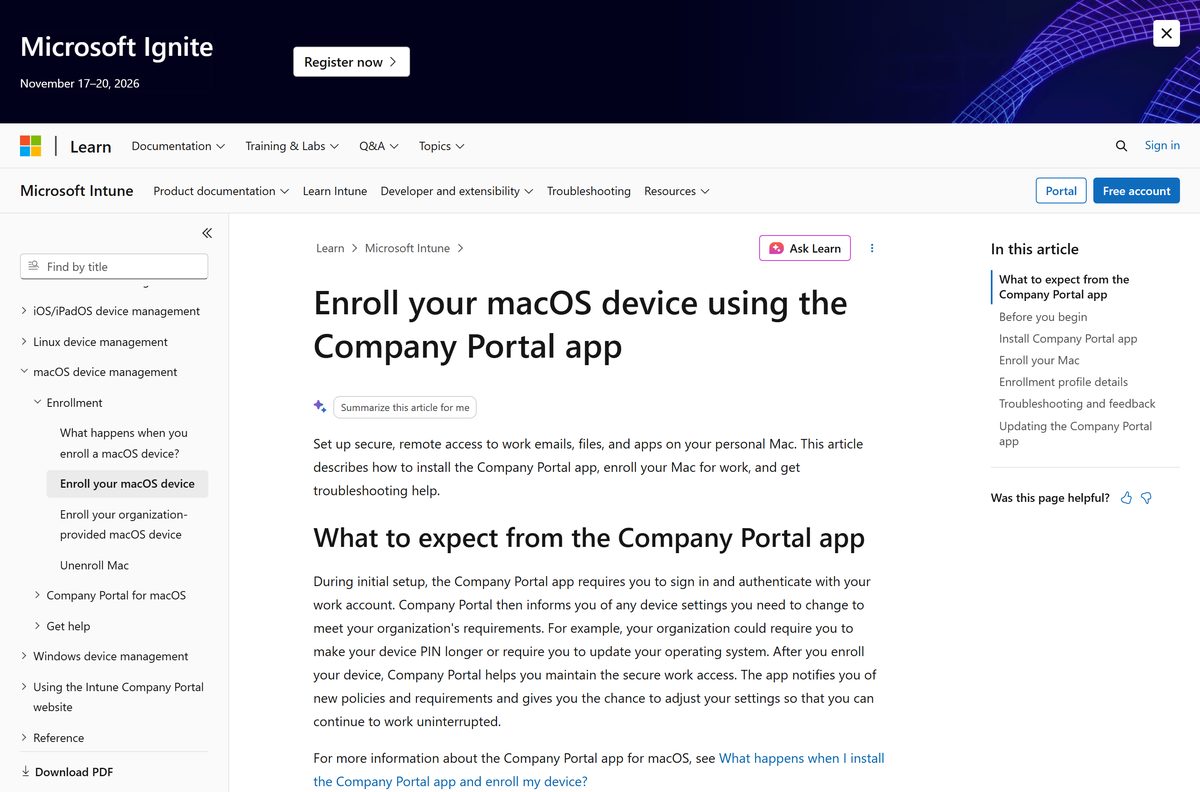
Open the downloaded package, select Continue, Agree and Install, then enter your Mac password and select Install Software.
Open the app from Applications, select Begin on the Set up access page, then Download profile and install the management profile.
Is Microsoft Intune free to download and use?
The app and the service are priced differently, and that is where most confusion starts.
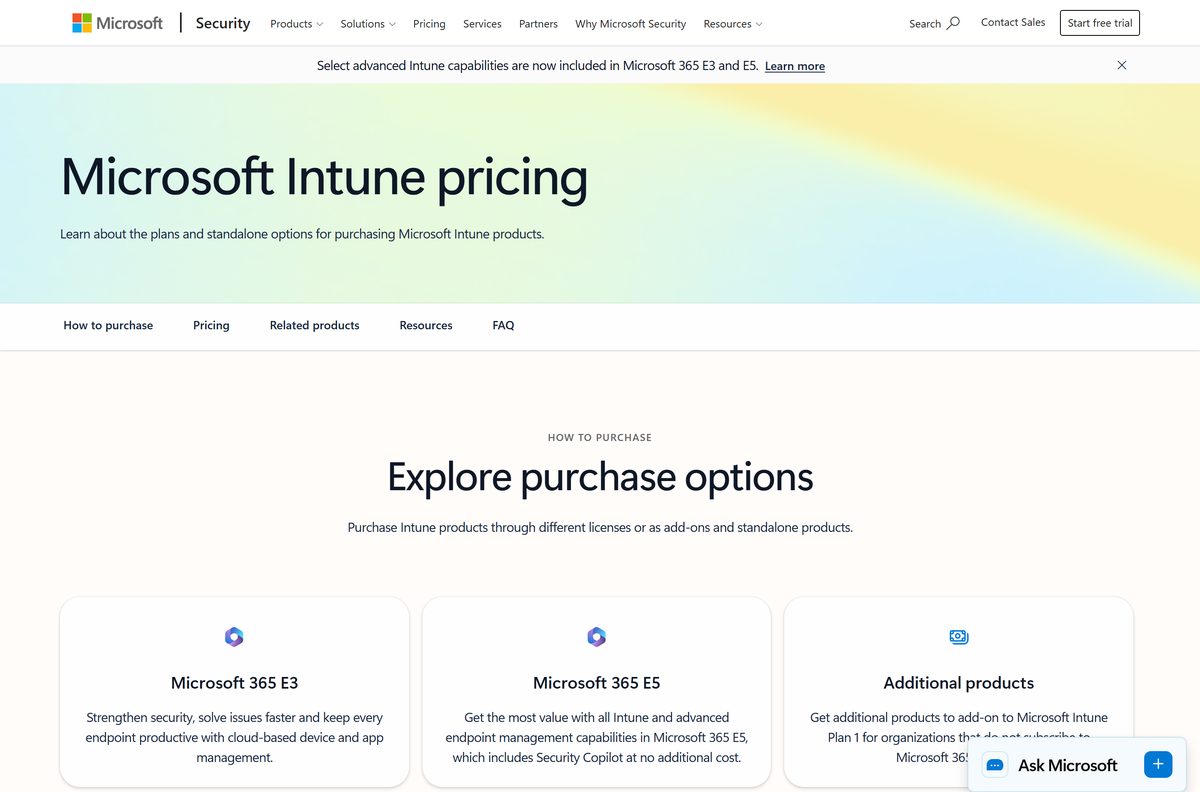
The Company Portal app is free, but the Intune service behind it is a paid subscription. The Microsoft Store lists the app at $0.00, and the App Store and Google Play listings cost nothing. The service is sold through Microsoft 365 E3 at $39.00 per user per month and Microsoft 365 E5 at $60.00, with add-ons such as Plan 2 at $4.00. A free 30-day trial covers evaluation. Without a tenant subscription the app installs and then has nothing to sign in to.
Should you buy Microsoft Intune Plan 1 or Plan 2?
Plan 1 is the base service. Plan 2 is additive, so it is bought on top rather than instead.
Start on Plan 1, which most organizations already own inside Microsoft 365 E3 or E5. Plan 1 covers enrollment, configuration, app deployment and compliance across every supported platform. Plan 2 adds advanced endpoint management, including Remote Help and Advanced Analytics, at $4.00 per user per month. Buy the add-on only after a Plan 1 gap blocks a real task.
How to check your Company Portal version and update it
Windows and Mac use different updaters, so the check differs by platform.
- On Windows, open Microsoft Store and select your profile icon.
- Select Downloads and updates, then Get updates to pull 11.2.2021.0 or newer.
- Confirm the build in Settings > Apps > Installed apps > Company Portal.
- On a Mac, open Company Portal and select Help > Check for Updates.
- Let Microsoft AutoUpdate install any pending package, then reopen the app.
- Sign in again if prompted, and confirm the device still reports as compliant.
What Microsoft Intune can manage once you are enrolled
The client app runs on four platforms. The service manages six, and Linux never gets a Company Portal app.
| Platform | Supported versions | How devices enroll |
|---|---|---|
| Windows | Windows 11 and Windows 10 editions listed by Microsoft | Company Portal app, website or Windows Autopilot |
| macOS | macOS 14.x and later supported, 12.x allowed | Company Portal app or Automated Device Enrollment |
| iOS / iPadOS | iOS 17.x and later supported, 15.x allowed | Company Portal app, ADE or Apple Configurator |
| Android | Android 10 and later for user-based methods | Company Portal app or Android Enterprise |
| Linux | Ubuntu 24.04 and 26.04 LTS, RHEL 9 and 10 | Microsoft Intune app for Linux, no Company Portal |
| ChromeOS | Managed through the Google connector | No app protection policy support |
Fix Company Portal not installing or enrolling on Windows 11 and 10
Each symptom below has one cause and one fix. Work through the group that matches the message on screen.
The Store shows an error instead of the Get button
The Store client or its cache is broken, not the app listing.
- Install every pending update from Settings > Windows Update.
- Open Microsoft Store, select your profile icon and run Get updates.
- Run wsreset.exe from Start to clear the Store cache.
- Follow Microsoft’s Store app fix list if the error survives a reboot.
We couldn’t auto-discover a management endpoint matching the username entered
The account could not be matched to a management endpoint URL.
- Re-enter the work account username and password exactly.
- Ask your IT contact for the management endpoint URL, such as yourcompany.onmicrosoft.com .
- Enter that URL when the app asks for it, then retry the sign-in.
Your device is already being managed by an organization
The PC is still enrolled in Intune or another MDM service.
- Open Settings > Accounts > Access work or school.
- Select the existing connection and read which organization owns it.
- Ask your IT contact whether to disconnect it before enrolling again.
- Select Disconnect, then Yes, and restart the PC before a fresh enrollment.
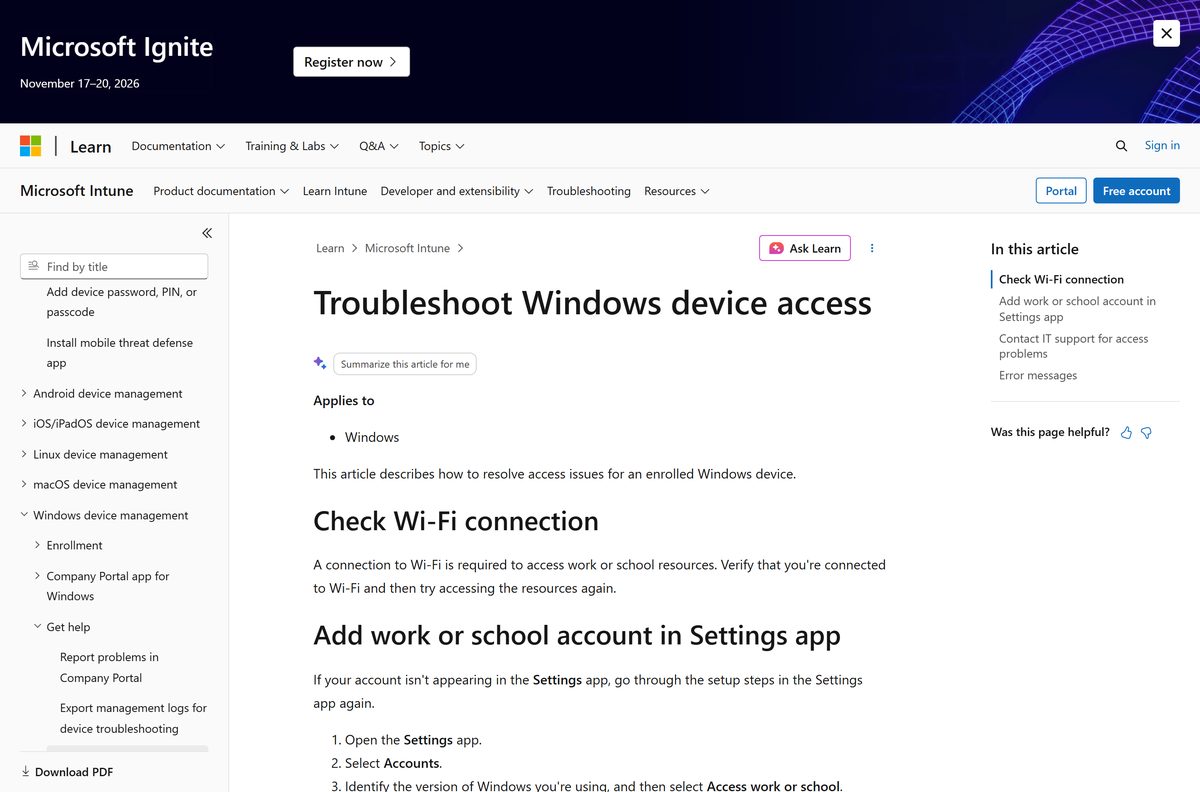
The account never appears under Access work or school
Setup was interrupted before the connection was written.
- Open Settings > Accounts > Access work or school.
- Select Connect and sign in with the work or school account.
- Finish every on-screen prompt until the account is listed.
- Open Company Portal, select the device, and select Retry under Status.
Sign-in fails and the app reports no subscription
The tenant has no Intune license assigned to that user.
- Ask your administrator to confirm an Intune license on your account.
- Administrators check Tenant administration > Tenant status in the admin center.
- Start a free 30-day trial if the organization has no subscription yet.
How to uninstall Company Portal and remove the work account
Removing the app alone leaves the management connection in place. Disconnect the account first.
- Open Settings > Accounts > Access work or school.
- Select the connected account, then select Disconnect.
- Select Yes to confirm that the device leaves management.
- Open Settings > Apps > Installed apps.
- Select Company Portal, then select Uninstall.
- Reset the app first from Advanced options > Reset if you plan to reinstall it.
Which Microsoft alternative to Intune fits your setup?
All three are Microsoft products, and each answers a narrower question than full endpoint management.
| Product | What it does | When to pick it |
|---|---|---|
| Microsoft Configuration Manager | On-premises management of Windows servers and PCs | You run your own site servers and manage Windows only |
| Basic Mobility and Security | Built into Microsoft 365, basic device policy and wipe | You only need password policy and remote wipe |
| Windows Autopilot | Provisions new Windows PCs straight from the vendor | You ship new hardware to staff and still use Intune |
Other developer tools for Windows include Ubuntu Server and pgAdmin 4.
Frequently asked questions
Is the Microsoft Intune download free?
The Company Portal app is free. The Microsoft Store lists it at $0.00, and the App Store and Google Play listings cost nothing. The Intune service behind the app is a paid subscription, sold through Microsoft 365 plans or as a standalone licence.
What is the official Microsoft Intune download page for PC?
The Microsoft Store listing at apps.microsoft.com under product ID 9WZDNCRFJ3PZ, published by Microsoft Corporation. Microsoft links that listing from its own enrollment documentation. Administrators use the admin center at intune.microsoft.com.
Does Company Portal work on Windows 11?
Yes. The Store package needs Windows 10 build 18362 or later, so every Windows 11 build clears that floor. Enrollment through the app is supported on Windows 10 version 1607 and later and on Windows 11.
How big is the Company Portal download?
The Microsoft Store bundle is 74.3 MB, or 77,903,082 bytes, and it holds four architectures in one package. Installed, it occupies 49.8 MB. The Mac installer package is 81.7 MB and the iPhone app is 123.3 MB.
Is there an offline installer or an EXE for Intune?
Not on Windows. The Store package is the only Windows build, so it installs over the internet. On macOS, CompanyPortal-Installer.pkg is a standalone package that Microsoft also documents for deployment as a managed PKG app.
Is there a Microsoft Intune app for Mac?
Yes. Microsoft publishes CompanyPortal-Installer.pkg for macOS 11 or later, linked from its enrollment documentation. The same file installs the universal build on Apple silicon and the x64 build on Intel Macs.
Does Company Portal have a 64-bit or ARM64 build?
The Store bundle carries ARM64, x64, x86 and ARM packages, so Windows installs the right one automatically. An ARM laptop running Snapdragon hardware gets the ARM64 package with no extra step.
Is the Company Portal app safe to install?
The Windows copy is distributed by Microsoft through the Store under the publisher Microsoft Corporation, and the Mac package is served from a Microsoft domain. Avoid any other site offering an installer.
What is the latest Company Portal version for Windows?
Version 11.2.2021.0 in the Microsoft Store catalog, published under the package family name Microsoft.CompanyPortal_8wekyb3d8bbwe. The iPhone and iPad build is 5.2608.0, released on 16 September 2026.
Why will Company Portal not install or sign in?
Three causes cover most failures: a broken Store cache, a device already enrolled with another MDM service, or an account with no Intune licence. Check the work account under Settings, Accounts, Access work or school first.
Do I need to download anything to administer Intune?
No. The Microsoft Intune admin center runs in a browser at intune.microsoft.com. Microsoft supports the latest versions of Edge, Chrome, Firefox and Safari on Mac, and every action maps to a Microsoft Graph API call.
Can I try Intune without buying a subscription?
Yes. Microsoft offers a free 30-day trial that also grants a trial Enterprise Mobility + Security subscription. After the trial, the service continues under a Microsoft 365 plan or a standalone Intune licence.