You can download Microsoft Access on a Windows 11 or Windows 10 PC through Microsoft 365, and the one-month free trial gives you the full desktop app. Sign in, select Install, and Access sets up alongside Word and Excel in a few minutes.
Access comes two ways. Microsoft 365 Personal, Family and Premium include it as part of a subscription, while the standalone Access licence is a one-time purchase for one PC.
This guide covers which option fits, the official Microsoft links, both install routes, the free Access Runtime and Database Engine, Mac options, and fixes when setup refuses to run.
Which Microsoft Access download do you need?
Access is sold by licence, not by file. Match your situation to a row, then follow the link.
| Your situation | What to get | Price |
|---|---|---|
| Home user, want to try Access first | Microsoft 365 Personal or Family trial | Free for one month, then $99.99 or $129.99/year |
| One PC, no subscription | Access one-time purchase | $179.99 once, 1 PC |
| Small business with Microsoft 365 | Business Standard or Business Premium | Per user, paid yearly; free trial |
| Only need to run an existing Access app | Microsoft 365 Access Runtime | Free, 7.1 MB setup |
| Developer needing ODBC or OLEDB drivers | Access Database Engine 2016 Redistributable | Free, 79.5 MB (64-bit) |
Office Home 2024 and Microsoft 365 Business Basic never install Access. Check your plan before you look for the app in the install list.
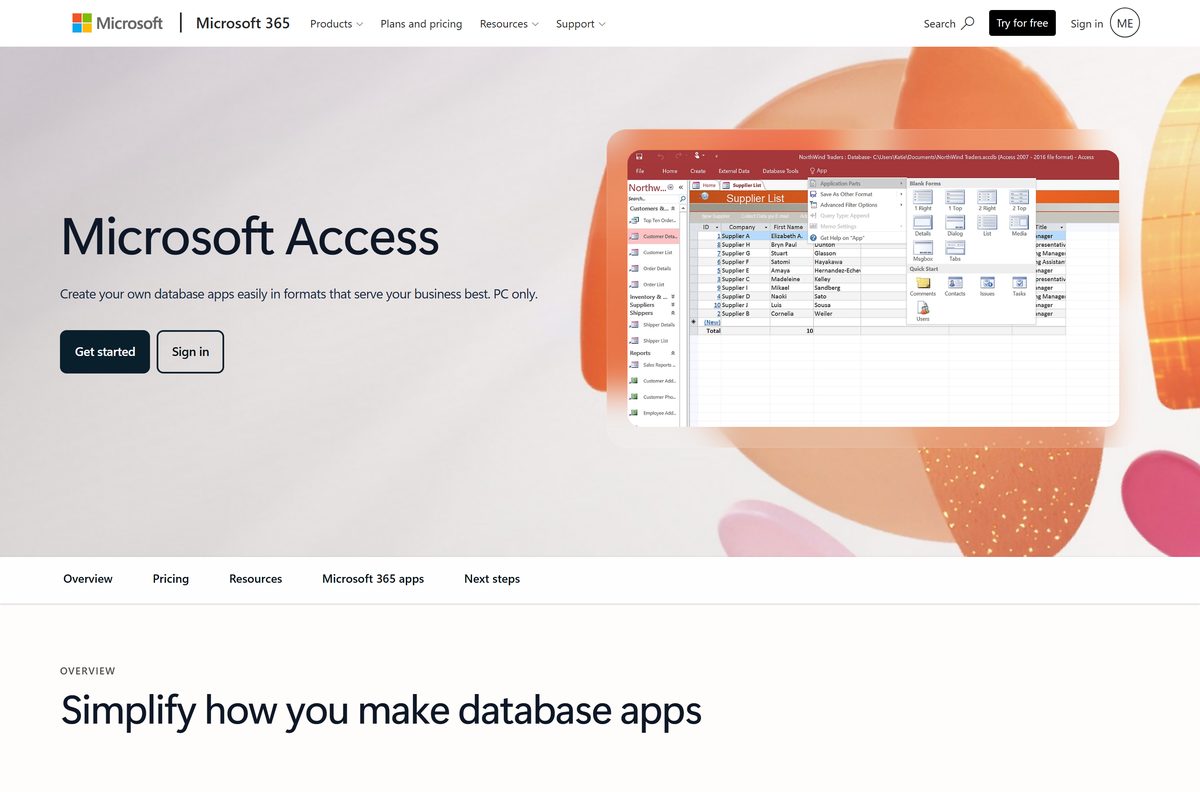
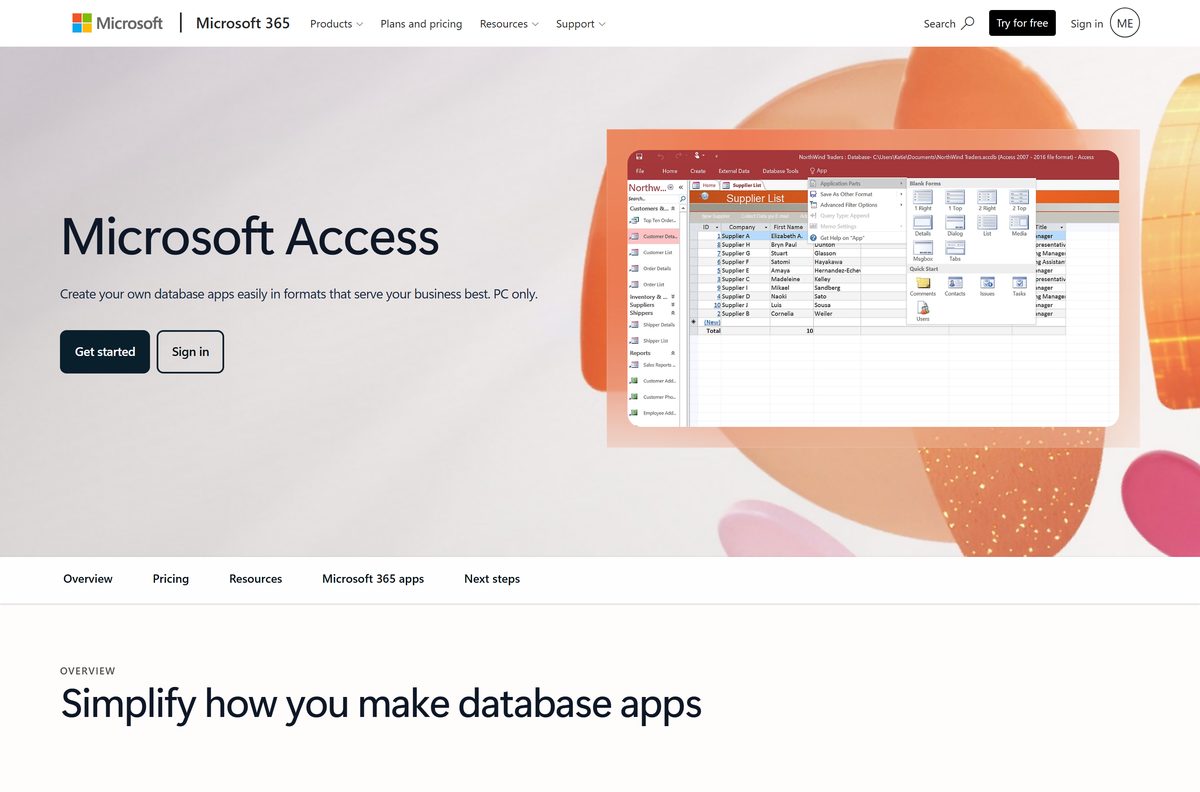
Download Microsoft Access from the official Microsoft pages
Every genuine Access download starts on a Microsoft domain. The setup file is tied to your account, so the plan or store page comes first.
- Compare Microsoft 365 home plans — Personal, Family and Premium all list Access (PC only) and a one-month trial
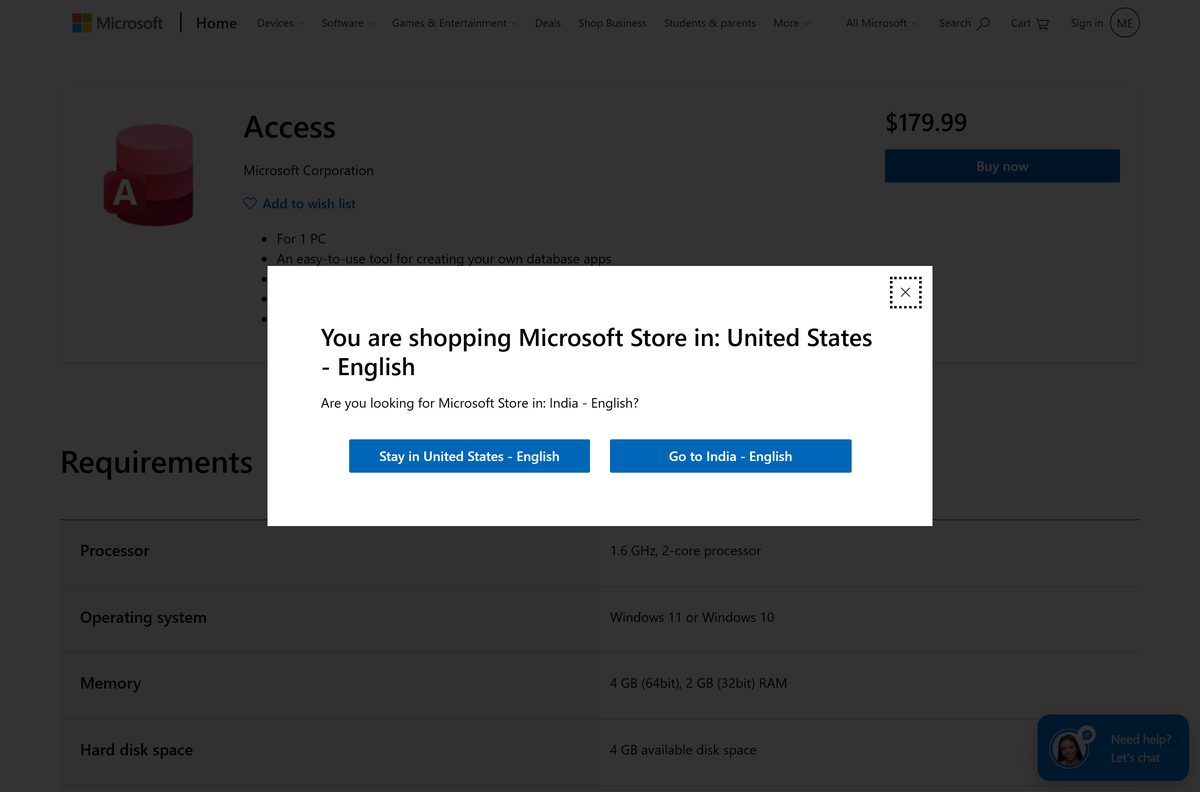
- Buy Access as a one-time purchase — $179.99 for 1 PC, Windows 11 and Windows 10
- Microsoft 365 business plans — Business Standard and Premium include the Access desktop app
- Microsoft’s install instructions — Microsoft 365 and one-time purchase steps
- Office Deployment Tool — 3.4 MB · officedeploymenttool_20326-20112.exe, for scripted and offline installs
No standalone Access .exe sits on microsoft.com for consumers. The small setup file streams the full app from Microsoft’s Office network.
Is Microsoft Access free?
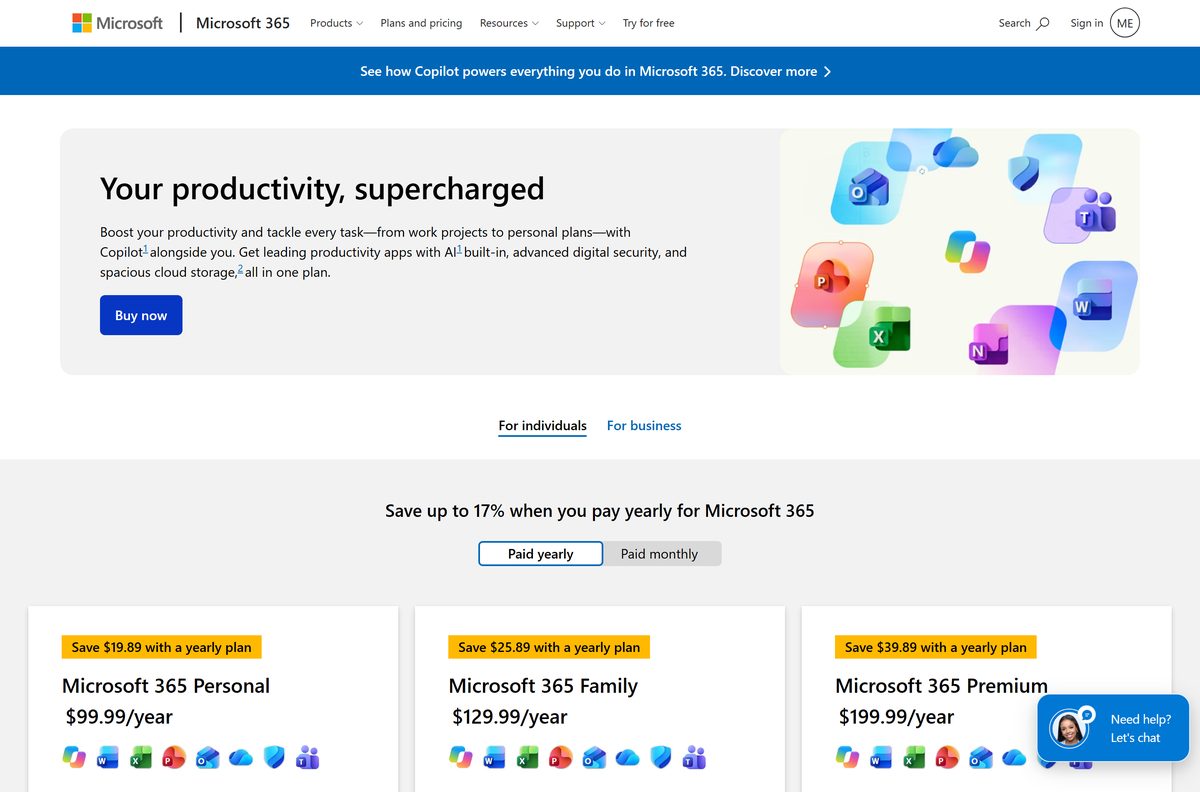
Use the one-month Microsoft 365 trial to get Access free. After that, the full app is paid, but the runtime is free. Microsoft 365 Personal costs $99.99 a year or $9.99 a month, Family $129.99 a year and Premium $199.99 a year, and each lists Access (PC only) with a one-month free trial. The trial renews at the regular price unless you cancel it in your Microsoft account. The standalone Access licence costs $179.99 once for one PC. Office Home 2024 and Office Home & Business 2024 leave Access out. The free Microsoft 365 Access Runtime runs finished Access apps but cannot build or edit them. A site selling an Access key far below $179.99 is not selling a licence Microsoft honours.
Check the Microsoft Access system requirements before you buy
These are Microsoft’s published figures for the standalone Access licence, which match the Microsoft 365 version.
| Field | Value |
|---|---|
| Developer | Microsoft Corporation |
| Latest version | 2608 (Build 20326.20158), Current Channel; Access 2024 for one-time purchase |
| License | Paid, with a one-month Microsoft 365 free trial |
| Supported OS | Windows 11; Windows 10 stays on Version 2608 with security updates to October 10, 2028 |
| Mac | Not available; Access is PC only |
| Processor | 1.6 GHz or faster, 2-core |
| Memory | 4 GB RAM (64-bit); 2 GB RAM (32-bit) |
| Disk space | 4 GB available |
| Display | 1024 x 768 |
| Graphics | DirectX 10 graphics card for hardware acceleration |
| Architecture | 32-bit and 64-bit, matching any installed Office |
| Installer size | 3.4 MB Office Deployment Tool; the app streams |
| Offline installer | Yes, through the Office Deployment Tool |
| Also required | Internet access and a Microsoft account |
| Last verified | 2026-09-19 |
Windows 10 PCs keep working, but new features after Version 2608 arrive only on Windows 11. See Microsoft’s Windows 10 notice.
How to install Microsoft Access with Microsoft 365 on Windows 11 and 10
Access installs as part of the Microsoft 365 apps. Start the trial or subscription first, then install from the same Microsoft account.
- Go to m365.cloud.microsoft/apps and select Sign in.
- Sign in with the Microsoft account that holds your Microsoft 365 plan.
- On the Microsoft 365 Apps page, select Install apps.
- Select Install to download the setup file.
- Select Run, Setup or Save File, depending on your browser, to open it.
- Select Yes at the User Account Control prompt.
- Wait for You’re all set! Office is installed now, then select Close.
- Select Start and search for Access to open it.
Microsoft 365 installs the 64-bit version by default unless it finds 32-bit Office already on the PC. Access installs on Windows PCs only, even though the same plan also covers Macs.
Install the one-time purchase of Access with a product key
The standalone licence is tied to a personal Microsoft account. Redeem the product key once, and Access stays listed in that account.
- Buy Access on the Microsoft Store and note the product key if one is supplied.
- Go to microsoft365.com/setup, sign in with your Microsoft account and enter the key.
- Go to m365.cloud.microsoft/apps and sign in with the same account.
- Find Access in your products and select Install for your stand-alone product.
- Run the setup file and select Yes at the User Account Control prompt.
- Open Access from Start and sign in when asked.
Volume licence copies of Access 2024 skip this route. Your IT department installs them with the Office Deployment Tool.
Install Access offline with the Office Deployment Tool
Admins, and anyone who needs an offline install, can use Microsoft’s free Office Deployment Tool. It installs Access through Click-to-Run, not from an MSI.
Name the product ID that matches your licence. A wrong ID installs, but never activates.
| What you need | What to use |
|---|---|
| The tool itself | Office Deployment Tool 16.0.20326.20112 |
| Access 2024 retail licence | Product ID Access2024Retail |
| Access 2024 volume licence | Product ID Access2024Volume |
| Access 2021 retail or volume | Product ID Access2021Retail or Access2021Volume |
| Free Access Runtime | Product ID AccessRuntimeRetail |
| Fetch the installation files for offline use | setup.exe /download access.xml |
| Install from those files | setup.exe /configure access.xml |
| Full product ID list | Product IDs for the Office Deployment Tool |
Run both commands from an administrator command prompt in the folder where you extracted the tool.
Run Access apps free with the Access Runtime or Database Engine
Microsoft gives away two free components. Neither lets you design a database, but each covers a common need.
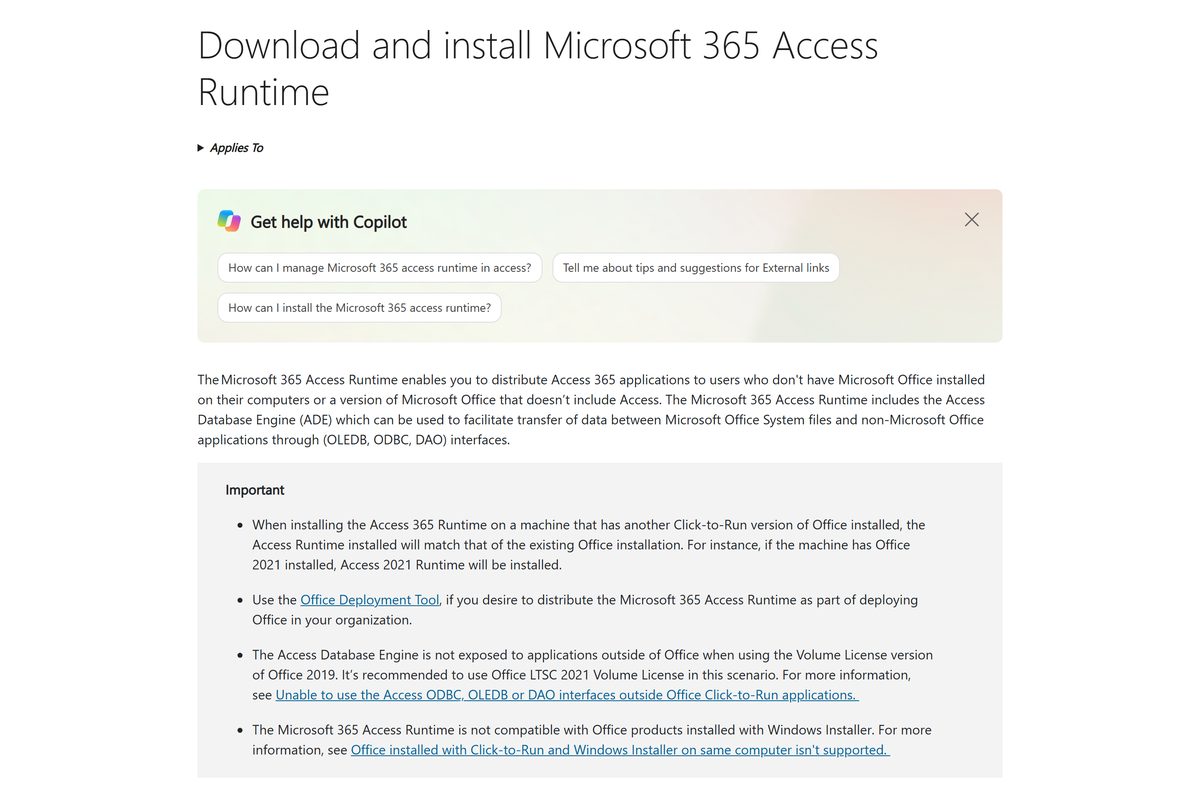
- To run a finished Access app without Access, open Microsoft’s Microsoft 365 Access Runtime page.
- Check whether your installed Office, if any, is 32-bit or 64-bit.
- Pick your language, then download the 64-bit or 32-bit setup, 7.1 MB each.
- Run the file and select Yes at the User Account Control prompt.
- For ODBC and OLEDB drivers only, download the Access Database Engine 2016 Redistributable instead.
- Pick accessdatabaseengine_X64.exe (79.5 MB) or accessdatabaseengine.exe (77.8 MB) to match your Office bitness.
Support for the Access Database Engine 2016 Redistributable ended on October 14, 2025. Microsoft recommends the Microsoft 365 Access Runtime, which includes the Database Engine.
Which Microsoft Access option works on your Mac?
Microsoft states that Access is available for PC only. Pick the row that matches your setup.
| Your setup | What to do | Cost |
|---|---|---|
| Mac plus a Windows PC | Microsoft 365 Personal, installed on the PC | $99.99/year; covers PCs and Macs |
| Mac only, need to view data | Export Access tables to Excel on a PC and open them in Excel for Mac | Included in Microsoft 365 |
| Mac only, need to build databases | Use a Windows 11 or Windows 10 PC | Microsoft 365 or $179.99 once |
There is no .dmg or .pkg for Access. A page offering one is not from Microsoft.
Should you buy Microsoft 365 or the one-time Access licence?
Choose Microsoft 365 Personal if you also want Word, Excel and Outlook, and the $179.99 one-time Access licence if you need Access alone on one PC. Microsoft 365 Personal costs $99.99 a year, includes Access plus the other desktop apps and 1 TB of storage, and keeps receiving new features. The one-time licence covers Access only, on one PC, with no feature updates after release. Microsoft 365 Personal overtakes the one-time price in the second year, so buy the standalone licence only when you plan to keep Access for years and need nothing else. Businesses get Access through Business Standard or Business Premium rather than either consumer option.
How to check your Access version and update it
Access shares its version number with the Microsoft 365 or Office installation on the PC.
- Open Access and select File.
- Select Account.
- Read the product name, version and build under Product Information.
- Select About Access to see whether the install is 32-bit or 64-bit.
- Select Update Options, then Update Now.
- Close Access when the updater asks, and reopen it when the update finishes.
No Update Options button means a Windows Installer (MSI) copy, such as a volume-licensed Access 2016, rather than Click-to-Run.
How to check an Access installer is genuine
Fake Access installers are common because the app is paid. The file signature settles it.
- Check the address. Genuine files come from microsoft.com, cloud.microsoft, officeapps.live.com or download.microsoft.com.
- Right-click the downloaded setup file and select Properties.
- Open the Digital Signatures tab, select the signature, then select Details.
- Confirm the signer reads Microsoft Corporation.
- Delete the file if the Digital Signatures tab is missing.
- Close any page offering Access as a cracked or pre-activated download.
Fix Microsoft Access not installing on Windows 11 or 10
Access is missing after Office installs
The plan does not include Access. Office Home 2024 and Business Basic leave it out.
- Sign in at m365.cloud.microsoft/apps and check which plan the account holds.
- Compare it with the plan table on Microsoft’s site.
- Upgrade to Microsoft 365 Personal, Family or Business Standard, or buy the one-time licence.
Setup says 32-bit and 64-bit Office cannot be installed together
Access, the Access Runtime and the Database Engine must match the bitness of installed Office.
- Open Word or Excel and select File > Account > About.
- Note whether it says 32-bit or 64-bit.
- Download the matching Access, Runtime or Database Engine file and run it again.
The Access Runtime refuses to install
The Microsoft 365 Access Runtime does not work with Office products installed with Windows Installer (MSI).
- Press Windows + I and open Apps > Installed apps.
- Look for an older MSI-based Office, such as a volume-licensed Office 2016.
- Uninstall it or move it to Click-to-Run, then run the Runtime setup again.
Setup stops partway through the download
The setup file streams Access from Microsoft’s servers and needs a steady connection.
- Switch to a wired or stronger Wi-Fi connection.
- Restart the PC and run the setup file again.
- For unreliable connections, use the Office Deployment Tool with setup.exe /download first.
How to uninstall Microsoft Access
With Microsoft 365, Access is part of the suite entry. The standalone licence uninstalls under its own name.
- Press Windows + I to open Settings.
- Select Apps, then Installed apps.
- Search for Access or Microsoft 365.
- Select the three-dot menu next to the entry, then Uninstall.
- Confirm with Uninstall and wait for the removal to finish.
- Restart the PC before installing a different edition.
Uninstalling does not cancel a Microsoft 365 subscription. Cancel billing separately in your Microsoft account.
What to use instead of the Access desktop app
Check what your Microsoft plan already includes before paying for Access.
| Option | Where it comes from | Best for |
|---|---|---|
| Microsoft 365 Access Runtime | Microsoft, free | Running finished Access apps on PCs without Access |
| Excel | Every Microsoft 365 plan and Office Home 2024 | Flat lists and small tables on Windows or Mac |
| Microsoft Lists | Microsoft 365 business plans | Shared lists and tracking in the browser, including on a Mac |
| Access Database Engine 2016 | Microsoft, free | Apps that read .accdb, .mdb or Excel files through ODBC or OLEDB |
Frequently asked questions
Is Microsoft Access free?
No, but you can try it free for a month. Microsoft 365 Personal, Family and Premium each include Access on PC and offer a one-month free trial. After that, Personal costs $99.99 a year, or you can buy Access once for $179.99.
What is the official Microsoft Access download page?
Access installs from your Microsoft 365 account at m365.cloud.microsoft/apps after you sign in. Microsoft’s support page explains the steps, and the standalone licence is sold on the Microsoft Store at microsoft.com. Admins can use the Office Deployment Tool from the Microsoft Download Center.
Does Microsoft Access work on Windows 11?
Yes. Microsoft lists Windows 11 and Windows 10 as supported, and Access 2024 is compatible with Windows 11. You need a 1.6 GHz 2-core processor, 4 GB of RAM for 64-bit, 4 GB of free disk space and a 1024 x 768 display.
How big is the Microsoft Access download?
The setup file is small because it streams Access from Microsoft’s Office network. The Office Deployment Tool is 3.4 MB and the free Access Runtime setup is 7.1 MB. Plan for 4 GB of free disk space for the installed app.
Is there a Microsoft Access offline installer?
Yes, through the Office Deployment Tool. Run setup.exe /download with a configuration file that names Access2024Retail or your Microsoft 365 product ID, then run setup.exe /configure to install from those files. Activation still needs an internet connection.
Is there a Microsoft Access download for Mac?
No. Microsoft states that Access is available for PC only, so there is no .dmg or .pkg. On a Mac, use Access on a Windows PC covered by the same Microsoft 365 subscription, or share data with Mac users through Excel.
Should I install 32-bit or 64-bit Access?
Install the same bitness as the Office already on your PC, because 32-bit and 64-bit Office products cannot be mixed. Microsoft 365 installs the 64-bit version by default unless it detects 32-bit Office already installed.
Is it safe to download Microsoft Access from other sites?
No. Genuine Access setup files come only from Microsoft domains and are signed by Microsoft Corporation. Cracked, pre-activated or cheap key downloads carry no valid licence and are a common way to spread malware.
Which Microsoft Access version is current?
The subscription version follows Microsoft 365 Current Channel, which reached Version 2608, build 20326.20158, on September 18, 2026. Access 2024 is the latest version sold as a one-time purchase.
Why will Microsoft Access not install?
The usual causes are a bitness mismatch with Office, a plan that does not include Access, such as Office Home 2024 or Business Basic, or an older Office installed with Windows Installer blocking the Click-to-Run setup.
Is Microsoft Access included in Office Home 2024?
No. Office Home 2024 covers Word, Excel, PowerPoint and OneNote. Access comes with Microsoft 365 Personal, Family, Premium, Business Standard and Business Premium, or as a separate $179.99 one-time purchase for one PC.
Can I open Access databases without buying Access?
Yes, for running finished apps. The Microsoft 365 Access Runtime is a free download that opens and runs Access applications, but it cannot design tables, forms or reports. Developers who only need drivers can use the free Access Database Engine.






