The macOS download is free on any compatible Mac, and the current release, macOS 27 Golden Gate, arrives through Software Update in System Settings. Apple released it on 14 September 2026 for Mac computers with Apple silicon.
Older releases stay available too. Apple links macOS Sequoia 15 back to High Sierra 10.13 on the Mac App Store, and Terminal can fetch a full installer for a bootable USB drive.
Below are the official links, the Mac models each release supports, the install steps for every route, and fixes for downloads that stall or fail.
Which macOS download do you need?
Match your Mac in the first column. The right route depends on the chip inside and the release you want.
| Your situation | What to install | Where to get it |
|---|---|---|
| Mac with Apple silicon (M1 or later) or MacBook Neo | macOS 27 | Software Update in System Settings |
| Intel Mac on Apple’s macOS Tahoe 26 list | macOS Tahoe 26, the newest release for these models | Tahoe compatible Macs |
| You need macOS Sequoia 15, Sonoma 14 or an earlier release | The full installer for that release | Apple’s macOS download links |
| Mac will not start, or you are erasing it | The macOS last installed on it | Reinstall from macOS Recovery |
| Several Macs to set up from one download | A bootable USB installer | Create a bootable installer |
| Windows 11 or Windows 10 PC | Apple’s Windows apps; macOS does not install on a PC | Apple software for Windows |
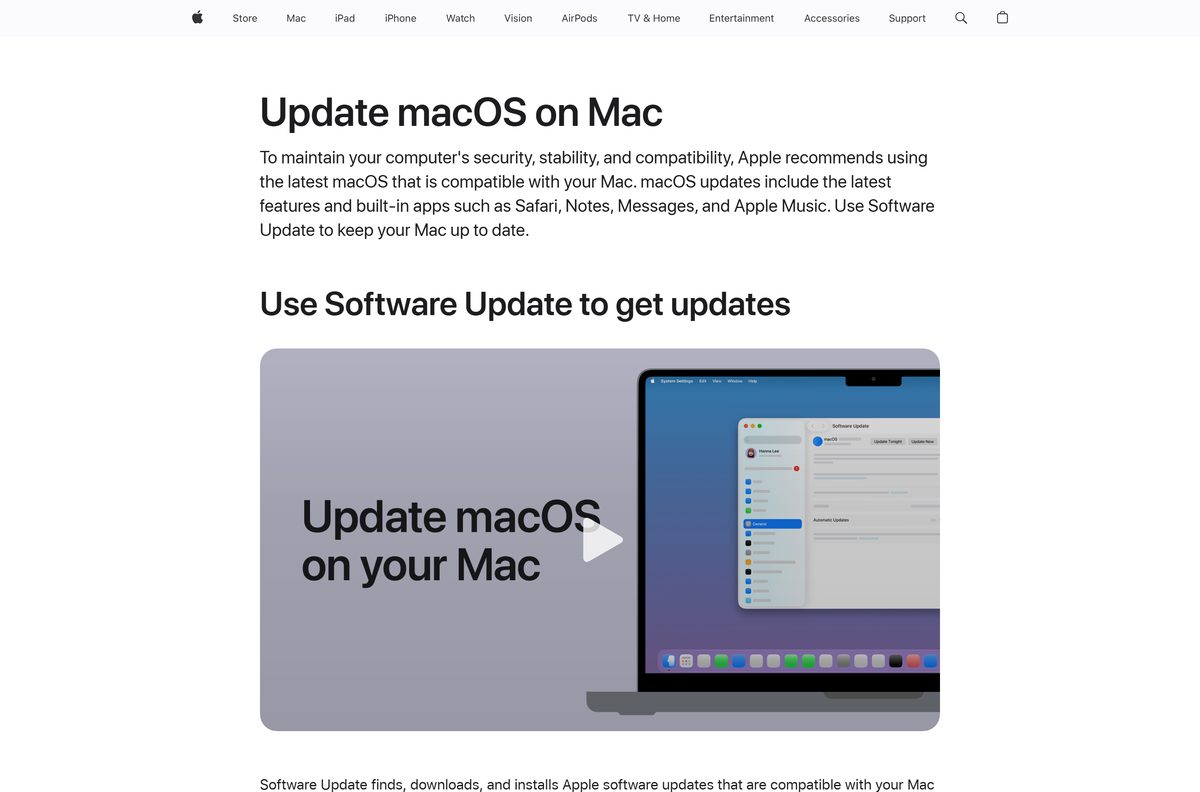
Software Update shows only the releases your Mac can run, so it is the safest starting point for most people.
Download macOS from Apple’s official pages
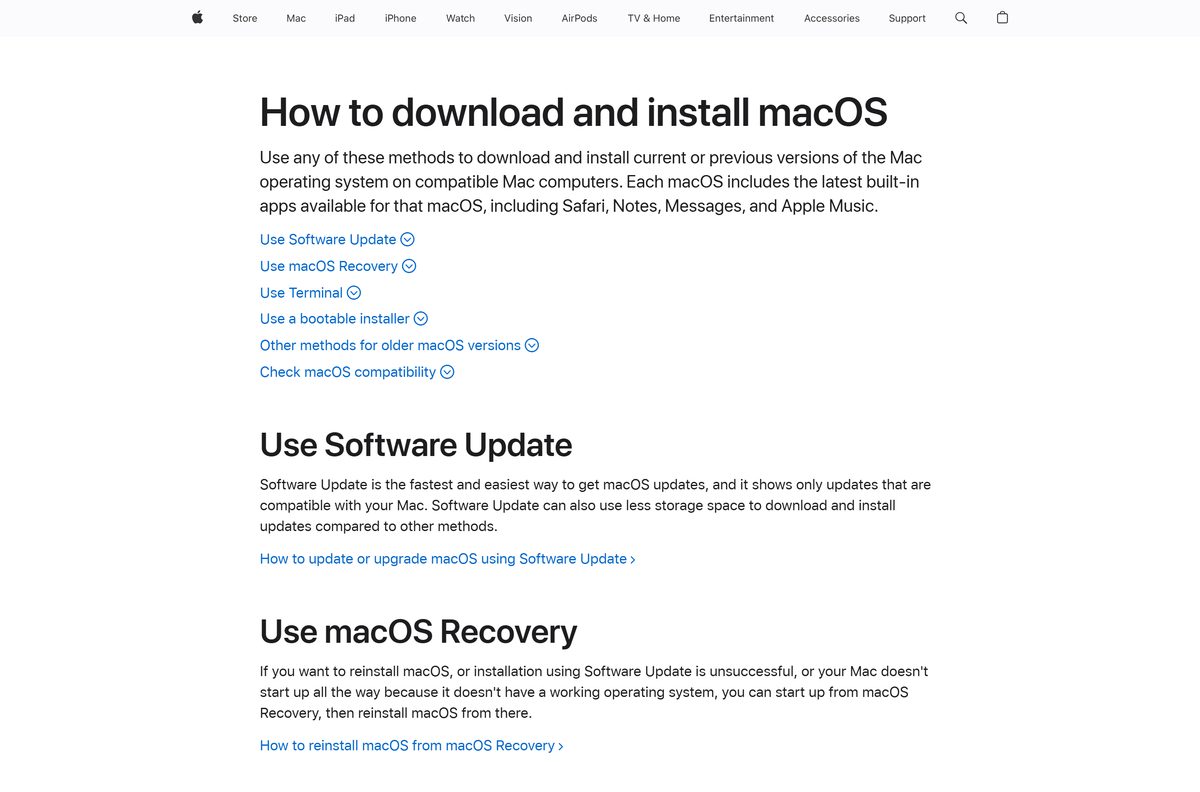
Every genuine macOS installer comes from Apple, through Software Update, the Mac App Store or support.apple.com. The App Store installers are free.
- Update or upgrade macOS with Software Update — the route for macOS 27
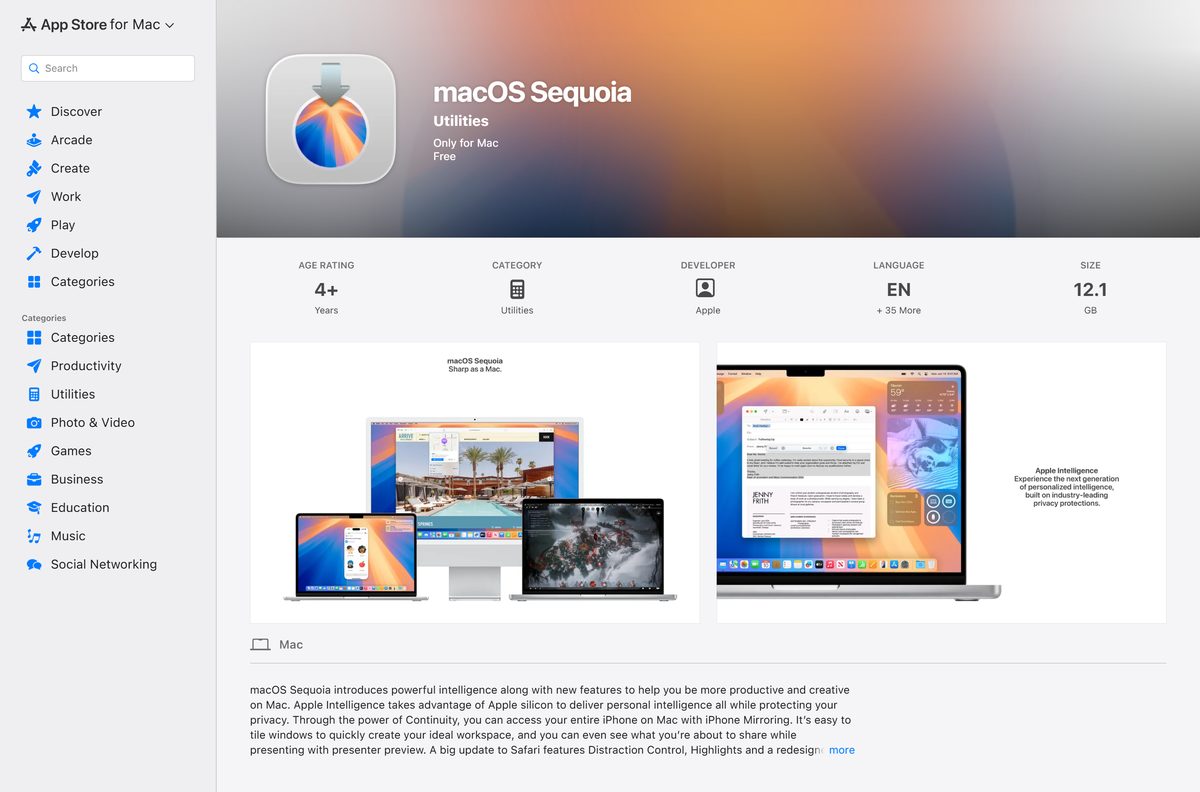
- macOS Sequoia on the Mac App Store — 12.1 GB · listing shows version 15.6, free
- macOS Sonoma on the Mac App Store — 12.1 GB · listing shows version 14.7.7, free
- How to download and install macOS — App Store links for Ventura 13 back to High Sierra 10.13, plus disk images for Sierra 10.12 and older
- What’s new in macOS 27 Golden Gate — Apple’s feature page
Apple ships Sierra 10.12, El Capitan 10.11, Yosemite 10.10, Mountain Lion 10.8 and Lion 10.7 as .dmg disk images that open in Safari.
Microsoft’s advice for any operating system download applies here too: get software only from official publisher sites or stores.
Check the macOS system requirements before you download
macOS 27 drops every Intel Mac. The table sums up what the current release needs.
| Field | Value |
|---|---|
| Software | macOS (Mac operating system) |
| Developer | Apple Inc. |
| Latest version | macOS 27 Golden Gate, released 14 September 2026 |
| Also updated that day | macOS Tahoe 26.7 and macOS Sequoia 15.8 |
| License / Price | Free on compatible Macs |
| File size | Not stated for macOS 27; the Sequoia 15 installer is 12.1 GB |
| Supported hardware | Mac with Apple silicon (M1 and later), MacBook Neo (A18 Pro) |
| Architecture | Apple silicon only for macOS 27; Tahoe 26 also covers some Intel Macs |
| Windows PC support | None |
| Official download source | Apple Support |
| Offline installer | Yes, a full Install macOS app via Terminal or the App Store |
| Last verified | 2026-09-25 |
Apple lists the exact models on its macOS 27 compatibility page.
How to download and install macOS 27 with Software Update
Back up the Mac first. The upgrade keeps your files, but a backup covers a failed install.
- Open the Apple menu and choose System Settings.
- Click General in the sidebar, then click Software Update on the right.
- Wait for the check to finish. If the Mac says it is up to date, click Check for Updates.
- Click the button to upgrade to macOS 27.
- Enter your administrator password when asked.
- Keep the Mac awake until the install completes. It restarts several times.
Software Update lists only releases that fit your Mac. If macOS 27 does not appear, the Mac is not on Apple’s list.
How to download an older macOS from the App Store
Use this route for Sequoia 15 back to High Sierra 10.13. The Mac doing the download must be compatible with that release.
- Open Apple’s macOS download page in Safari on the Mac.
- Click the link for the release you want, such as macOS Sequoia 15.
- Click Get in the App Store. If Software Update opens instead, allow the download there.
- Wait for the installer to land in the Applications folder. It opens on its own when finished.
- Follow the onscreen steps, or quit the installer to keep it for later.
A dimmed Get button means the Mac cannot run that release.
Download the full macOS installer with Terminal
Terminal fetches a complete installer app without opening the App Store. It needs macOS Catalina 10.15 or later on the Mac running it.
softwareupdate –list-full-installers
softwareupdate –fetch-full-installer –full-installer-version 26.6.2 The first line lists the installers your Mac can use. The second downloads one; replace 26.6.2 with a version from the list. The app appears in Applications as Install [Version Name]. Source: Apple Support.
An update not found reply means that version is not offered for your Mac model.
How to make a bootable USB installer for macOS 27
A USB installer sets up several Macs from one download. A 32GB flash drive holds any macOS installer, and Apple’s steps erase it.
- Download the Install macOS 27 Golden Gate app with the Terminal command above.
- Connect the USB drive and format it as Mac OS Extended (Journaled) named MyVolume in Disk Utility.
- Open Terminal and run sudo /Applications/Install\ macOS\ 27\ Golden\ Gate.app/Contents/Resources/createinstallmedia –volume /Volumes/MyVolume .
- Type your administrator password and press Return.
- Confirm when Terminal asks to erase the drive, then wait for it to finish.
- Follow Apple’s bootable installer guide to start a Mac from the drive.
Which macOS version can your Mac run?
Open the Apple menu and choose About This Mac to read the model name and chip. Then find it below.
| Your Mac | Newest macOS | Apple’s list |
|---|---|---|
| Any Mac with Apple silicon: MacBook Air, MacBook Pro, iMac, Mac mini (M1, 2020 and later) | macOS 27 | macOS 27 compatible Macs |
| MacBook Neo (13-inch, A18 Pro) | macOS 27 | macOS 27 compatible Macs |
| Mac Studio (2022 and later), Mac Pro (2023) | macOS 27 | macOS 27 compatible Macs |
| MacBook Pro (16-inch, 2019) or MacBook Pro (13-inch, 2020, Four Thunderbolt 3 ports) | macOS Tahoe 26 | Tahoe compatible Macs |
| iMac (Retina 5K, 27-inch, 2020) or Mac Pro (2019) | macOS Tahoe 26 | Tahoe compatible Macs |
| Other Intel Macs | Check the Sequoia 15 and Sonoma 14 lists | Sequoia compatible Macs |
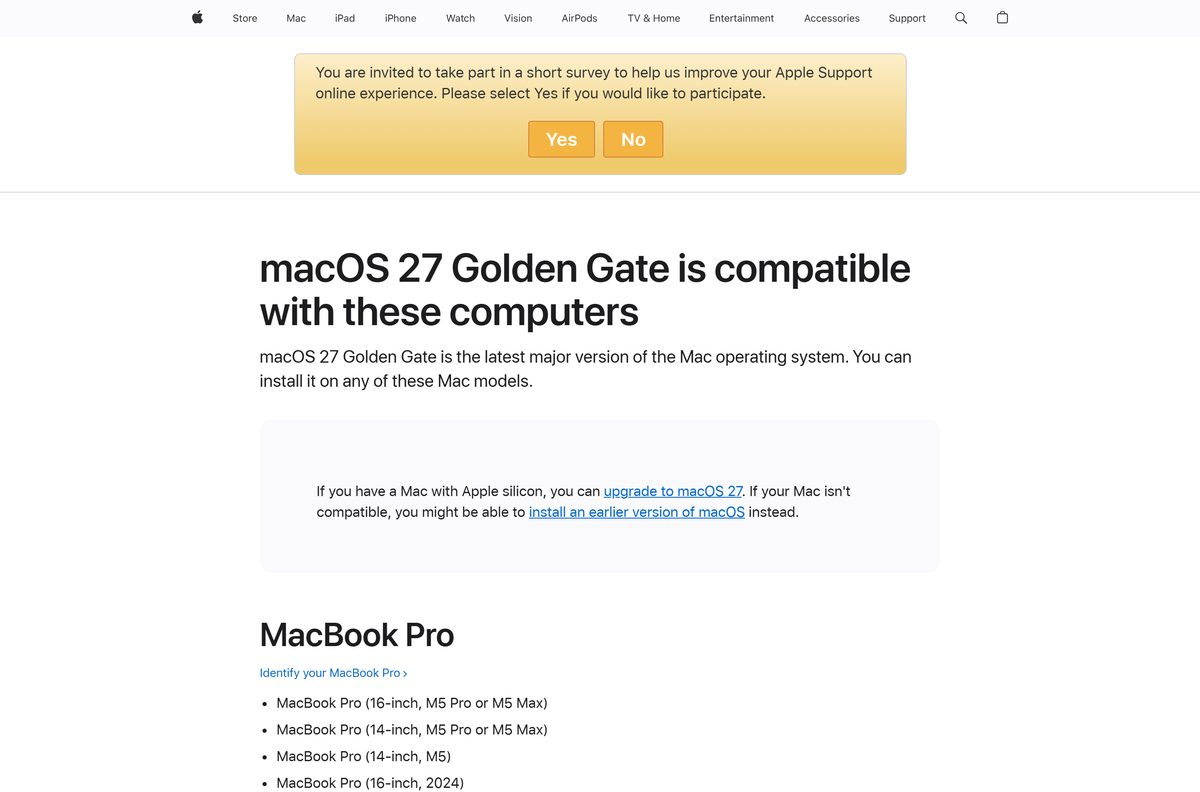
Apple states it plainly: a Mac with Apple silicon can upgrade to macOS 27.
Is macOS free?
Apple charges nothing for macOS upgrades on a compatible Mac, and every App Store installer lists as Free.
Yes, macOS is free. Software Update installs macOS 27 at no cost, and the Sequoia and Sonoma installers show Free on the Mac App Store. Apple says some server-based Apple Intelligence features carry daily usage limits, with expanded access for a fee in the future. Any site selling a macOS download or licence key is not Apple.
Should you install macOS 27 or stay on macOS Tahoe 26?
Apple shipped security updates for three releases on 14 September 2026: macOS 27, Tahoe 26.7 and Sequoia 15.8.
Install macOS 27 on an Apple silicon Mac once your key apps support it. It brings Siri AI and the new Apple Intelligence features, which need Apple silicon. Stay on Tahoe 26.7 if a work app or driver is not ready yet, since it still gets security fixes. Intel Macs on the Tahoe list stop at Tahoe 26.
Apple lists every update on its security releases page.
How to check your macOS version and update it
Minor updates such as 26.6 to 26.7 and major upgrades such as 26 to 27 both come through the same panel.
- Open the Apple menu and choose About This Mac. The macOS name and version appear under the Mac’s name.
- Open System Settings, click General, then click Software Update.
- Use the Automatic Updates setting in the same panel to choose what downloads and installs on its own.
- Install any listed update, then restart when asked.
Fix macOS not downloading or installing
Apple’s own fixes, matched to the symptom you see.
The download stalls or the installer reports an error
The installer needs a steady connection to fetch macOS and firmware for your model.
- Switch to a stable Wi-Fi or Ethernet connection and try again.
- Free up storage on the startup disk, then restart the download.
- Start the Mac in safe mode and run Software Update or the App Store download again.
The software is damaged, could not be verified or failed to personalize
A bad download or another app is interfering with the install.
- Start up from macOS Recovery and choose the reinstall option.
- Click Continue and follow the onscreen steps.
- If the installer cannot see the disk, open Disk Utility in Recovery and repair the startup disk.
Recovery cannot download macOS
Recovery needs a broadband connection that uses DHCP over Wi-Fi or Ethernet.
- Avoid networks with a captive login page, 802.1X security or PPPoE.
- Connect through a home router or an Ethernet cable and retry.
The App Store Get button is dimmed
That release is not compatible with the Mac you are using.
- Check the model against the compatibility table above.
- Download a release the Mac supports, or download on a compatible Mac instead.
Apple covers firmware restores and factory resets in If an error occurs while updating or installing macOS.
How to remove a downloaded macOS installer
The Sequoia installer alone is 12.1 GB. Once the upgrade or USB drive is done, delete the app to get the space back.
- Open Finder and click Applications in the sidebar.
- Find the app named Install macOS followed by the release name.
- Drag it to the Trash, or right-click it and choose Move to Trash.
- Empty the Trash to free the space.
Deleting the installer does not touch the macOS already running on the Mac.
What to install on a Windows PC instead of macOS
macOS runs only on Mac computers. Apple’s compatibility lists name Mac models alone, and Apple publishes no macOS for Windows 11 or Windows 10.
For Apple services on a PC, Apple offers four apps through the Microsoft Store.
| You want to | Apple app for Windows | Get it |
|---|---|---|
| Stream or manage music | Apple Music | Apple’s Windows downloads |
| Watch Apple TV content | Apple TV | Apple’s Windows downloads |
| Back up or sync an iPhone or iPad | Apple Devices | Apple’s Windows downloads |
| Play podcasts and audiobooks | iTunes | Apple’s Windows downloads |
Any file sold or shared as macOS for PC does not come from Apple. Skip it.
Frequently asked questions
What is the latest macOS version?
macOS 27 Golden Gate, released on 14 September 2026. Apple also shipped macOS Tahoe 26.7 and macOS Sequoia 15.8 the same day for Macs that stay on those releases.
Is the macOS download free?
Yes. Software Update installs macOS 27 at no cost on a compatible Mac, and the macOS Sequoia and Sonoma installers list as Free on the Mac App Store.
Can I download macOS on a Windows 11 or Windows 10 PC?
No. Apple lists only Mac models as compatible with macOS and publishes no Windows version. On a PC, Apple offers Apple Music, Apple TV, Apple Devices and iTunes through the Microsoft Store.
Does macOS 27 run on Intel Macs?
No. Apple’s compatibility page says a Mac with Apple silicon can upgrade to macOS 27. Intel models such as the MacBook Pro (16-inch, 2019) stop at macOS Tahoe 26.
How big is the macOS download?
Apple does not state a size for macOS 27 through Software Update, which uses less storage than a full installer. The full macOS Sequoia installer lists 12.1 GB on the Mac App Store.
Where do I download older macOS versions?
Apple’s How to download and install macOS page links Sequoia 15 back to High Sierra 10.13 on the App Store, and offers Sierra 10.12 and older as disk images for Safari.
Is there a macOS offline installer?
Yes. Terminal’s softwareupdate –fetch-full-installer command, or an App Store download, saves a full Install macOS app to Applications. The createinstallmedia tool then writes it to a USB drive.
How do I reinstall macOS if my Mac will not start?
Start up from macOS Recovery and choose the option to reinstall macOS. On Apple silicon it installs the current version of the macOS last installed on that Mac.
What size USB drive does a macOS installer need?
Apple says a 32GB flash drive has more than enough space for any macOS installer, and 16GB covers most earlier versions. The drive is erased during setup.
Why does macOS 27 not show in Software Update?
Software Update shows only releases compatible with your Mac. If macOS 27 is missing, check the model against Apple’s list, or click Check for Updates to scan again.






