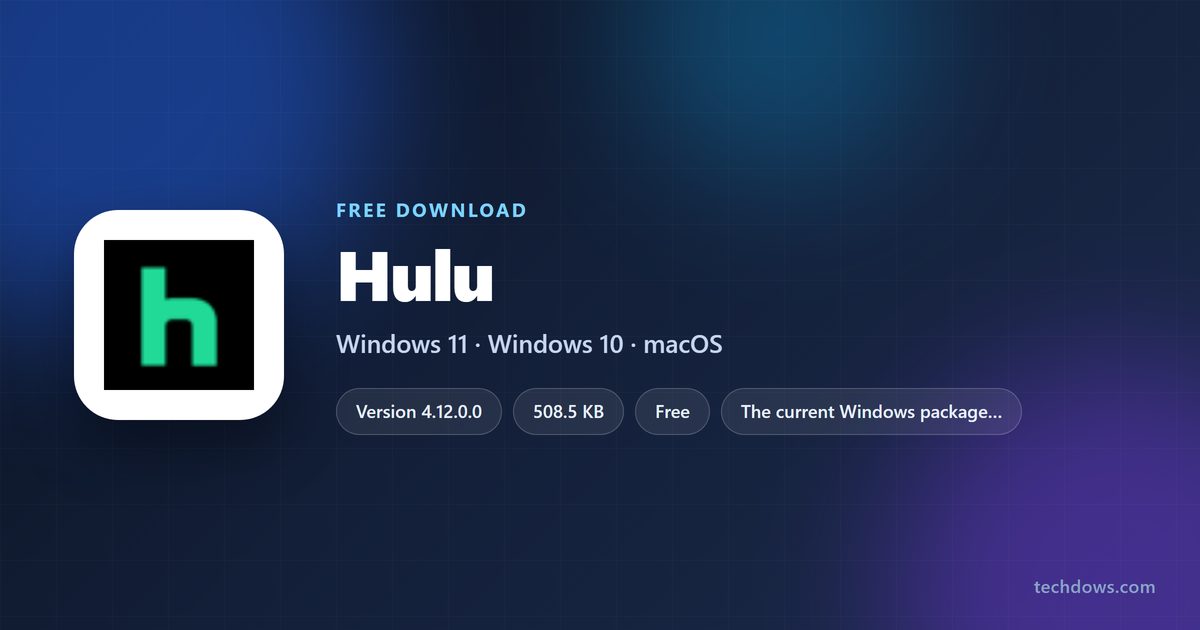
You can install Hulu on a Windows 11 or Windows 10 PC in under a minute. The app is free in the Microsoft Store, comes from Hulu, LLC, and signs you straight into your streaming library, Live TV and Hulu Originals.
On a Mac there is nothing to install. Open hulu.com in Safari, Chrome or Edge, sign in, and the same library plays in the browser tab.
Below are the official links, the Store and winget install routes, the Mac setup, what each plan costs, and fixes for an install that stalls.
Which Hulu download do you need?
Match the machine in front of you to a row. Every route uses the same account and the same subscription.
| Your computer | What to get | Download size |
|---|---|---|
| Windows 11, any processor | Hulu on the Microsoft Store | 508.5 KB |
| Windows 10 version 2004 (build 19041) or later | Hulu on the Microsoft Store | 508.5 KB |
| Windows 10 on an older build than 19041 | The same Store listing, which serves an older package | 561.5 KB or 29.8 MB |
| Mac | Nothing to install – sign in at hulu.com | No download |
| A locked-down or shared PC with no Store access | Sign in at hulu.com in a browser | No download |
The Store reads your Windows build and picks the package for you. You never choose between the three by hand.
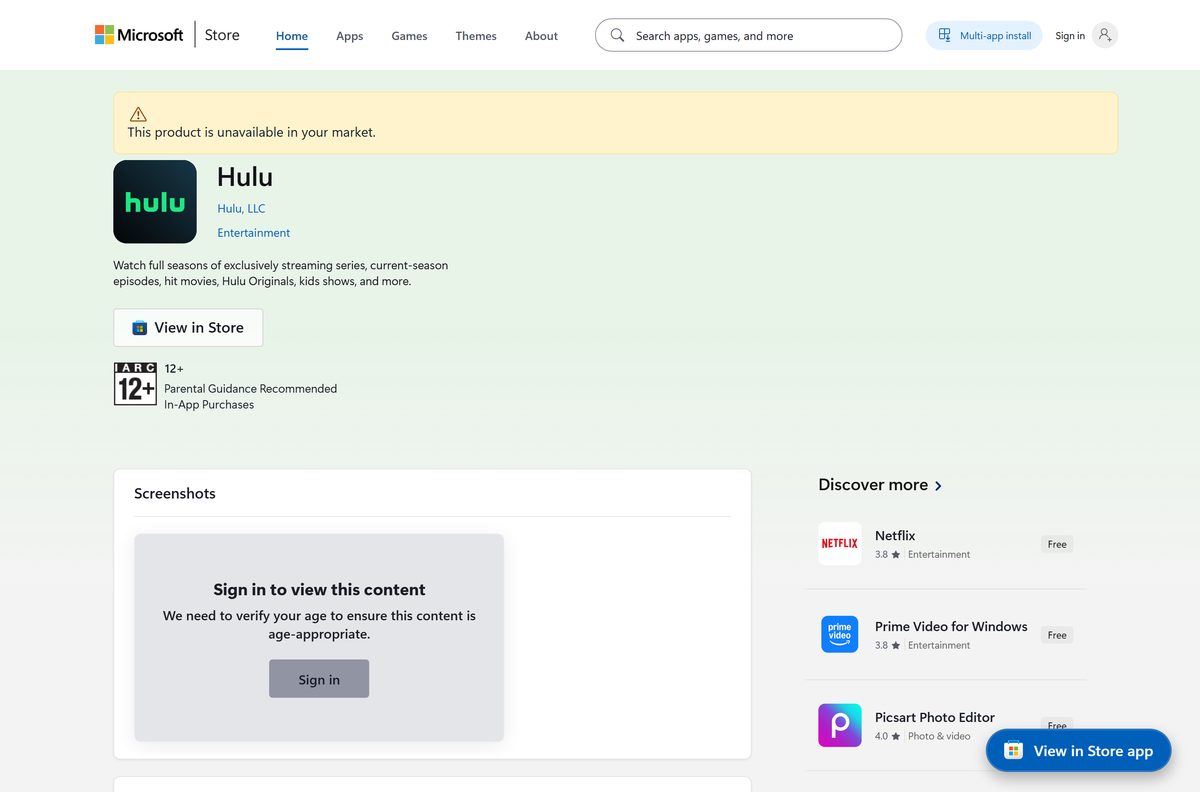
Download Hulu from the official Microsoft Store listing
One listing covers every Windows PC. Product 9WZDNCRFJ3L1 is published by Hulu, LLC and filed under Entertainment.
- Hulu on the Microsoft Store, product 9WZDNCRFJ3L1 — 508.5 KB · publisher Hulu, LLC; updates arrive through the Store
- Watch in a browser at hulu.com — works on macOS, Windows, ChromeOS and Linux
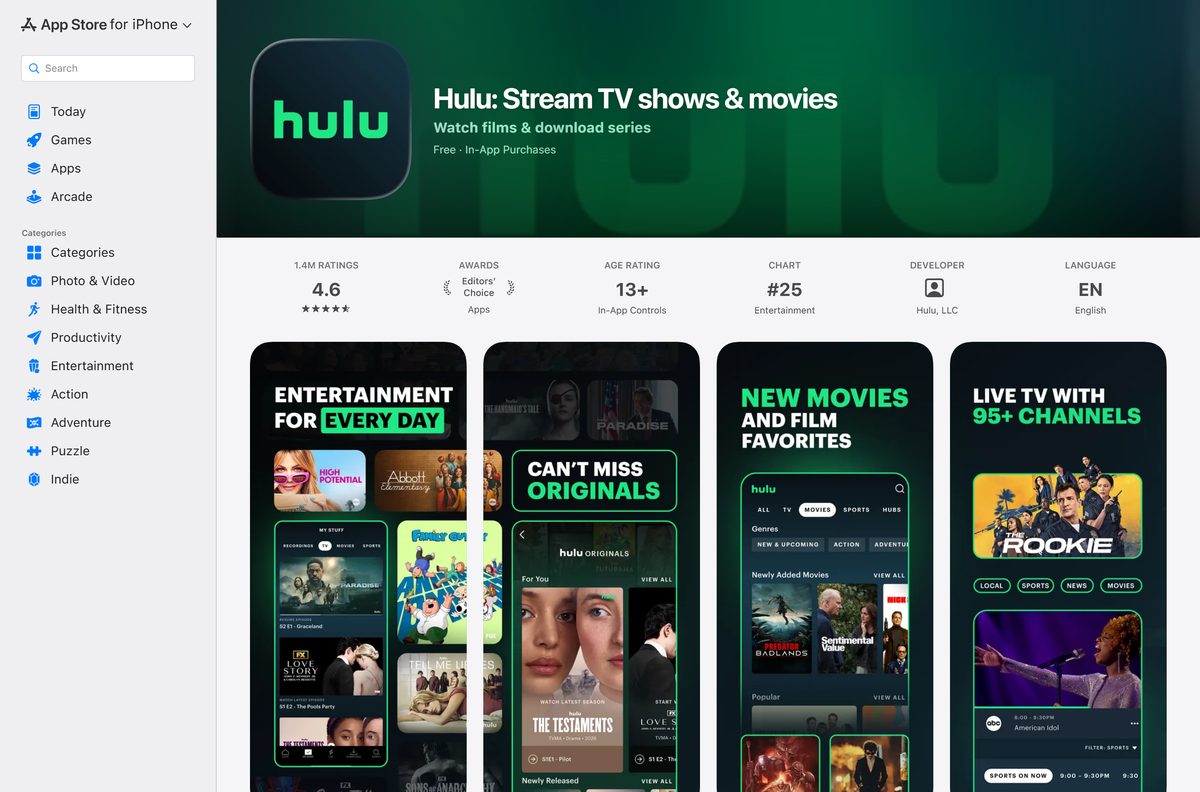
- Hulu on the App Store for iPhone, iPad and Apple TV — 225.1 MB · seller Hulu, LLC; needs iOS, iPadOS or tvOS 16.4 or later
- Hulu Help Center — supported devices, plan changes and sign-in articles
A setup file offered anywhere else is not from Hulu. Confirm the Store listing names Hulu, LLC before you select Get.
Check the Hulu system requirements before you install
Any PC on Windows 10 version 2004 or later clears the floor. Nothing in the listing asks for a specific processor.
| Field | Value |
|---|---|
| Software | Hulu |
| Developer | Hulu, LLC |
| Latest version | 4.12.0.0 |
| Store listing updated | 6 August 2026 |
| License | Free to install; a paid subscription is needed to watch |
| Supported OS | Windows 10 build 19041 or later, Windows 11 |
| Architecture | Architecture-neutral package: x64, x86 and ARM64 PCs |
| Download size | 508.5 KB (520,742 bytes) |
| Store product | 9WZDNCRFJ3L1, package family HuluLLC.HuluPlus |
| Store category | Entertainment |
| Age rating | 12 and over |
| Availability | United States only |
| Offline installer | No |
| Mac app | None; watch at hulu.com in a browser |
| Last verified | 2026-09-22 |
Press Windows + R, type winver and select OK to read your Windows version and build number.
Install Hulu from the Microsoft Store or with winget
Both routes fetch the same package and both keep it updated through the Store.
- Open Microsoft Store from the Start menu.
- Search for Hulu and open the result published by Hulu, LLC.
- Select Get. The Store downloads the package for your Windows build.
- Select Open when the install finishes.
- To use the command line instead, open Terminal and run winget install 9WZDNCRFJ3L1 –source msstore .
- Type Y to accept the Store terms when winget asks.
winget needs the Microsoft Store switched on. On a managed PC where the Store is blocked, ask IT to deploy product 9WZDNCRFJ3L1.
How to sign in and start watching on Windows 11 and 10
The app opens on a sign-in screen. There is no trial inside the app, so the account has to exist first.
- Open the app from the Start menu.
- Select Log In and enter the email address and password on the account.
- Pick the profile you want on the profile screen.
- Select a show or film from the home rows, or use the search box.
- To subscribe first, go to hulu.com in a browser and select SIGN UP FOR ONLY HULU or one of the bundle plans.
- Come back to the app and log in with the same email address.
The service is sold in the United States only, so an account created there is the one the app expects.
Which Hulu download do you need for your Mac?
There is no Mac app. The App Store listing covers iPhone, iPad and Apple TV, and lists no Mac build at all.
| Your Apple device | What to do | Where it comes from |
|---|---|---|
| MacBook Air, MacBook Pro, iMac, Mac mini or Mac Studio | Sign in at hulu.com in Safari, Chrome or Edge | No install |
| iPhone or iPad | Hulu on the App Store, 225.1 MB | iOS or iPadOS 16.4 or later |
| Apple TV box | The same App Store listing | tvOS 16.4 or later |
To keep the browser tab handy on a Mac, open hulu.com in Chrome or Edge and use Install in the address bar. The window then behaves like a separate app.
Is Hulu free?
The install costs nothing. The service does not.
The app is free to install, and every plan that plays content is paid. The Microsoft Store lists it at $0.00 and asks for no card. Sold on its own, the Hulu plan is $11.99 a month; the Disney+, Hulu Bundle is $12.99 and the Bundle Premium is $19.99. Hulu (With Ads) + Live TV is $89.99 a month after a three-day free trial. Any site offering a lifetime key or a cracked build is selling you nothing.
Prices come from the plan tables on hulu.com and apply to United States accounts.
What each Hulu plan includes
The listing names three plans. The bundles add Disney+ and ESPN to the same login.
| Plan | What it includes | Monthly price |
|---|---|---|
| Hulu | The full streaming library with ad breaks | $11.99 |
| Hulu (No Ads) | The same library without ad breaks, bar a few titles | Sold on hulu.com |
| Hulu (With Ads) + Live TV | 75+ live channels, unlimited DVR and the library | $89.99 after a 3-day trial |
| Disney+, Hulu Bundle | Both services, ad-supported | $12.99 |
| Disney+, Hulu Bundle Premium | Both services, ad-free | $19.99 |
| Disney+, Hulu, ESPN Unlimited Bundle | Adds every ESPN network and ESPN+ | From $35.99 |
Select Hulu titles also play inside the Disney+ app on a bundle. The rest stay in the Hulu app.
Which Hulu package does your Windows build get?
Three desktop packages sit behind one Store listing, split by the Windows build they support.
Update Windows to build 19041 or later, then take the current package. Version 4.12.0.0 targets build 19041 and above and is architecture-neutral, so it installs on x64, x86 and ARM64 alike. Build 16299 to 18362 machines get the older 4.11.0.0 x86 package, and anything back to build 10240 falls to 2.3.20.0, a 29.8 MB build from the Windows 8.1 era. The older two stopped gaining features years ago.
Windows 10 version 2004 reached build 19041 in May 2020, so most PCs still running Windows 10 already qualify.
How to check your Hulu version and update it
Store apps update themselves, but a paused queue leaves an old build in place for weeks.
- Open Microsoft Store, select your profile picture and choose Settings.
- Turn on App updates so the Store refreshes installed apps.
- Go to Library and select Get updates.
- To read the installed build, open Settings, then Apps, then Installed apps.
- Find the entry, select the three dots and choose Advanced options.
- Read the version line at the top of that page.
A PC that has been off for months may need Windows Update to run first before the Store will serve the newest package.
Fix Hulu not installing on Windows 11 or 10
Nearly every failure here is a Store problem rather than an app problem.
The Store says the app is not available on your device
Your Windows build is below 10.0.19041 or the device is outside the United States.
- Press Windows + R, type winver and select OK.
- If the build is under 19041, open Settings, then Windows Update, and install every pending update.
- Restart the PC and open the Store listing again.
- Outside the United States, use a supported device in the United States instead; the service is not sold elsewhere.
The download sticks at 0% or throws an error code
A stale Store cache or a signed-out Microsoft account.
- Press Windows + R, type wsreset.exe and select OK. Let the blank window close on its own.
- Open Microsoft Store, select your profile picture and sign in with your Microsoft account.
- Open Settings, then System, then Troubleshoot, then Other troubleshooters, and run Windows Store Apps.
- Work through Microsoft’s steps in Fix problems with apps from Microsoft Store.
The app installs but closes the moment it opens
A damaged package after an interrupted update.
- Open Settings, then Apps, then Installed apps.
- Select the three dots next to the entry and choose Advanced options.
- Select Repair and wait for the tick to appear.
- Select Reset if Repair changes nothing, then sign in again.
Video plays as a black screen with sound
A graphics driver that fails the protected playback path.
- Open Settings, then Windows Update, and install any optional driver updates.
- Get the newest display driver from your graphics vendor and install it.
- Restart the PC and play the title again.
- If the black screen stays, sign in at hulu.com in Edge or Chrome and play it there.
How to uninstall Hulu from Windows
Removing the Store app leaves the subscription untouched. Cancelling is a separate job on the account page.
- Open Settings with Windows + I.
- Go to Apps, then Installed apps.
- Type the name into the search box at the top of the list.
- Select the three dots next to the entry and choose Uninstall.
- Select Uninstall again to confirm.
- To stop the billing as well, sign in at hulu.com and cancel the plan on your account page.
Microsoft covers the same route for every Store app in Uninstall or remove apps and programs in Windows.
Which other ways can you watch Hulu content?
The PC app is one of several front doors to the same library.
| Route | Who it suits | What you need |
|---|---|---|
| The Microsoft Store app | Windows 11 and Windows 10 PCs | Build 19041 or later |
| hulu.com in a browser | Mac, Linux, ChromeOS and work PCs | A current browser and a sign-in |
| The App Store app | iPhone, iPad and Apple TV | iOS, iPadOS or tvOS 16.4 or later |
| The Xbox app | Xbox consoles | A separate package on the same Store listing |
| The Disney+ app | Bundle subscribers | Select titles only; the rest stay in the Hulu app |
One subscription covers all of them. Screen limits depend on the plan, not on the device.
Frequently asked questions
Is the Hulu app free to download?
Yes. The Microsoft Store lists it at $0.00 and the App Store build is free too. Watching needs a paid plan: $11.99 a month for Hulu on its own, or $12.99 for the Disney+, Hulu Bundle.
Where is the official Hulu download for PC?
The Microsoft Store listing for product 9WZDNCRFJ3L1, published by Hulu, LLC. That is the only place Windows gets the app; there is no setup file to download from any website.
Does the Hulu app work on Windows 11 and Windows 10?
Yes. The current package needs Windows 10 build 19041, which is version 2004, or anything newer, and it runs on Windows 11. Older Windows 10 builds get an earlier package from the same listing.
How big is the Hulu download for Windows?
508.5 KB, or 520,742 bytes. The app streams both its interface and its video, so almost nothing lands on the disk. The legacy package for old Windows 10 builds is 29.8 MB instead.
Is there a Hulu app for Mac?
No. The App Store listing covers iPhone, iPad and Apple TV only. On a Mac, sign in at hulu.com in Safari, Chrome or Edge, and the full library plays in the browser tab.
Is there a Hulu offline installer for Windows?
No. The app ships only through the Microsoft Store, so the PC needs a working internet connection and a signed-in Microsoft account to install it.
Can I install Hulu with winget?
Yes. Open Terminal and run winget install 9WZDNCRFJ3L1 –source msstore. It pulls the same package as the Store, keeps updating through the Store, and asks you to accept the Store terms once.
Can I watch without installing anything?
Yes. Go to hulu.com in a browser and log in. That route works on macOS, Linux, ChromeOS and any locked-down Windows PC where the Microsoft Store is switched off.
Does Hulu work outside the United States?
No. The Store listing states plainly that the service is available to US customers only. An account created elsewhere cannot stream, and the app will not sign you in.
Do I need a separate subscription for the PC app?
No. One plan covers the Windows app, the browser, the App Store build and the Xbox app. Sign in with the same email address on each device and your profiles follow you.
Why will the app not install from the Store?
Usually a stale Store cache. Press Windows + R, run wsreset.exe, then sign in to the Store with your Microsoft account and try again. A Windows build under 19041 also blocks the install.
How do I check which version is installed?
Open Settings, then Apps, then Installed apps. Select the three dots next to the entry, choose Advanced options, and read the version line at the top of that page.