You can install Google Docs as a desktop app on Windows 11, Windows 10 and Mac in about a minute, straight from Chrome or Edge. It opens in its own window, pins to the taskbar and keeps working offline once you switch that on.
Docs is free with a Google Account. Google Play and the App Store carry the official apps for Android, iPhone and iPad.
Below: the right route for each device, Google’s official links, installing on Windows and Mac, offline editing, Word files, and fixes for Docs not loading.
Which Google Docs download do you need?
Match your device to a row. On a computer, the app installs from the browser you already have.
| Your device | What to install | Size |
|---|---|---|
| Windows 11 or Windows 10 PC | Google Docs, installed as an app in Chrome or Edge | No separate download |
| Mac | Google Docs, installed as an app in Chrome | No separate download |
| Android phone, tablet or Chromebook | Google Docs on Google Play | Play states no size |
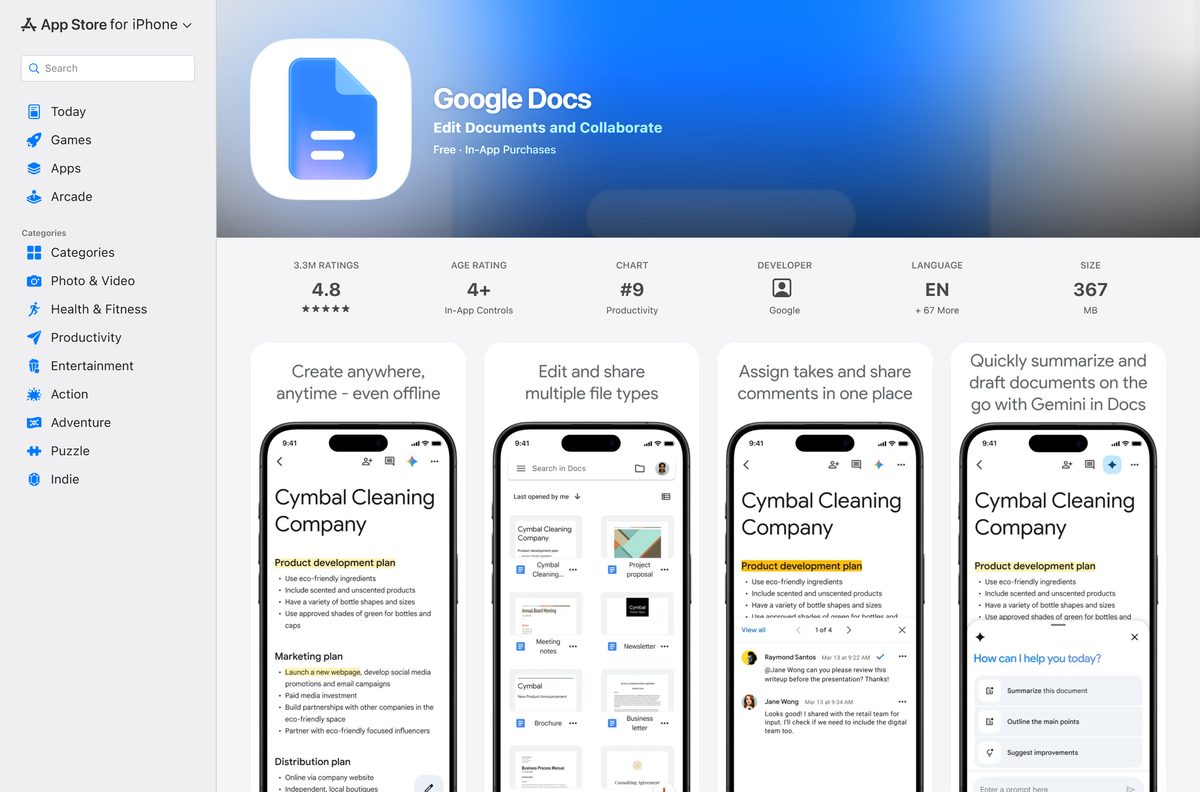
| iPhone or iPad | Google Docs on the App Store | 324.7 MB |
| Any computer that must edit with no internet | Google Docs Offline extension | 157 KiB |
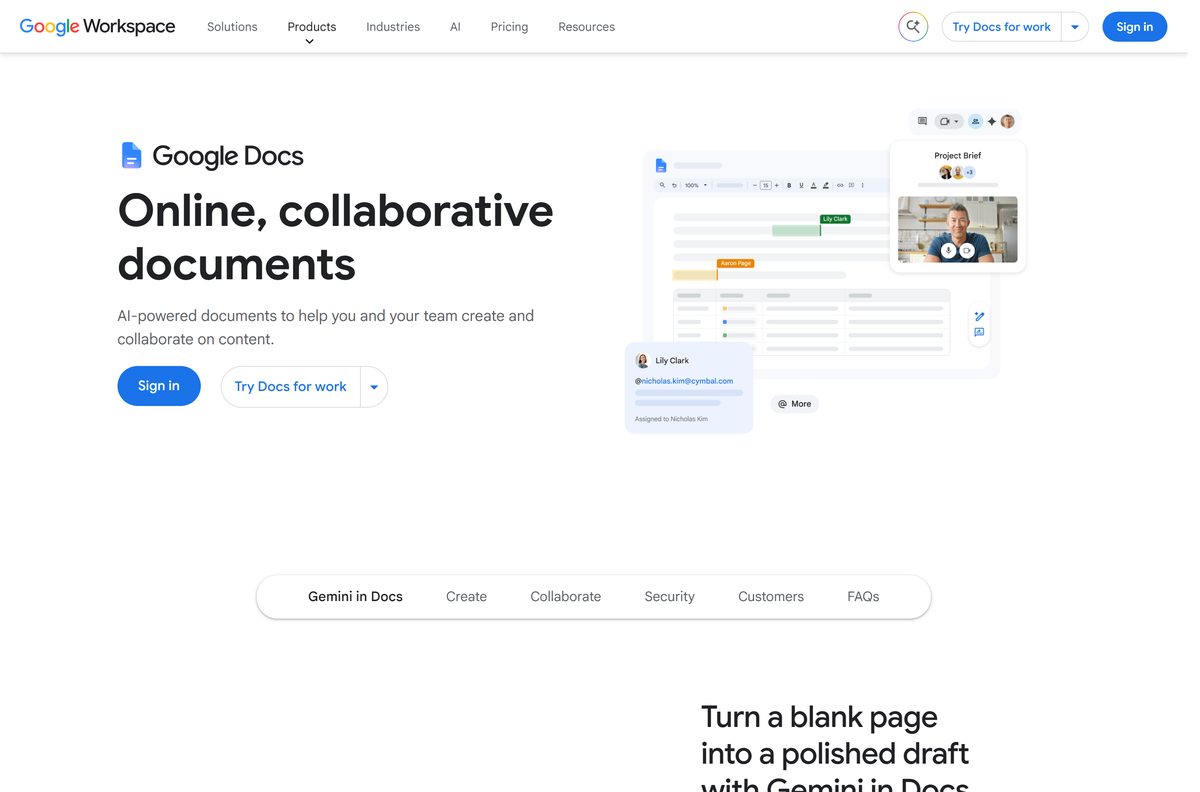
Download Google Docs from Google’s official sources
Google publishes Docs at these addresses. A download portal offering a Docs .exe is repackaging a website, so skip it.
- Google Docs on the web — sign in with a Google Account, then install it as an app
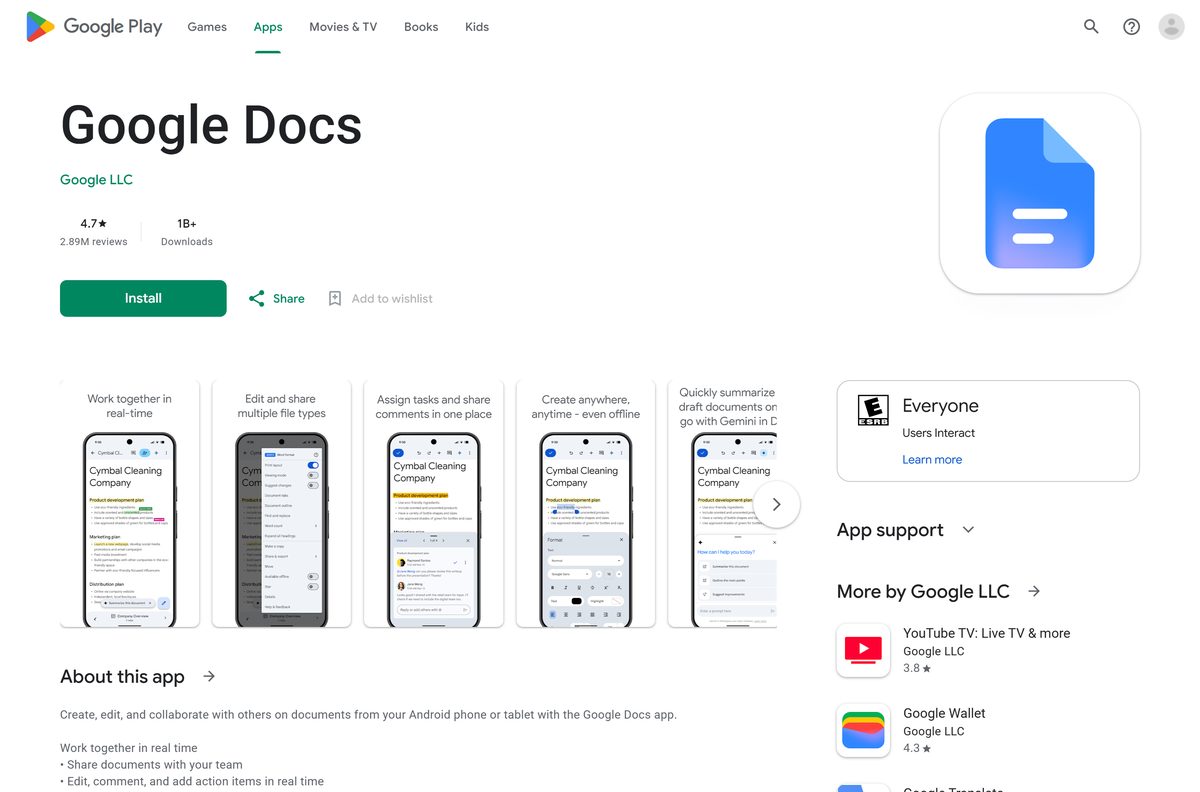
- Google Docs on Google Play — Google LLC, 1B+ downloads, updated 14 September 2026
- Google Docs on the App Store — 324.7 MB · iPhone and iPad, iOS 17.0 or later
- Google Docs Offline for Chrome and Edge — 157 KiB · needed for offline editing
- Google Drive for desktop — 264.7 MB · syncs Drive files to Windows or macOS
Check the Google Docs system requirements
Docs sets no hardware floor of its own. Your browser sets it.
| Field | Value |
|---|---|
| Developer | Google LLC |
| Latest version | Web-based, auto-updating |
| Price | Free with a Google Account |
| Storage included | Up to 15 GB shared with Gmail, Google Drive and Google Photos |
| Supported OS | Windows 11, Windows 10, macOS, ChromeOS and Linux in a browser; Android; iOS and iPadOS 17.0 or later |
| Browser | One of the two most recent versions, with cookies and JavaScript on |
| Offline editing | Chrome or Microsoft Edge with Google Docs Offline |
| Architecture | None of its own, Docs uses the browser’s build |
| Offline installer | None |
| iPhone and iPad app size | 324.7 MB |
| Official source | docs.google.com/document |
| Last verified | 2026-09-19 |
Chrome itself needs Windows 10 or later on Intel, Windows 11 and up on ARM, and macOS 13 Ventura and up.
How to install Google Docs on Windows 11 and 10 as a desktop app
Chrome turns Docs into a windowed app with its own taskbar icon. It opens without tabs or an address bar, like any other desktop program.
- Open Chrome and go to docs.google.com/document.
- Sign in with the Google Account that holds your documents.
- Select More, the three-dot button at the top right.
- Select Cast, save, and share, then Install page as app.
- Follow the on-screen prompt and select Install.
- Right-click the new window’s taskbar icon and select Pin to taskbar.
- Open Docs from the Start menu and confirm your document list loads in its own window.
Some pages show an Install icon in the address bar instead. It does the same job in one click.
Install Google Docs with Microsoft Edge instead of the Store
The Microsoft Store has no Google Docs package, so Edge is the built-in route on Windows 11. It creates the same kind of app window Chrome does.
- Open Microsoft Edge and go to docs.google.com/document.
- Sign in to your Google Account.
- Select Settings and more, the three-dot button at the top right.
- Select More tools, then Apps, then Install this site as an app.
- Name the app and select Install.
- Open edge://apps, select Details on the Docs card, and choose Pin to taskbar or Pin to Start.
The same Details panel offers Auto-start on device login if you open Docs every morning.
Which Google Docs download do you need for your Mac?
Install Docs from Chrome on a Mac. The steps match Windows, and the app lands in the Dock and Launchpad.
| What you want | What to use | Where it comes from |
|---|---|---|
| Docs in its own window | Install page as app in Chrome for Mac | |
| Docs with no internet connection | Google Docs Offline, then the Drive Offline setting | |
| Documents synced to Finder | Google Drive for desktop, GoogleDrive.dmg | Google, macOS Ventura 13.0 or higher |
| Docs on an iPhone or iPad | Google Docs on the App Store, 324.7 MB | Apple App Store |
How to set up Google Docs offline on a PC or Mac
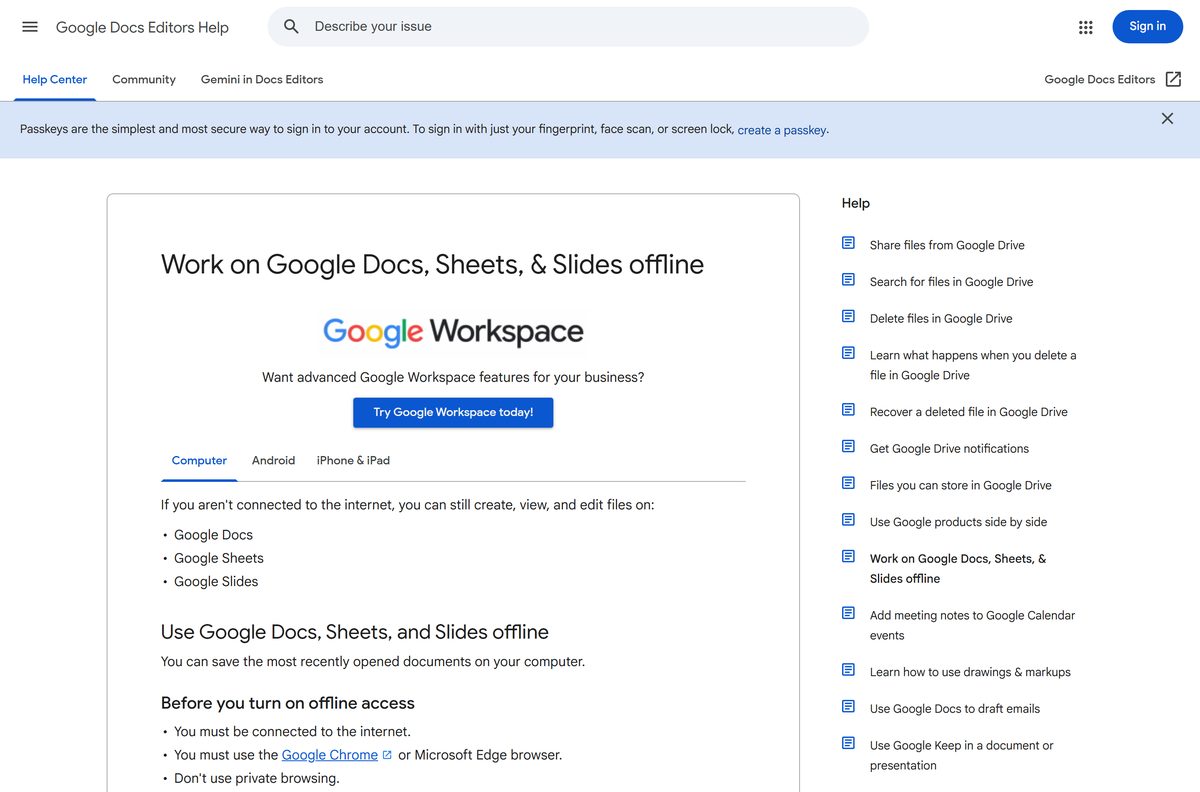
Offline mode stores documents on the computer so you can open and edit them with the network down. Edits sync the next time you connect.
- Connect to the internet and use Chrome or Microsoft Edge in a normal window, not private browsing.
- Add Google Docs Offline and make sure it is turned on.
- Open Google Drive and select Settings at the top right, then Settings again.
- Turn on the Offline setting.
- On the Docs home screen, select More on a file, then turn on Available offline.
- Wait for the checkmark, disconnect the network, and open the file again to confirm it loads.
Inside an open document, the cloud status icon next to the file title also turns offline access on. Keep enough free disk space for the files you mark.
How to open Word files in Google Docs and save a .docx or PDF
Docs edits Microsoft Word files directly, and it can convert .doc and .docx files to Google Docs format. Macros and some embedded content do not carry over.
To save a copy, open the document and select File, then Download, and choose a file type.
| You need | Do this |
|---|---|
| A Word file for someone using Microsoft Word | File > Download > Microsoft Word (.docx) |
| A read-only copy to send or print | File > Download > PDF Document (.pdf) |
| A PDF of a very large document in Chrome | File > Print, then Save as PDF |
| To edit a .docx someone sent you | Upload it to Drive and open it in Docs |
Google’s Office files help page lists every type that converts.
Should you install Google Drive for desktop or the Docs app?
Install Docs as an app from Chrome or Edge. Add Google Drive for desktop only if you also want your Drive files synced to File Explorer or Finder. Google ships no standalone .exe or .dmg for Docs itself. The browser app is the desktop version, and the offline extension covers editing without a connection. Drive for desktop is a real 264.7 MB installer, but it syncs files rather than running a word processor. It needs 64-bit Windows 10 or later with WebView2, Windows 11 on ARM64, or macOS Ventura 13.0 or higher, and has no Linux build.
Is Google Docs free?
Yes. Google Docs costs nothing with a Google Account, on the web and on both phone stores. Every Google Account includes up to 15 GB of storage shared across Gmail, Google Drive and Google Photos. Docs files created or edited after 1 June 2021 count toward that total. Google Workspace plans add business features, such as joining a Meet call from inside a document. A site charging for a Docs installer is selling a file Google does not make.
How to update Google Docs and restore an older version of a document
Docs on the web has no version number to check. Google updates it on the server, so the browser always loads the current build.
- On Android, open Google Play, select your profile picture, then Manage apps & device, and update Google Docs.
- On iPhone or iPad, open the App Store, select your profile picture and update Docs from the list.
- On a PC or Mac, keep Chrome or Edge current instead.
- To see an older copy of a document, open it and select Last edit at the top right.
- Choose an earlier version in the right panel.
- Select Restore this version, then Restore.
The App Store listed version 1.2026.36504 on 14 September 2026. Restoring an older version requires edit permission on the file.
How to check a Google Docs download really came from Google
An .exe or .dmg named Google Docs did not come from Google. Check any download against these points.
- Read the address bar before signing in. Docs runs at docs.google.com, and sign-in happens at accounts.google.com.
- On Google Play and the App Store, confirm the publisher reads Google LLC.
- On the Chrome Web Store, confirm Google Docs Offline is offered by google.com.
- Right-click any file claiming to be Docs, open Properties, then Digital Signatures, and reject a signer that is not Google.
Fix Google Docs not loading, not installing or not working offline
Google Docs will not load or keeps showing errors
Docs needs cookies, JavaScript and a recent browser version.
- Update the browser to one of its two most recent versions.
- Turn cookies and JavaScript back on in the browser’s site settings.
- Clear cached files and cookies, then reload docs.google.com/document.
- Turn extensions off one at a time to find one that blocks Docs.
The Install page as app option is missing
The menu item appears only on a regular Chrome tab showing the site.
- Leave Incognito or Guest mode and open a normal Chrome window.
- Update Chrome, then reopen docs.google.com/document.
- Check chrome://apps in case Docs is already installed.
Documents will not open offline
Offline mode needs the extension, the Drive setting and a first sync while online.
- Reconnect and confirm Google Docs Offline is installed and turned on.
- Confirm the Offline setting is on in Google Drive settings.
- Leave private browsing and use a normal Chrome or Edge window.
- Free up disk space, then mark the file Available offline again.
How to uninstall Google Docs from a PC or Mac
Removing the app removes the window and its shortcuts. Your documents stay in Google Drive.
- Open the Google Docs app window in Chrome.
- Select More at the top right, then Uninstall Google Docs.
- Tick Also delete data from Chrome if you want the local data gone, then select Remove.
- In Edge, open edge://apps, select Details on the Docs card, then Uninstall.
- To stop keeping files on the computer, turn off the Offline setting in Google Drive settings.
Deleting a document is separate. In Drive, Move to Trash keeps it for 30 days, and Delete forever removes it at once.
Which word processor to use instead of Google Docs
Docs fits shared, browser-based writing. Pick a different app when you need Word’s own format or a program that installs locally.
| App | Publisher | Cost | Best for |
|---|---|---|---|
| Google Docs | Free with a Google Account | Real-time editing and comments in a browser app | |
| Word for the web | Microsoft | Free with a Microsoft account | Working in Word’s own file format online |
| LibreOffice Writer | The Document Foundation | Free, open source | A desktop word processor for Windows and macOS |
Other office and productivity apps for PC include Quicken and Loom.
Frequently asked questions
Is Google Docs free?
Yes. Google Docs costs nothing with a Google Account, which includes up to 15 GB of storage shared with Gmail, Drive and Photos. Docs files created or edited after 1 June 2021 count toward that storage.
Can I download the Google Docs app on my PC?
Yes. Open docs.google.com/document in Chrome or Edge and install it as an app. It gets its own window, a Start menu entry and a taskbar icon on Windows 11 and 10.
What is the Google Docs download size?
On a PC or Mac, nothing sizeable downloads, because the app installs from the browser. The Docs Offline extension is 157 KiB. The iPhone and iPad app is 324.7 MB, and Google Play lists no size.
Can I use Google Docs offline on Windows?
Yes. Add the Google Docs Offline extension to Chrome or Edge, turn on Offline in Google Drive settings, and let your files sync once while you are connected.
Is there a Google Docs app for Mac?
Install Docs as an app from Chrome on a Mac and it opens from the Dock. The App Store listing covers iPhone and iPad only, and Google ships no Docs DMG.
Is it safe to download Google Docs from other sites?
Those files are not Google’s. They wrap a browser window around the same website under another publisher’s name. Use docs.google.com, Google Play or the App Store, and check the publisher reads Google LLC.
What is the latest version of Google Docs?
Docs on the web has no version number and updates on Google’s servers. The App Store listed version 1.2026.36504 on 14 September 2026, and Google Play updated its listing the same day.
Can Google Docs open and save Word files?
Yes. Docs edits .doc and .docx files and can convert them to Google Docs format. To save a Word copy, select File, then Download, and choose Microsoft Word.
How do I permanently delete a Google Doc?
In drive.google.com, right-click the file and select Move to Trash. Open Trash, select the file, then Delete forever. Files left in Trash are deleted after 30 days.
How do I restore a previous version of a Google Doc?
Open the document, select Last edit at the top right, and pick an earlier version in the right panel. Select Restore this version, then Restore. You need edit permission on the file.






