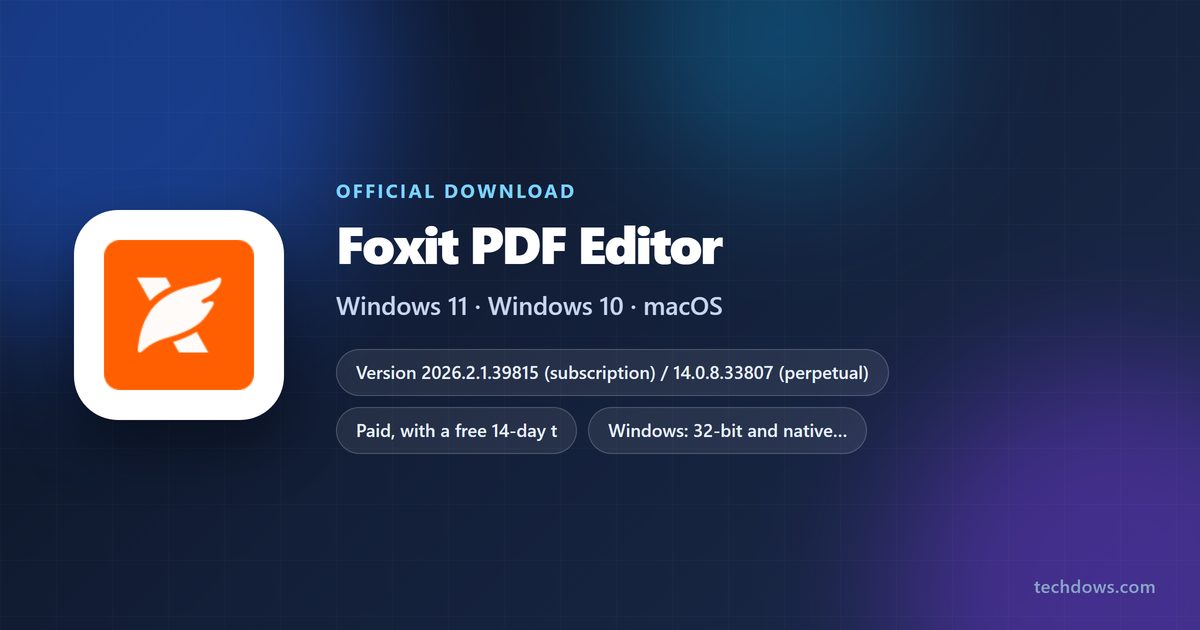
You can download Foxit PDF Editor for Windows 11, Windows 10 and Mac from Foxit’s own download page and use it free for 14 days. The trial file and the purchased file are the same, so a licence key is all that takes it out of trial mode.
The free Foxit application is Foxit PDF Reader, which views, annotates, fills forms and signs. Foxit PDF Editor is the paid one that changes the text, images and pages inside a PDF.
This guide covers which package matches your licence, the official links, installing on Windows and Mac, subscription against perpetual pricing, the MSI route for IT teams, and activation fixes.
Which Foxit PDF Editor download do you need?
Two things pick your file: the licence you hold and the platform you run. Foxit builds separate packages for subscription and perpetual licences, and each rejects the other’s key.
| Your licence or plan | Package to download | Where to get it |
|---|---|---|
| First time, no licence yet | Year-numbered trial build, EXE or PKG | Foxit downloads page |
| PDF Editor or PDF Editor+ subscription | 2026.2.1.39815 on Windows, 2026.2.1.72098 on Mac | Subscription download |
| Perpetual licence for version 14 | 14.0.8.33807 on Windows, 14.0.8.69494 on Mac | Perpetual download |
| Rolling it out across an organisation | ZIP with the MSI, its CAB files and Transforms folder | Deployment guide |
| Only read, comment and sign | Foxit PDF Reader, free | PDF Reader page |
The page serves the 64-bit build to 64-bit Windows and the 32-bit build to 32-bit Windows. Pick Multi-Language for every interface language in one package.
Download Foxit PDF Editor from the official Foxit pages
Every genuine installer comes from a foxit.com address. These are the pages that serve them.
- Foxit PDF Editor trial download — Windows EXE or ZIP, macOS PKG
- Perpetual licence download — the version 14 packages
- Start the 14-day trial — no credit card
- Plans and pricing — subscription, perpetual, volume
- Version history and release notes — both licence models
- Foxit PDF Reader — the free viewer
Foxit asks for an email address, or a Google sign-in, before the file is released. A licence bought later unlocks the copy you already installed.
How to install Foxit PDF Editor on Windows 11 and 10
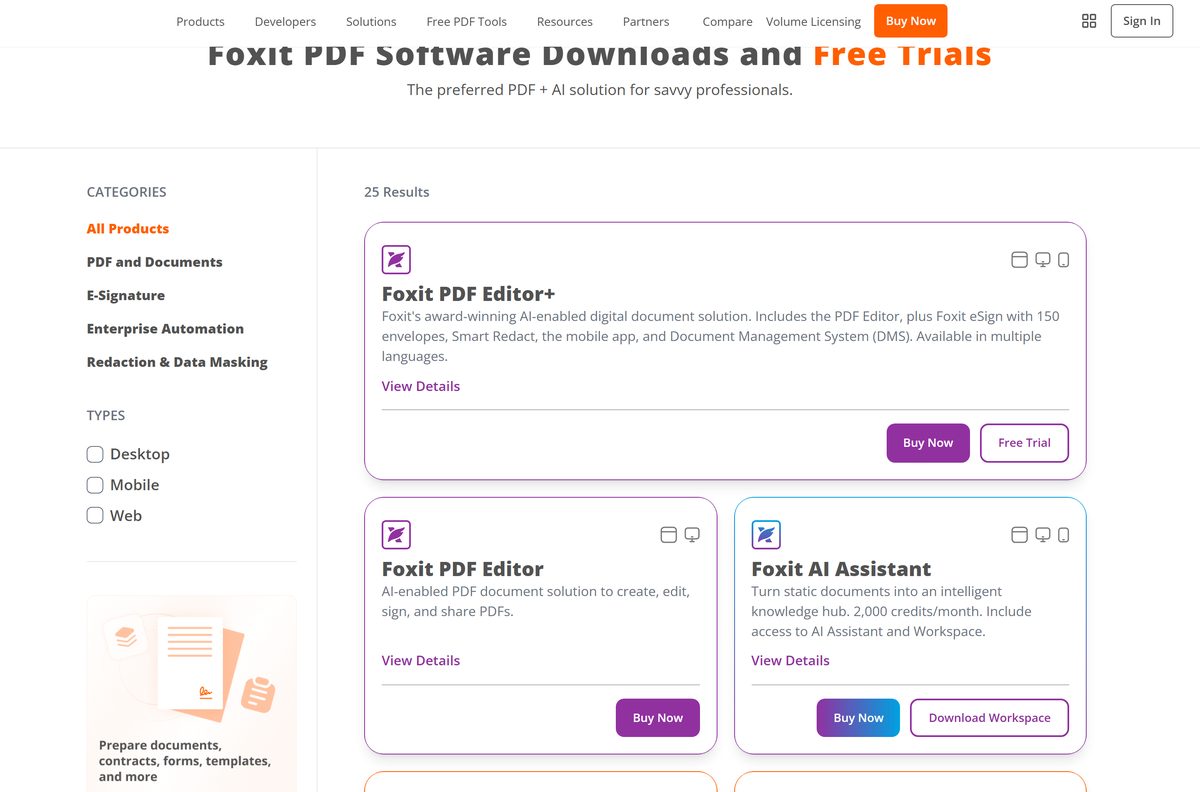
- Open the Foxit downloads page and select Free Trial under Foxit PDF Editor.
- Choose Windows as the operating system and Multi-Language as the installer language.
- Enter your email address, or sign in with Google, to release the download.
- Double-click the EXE in your Downloads folder.
- Select Yes when Windows asks to allow the app to make changes.
- Tick Agree with the License Agreement.
- Select Quick Install for the defaults, or Advanced Settings to change the folder, language and components, then Install.
- Select Start Now when setup reports that it finished.
- Sign in with your Foxit account, or paste your registration code, to leave trial mode.
Advanced Settings holds the install-directory button, a Language box and Settings and Components tabs. The 14-day clock starts at first sign-in.
How to install Foxit PDF Editor from the Microsoft Store
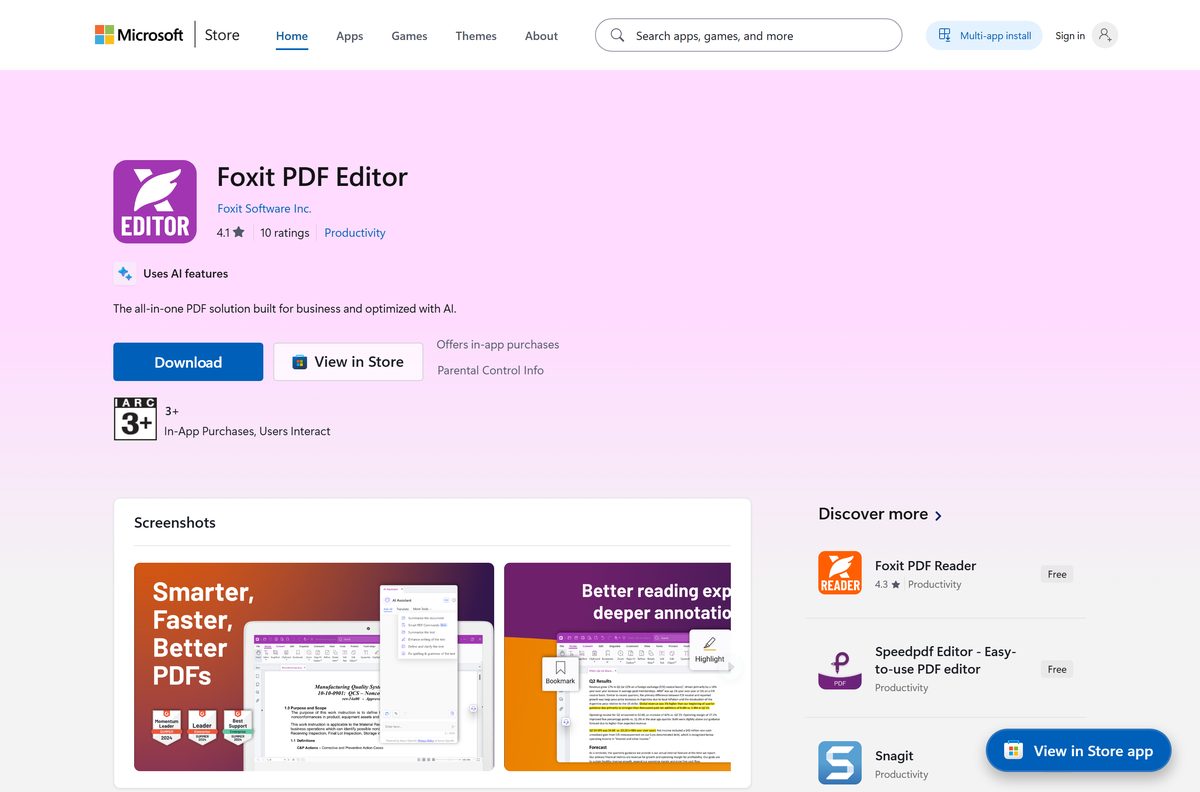
Microsoft’s catalogue carries the same Windows application. The listing is marked Paid with a free trial, so installing it does not buy a licence.
- Open the Foxit PDF Editor listing or search the Microsoft Store app for the name.
- Check that the publisher line reads Foxit Software Inc.
- Select Install and leave the Store open until the progress bar clears.
- Open the new Start-menu entry.
- Sign in with your Foxit account to start the trial, or paste a registration code.
Microsoft states the minimum as Windows 10 or higher, x86 or x64, and 750 MB of memory.
Download the Foxit PDF Editor MSI package for deployment
Packaging changed at v2026.2 and v14.0.7. The EXE no longer accepts an extraction switch, so the ZIP is the only supported source of a standalone MSI.
| Package | What is inside | Use it for |
|---|---|---|
| ZIP, named like FoxitPDFEditor20262_L10N_x64.zip | One MSI plus LangResource.cab, OCRLang.cab, PDFA.cab, PluginModules.cab and a Transforms folder | Baseline deployments |
| EXE | A self-contained bundle, no extraction switch | Single machines and manual installs |
| MSP, named like FoxitPDFEditorUpd20262x.msp | An incremental patch for one baseline series | Updating an install already on that baseline |
Keep the MSI, every CAB file and the Transforms folder in one directory, with any MST from the Foxit Customization Wizard beside them. A silent install is msiexec /i “FoxitPDFEditor20262.msi” /qn ; a patch is msiexec /p “FoxitPDFEditorUpd20262x.msp” /qn .
Setup.exe and setup.ini are gone from the v2026.2 ZIP, and an MSP cannot carry an install to a new baseline.
Which Foxit PDF Editor download do you need for your Mac?
Open the Apple menu and select About This Mac to read your macOS version. Intel and Apple silicon Macs take the same PKG, so only the licence model decides.
| Your Mac | Package | Where to get it |
|---|---|---|
| macOS 12 to macOS 15, subscription or trial | PKG, version 2026.2.1.72098 | Mac trial download |
| macOS 12 to macOS 15, perpetual licence | PKG, version 14.0.8.69494 | Perpetual download |
| macOS 11 or older | Unsupported; read and annotate instead | Foxit PDF Reader |
Select macOS on the download page, then the pkg installer. A perpetual key is tied to the operating system it was bought for.
Is Foxit PDF Editor free?
No. Foxit PDF Editor is paid software with a free 14-day trial, and the free Foxit product is Foxit PDF Reader. The trial asks only for an email address or a Google sign-in, takes no card, and covers Windows, macOS, the browser editor and the mobile apps. After that, PDF Editor costs $129.99 per user per year, PDF Editor+ $159.99, and monthly billing on an annual plan starts at $10.99. A perpetual version 14 licence is $209.99 once. Nothing charges when the 14 days end, and the account drops back to the free reader. Any site offering a full version for nothing, a cracked build or a bargain registration code is not selling a Foxit licence.
Should you install the subscription or the perpetual Foxit PDF Editor?
Install the package that matches the licence in your hand: a year-numbered build for a subscription, a version 14 build for a perpetual key. Mixing them fails. The giveaway is an activation message reading “The version number of Foxit PDF Editor is incorrect”, or a perpetual key with nowhere to type it. Check which build is installed under Programs and Features, uninstall it, then download the other package. A subscription also runs on two devices across Windows and macOS; a perpetual licence runs on one device and one operating system.
How to check your Foxit PDF Editor version and update it
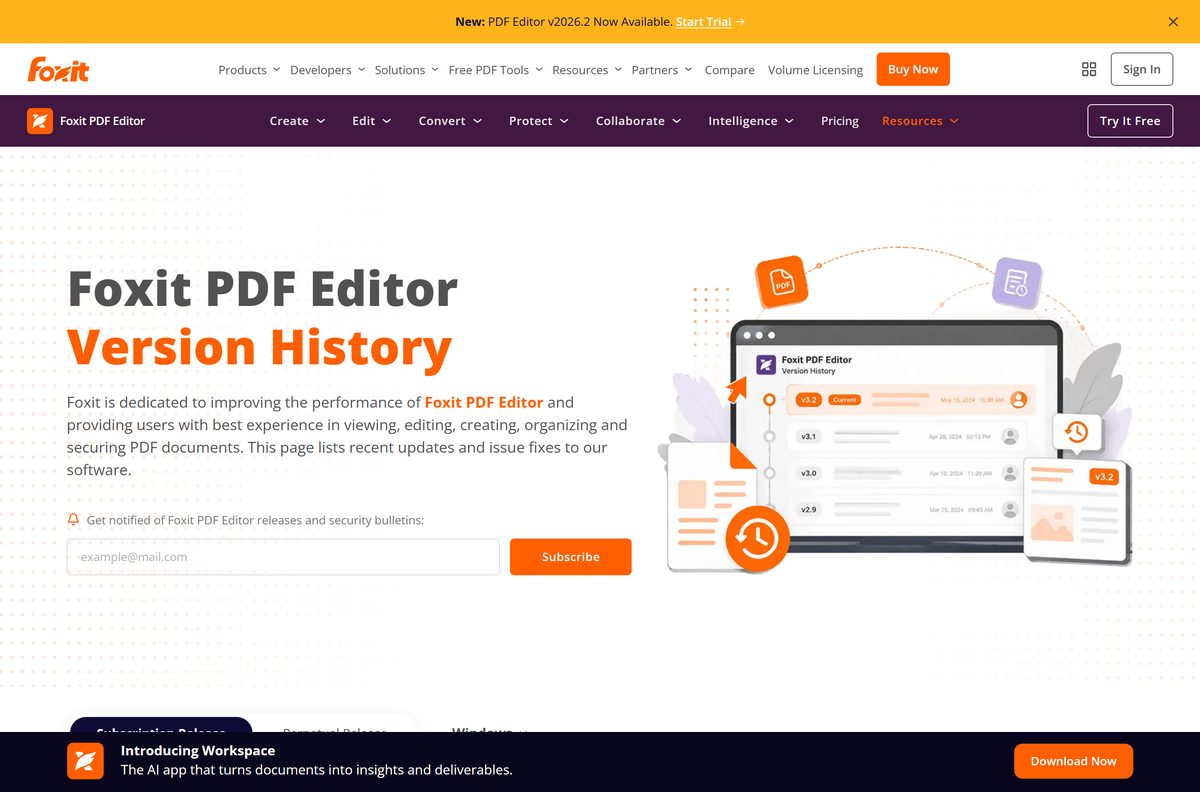
The version string tells you which licence model is installed as well as how current it is.
- Open the application and select Help.
- Select About Foxit PDF Editor and read the version number in the dialog.
- Select Check for Update in that same dialog.
- Install the patch the updater offers, then restart the application.
- On a Mac, take the same Help then About Foxit PDF Editor then Check for Update route.
- To read the version without opening it, check Programs and Features in Control Panel.
Updates inside one release series arrive as MSP patches. Crossing to a new baseline needs the full package from the download page.
Check the Foxit PDF Editor system requirements
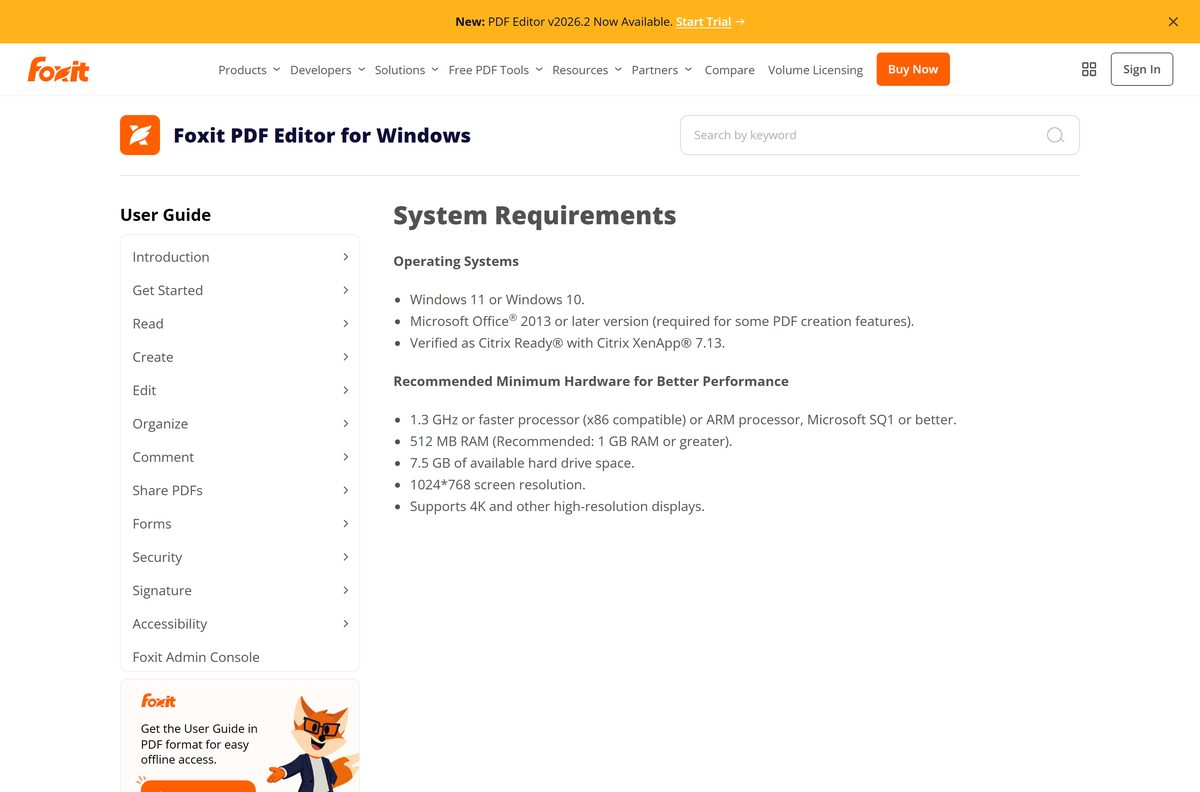
| Item | Detail |
|---|---|
| Software | Foxit PDF Editor |
| Developer | Foxit Software Incorporated |
| Latest version | 2026.2.1.39815 (subscription) / 14.0.8.33807 (perpetual), 23 September 2026 |
| Licence | Paid, with a free 14-day trial |
| Windows | Windows 11 or Windows 10 |
| macOS | macOS 12, macOS 13, macOS 14 or macOS 15 |
| Processor | 1.3 GHz x86 or ARM from Microsoft SQ1; Intel or Apple silicon on a Mac |
| Memory | 512 MB on Windows, 1 GB recommended; 1 GB on a Mac |
| Disk space | 7.5 GB on Windows, 5 GB on a Mac |
| Display | 1024×768 minimum, 4K supported |
| Architecture | 32-bit and native 64-bit on Windows; one PKG on Mac |
| Offline installer | Yes, the Windows EXE is self-contained |
| File size | Not published by Foxit |
| Official download source | foxit.com |
| Last verified | 25 October 2026 |
Fix Foxit PDF Editor not installing or activating on Windows 11 or 10
Activation says the version number is incorrect
The installed package belongs to the other licence model.
- Open Control Panel, select Programs and Features and read the version beside the entry.
- Uninstall it.
- Download the year-numbered package for a subscription, or the version 14 package for a perpetual key.
- Install it and activate again.
There is nowhere to type a registration code
A subscription package signs in to an account and never asks for a code.
- Uninstall the subscription package.
- Download the perpetual version 14 package.
- Install it and enter the code from your order confirmation.
An MSI deployment stops part-way through
The MSI was separated from the CAB files it needs.
- Extract the whole ZIP into one folder.
- Keep the MSI, every CAB file and the Transforms folder together there.
- Put any MST file beside them.
- Run msiexec /i “FoxitPDFEditor20262.msi” /qn from that folder.
A plugin stops loading after an upgrade
32-bit plugins built on the older SDK do not run in the 64-bit editor.
- Ask the plugin’s developer whether a 64-bit build exists.
- Download the matching add-on from the Foxit PDF Editor add-ons page.
- Reinstall the 32-bit build if no 64-bit plugin exists; Foxit still updates that branch.
How to uninstall Foxit PDF Editor
- Press Windows + I to open Settings.
- Select Apps, then Installed apps.
- Find the entry, select the three dots beside it and choose Uninstall.
- Confirm Uninstall and wait for the progress to clear.
- Restart the PC so PDF associations fall back to another application.
A silent removal from an MSI install runs as msiexec.exe /x {GUID} /quiet CLEAN=”1″ , where CLEAN also clears registry entries and user data. The GUID sits in the target field of the Uninstall shortcut.
An EXE install removes the same way with “
Choose another Foxit product if you do not need the full editor
| Product | Cost | What it does | Get it |
|---|---|---|---|
| Foxit PDF Reader | Free | View, annotate, fill forms and sign | PDF Reader page |
| PDF Editor+ | $159.99 per user per year | The editor plus mobile apps, Smart Redact and eSign | Pricing page |
| Perpetual version 14 | $209.99 one time | Editing on one device, tied to one OS | Perpetual download |
| Mobile edition for iPhone and iPad | Included with PDF Editor+ | Editing on iOS, inside a three-device limit | App Store |
| Mobile edition for Android | Included with PDF Editor+ | Editing on Android phones and tablets | Google Play |
Take the free reader if you only read, comment and sign. Pay for the editor to change text, images or page order.
Frequently asked questions
Is Foxit PDF Editor free?
No. It is paid software with a free 14-day trial that needs no credit card. PDF Editor costs $129.99 per user per year, PDF Editor+ costs $159.99, and a perpetual version 14 licence is $209.99 once. Foxit PDF Reader is the free product.
What is the official Foxit PDF Editor download page?
The downloads page on foxit.com serves every package. Choose Free Trial for the subscription build or the perpetual entry for version 14, then pick Windows or macOS and a language.
What is the difference between Foxit PDF Reader and Foxit PDF Editor?
The reader is free and handles viewing, annotation, form filling and signing. The editor is paid and changes a PDF’s content: text, images, page order, OCR, redaction and conversion to Word or Excel.
Does Foxit PDF Editor work on Windows 11?
Yes. Foxit lists Windows 11 and Windows 10 as supported, with a 1.3 GHz processor, 512 MB of RAM and 7.5 GB of free disk space. ARM chips from Microsoft SQ1 upwards are covered.
How big is the Foxit PDF Editor download?
Foxit publishes no installer size, and the file is released only after you complete the form on its download page. Plan for the disk requirement instead: 7.5 GB on Windows, 5 GB on a Mac.
Is there a Foxit PDF Editor offline installer?
Yes. The Windows EXE is a self-contained bundle rather than a small web stub. Administrators take the ZIP package, which holds one MSI with its CAB files and a Transforms folder.
Is Foxit PDF Editor available for Mac?
Yes. One macOS PKG covers Intel and Apple silicon Macs and needs macOS 12 to macOS 15. The current Mac builds are 2026.2.1.72098 for subscriptions and 14.0.8.69494 for perpetual licences.
Is Foxit PDF Editor 32-bit or 64-bit?
Both. Foxit has shipped a native 64-bit Windows build since v2025.2 and v14, and still updates the 32-bit branch. The download page serves whichever matches your Windows.
Is the Foxit PDF Editor download safe?
Yes, from foxit.com or the Microsoft Store listing published by Foxit Software Inc. Avoid download portals, cracked builds and cheap registration codes; those keys fail activation.
What is the latest version of Foxit PDF Editor?
The subscription build is 2026.2.1.39815 on Windows and the perpetual build is 14.0.8.33807, both released on 23 September 2026. Help, then About Foxit PDF Editor, shows your own.
Why does activation say the version number is incorrect?
You installed the package for the wrong licence model. Subscription licences activate the year-numbered build and perpetual keys the version 14 build. Uninstall, download the matching package, activate again.