Epson ScanSmart is a free Epson scanning app for Windows 11, Windows 10 and Mac. You scan a document or photo, check it in a large preview, then save, email, print or upload it in a few clicks.
The current version comes straight from Epson’s support site as a full Windows installer and a separate Mac .dmg. It works alongside Epson Scan 2, the driver that talks to your scanner.
Below you get the right file for your scanner, install steps for Windows and Mac, the difference between the free and Accounting editions, fixes for common errors, and removal steps.
Which Epson ScanSmart download do you need?
Epson publishes ScanSmart in separate builds for all-in-one printers, document scanners and photo scanners. Match your Epson product to a row.
| Your Epson product | File to download | Size |
|---|---|---|
| All-in-one printer with a scanner (ET, XP, WorkForce), Windows | ScanSmart_MFP_3720.exe | 377 MB |
| All-in-one printer with a scanner, Mac | ScanSmart_MFP_3720.dmg | 284 MB |
| Document scanner such as the WorkForce ES-400, Windows | SS_3.7.10_DOC.exe | 297 MB |
| Document scanner such as the WorkForce ES-400, Mac | SS_3.7.9_DOC.dmg | 273 MB |
| Photo scanner such as the Perfection V39, Windows | SS_3.7.10_Core_PHO.exe | 54.6 MB |
| New scanner with nothing installed yet | Drivers and Utilities Combo Package for your model | About 2.2 MB web installer |
Not sure which build fits? Search your exact model on epson.com and open its Downloads tab. The ScanSmart entry listed there is the one Epson matched to your product.
Download Epson ScanSmart from the official Epson site
Epson recommends installing ScanSmart through your scanner’s Drivers and Utilities Combo Package, which adds the driver, Epson Scan 2 and ScanSmart in one run. The standalone files below sit on Epson’s own ftp.epson.com server.
- Epson ScanSmart v3.7.20 for Windows (all-in-one printers) — 377 MB · released 9 February 2026; Windows 11 back to Windows 7
- Epson ScanSmart v3.7.20 for Mac (all-in-one printers) — 284 MB · Mac OS X 10.11 El Capitan through macOS 27
- Epson ScanSmart Downloads page — Epson’s entry point: search your scanner and get its Combo Package
- Example: WorkForce ES-400 Combo Package Installer — 2.2 MB · installs the scanner driver, Epson Scan 2, ScanSmart and Epson Software Updater
- Epson US support home — search your model to reach its own Downloads tab
The Combo Package file name changes per model. Take it from your own product page rather than borrowing another model’s installer.
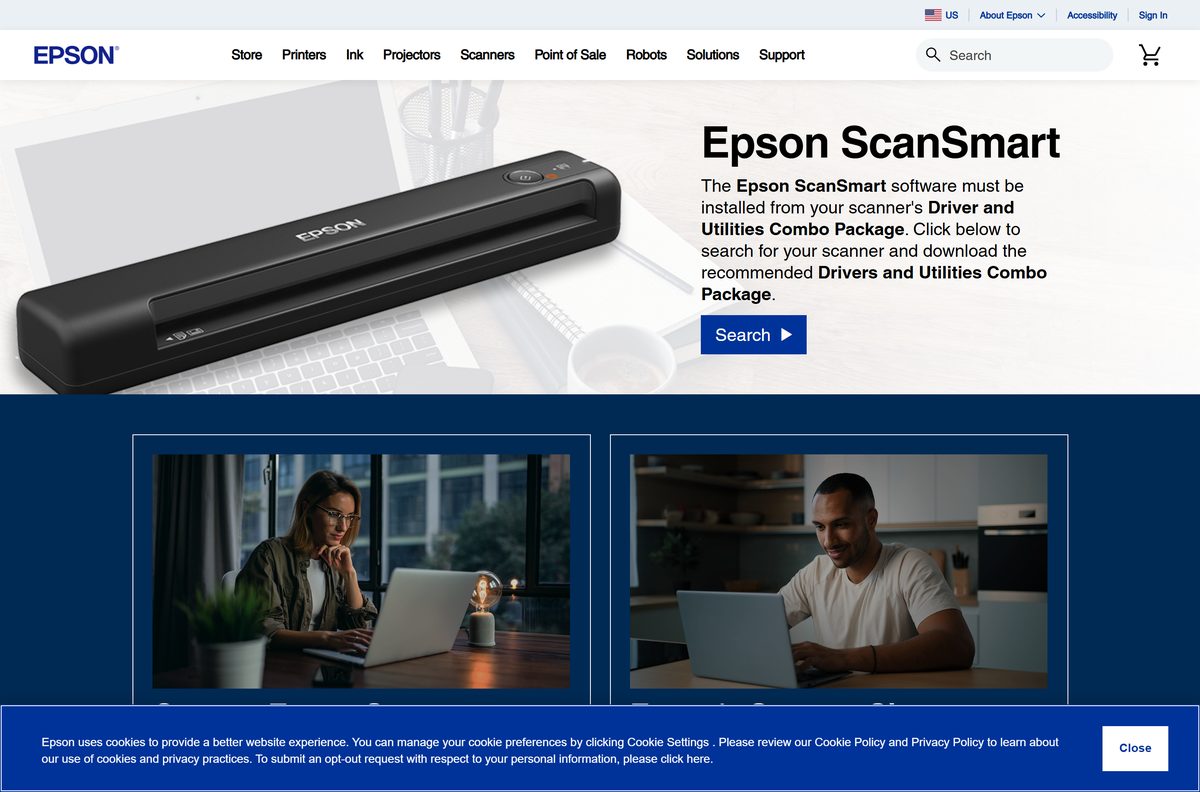
How to install Epson ScanSmart on Windows 11 and 10
Install Epson Scan 2 first, or use the Combo Package, which installs it for you. Epson lists Epson Scan 2 as a requirement for ScanSmart.
- Connect your Epson scanner or all-in-one by USB or Wi-Fi and turn it on.
- Download the ScanSmart file for your product from the table above or from your model’s Downloads tab.
- Open your Downloads folder and double-click the file.
- Select Yes when User Account Control asks for permission.
- Accept the licence agreement and follow the prompts to finish setup.
- On Windows 11, click Start, search for Epson ScanSmart and select it.
- Click Change on the main screen if a different scanner is selected, and pick yours.
On Windows 10, open it from Start > Epson Software > Epson ScanSmart.
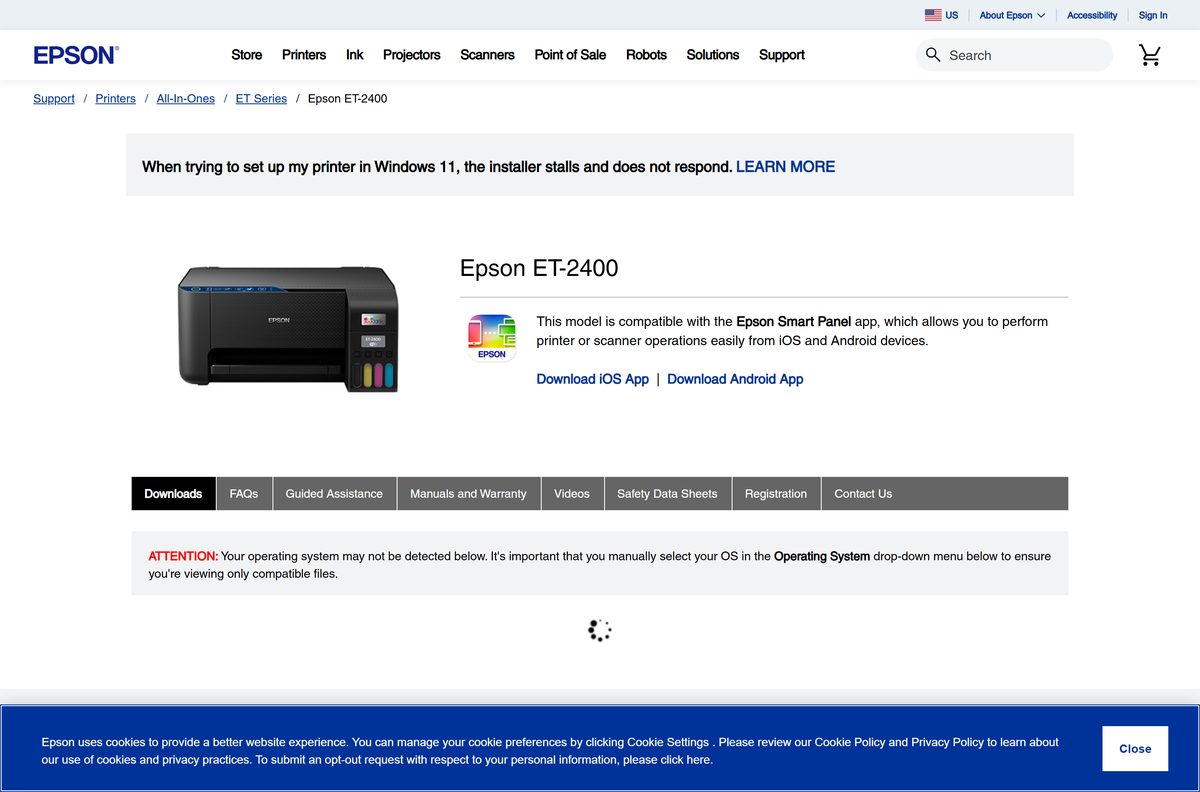
Which Epson ScanSmart download do you need for your Mac?
Open the Apple menu and select About This Mac to read your macOS version. Then match your Epson product type.
| Your Mac and product | Download | Size |
|---|---|---|
| All-in-one printer, Mac OS X 10.11 through macOS 27 | ScanSmart_MFP_3720.dmg | 284 MB |
| Document scanner, Mac OS X 10.11 through macOS 27 | SS_3.7.9_DOC.dmg | 273 MB |
| Nothing installed yet for your scanner | Your model’s Combo Package (.dmg) on epson.com | About 16 MB web installer |
Double-click the .dmg, run the installer inside it and enter your Mac password when asked.
To start it, open the Applications folder, open Epson Software and select Epson ScanSmart.
Is Epson ScanSmart free?
Yes. Epson ScanSmart is a free download from epson.com for owners of supported Epson scanners and all-in-ones. The standard app includes scanning, editing, cloud upload and searchable PDFs through Kofax OCR at no cost. Epson also sells ScanSmart Accounting Edition, which adds receipt management and unlocks with a licence key sent by email. A site charging for the standard app, or wrapping it in its own download manager, is not Epson.
Should you use Epson ScanSmart or Epson Scan 2?
Both appear on the same Epson support pages, and ScanSmart needs Epson Scan 2 installed to work.
Use Epson ScanSmart for everyday document and photo scans; keep Epson Scan 2 installed underneath it. ScanSmart adds the large preview, page editing, filename suggestions and one-click saving to PDF, Word, Excel, PowerPoint, email or cloud storage. Epson Scan 2 is the driver and manual scanning tool that ScanSmart relies on, so removing it breaks ScanSmart.
What you can do with a scan in Epson ScanSmart
After a scan finishes, ScanSmart shows each page in a preview window. Pick an action from the table.
| Task | Where to find it |
|---|---|
| Scan more pages, delete, rotate or crop pages | Preview window toolbar |
| Stitch two scans into one image | Preview window toolbar |
| Save as a searchable PDF | Save, with Kofax OCR text recognition |
| Edit in Word, Excel or PowerPoint | Save as a Microsoft Office file |
| Email the scan | Send as an email attachment |
| Upload to cloud storage | Upload to a cloud service |
| Print a copy |
How to check your Epson ScanSmart version and update it
- Press Windows + I and open Apps > Installed apps.
- Search for Epson ScanSmart and read the version number under its name.
- Compare it with the ScanSmart entry on your model’s Downloads tab on epson.com.
- If Epson lists a newer build, download it and run it over the top of the old one.
- Alternatively, run Epson Software Updater, which Epson lists on product pages for updating Epson software.
On a Mac, open Applications > Epson Software, select Epson ScanSmart and press Command + I to read the version.
Check the Epson ScanSmart system requirements
| Field | Value |
|---|---|
| Software | Epson ScanSmart |
| Developer | Seiko Epson Corporation (Epson America in the US) |
| Latest version | 3.7.20 for Windows and Mac (9 February 2026, all-in-one printer build) |
| Licence | Free; Accounting Edition is a paid upgrade |
| Windows | Windows 11, 10, 8.1, 8 and 7 (32-bit and 64-bit for the printer build) |
| macOS | Mac OS X 10.11 El Capitan through macOS 27 |
| Download size | 377 MB Windows .exe; 284 MB Mac .dmg |
| Offline installer | Yes, the standalone .exe and .dmg hold the full app |
| Needs first | Epson Scan 2 for your exact model |
| Official download source | epson.com product support pages, files on ftp.epson.com |
| Last verified | 19 September 2026 |
Fix Epson ScanSmart not working on Windows 11 or 10
Epson ScanSmart will not start or cannot find the scanner
The scanner is off, still starting up, or connected through a faulty cable or hub.
- Turn the scanner on and wait until the status light stops flashing.
- Check that the cable is firmly connected at both ends.
- Use the USB cable that came with the scanner.
- Plug it directly into the computer, or through no more than one hub.
- Open ScanSmart again and click Change to select your scanner.
The scanner button does not start a scan in ScanSmart
ScanSmart points at another scanner, or a USB link to another computer takes priority.
- Restart your computer.
- Click Change on the main ScanSmart screen and select the scanner you want to use.
- Disconnect the scanner from any other computer’s USB port; USB takes priority over Wi-Fi.
- For Wi-Fi scanning, turn the router off and on again and confirm the scanner is paired with your computer.
- Reinstall ScanSmart from your model’s Downloads tab if the button still does nothing.
ScanSmart installs but no scanner is available
Epson Scan 2 is missing or belongs to a different model.
- Download Epson Scan 2 from your exact model’s Downloads tab on epson.com.
- Install it and restart the computer.
- Open ScanSmart and select your product with Change.

How to uninstall Epson ScanSmart
Removing ScanSmart leaves Epson Scan 2 in place, so you can still scan from the driver’s own window.
- Turn off the scanner and disconnect its cable.
- On Windows 11, press Windows + I and open Apps > Installed apps.
- Select the three dots next to Epson ScanSmart and choose Uninstall.
- Confirm, then restart the computer.
- On a Mac, download Epson’s Uninstaller utility from your model’s Downloads tab.
- Quit all apps, double-click Uninstaller, tick Epson ScanSmart and click Uninstall.
On Windows 10, open Settings > Apps > Apps & features, select Epson ScanSmart and click Uninstall.
Which Epson tool should you use instead of ScanSmart?
Epson offers other free scanning utilities on the same support pages. Each covers a different part of the job.
| Tool | Cost | Best for |
|---|---|---|
| Epson Scan 2 | Free | Manual scans with full control of resolution, colour and file type |
| Epson Event Manager | Free | Sending scans from the printer’s own Scan button to your computer |
| Epson ScanSmart Accounting Edition | Paid licence | Everything in ScanSmart plus receipt management |
| Epson ScanSmart | Free | Quick document and photo scans with preview, OCR and sharing |
Frequently asked questions
Is Epson ScanSmart free?
Yes. Epson ScanSmart is a free download from epson.com for owners of supported Epson scanners and all-in-one printers. Only the optional Accounting Edition, which adds receipt management, needs a paid licence key.
Where is the official Epson ScanSmart download?
Epson lists ScanSmart on its Epson ScanSmart Downloads page and in the Downloads tab of each supported model on epson.com. The installer files are hosted on Epson’s own ftp.epson.com server.
Does Epson ScanSmart work on Windows 11?
Yes. Epson lists the current ScanSmart build as compatible with Windows 11 and with Windows 10, 8.1, 8 and 7. Install Epson Scan 2 for your model first, because ScanSmart needs it to reach the scanner.
How big is the Epson ScanSmart download?
The Windows installer for all-in-one printers, ScanSmart_MFP_3720.exe, is 377 MB. The Mac version is 284 MB. The document-scanner build for Windows is 297 MB, and the photo-scanner core file is 54.6 MB.
Is there an Epson ScanSmart offline installer?
Yes. The standalone ScanSmart .exe and .dmg files from Epson hold the full app and install without further downloads. The small Drivers and Utilities Combo Package Installer is different: it downloads the components it needs.
Is there an Epson ScanSmart download for Mac?
Yes. The Mac version of Epson ScanSmart is a 284 MB .dmg file for all-in-one printers. Epson lists it for Mac OS X 10.11 El Capitan through macOS 27, including Sonoma, Sequoia and Tahoe.
Does Epson ScanSmart support 64-bit and ARM64 Windows?
Epson lists the all-in-one printer build of ScanSmart for 32-bit and 64-bit Windows. For ARM PCs, Epson marks its Epson Scan 2 driver as compatible with ARM devices running Windows 11 24H2 or later.
Is Epson ScanSmart safe to install?
Yes, when you download it from epson.com or ftp.epson.com. Those are Epson’s own servers. Avoid third-party download portals, which repackage installers and sometimes bundle extra software.
What is the latest version of Epson ScanSmart?
The latest version on Epson’s US support pages is 3.7.20, released on 9 February 2026 for Windows and Mac. Some document-scanner pages still list 3.7.10 for Windows and 3.7.9 for Mac.
Why won’t Epson ScanSmart install or open?
The usual cause is a missing Epson Scan 2 driver or a scanner that is off or badly connected. Install Epson Scan 2 for your exact model, connect by USB directly, then open ScanSmart and select your scanner.
How do I open Epson ScanSmart on Windows 11?
Click Start, search for Epson ScanSmart and select it. On Windows 10, go to Start, then Epson Software, then Epson ScanSmart. On a Mac, open Applications, then Epson Software, then Epson ScanSmart.
How do I uninstall Epson ScanSmart?
On Windows 11, open Settings, then Apps, then Installed apps, and uninstall Epson ScanSmart. On a Mac, use Epson’s free Uninstaller utility from your model’s support page and tick Epson ScanSmart.







How to Download Epson Scan 2 for Windows 11: Quick Guide - Techdows
[…] lists Epson ScanSmart, Epson Scan 2 and Epson Software Updater as the software included with models such as the WorkForce […]