The EndNote download for Windows 11, Windows 10 and Mac comes from endnote.com, where Clarivate offers EndNote 2025 as a 30-day free trial or a full licence. The same installer covers both, so you can start the trial and add a product key later.
EndNote also has a free online edition, EndNote Basic, that runs in your browser with no install. The iPad app is free on the App Store.
This guide covers which download you need, the official links, installing on Windows and Mac, licence options, requirements, updates and fixes for common install problems.
Which EndNote download do you need?
Match your situation to a row. Every link goes to endnote.com, Clarivate or Apple’s App Store.
| Your situation | What to get | Note |
|---|---|---|
| Trying EndNote for the first time | EndNote 2025 free trial | 30 days, Windows and Mac |
| Ready to buy the desktop app | Buy EndNote 2025 | One-time purchase; full, student and upgrade licences |
| Own a licence, new or rebuilt computer | Download EndNote (Clarivate support) | Links for EndNote 2025, 21 and 20 on Windows and macOS |
| Already running EndNote 2025 | Available updates | Latest update for Windows and macOS |
| Want a free option with no install | EndNote Basic sign-up | Up to 50,000 references and 2 GB of attachments |
| Working on an iPad | EndNote on the App Store | Free, needs iPadOS 15.0 or later |
University users should check with their library first. Many institutions hand out a site installer that needs no product key.
Download EndNote from the official Clarivate links
Clarivate publishes EndNote on endnote.com and on its support site, support.clarivate.com. Use only these pages.
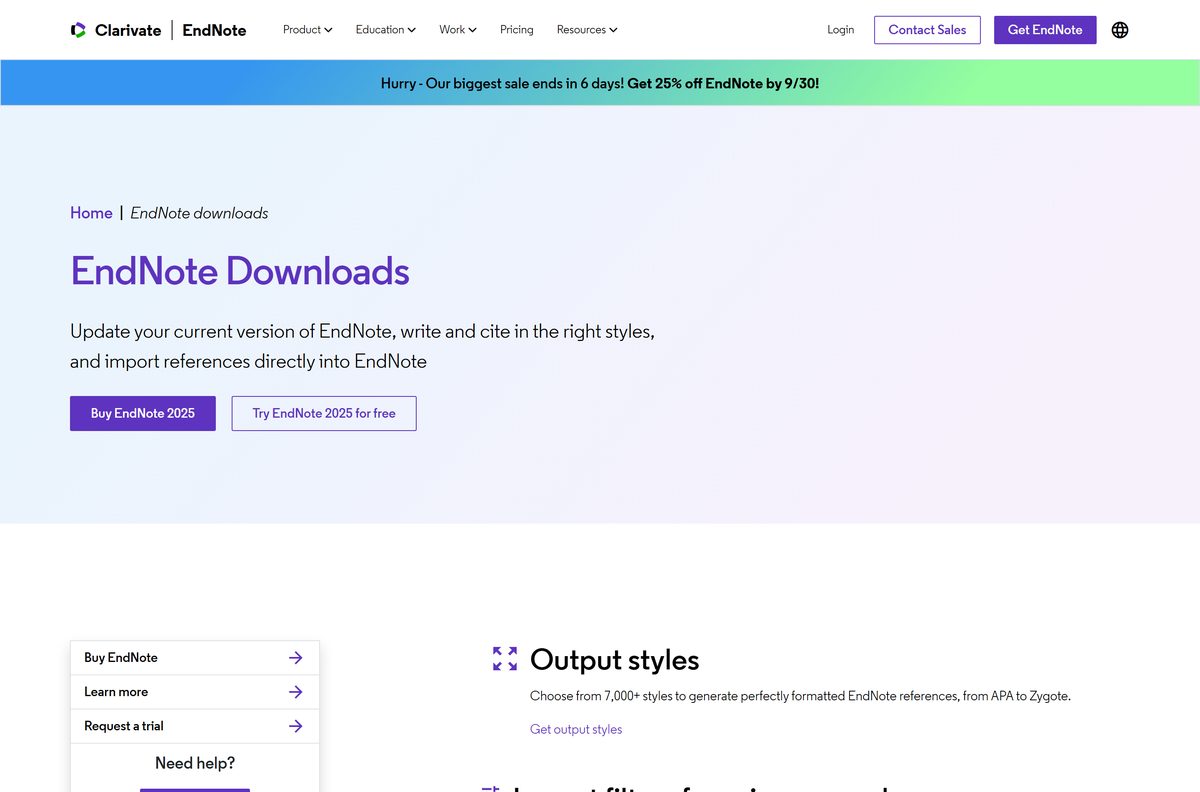
- EndNote downloads page — trial, full version, updates and add-ons such as output styles
- EndNote 2025 free trial — complete the form to get the Windows or Mac installer
- Download EndNote (Clarivate support) — reinstall links for licence holders; needs your product key
- EndNote available updates — current update for Windows and macOS
- EndNote Web — browser version included with EndNote 2025
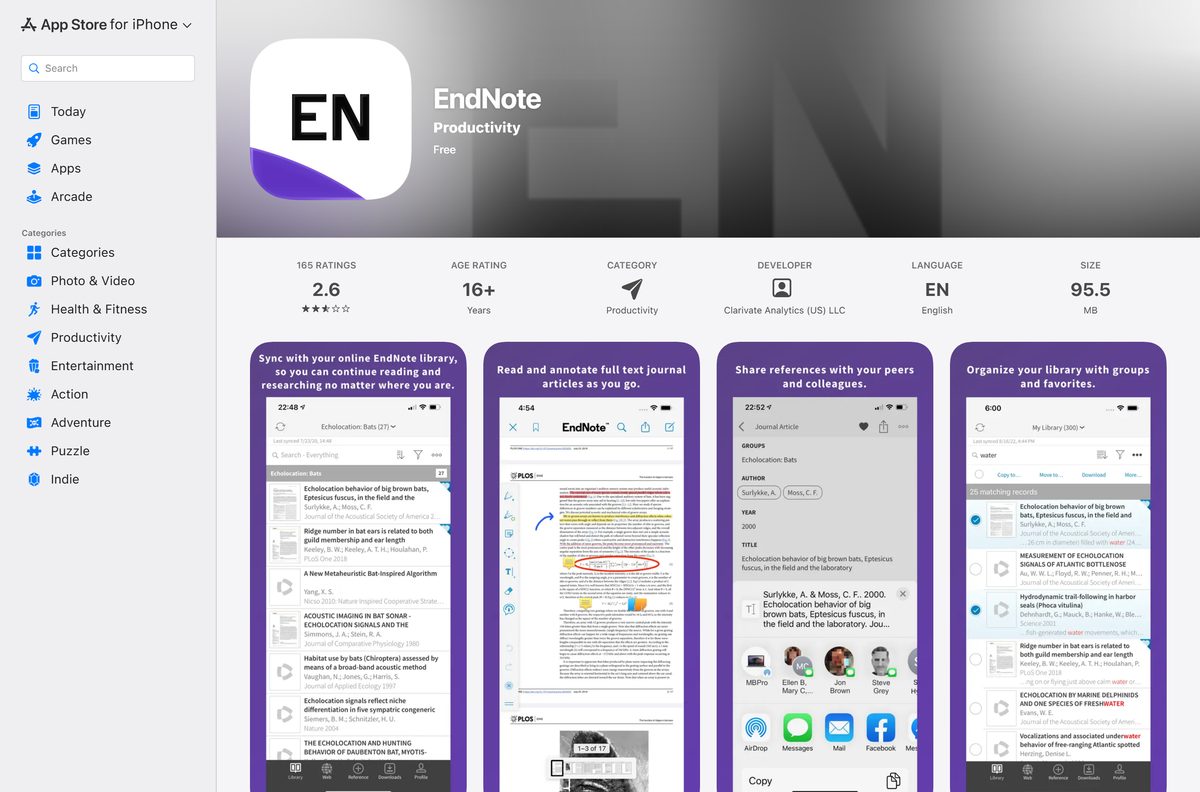
- EndNote for iPad — free on the App Store, 91.1 MB
The installer is a full offline setup. After the download finishes, installation needs no internet connection.
How to install EndNote on Windows 11 and 10
You need an administrator account on the PC. Close Microsoft Word first, so the Cite While You Write tools load correctly.
- Open the EndNote free trial page and complete the form, or use the Clarivate download article if you already own a licence.
- Save the Windows installer to your desktop.
- Double-click the installer and select Yes when Windows asks to allow changes.
- Click Next on the welcome screen.
- Enter your product key, or select I would like a 30-day free trial, then click Next.
- Enter your name and organization and click Next.
- Read the Read Me Information, click Next, then accept the license agreement and click Next.
- Leave Typical selected and click Next until the installation completes.
- Click Finish, then open EndNote 2025 from the Start menu.
Clarivate’s own Windows installation guide covers the institutional MSI route as well.
Install EndNote across many machines with the institutional MSI
Universities and companies with a volume or site licence get a different installer that skips the product key prompt.
| Platform | Files you receive | How to install | Official guide |
|---|---|---|---|
| Windows | EN2025Inst.msi and License.dat | Extract both into one folder, then double-click the MSI. Running it inside the ZIP asks for a key. | Windows installation guide |
| macOS | EndNote2025SiteInstaller.dmg | Open the DMG, double-click Install EndNote 2025.app and click Install. | Mac installation guide |
Test the package on one machine before a wide rollout. Group Policy steps are in the Windows installation guide.
Which EndNote download do you need for your Mac?
One Mac installer runs natively on Apple silicon and Intel Macs, so you do not pick a chip-specific file.
| Your Mac | Download | Note |
|---|---|---|
| Apple M-series Mac, macOS 11 to 26 | EndNote 2025 free trial | Same installer as Intel |
| Intel Mac, macOS 10.14 or later | EndNote 2025 free trial | 700 MB of disk space, 2 GB RAM |
| Mac with an existing licence | Download EndNote (Clarivate support) | Enter your product key during setup |
| Older macOS, or no install rights | EndNote Basic in the browser | Free, works in Safari or Chrome |
Install EndNote on a Mac, then add the iPad app
The Mac installer opens as a disk image. The installer app inside copies EndNote into your Applications folder.
- Download the Mac installer from the free trial page or the Clarivate download article.
- Double-click EndNote2025Installer.dmg on your desktop.
- Double-click Install EndNote 2025.app, then click Install.
- Click Next in the Welcome to EndNote 2025 dialog.
- Enter your product key in Select Installation Type, or choose the 30-day trial, then click Next.
- Enter your name and organization, read the Read Me Information and accept the license agreement.
- Leave the options in Select Components as marked and click Next.
- Enter your Mac password if asked, then click Done.
- On an iPad, open the EndNote App Store listing, confirm the seller reads Clarivate Analytics (US) LLC, and tap Get.
Clarivate’s Mac installation guide shows the site-licence variant.
Is EndNote free?
The desktop app is paid, but two free routes exist.
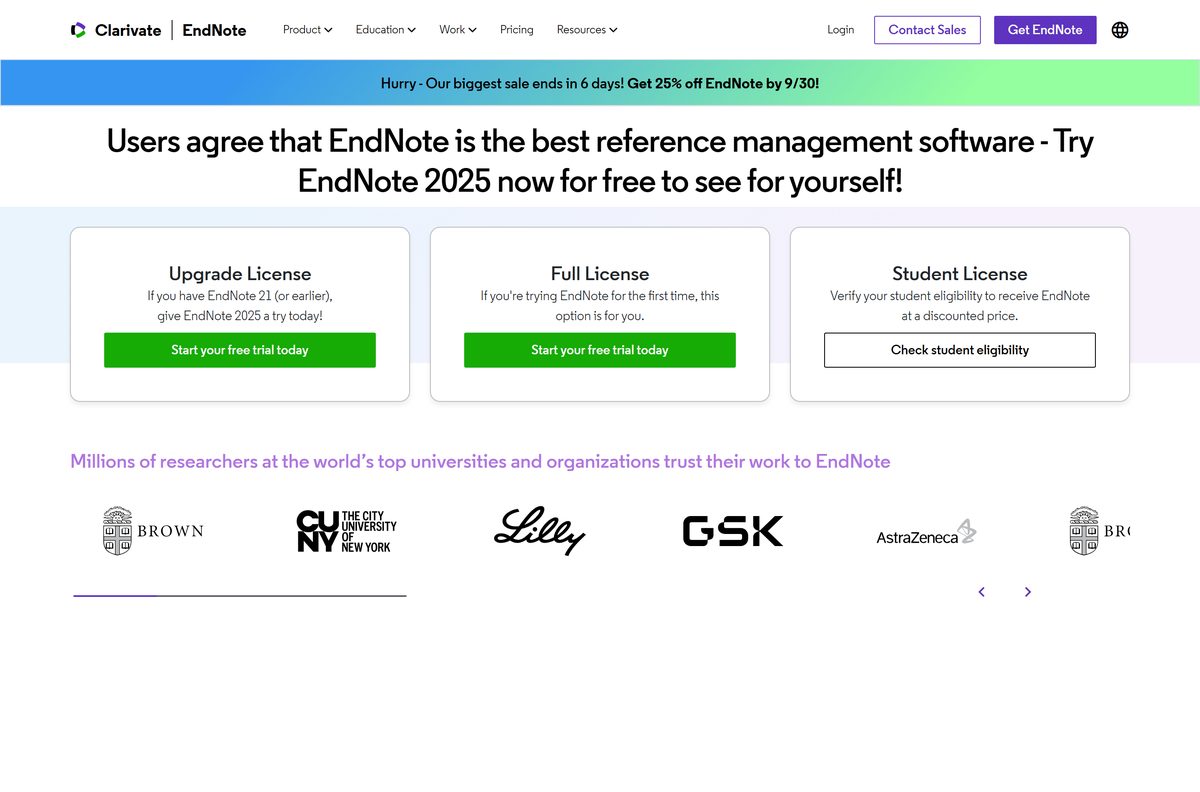
No. EndNote 2025 is a paid desktop program with a 30-day free trial, and EndNote Basic is the free online edition. Clarivate sells full, student and upgrade licences as a one-time purchase, not a subscription. One single-user licence installs on up to three computers for the same person. EndNote Basic stores up to 50,000 references and 2 GB of attachments at no cost.
Prices on the EndNote buy page show in your local currency. Owners of EndNote 21 or earlier can buy the cheaper upgrade licence.
Avoid sites that offer a free full EndNote download. Those are cracked or tampered builds, not Clarivate software.
Should you use EndNote 2025 desktop or EndNote Basic?
Both store references and insert citations in Word, but the limits differ.
Install EndNote 2025 for a thesis or a large library; use EndNote Basic for short papers and light use. The desktop app works with 7,000+ output styles and stores libraries on your own drive. It also includes three years of EndNote Web access. EndNote Basic caps you at 50,000 records and 2 GB of attachments.
The record and storage limits are listed on the EndNote online data limitations page.
How to check your EndNote version and update it
EndNote checks for updates from inside the program. The current update is 2025.3.1 on Windows and 2025.3 on macOS.
- Open EndNote and save any open library.
- On Windows, open the Help menu and select Check for Updates….
- On a Mac, open the EndNote 2025 menu and select Check for Updates….
- Follow the prompts to download and install the update.
- Restart EndNote and Microsoft Word when the update finishes.
- If the update fails, get the installer from the available updates page.
Check the EndNote system requirements
Compare your PC or Mac with this table. The full list is on the EndNote compatibility page.
| Field | Value |
|---|---|
| Software | EndNote 2025 |
| Developer | Clarivate |
| Latest version | 2025.3.1 (Windows, January 30, 2026); 2025.3 (macOS, January 27, 2026) |
| Licence | Paid, one-time purchase; 30-day free trial; free EndNote Basic online |
| Windows | Windows 10 and Windows 11 |
| macOS | macOS 10.14, 10.15, 11, 12, 13, 14, 15 and 26 |
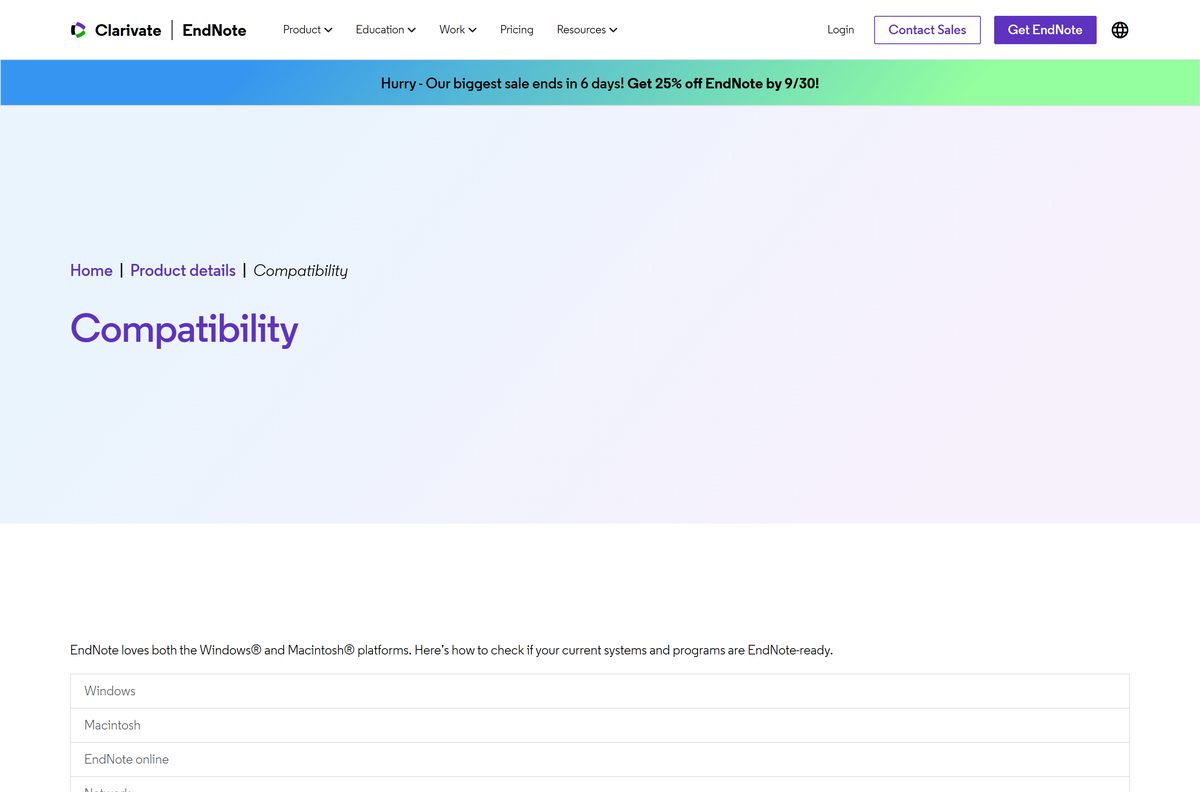
| Processor | 1 GHz or faster Intel 32-bit or 64-bit, or Arm 64-bit; Intel or Apple silicon Mac |
| Memory | 2 GB of available RAM minimum |
| Disk space | 600 MB on Windows, 700 MB on Mac |
| Offline installer | Yes |
| Official source | endnote.com and support.clarivate.com |
| Last verified | 2026-09-24 |
Open Settings > System > About on Windows, or Apple menu > About This Mac, to compare your own specs.
Check which word processors EndNote works with
Cite While You Write inserts citations and builds the bibliography inside your document.
| Platform | Supported word processors |
|---|---|
| Windows | Microsoft Word 2010, 2013, 2016, 2019, 2021, 2024 and Office 365; LibreOffice; Apache OpenOffice |
| macOS | Microsoft Word 2016, 2019, 2021, 2024 and Office 365; Apple Pages through a partner integration |
| Any platform | Apps that open .rtf and .odt files |
Word must be a locally installed desktop copy.
Fix EndNote not installing on Windows 11 or 10
The installer asks for a product key you do not have
You ran a purchased-version installer, or an institutional MSI from inside its ZIP file.
- Select I would like a 30-day free trial if you are evaluating EndNote.
- For a site licence, right-click the ZIP and select Extract All.
- Keep EN2025Inst.msi and License.dat in the same folder and run the MSI again.
The product key is rejected
The key belongs to a different EndNote version, or it has a typing error.
- Check that the key is for EndNote 2025, not EndNote 21 or 20.
- Copy the key from your order email and paste it instead of typing.
- Download the matching version from the Clarivate download article.
The EndNote tab is missing in Word
Word was open during setup, or it is not a locally installed desktop copy of Word.
- Close Word and EndNote.
- Run the EndNote installer again and finish setup with Word closed.
- Open Word and look for the EndNote tab on the ribbon.
Setup stops with a permissions error
The account has no administrator rights.
- Right-click the installer and choose Run as administrator.
- Ask your IT team to install it if you use a managed work or school PC.
How to uninstall EndNote
Uninstalling removes the program but keeps your libraries. Back up any .enl library you still need.
- On Windows, open Start > Settings > Apps.
- Find EndNote in the list and click Uninstall, then Uninstall again to confirm.
- Delete leftover library folders by hand only if you no longer need them.
- On a Mac, drag the EndNote 2025 folder from Applications to the Trash.
- Open Word’s Startup folder and delete the EndNote CWYW Word bundle file.
- Empty the Trash and restart Word.
Clarivate’s Mac uninstall guide lists the Word Startup folder path for each Office version. The Windows guide covers the same steps.
Which EndNote alternative should you choose?
These cover citation work if the desktop licence is more than you need.
| Alternative | Maker | Best for | Official link |
|---|---|---|---|
| EndNote Basic | Clarivate | Free online library up to 50,000 references | EndNote Basic sign-up |
| Zotero | Corporation for Digital Scholarship | Free reference manager with an iPad app | Zotero on the App Store |
| Word citations tool | Microsoft | A short bibliography with no extra software | Microsoft Word citations help |
Choose EndNote 2025 if your university supplies a licence or your library holds thousands of PDFs. Start with EndNote Basic or Zotero if you want zero cost.
Frequently asked questions
Is EndNote free to download?
The EndNote 2025 desktop app is paid software with a 30-day free trial. EndNote Basic is a free online account that stores up to 50,000 references and 2 GB of attachments in your browser.
What is the official EndNote download page?
The official page is endnote.com/downloads. It links to the free trial, the full version, the latest updates and the Clarivate support article that holds the reinstall links for Windows and macOS.
Does EndNote work on Windows 11?
Yes. EndNote 2025 supports Windows 11 and Windows 10. It needs a 1 GHz or faster processor, at least 2 GB of available RAM and 600 MB of free disk space.
How big is the EndNote download?
Clarivate does not publish the installer size. After installation, EndNote 2025 needs 600 MB of disk space on Windows and 700 MB on a Mac. The iPad app is 91.1 MB.
Is there an EndNote offline installer?
Yes. The Windows installer and the Mac EndNote2025Installer.dmg install the full program without an internet connection. Institutions receive EN2025Inst.msi with a License.dat file, or a Mac site installer.
Is EndNote available for Mac?
Yes. EndNote 2025 runs on macOS 10.14 through macOS 26 Tahoe, on both Intel and Apple silicon Macs. It needs 700 MB of disk space and at least 2 GB of available RAM.
Does EndNote run on 64-bit and ARM64 Windows PCs?
Yes. Clarivate lists 32-bit and 64-bit Intel processors and 64-bit Arm processors for EndNote 2025 on Windows 10 and 11. On a Mac it runs natively on Apple silicon and Intel.
Is it safe to download EndNote from other sites?
Take EndNote only from endnote.com, the Clarivate support site or your university. Copies on download portals can be outdated or tampered builds, and they give you nothing the free trial does not.
What is the latest EndNote version?
The latest release is EndNote 2025. The current update is 2025.3.1 on Windows, released January 30, 2026, and 2025.3 on macOS, released January 27, 2026.
Why won’t EndNote install?
Most failures come from a missing administrator password, an older EndNote still open, or a product key typed for the wrong version. Close EndNote and Word, run the installer again, and paste the key exactly.
How many computers can I install EndNote on?
A single-user EndNote licence installs on up to three computers, as long as the same person uses all of them. Institutions buy volume or site licences for more users.
What happens when the EndNote trial ends?
The trial runs for 30 days. To keep using the desktop program, buy a full or student licence on endnote.com and enter the product key. EndNote Basic stays free if you only need an online library.