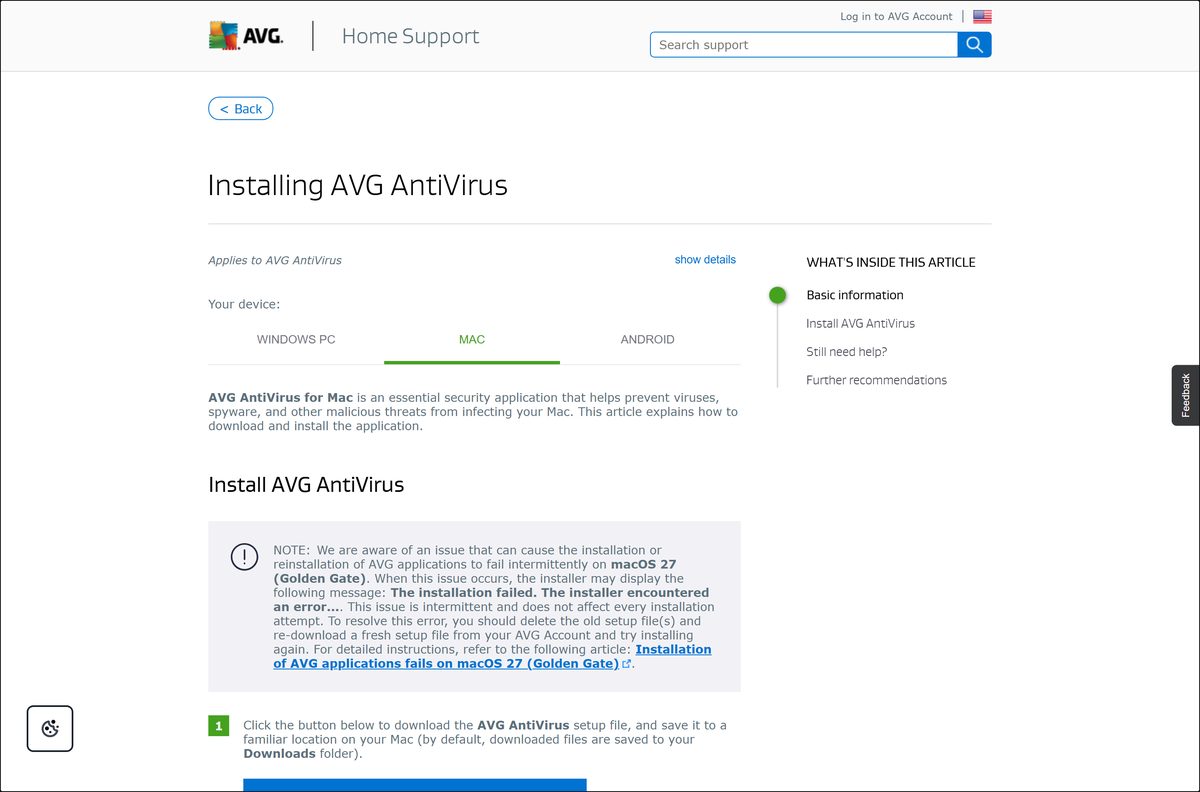
You can download AVG AntiVirus for Mac free from avg.com and have it scanning in a few minutes. The setup file is named avg_mac_security_online.dmg, and the same file installs on Intel Macs and on Apple silicon.
The free app brings Smart Scan plus the File, Web and Email shields. AVG Internet Security for Mac is the paid tier, and it adds Phishing Net, Ransomware Protection, Fake Website Shield and Network Inspector on one Mac.
Below: the official download page, the install steps, the macOS permissions the app needs, the system requirements, update and uninstall routes, and fixes for the errors Mac owners hit.
Which AVG AntiVirus download do you need for your Mac?
Open the Apple menu and choose About This Mac to read your macOS version and your chip. Match what you see to a row below.
| Your device | What to install | Where it comes from |
|---|---|---|
| Mac on macOS 10.13 or later, Intel or Apple silicon | AVG AntiVirus for Mac, free | avg.com Mac antivirus page |
| Mac, and you want Phishing Net, Ransomware Protection, Fake Website Shield and Network Inspector | AVG Internet Security for Mac, paid | avg.com Internet Security for Mac |
| Mac on macOS 10.12 Sierra or older | Not on the current support list; update macOS first | AVG system requirements |
| iPhone or iPad | AVG Mobile Security, iOS 17.0 or later | App Store listing |
| Android phone or tablet | AVG AntiVirus & Security from AVG Mobile | Google Play listing |
One AVG Internet Security (Multi-Device) subscription activates on up to 10 Macs, PCs, Android and iOS devices at once.
Check the AVG AntiVirus system requirements for your Mac
AVG publishes one set of minimums that covers both the free app and AVG Internet Security on macOS.
| Field | Value |
|---|---|
| Software | AVG AntiVirus for Mac |
| Developer | AVG (Gen Digital Inc.) |
| Latest version | 20.x |
| License | Free, with a paid AVG Internet Security tier |
| macOS | 10.13 High Sierra through 27 Golden Gate |
| Processor | Intel Mac with a 64-bit processor, or Apple silicon (M1) |
| RAM | 512 MB minimum, 1 GB or more preferred |
| Free disk space | 750 MB |
| Screen resolution | 1024 x 768 pixels or higher |
| Internet connection | Needed for setup, activation and definition updates |
| Setup file | avg_mac_security_online.dmg |
| Offline installer | No |
| Official download source | avg.com |
| Last verified | 25 October 2026 |
AVG Secure VPN and AVG TuneUp for Mac ask for the same 750 MB.
Download AVG AntiVirus for Mac from the official AVG page
The Mac antivirus page on avg.com carries the free download. AVG’s own install article hosts the same setup file behind a second button.
- AVG AntiVirus for Mac — free version, one file for Intel and Apple silicon
- AVG Internet Security for Mac — paid tier with the premium Mac features
- Installing AVG AntiVirus (Mac tab) — AVG’s step-by-step guide with its own Mac download button
- AVG Store — subscription plans and device counts
Download portals repackage the Mac setup inside their own installer. The file AVG serves is named avg_mac_security_online.dmg.
How to install AVG AntiVirus on your Mac
- Open the AVG AntiVirus for Mac page and click the download button.
- Double-click avg_mac_security_online.dmg in your Downloads folder.
- Double-click the Install AVG AntiVirus icon, then click Allow.
- Read the AVG Privacy Policy and click Continue.
- Click Continue on the End User License Agreement, then click Agree to accept the terms.
- Click Install, or click Change Install Location… first to put the app somewhere else.
- Approve with Touch ID, or click Use Password…, type the password you use to start your Mac and click Install Software.
- Approve the change to System Certificate Trust Settings, then click Update Settings.
- Click OK when the System Extension Blocked notification appears.
- Click Close, then Move to Bin, and restart the Mac.
Several components stay inactive until that restart. The AVG setup tutorial then asks for the macOS permissions real-time protection needs.
Should you download a different AVG AntiVirus build for Apple silicon?
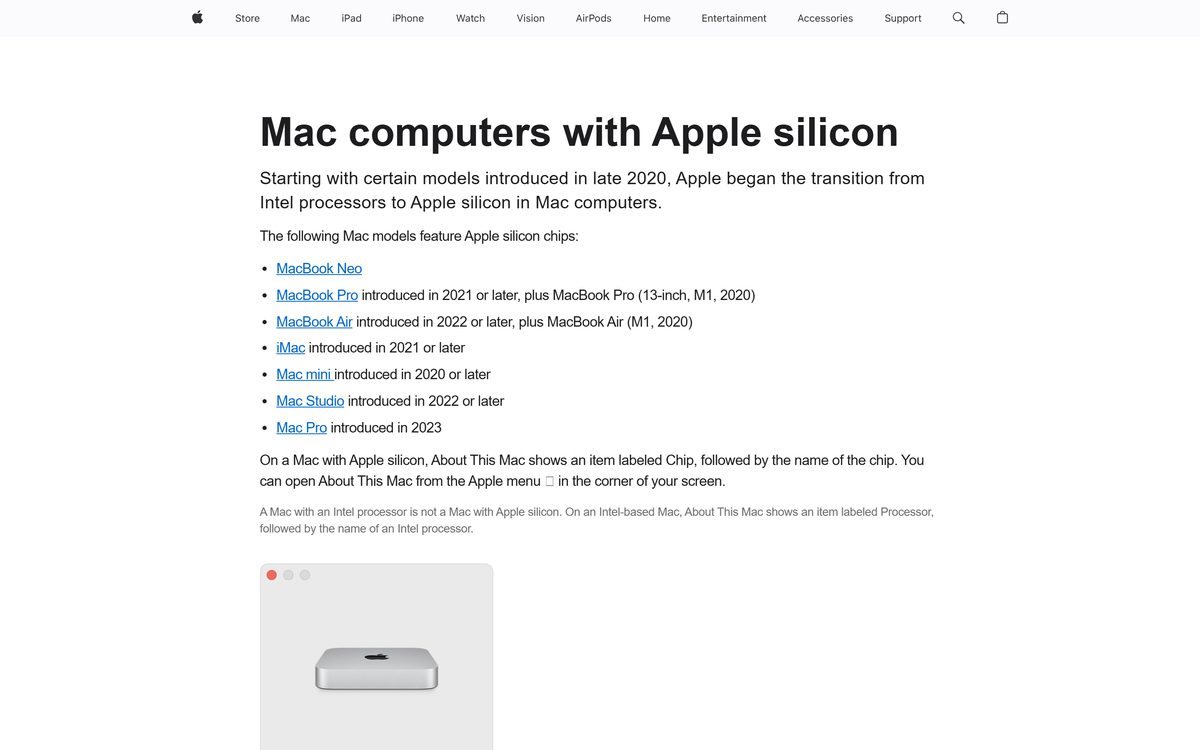
Download the same setup file on every Mac. AVG lists one Mac download and supports Intel Macs with a 64-bit processor alongside Apple silicon. There is no separate M-series file to choose and no architecture question during setup.
About This Mac names the chip in the machine in front of you, and Apple keeps a list of Mac computers with Apple silicon for anything older that is harder to place.
Is AVG AntiVirus free on a Mac?
Yes. AVG AntiVirus for Mac is free to download and free to keep running. The free app covers Smart Scan, Deep Scan, Targeted Scan, USB / DVD Scan, File Shield, Web Shield, Email Shield and Quarantine. AVG Internet Security for Mac is the paid subscription, and it adds Phishing Net, Ransomware Protection, Fake Website Shield and Network Inspector.
The upgrade can start as a two-month free trial from inside the free app. A payment method is required to begin that trial, and the paid subscription starts when the trial ends unless it is cancelled first.
AVG Internet Security (Multi-Device) covers up to 10 devices and bundles AVG AntiVirus PRO for Android, AVG Internet Security for Windows and AVG Mobile Security for iOS.
The free app needs no licence key. A site selling a key or a “full version” for the Mac antivirus is not selling an AVG product.
How to check the AVG AntiVirus app on your Mac is genuine
AVG publishes no checksum for the Mac disk image, so the checks are the file name, the signature macOS validates, and what the app reports once it opens.
- Start from avg.com rather than a search result for a mirror.
- Confirm the downloaded file is named avg_mac_security_online.dmg before you open it.
- Open the disk image and check that the installer icon reads Install AVG AntiVirus.
- Let macOS run its own check: Gatekeeper verifies the developer signature before an app opens, as Apple explains in Safely open apps on your Mac.
- After setup, click the AVG AntiVirus icon in the Apple menu bar, select Open AVG AntiVirus and read the status line: You have full protection means the app and its definitions are current.
A different file name, an extra bundled app, or a setup wrapped in another company’s installer did not come from avg.com.
Choose which AVG AntiVirus scan to run on your Mac
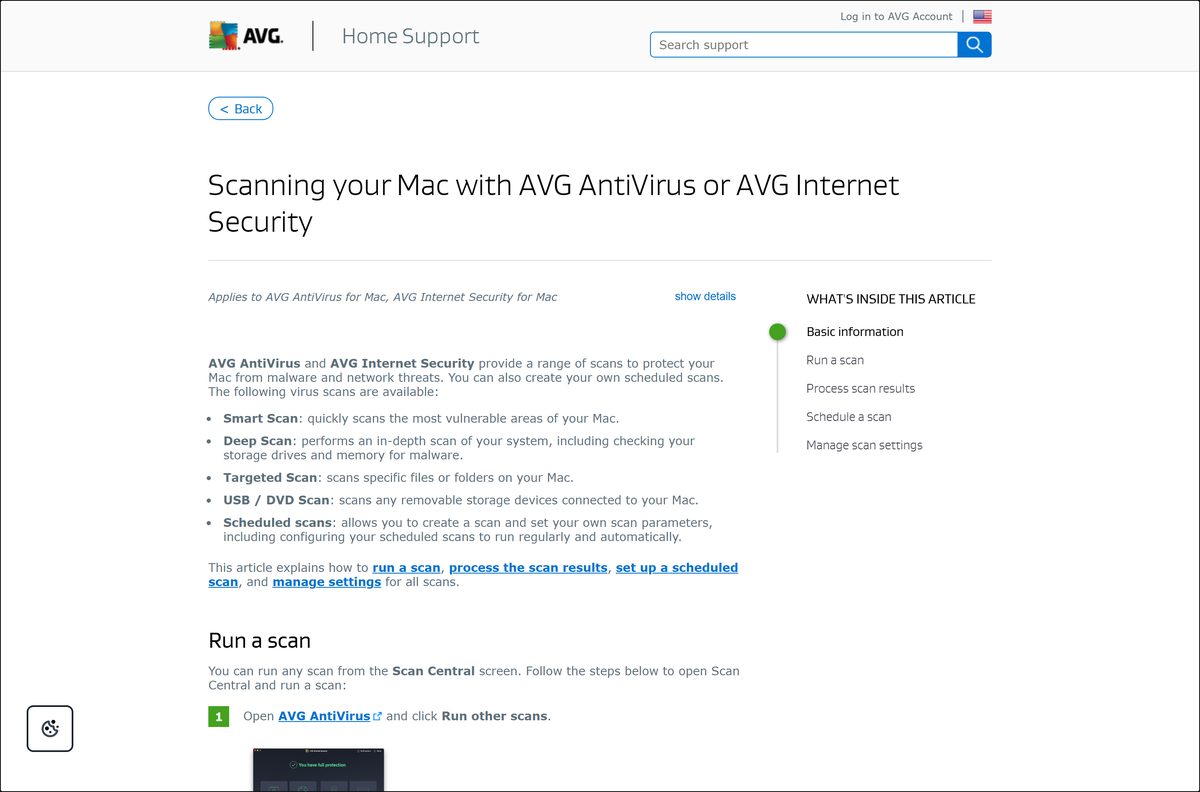
Open the app and click Run other scans to reach the Scan Central screen. Every scan below starts there, and all of them are in the free version.
| Scan | What it covers | How to start it |
|---|---|---|
| Smart Scan | The most vulnerable areas of the Mac | Click Run Smart Scan on the main screen, or Scan Now in Scan Central |
| Deep Scan | The whole system, including storage drives and memory | Click the Deep Scan panel |
| Targeted Scan | Only the files or folders you pick | Click the Targeted Scan panel, select the items and click Open |
| USB / DVD Scan | Removable drives attached to the Mac | Click USB / DVD Scan, select the drives and click Start |
| Scheduled scan | A Smart, Deep or Targeted Scan on a timer | Open the Scheduled scans tab and click Schedule a new scan |
Detected files move to Quarantine when you tick each threat and click Resolve selected. A scheduled scan runs once, daily, weekly or monthly.
How to check your AVG AntiVirus version and update it on a Mac
Virus definitions and the application itself update on separate schedules. Definitions refresh automatically whenever the Mac is online.
- Open the app from the AVG AntiVirus icon in the Apple menu bar, or from Go ▸ Applications in Finder.
- Read the status message on the main screen: You have full protection or You are not fully protected.
- Click the refresh icon next to Virus definitions at the bottom left to check for new definitions by hand.
- Click ☰ Menu ▸ Preferences and open the General tab to change how the application updates itself.
- Click the app name in the Apple menu bar and select Subscriptions to see what a paid licence covers on that Mac.
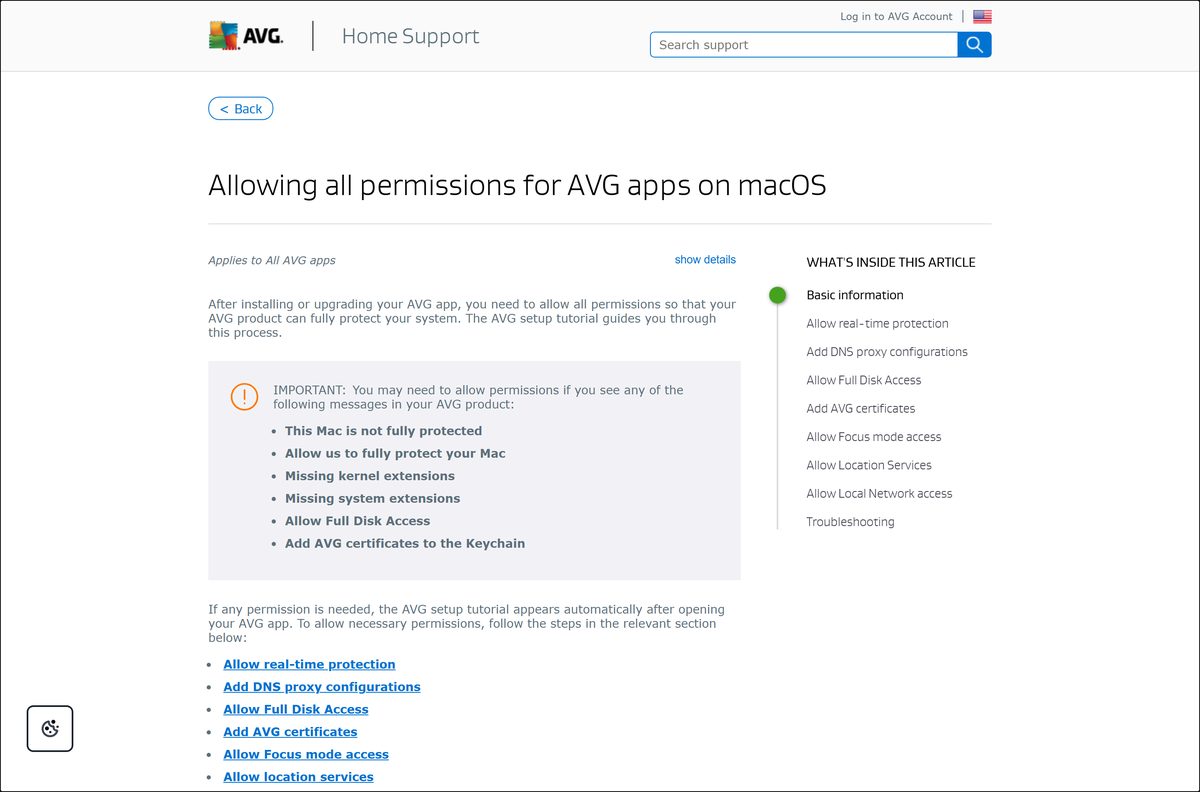
You are not fully protected usually points to a missing macOS permission rather than an old build. Close the app and reopen it to bring the setup tutorial back, then grant what it asks for.
Fix AVG AntiVirus not installing or not fully protecting your Mac
The installer fails on macOS 27 Golden Gate
AVG has an open issue that makes installs and reinstalls fail intermittently on macOS 27, with the message: The installation failed. The installer encountered an error.
- Open Finder ▸ Downloads and find the AVG setup file, which starts with AVG and ends in .dmg.
- Right-click the file, select Move to Trash, then open Trash and click Empty Trash.
- If the file will not delete, look under Locations in the Finder sidebar and click the Eject icon beside the mounted AVG volume first.
- Download a fresh setup file and run it again.
A System Extension Blocked notice appears, or the app reports This Mac is not fully protected
Real-time protection needs a macOS permission that the installer cannot grant on your behalf.
- Open the app and click Open on the setup screen about real-time protection.
- Click the slider next to AVG Security so it changes from grey to blue.
- Type the password you use to start your Mac and click Modify Settings.
- Click Done.
Scans skip folders, or the app keeps asking for Full Disk Access
macOS keeps security apps out of protected folders until Full Disk Access is granted.
- Click Open on the setup screen about scanning your disk for malware.
- Click the slider next to AVG AntiVirus, or click the + icon and pick the app in the Applications folder.
- Type your Mac password, click Modify Settings, then select Quit & Reopen.
- If the switch will not hold, restart the Mac and repeat these steps.
Browsing protection stays off, or certificate prompts keep returning
The Web Shield needs a DNS proxy configuration, and browser protection needs AVG certificates in the Keychain.
- Click Open on the setup screen about staying safe while browsing, then click Allow.
- Click Open on the certificate screen, type your Mac password and click Update Settings.
- Click Got it to close the confirmation.
Network Inspector says You are offline on macOS 27
AVG lists this as an open issue on macOS 27.0 and states that no workaround is available yet.
- Load a page in a browser to rule out a real outage.
- Leave the other protection features on and run scans as normal.
- Follow AVG’s macOS 27 notice for the current status.
Setup stops because another antivirus is already installed
Two real-time scanners on one Mac conflict during installation.
- Remove the other security app with its own uninstaller.
- Restart the Mac.
- Run avg_mac_security_online.dmg again and follow the install steps.
How to uninstall AVG AntiVirus from your Mac
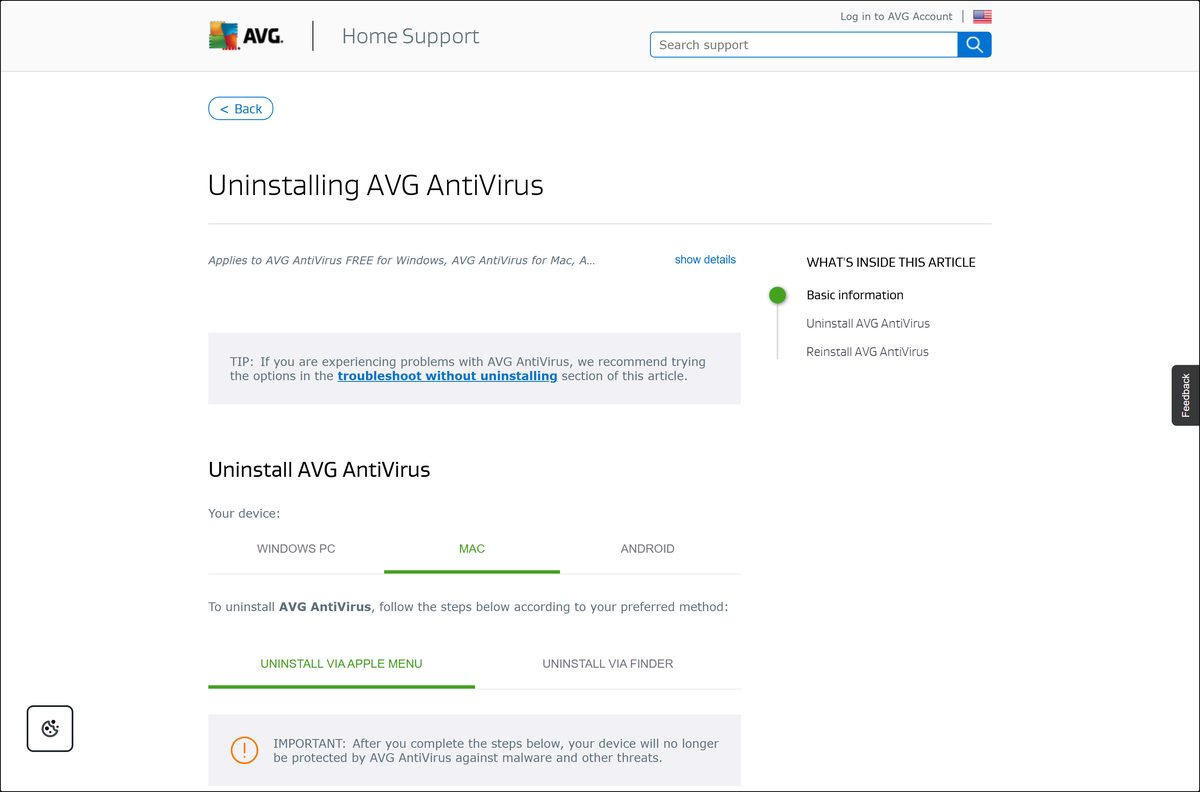
Dragging the app to the Trash leaves its system extension behind. Use the bundled uninstaller instead.
- Open the app, click AVG AntiVirus in the Apple menu bar and select Uninstall AVG AntiVirus.
- Click Continue when the uninstaller window appears.
- Type the password you use to start your Mac and click Install Helper.
- Wait while the uninstaller removes the app.
- Type the password again and click OK if a second prompt appears.
- Click Finish on the confirmation screen.
The Mac has no AVG protection from that moment, and the same setup file reinstalls it later.
Finder route: open Go ▸ Applications, open AVG AntiVirus Uninstaller and answer the same prompts. Full steps sit in AVG’s uninstall article.
Choose another AVG app for your Mac
The antivirus handles malware. The rest of the AVG range for macOS covers different jobs and installs as separate apps.
| AVG app for Mac | What it does | Disk space |
|---|---|---|
| AVG Internet Security 20.x | Adds Phishing Net, Ransomware Protection, Fake Website Shield and Network Inspector | 750 MB |
| AVG Secure VPN 4.x | Encrypts the connection on networks you do not control | 750 MB |
| AVG TuneUp 4.x | Clears duplicate and junk files to reclaim disk space | 750 MB |
| AVG Secure Browser | A browser with blocking and anti-tracking built in; needs macOS 11 or later | 2 GB |
Install the free antivirus first. Add any of the others only when the job it does is one your Mac actually needs.
Frequently asked questions
Is AVG AntiVirus for Mac free?
Yes. AVG AntiVirus for Mac is free to download and free to keep using, with no licence key and no time limit. The paid tier is AVG Internet Security for Mac, which adds four premium features and can start as a two-month trial.
What is the official AVG AntiVirus for Mac download page?
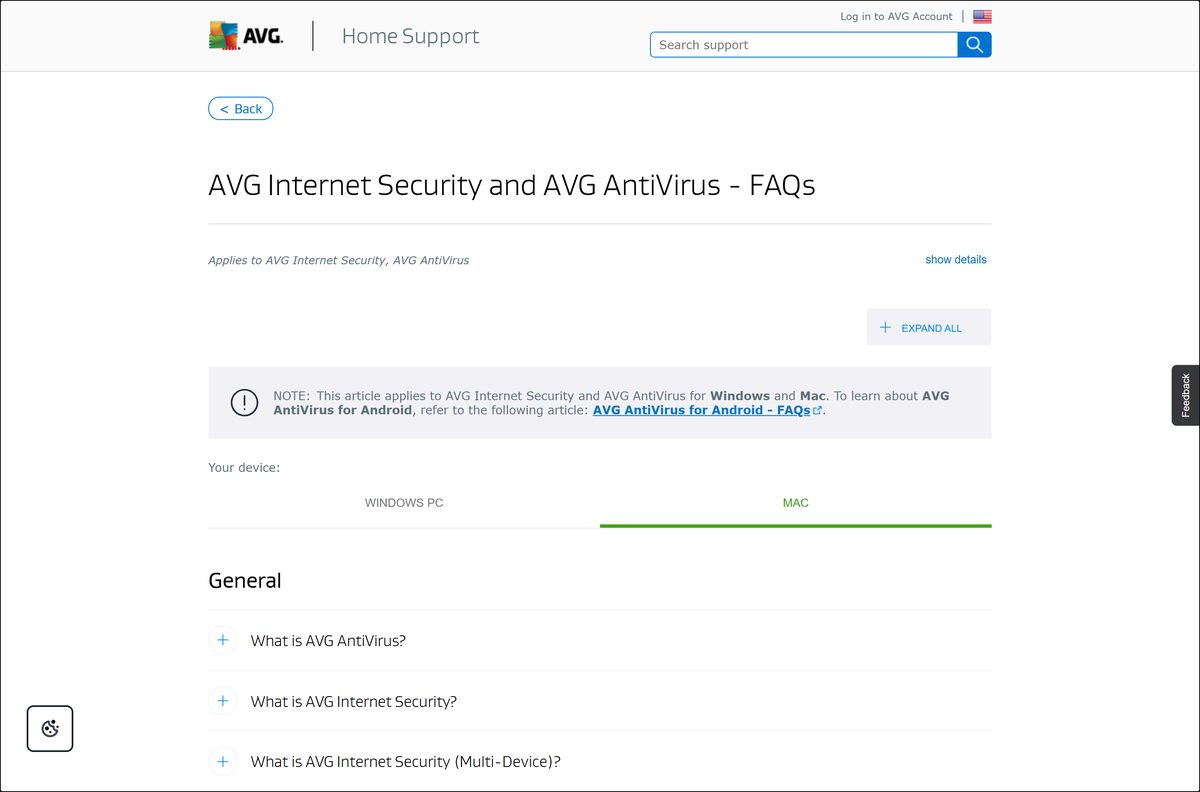
The official page is avg.com/en-us/avg-antivirus-for-mac. AVG’s support article Installing AVG AntiVirus carries a second download button on its Mac tab, and both serve the same setup file.
What is the latest version of AVG AntiVirus for Mac?
AVG lists the current Mac release as the 20.x line, covering both AVG AntiVirus and AVG Internet Security for Mac. The app updates itself, so the installer always fetches the newest build in that line.
Does AVG AntiVirus work on macOS 26 Tahoe and macOS 27 Golden Gate?
Yes. AVG supports macOS 10.13 High Sierra through macOS 27 Golden Gate. One open issue makes installs fail intermittently on macOS 27, and deleting the old setup file before downloading a fresh one clears it.
How much space does AVG AntiVirus need on a Mac?
AVG asks for 750 MB of free disk space and 512 MB of RAM, with 1 GB of RAM or more preferred. AVG publishes no size for the avg_mac_security_online.dmg setup file itself.
Is there an offline installer for AVG AntiVirus for Mac?
No. AVG publishes a single Mac setup file, avg_mac_security_online.dmg, and an internet connection is part of the minimum requirements for download, activation and virus definition updates.
Does AVG AntiVirus run on Apple silicon Macs?
Yes. AVG supports Apple silicon alongside Intel Macs with a 64-bit processor, and there is one download for both. No separate M-series file exists, so the chip makes no difference to which file you fetch.
Is AVG AntiVirus safe to download for a Mac?
Yes, when the download starts on avg.com. The file is named avg_mac_security_online.dmg, and macOS checks the developer signature before the installer opens. Portals that repackage the setup add software AVG never shipped.
Why won’t AVG AntiVirus install on my Mac?
The common causes are a stale setup file on macOS 27, a blocked system extension, or another antivirus still installed. Delete the old .dmg, allow real-time protection when prompted, and remove any rival scanner first.
How do I uninstall AVG AntiVirus from a Mac completely?
Open the app, click its name in the Apple menu bar and select Uninstall AVG AntiVirus. Click Continue, enter your Mac password, click Install Helper and then Finish. The uninstaller removes the system extension too.