The Amazon Alexa download for a Windows 11 or Windows 10 PC is free and comes from the Microsoft Store. The listing is published by AMZN Mobile LLC, the download is 93.3 MB, and it runs on x86 and x64 machines.
Amazon ships no Mac build. On a Mac you open alexa.amazon.com and add it to the Dock or install it as a browser app, which gives you the new Alexa+ experience in its own window.
This guide covers which route fits your machine, the official links, install steps for Windows and Mac, what the Windows app leaves out, and fixes for the app not installing.
Which Amazon Alexa download do you need?
Match your device to a row, then use the link in that row. Only the Windows row is a real installed package.
| Your device | What to install | Download size |
|---|---|---|
| Windows 11 or Windows 10 PC | Alexa on the Microsoft Store | 93.3 MB |
| Mac on macOS Sonoma 14 or later | alexa.amazon.com, added to the Dock from Safari | Nothing to download |
| Any Mac or PC with Chrome or Edge | alexa.amazon.com, installed as a browser app | Nothing to download |
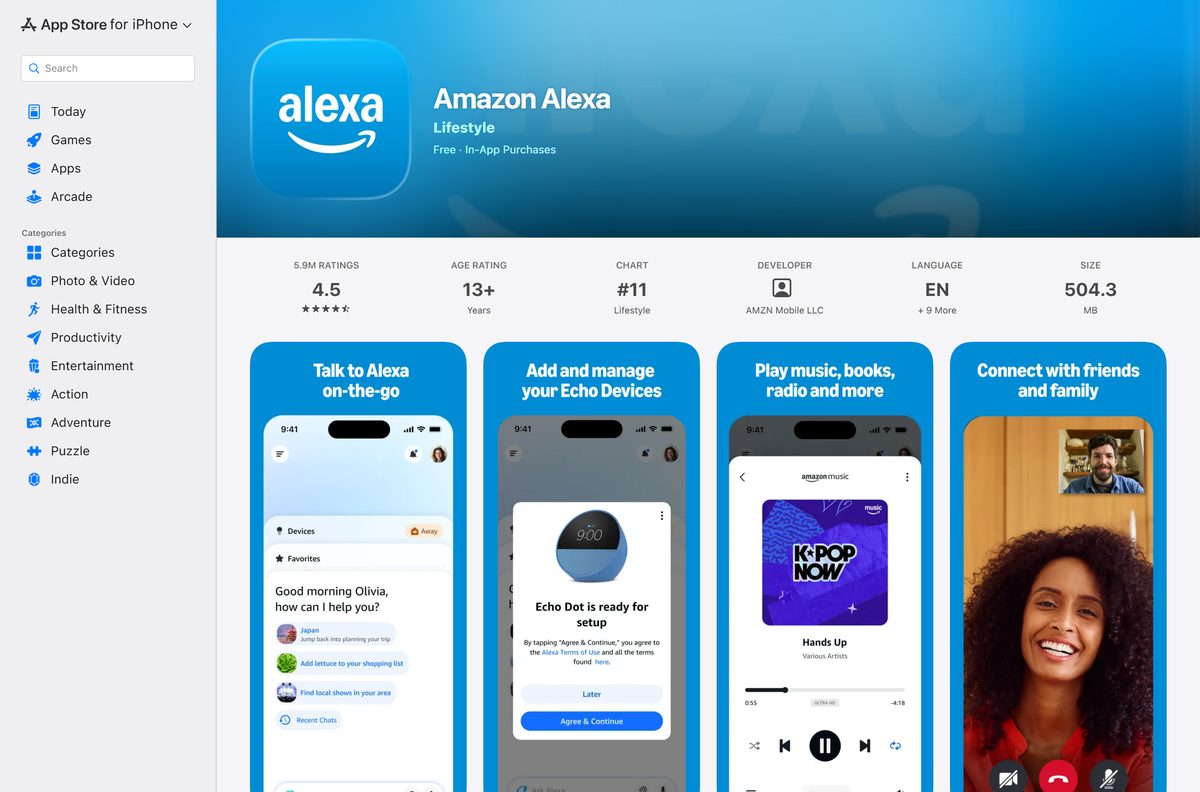
| iPhone or iPad on iOS 17.0 or later | Amazon Alexa on the App Store | 504.3 MB |
| Android phone or tablet | Amazon Alexa on Google Play | Play states no size |
Download Amazon Alexa from the official sources
Amazon distributes Alexa through four official addresses. Use these and nothing else.
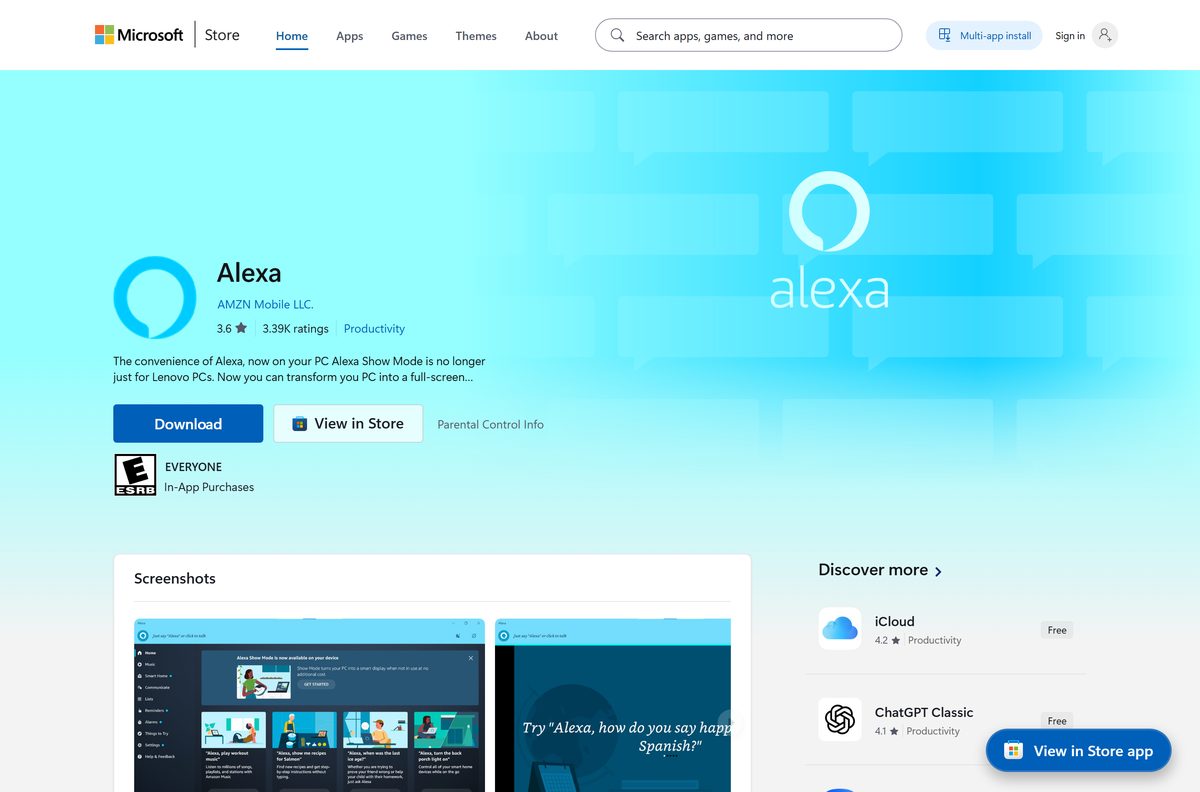
- Alexa on the Microsoft Store — 93.3 MB · AMZN Mobile LLC, free, product ID 9N12Z3CCTCNZ
- alexa.amazon.com — the browser route for Mac and PC, no installer
- Amazon Alexa on the App Store — 504.3 MB · seller AMZN Mobile LLC, iOS 17.0 or later
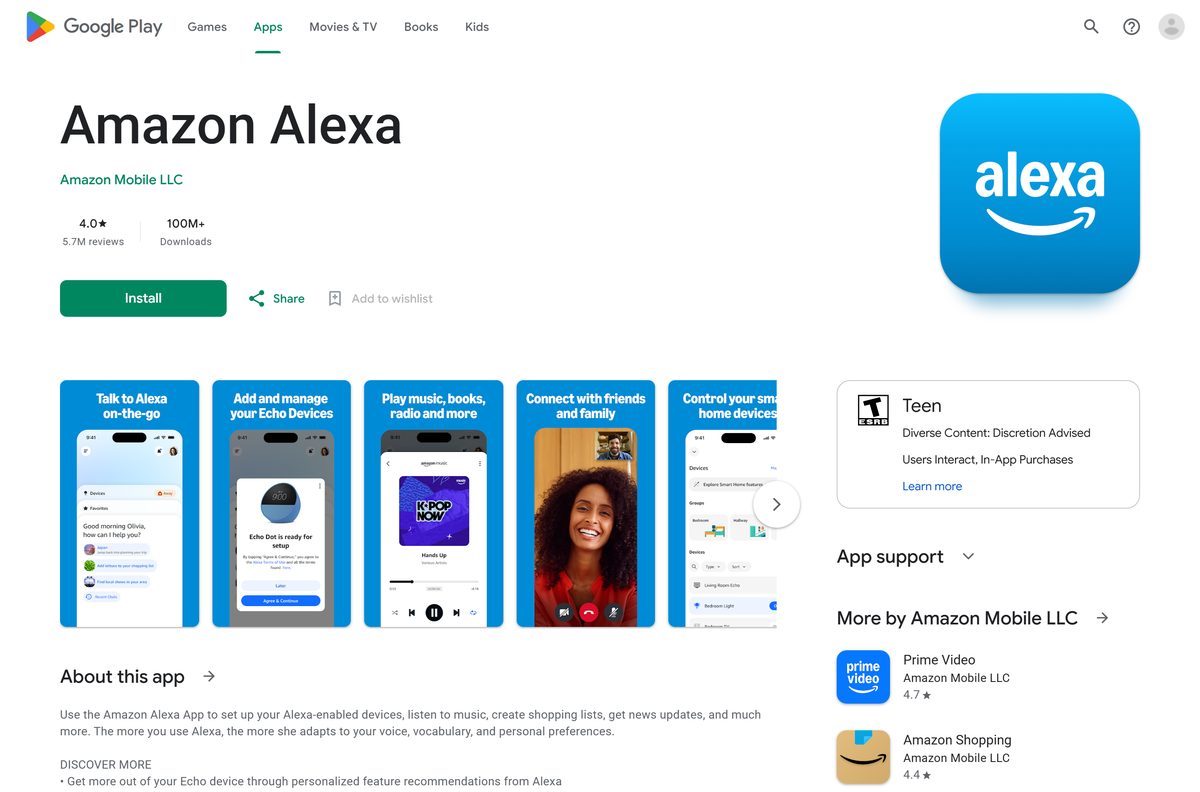
- Amazon Alexa on Google Play — Amazon Mobile LLC, 100M+ downloads, updated 11 September 2026
The Store listing holds two bundles: 3.25.1156.0 for x64 and 3.25.1155.0 for x86. Windows picks the right one.
Check the Amazon Alexa system requirements
The Store package sets a floor of Windows 10 version 1803. Anything newer, including every Windows 11 build, clears it.
| Field | Value |
|---|---|
| Software | Amazon Alexa |
| Developer | AMZN Mobile LLC (Amazon Mobile LLC on Google Play) |
| Latest version | 3.25.1156.0 on Windows; 2.2.761199.0 on iPhone and iPad |
| Price | Free |
| Windows | Windows 10 build 17134 (version 1803) or later, and Windows 11 |
| Mac | No native build; alexa.amazon.com in Safari, Chrome or Edge |
| iPhone and iPad | iOS 17.0 or later, 504.3 MB |
| Android | Phones and tablets through Google Play |
| Architecture | x86 and x64; no ARM64 package |
| Download size | 93.3 MB (97,870,950 bytes) for the x64 bundle |
| Installed size | 151.6 MB |
| Offline installer | None |
| Official source | Microsoft Store, alexa.amazon.com, App Store, Google Play |
| Last verified | 2026-09-22 |
How to install Amazon Alexa on Windows 11 and 10
The Store handles the whole install. The app lands in the Start menu under Alexa, not under Amazon.
- Open the Alexa listing on the Microsoft Store in your browser.
- Select Get in Store app and allow the browser to open the Microsoft Store.
- Select Get, then sign in with your Microsoft account if the Store asks.
- Wait for the 93.3 MB download to finish, then select Open.
- Sign in with the Amazon account your Echo devices already use.
- Work through the permission prompts for Microphone and Notifications.
- Turn on Wake Word if you want the PC to answer to its name, then say a command to test it.
Right-click the Start menu tile and select Pin to taskbar to keep the window one click away.
Install Amazon Alexa with winget instead of the Store app
Windows Package Manager reaches the same Store package from a terminal, which suits a scripted setup on several machines.
- Right-click Start and select Terminal.
- Run winget source list and confirm msstore appears.
- Run winget install –id 9N12Z3CCTCNZ –source msstore .
- Accept the Store terms prompt the first time winget uses that source.
- Wait for Successfully installed to appear.
- Launch the app from the Start menu and sign in with your Amazon account.
The product ID is the same string that ends the Store listing address.
Which Amazon Alexa route do you need on a Mac?
No Alexa build exists in the Mac App Store. Every Mac route runs alexa.amazon.com in a window of its own.
| Your Mac | What to do | Result |
|---|---|---|
| macOS Sonoma 14 or later | Open alexa.amazon.com in Safari, then File, then Add to Dock | A Dock icon that opens Alexa without tabs |
| macOS Ventura 13 or earlier | Open alexa.amazon.com in Chrome and install it as an app | A Launchpad icon in its own window |
| Any Mac, no install wanted | Use alexa.amazon.com in a browser tab | Same features, no icon |
| iPhone or iPad alongside the Mac | Amazon Alexa on the App Store | The full app, including device setup |
Echo setup still belongs on the phone app, so keep that installed even after the Dock icon works.
Is Amazon Alexa free?
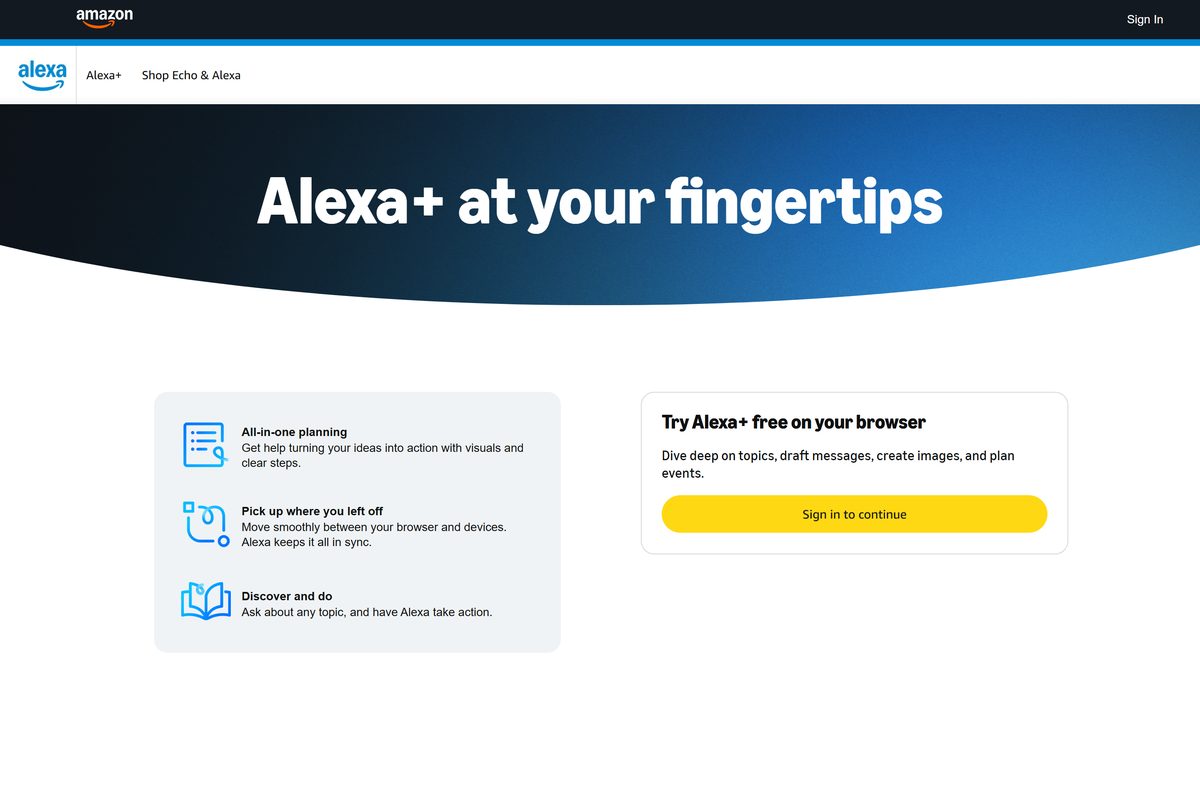
Yes. Every official Alexa app costs nothing to download. The Microsoft Store lists the Windows app at $0.00, and the App Store and Google Play listings are free as well. Amazon states that the new Alexa+ is free with Prime, and alexa.amazon.com invites you to try it free in your browser. Any page selling an Alexa installer is not Amazon.
Echo hardware is the only part of the Alexa setup that carries a price, and it is bought separately.
Should you use the Windows app or Alexa in your browser?
The two routes have drifted apart. The Store listing was last updated on 31 July 2023, while the browser experience carries Alexa+.
Use the browser at alexa.amazon.com for conversation and planning, and the Windows app for hands-free voice control and Show Mode. The Store app is tested up to Windows 10 build 18362 and gives you a wake word, voice commands and the full-screen Show Mode display. The browser route is where Amazon has put the newer Alexa+ features, including long-form answers that carry over to your Echo and Fire TV devices.
How to check your Amazon Alexa version and update it
The Store, not the app, owns updates on Windows. The version string sits in Windows Settings.
- Open Settings, then Apps, then Installed apps.
- Search for Alexa and read the version beside the entry.
- Open the Microsoft Store and select Library in the left pane.
- Select Get updates and let the queue finish.
- Confirm the version in Installed apps matches 3.25.1156.0 on an x64 PC.
- Restart the app so the new package loads.
The browser route needs no update step, because Amazon changes it on the server.
What the Windows Alexa app can and cannot do
The Windows package covers voice and smart home control. Device setup and several newer features live elsewhere.
| Task | Where Amazon supports it |
|---|---|
| Set up an Echo or other Alexa device | The phone app only; the Store description states Echo setup is not available in the Windows app |
| Show Mode, the full-screen display on an idle PC | The Windows app |
| Voice control of smart lights, locks and thermostats | The Windows app and the phone app |
| Video calls and Drop In intercom with Echo devices | The Windows app and the phone app |
| Create routines that automate smart home devices | The phone app |
| Long conversations and planning with Alexa+ | alexa.amazon.com in a browser |
Fix Amazon Alexa not installing on Windows 11 or 10
Each symptom below has one cause and one fix. Work through the block that matches your screen.
A Store search for Alexa returns nothing
Search inside the Store app does not surface every published listing. The product page opens the same entry directly.
- Open apps.microsoft.com/detail/9N12Z3CCTCNZ in Edge or Chrome.
- Select Get in Store app.
- Select Open Microsoft Store in the browser prompt.
- Select Get on the listing that opens.
The download stalls or the install fails
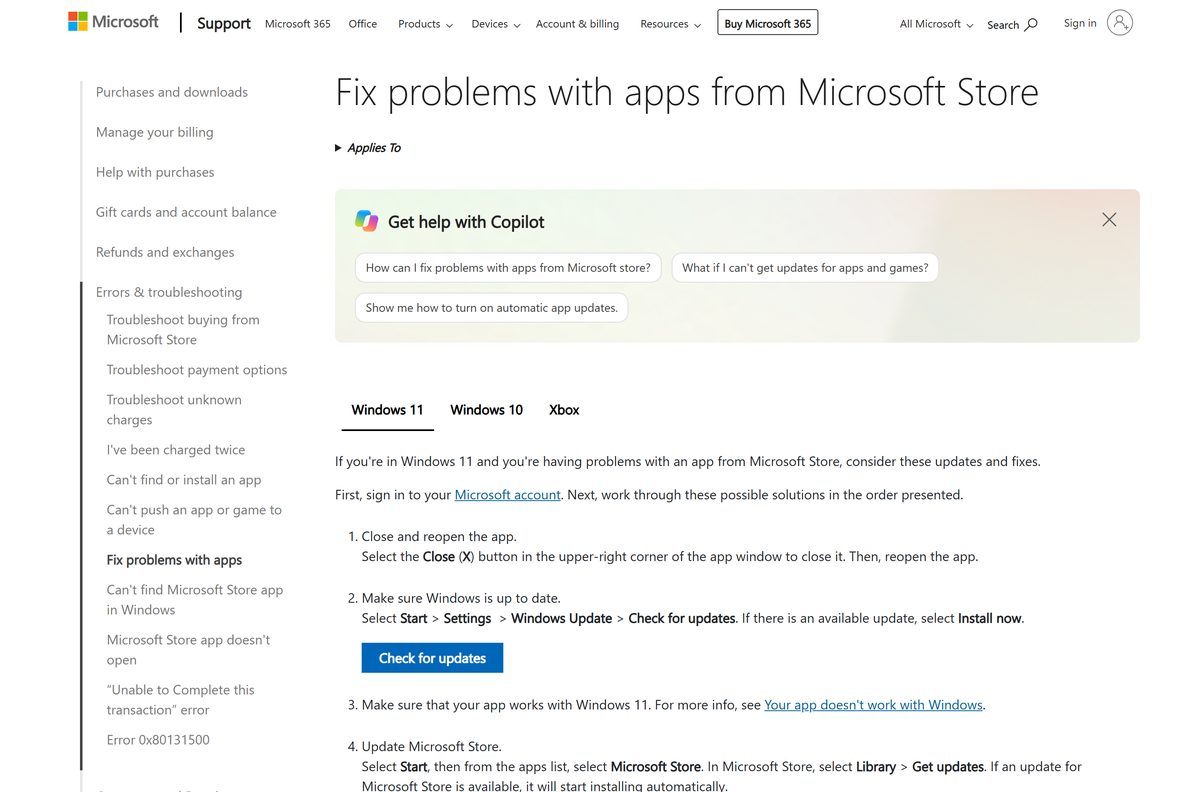
A stale Store cache or an out-of-date Store client stops the package installing.
- Open Settings, then Windows Update, and select Check for updates.
- Open the Microsoft Store, select Library, then Get updates.
- Press Windows + R, type wsreset.exe and press Enter.
- Wait for the Store to reopen, then select Get again.
- If it still fails, run Microsoft’s Store apps troubleshooter.
The Store says the app does not work on your device
The package needs Windows 10 build 17134 or later and an x86 or x64 processor.
- Press Windows + R, type winver and press Enter.
- Check that the build number is 17134 or higher.
- Open Settings, then System, then About, and use alexa.amazon.com in a browser if System type reads ARM-based processor.
Alexa never answers the wake word
Windows has routed audio to a muted or missing microphone.
- Open Settings, then System, then Sound.
- Select your microphone under Input and raise Input volume.
- Select Test your microphone and speak, following Microsoft’s microphone setup guide.
- Open Settings, then Privacy & security, then Microphone, and turn on access for apps.
- Reopen the app and turn Wake Word off and on again.
The app opens to a blank window after sign-in
The package data is damaged and needs repairing.
- Open Settings, then Apps, then Installed apps.
- Select the three dots beside Alexa, then Advanced options.
- Select Repair and wait for the tick to appear.
- Select Reset if the window is still blank, then sign in again.
- Read Microsoft’s repair and reset guide if both buttons are greyed out.
How to uninstall Amazon Alexa from Windows
A Store package removes cleanly from Settings and leaves no installer folder behind.
- Open Settings, then Apps, then Installed apps.
- Search for Alexa and select the three dots beside it.
- Select Uninstall, then Uninstall again to confirm.
- Open the Microsoft Store, select Library, and check the entry now reads Install rather than Open.
- Follow Microsoft’s uninstall guide if the entry refuses to go.
Removing the app leaves your Echo devices and routines untouched, because both live on your Amazon account.
What to use instead of the Windows Alexa app
Three official routes cover everything the Store package leaves out, and none of them costs anything.
| Option | Runs on | Price | Link |
|---|---|---|---|
| Alexa in your browser | Windows, Mac, any modern browser | Free, and free with Prime for Alexa+ | alexa.amazon.com |
| Amazon Alexa for iPhone and iPad | iOS 17.0 or later | Free | App Store |
| Amazon Alexa for Android | Android phones and tablets | Free | Google Play |
Frequently asked questions
Is the Amazon Alexa download free?
Yes. The Microsoft Store lists the Windows app at $0.00, and the App Store and Google Play listings are free. Amazon states that the new Alexa+ is free with Prime. Only Echo hardware costs money.
What is the official Amazon Alexa download page for PC?
The Microsoft Store listing at apps.microsoft.com under product ID 9N12Z3CCTCNZ, published by AMZN Mobile LLC. For the browser route, Amazon uses alexa.amazon.com. No other site distributes the app.
Does the Alexa app work on Windows 11?
Yes. The Store package needs Windows 10 build 17134 or later, so every Windows 11 build clears the floor. Microsoft tested the listing up to build 18362, and it installs normally on newer releases.
How big is the Amazon Alexa download?
The x64 bundle is 93.3 MB, or 97,870,950 bytes, and the x86 bundle is slightly smaller. Once installed it occupies 151.6 MB. The iPhone app is a much larger 504.3 MB.
Is there an offline installer or an EXE for Alexa?
No. Amazon publishes no standalone setup file for Windows. The Store package is the only Windows build, and it installs over the internet through the Microsoft Store or winget.
Is there an Amazon Alexa app for Mac?
No native Mac build exists. Open alexa.amazon.com in Safari and use File, then Add to Dock on macOS Sonoma or later, or install the site as an app in Chrome on older versions.
Does Alexa have a 64-bit or ARM64 build?
The Store listing carries x86 and x64 bundles and no ARM64 package. On an ARM PC such as a Snapdragon laptop, use alexa.amazon.com in Edge or Chrome instead.
Is the Amazon Alexa app safe to install?
The Microsoft Store copy is signed and distributed by Microsoft under the publisher AMZN Mobile LLC, so it carries the same vetting as any Store app. Avoid any third-party site offering an Alexa installer.
What is the latest Amazon Alexa version for Windows?
Version 3.25.1156.0 for x64 machines and 3.25.1155.0 for x86. The Store listing was last updated on 31 July 2023, so those bundles have stayed in place since then.
Why can I not find Alexa in the Microsoft Store search?
Store search does not surface the listing reliably. Open the product page at apps.microsoft.com/detail/9N12Z3CCTCNZ in a browser and select Get in Store app, which opens the same entry directly.
Can I set up an Echo device from the Windows app?
No. The Store description states that Echo device setup is not available in the Windows Alexa app. Install the iPhone or Android app to register a new device, then control it from the PC.







Amazon Alexa: disable voice purchasing - Techdows
[…] setting does not affect your Amazon account itself, and the Alexa app for Windows PCs is a separate download from the phone app used […]