How to block images in Firefox browser?
The ‘load images automatically‘ option which used to exist in older versions of Firefox’s content settings, was in fact removed from version 23 and … [Read more…]
809 articles
The ‘load images automatically‘ option which used to exist in older versions of Firefox’s content settings, was in fact removed from version 23 and … [Read more…]
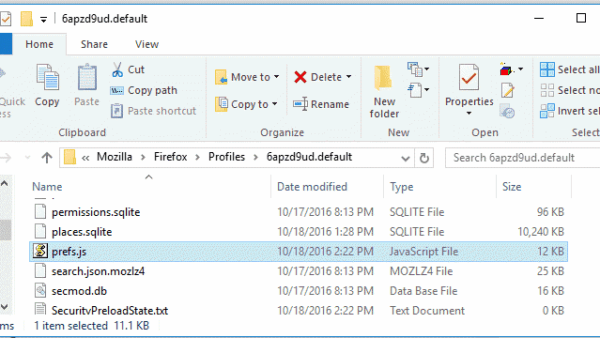

To tweak Firefox UI or to disable a feature if you’ve changed a preference value in about:config, that’s fine! You can always reset the … [Read more…]
Vivaldi browser has typed history feature, the address field displays whatever you’ve typed or pages you’ve visited so far in the drop down when … [Read more…]
Opera 12.x displays progress bar in the address bar while a page is loading, Vivaldi browser also shows progress when a page is loading letting users … [Read more…]
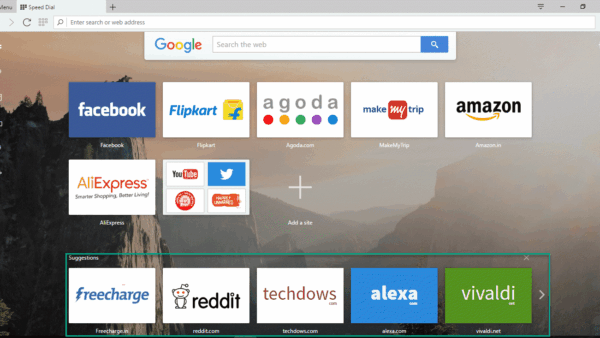

Few days back, Opera 40 released with free built-in VPN, RSS and Chromecast support, along with it, Opera software has shipped and enabled speed … [Read more…]

As we’ve told you, you can now subscribe to RSS feeds to sites straight from the address bar in Opera browser without you needing to … [Read more…]
Internet Download Manager breaks a file into multiple parts when you start the download, these parts will be stored in this temporary directory: C:Users<username>AppDataRoamingIDMDwnlData<username>. … [Read more…]

Have you found an extension for Vivaldi browser, that’s not on the Chrome Web Store but available on the Opera add-ons site? Don’t worry! You … [Read more…]
I frequently visit Bing site, not to do searches, but to check the beautiful images the search engine homepage displays every day, if I … [Read more…]
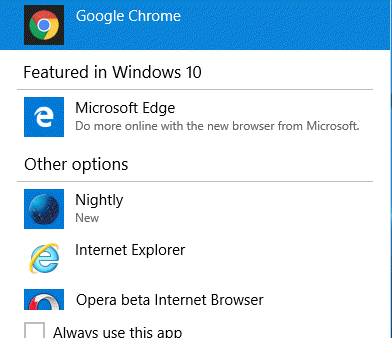

You might have noticed this when you use Chrome as the default browser on Windows 10: after loading Windows, once the connection to the network … [Read more…]
Have you registered on Lenskart to get first frame for free or sunglasses for a low price? You may regret for doing that because … [Read more…]
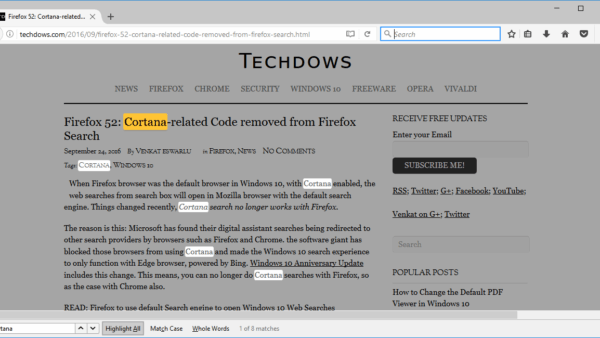

Firefox browser’s Find bar, which lets you search for words and phrases on a page, to get three changes: the find toolbar includes an option … [Read more…]