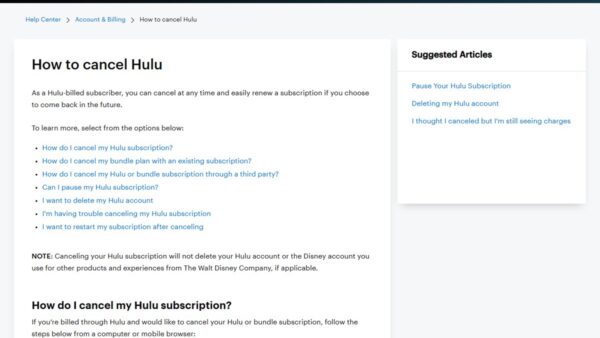
How to cancel your Hulu subscription step by step
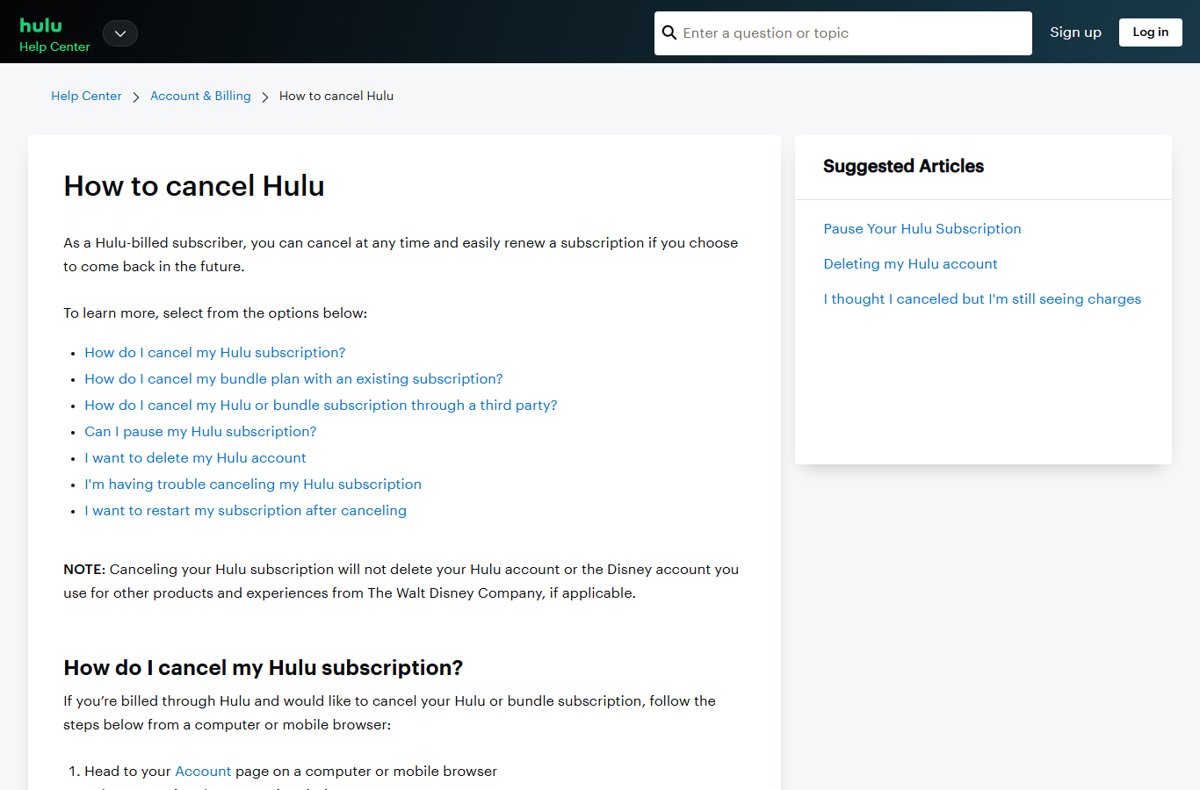
Cancel your Hulu subscription from the Account page: select Cancel under Your Subscription. Steps for Apple, Google Play, Roku and Amazon billing too.
3,751 articles
Cancel your Hulu subscription from the Account page: select Cancel under Your Subscription. Steps for Apple, Google Play, Roku and Amazon billing too.
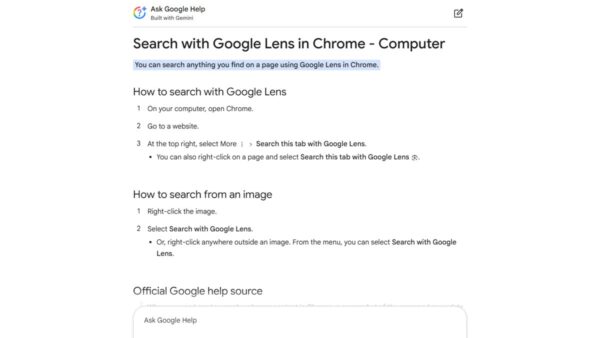
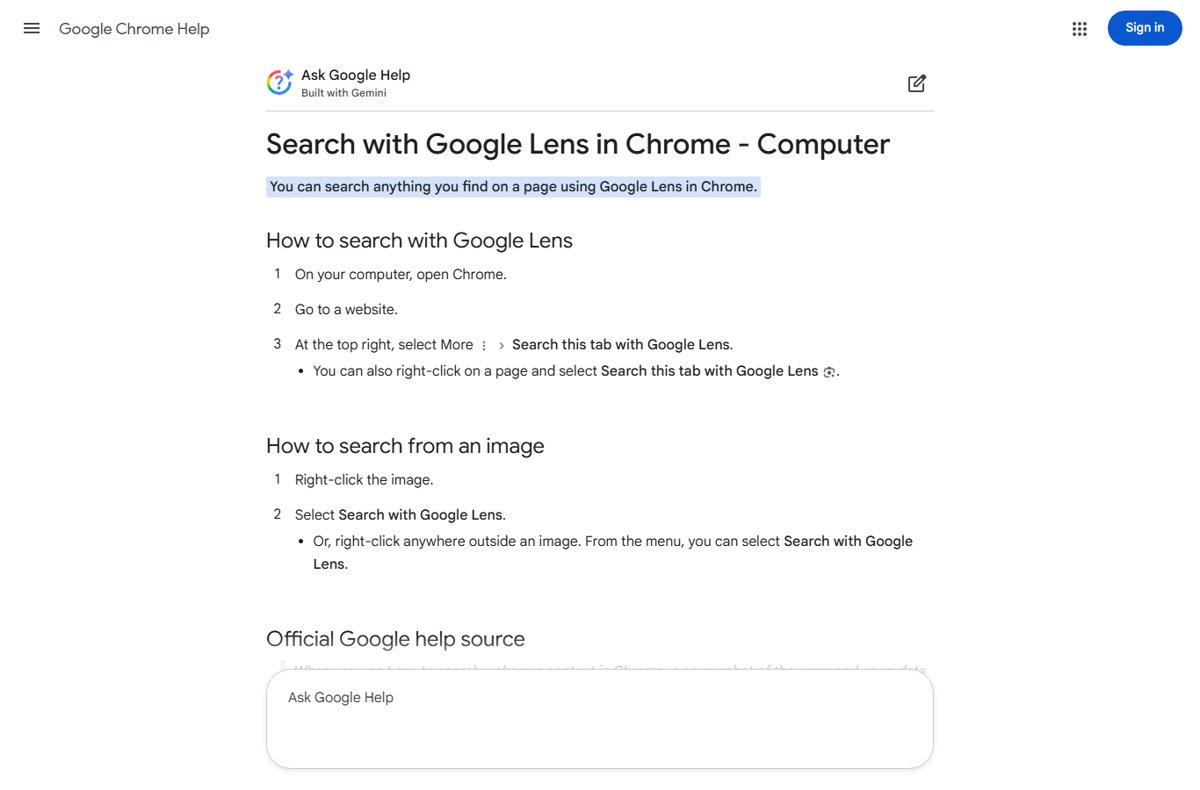
Use Google Lens on a desktop PC from Chrome’s menu, a right-click on any image, google.com in Edge or Firefox, or the Google app for Windows with Alt + Space.
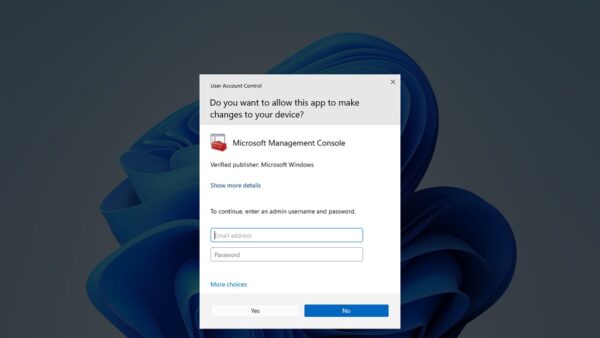
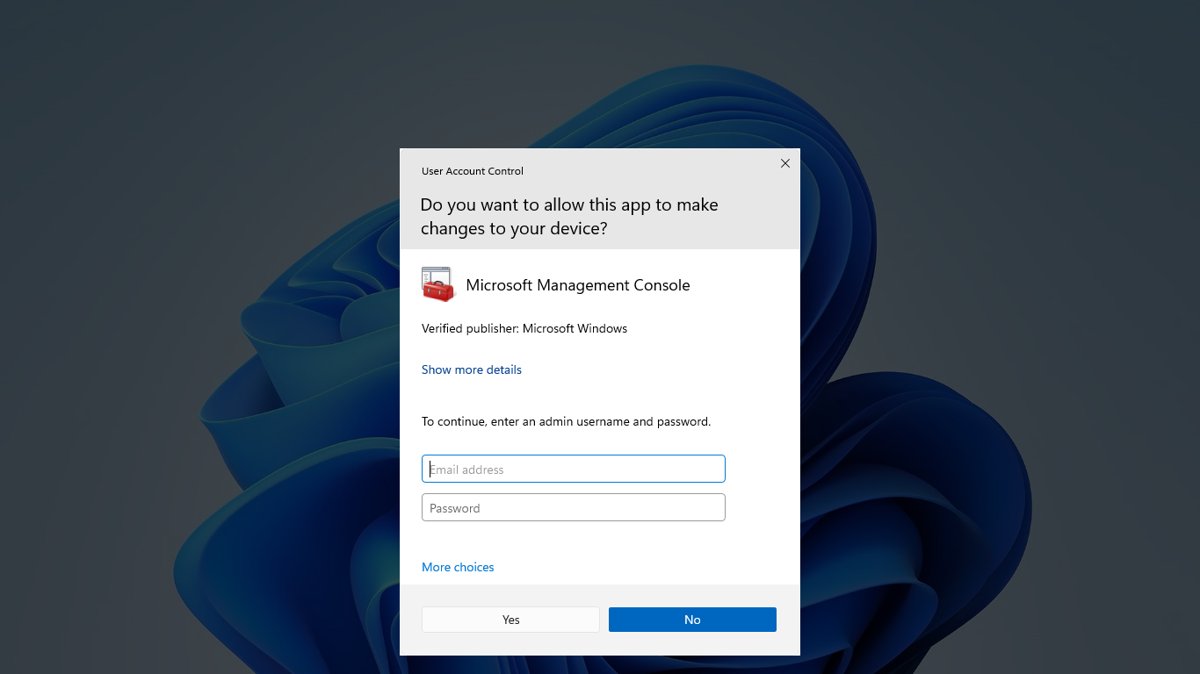
Run as administrator in Windows 11 by right-clicking an app and selecting Run as administrator. Ten methods, an always-admin shortcut, and fixes when it fails.
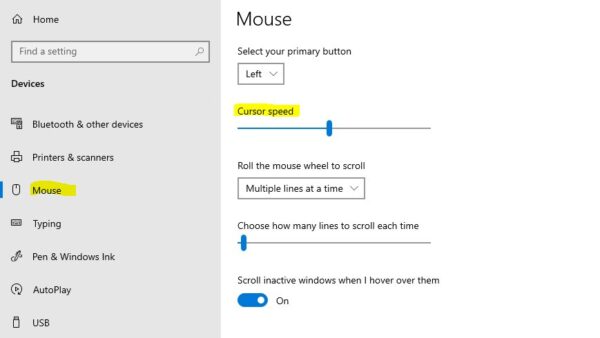
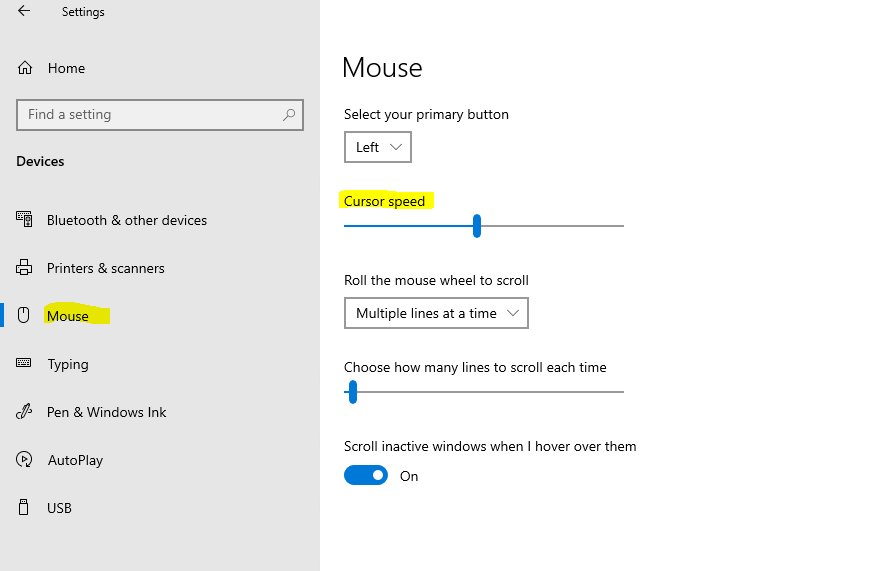
Change mouse speed in Windows 11 under Settings > Bluetooth & devices > Mouse, or in Windows 10 under Devices > Mouse. Plus Control Panel, touchpad, DPI and fixes.
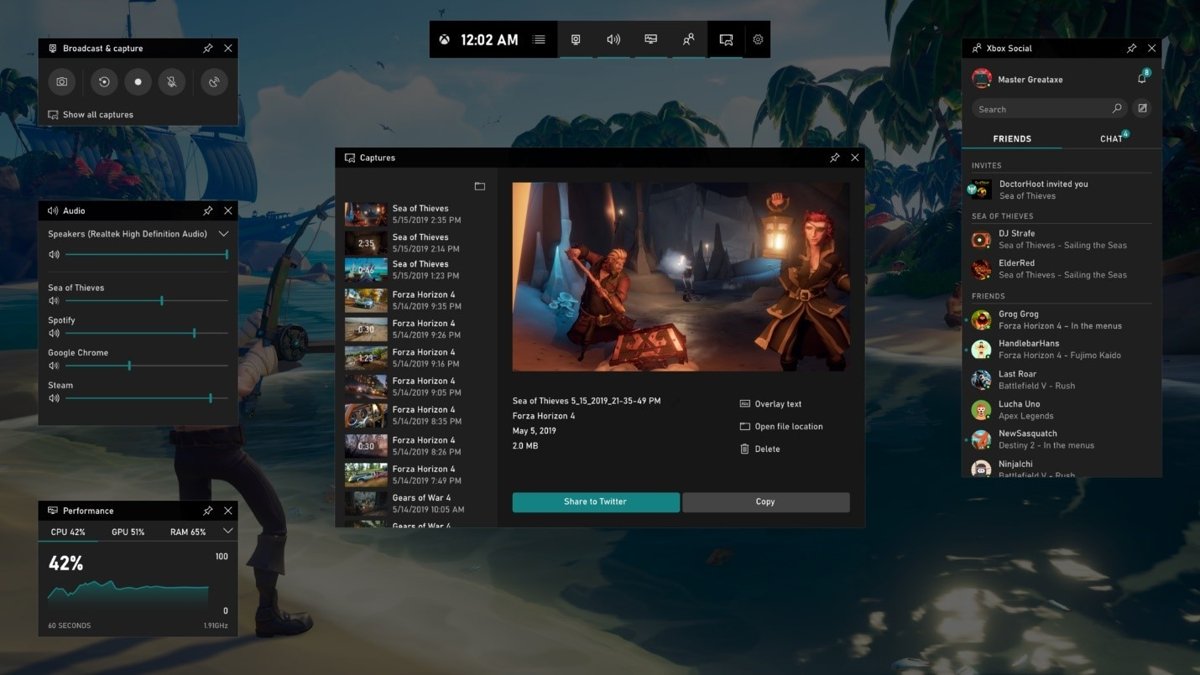
Show FPS on PC in any game with Xbox Game Bar (Win+G), the Steam Performance Monitor, the NVIDIA app (Alt+R), Intel PresentMon or a game’s own counter.
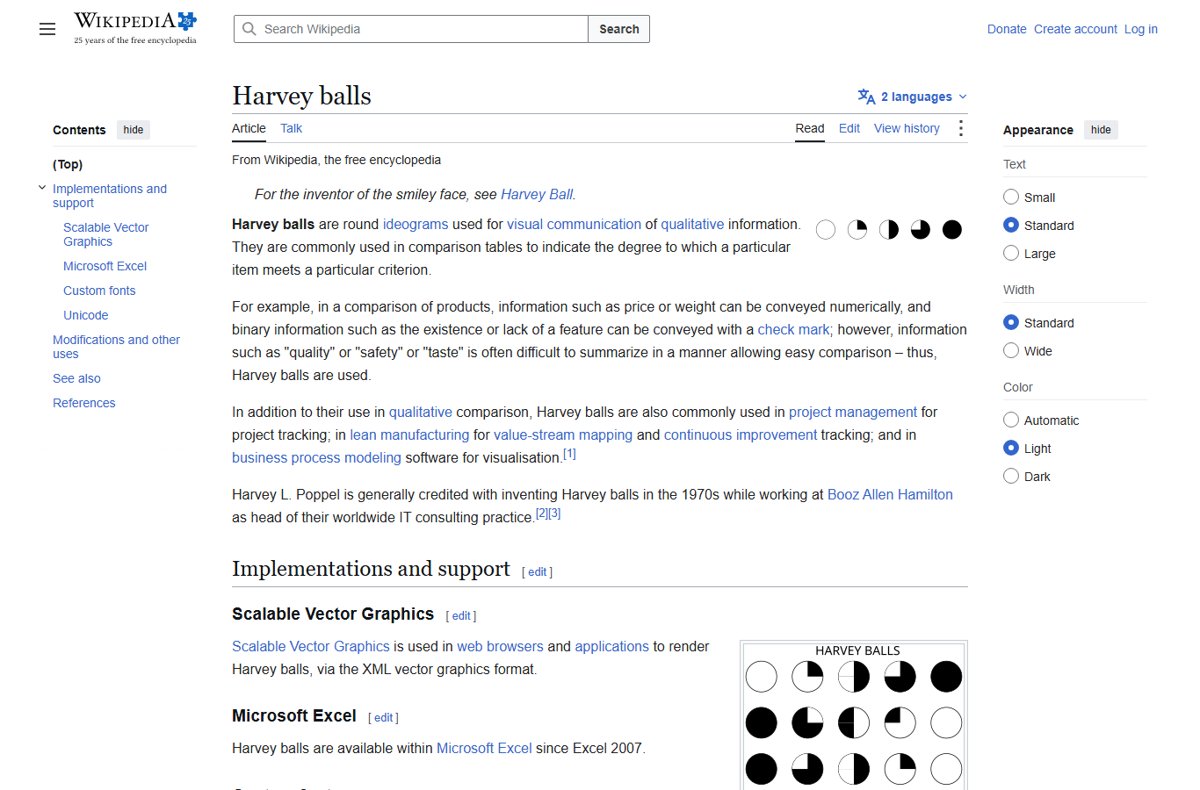
Harvey balls in PowerPoint: draw a circle, add a Pie shape for the filled part, set the level with its handle, then group and copy. Icons, symbols and Excel too.
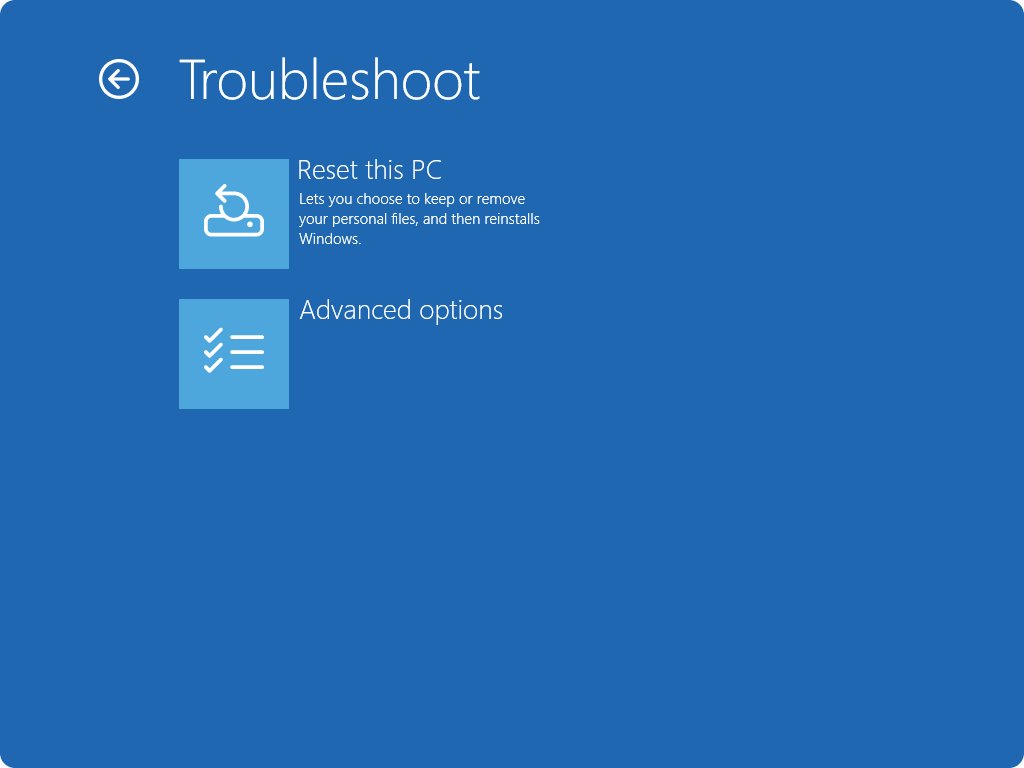
Reset Windows 10 to factory settings from Settings > Update & Security > Recovery > Reset this PC. Keep or remove files, reset from boot, and fix failed resets.
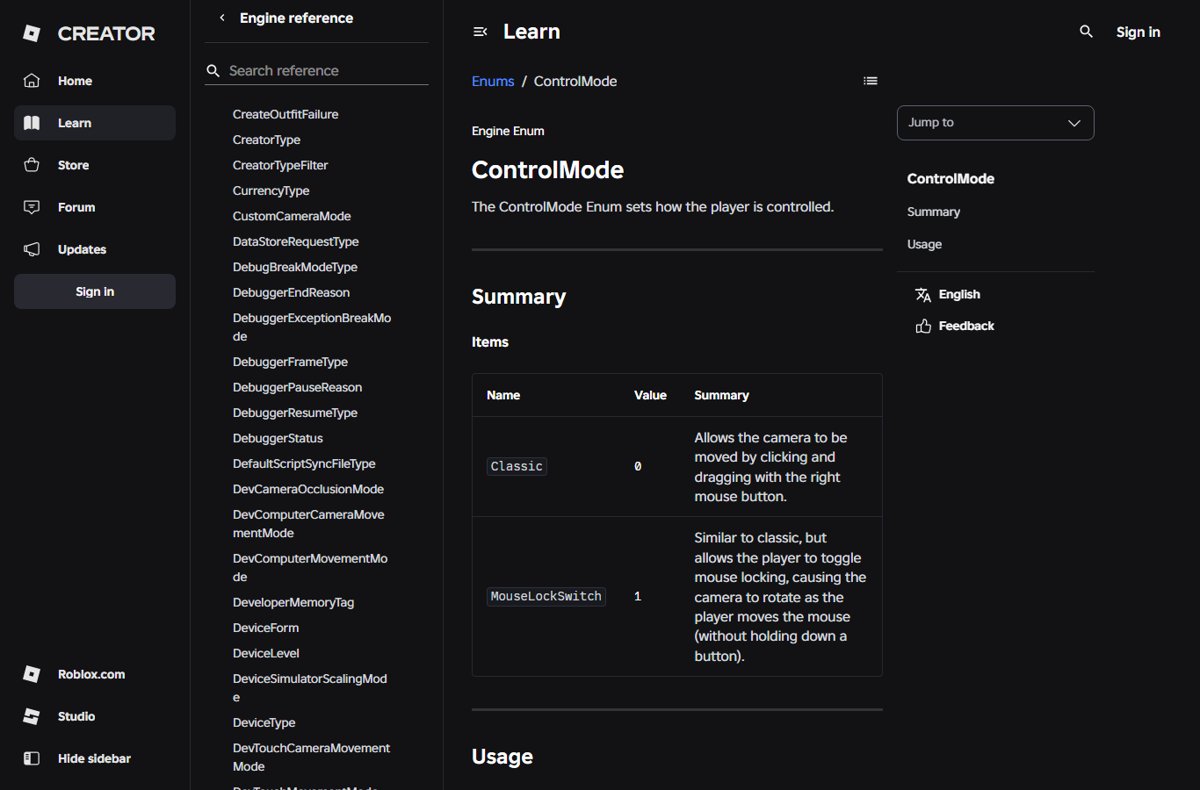
Do shift lock on Roblox PC by turning on the shift lock switch in the experience’s settings, then pressing Shift. Turn it off, and fix it when it will not work.
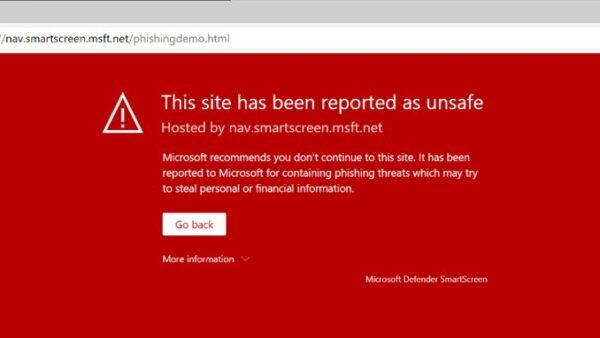
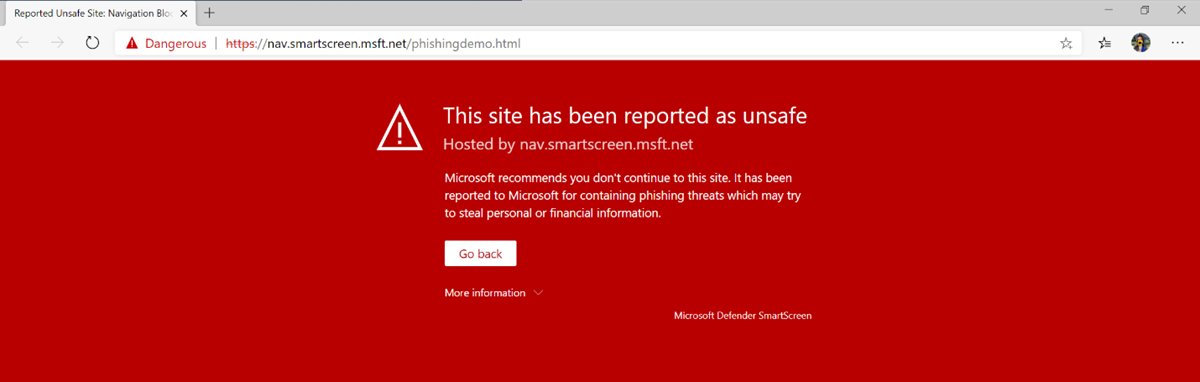
Privacy and security settings in Edge on Windows 11/10: tracking prevention, cookies, SmartScreen, enhanced security, Password Monitor, sync, and a safe baseline.
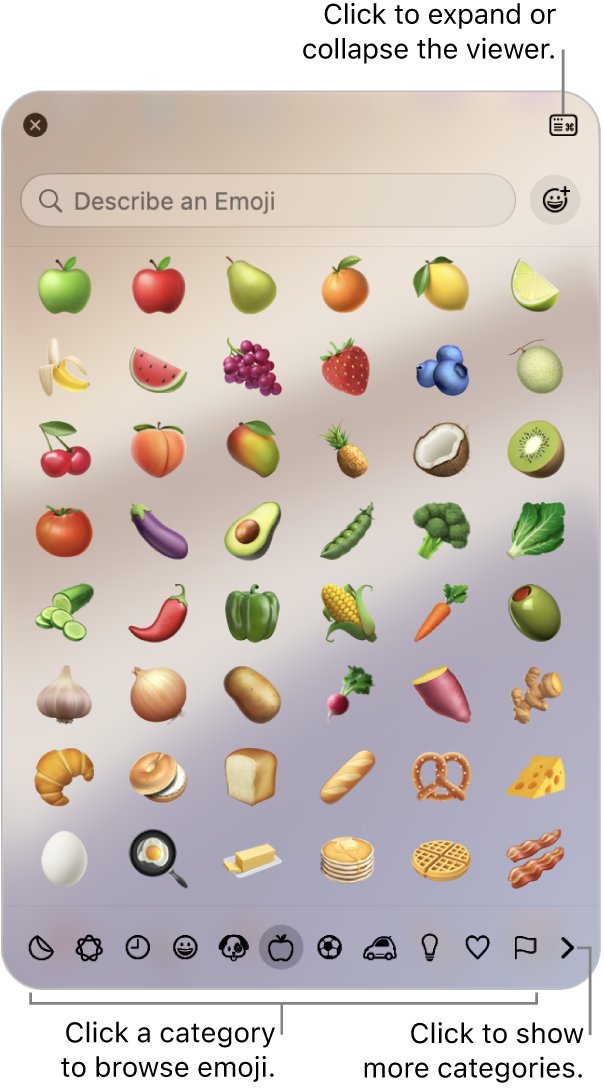
Type the crying laughing emoji 😂 with Windows + period on Windows, Fn/Globe + E on a Mac, or the emoji key on iPhone and Android. Codes and fixes included.
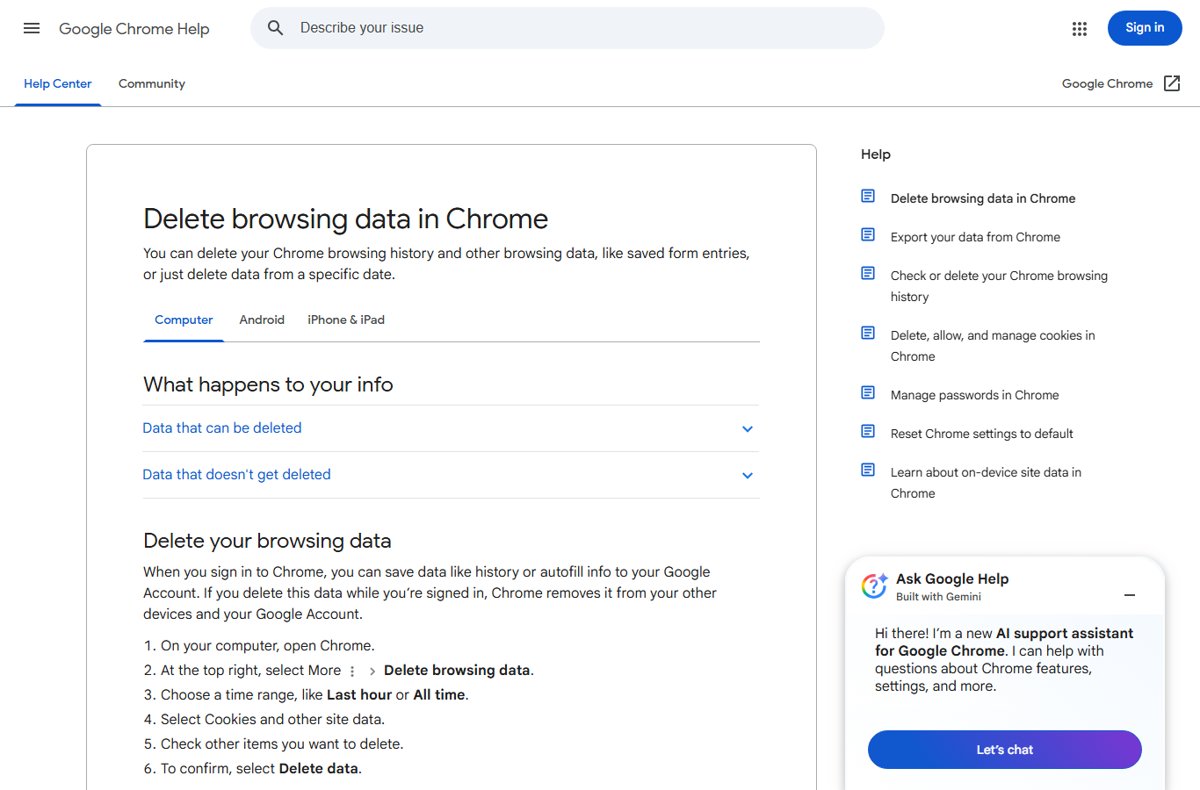
Clear cache in Google Chrome on Windows 11 with Ctrl + Shift + Delete, or hard refresh one page with Shift + F5. Site-only clearing, DevTools and fixes.
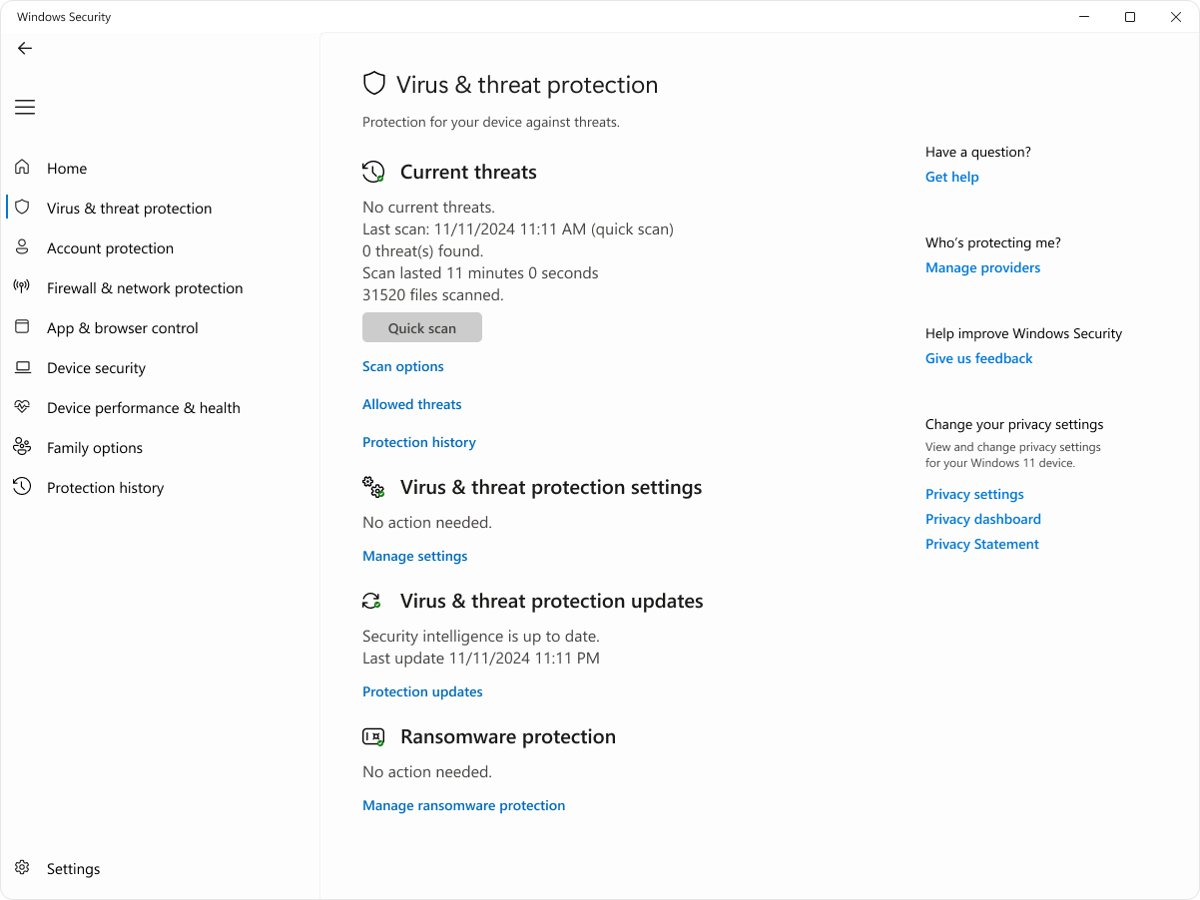
Remove a browser hijacker: uninstall the program behind it, delete rogue extensions, reset Chrome, Edge or Safari settings and run a Microsoft Defender Offline scan.