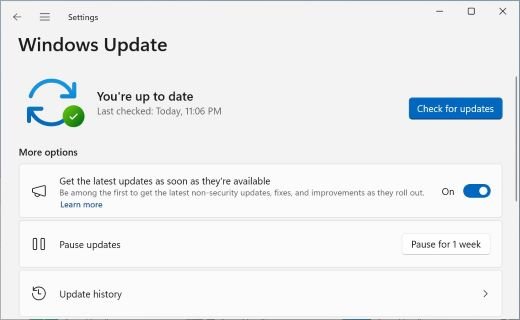
Fix Windows 11 26H2 not showing in Windows Update
Windows 11 26H2 not showing in Windows Update? Turn on the early-updates toggle, install KB5124010, check for a safeguard hold, or use the Installation Assistant.
2,119 articles
Windows 11 26H2 not showing in Windows Update? Turn on the early-updates toggle, install KB5124010, check for a safeguard hold, or use the Installation Assistant.
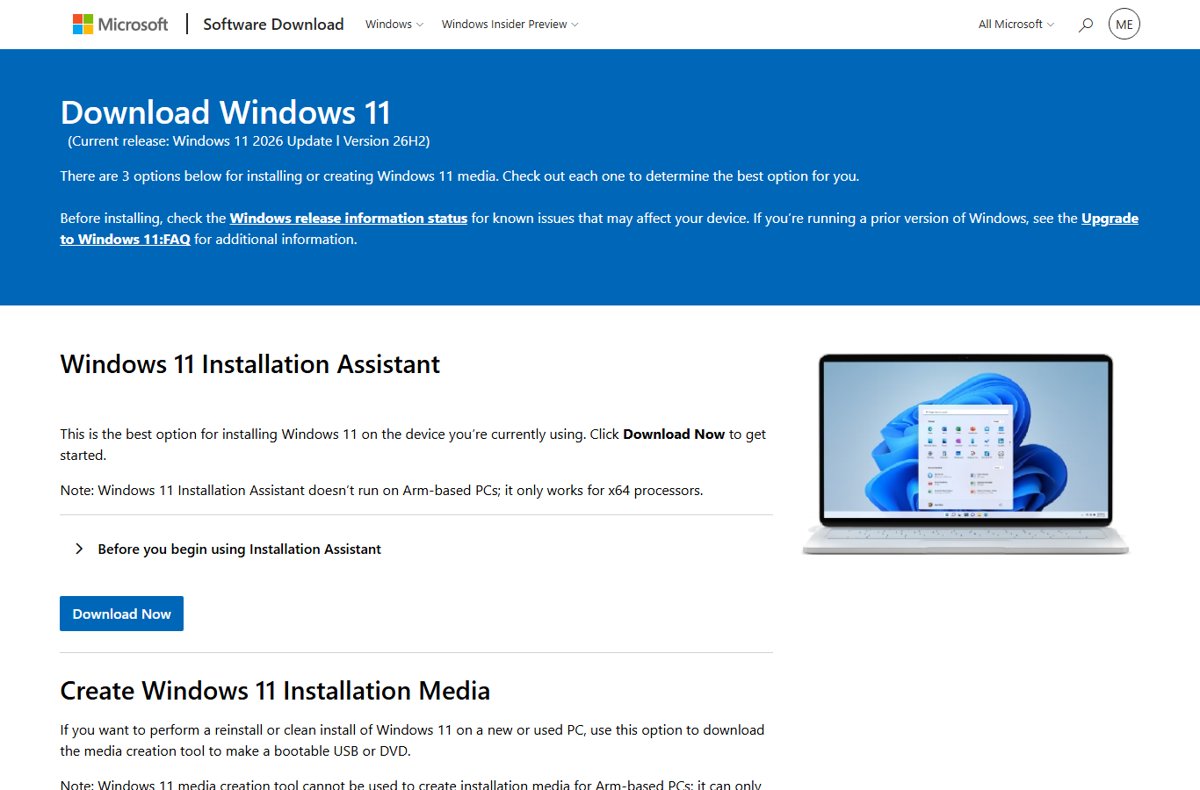
Windows 11 26H2 ISO download from Microsoft’s own page: the x64 multi-edition ISO, the Enterprise evaluation and Insider ISOs, Arm64 status and SHA256 checks.
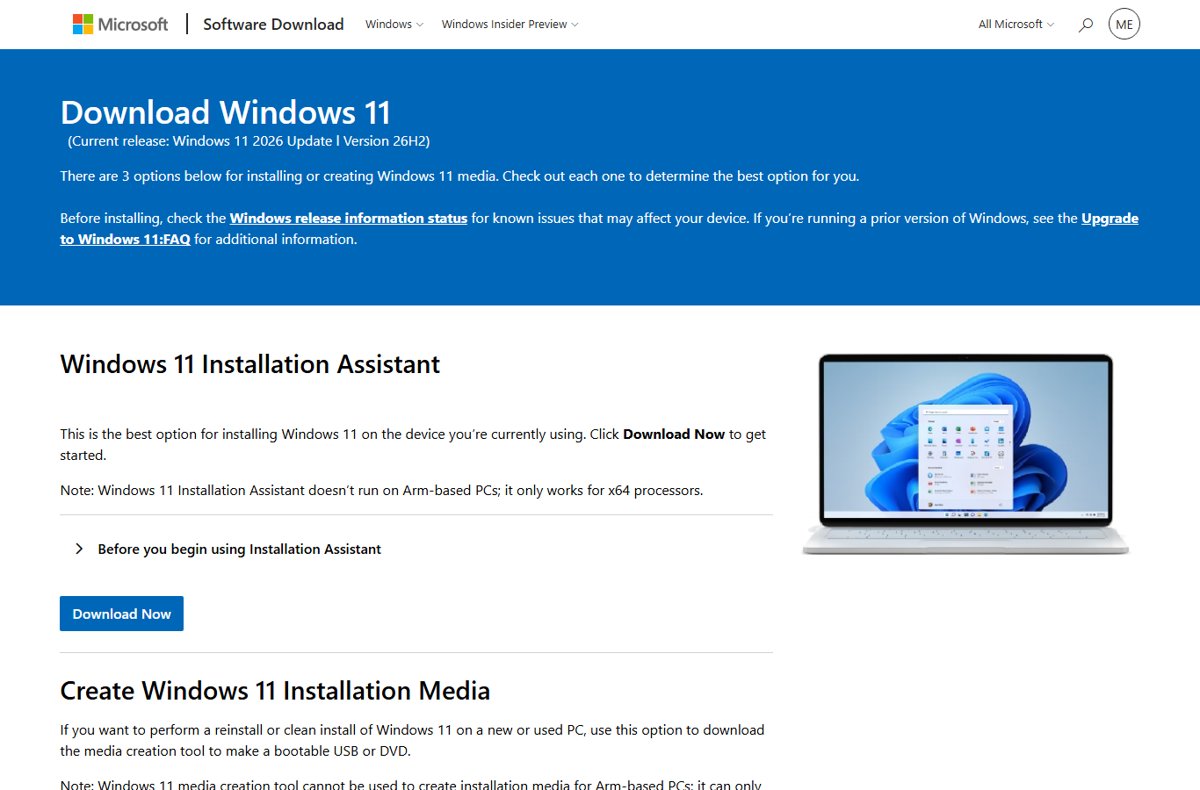
Windows 11 26H2 download and install guide: Windows Update, the enablement package, Installation Assistant, ISO, Media Creation Tool, Insider and WSUS routes.
What comes after Windows 11 26H2: monthly and hotpatch updates now, the next annual feature update in the second half of 2027, and support until October 2028.
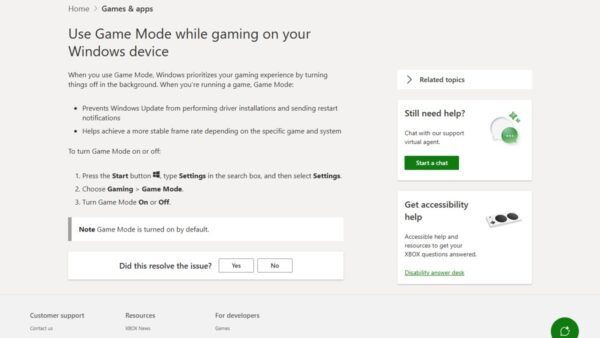
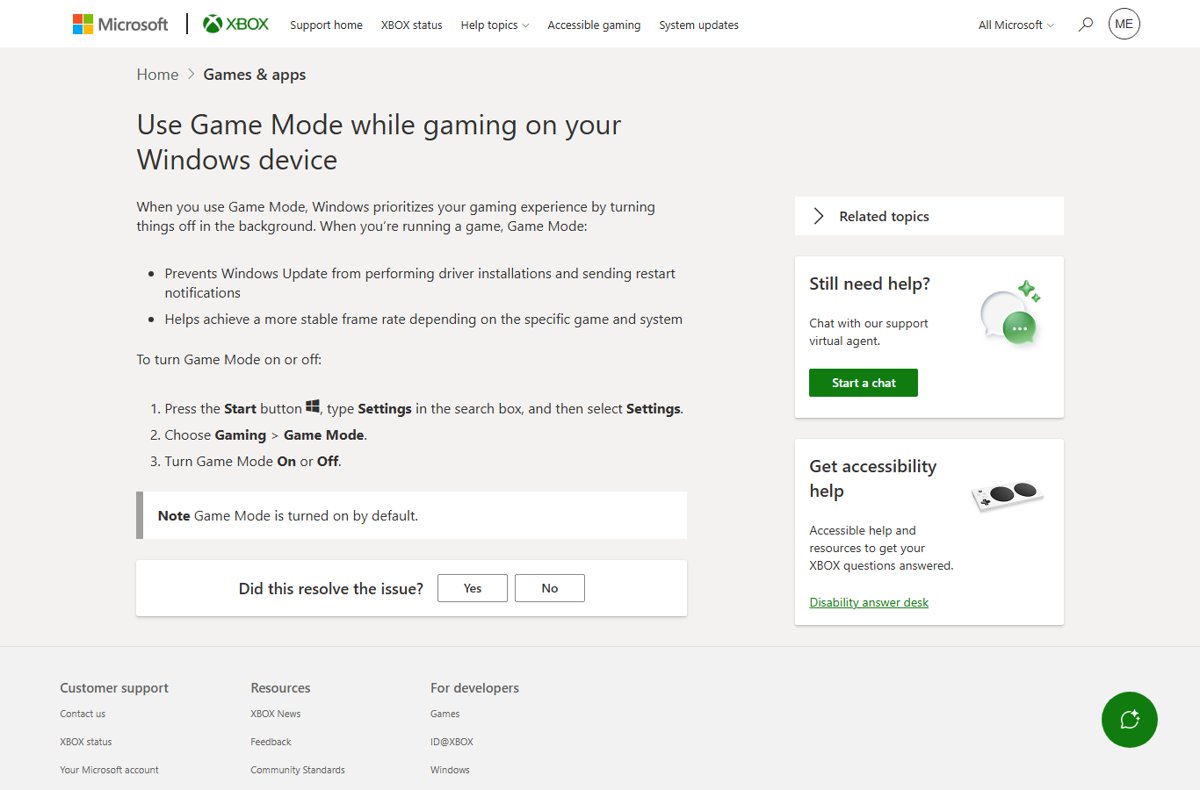
Windows 11 26H2 gaming performance matches 25H2 because both run the same system files. The real changes: drivers, Bluetooth audio, USB4 docks and restarts.
Windows 11 26H2 on ARM64 and Copilot+ PCs: which Snapdragon PCs get it, why 26H1 Snapdragon X2 laptops do not, how to install it, and what changes on NPU PCs.


Move the Windows 11 26H2 taskbar to the top, left or right in Settings > Personalization > Taskbar > Taskbar behaviors > Taskbar position. Limits and fixes.
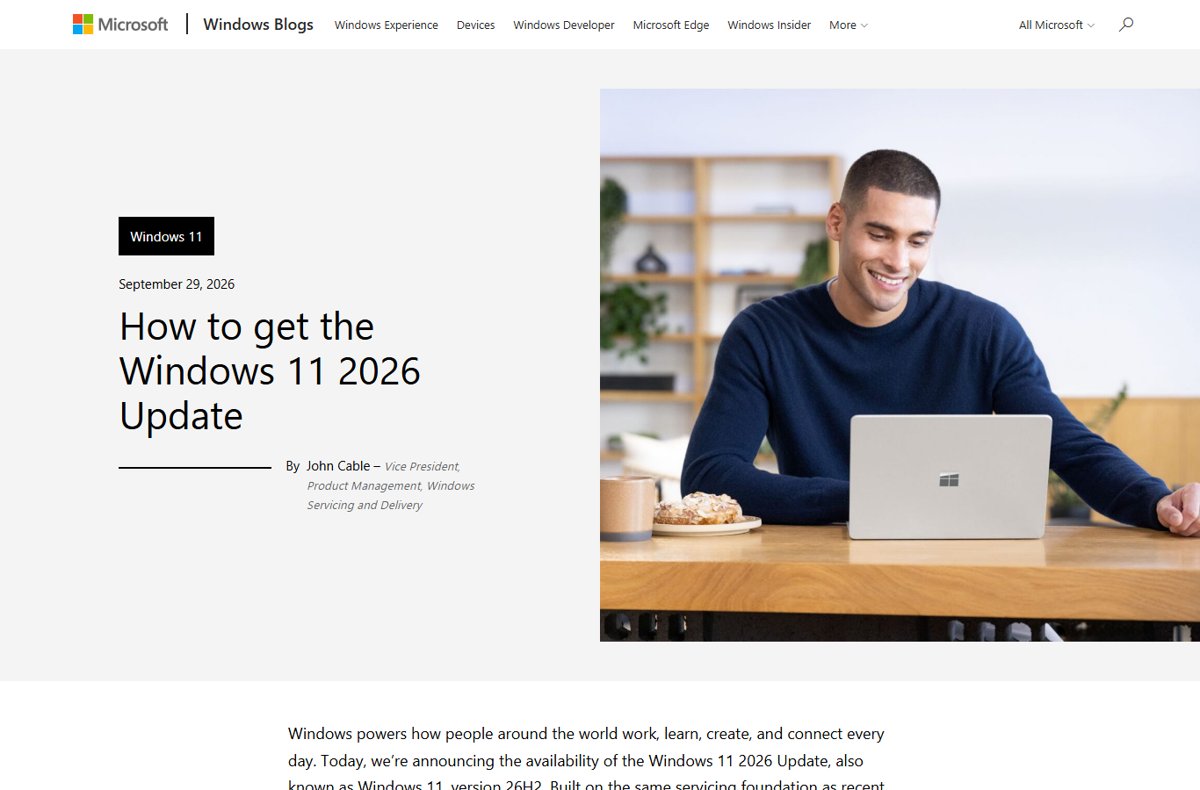
Windows 11 26H2 vs 25H2: same code base, a new build number (26300), features switched on and a fresh support clock. What changed and who should upgrade now.
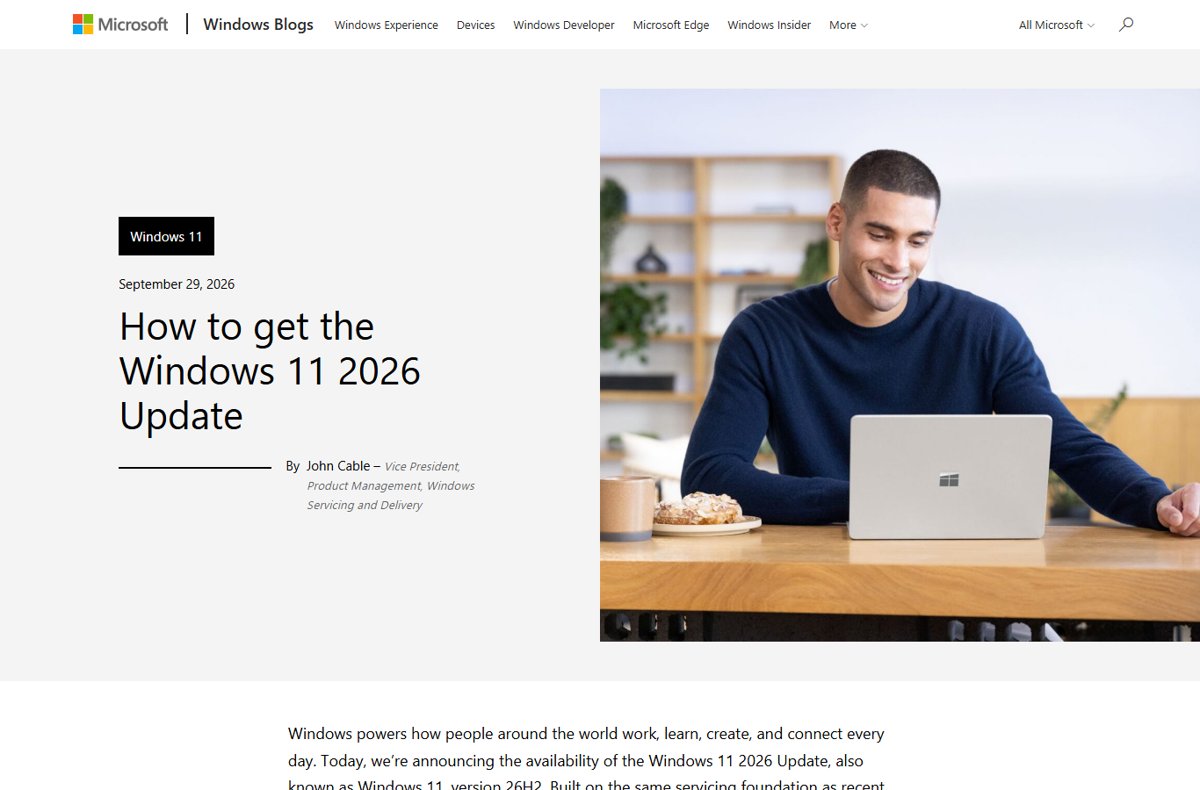
The Get ready for Windows 11, version 26H2 notice is Microsoft’s June 2026 heads-up to IT admins. What it says, what changed since, and what to do now.
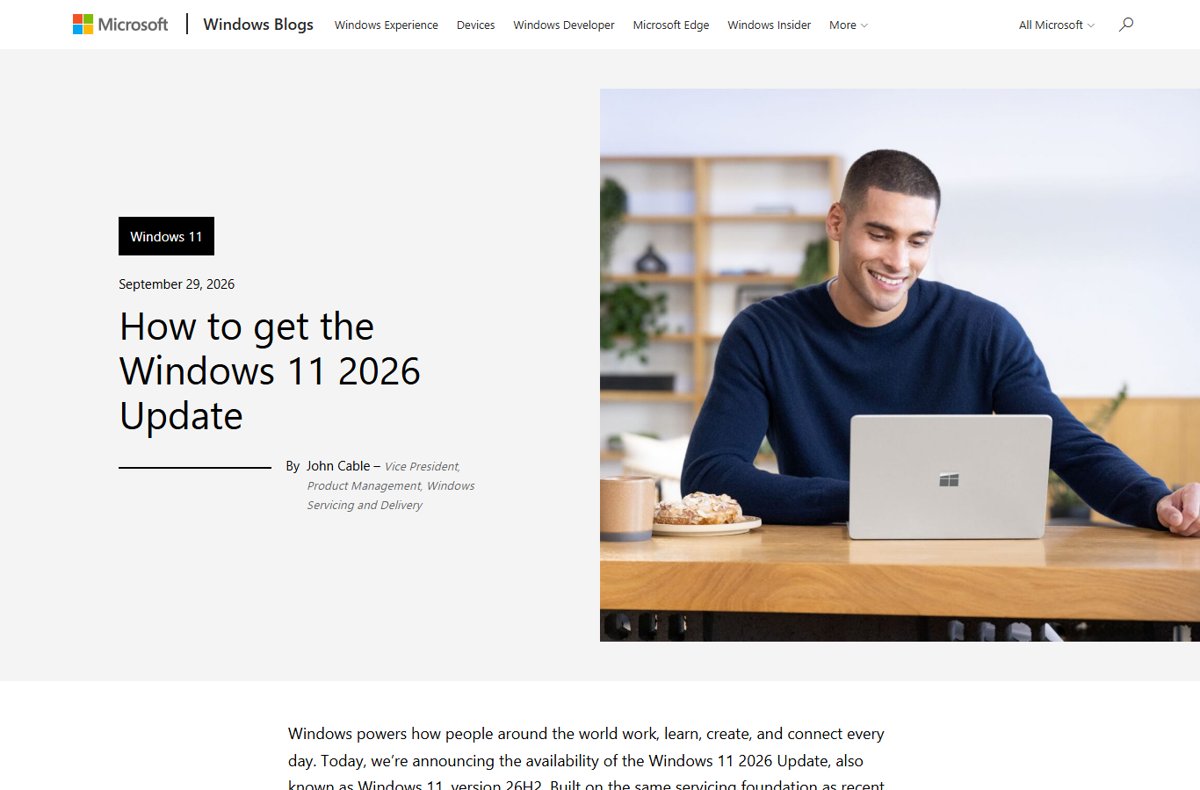
Windows 11 26H1 vs 26H2: 26H1 ships only on new Snapdragon X2 PCs, 26H2 is the update for everyone else. Builds, support dates and upgrade paths.
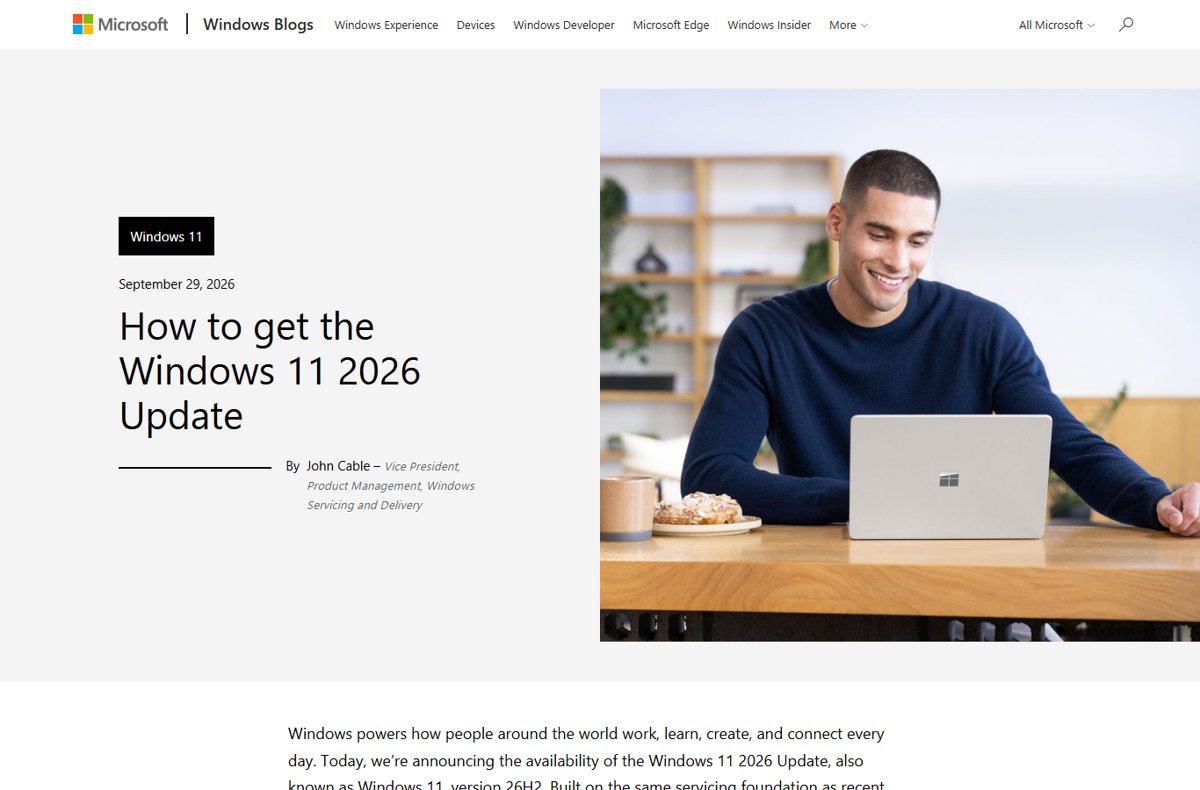
Should you update to Windows 11 26H2? Yes for most 24H2 and 25H2 PCs: it is a one-restart update. See who should wait and the known issues first.
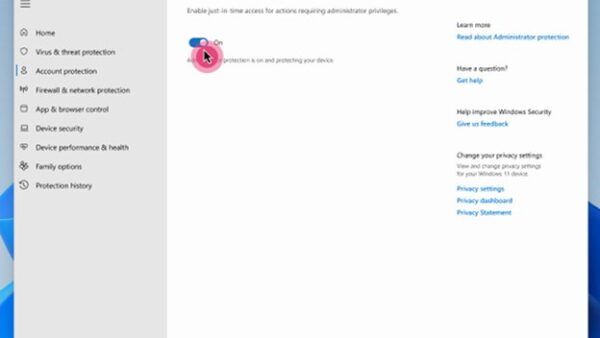
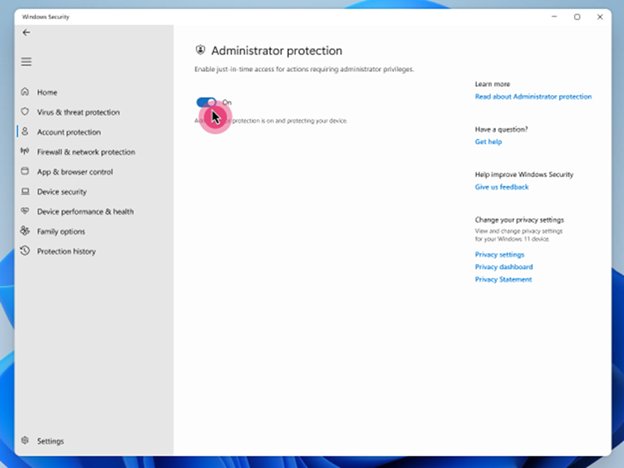
Administrator protection in Windows 11 26H2 blocks silent admin elevation. Turn it on in Windows Security, Group Policy or Intune, then restart.