You cannot change the weather data source inside the iPhone Weather app, so the only way to get forecasts from another source is to use a different weather app.
This guide lists the sources Apple uses for each feature, compares three apps with their own data, and shows how to put a replacement on your Home Screen and Lock Screen.
Can I change the weather data source in the iPhone Weather app?
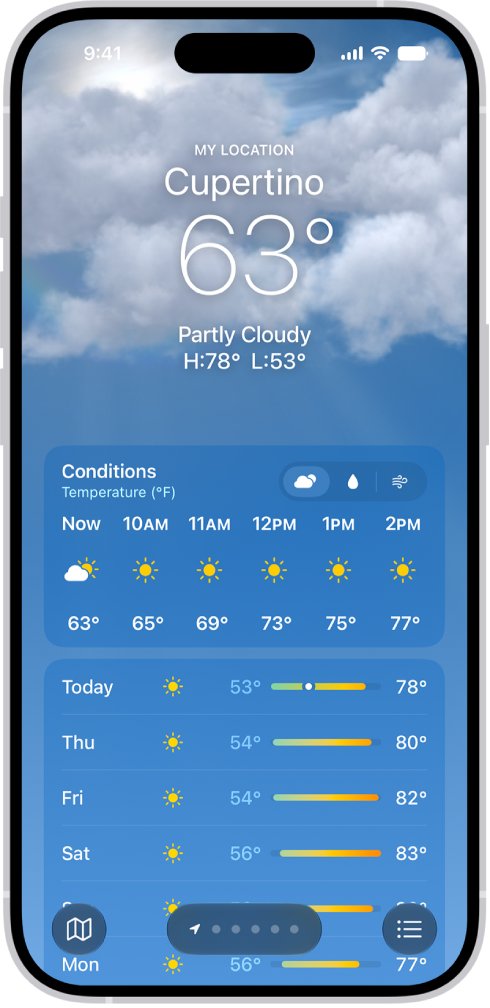
No. The Weather menu covers units, notifications and reporting an issue, and Apple's user guide and data sources article describe no option for picking a provider. Apple sets the source for each feature, and it varies by country or region.
Install a weather app that uses the source you want, then add its widget to your Home Screen or Lock Screen so it takes the place of Apple's Weather. Apple offers no source picker, but third-party apps run alongside Weather and their widgets sit in the same places as Apple's own.
Apple Weather app data sources by feature
Apple publishes this breakdown in its feature availability article. Most of the Apple Weather app runs on Apple's own Apple Weather service, with national agencies supplying official warnings.
| Weather app feature | Source Apple names | Where it is available |
|---|---|---|
| 10-day forecast | Apple Weather, unless otherwise specified | Most countries and regions |
| Severe weather information | National weather services; QWeather for China mainland | Australia, Brazil, Canada, Hong Kong, India, Japan, Mexico, New Zealand, Thailand, the US and most of Europe |
| Next-hour precipitation | Apple, using data from national weather services | Australia, Ireland, Japan, the UK and the US |
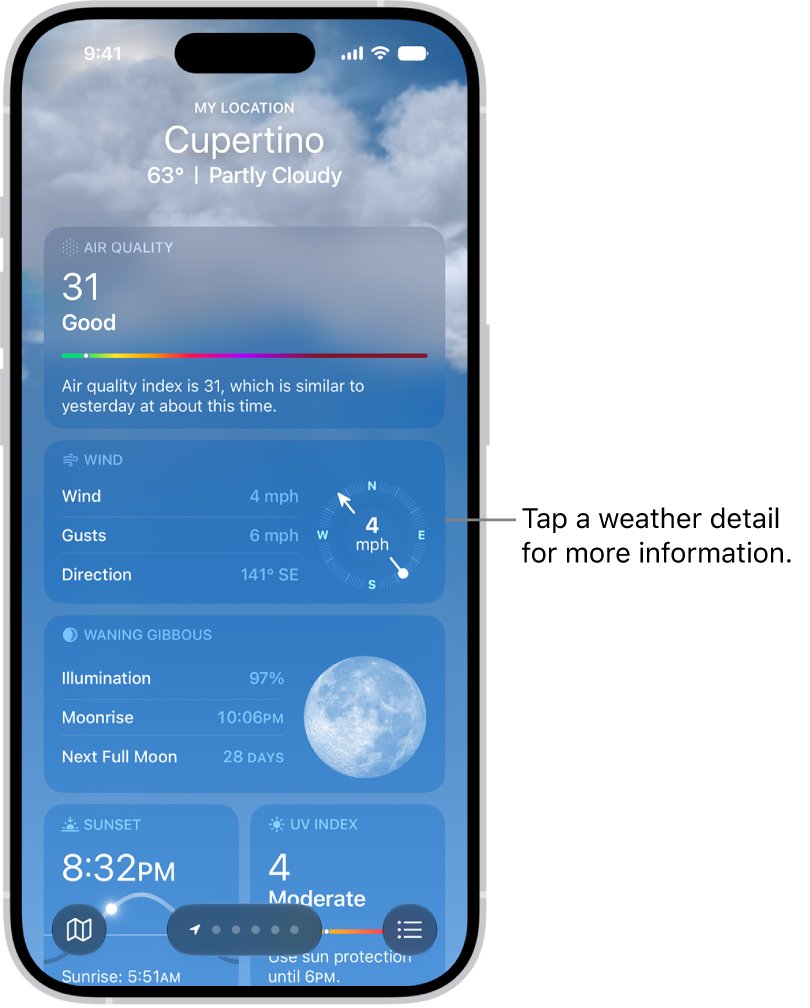
| Air quality | BreezoMeter; QWeather for China mainland | 19 listed countries including the US, Canada, the UK, India and Japan |
| Temperature, precipitation and wind maps | Apple Weather, unless otherwise specified | Most countries and regions; next-hour maps in the same five countries as next-hour precipitation |
Air quality maps use BreezoMeter and QWeather data. Apple's source list also names agencies such as the National Weather Service/NOAA, Environment and Climate Change Canada, The Met Office, Deutscher Wetterdienst, Météo-France, the Japan Meteorological Agency and ECMWF.
Does iPhone Weather still use Weather Channel data?
The Weather Channel remains on Apple's data source list, but the article ties it only to old iOS versions. On iOS 14.1 or earlier, air quality comes from The Weather Channel. On iOS 15.2 or earlier, some temperature and precipitation map data might too.
If you want The Weather Channel's forecasts on a current iPhone, install its own app. Staying on an old iOS only affected air quality and some map data, not the main forecast. Apple now names Apple Weather as the provider of the 10-day forecast and the temperature and precipitation maps, and no Weather setting switches them back.
These separate systems explain the gap between Weather and The Weather Channel when you compare the two apps.
iPhone weather apps with a different data source
These three listings describe forecasts of their own. Details come from each app's App Store page, and all three are free to download with optional in-app purchases.
| You want | Install this | What its App Store page says | Requires |
|---|---|---|---|
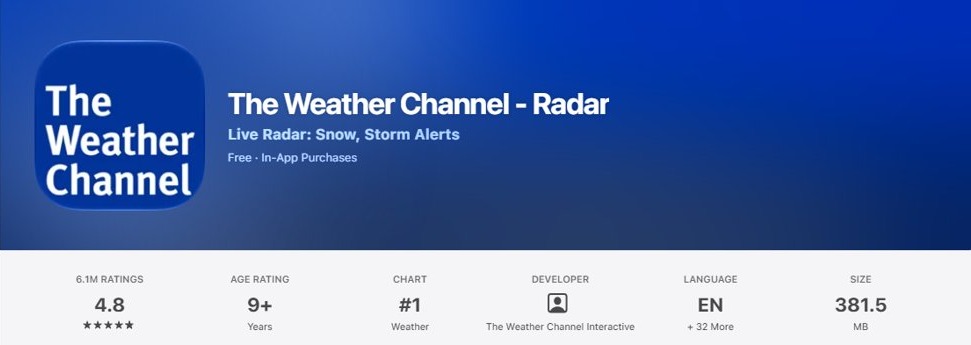
| The Weather Channel's forecasts | The Weather Channel – Radar | Daily forecasts, hourly details and 24-hour future radar, plus a smart widget | iOS 26 or later |
| Minute-by-minute rain and snow timing | AccuWeather: Weather Forecast | MinuteCast for the next 4 hours, RealFeel Temperature, and Premium Widgets | iOS 17 or later |
| Readings from local weather stations | Weather Underground: Local Map | Over 250,000 personal weather stations combined with a proprietary forecast model | iOS 14 or later |
You can also download AccuWeather or install Weather Underground on your other devices.
How to change weather app on iPhone
Installing a second weather app does not change Apple's Weather app. You open the one whose forecasts you trust and leave the other in place or out of sight.
- Open the App Store on your iPhone.
- Search for the app using its exact name, such as Weather Underground: Local Map.
- Tap Get and wait for the download to finish.
- Open the app and allow location access when it asks.
- Go to Settings > Privacy & Security > Location Services, tap the app, and leave Precise Location on for a forecast at your exact spot.
Read the app's terms and privacy policy to see how it uses your location, because that is set by the developer and not by Apple.
How to add a weather widget to iPhone Home Screen
A widget from your new app gives you its forecast at a glance without opening it. Install the app before you start these steps.
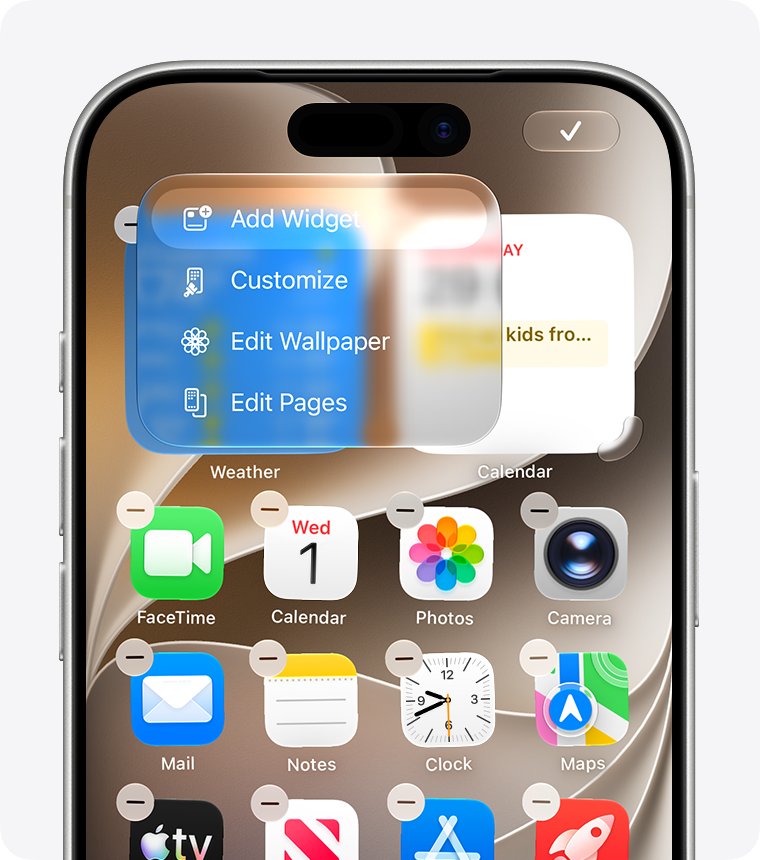
- Touch and hold a widget or an empty area of the Home Screen until the apps jiggle.
- Tap the Edit button in the upper-left corner.
- Tap Add Widget.
- Select the weather app's widget and choose a size.
- Tap Add Widget, then tap Done.
If you no longer need Apple's forecast there, remove its Weather widget from the same screen so that only one forecast shows.
How to add a weather widget to iPhone Lock Screen
Lock Screen widgets need iOS 16 or later, and only apps that offer them appear in the list. AccuWeather's version history, for example, mentions Lock Screen widgets for UV, sun and wind.
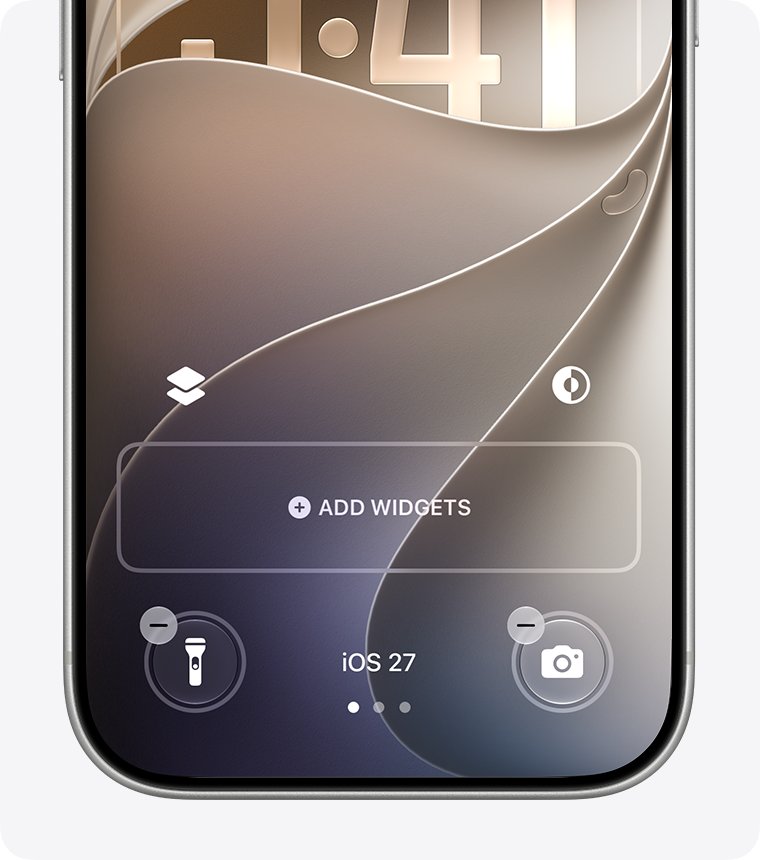
- Touch and hold the Lock Screen until the Customize button appears, then tap Customize.
- Tap Add Widgets.
- Tap or drag the weather widget you want onto the Lock Screen.
- If there is not enough room, tap the Remove button on another widget first.
- Swipe down from the widgets list, then tap Done.
How to replace the Weather app on iPhone Home Screen
Removing Apple's icon keeps the app available without letting it compete with your new one.
- Go to the Home Screen.
- Touch and hold the Weather app.
- Tap Remove App.
- Tap Remove from Home Screen.
Weather moves to App Library and still works from there. Deleting it is a bigger change, because weather information then also disappears from Notification Center and from Apple Watch complications.
How to find out where a weather app gets its data
A different icon does not guarantee a different source. Apple's WeatherKit lets developers build apps on the Apple Weather service, so check before you switch.
- Open the app's page in the App Store.
- Tap more under the description and look for the data or forecast it names.
- Open the app's own settings or about screen for any listed data credits.
- For Apple's app, open the Feature availability and data sources in the Weather app article on Apple Support.
If a listing makes accuracy claims without naming a source, treat that as unknown and compare its forecast with conditions outside for a few days.
How to ask Apple to add weather data source options
A source picker is a feature request, so it goes through Apple's product feedback form and not Apple Support.
- Open apple.com/feedback in a browser.
- Under iOS and iPadOS Apps, select Weather.
- Describe the source you want, such as a national weather service forecast.
- Complete the remaining fields and submit the form.
If your real complaint is accuracy, turn on Precise Location for Weather before you replace it.
iPhone Weather app showing wrong location or missing data
Forecast is for the wrong place
Weather uses Location Services for your current location, and it is less exact when Precise Location is off.
- Go to Settings > Privacy & Security > Location Services > Weather.
- Turn on Precise Location.
- Open Weather, tap the list icon, and tap My Location.
Conditions in the Weather app do not match outside
No app setting changes the source, but Apple accepts reports about what you actually see.
- Open Weather and tap the list icon.
- Tap the more icon, then tap Report an Issue.
- Tap the options that describe the weather where you are, then tap Submit.
Air quality or next-hour rain is missing
Apple offers these only in certain countries and regions, and another app is the way to fill the gap.
- Compare your country with the availability column in the table above.
- If it is not listed, install a third-party app that offers the feature where you live.
Weather widget keeps asking for location access
The widget's location permission is separate from what you see in the app.
- For Apple's widget, apply the location access fix for the Weather widget.
- For a third-party widget, go to Settings > Privacy & Security > Location Services, tap that app and review its access.
iPhone Weather app data source FAQ
Can I change the source of the weather data in the Weather app?
No. The iPhone Weather app has no setting for choosing a provider, and Apple sets the source for each feature by country or region. To get forecasts from elsewhere, install a different weather app and use its widget.
Where does the iPhone Weather app get its forecast?
Apple Weather provides the 10-day forecast in most places. National weather services supply severe weather information, BreezoMeter supplies air quality in 19 listed countries, and QWeather supplies severe weather and air quality for China mainland.
How do I change my weather app on iPhone?
Install another weather app from the App Store, allow location access and add its widget to your Home Screen or Lock Screen. You can then remove Apple's Weather from the Home Screen, and it stays usable in App Library.
Does the iPhone Weather app use AccuWeather?
No. AccuWeather does not appear on the data source list in Apple's Weather article. To see AccuWeather forecasts on an iPhone, install AccuWeather: Weather Forecast from the App Store, which is free to download.
Does the iPhone Weather app use The Weather Channel?
Not for the main forecast on a current iPhone. Apple ties The Weather Channel to air quality on iOS 14.1 or earlier and to some map data on iOS 15.2 or earlier. Apple Weather now provides the 10-day forecast.
Why are weather apps so different?
They do not share one feed. Apple Weather is Apple's own service, while Weather Underground, for example, combines personal weather stations with its own forecast model. Different inputs and models give different numbers for the same hour.
Can I delete the iPhone Weather app and use another one?
Yes, on iOS 14 or later Weather is a built-in app you can delete. Apple warns that weather information then disappears from Notification Center and Apple Watch complications, and you can restore it from the App Store.