How to find and use Windows Search in Windows 10 and 11
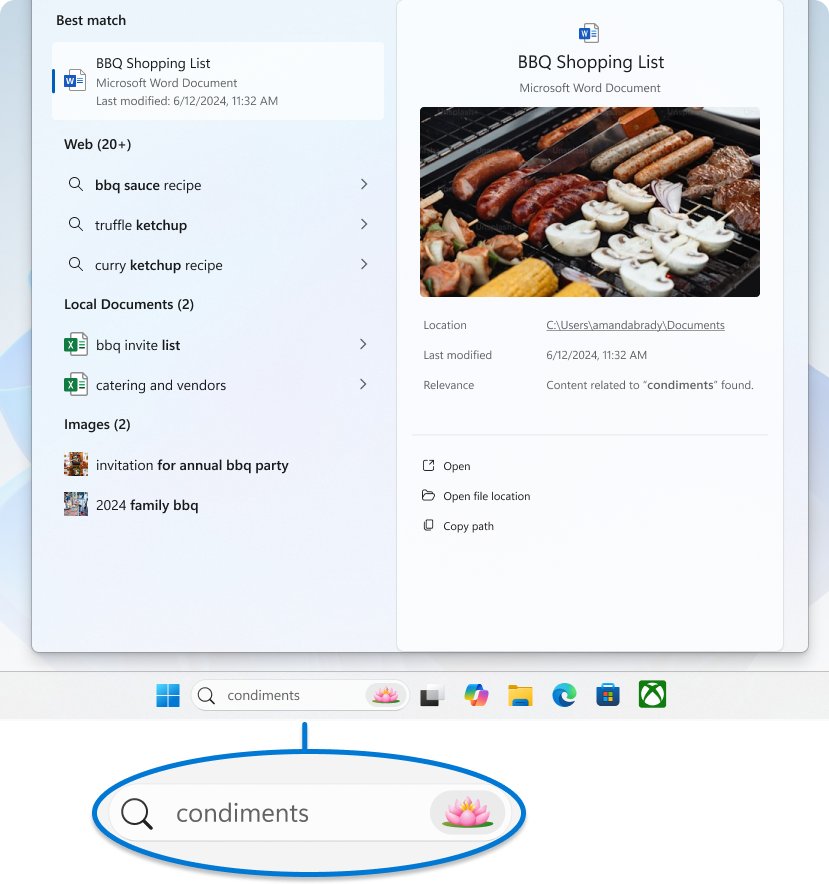
Find Windows Search on the taskbar or press Windows key + S in Windows 10 and 11. Filters, File Explorer search, indexing, history settings and fixes.
1,923 articles

Find Windows Search on the taskbar or press Windows key + S in Windows 10 and 11. Filters, File Explorer search, indexing, history settings and fixes.
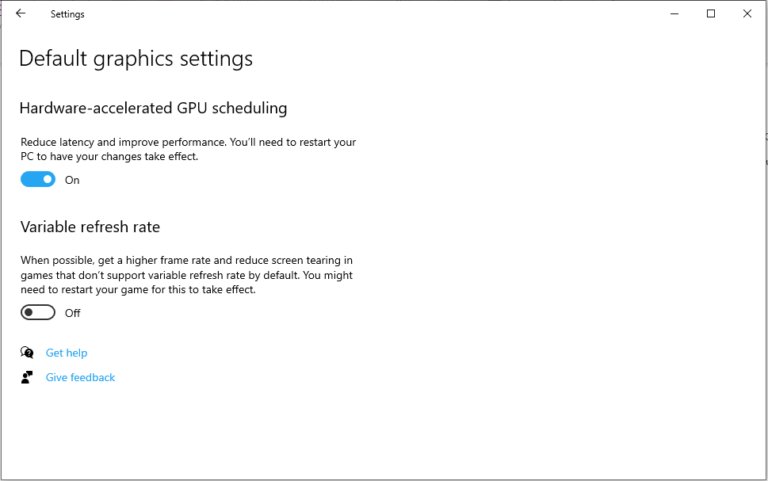
Boost your PC’s performance for gaming with Game Mode, driver updates, best power mode, refresh rate, graphics settings, network fixes and the upgrades that matter.
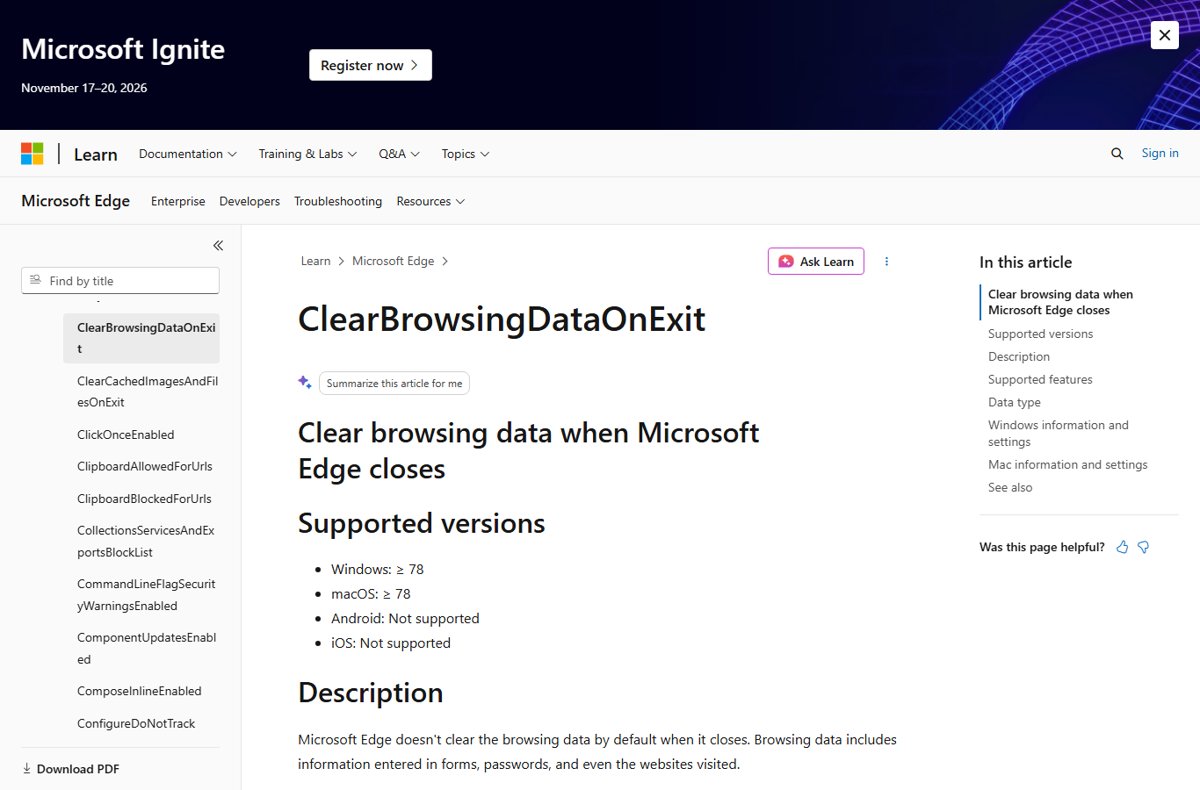
Disable clear browsing data on close in Microsoft Edge: turn off each toggle under Privacy, search, and services, or check the ClearBrowsingDataOnExit policy.
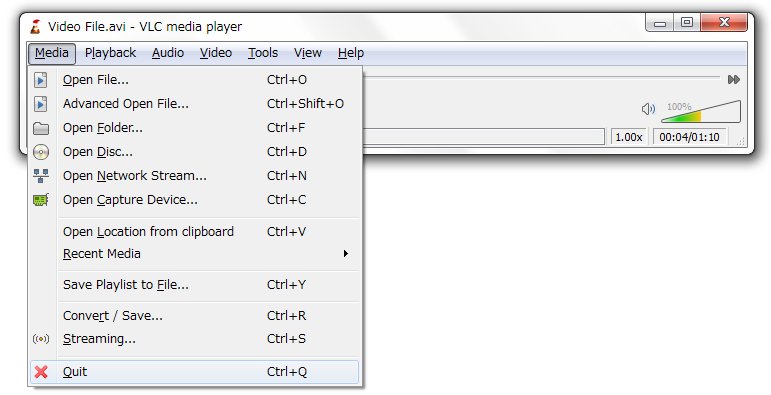
A TS file is usually an MPEG-2 transport stream video. Open it in VLC, play it from OneDrive, convert TS to MP4 with VLC, HandBrake or FFmpeg.
![6 best free virtual webcam software for Windows [2026 update]](https://techdows.com/wp-content/uploads/2026/10/6-best-free-virtual-webcam-software-for-Windows-2026-update-600x338.jpg)
![6 best free virtual webcam software for Windows [2026 update]](https://techdows.com/wp-content/uploads/2026/10/6-best-free-virtual-webcam-software-for-Windows-2026-update.jpg)
Free virtual webcam software for Windows compared: OBS Studio, Streamlabs, NVIDIA Broadcast, Windows phone camera, Studio Effects and Logitech Capture.
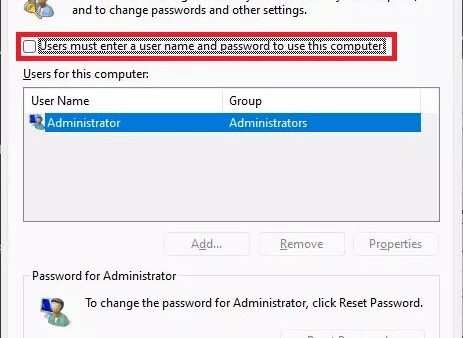
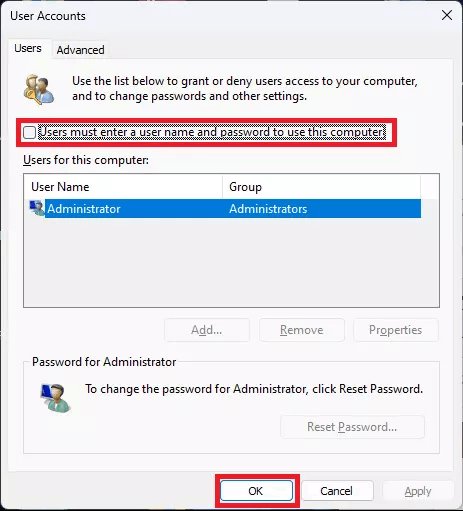
Control Userpasswords2 opens the classic User Accounts dialog in Windows 11. Add, remove and reset accounts, change admin rights and set up automatic sign-in.
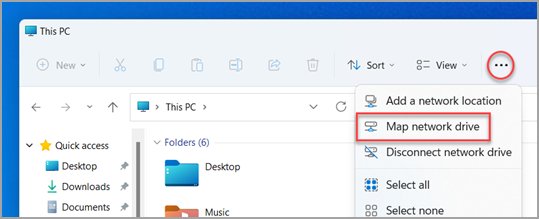
Map a WebDAV share in File Explorer on Windows 10 and 11: Map network drive steps, net use, WebClient fixes for errors 67, 5 and 224, and file size limits.
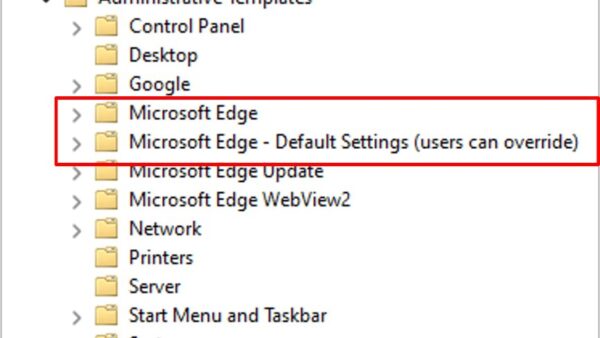
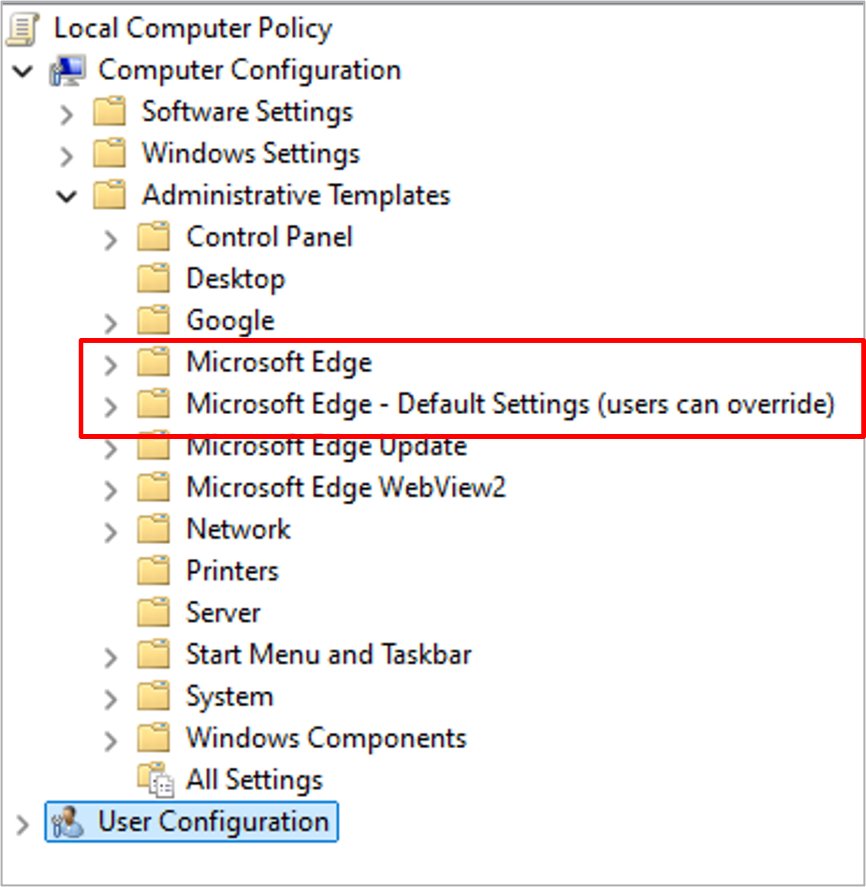
Configure Microsoft Edge policy settings on Windows: install the msedge.admx template, set mandatory or recommended policies, then confirm them at edge://policy.
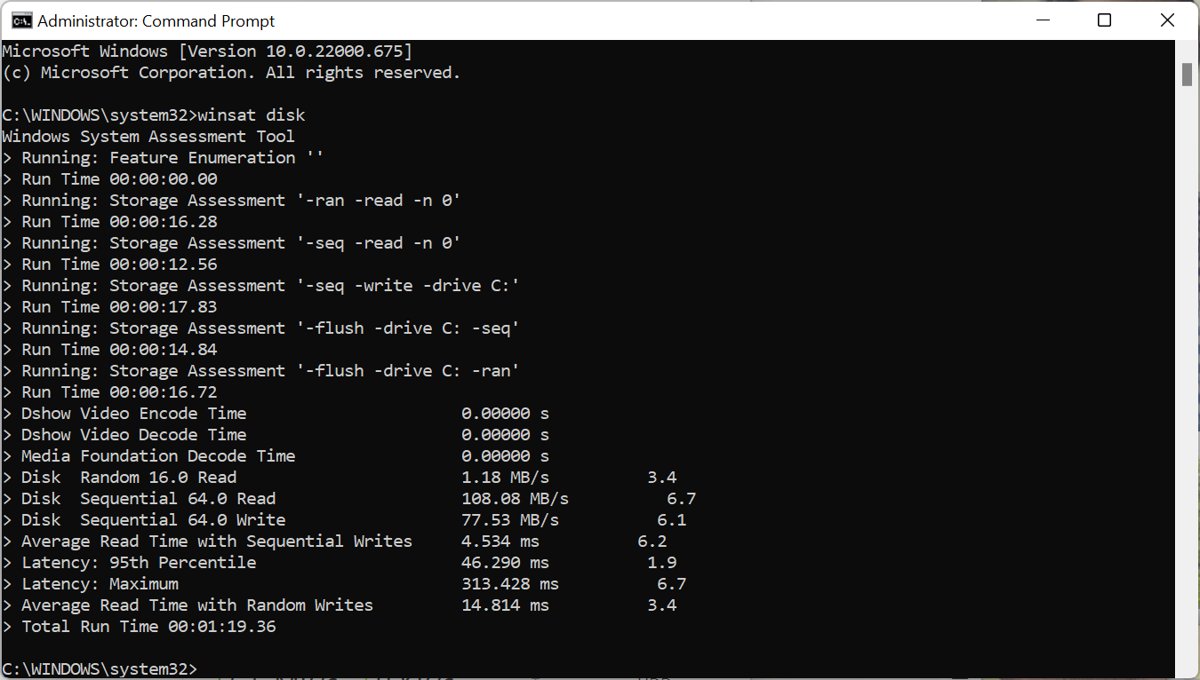
Check SSD speed in Windows 11 and 10 with the built-in winsat disk command, Microsoft DiskSpd, Task Manager or Samsung Magician, and read the results correctly.
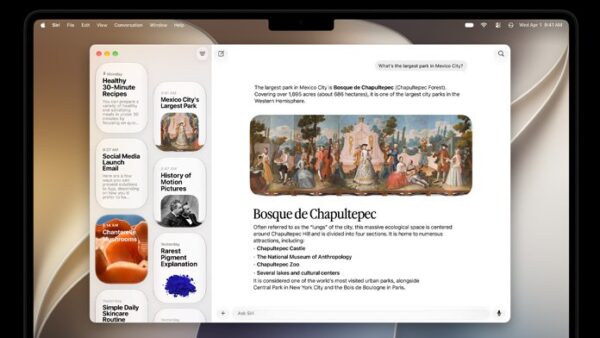
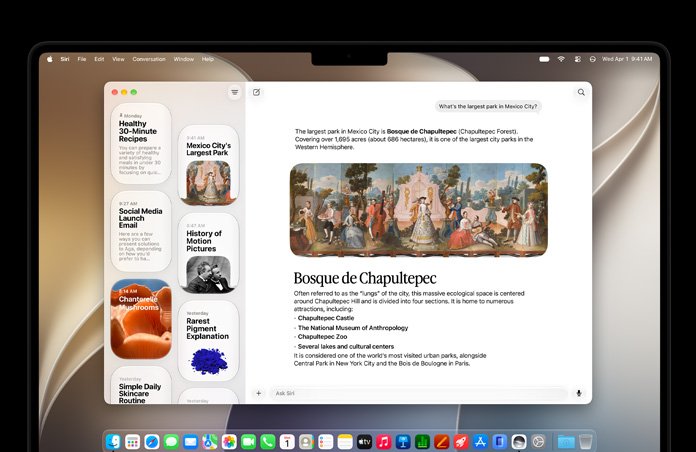
macOS 27 Golden Gate released on September 14, 2026. See the new Siri AI, Liquid Glass changes, supported Macs, the end of Intel support and how to update.
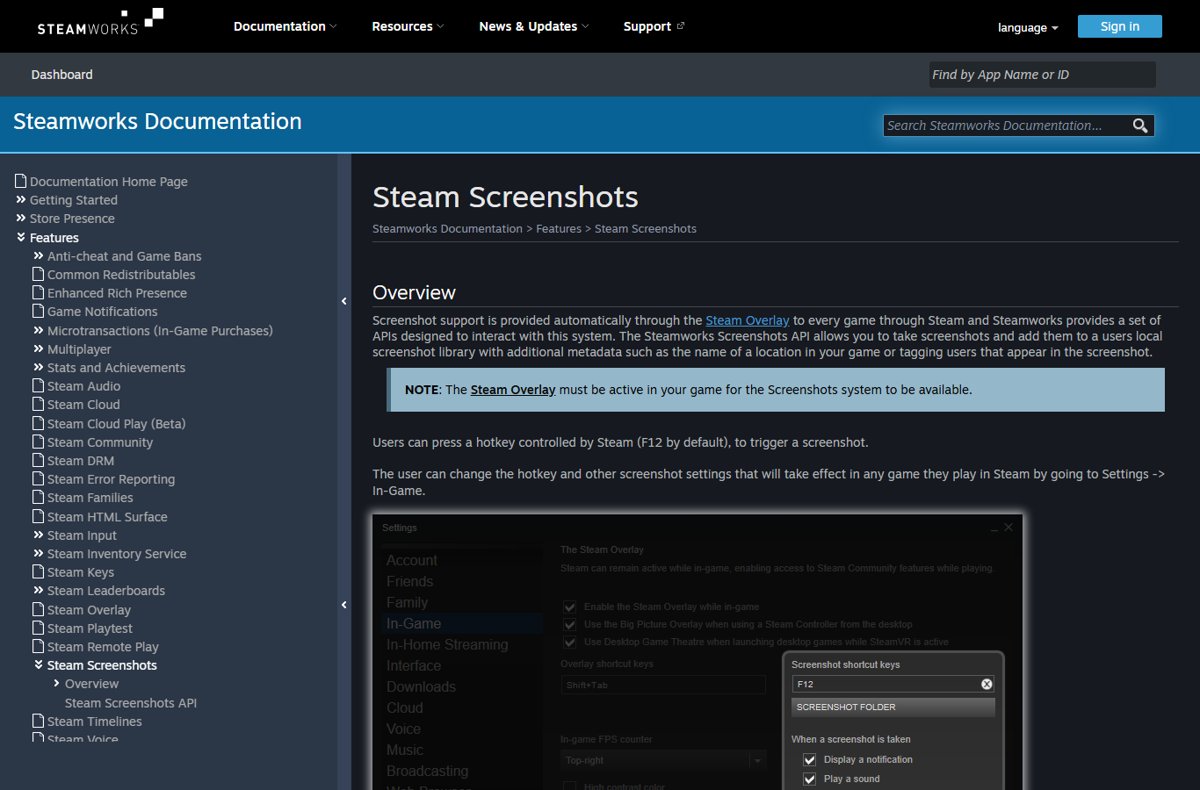
Steam screenshots are saved to your Steam screenshot library. Open it from View > Recordings & Screenshots, sort by game, export files and change the F12 key.
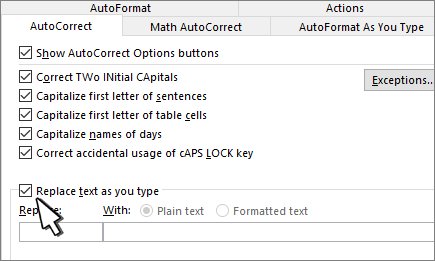
Type the yen symbol (¥) with Alt + 0165 on Windows or the Character Viewer on a Mac. Word, Excel, Japanese keyboard and custom shortcut methods included.