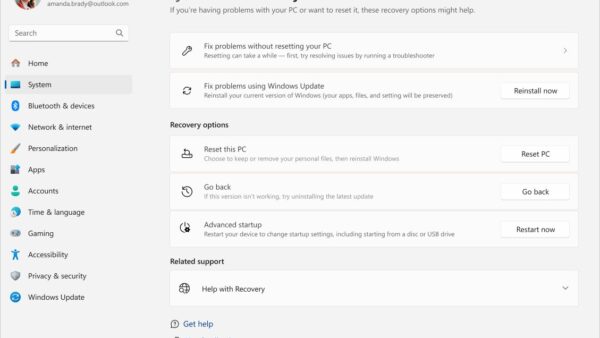
How to reset all settings Windows 11
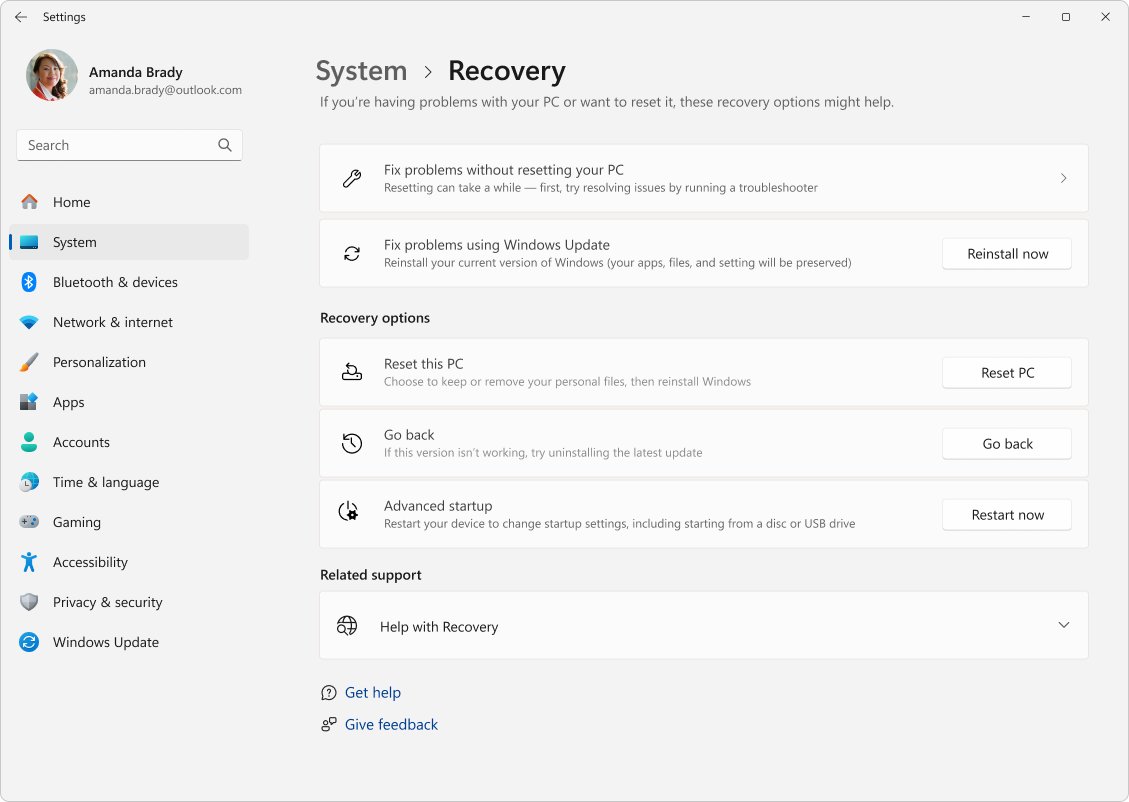
Reset all settings in Windows 11 from Settings > System > Recovery > Reset PC, or reset one app or your network. See what each reset keeps, removes and can undo.
3,328 articles

Reset all settings in Windows 11 from Settings > System > Recovery > Reset PC, or reset one app or your network. See what each reset keeps, removes and can undo.
Twitter download for PC: install X as a desktop app on Windows 11, Windows 10 and Mac, and get the official mobile builds straight from the app stores.
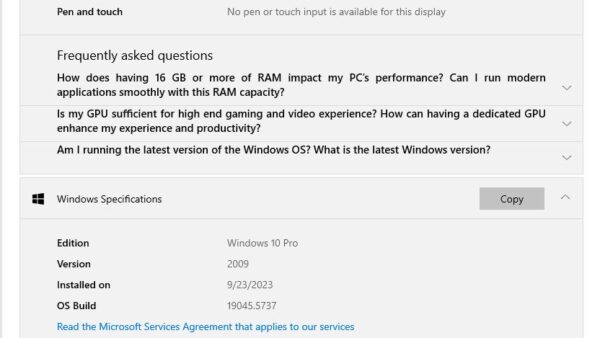
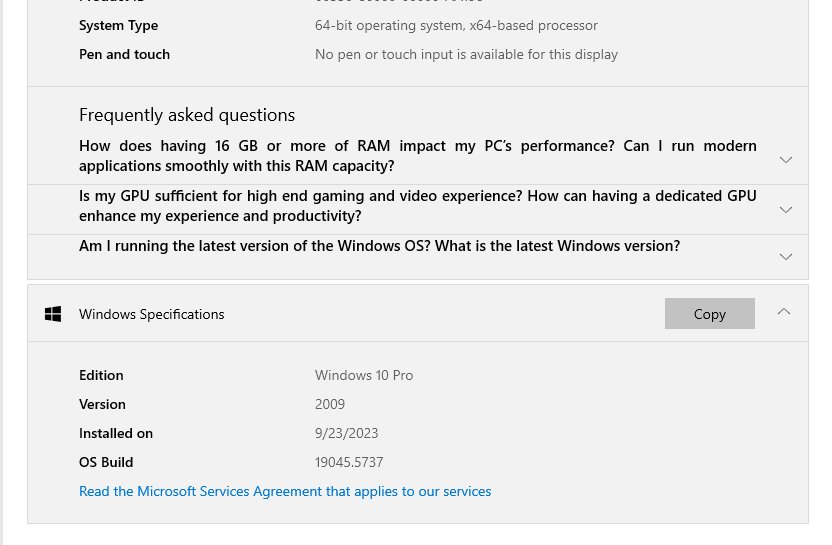
Check what version of Windows you have in Settings, winver, System Information or a command, and tell edition, version, build and 32/64-bit apart.
Blender download for Windows 11, 10 and Mac: the free 348 MB installer from blender.org, with file sizes, system requirements and setup steps.
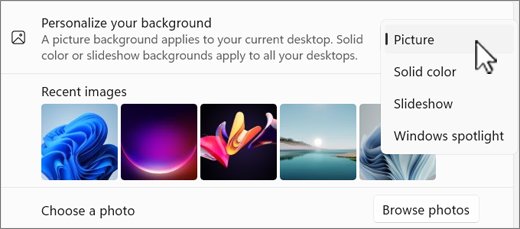
Change your home screen on Windows 11: pick a new desktop background, lock screen, theme, Start menu layout or File Explorer start page, with exact Settings paths.
Roblox Studio download for Windows 11, Windows 10 and Mac: the free official installer from roblox.com, with system requirements, setup steps and fixes.
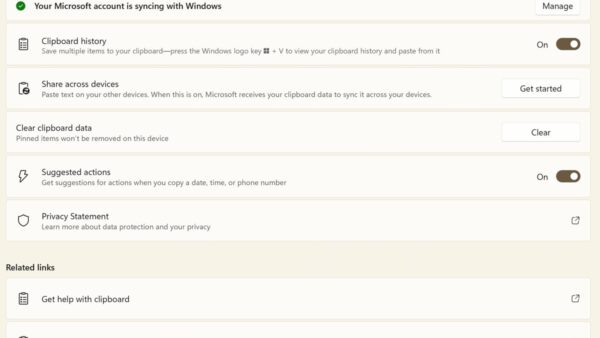
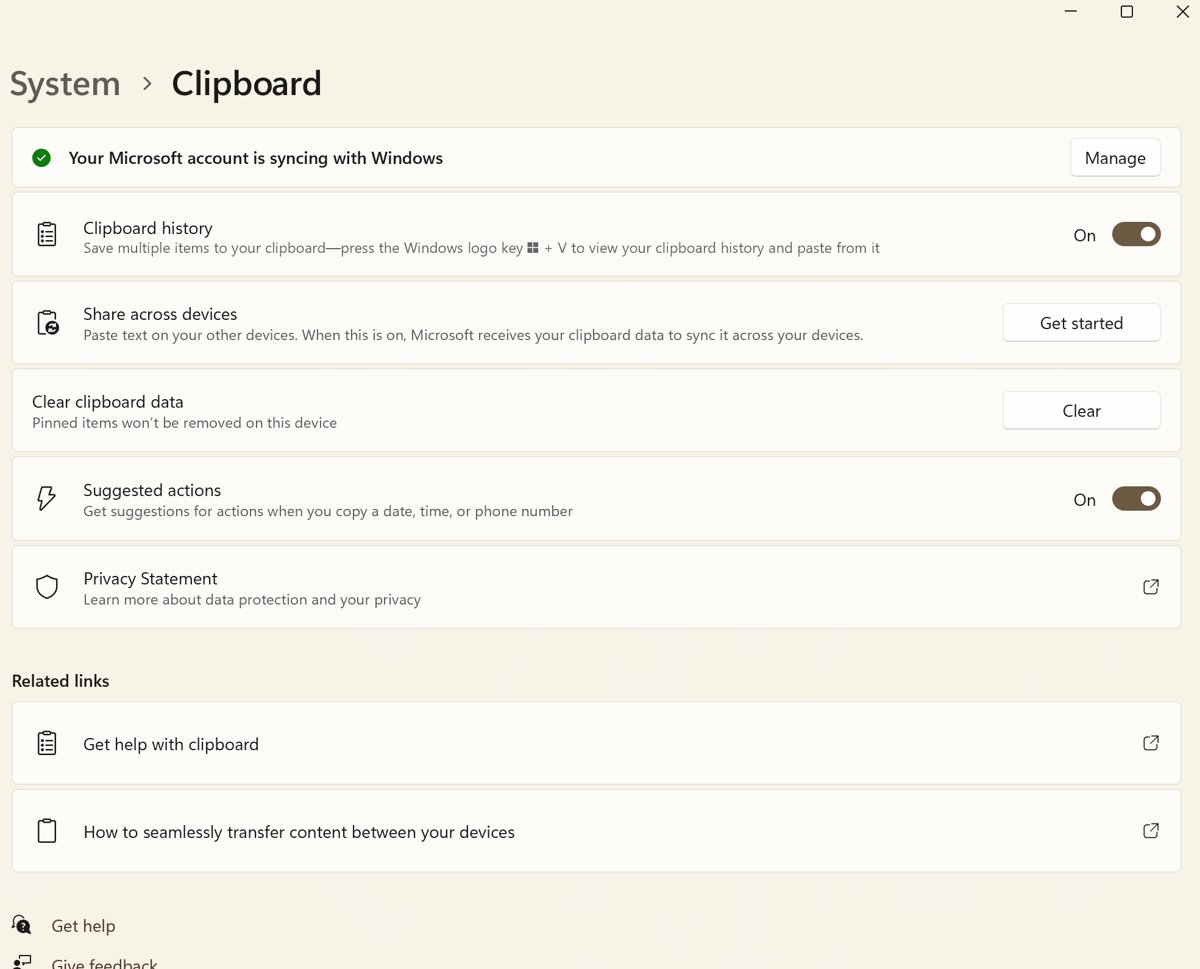
Copy and paste in Windows with Ctrl + C and Ctrl + V. Turn on Win + V clipboard history, paste without formatting, use Command Prompt, and fix shortcuts on laptops.
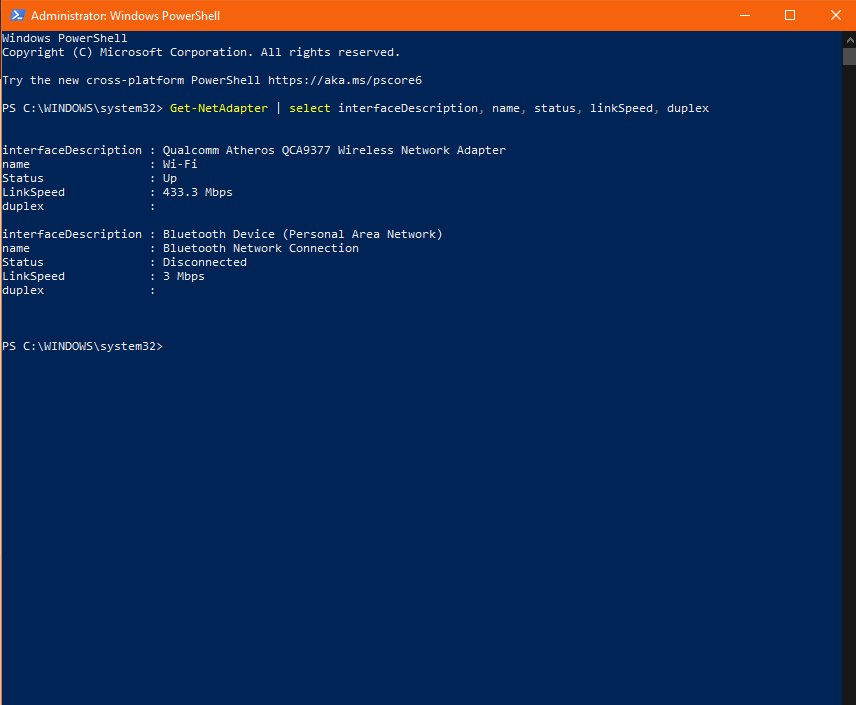
Check your internet speed from Google’s homepage: search internet speed test and start the M-Lab test. What download, upload and latency mean, plus fixes.
TikTok download for PC: install the official Microsoft Store app on Windows 11 and 10, or set TikTok up as a desktop app on a Mac and upload from either.
Snipping tool old version downloads do not exist officially. See the Microsoft Store version history, how to freeze updates, and how to roll back safely.
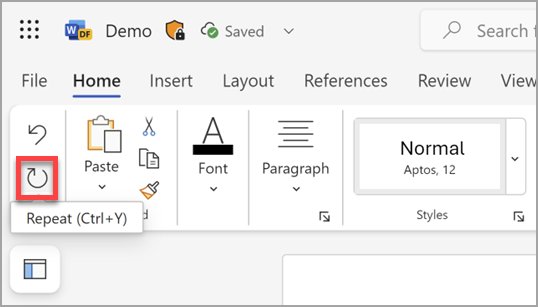
Undo on a keyboard with Ctrl + Z on Windows and Chromebook, or Command + Z on a Mac. Redo keys, File Explorer undo, Excel’s 100-step limit and fixes.
Xbox Game Bar download for PC: it ships with Windows 11 and 10, and here is how to open it, reinstall it from the Store, and record your screen with it.